

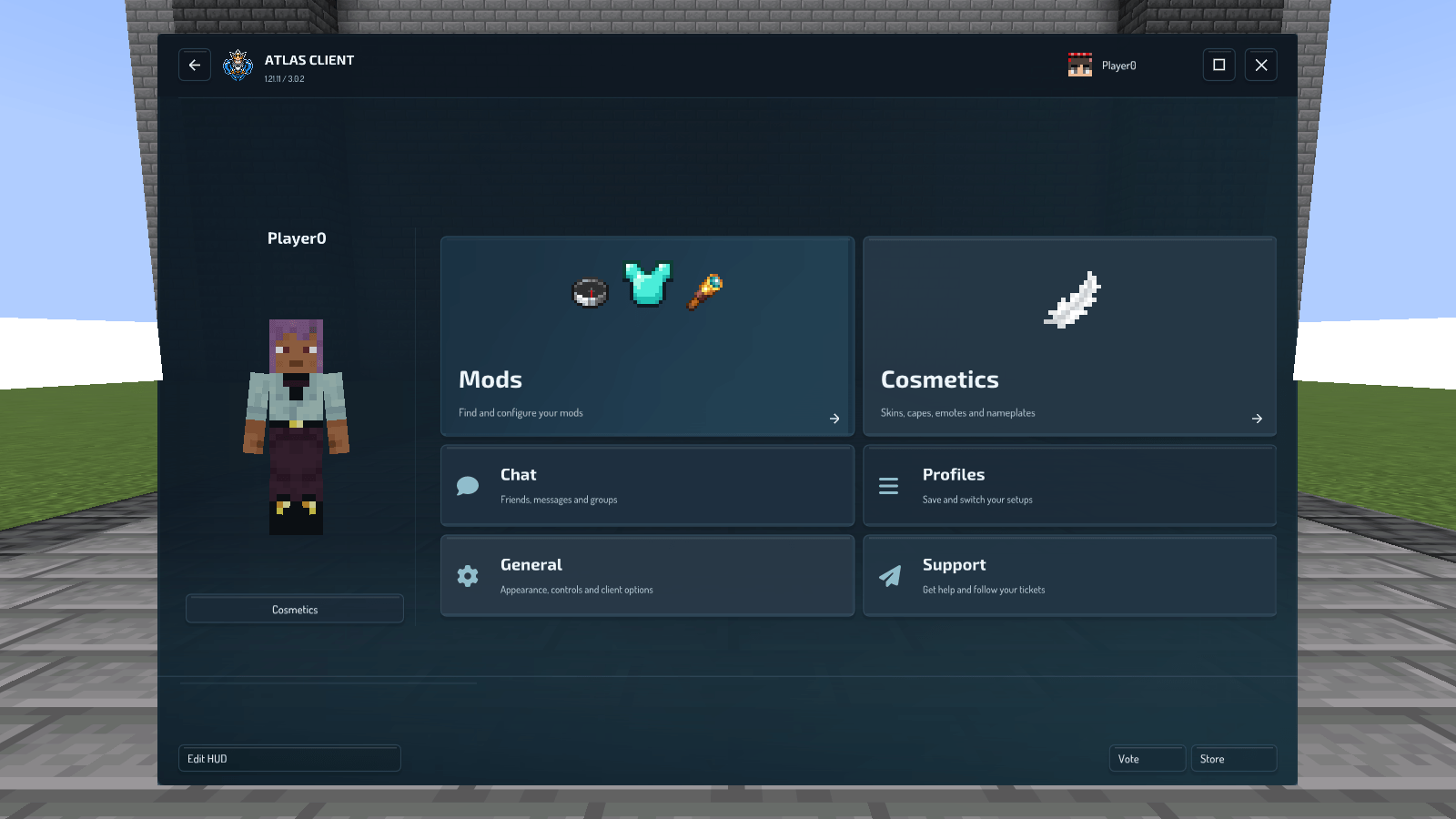
Find Mods, Cosmetics, Chat, Profiles, General and Support in one workspace. Captured in Atlas Client 3.0.2.
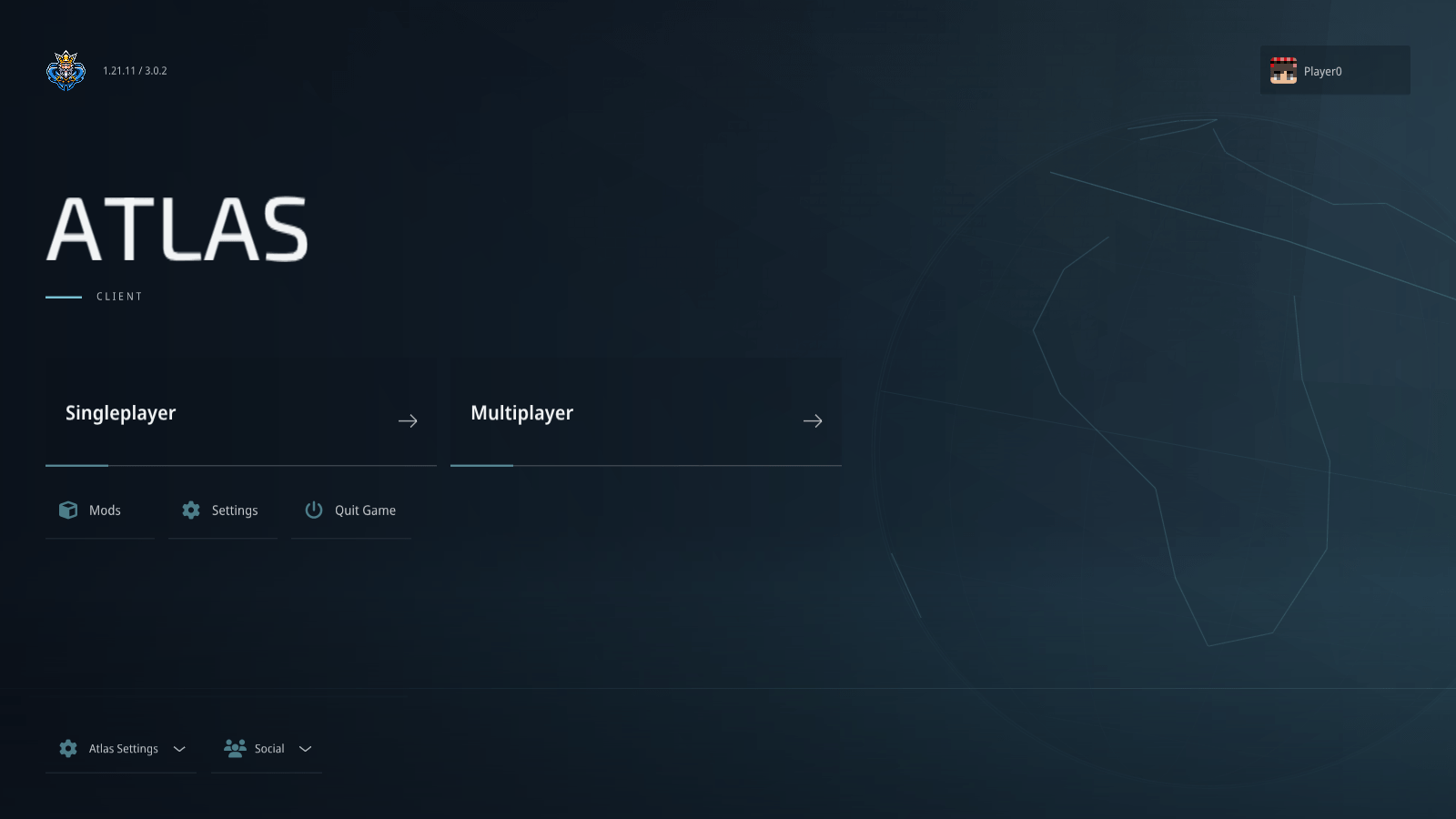
02-your-next-game-starts-here.png
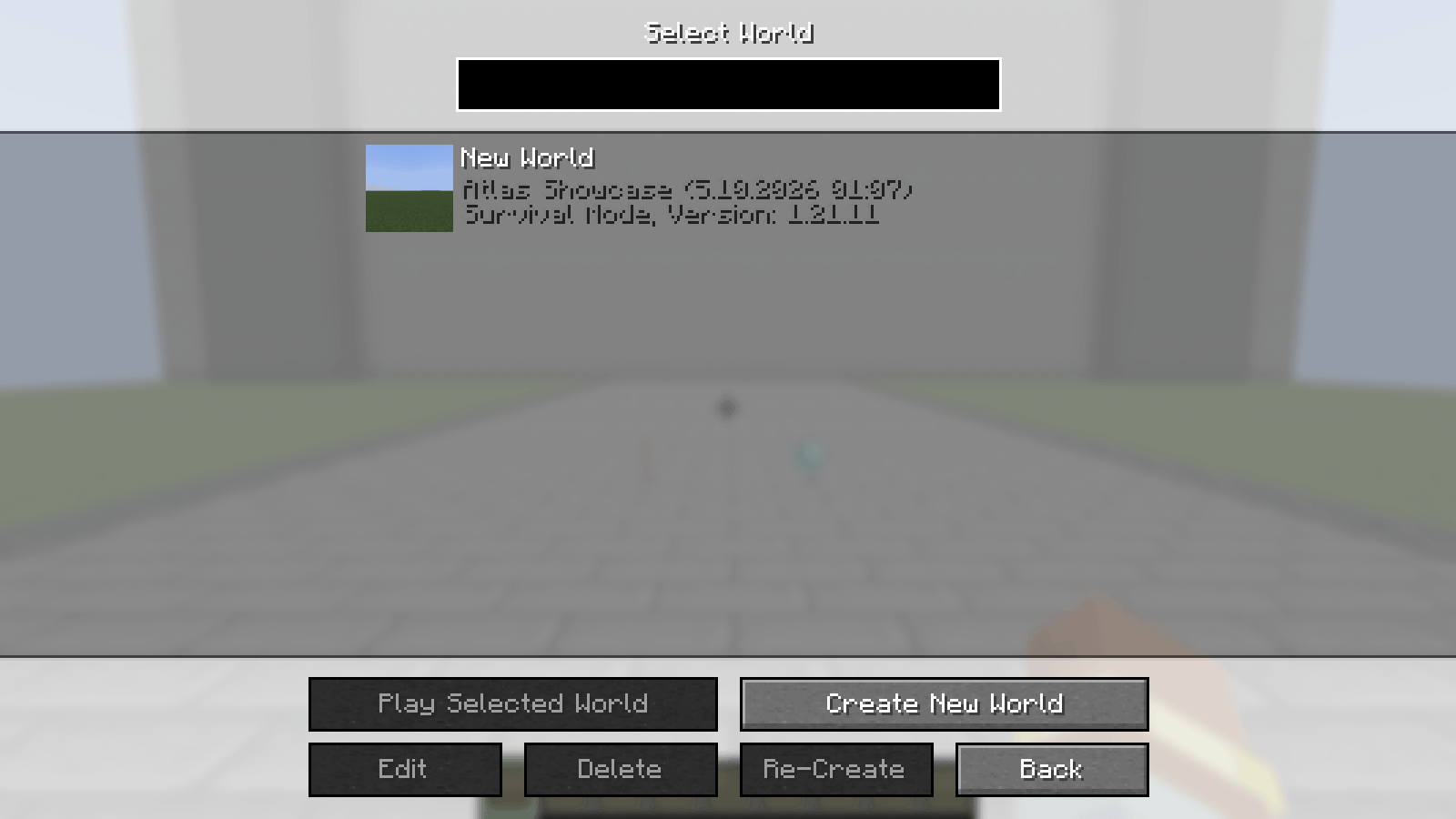
03-your-minecraft-worlds.png
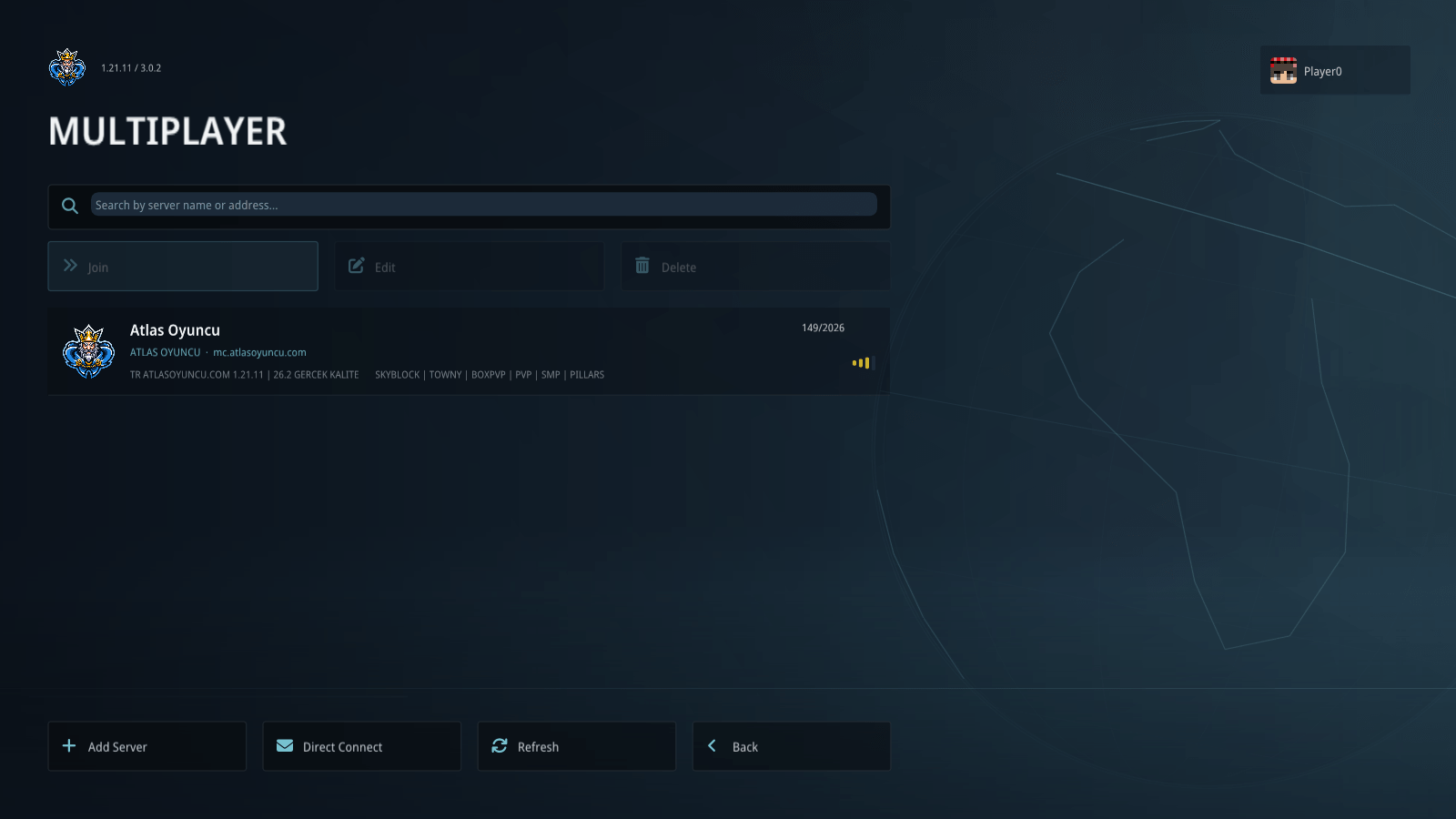
04-find-your-next-server.png
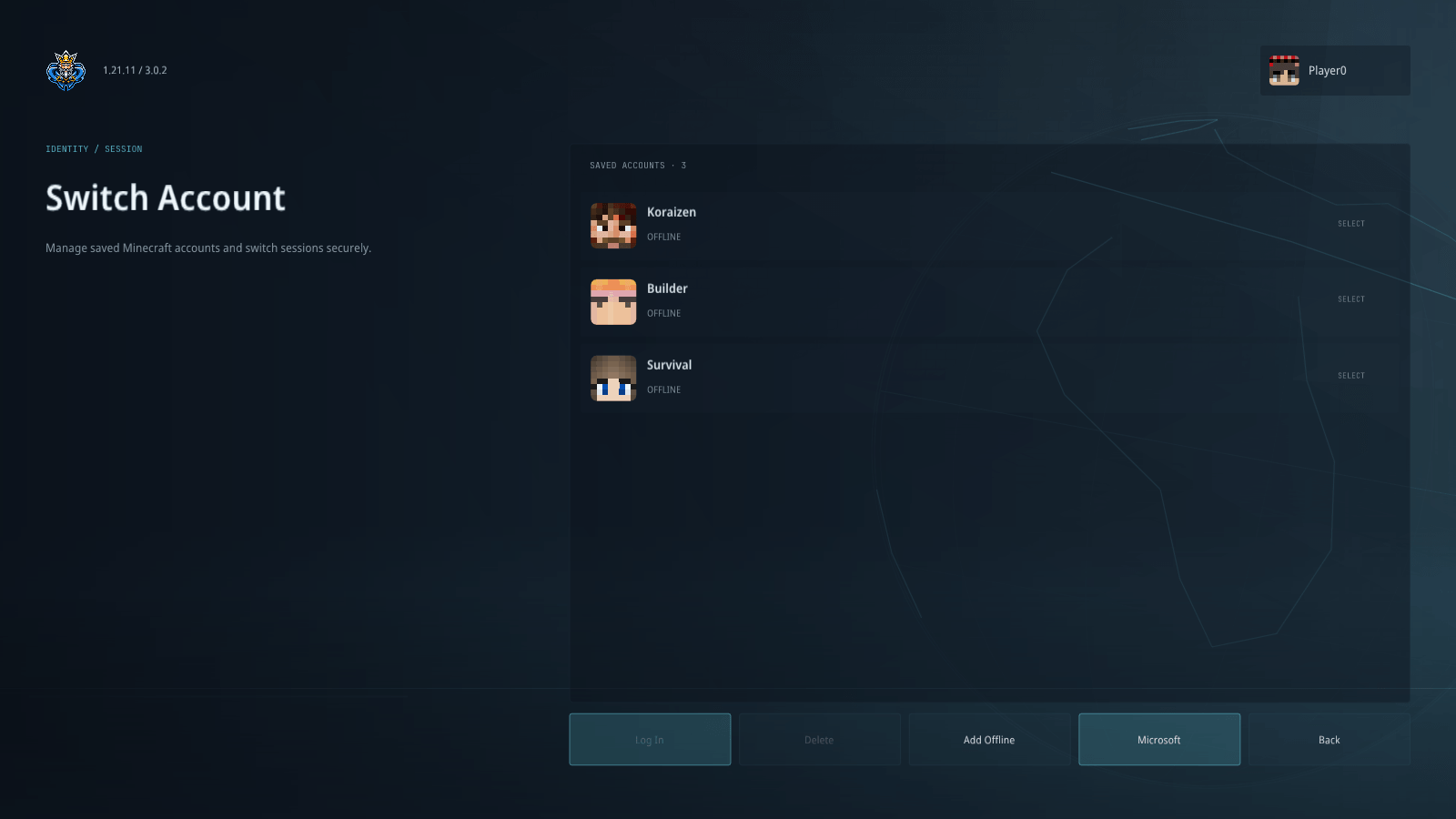
05-choose-your-account.png
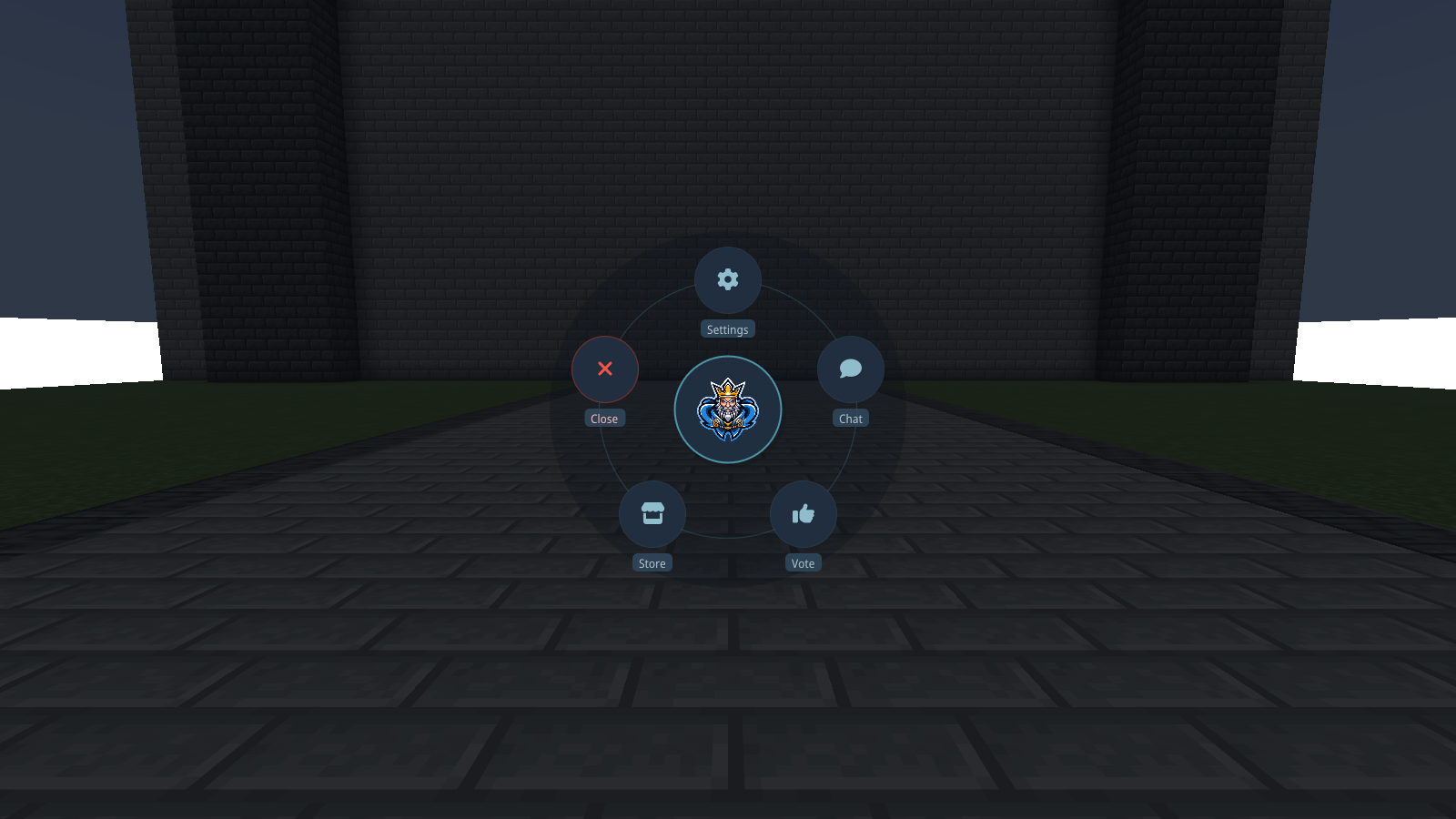
06-atlas-within-reach.png
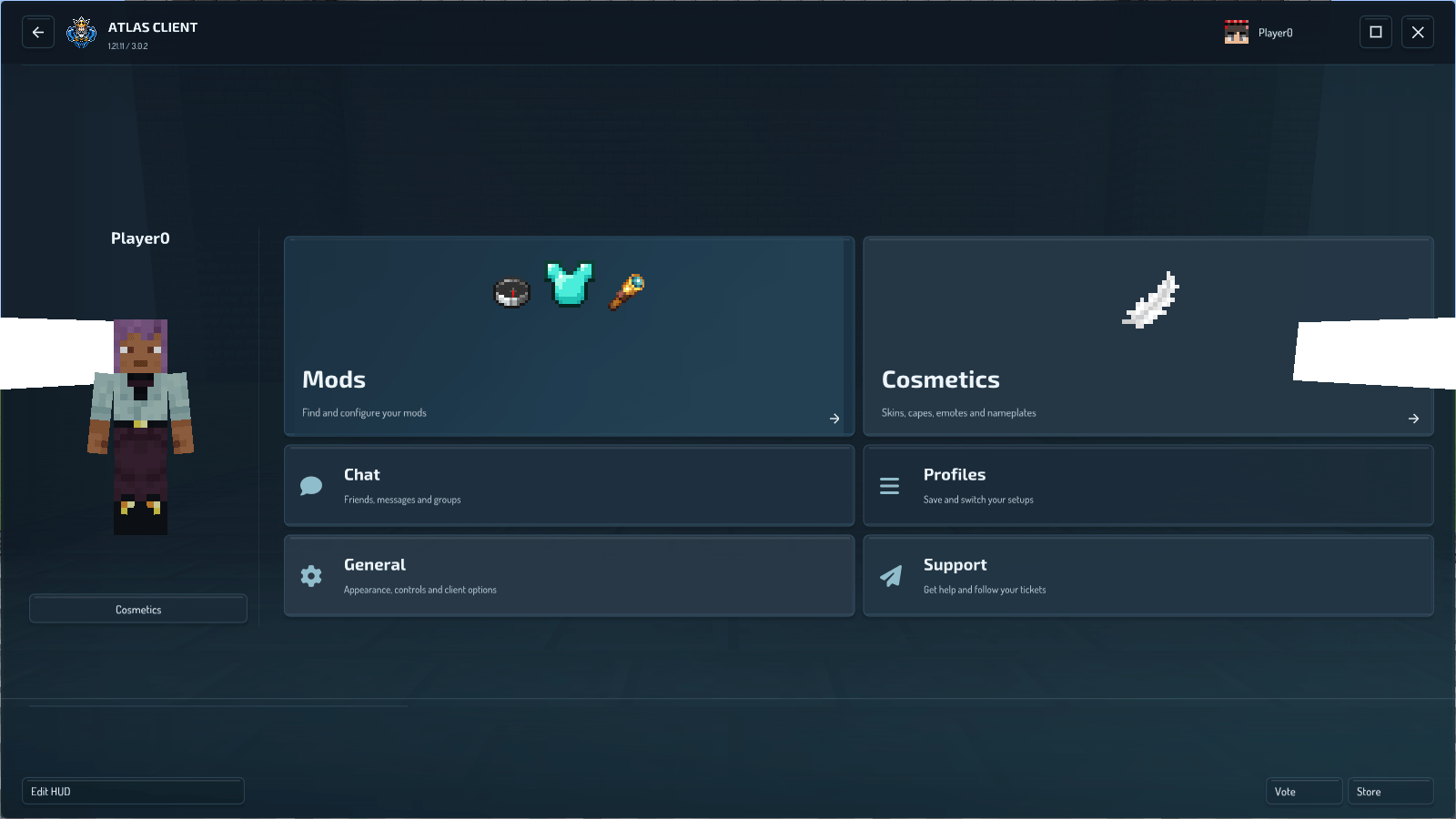
07-more-room-when-you-need-it.png
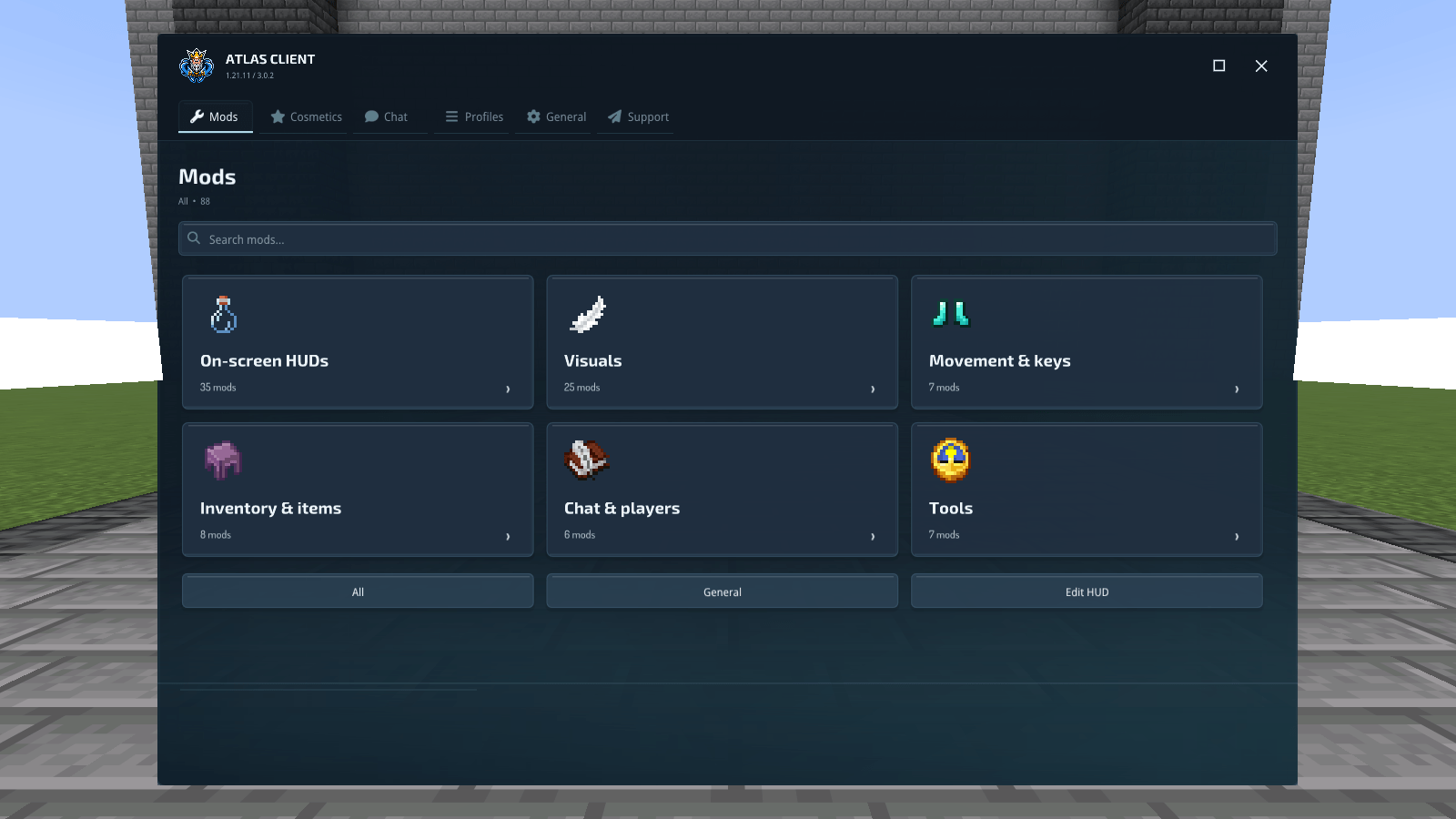
08-find-the-tool-you-need.png
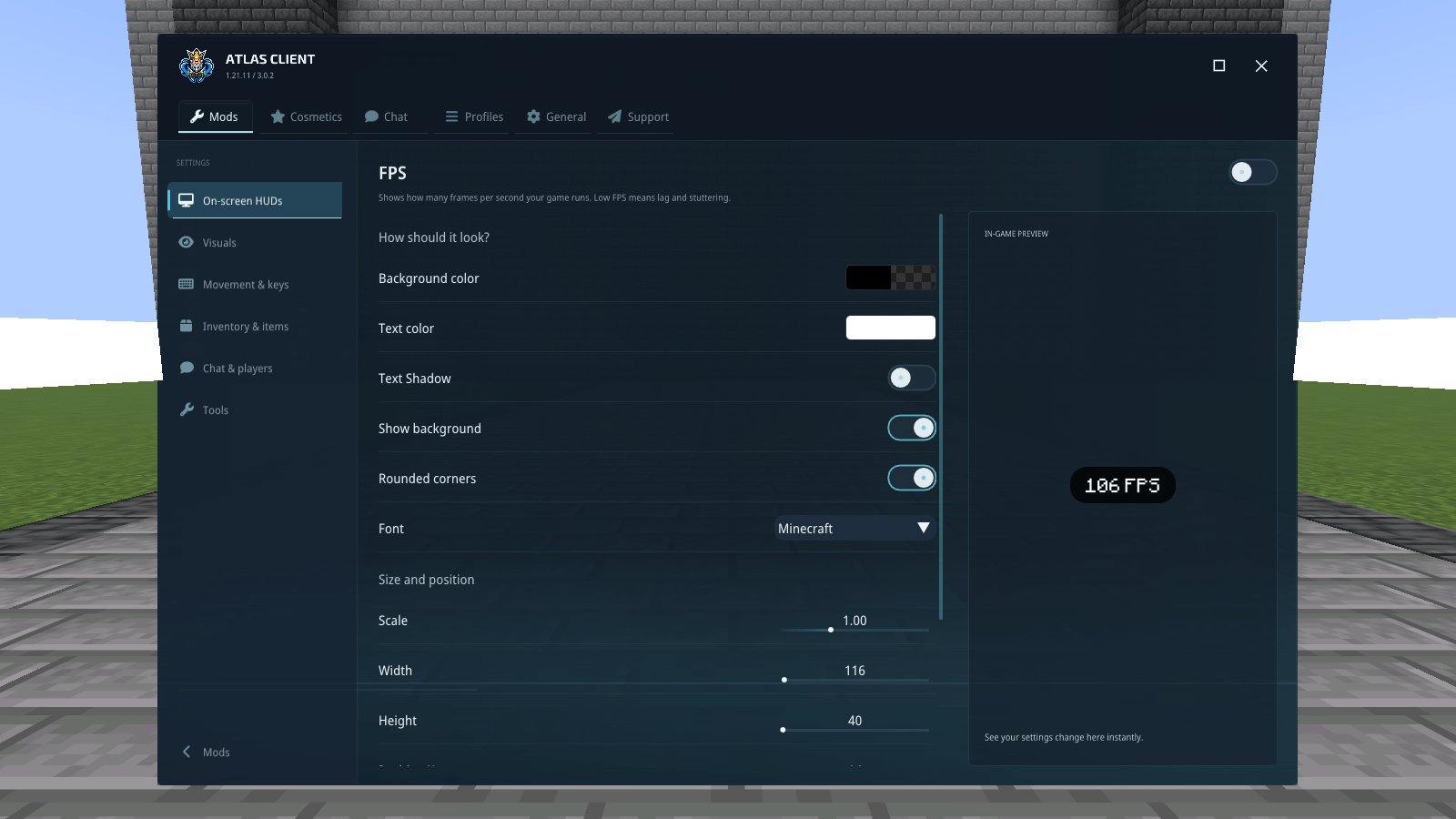
09-see-the-change-as-you-adjust-it.png
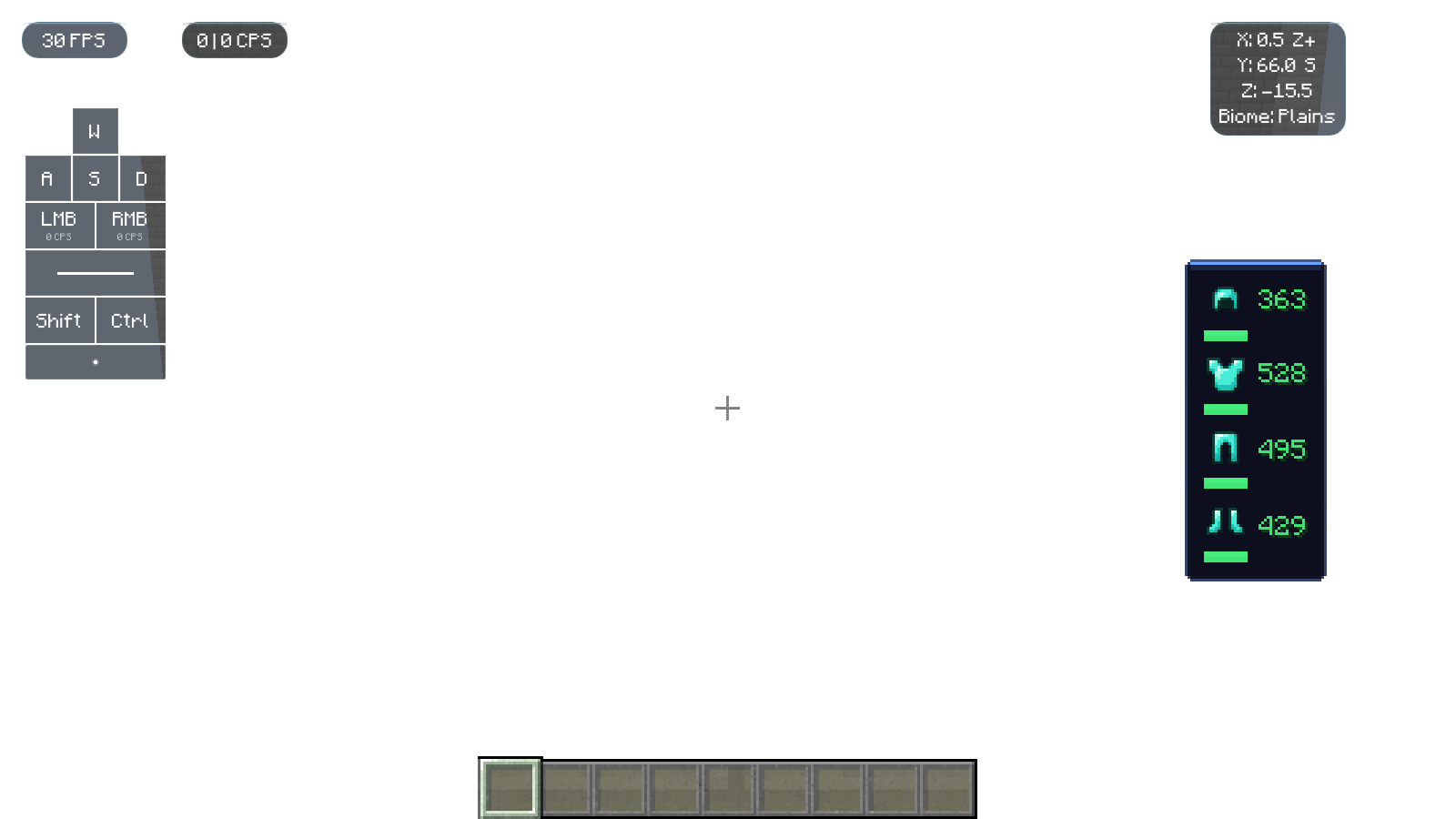
10-information-where-you-need-it.png
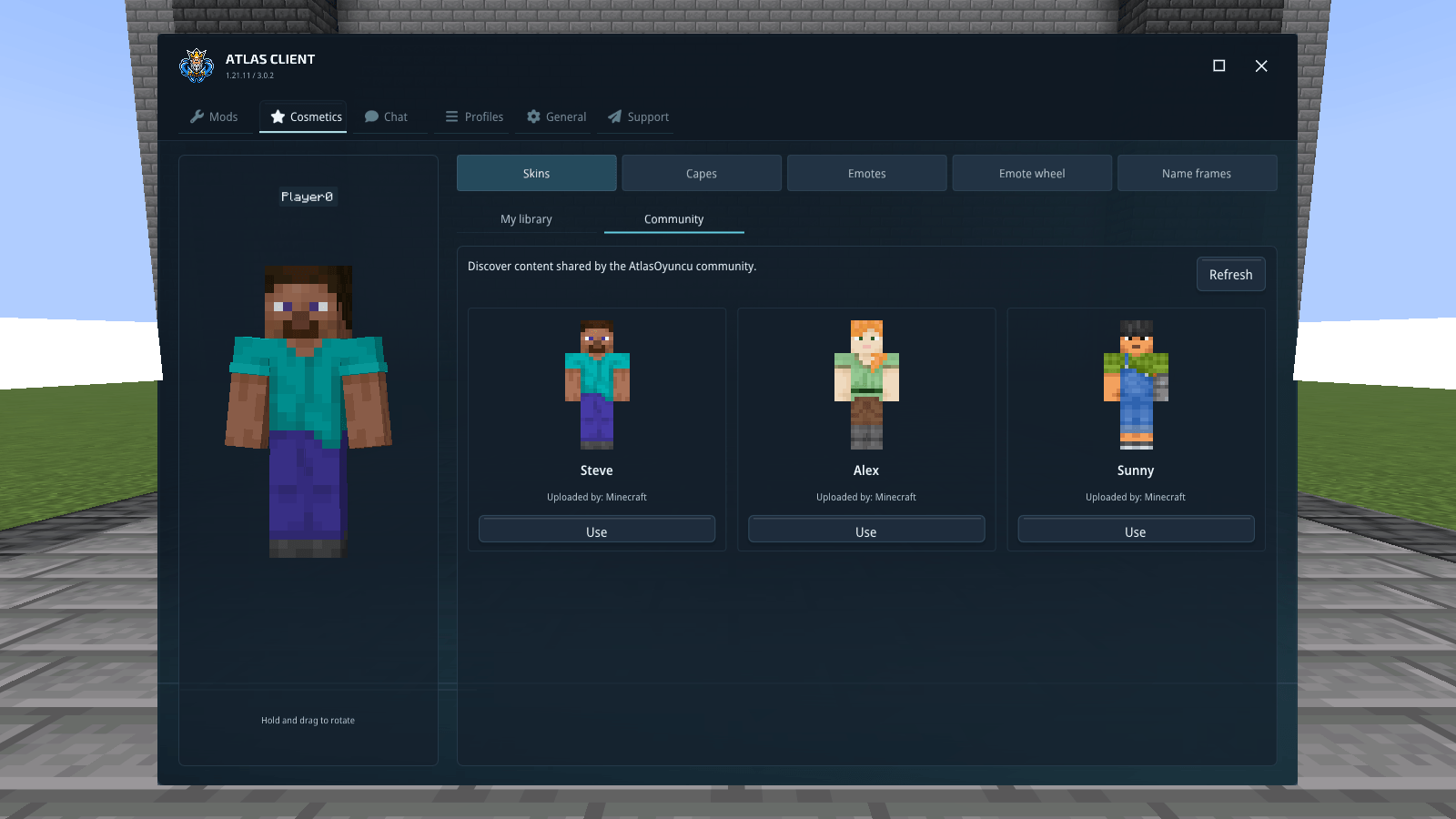
11-find-your-look.png
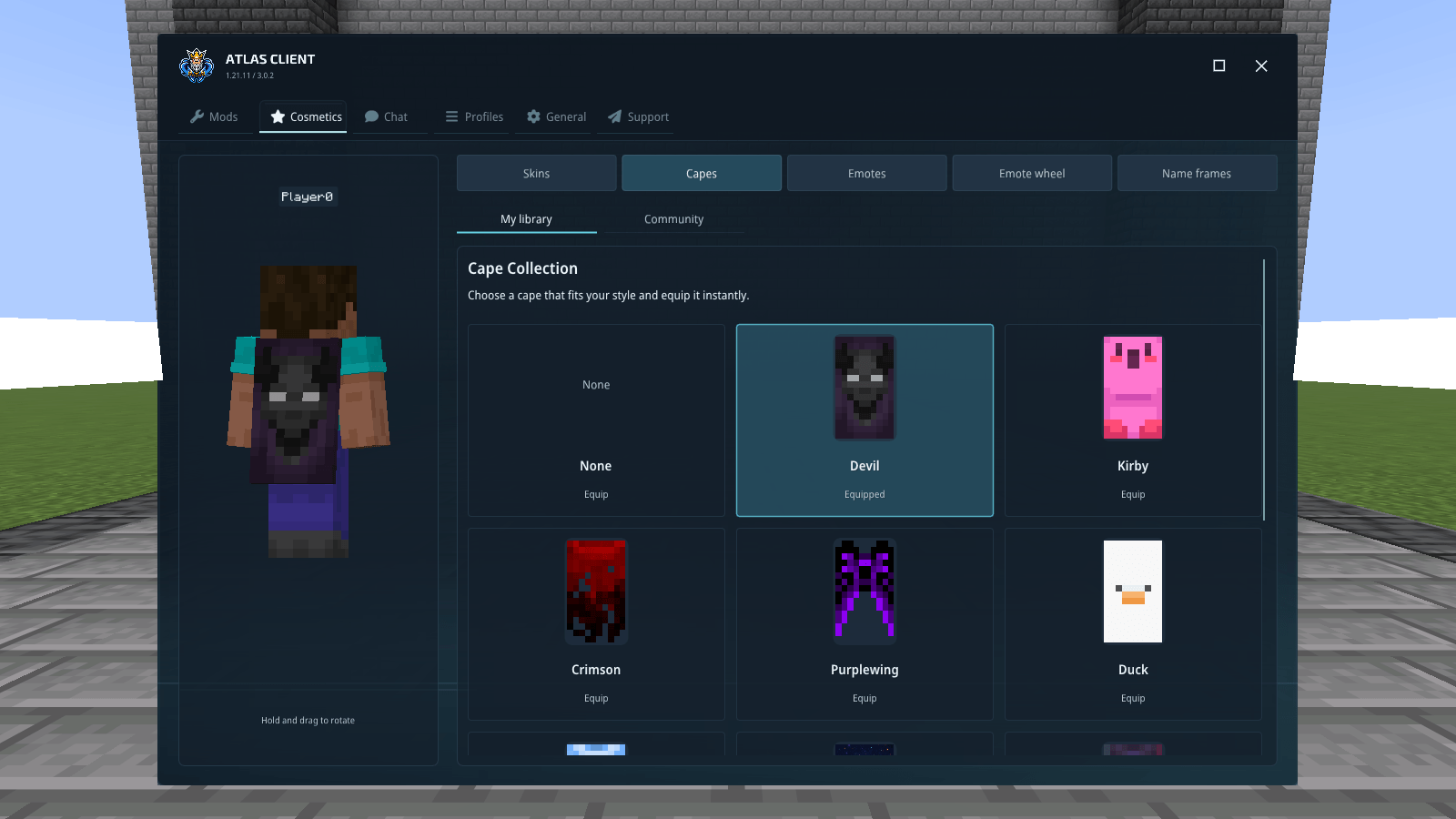
12-a-cape-to-match.png
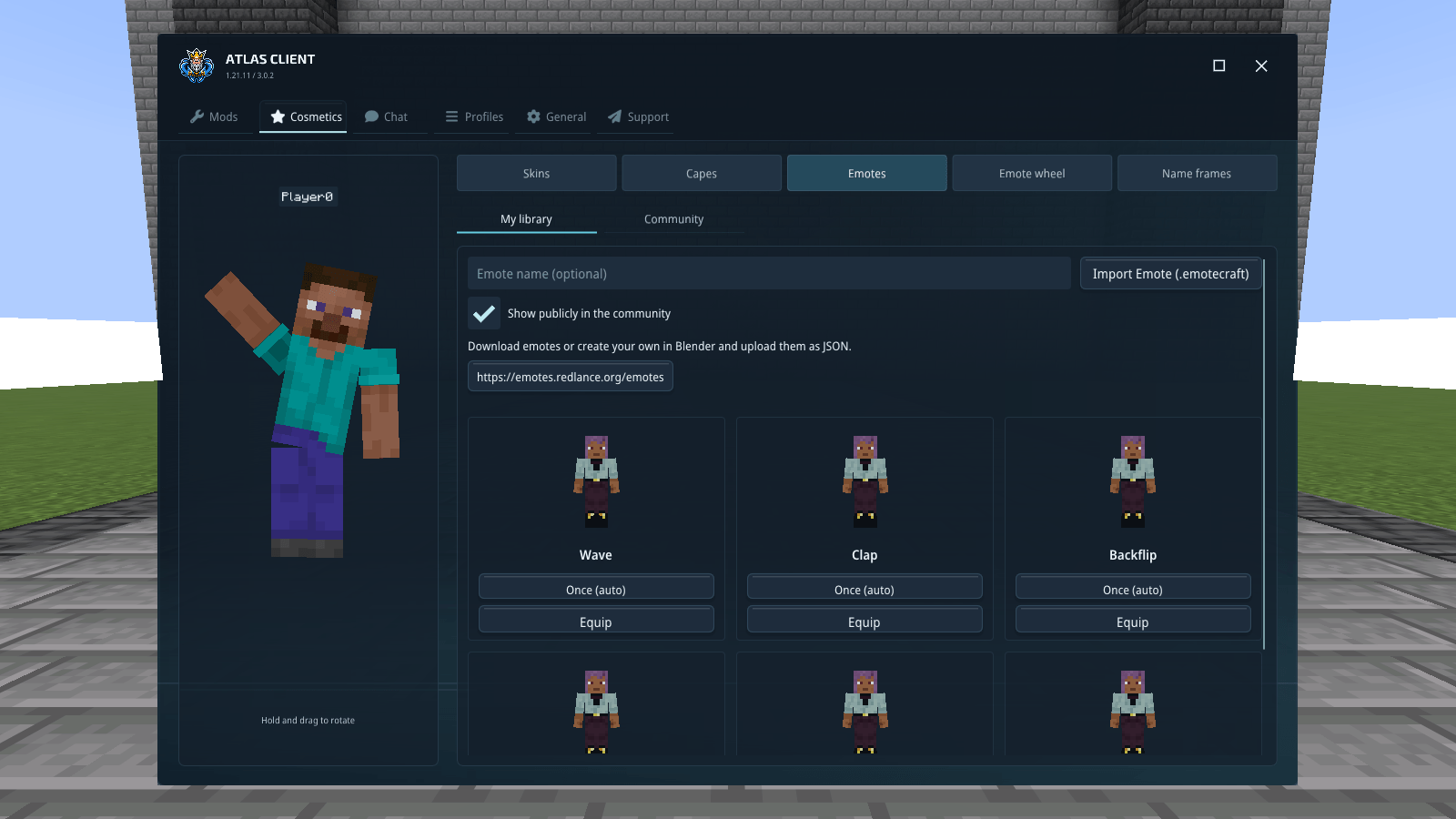
13-put-some-movement-into-it.png
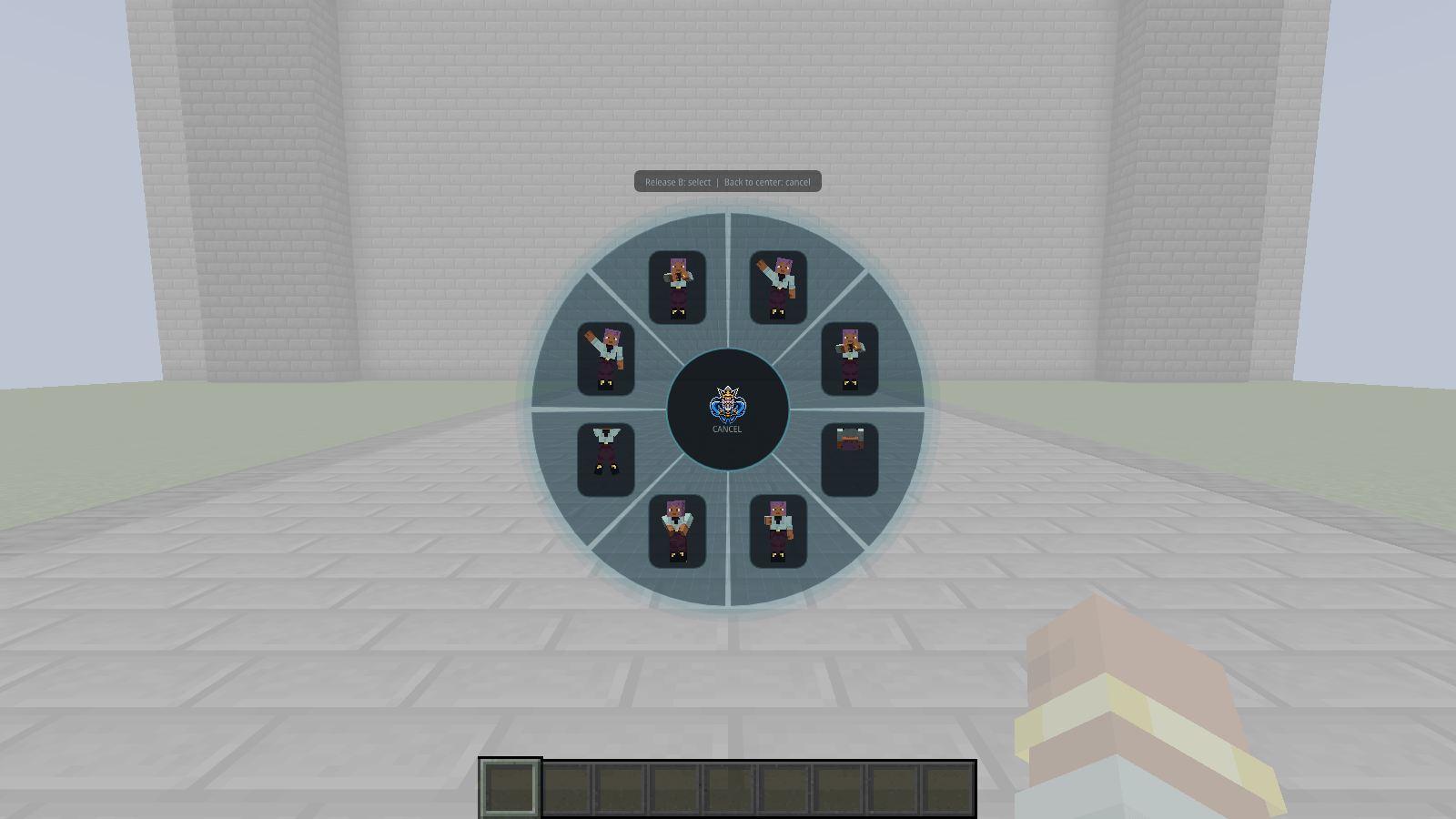
14-pick-an-emote-in-game.png
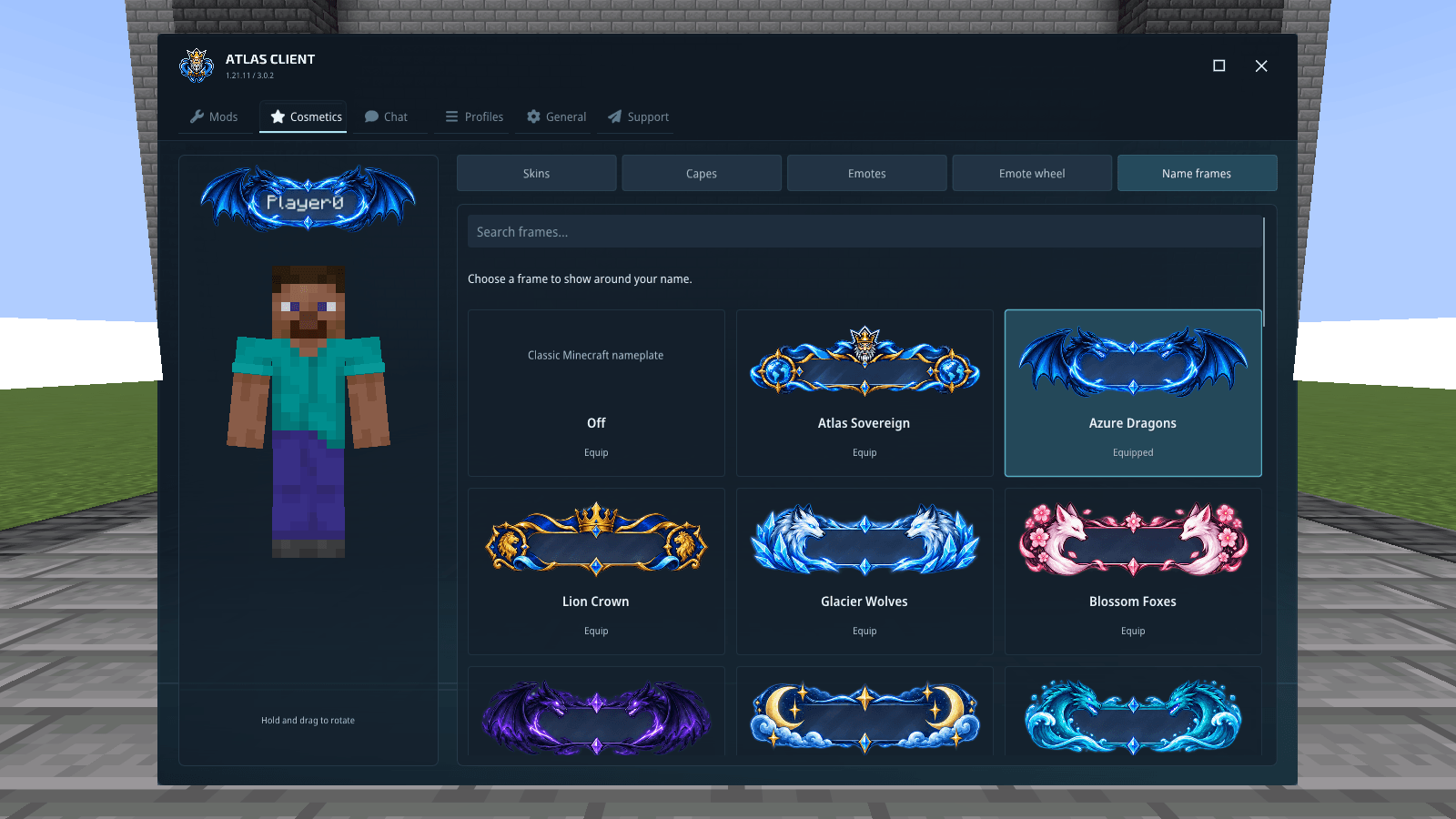
15-give-your-name-a-frame.png
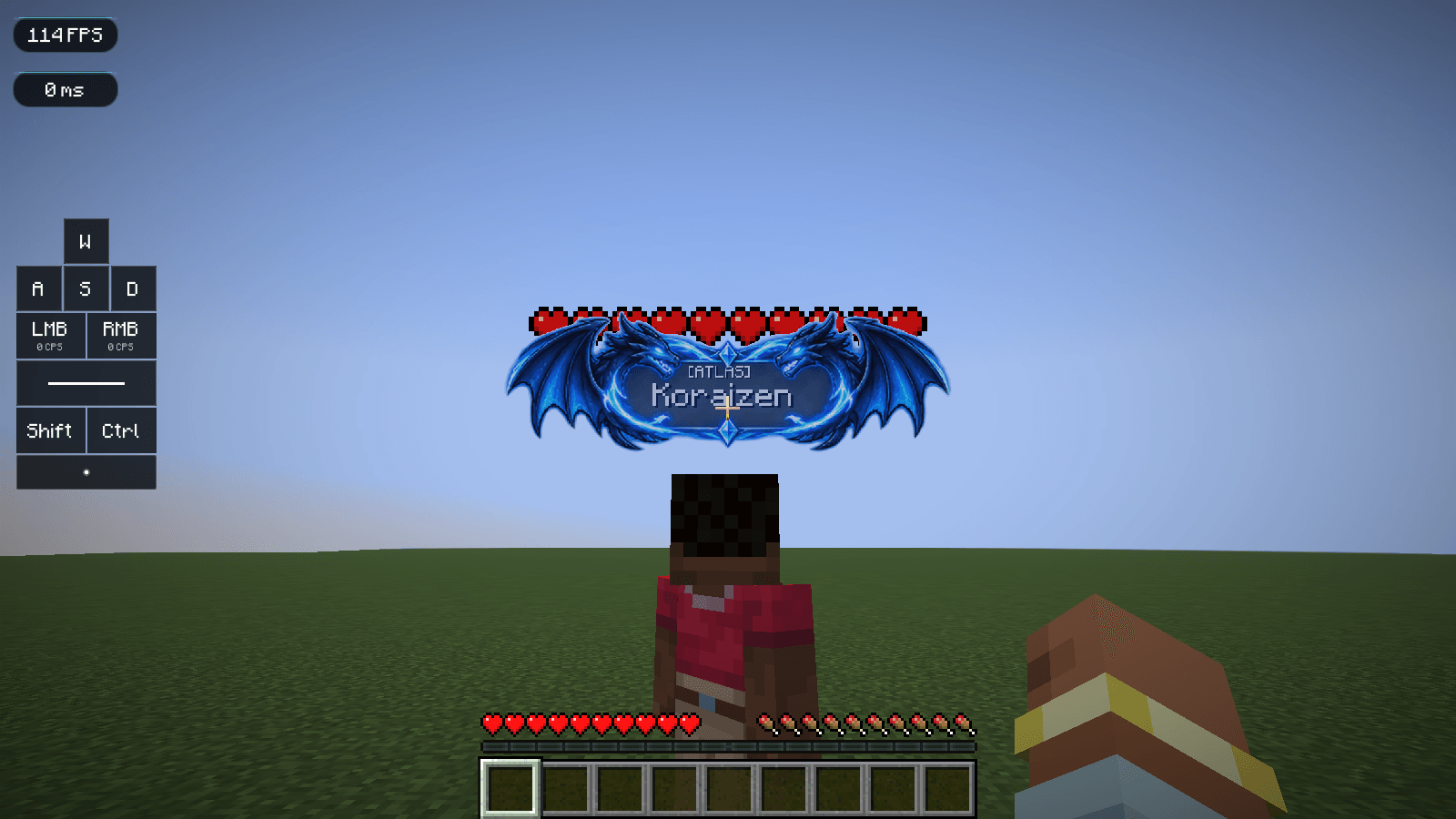
16-your-name-part-of-the-design.png
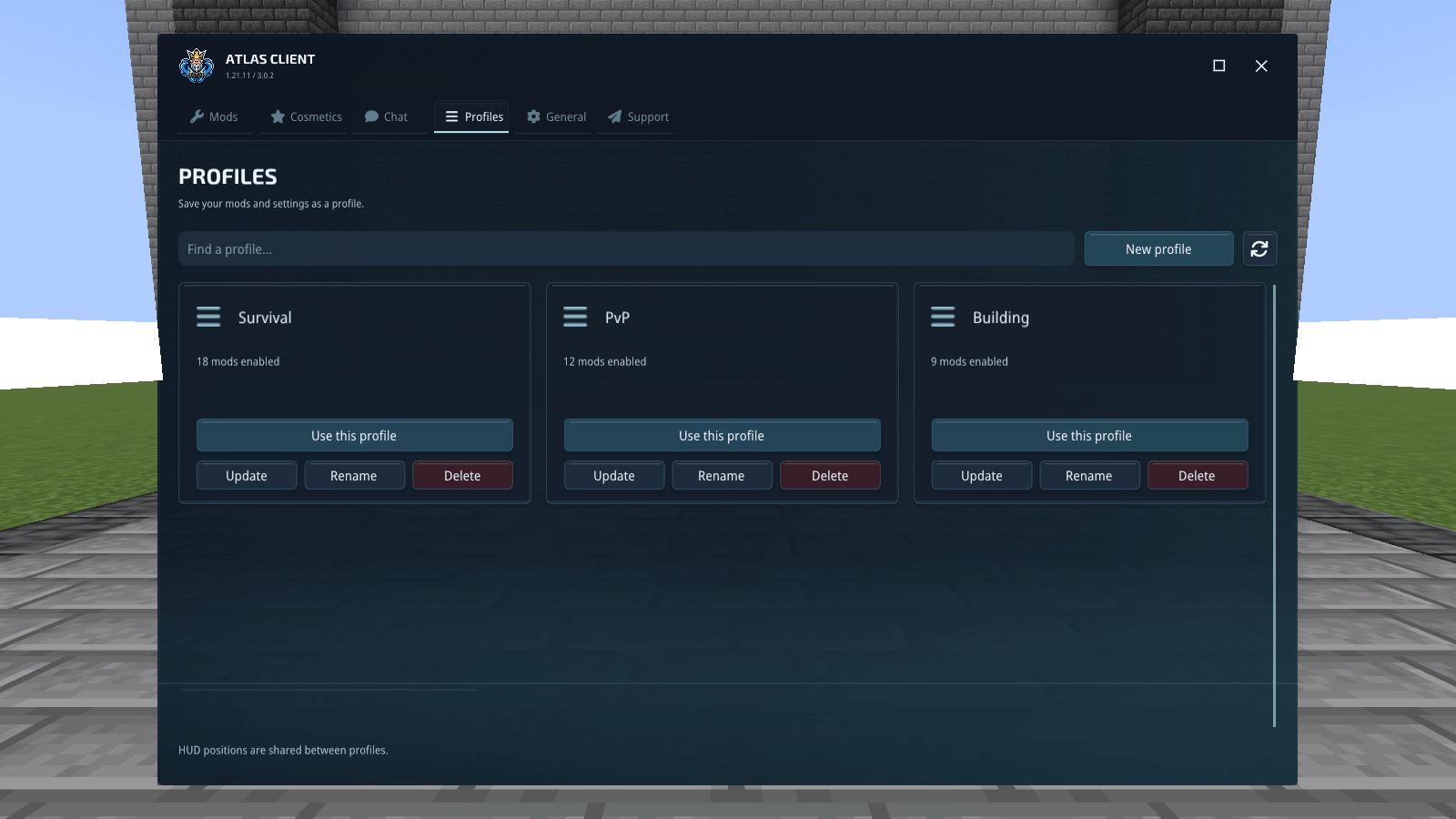
17-a-setup-for-each-way-you-play.png
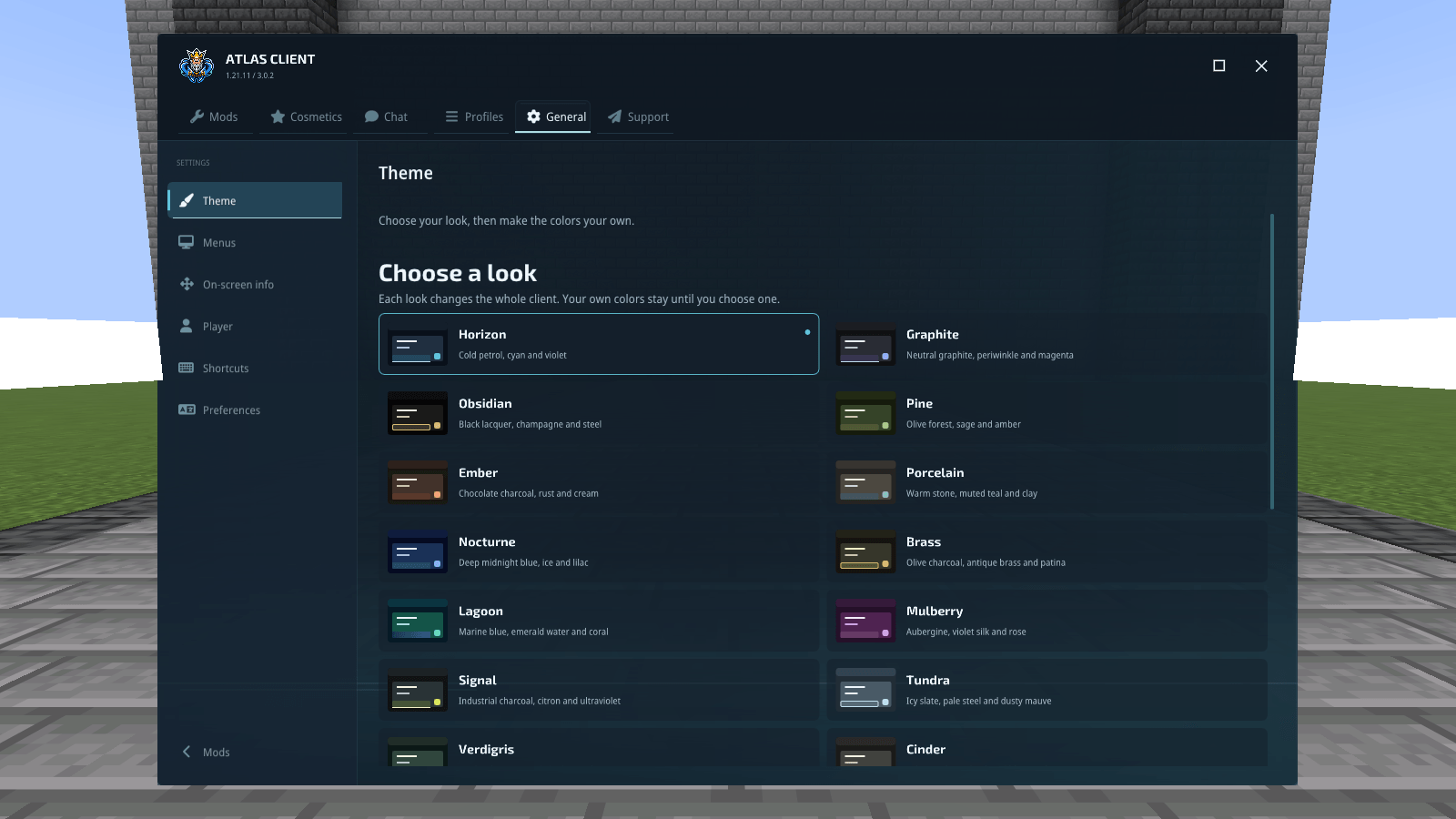
18-choose-the-atmosphere.png
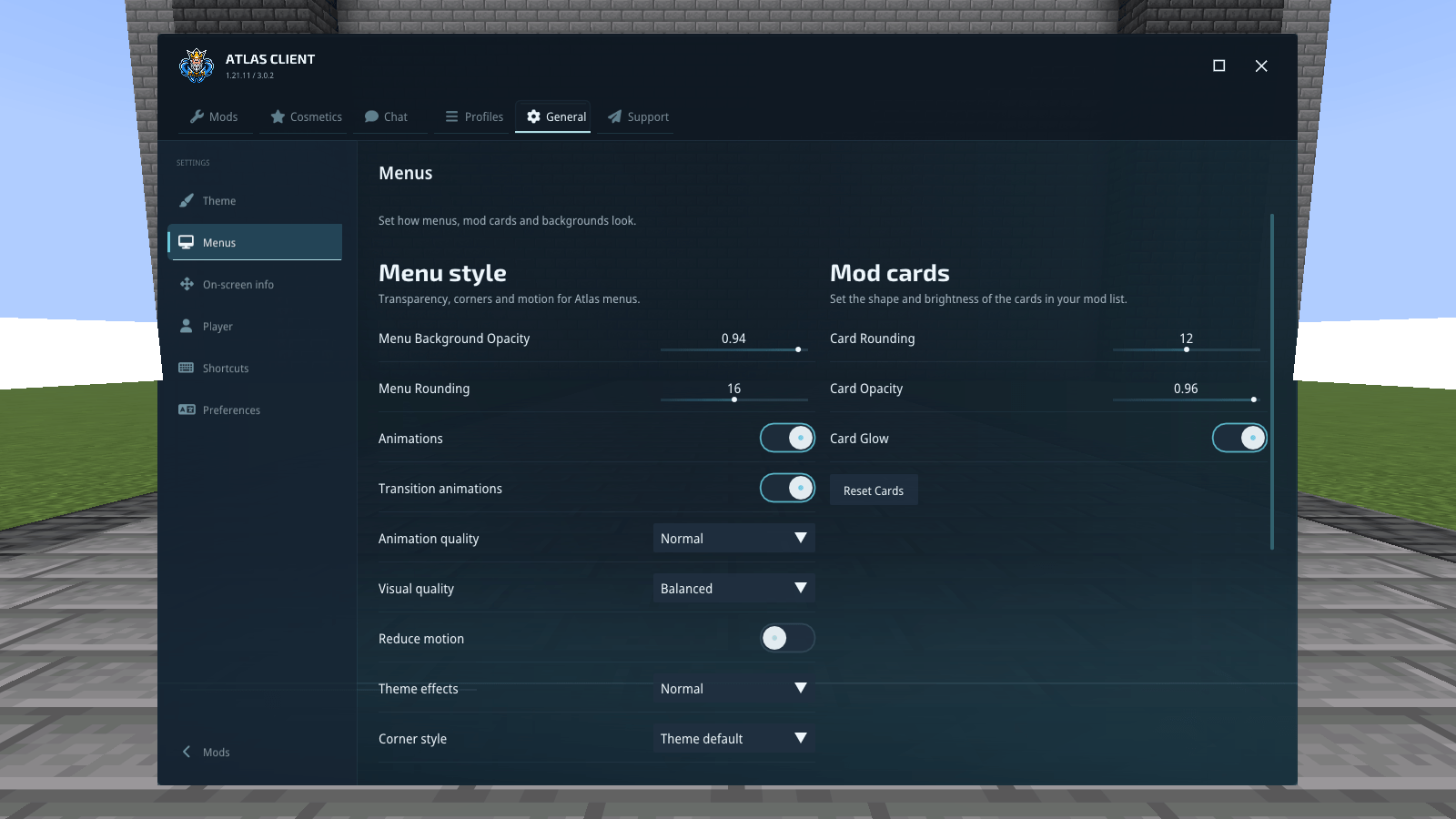
19-make-the-menus-comfortable.png
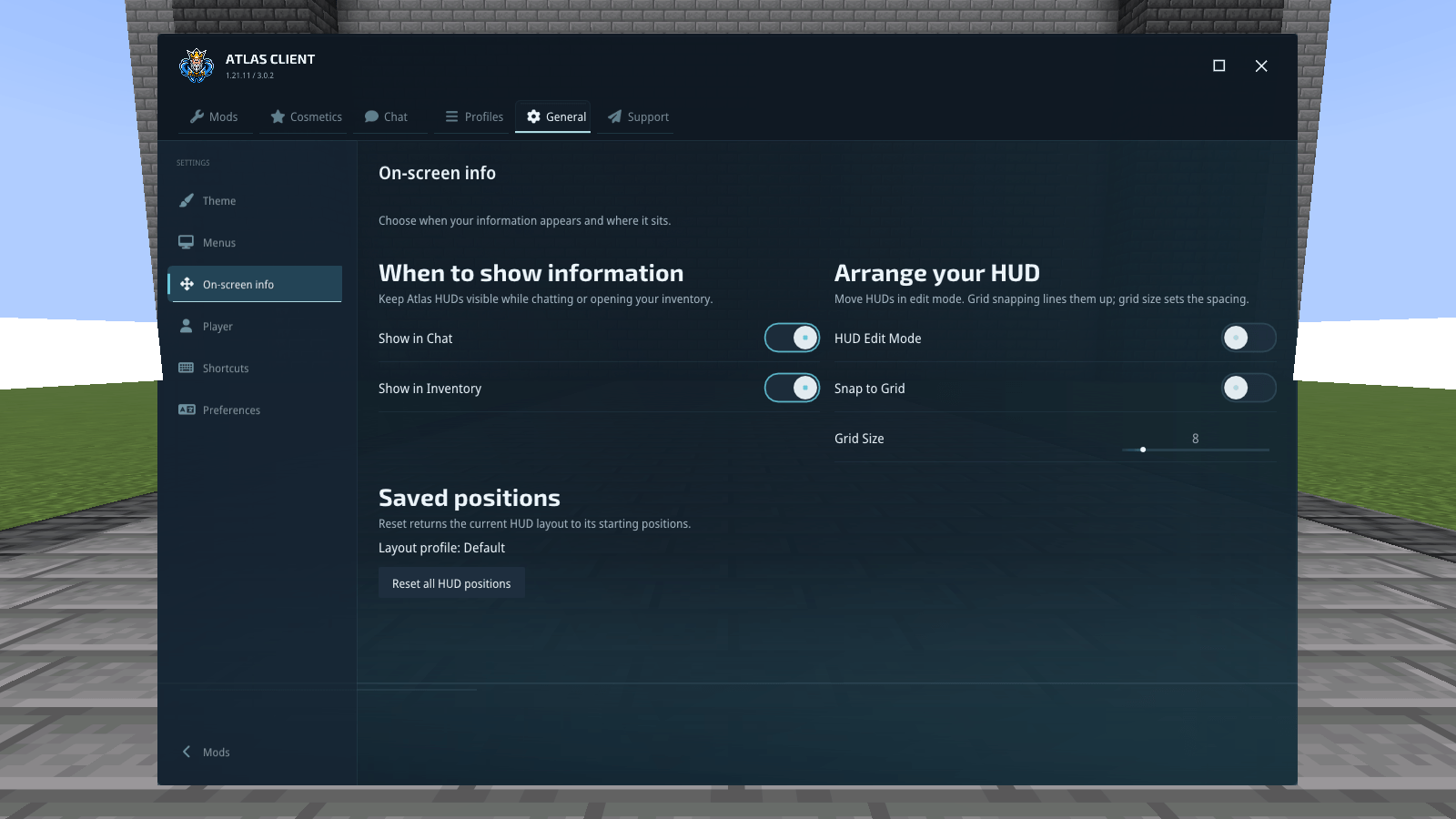
20-choose-what-stays-on-screen.png
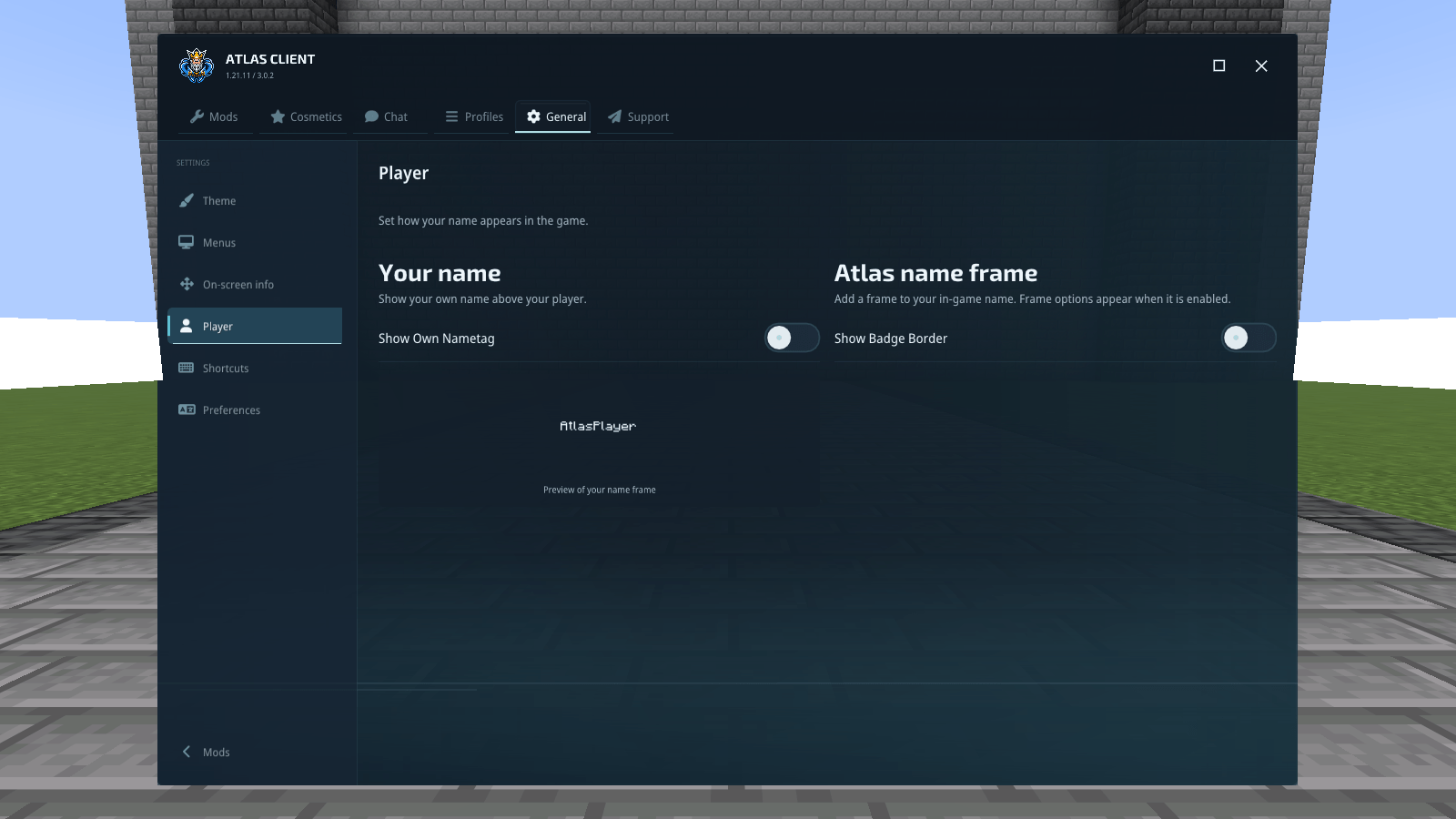
21-player-preferences.png
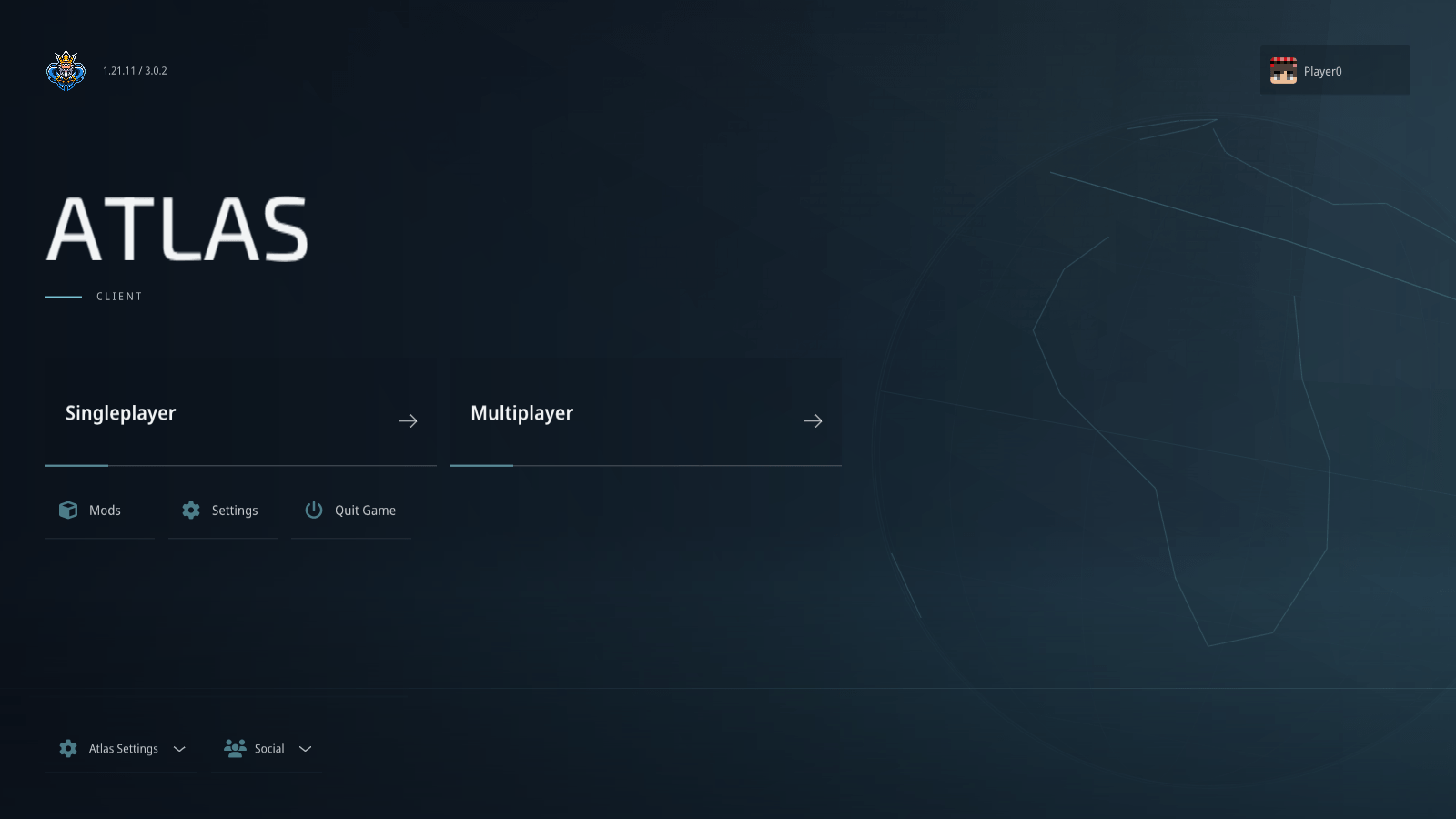
02-your-next-game-starts-here.png
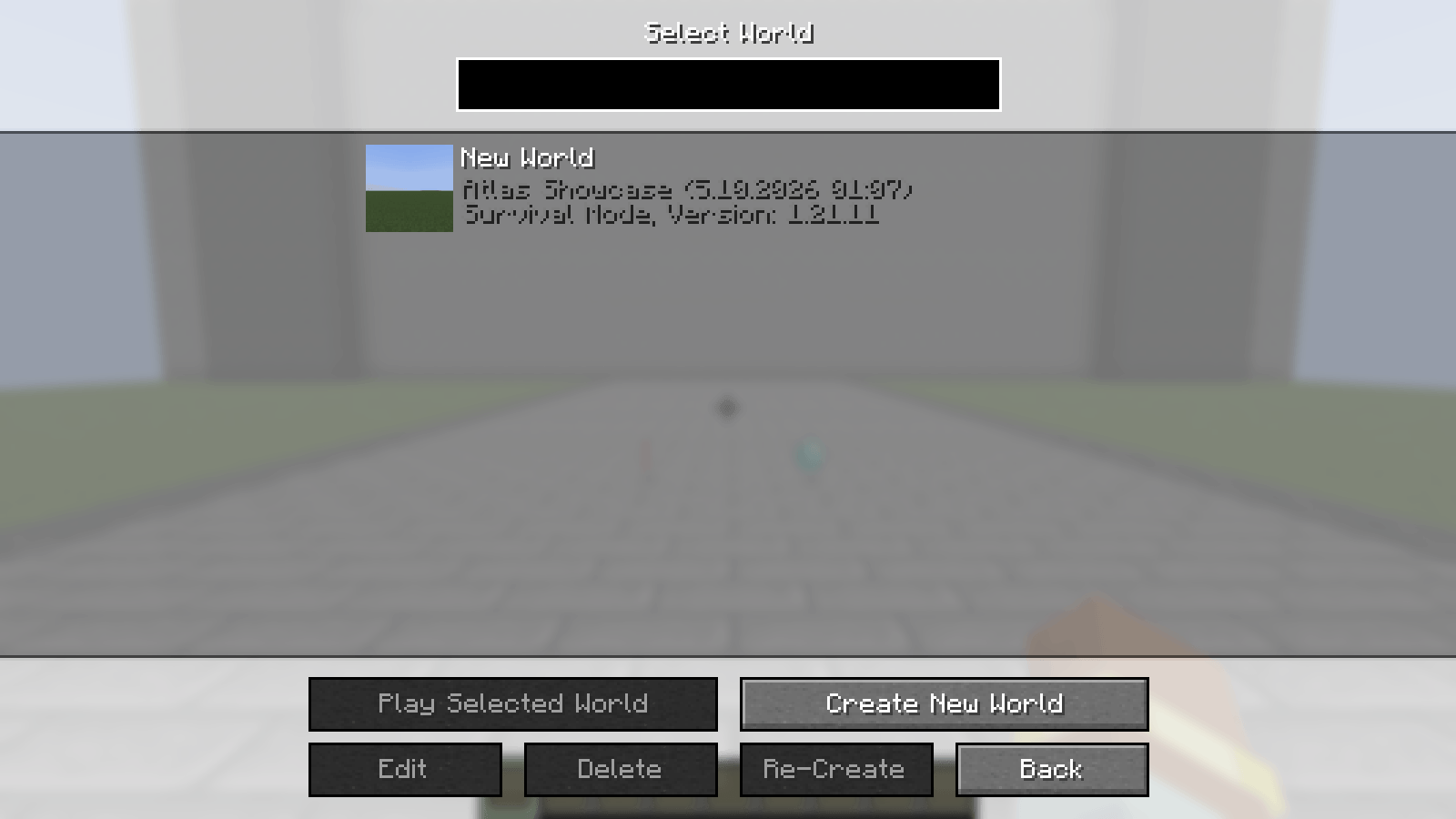
03-your-minecraft-worlds.png
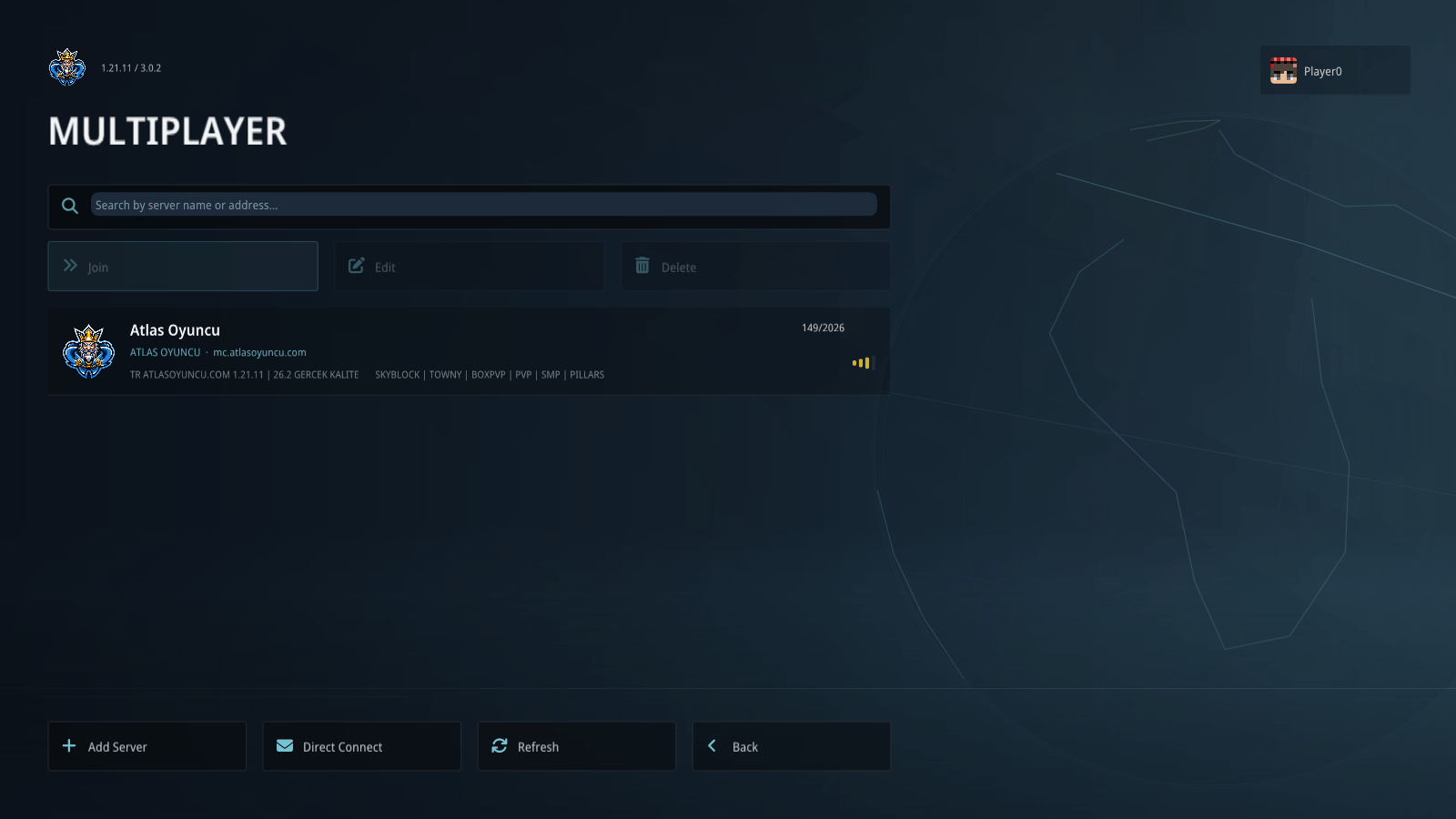
04-find-your-next-server.png
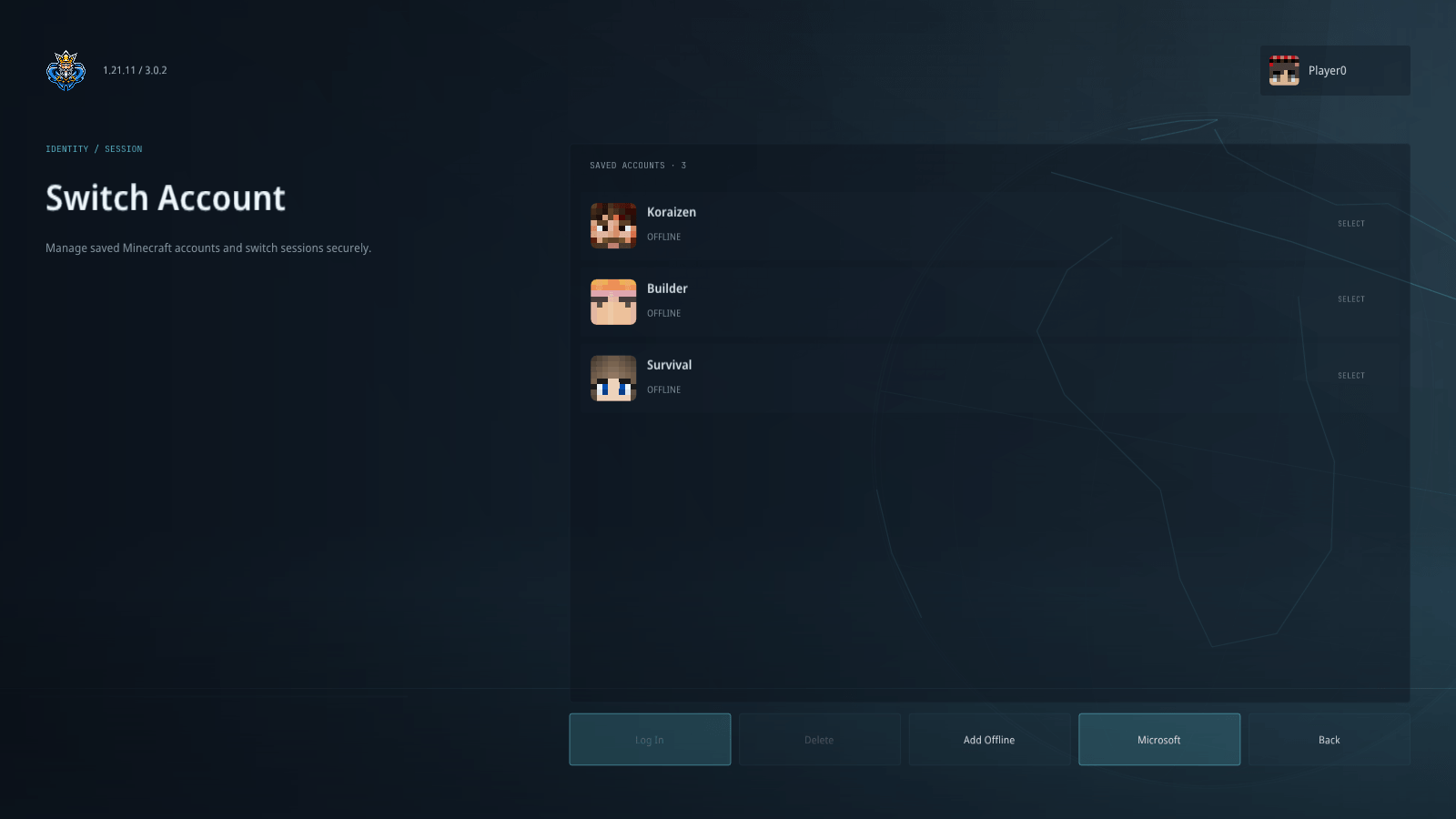
05-choose-your-account.png
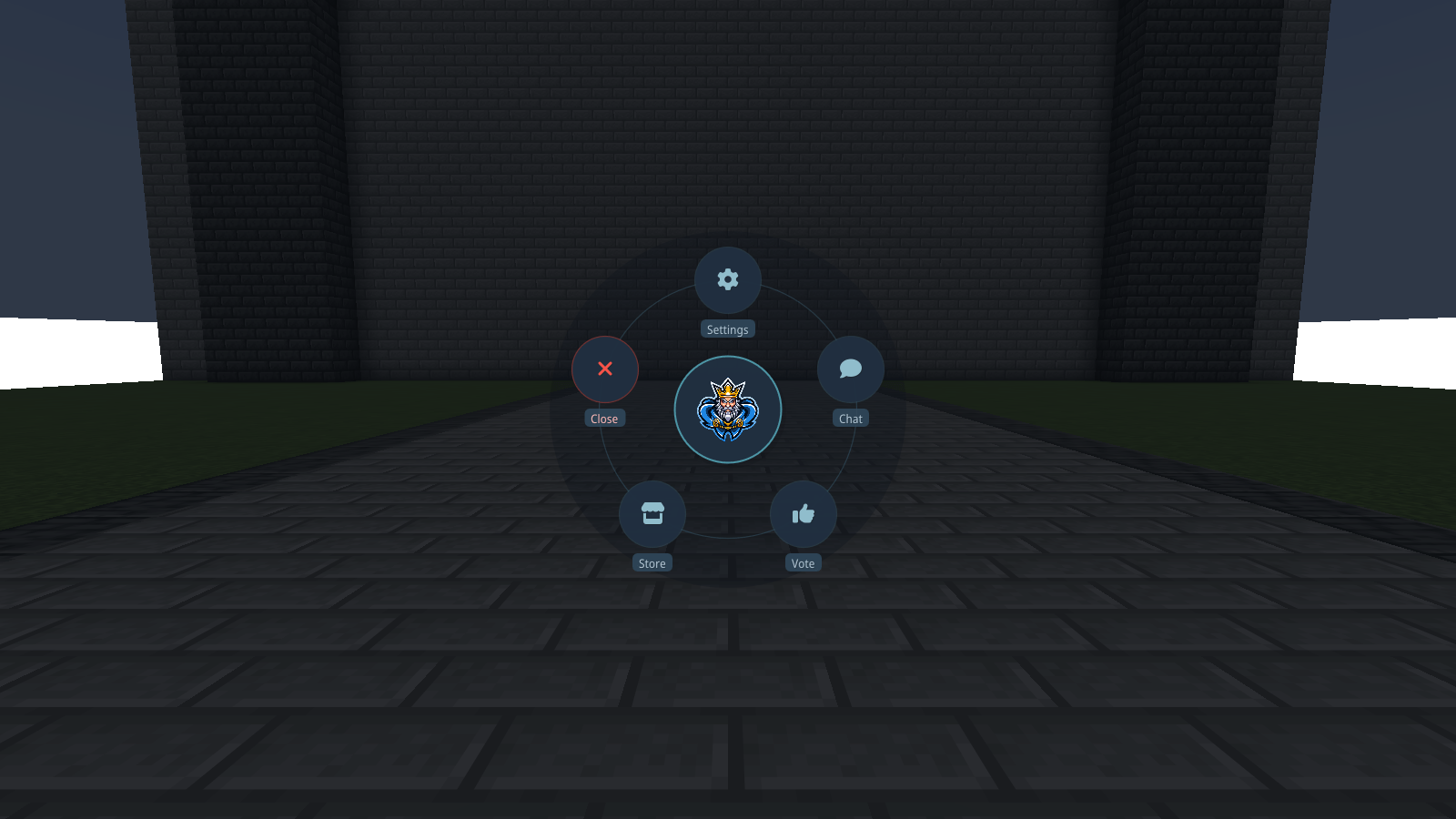
06-atlas-within-reach.png
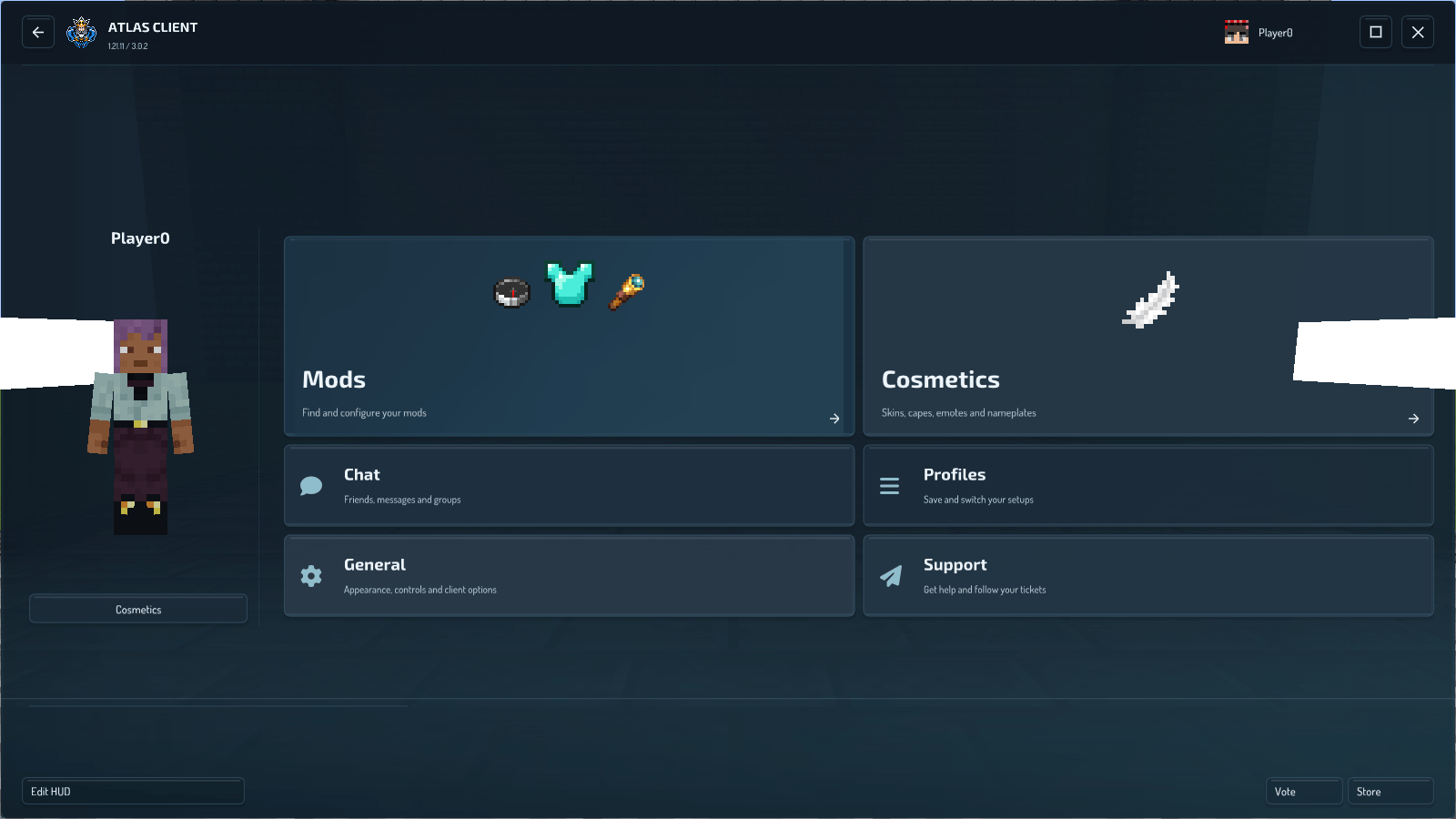
07-more-room-when-you-need-it.png
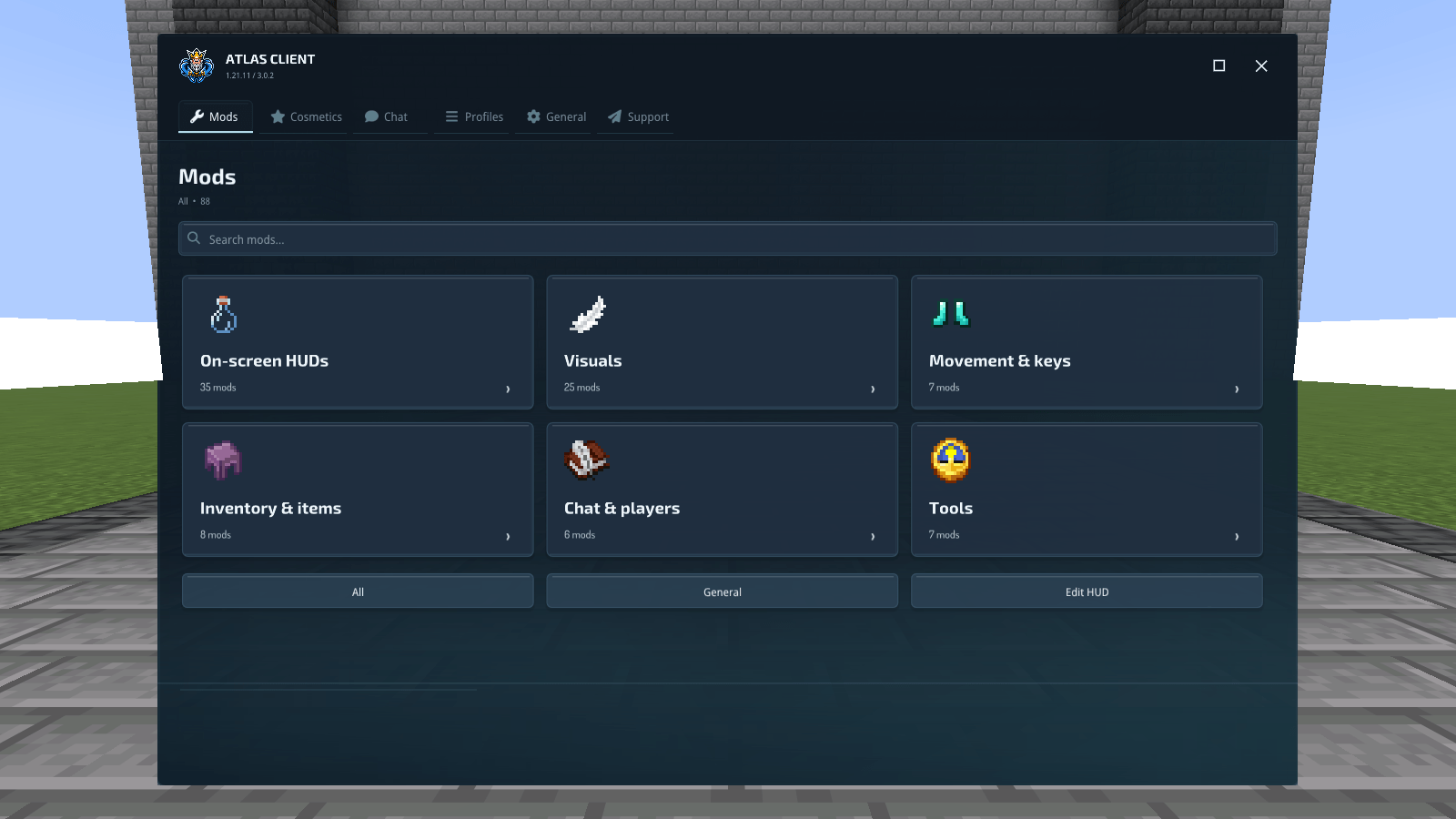
08-find-the-tool-you-need.png
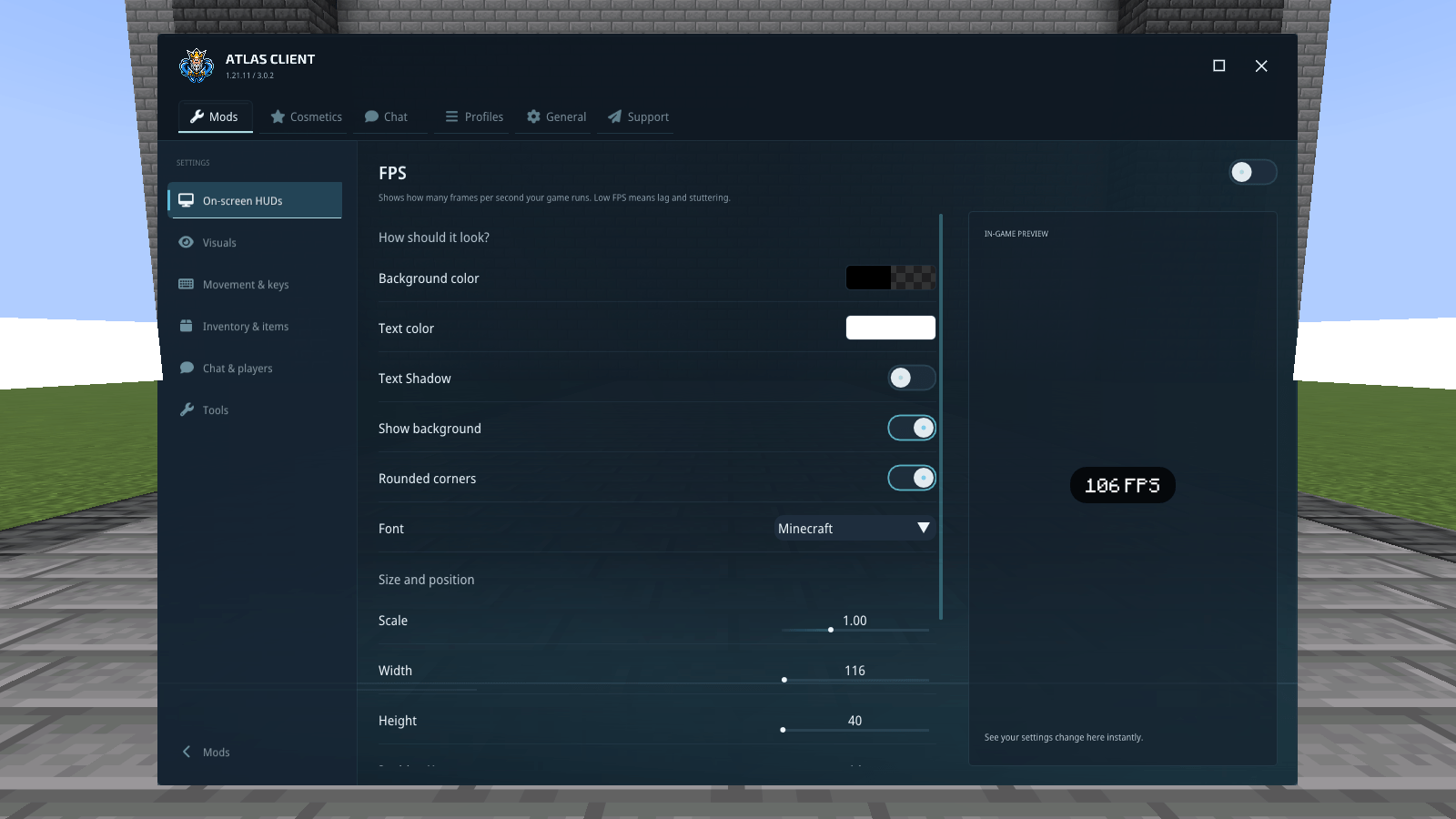
09-see-the-change-as-you-adjust-it.png
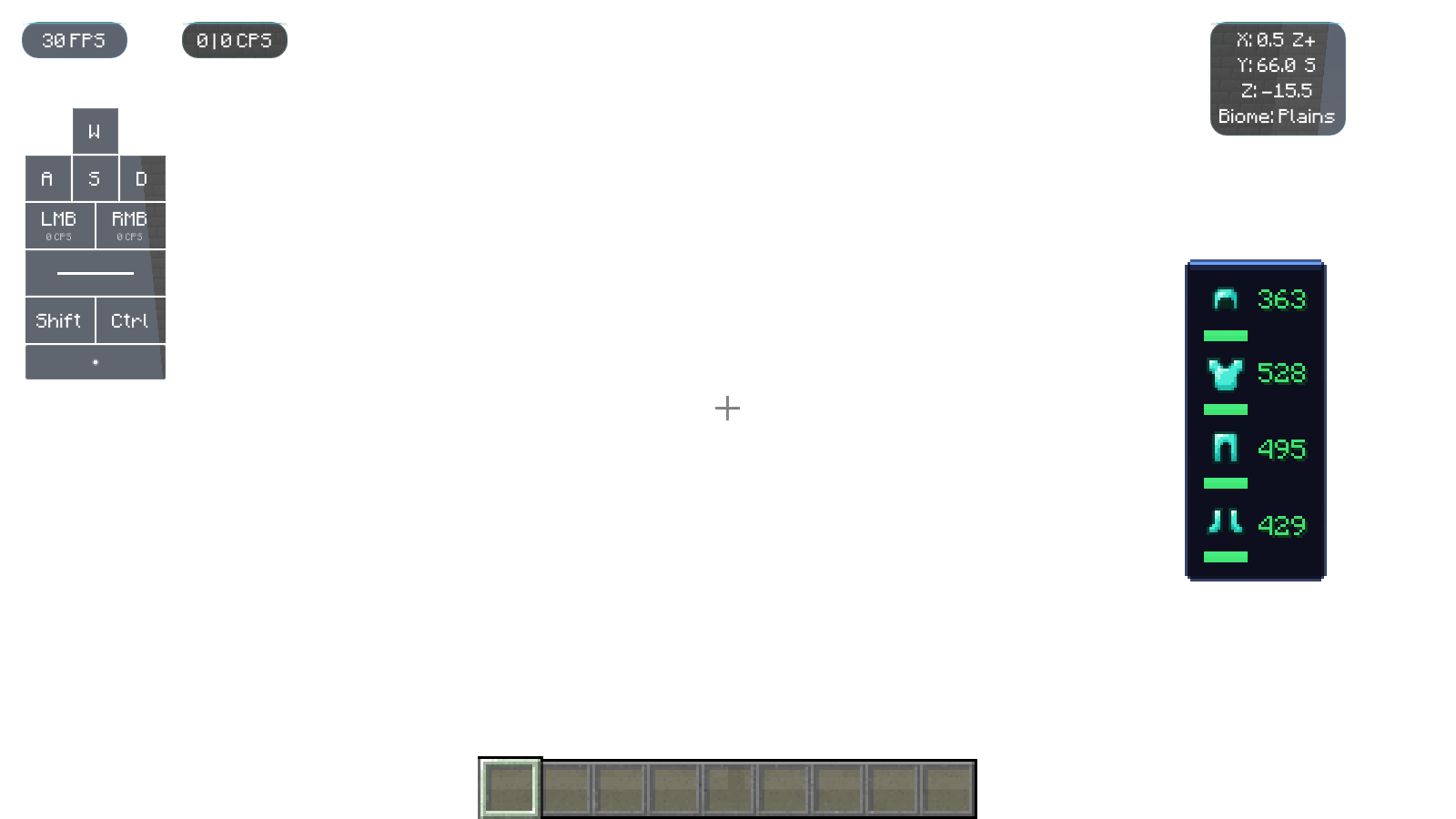
10-information-where-you-need-it.png
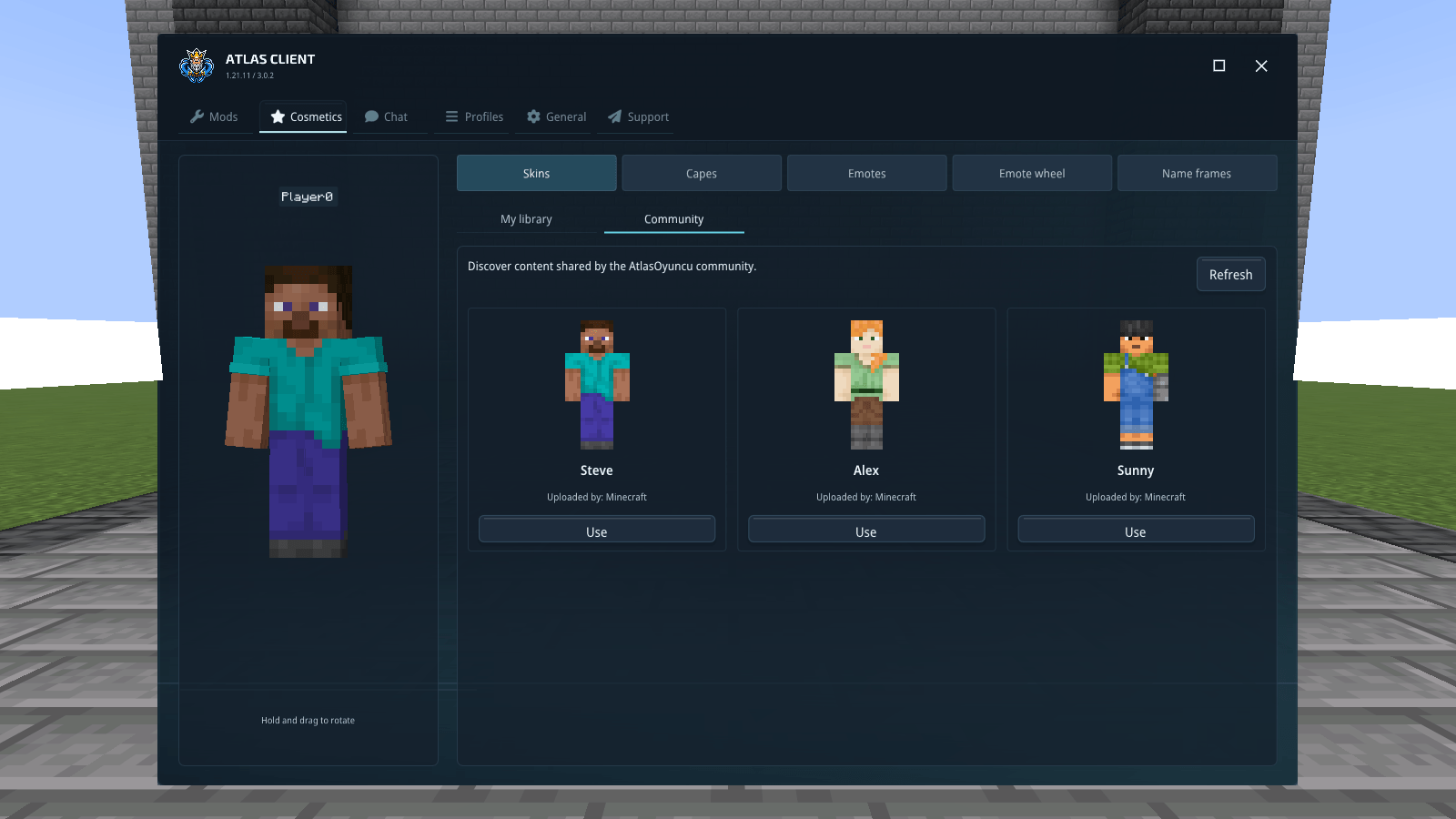
11-find-your-look.png
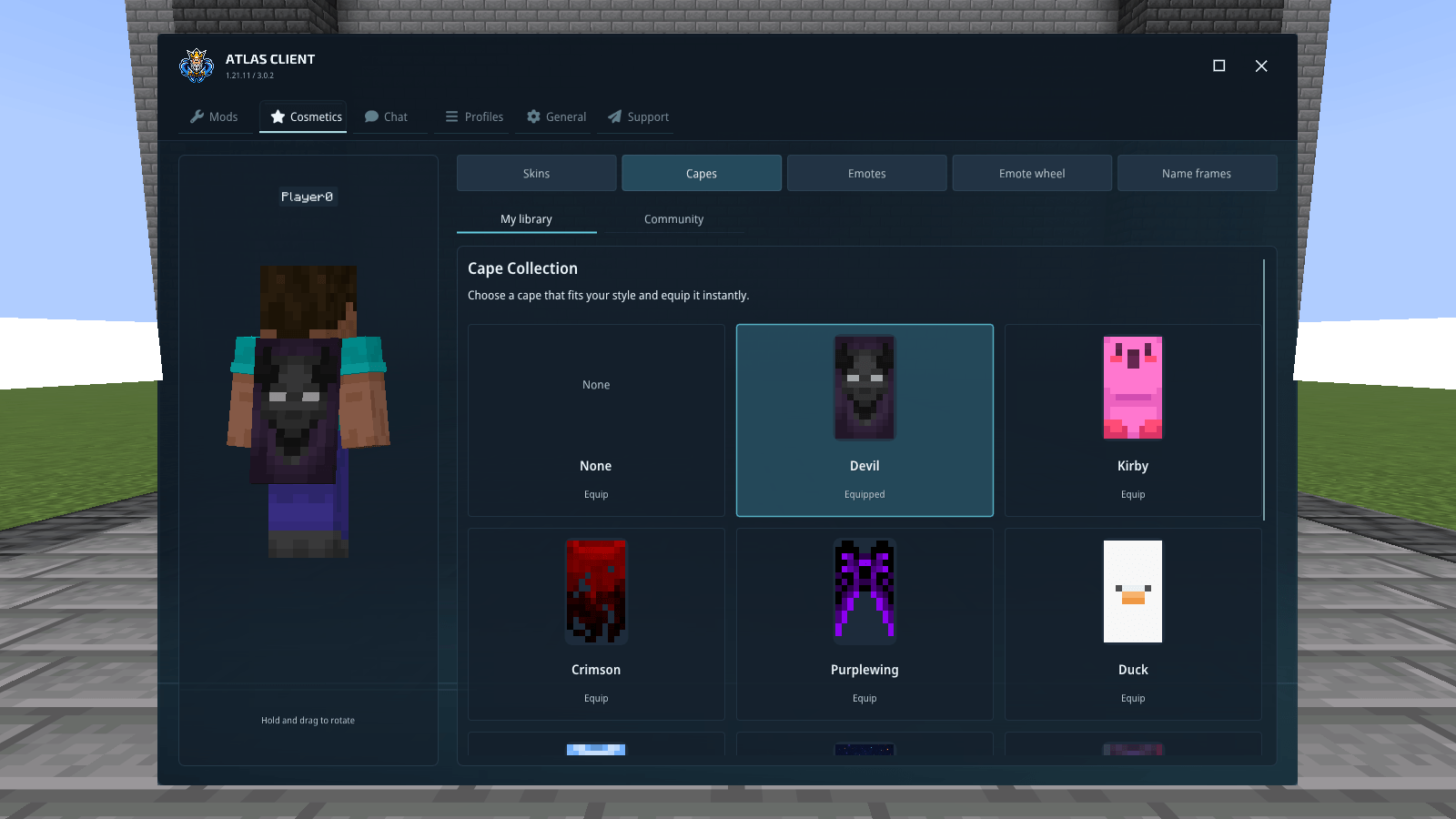
12-a-cape-to-match.png
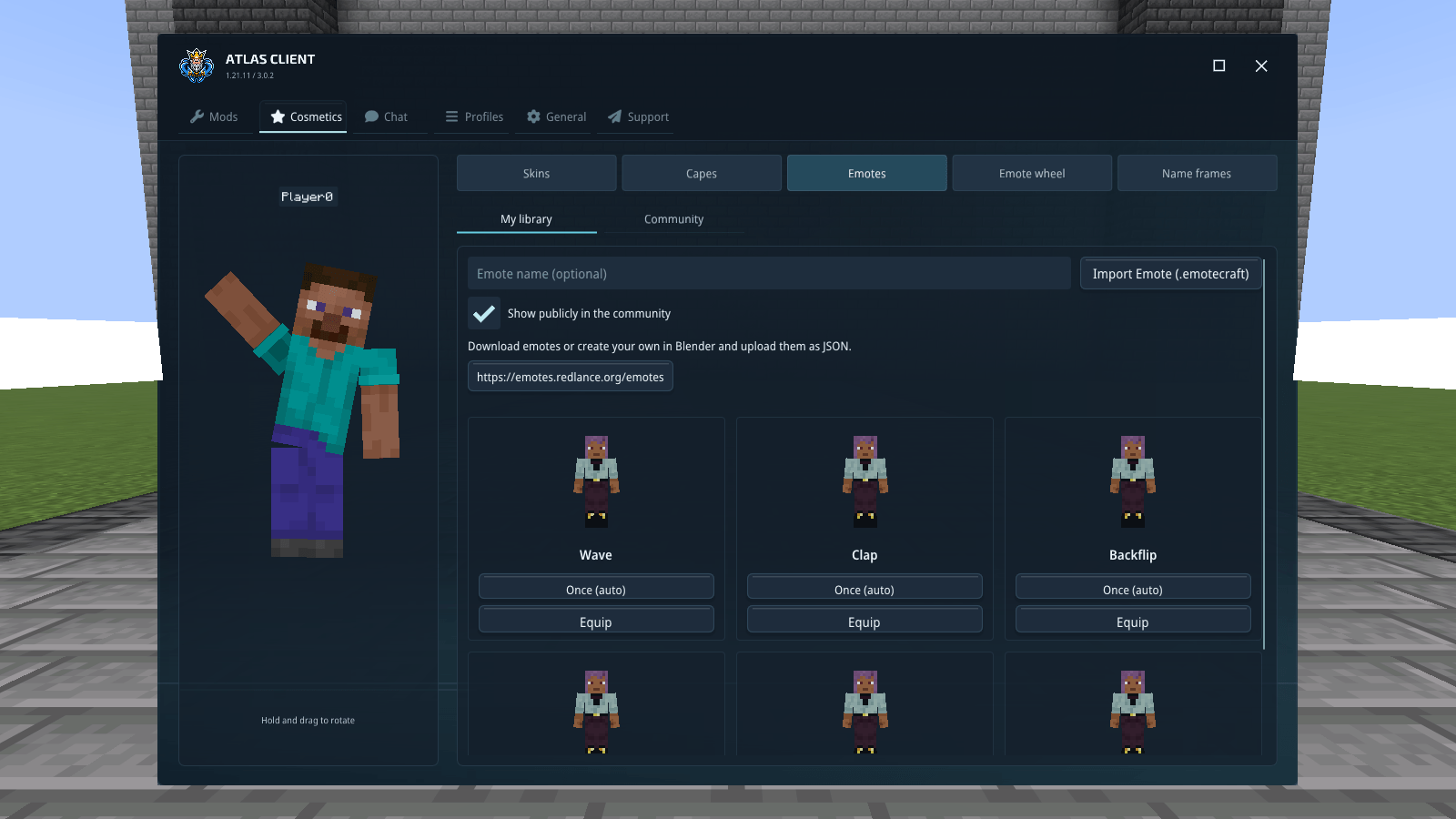
13-put-some-movement-into-it.png
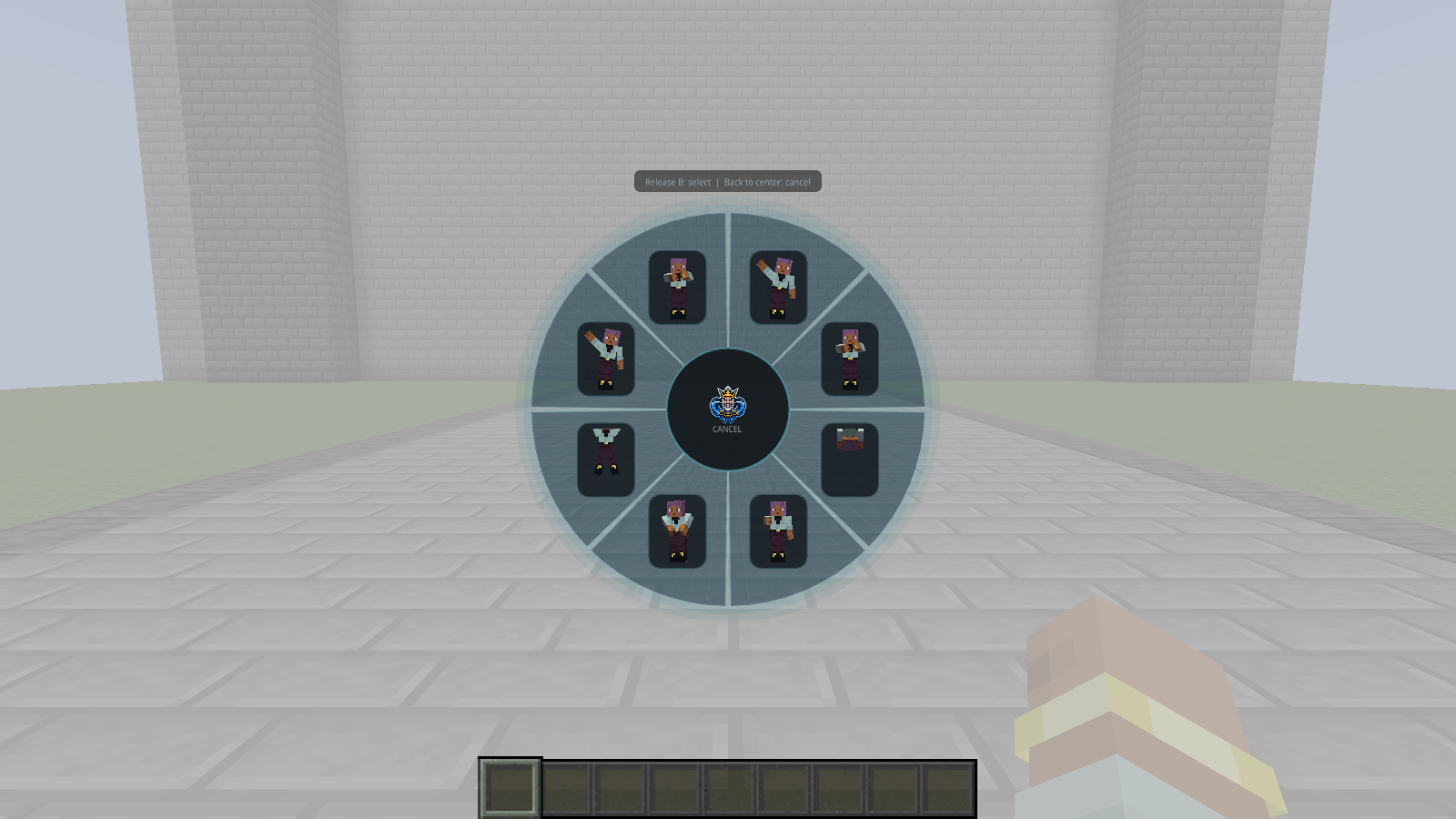
14-pick-an-emote-in-game.png
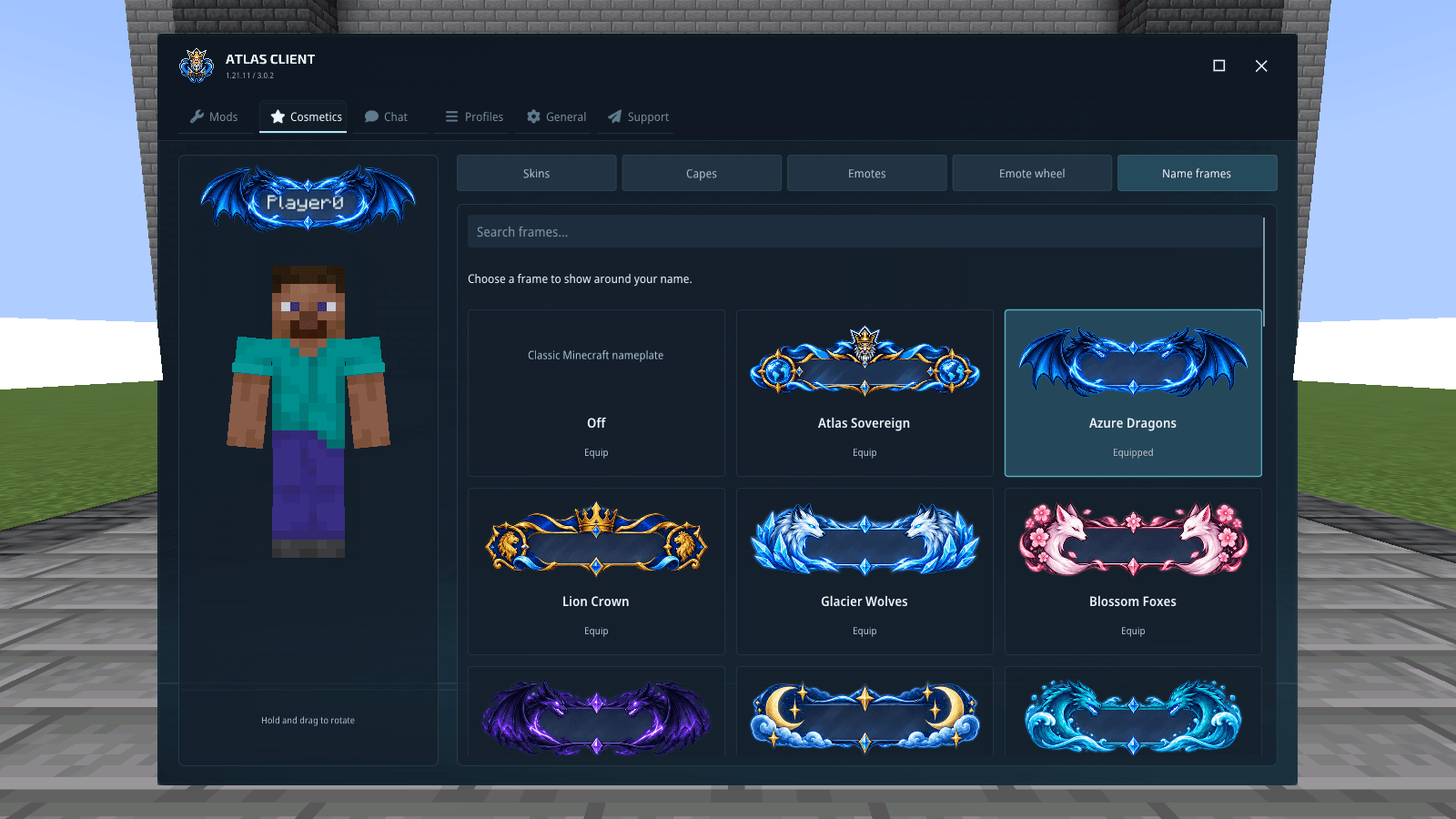
15-give-your-name-a-frame.png
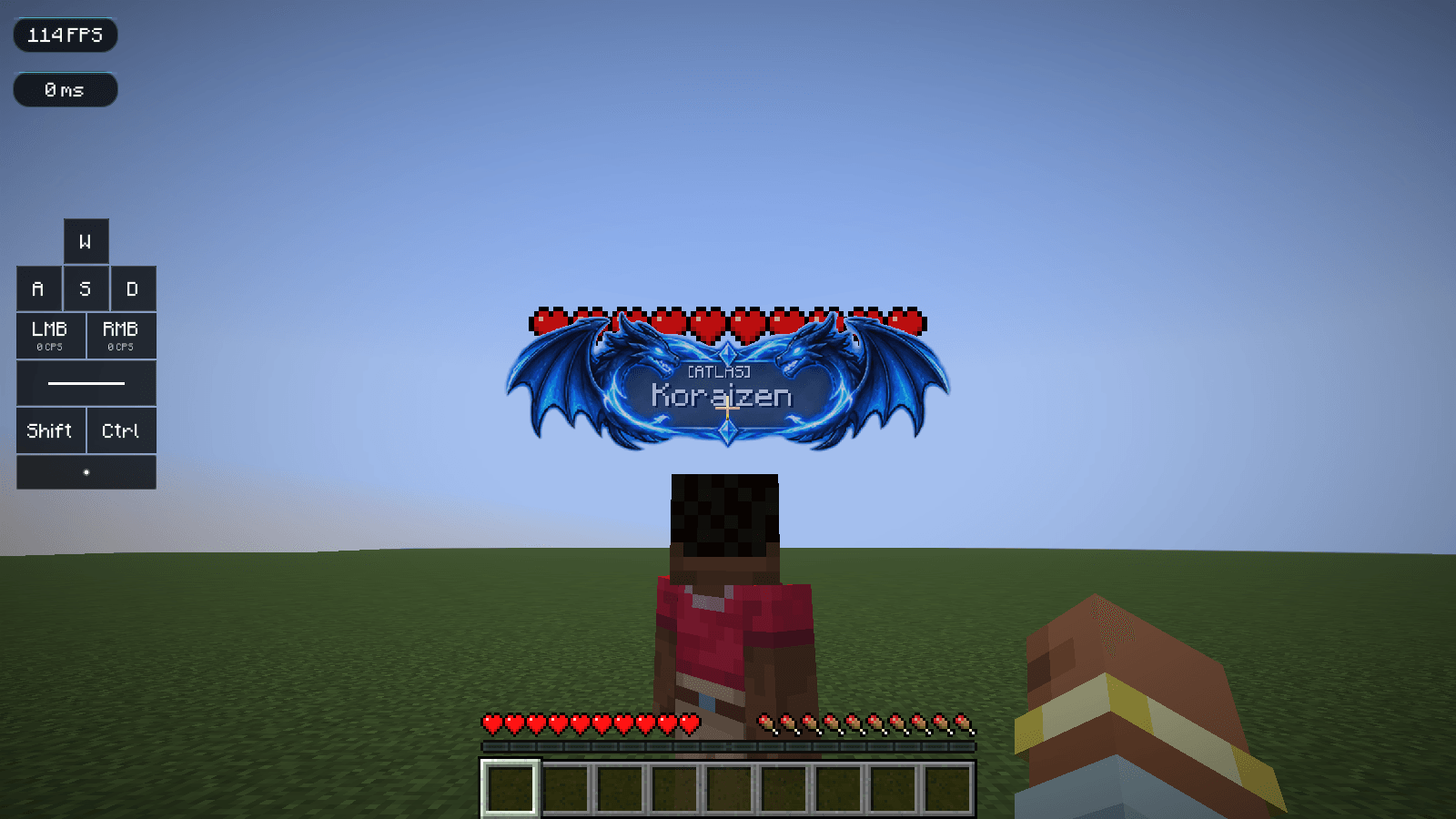
16-your-name-part-of-the-design.png
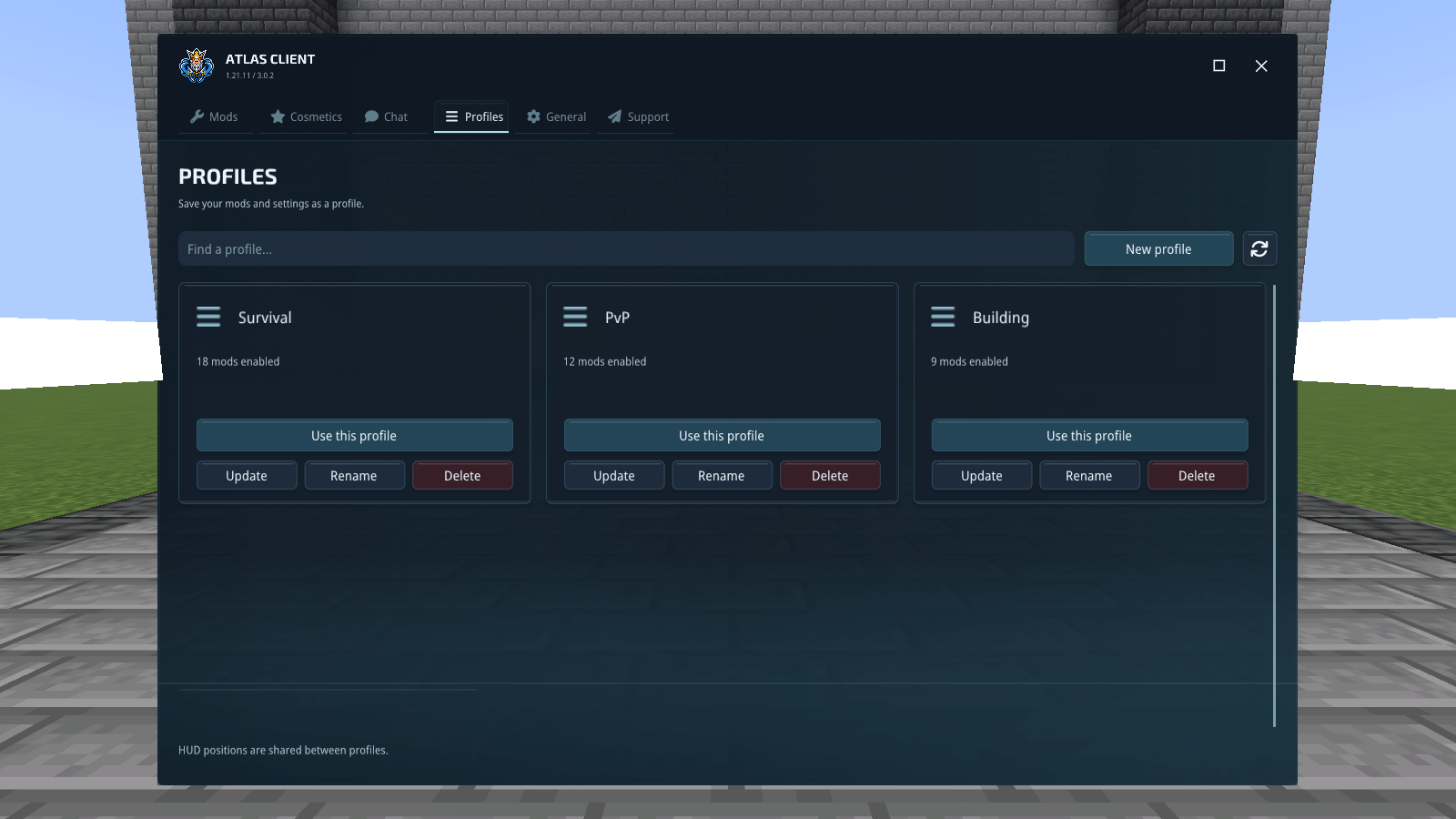
17-a-setup-for-each-way-you-play.png
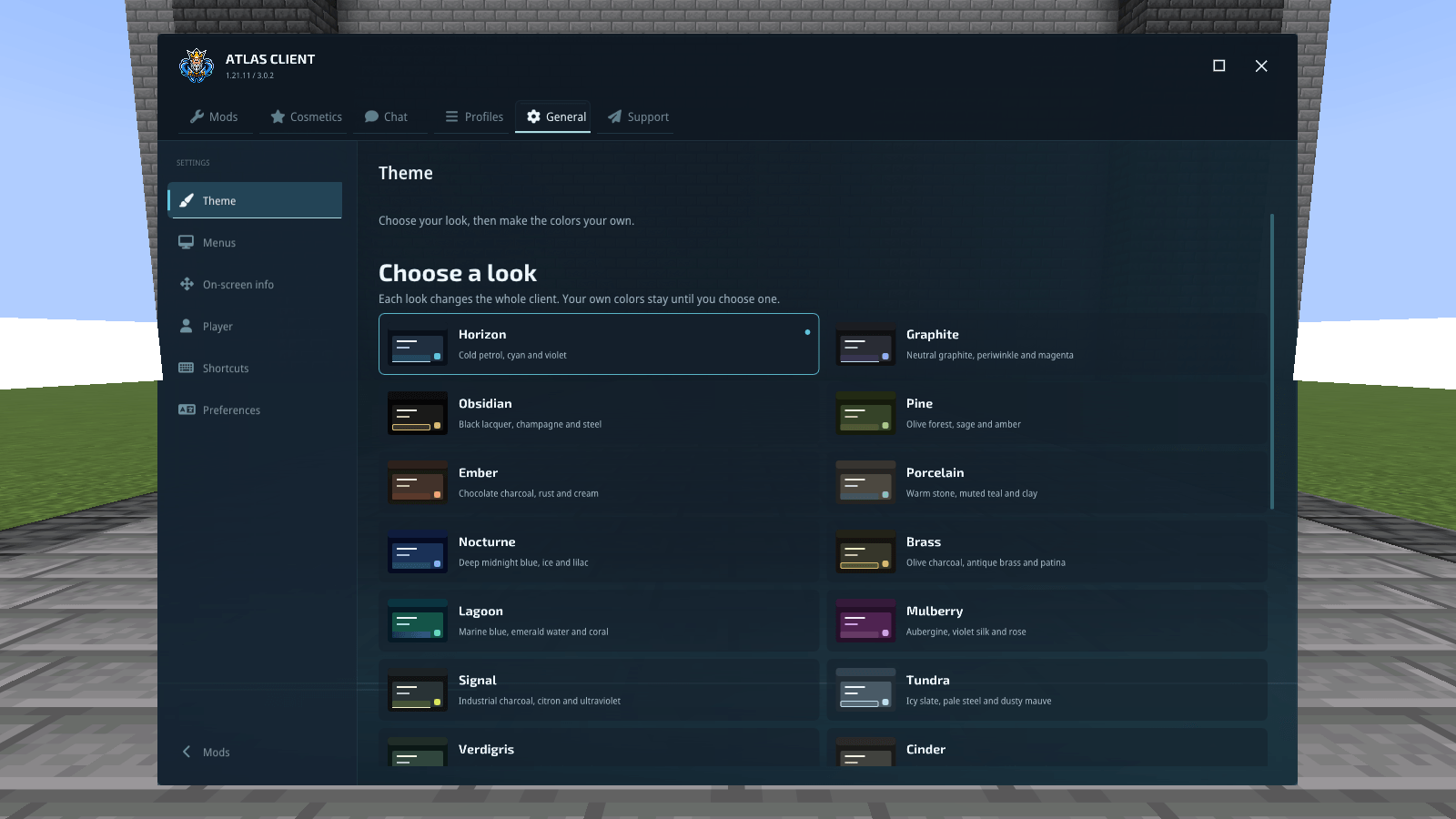
18-choose-the-atmosphere.png
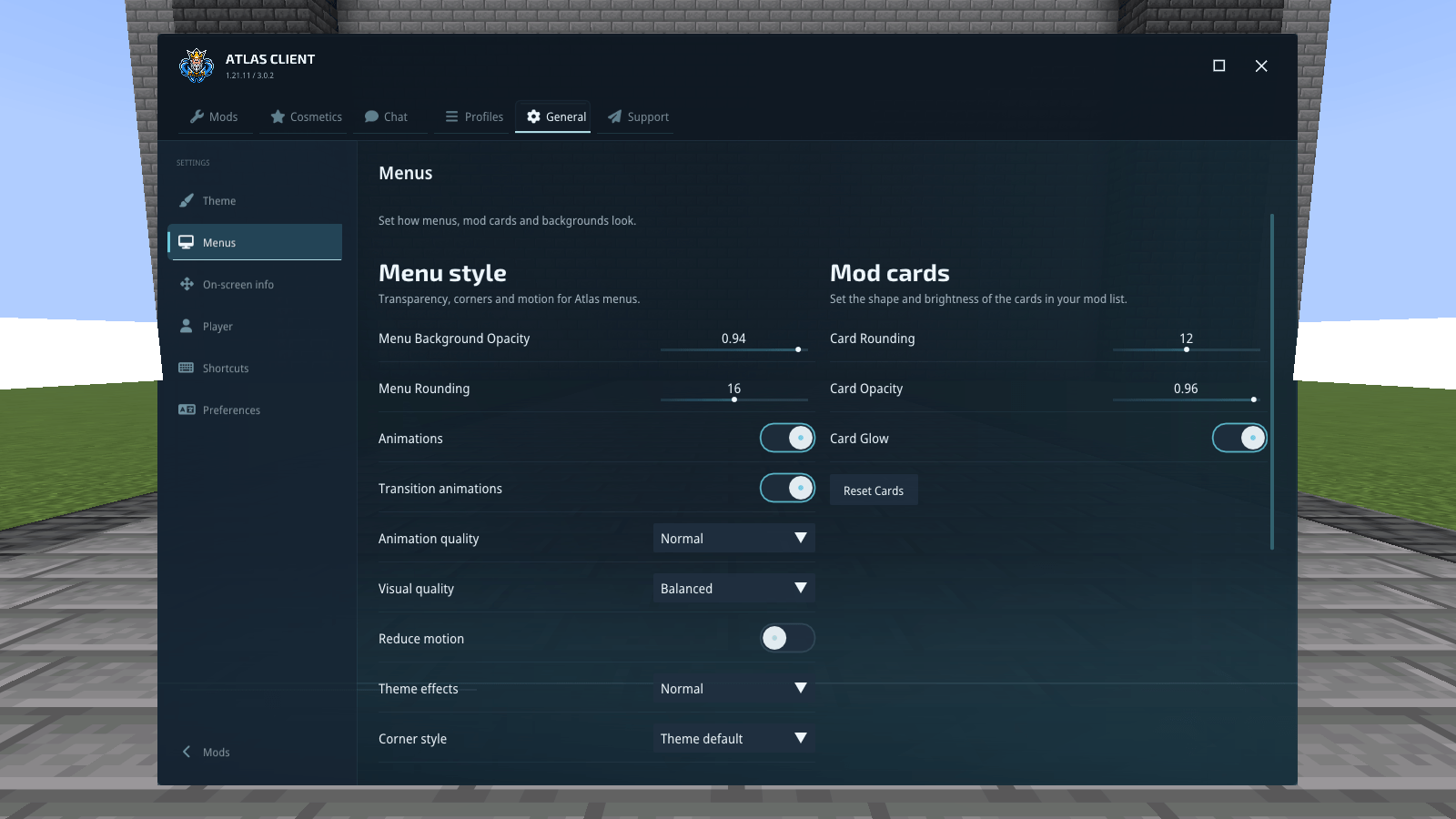
19-make-the-menus-comfortable.png
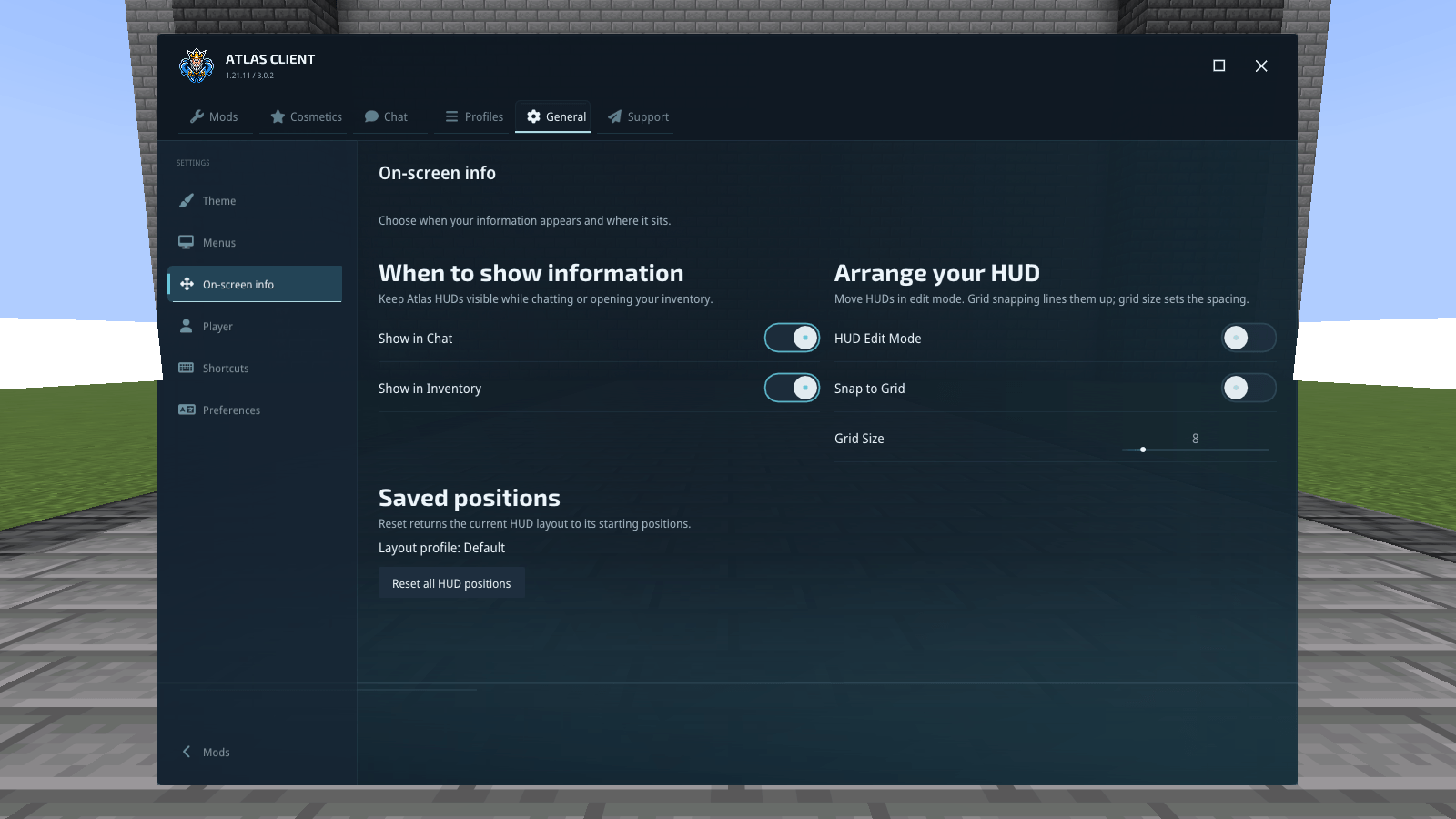
20-choose-what-stays-on-screen.png
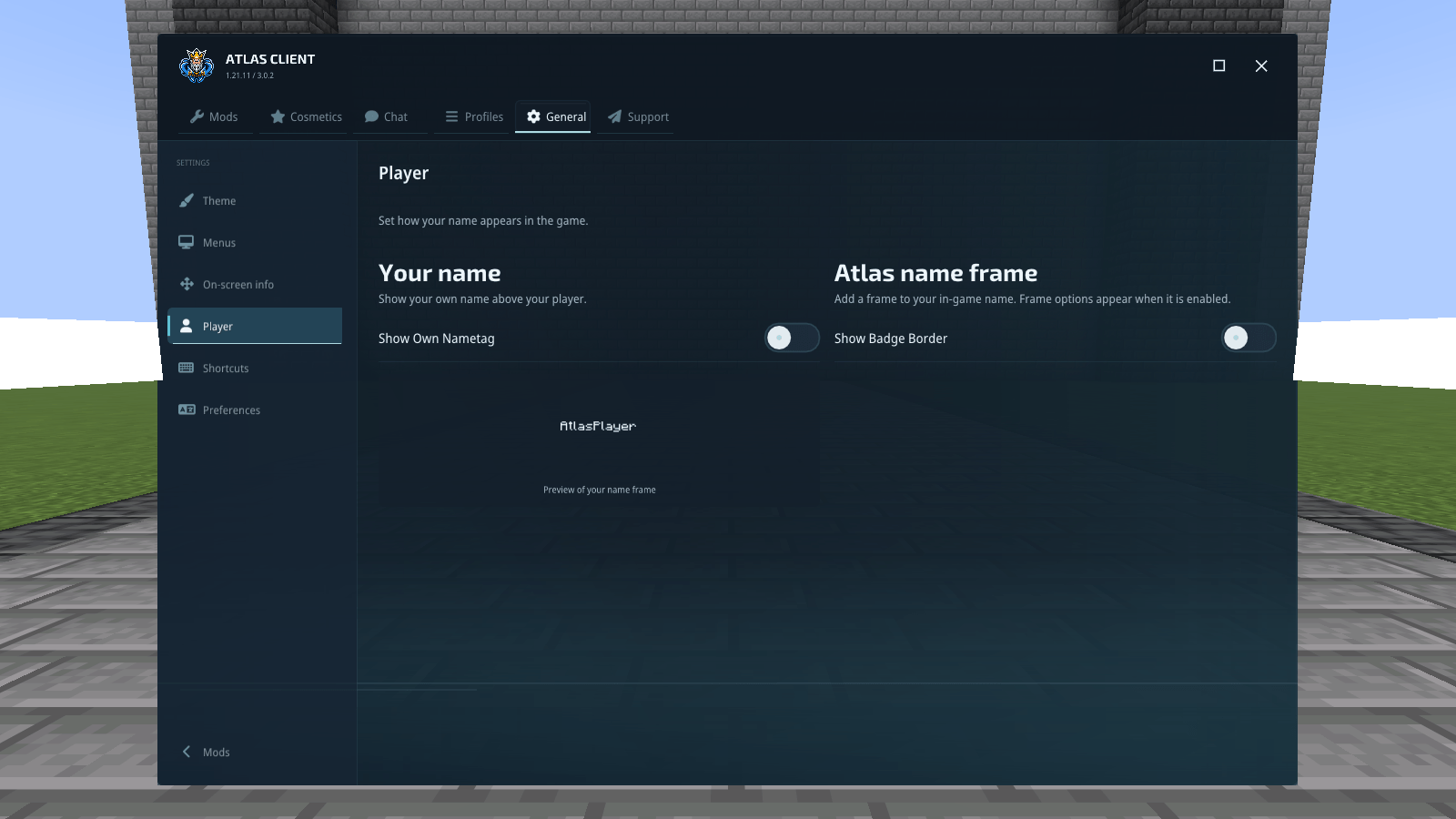
21-player-preferences.png
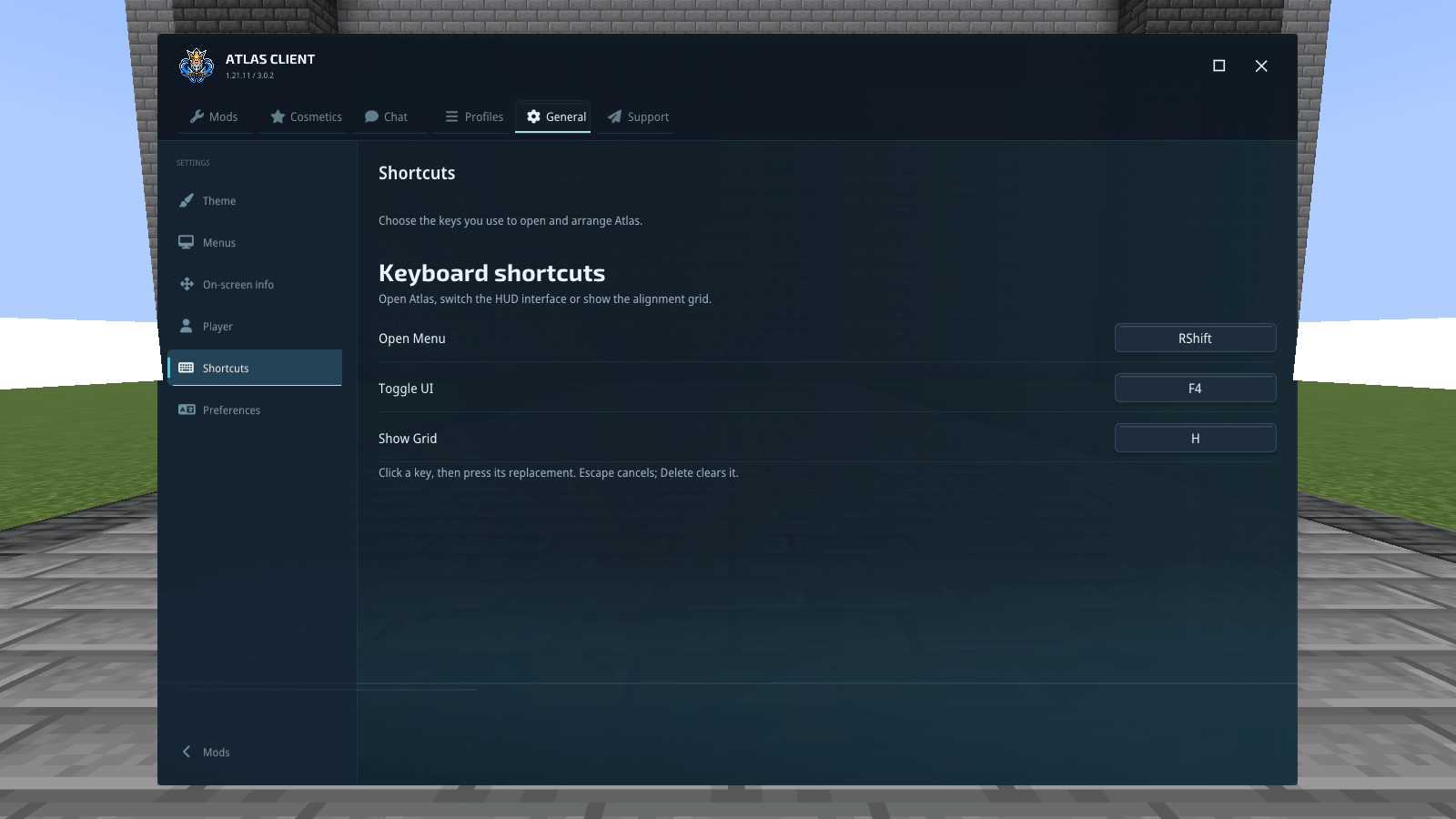
22-keep-shortcuts-within-reach.png
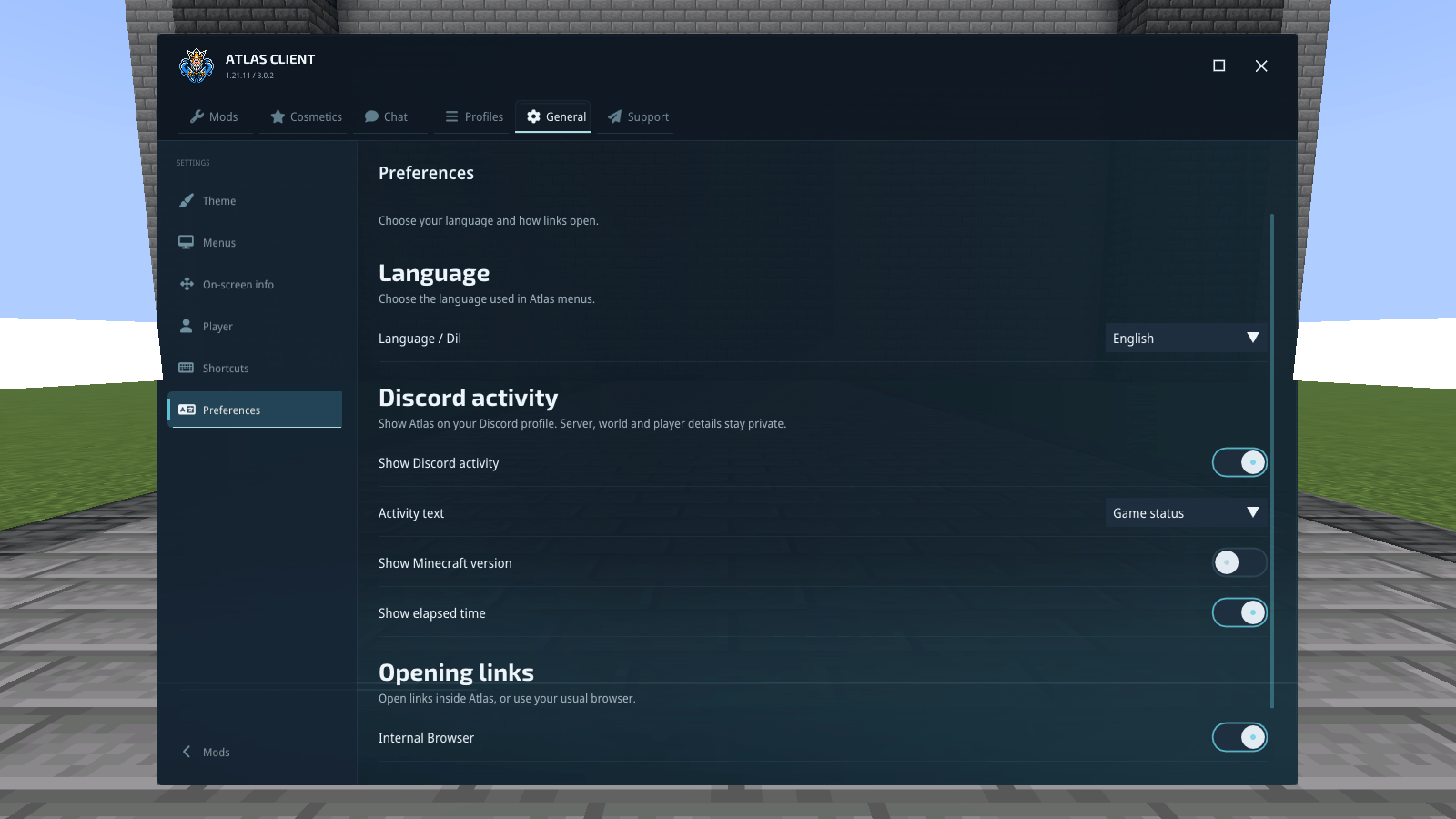
23-the-details-that-suit-you.png
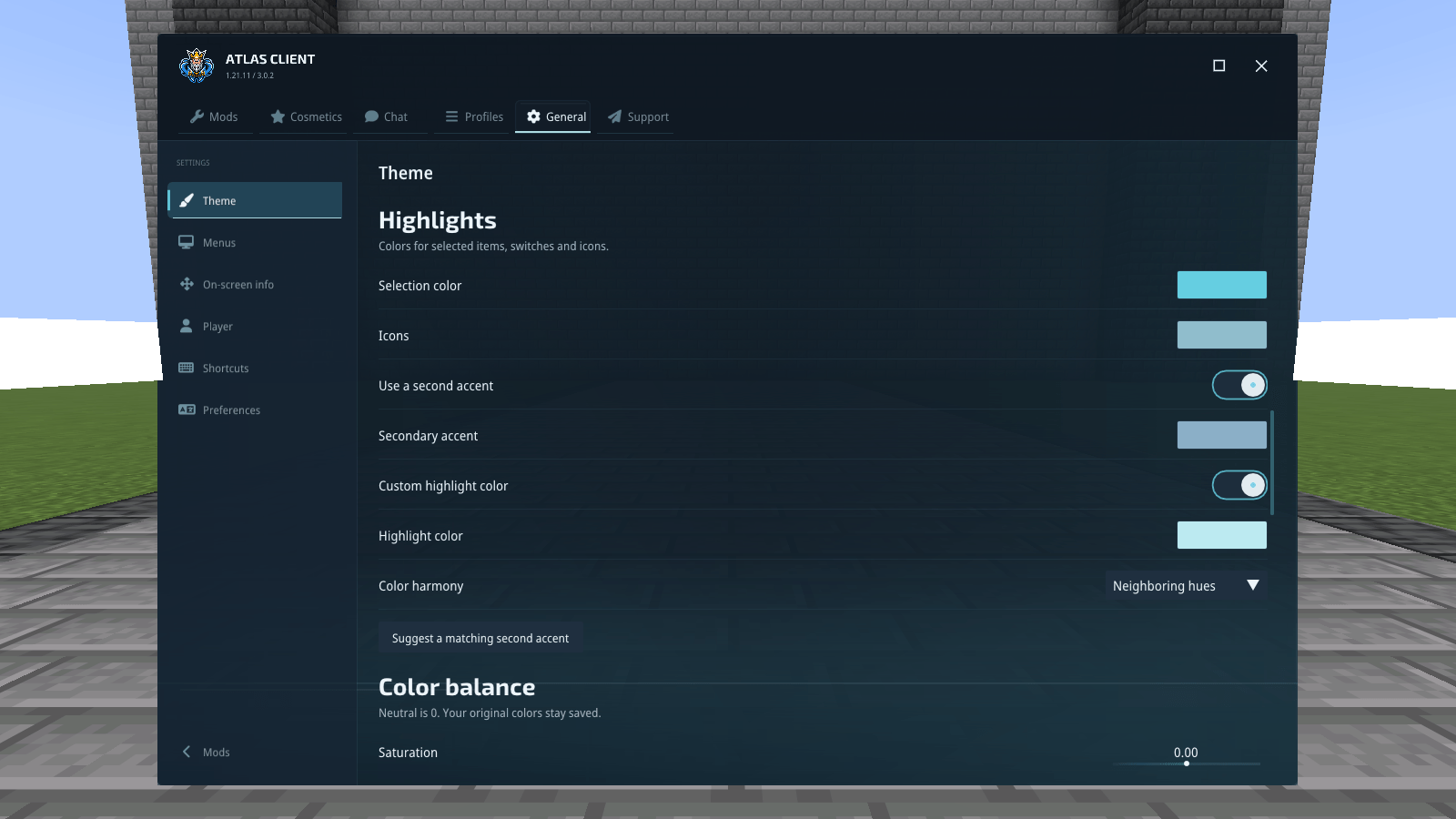
24-build-your-own-palette.png
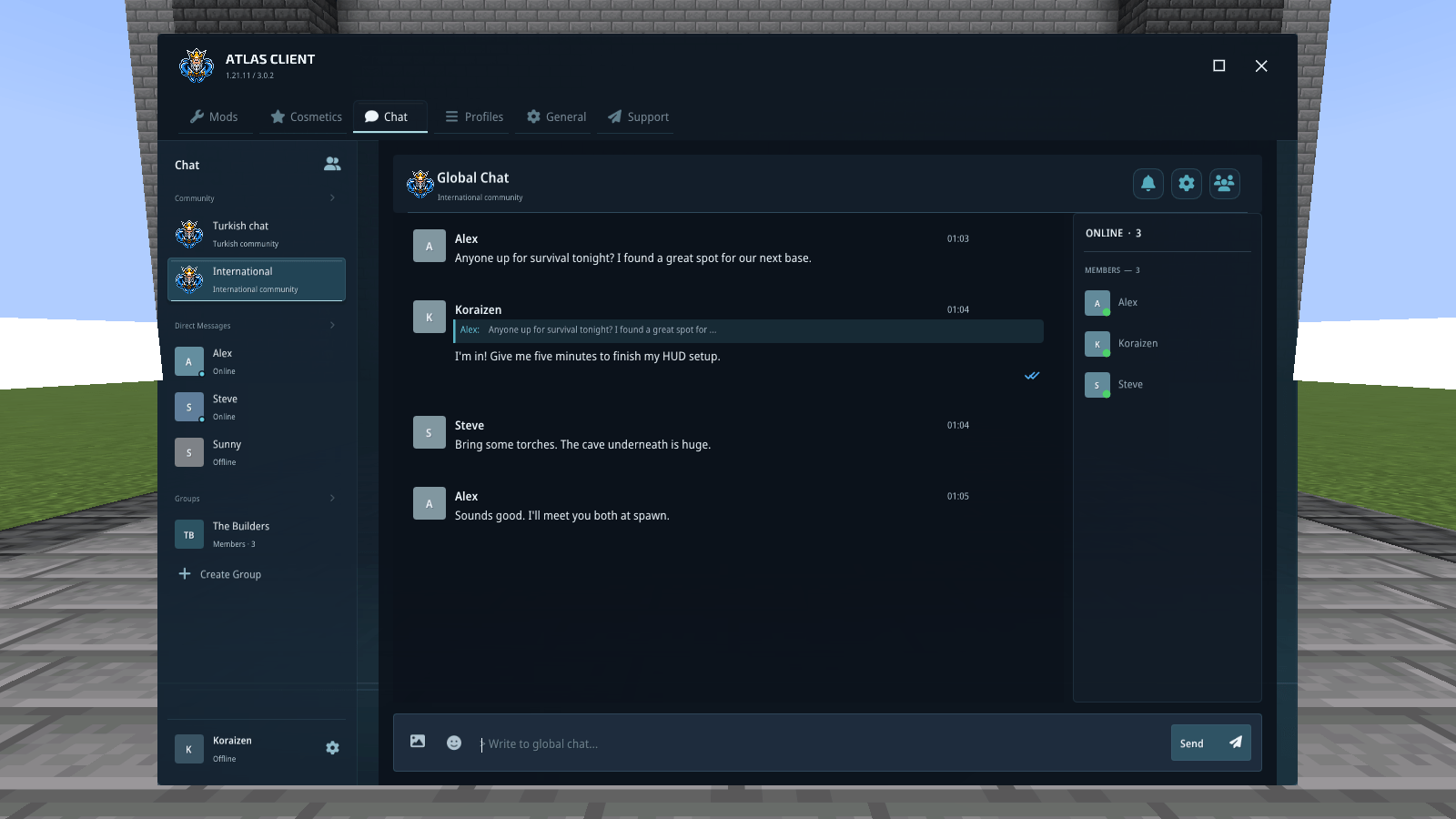
25-conversations-in-your-game.png
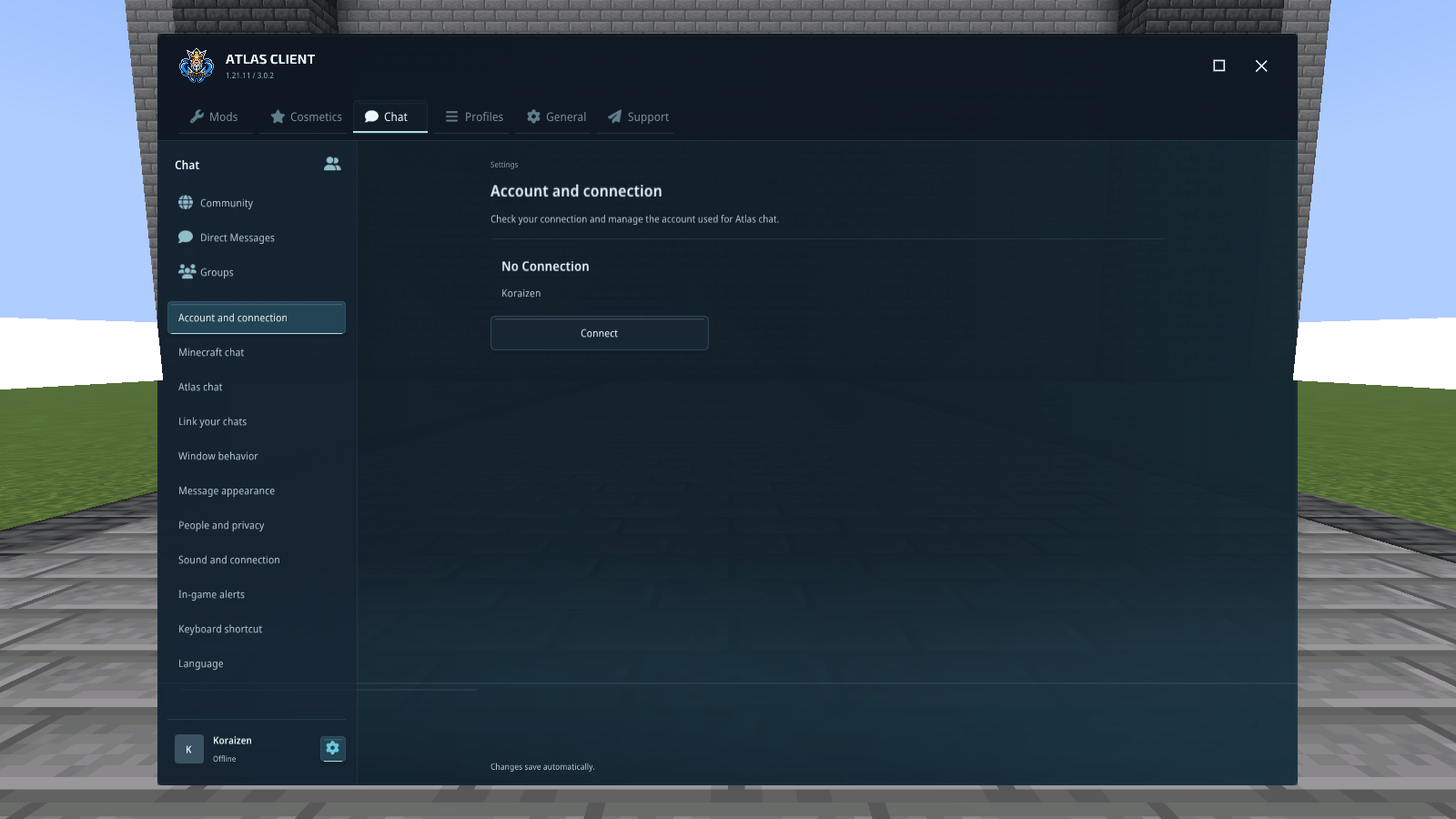
26-chat-settings-in-one-place.png
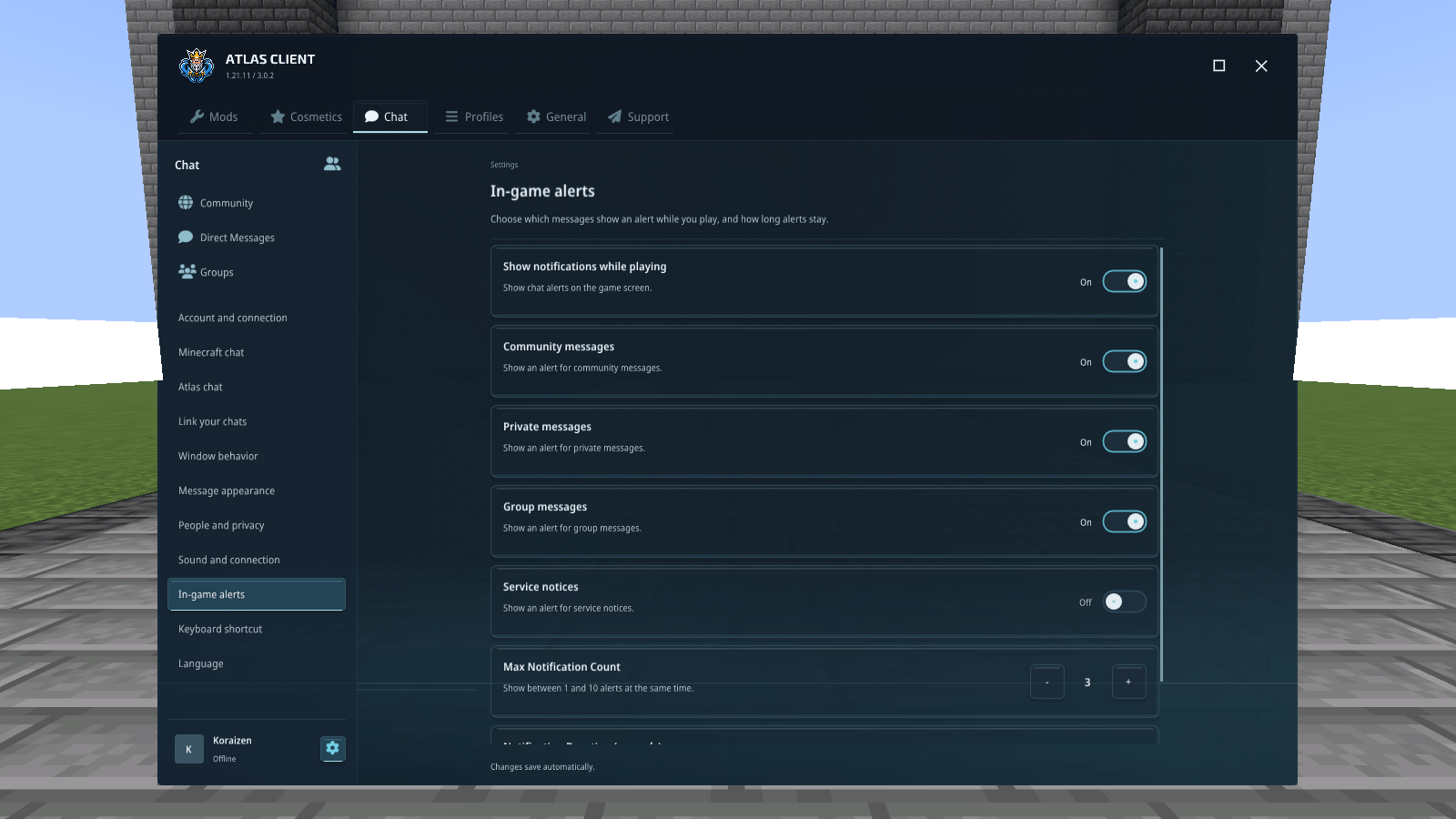
27-choose-your-conversation-updates.png
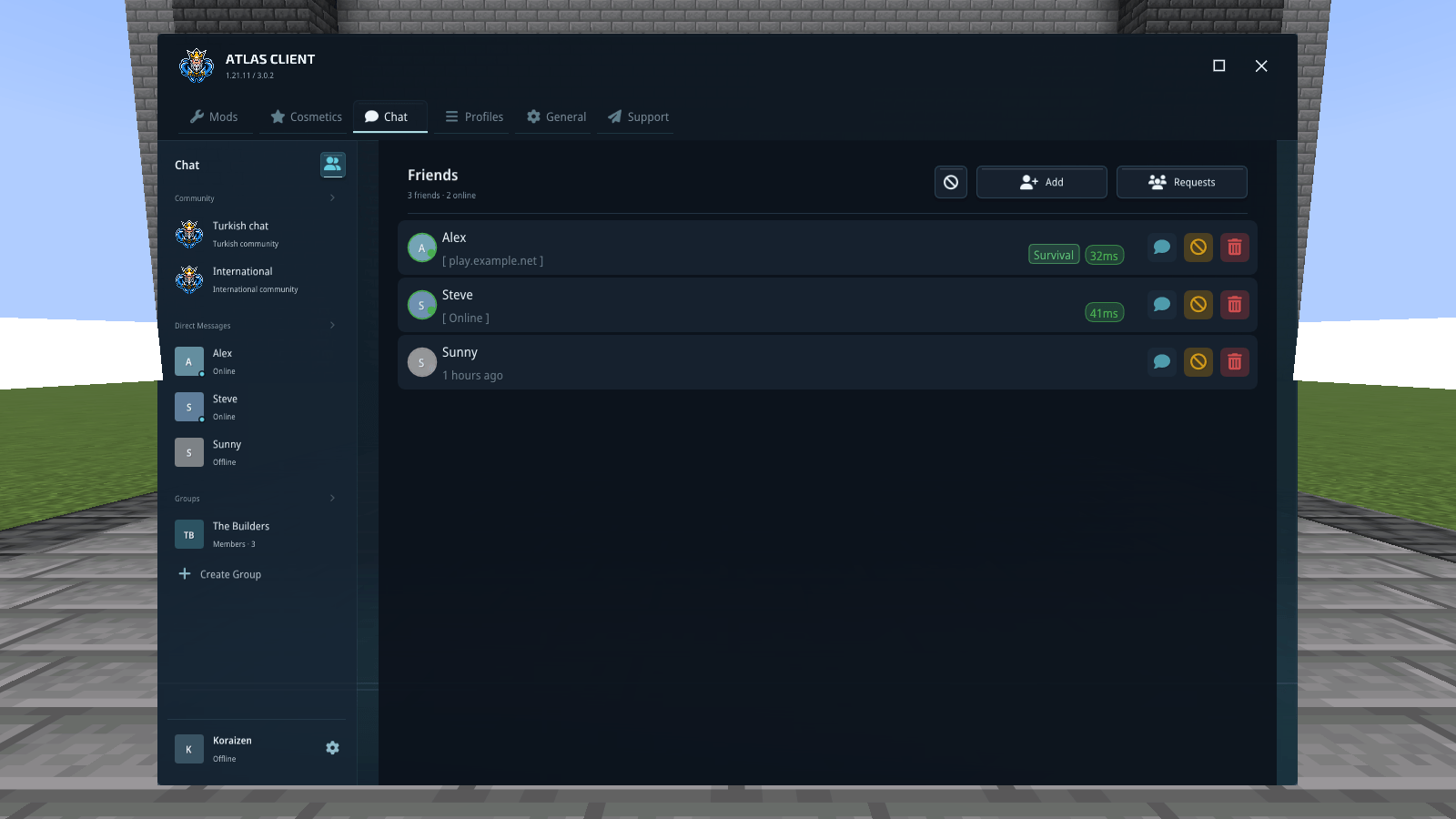
28-keep-your-friends-within-reach.png
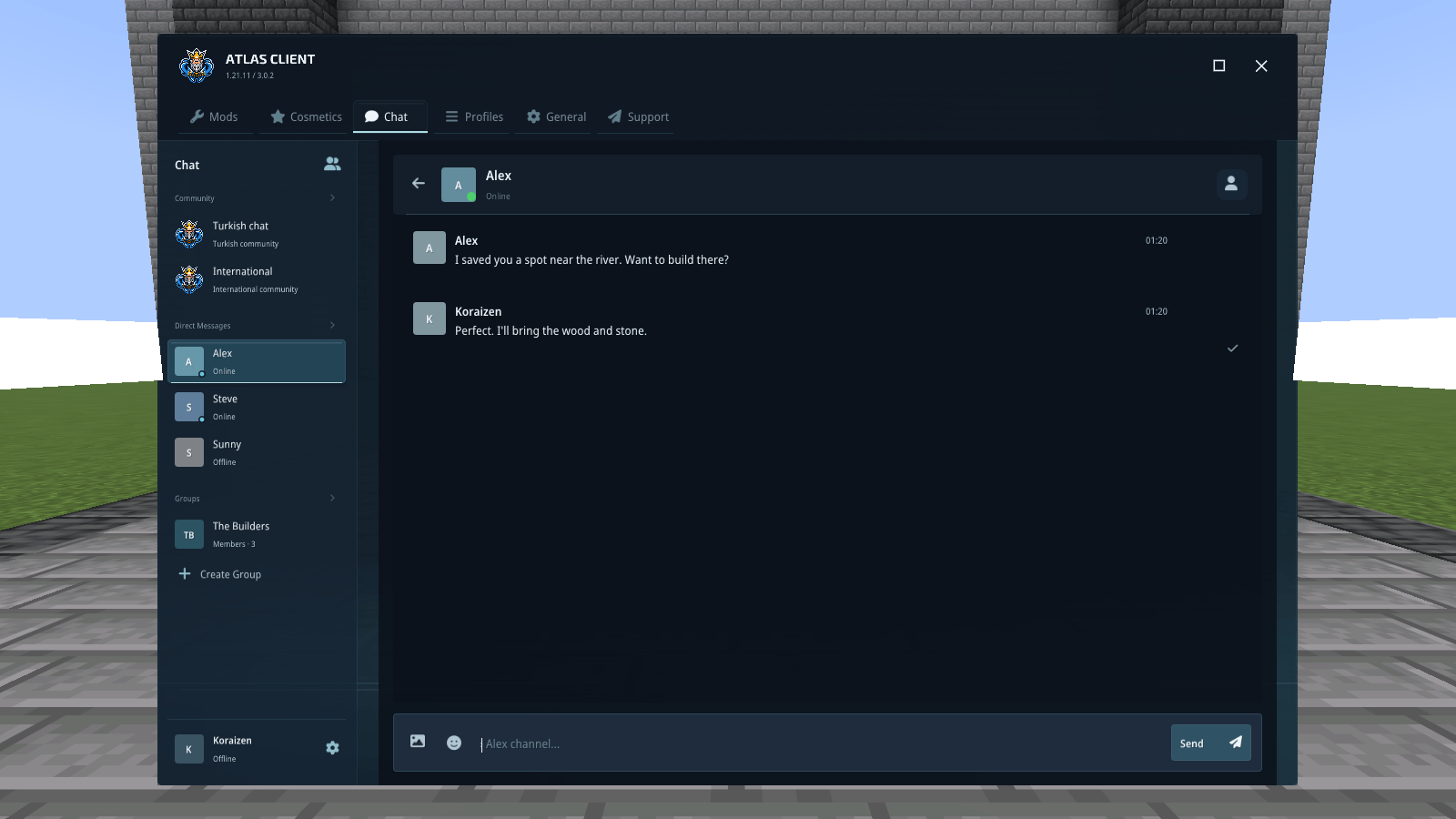
29-a-conversation-between-friends.png
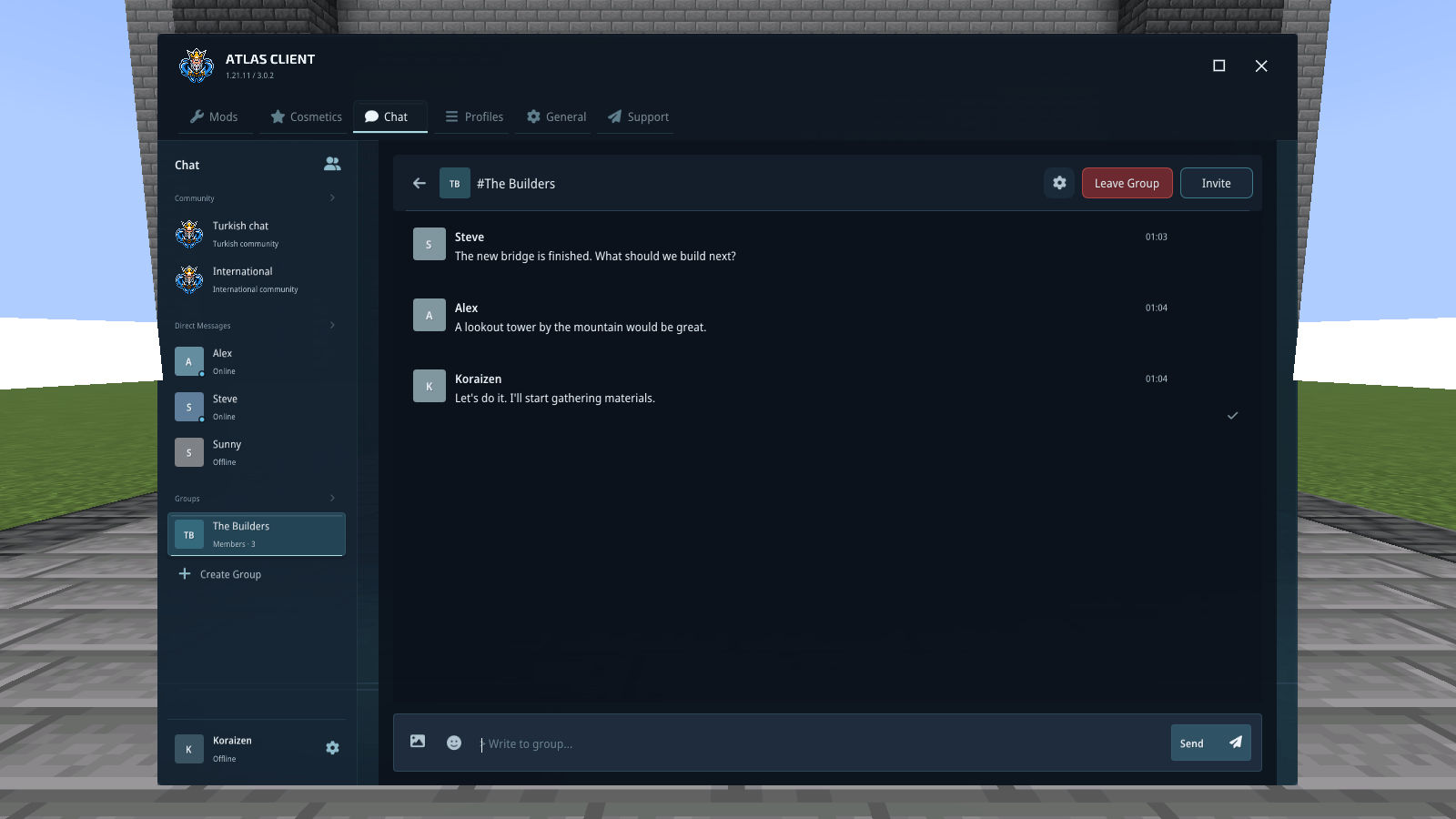
30-a-space-for-your-group.png
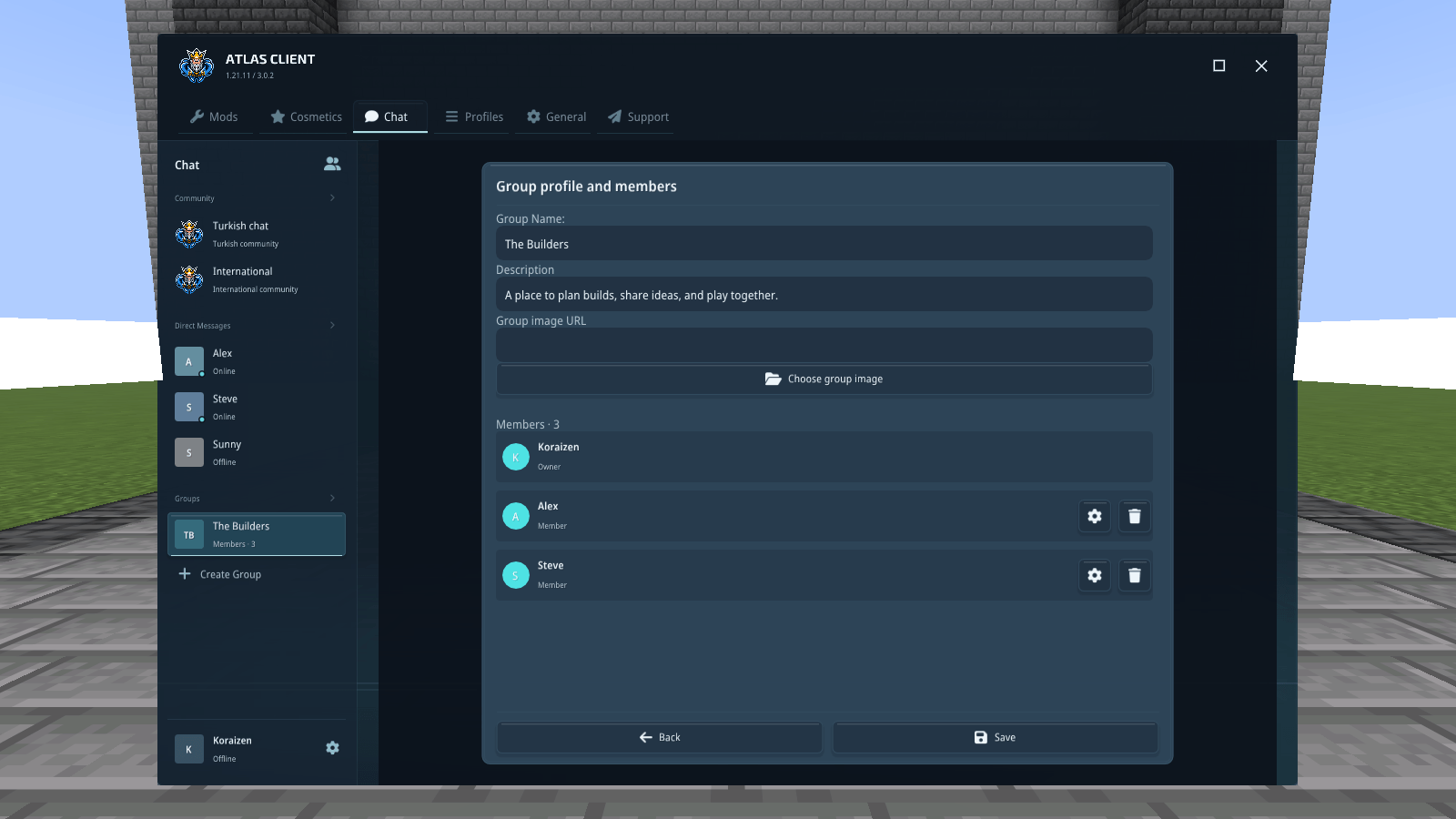
31-keep-the-group-organized.png
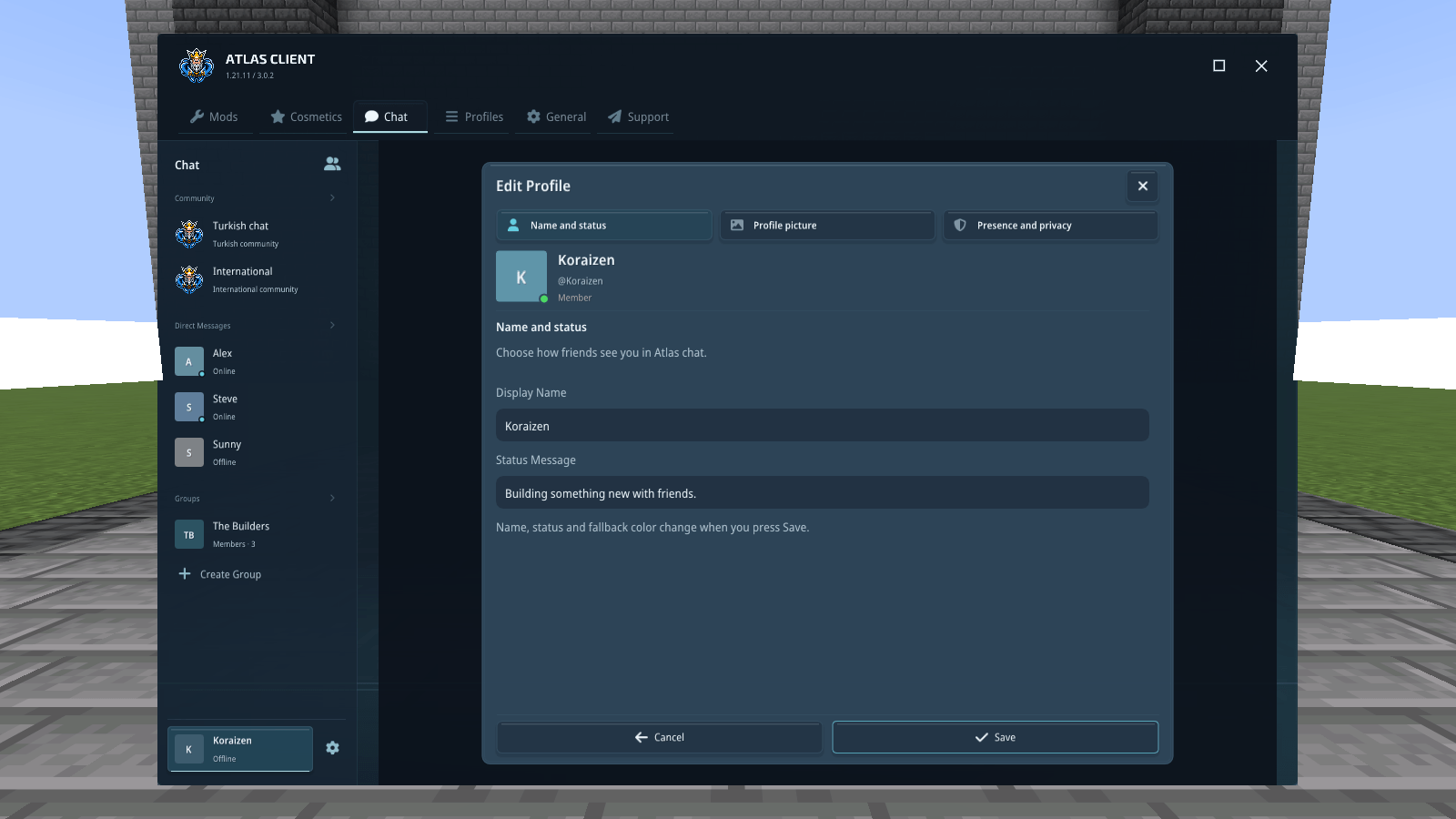
32-introduce-yourself.png
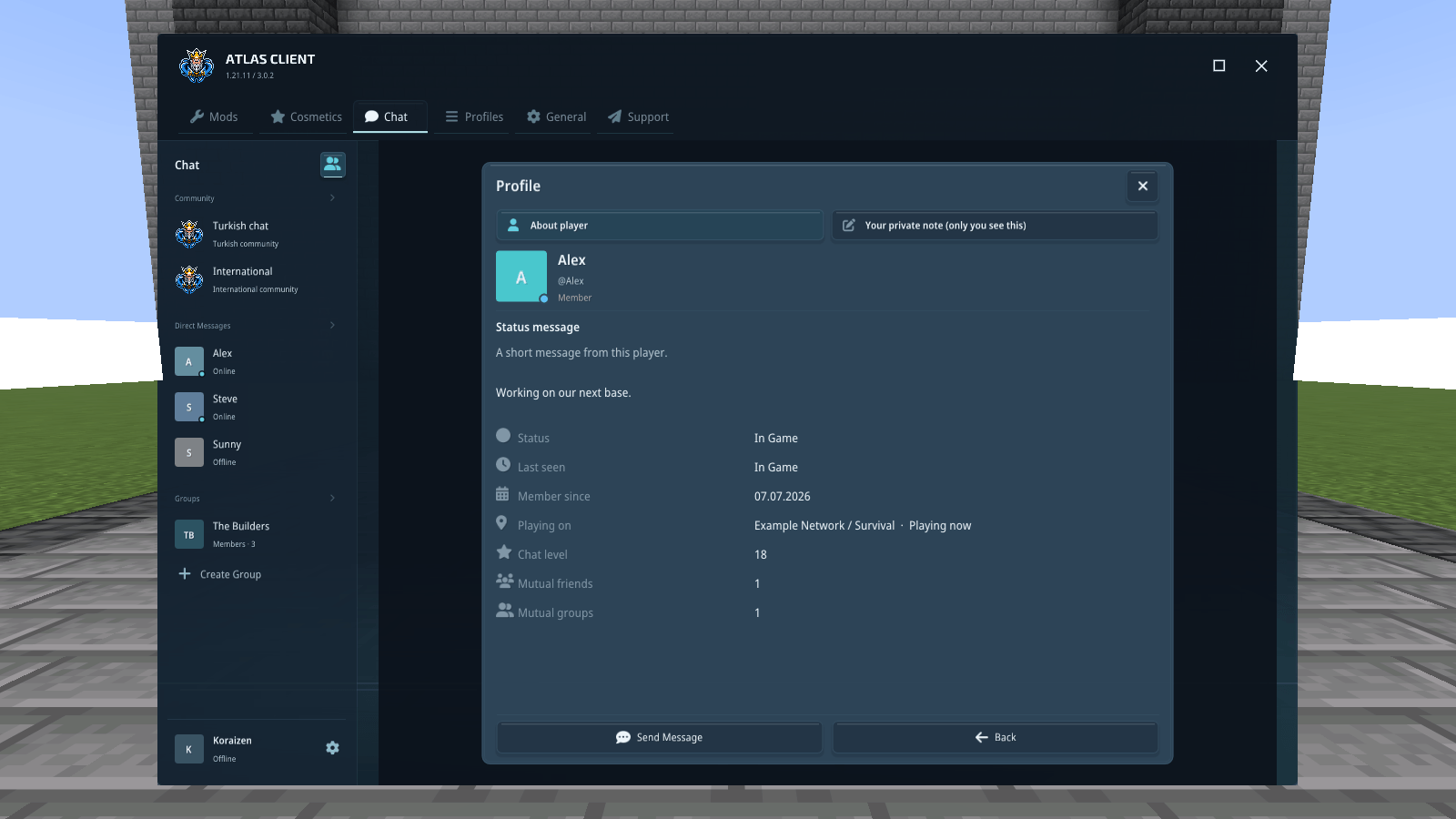
33-get-to-know-a-player.png
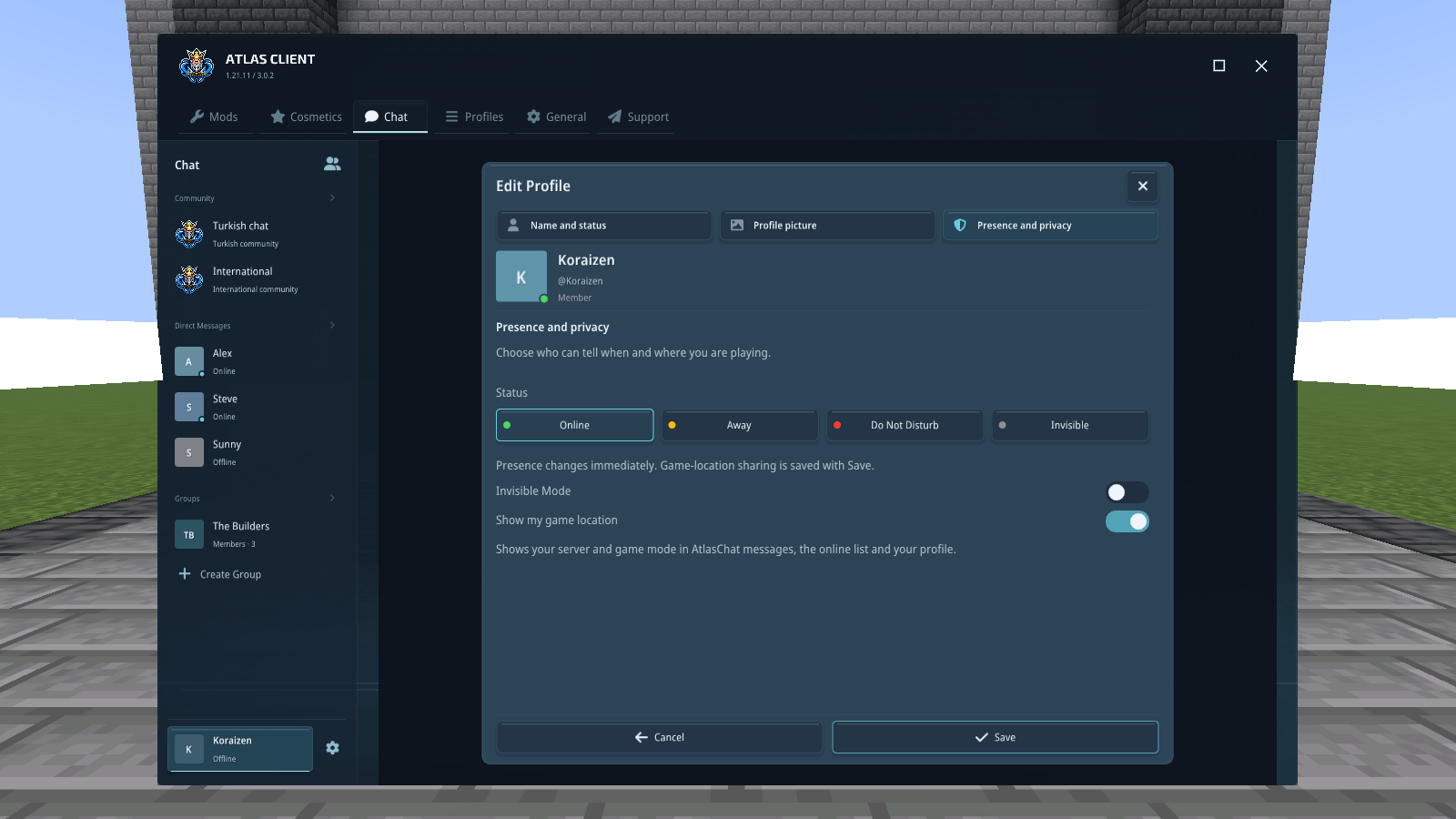
34-choose-what-you-share.png
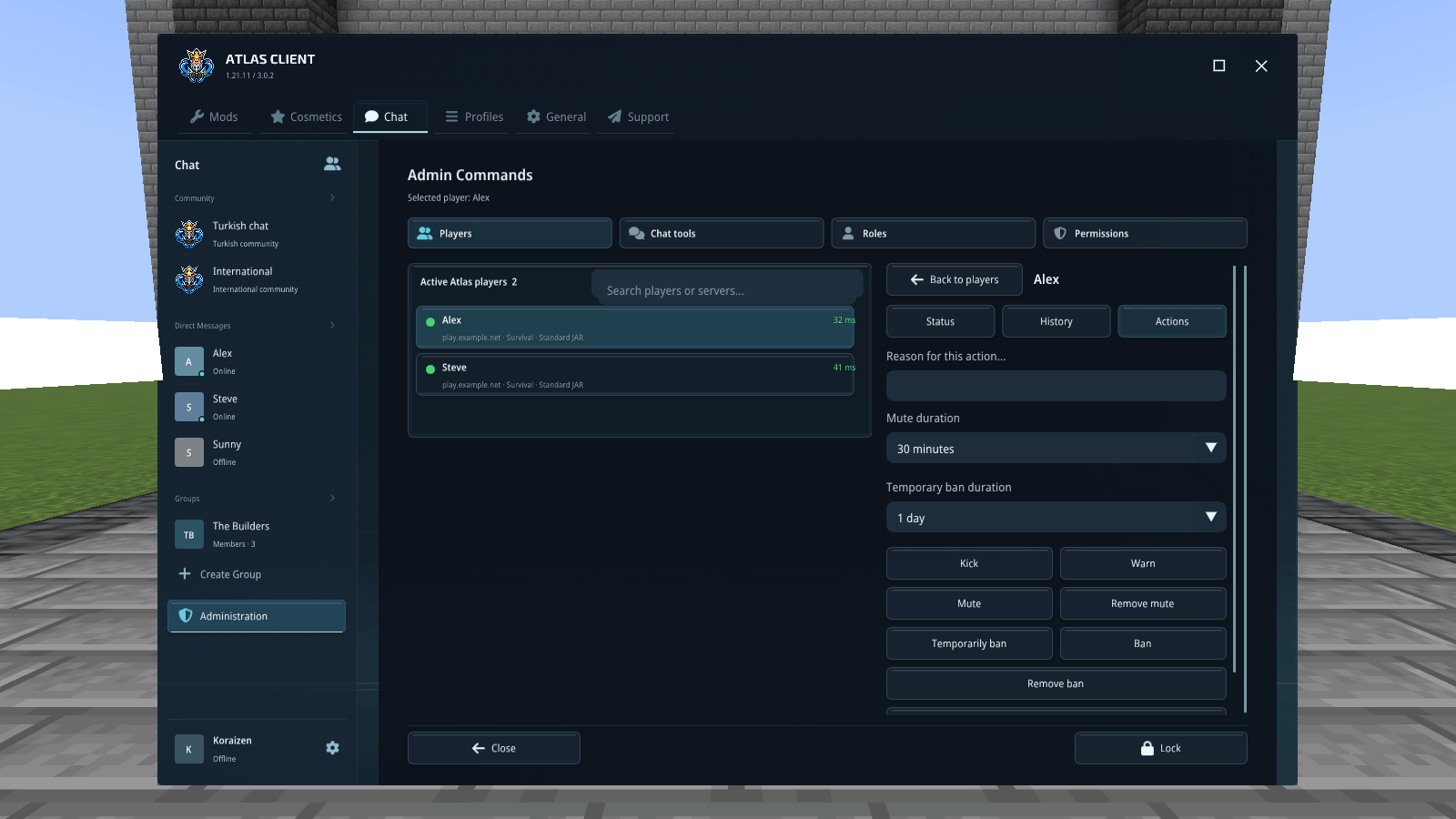
35-moderation-controls-in-one-place.png
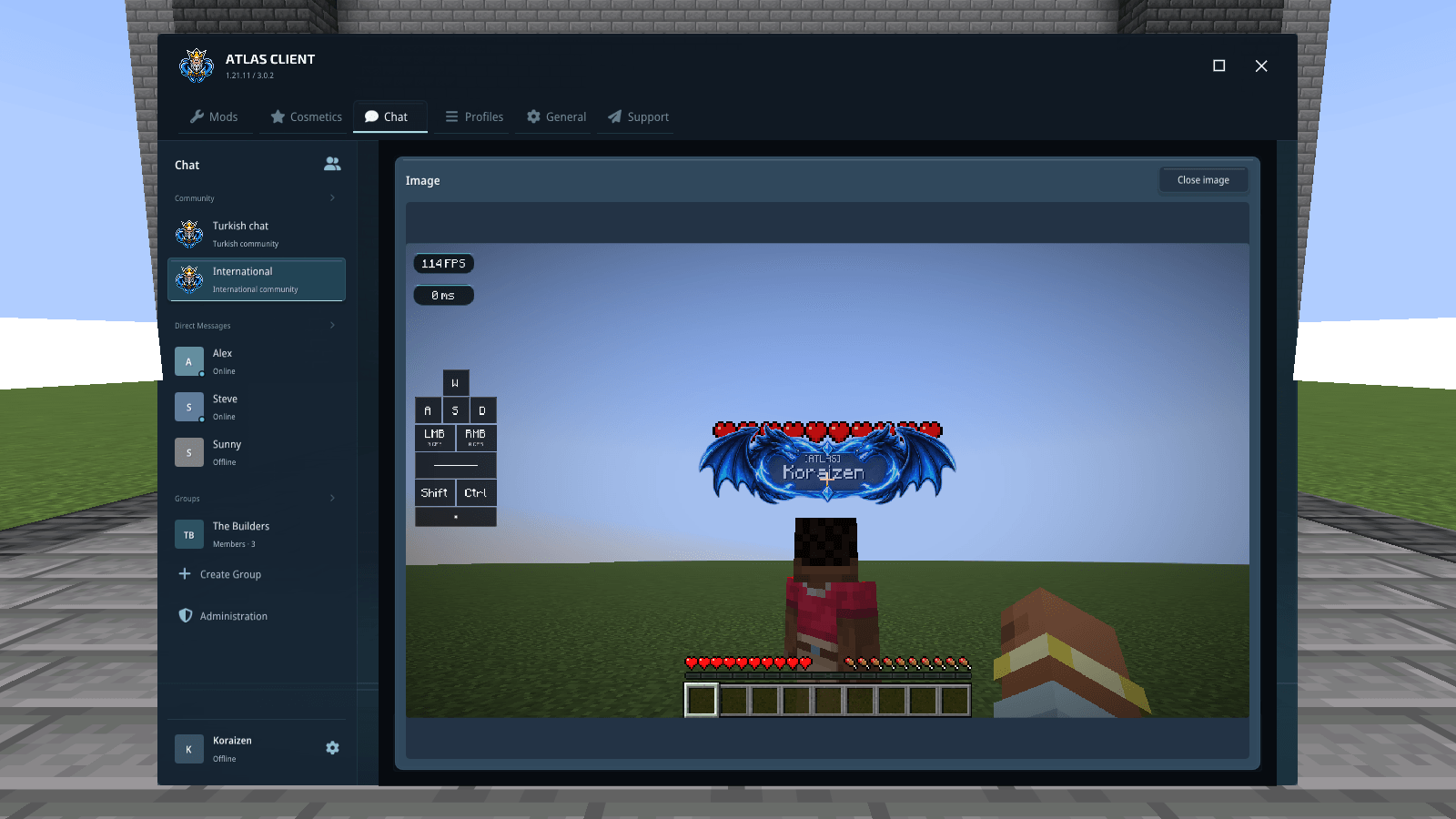
36-take-a-closer-look.png
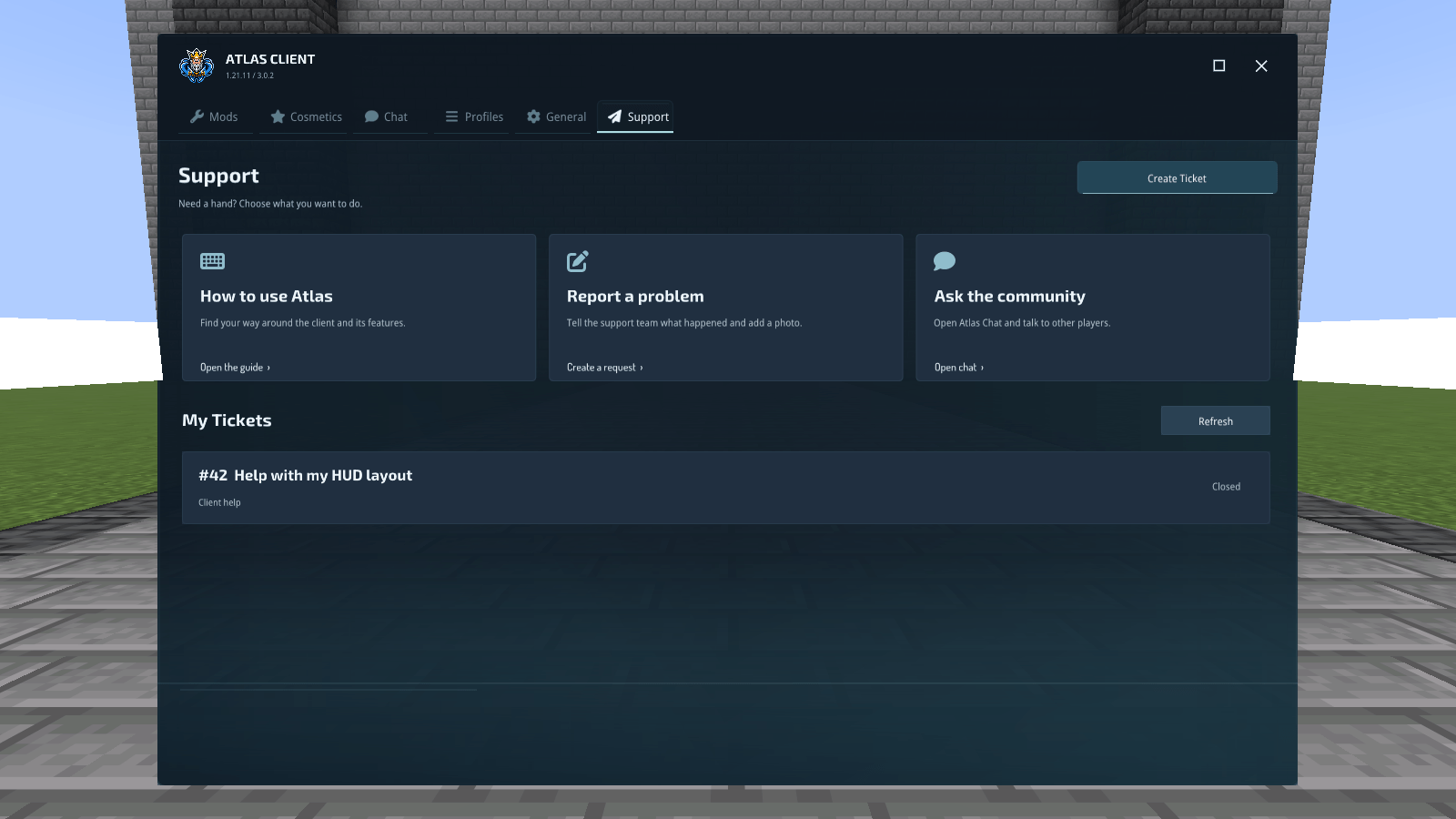
37-help-and-support-inside-atlas.png
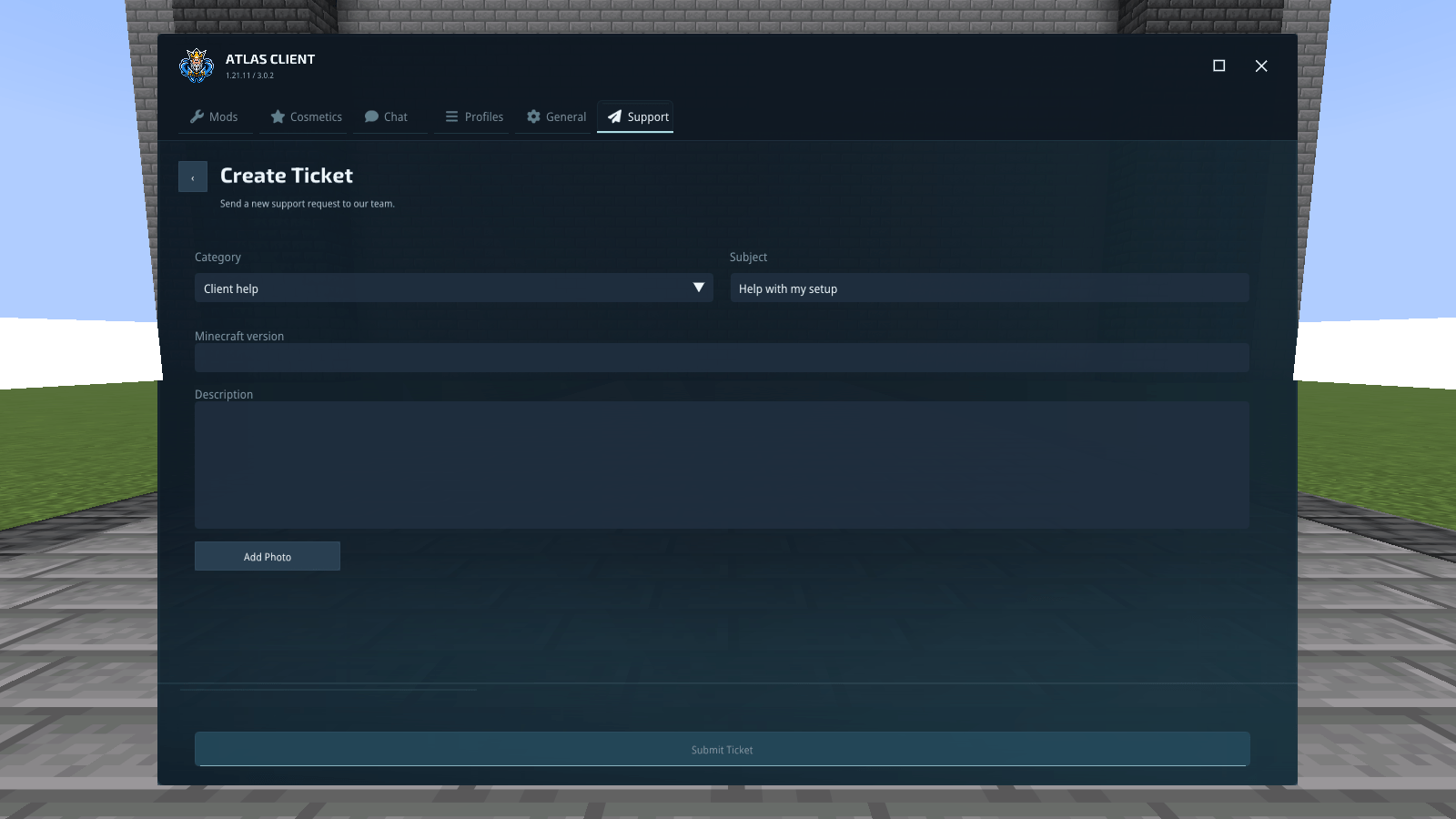
38-explain-the-problem-clearly.png
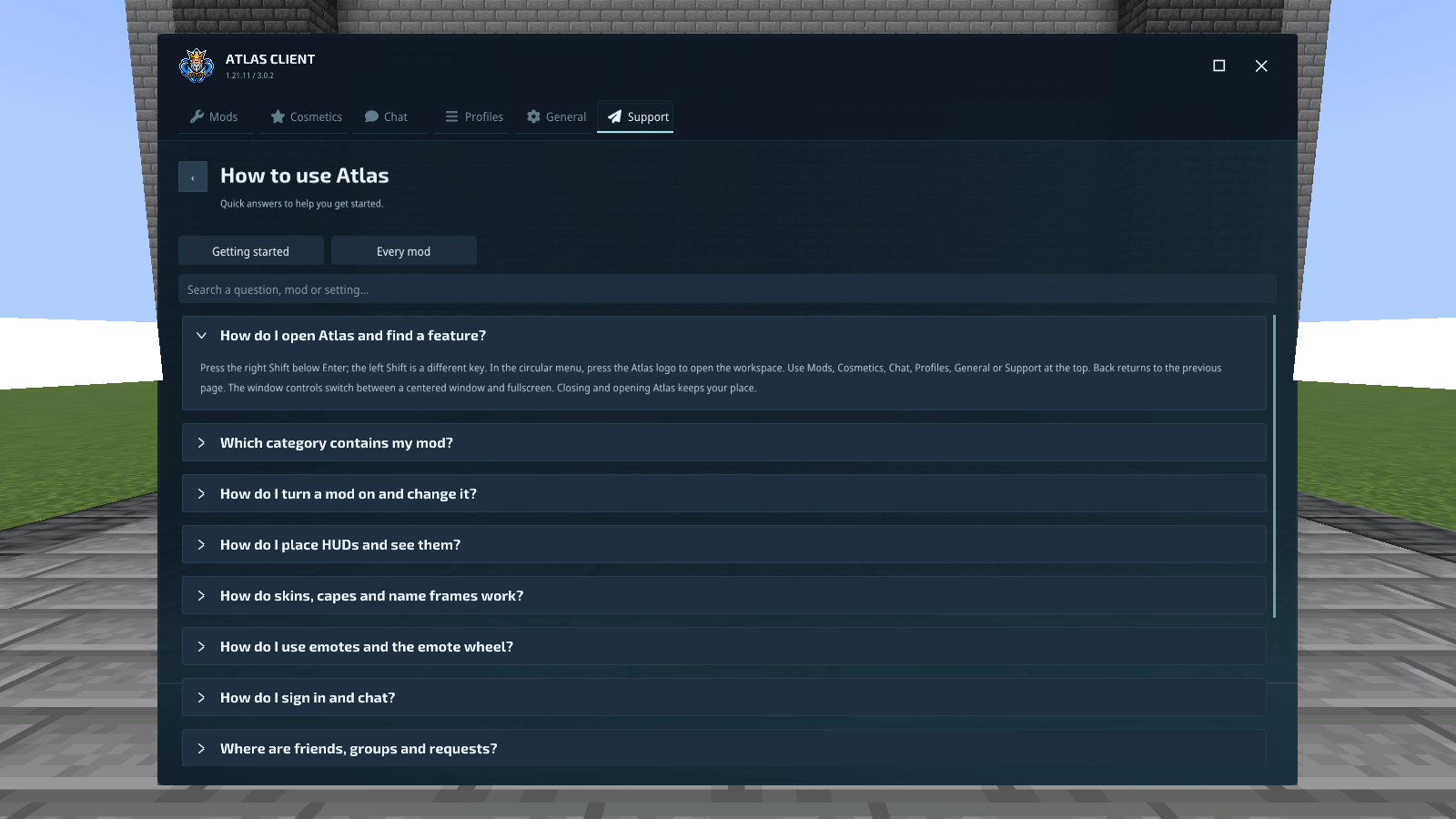
39-get-to-know-your-client.png
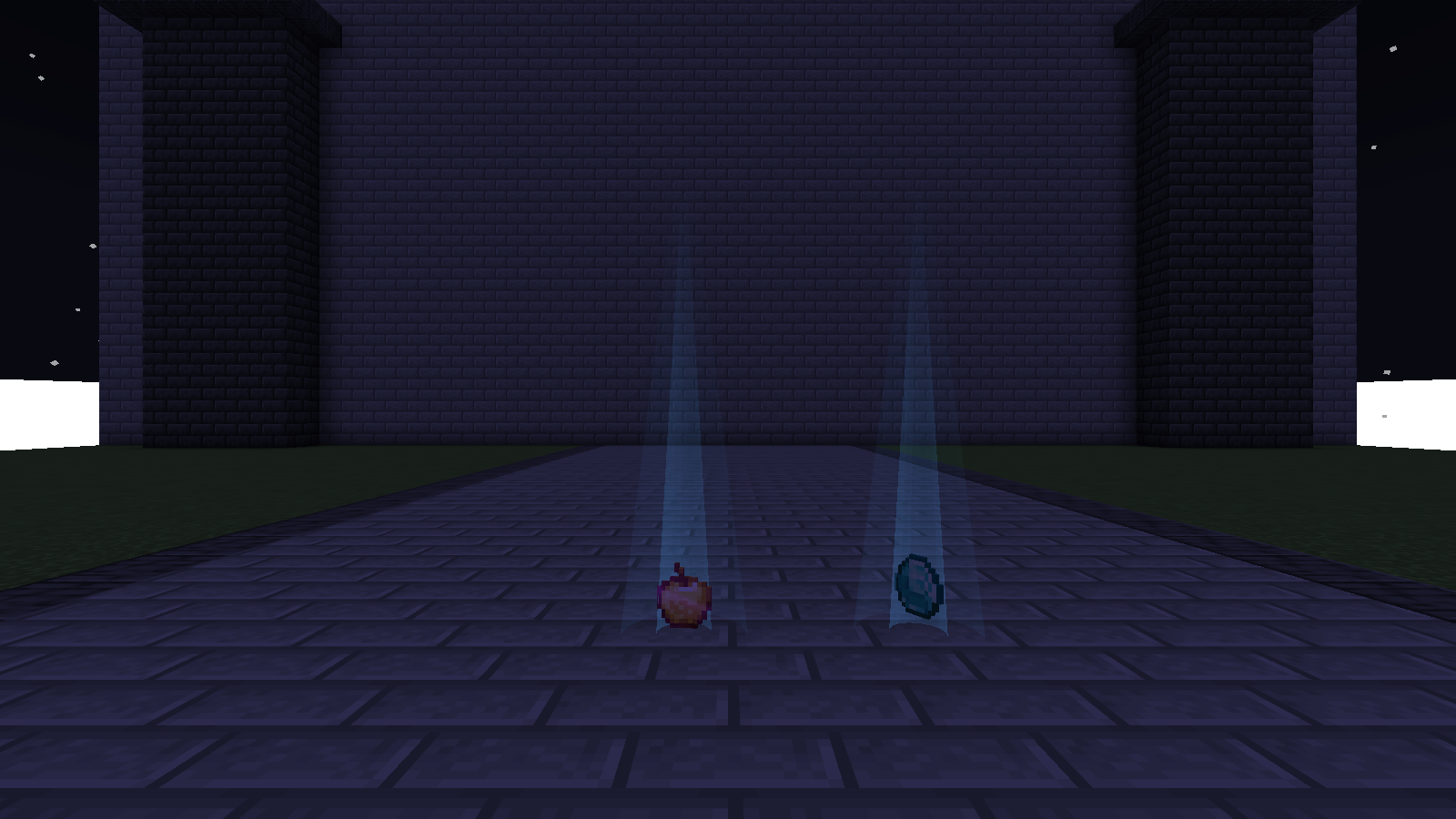
40-spot-dropped-items.png

