d8544b86c2c1bb73b5125e6d99d9b24d9cc732ae.png
beefe36d4ba2062955236330ba45001416f9e4ed.png
8ac1c6d4cd96cfaafe34e069464ac7d96cbd4afe.png
86f78755ca97626d03cedd801f7e8bd6e4632f02.png
610c26fae5d45d8263cd1e91b04e78e59148fdd8.png
Description
Atlas Client
A modern, highly customizable utility client for Minecraft Fabric.
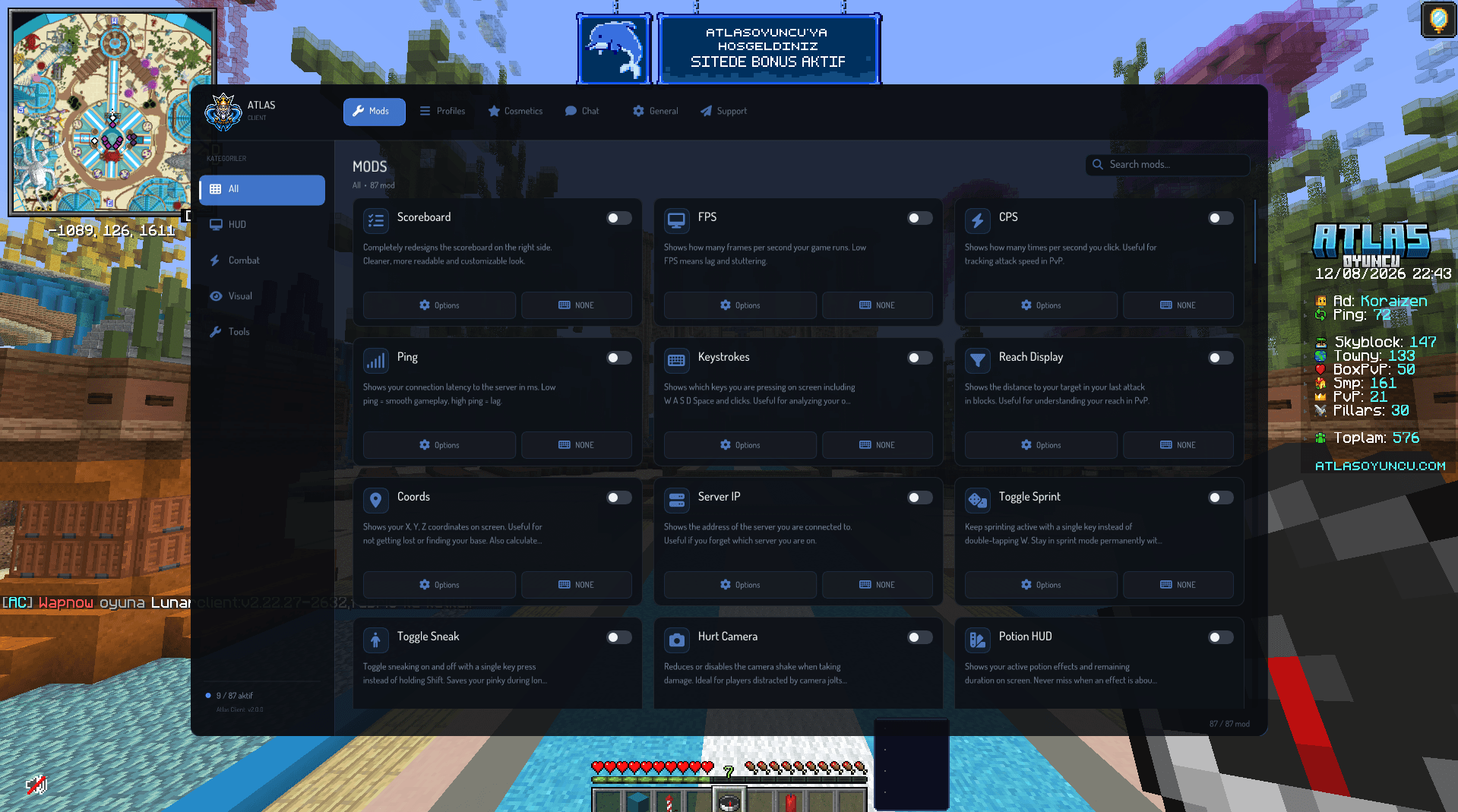
Atlas Client brings more than 80 configurable modules, an advanced HUD editor, cosmetics, emotes, social features, and a unified in-game interface together in one client.
Atlas Client is not a performance optimization mod.
It is designed to work alongside performance mods such as Sodium and Lithium.
Main Features
HUD and Information
- FPS, CPS, TPS, ping, coordinates, biome, and server information
- Potion, armor, cooldown, timer, and session displays
- Custom scoreboard and vanilla HUD positioning
- Drag-and-drop HUD editor
- Grid alignment and magnetic snapping
- Custom fonts, colors, opacity, borders, and scaling
Combat Information
- Damage and combo indicators
- Reach display
- Keystrokes
- Hitbox viewer
- Cooldown indicator
- Entity inspector
- Enhanced nametags
- Health bar customization
These modules provide visual information and are not designed to automate combat.
Quality of Life
- Auto Tool Switch and Auto Replenish
- Auto Respawn and Auto Reconnect
- Anti-AFK
- Better Chat and Advanced Tab
- Inventory utilities
- Drop Prevention
- Custom F3 screen
- Account switcher
- Multiplayer server search
- Accessibility tools
Visual Customization
- Fullbright
- Freelook
- Zoom and reverse zoom
- No View Bob
- Menu blur
- Custom crosshair
- Block overlay and indicator
- Viewmodel customization
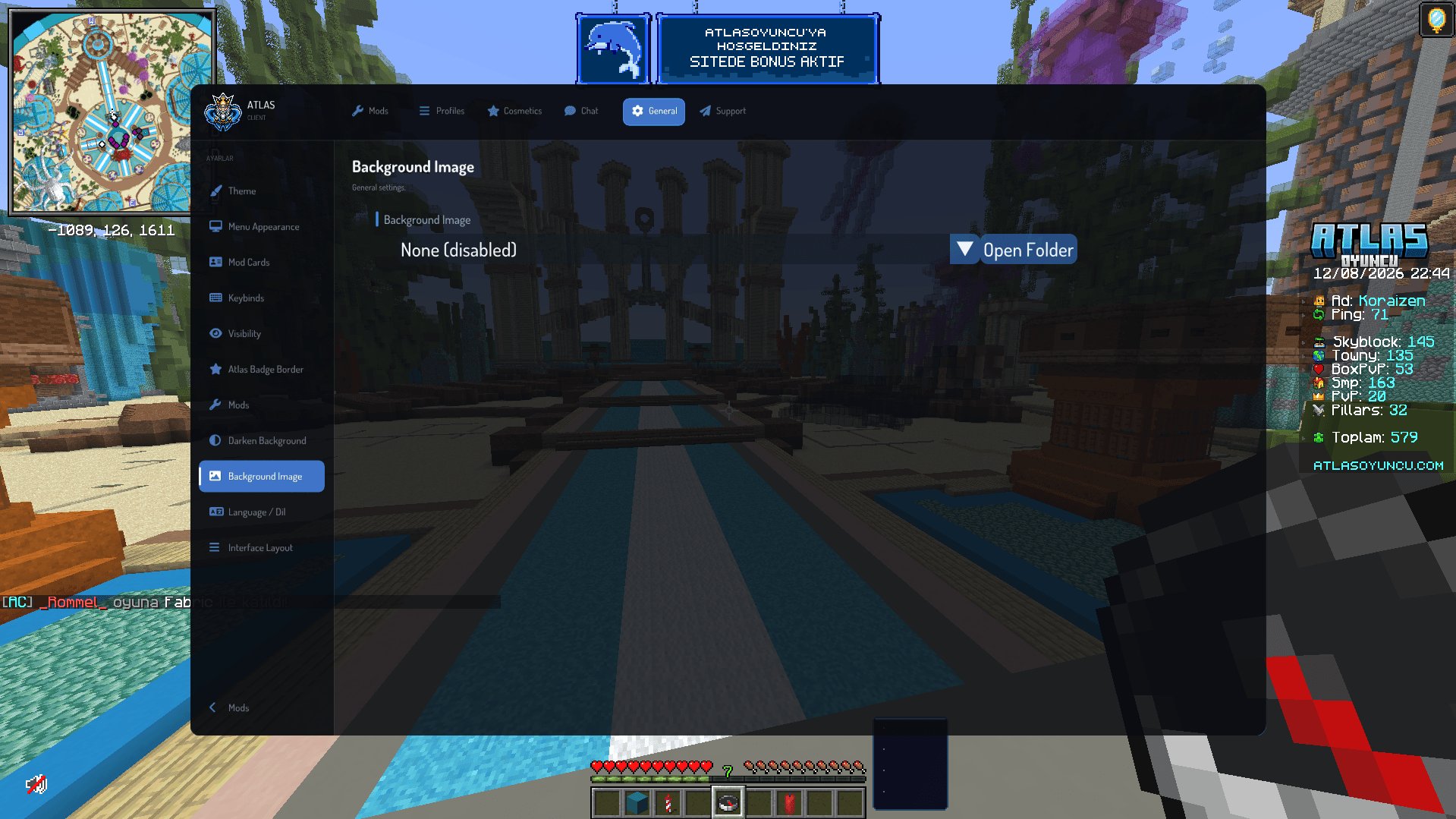
- Custom menu backgrounds and theme presets
World Utilities
- Waypoints
- WorldEditCUI support
- Block Counter
- Weather Changer
- Loot Beams
- Compass and navigation tools
Cosmetics and Emotes
Create a more personal experience with:
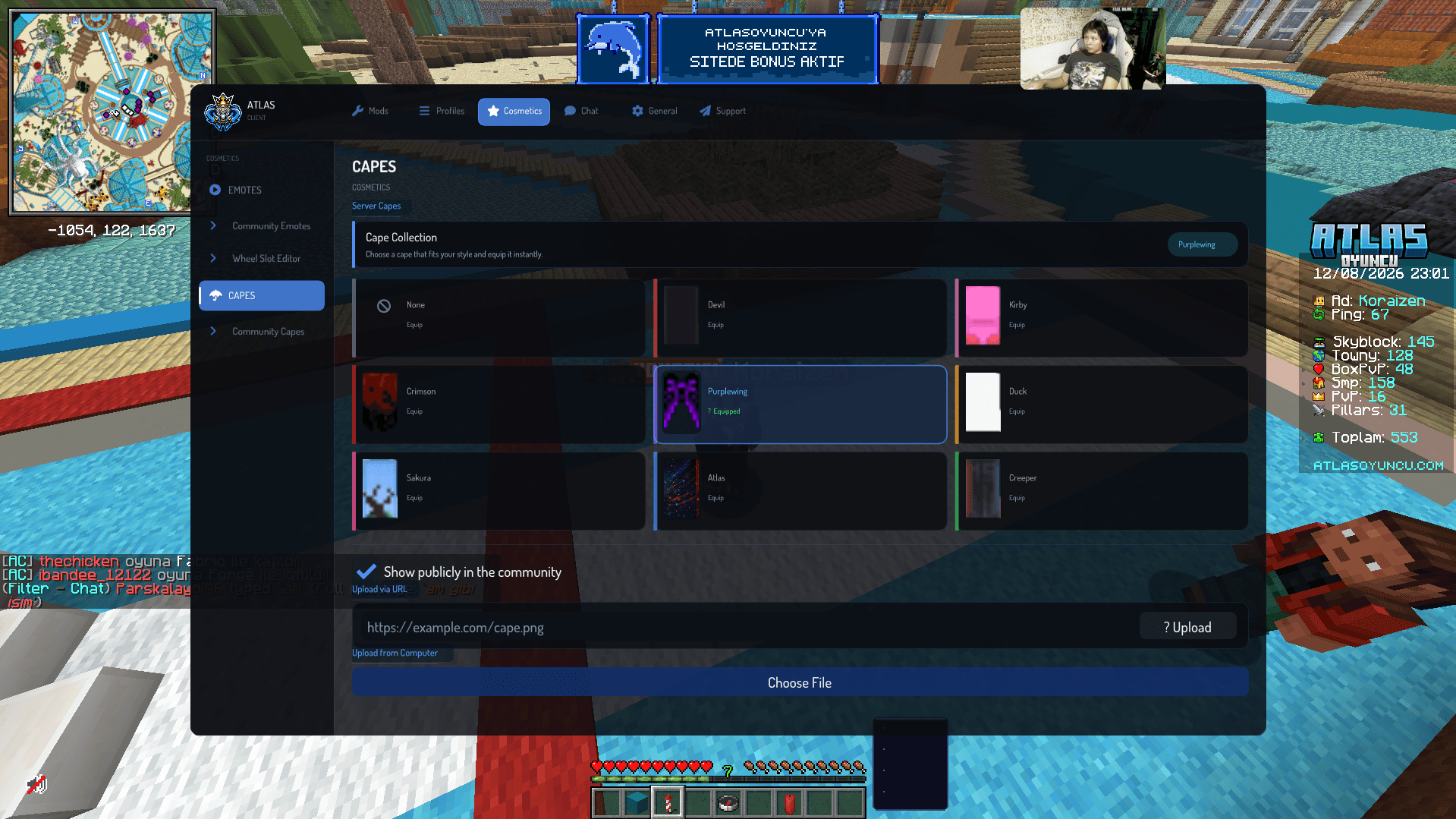
- Custom and animated capes
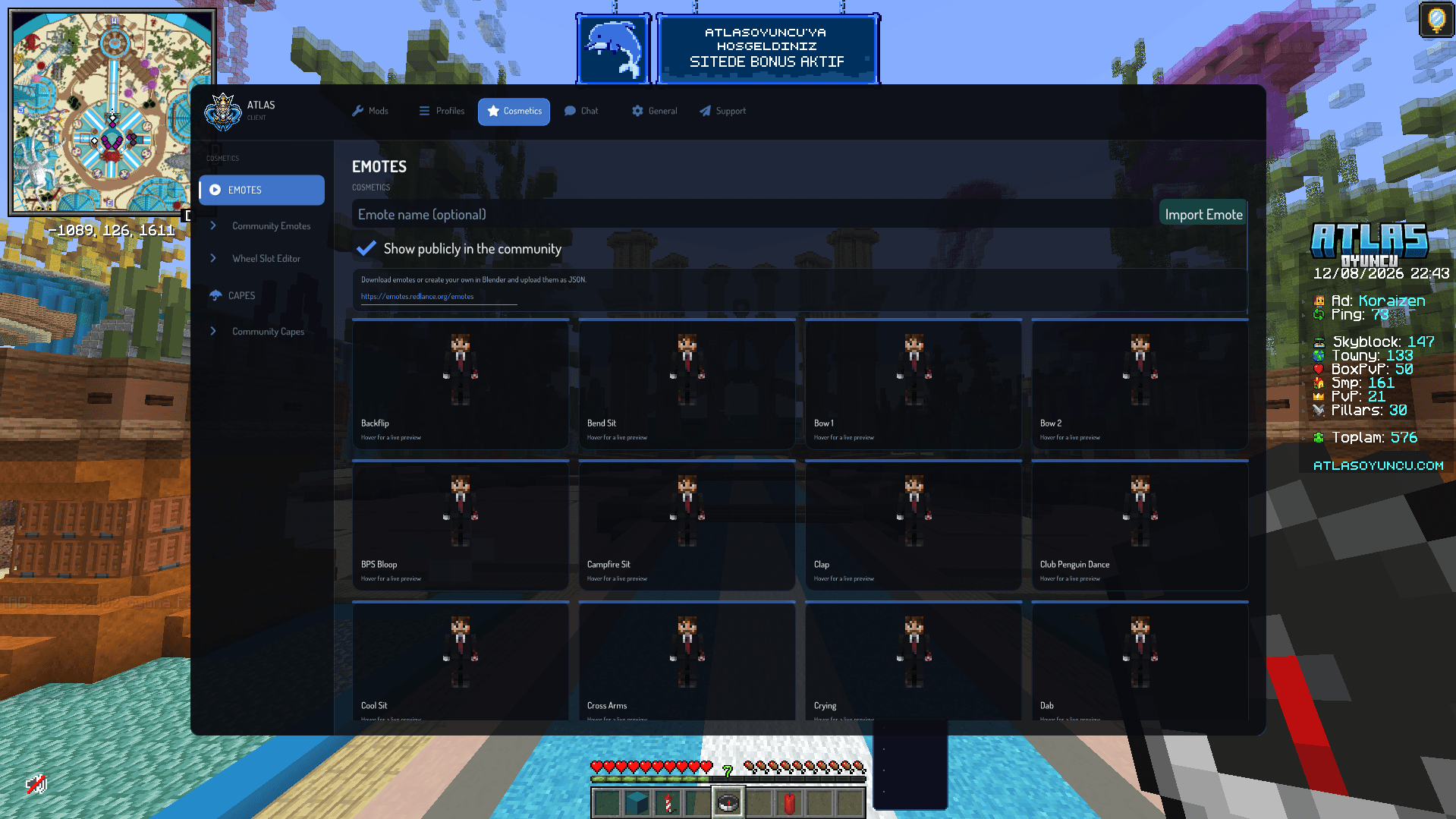
- More than 55 built-in emotes
- Community capes and emotes
- Custom emote importing
- Emote audio support
- Cosmetic previews
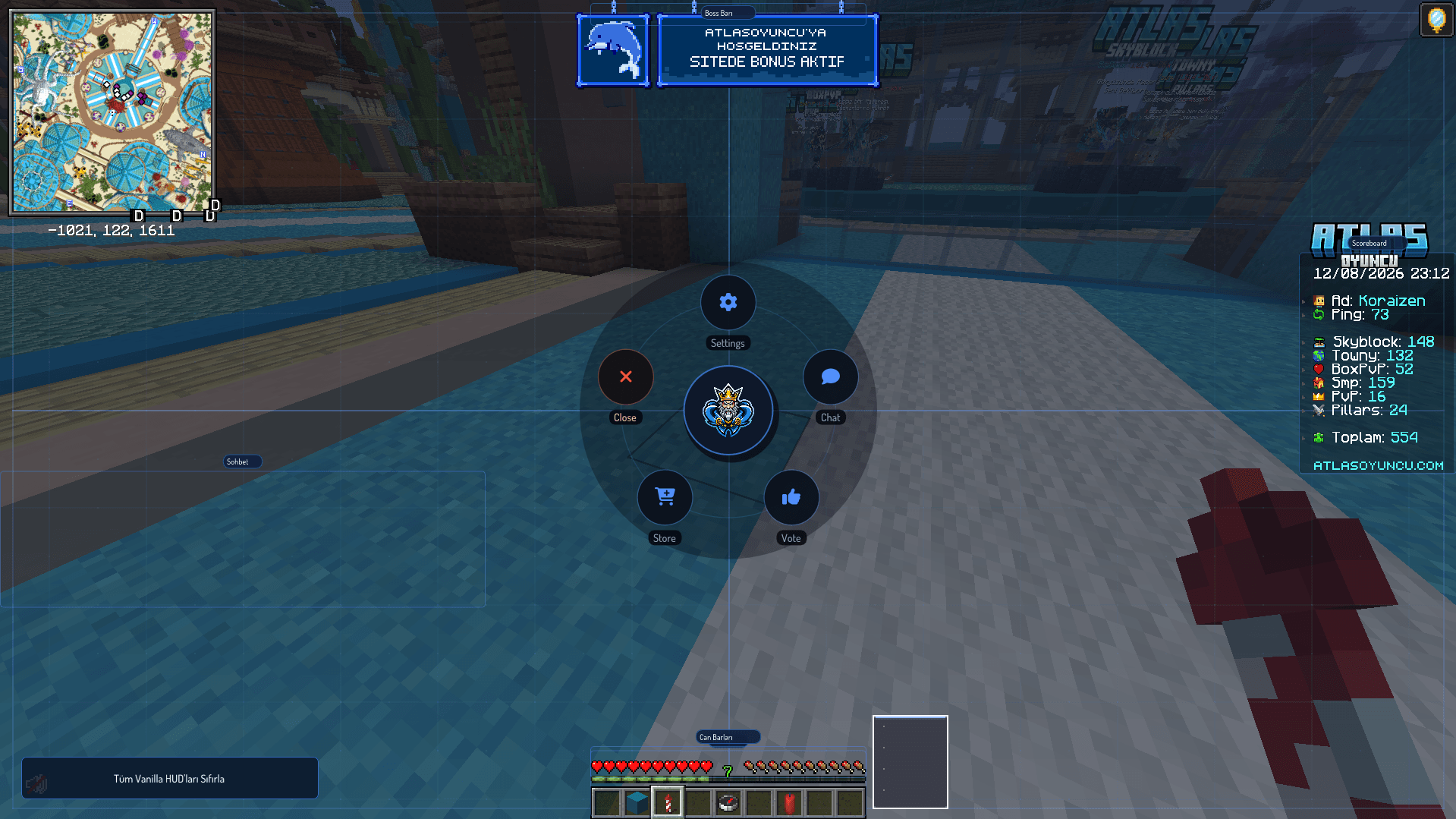
- Customizable Atlas emote wheel
- Controls for hiding other players' cosmetics
All cosmetic features are completely optional.
AtlasChat
Atlas Client includes an integrated real-time social platform separate from Minecraft server chat.
- Global and regional chat channels
- Direct messages
- Friends and friend requests
- Groups
- Profiles and custom avatars
- Online presence
- Images, GIFs, and emojis
- Replies and notifications
- Privacy and moderation controls
- Compact in-game chat
- Optional Discord Rich Presence
- Integrated AtlasOyuncu support tickets
AtlasChat requires a connection to the Atlas backend. HUD modules and general client features remain usable independently.
Fully Customizable Interface
The complete interface follows a unified design system. Customize:
- Accent and interface colors
- Menu, card, and background opacity
- Blur strength and corner rounding
- Card glow and animations
- Fonts and theme presets
- Custom menu backgrounds
- HUD position and scale
HUD elements can be freely positioned, aligned to a grid, or snapped together for a clean and symmetrical layout.
Supported Languages
- English
- Turkish
- German
- Spanish
- Brazilian Portuguese
- French
- Russian
- Polish
Official Minecraft terminology is used wherever available.
Important Information
Atlas Client includes optional Auto Clicker and Keyboard Macro modules. Both are disabled by default and intended for accessibility, repetitive tasks, and activities permitted by the server.
Using automation may violate multiplayer server rules or trigger anti-cheat systems. Always check the rules before enabling these modules.
Atlas Client is entirely client-side. Nothing needs to be installed on the Minecraft server.
Requirements
- Minecraft: 1.21.11
- Fabric Loader: 0.17.2 or newer
- Fabric API: Required
- Java: 21 or newer
Compatibility
Atlas Client is designed to work alongside popular Fabric performance mods such as Sodium and Lithium. Compatibility with every possible mod combination cannot be guaranteed.
If you encounter a conflict or bug, please report it through the community server.
License
Atlas Client is distributed under the MIT License.
Community and Support
Questions, suggestions, or bug reports?
The Atlas Client Team