

Asylum Engine
- By
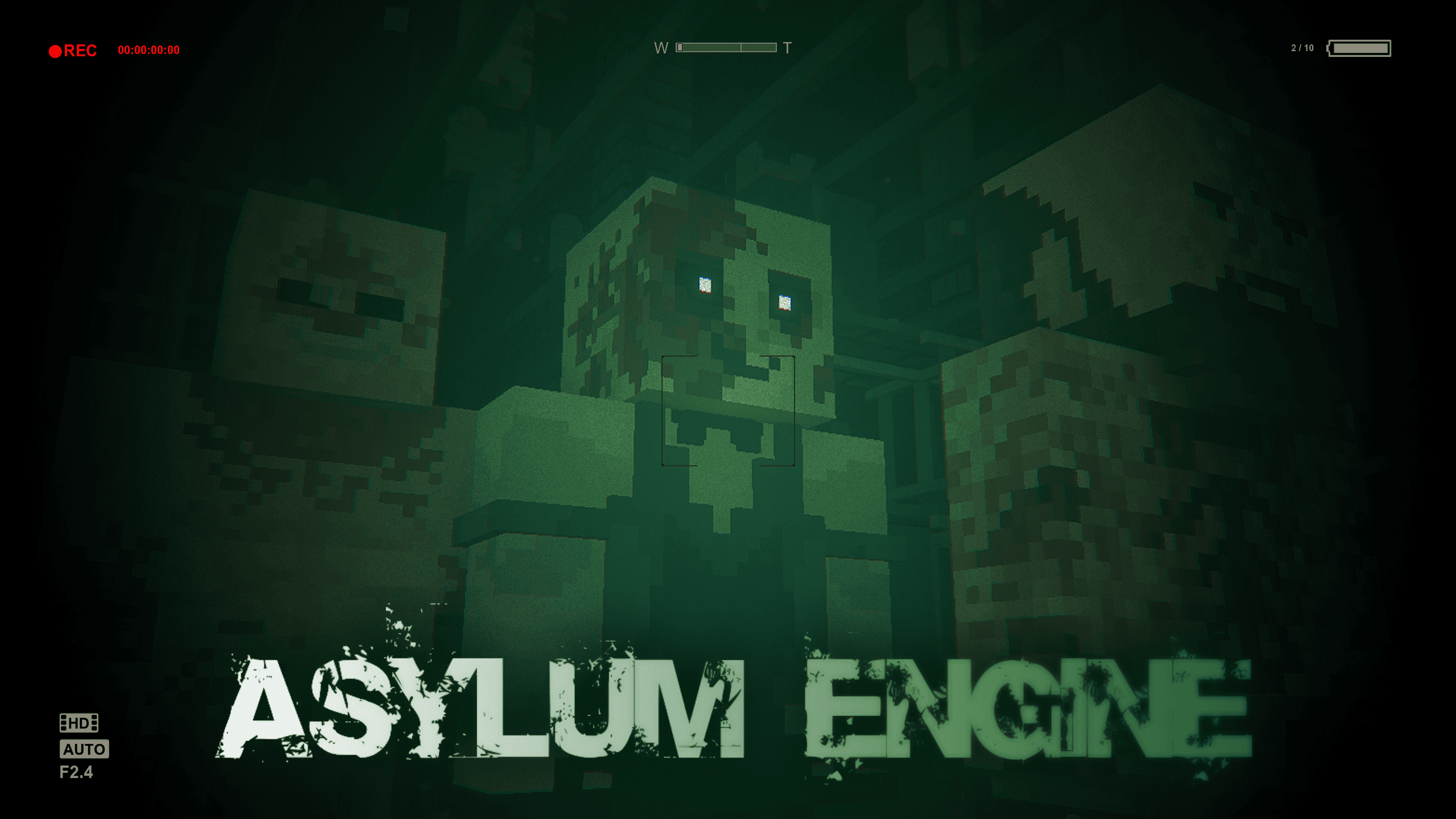
Is a mod that brings the Outlast I experience to Minecraft! Successor to the AsylumZ mod, Asylum Engine lets you create high quality Outlast levels.
f65f5a3c81f61435a23d878294177e9451c306e7.png
d5610e64448dd0c4fbf9d498ecce9416351db9e4.png
d0aa148c1c350f27e22bfe5200cf5154f6118f6f.png
763b4cd4f2d840e58ea8bfc76c00b9a64fa3bded.png
Description
👻 Asylum Engine
🔦 The Outlast I experience – now in Minecraft!
Asylum Engine is the successor to the AsylumZ mod, letting you create high-quality Outlast-inspired levels inside Minecraft. With advanced gameplay mechanics, immersive sound design, and flexible creator tools, this engine provides everything you need to build terrifying horror adventures.
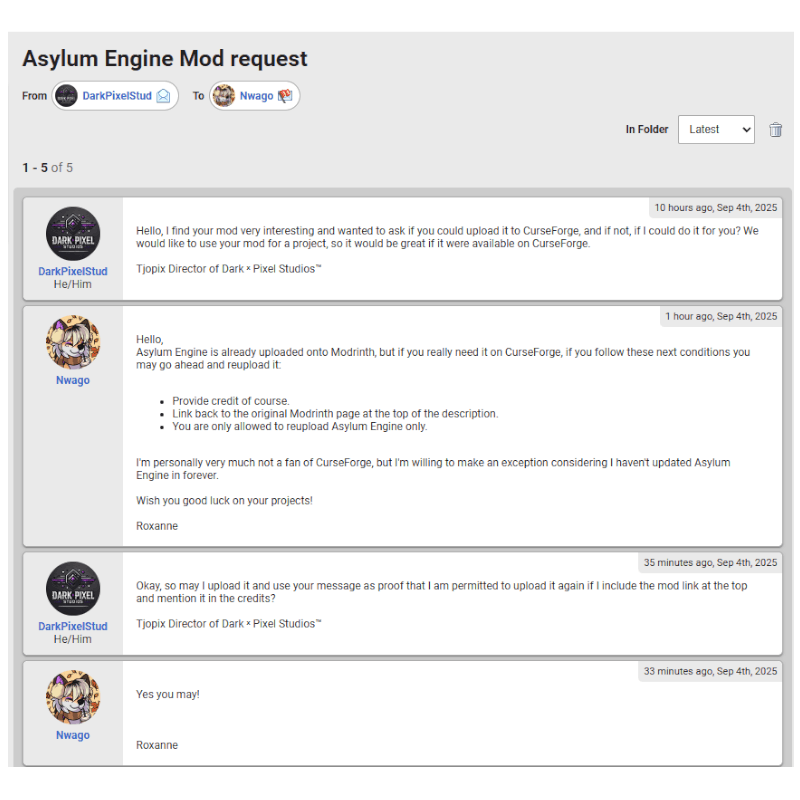
⚠️ Please note that this is a re-upload and that the lovely Nwago has given us permission to upload this mod here. Thank you Nwago ♥️
Gameplay Trailer
Official mod link: https://modrinth.com/mod/asylum-engine
🧱 Added Gameplay Mechanics
✅ Crawling & hiding
✅ Climbing over tall obstacles
✅ Squeezing between obstacles
✅ Chase scenes
✅ Enemy system
✅ Savepoints
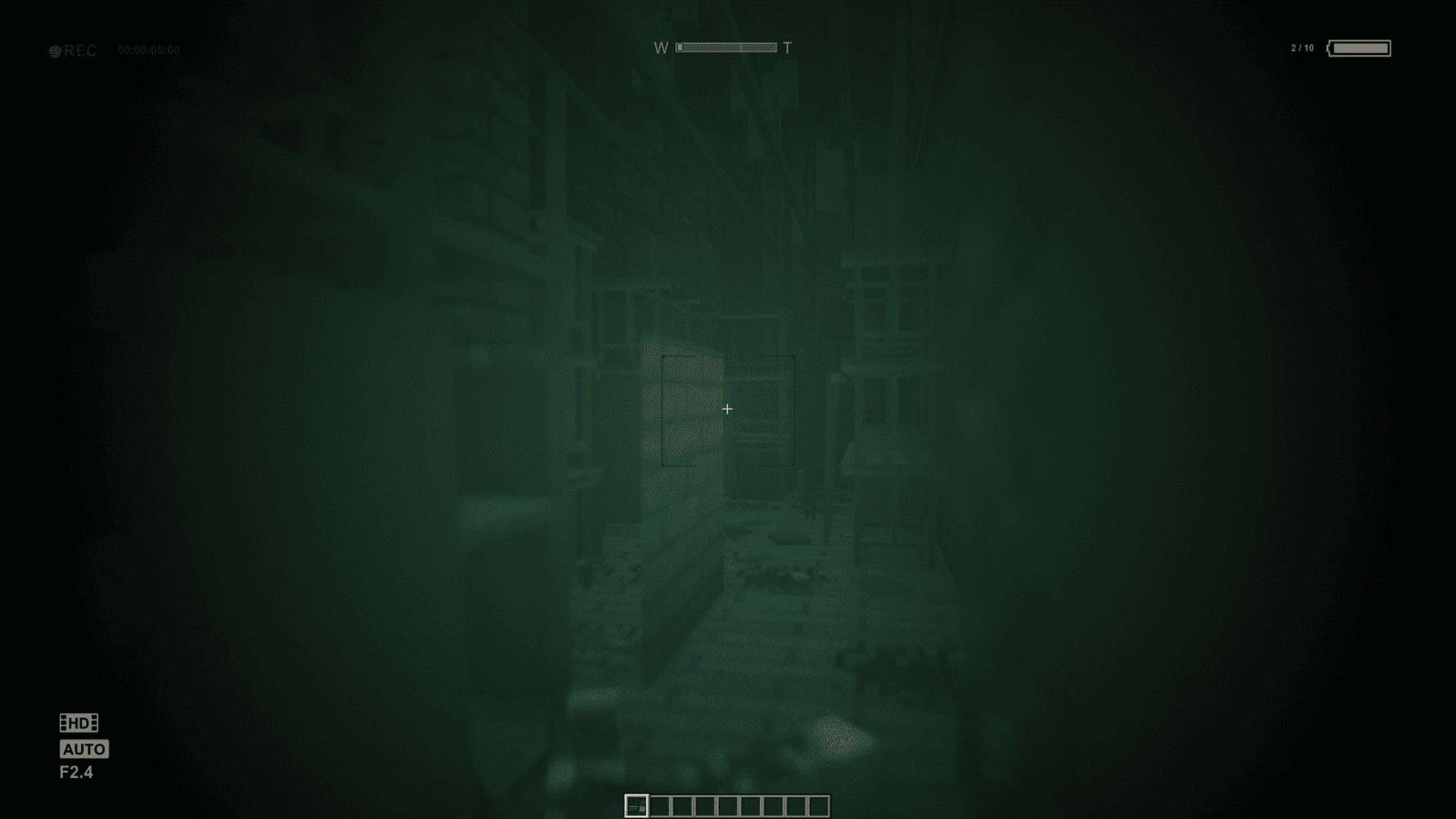
✅ Infrared camcorder
🎵 Other Features
🎧 Accurate sound design to simulate Outlast
🧩 Custom blocks & furniture
🛠️ Function blocks to create Outlast-style levels
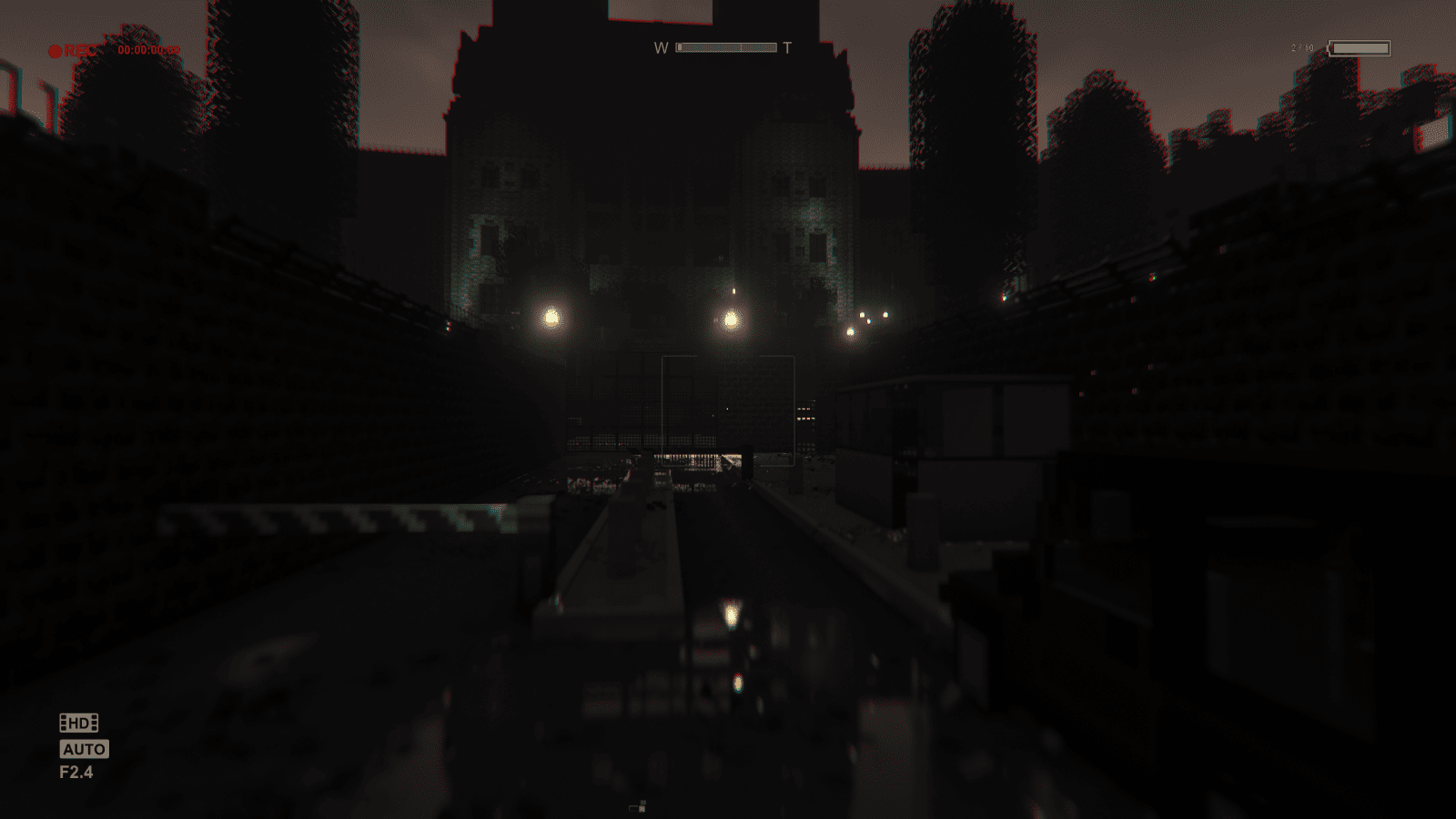
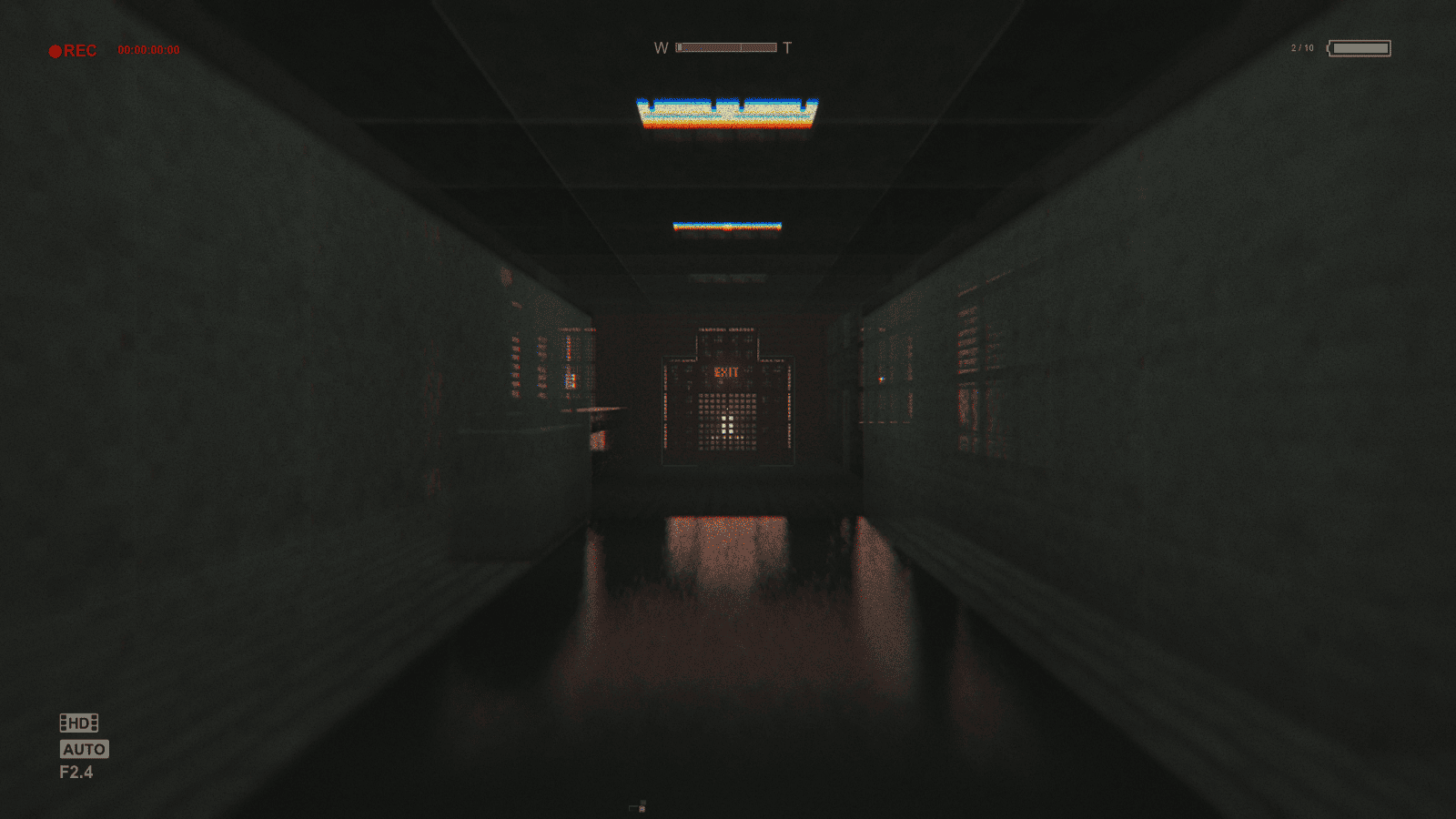
🔦 Dynamic lighting support with shaders
💡 For The Best Experience
- Use Complementary Shaders v4.6 with the provided settings (or another shader with dynamic lighting & full darkness).
- Make sure "Mod Resources" is on top in your Resource Pack settings.
- Set Music volume to 0%, Ambient volume ~30%.
- FOV: Normal (60).
- View Bobbing: ON.
- Disable connected textures if you see texture issues.
🧩 Tips for Creating Your Own Levels
- Don’t wear Miles’ Clothes (forces Adventure Mode).
- Equip the Developer View in your off-hand to see & interact with function blocks.
- Right-click function blocks to delete them.
🔑 Function Blocks (Core System)
- Function Blocks are the heart of Asylum Engine – letting you bring Outlast gameplay into Minecraft.
⚠️ Important notes:
- Keep Save Functions, Enemy Trigger Functions, and Enemy Spawn Functions close together.
- Always place Enemy Triggers before Enemy Spawn Functions.
- If out of range, Enemy Spawn Functions will trigger enemies regardless.
- All functions reset when the player dies.
Whether you’re designing a tense horror map or experimenting with survival gameplay, Asylum Engine gives you the ultimate Outlast-inspired toolkit inside Minecraft.
🤝 Credits:
Nwago
📃 Re-Upload:
Tjopix
❤️ Want to support us? Visit our website or Patreon.
📥 Download Asylum Engine now and start building fear.
❓ YOU NEED HELP?
Here is the proof from him again.
The Asylum Engine Team


Owner

![Block Ops - All Out Warfare [EXPLICIT] project image](https://media.forgecdn.net/avatars/thumbnails/1779/418/256/256/639129162069491683.png)

![Block Ops - All Out Warfare [CENSORED] project image](https://media.forgecdn.net/avatars/thumbnails/1733/601/256/256/639103395688129057.png)