Alchemia: Potion Crafting
- By
A rough replication of Potion Craft: Alchemist Simulator, rebuilt for Minecraft and stripped down a bit.
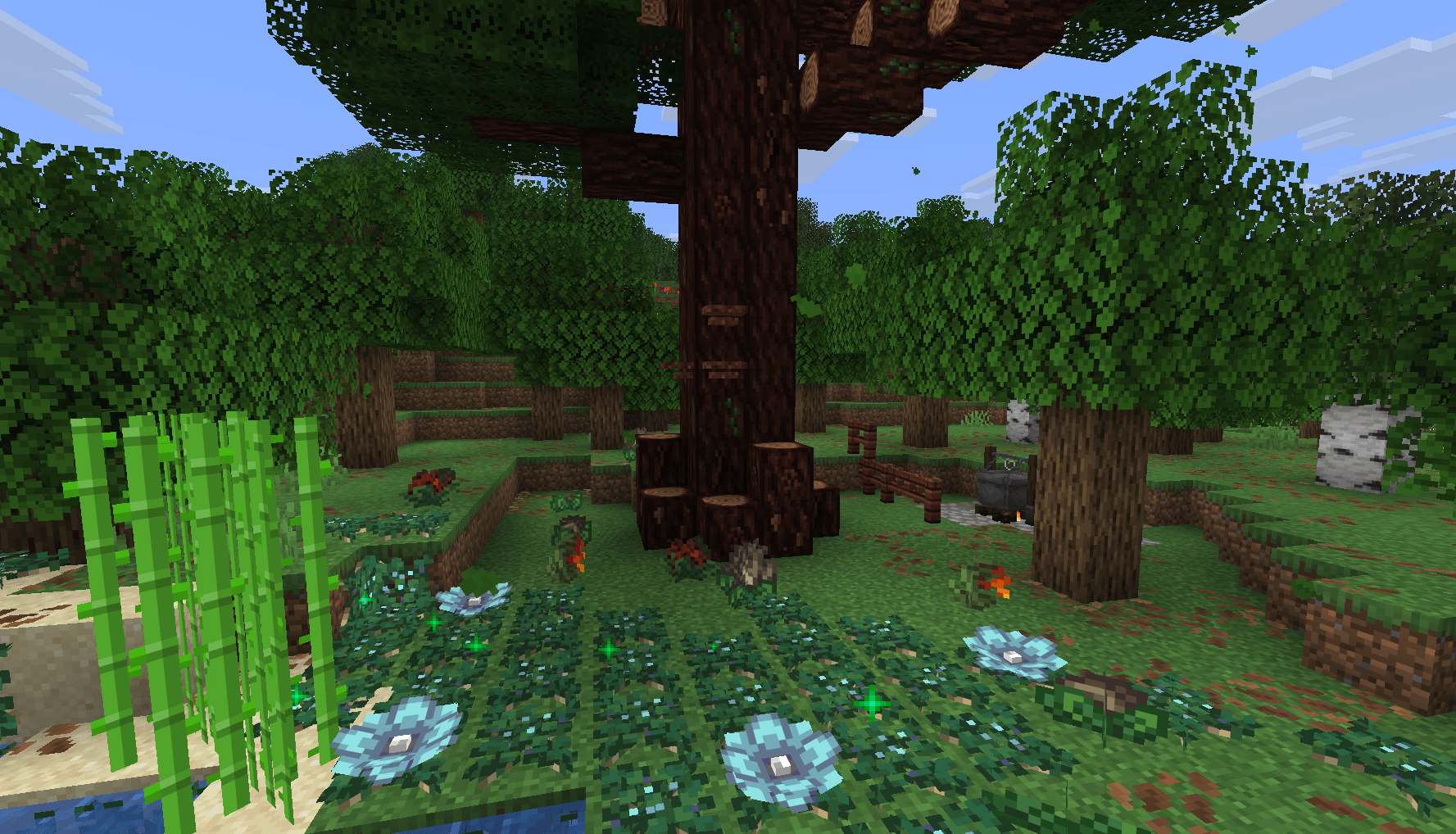
screenshot-2026-10-03_08-42-03.png
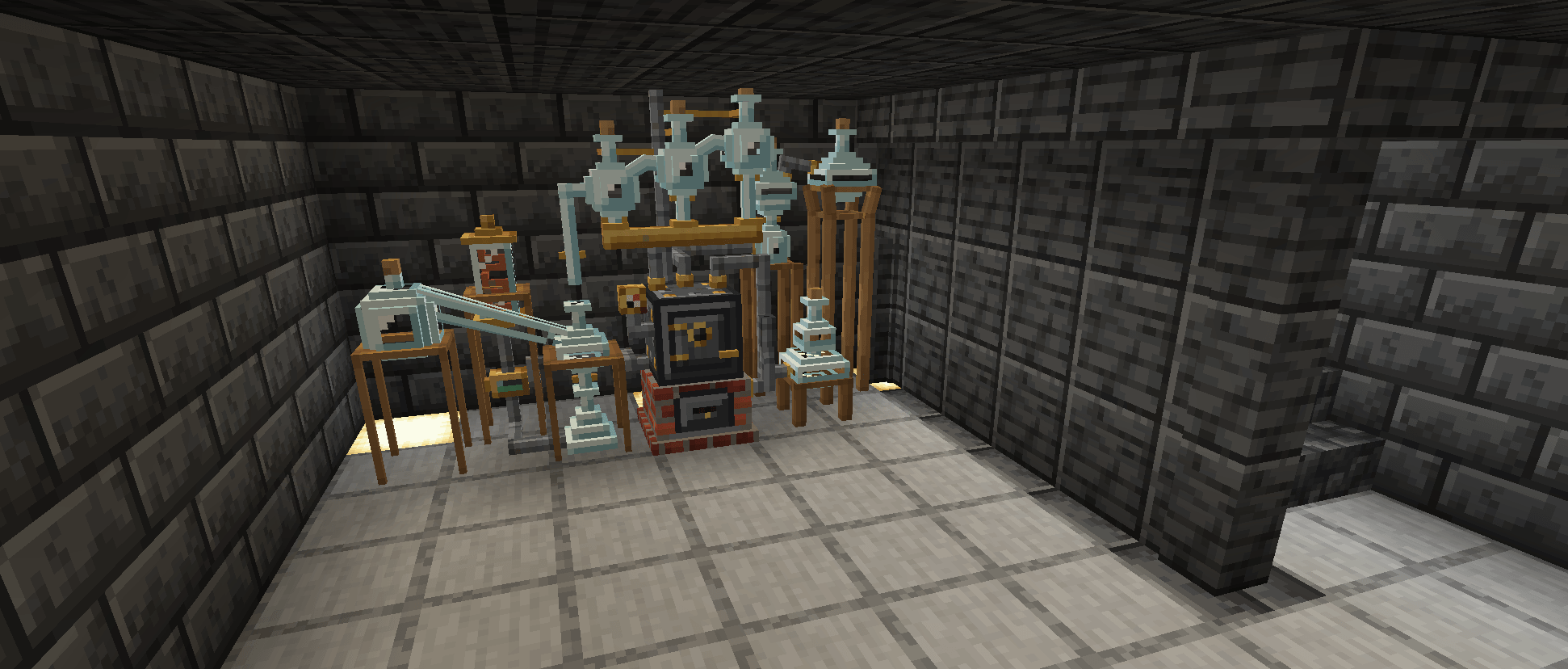
fully built alchemy machine
Description
Alchemia
Essentially a rough replication of Potion Craft: Alchemist Simulator, rebuilt for Minecraft and stripped down a bit.
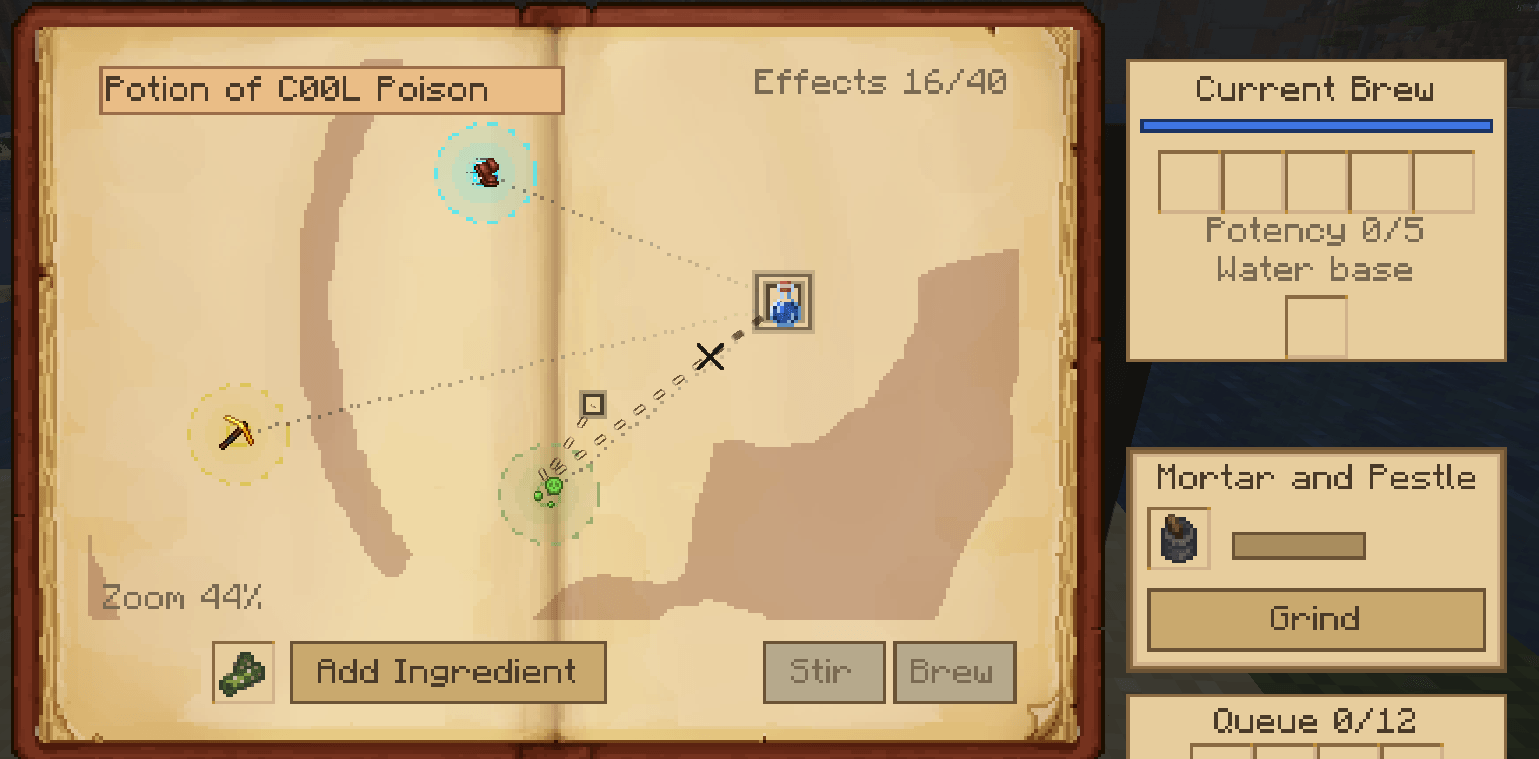
This allows you to brew potions by moving a potion icon around a map of effects. Every ingredient pushes the potion along a fixed path. Land on or near an effect and the potion will now have said effect, potency of the effect depends on how close to the centre of the effect you land, The map is generated per world, so recipes aren't the same between saves.
Getting started
Place a vanilla cauldron on a lit campfire. That turns it into an Alchemical Cauldron. Break it and you get the cauldron and campfire back.
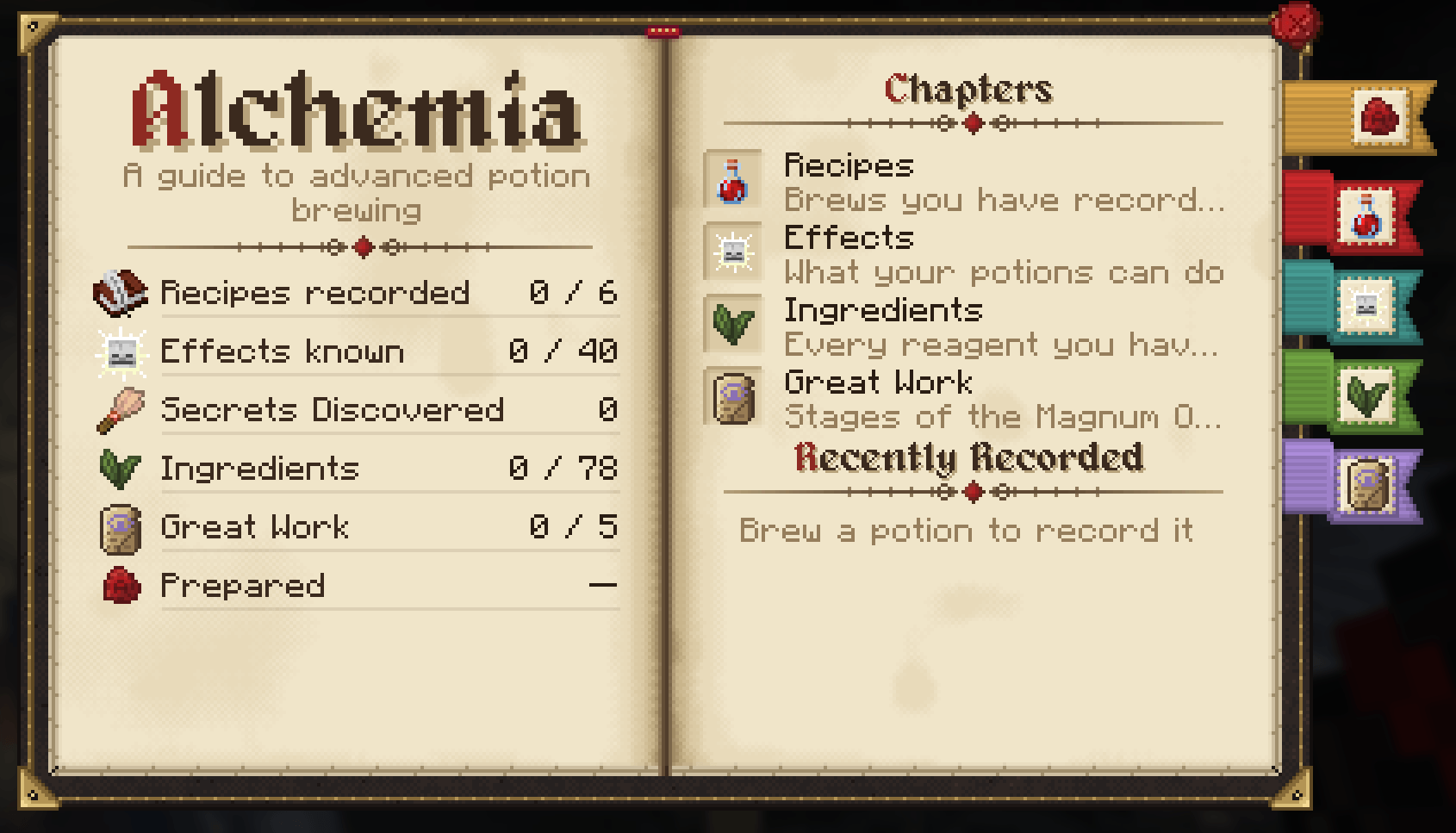
Craft an Alchemist's Guide with a book and any ingredient. It records every potion you make, tracks the effects you've discovered, and lists the ingredients you've used along with the ingredients path.
You can pick a saved recipe and sneak + right-click the cauldron to brew it again.
Alchemia FAQ
Can Alchemia support custom effects from another mod?
Not at the moment, but in the future this will be possible.
Currently the effects you can brew come from a fixed list built into Alchemia, so effects added by other mods won't appear on the potion map.
Can you add new potion bases?
Yes, with no code. Bases are defined in config/alchemia-brew-bases.json, which by default have a Water and Honey base.
To add an entry to the bases list, use the following template:
{
  "id": "milk",
  "fills": [
    { "item": "minecraft:milk_bucket", "levels": 4, "remainder": "minecraft:bucket" }
  ],
  "tint": "#F2F2F2",
  "texture": "minecraft:block/white_concrete",
  "instability_cap": 3,
  "effects": ["Regeneration", "Healing", "Saturation"],
  "dead_space": "field"
}fills: what item adds the base into the cauldron. Use either anitem(with an optionalremainderhanded back) or afluid(with an optionalamountin millibuckets).levelsis how much it fills by valid range is 1 to 4.effects: which effects can appear on this base's map. If blank it will attempt to add all effects (not recommended, but possible)dead_space: The type of noise that creates the"rings"(layered walls with gaps) or"field"(scattered patches).- Other options are tint, biome tint, texture, instability cap and unbrewed result.
- Map layout: each base has its own potion map, so effects are in different places on each one.
- Display name: add a translation for
alchemia.base.<id>(for example in a resource pack). Without one the name shows as the raw key.
Can you remove or add conditions for potion effects?
Yes. Conditions are set via the server config alchemia-server.toml under [world_effects], in the conditions list. Each entry is set as Effect = condition, condition, ....
[world_effects]
conditions = [
  "Dolphins_Grace = rain",
  "Levitation@2 = above:90",
  "Levitation@3 = above:90, night",
  "Darkness = biome:minecraft:deep_dark",
  "Fire_Protection = biome:#minecraft:is_nether|minecraft:desert"
]- Effect: an Alchemia effect name (
Dolphins_Grace) or an effect id (minecraft:dolphins_grace). @level: with this suffix (Levitation@2), the effect can always be brewed, but that level and every level above it need the listed conditions.- Conditions:
- Weather and time:
rain,thunder,clear,day,night. - Moon phase:
full_moon,new_moon,moonlight:<0-1>(0.5is a half moon). Moon conditions also need night. - Cauldron height:
above:<y>,below:<y>. - Biome:
biome:<id or #tag>|..., which allows the effect if the cauldron's biome matches any of the listed ids or tags.
- Weather and time:
To remove a condition, delete its line. To make every effect always brewable, empty the list (conditions = []).
Imbuements still apply. A brew imbued with bark or a biome item counts as being in that biome or at that altitude, so it can still activate biome- and height-locked effects. These items are configured separately in config/alchemia-imbuements.json.
Existing worlds have the condition list in the config file created with the world itself. You'll just need to edit the file in that world's serverconfig folder to change them.
The new Art is by Azlan (SomeAngryMinter), whose been a huge help with refining the artstyle and some ideas work.
Alchemia: Potion Crafting Team

Owner