Advanced Interactions
- By
An Interactive display mod that allows to create any type of hologram with full customization of capabilities for your server needs.
Screenshot 2026-10-18 102525.png
Screenshot 2026-10-18 103031.png
Screenshot 2026-02-27 131504.png
Screenshot 2026-01-20 225328.png
Screenshot 2026-01-17 145739.png
Description
Advanced Interactions
More than a hologram. Build your own interactive Minecraft experience.
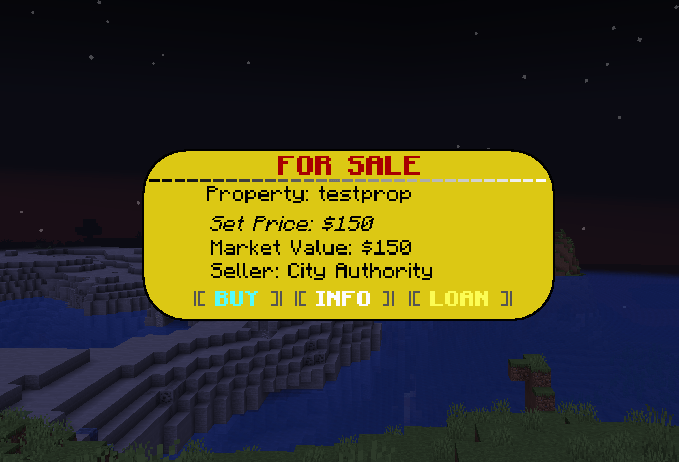
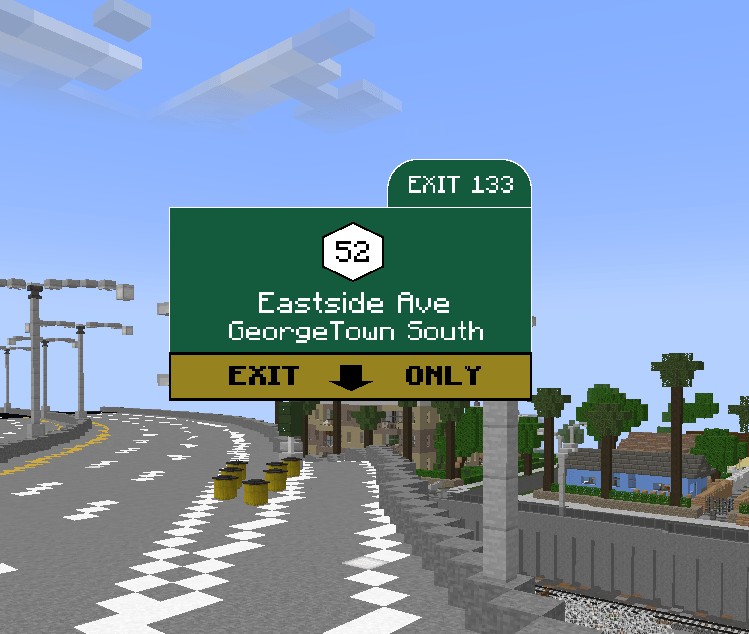
Advanced Interactions is a customizable hologram and in-world interface mod that lets you create everything from simple floating text to fully interactive menus, information panels, player dashboards, and data-driven displays.
Built around an in-game visual editor, it combines customizable visuals, clickable buttons, live information, animations, navigation, and access controls into one flexible system. Whether you're developing a roleplay city, multiplayer server, RPG, minigame, or custom modpack, Advanced Interactions gives you the tools to build interfaces that do more than just display text.
◆ Visual Editor & Customization
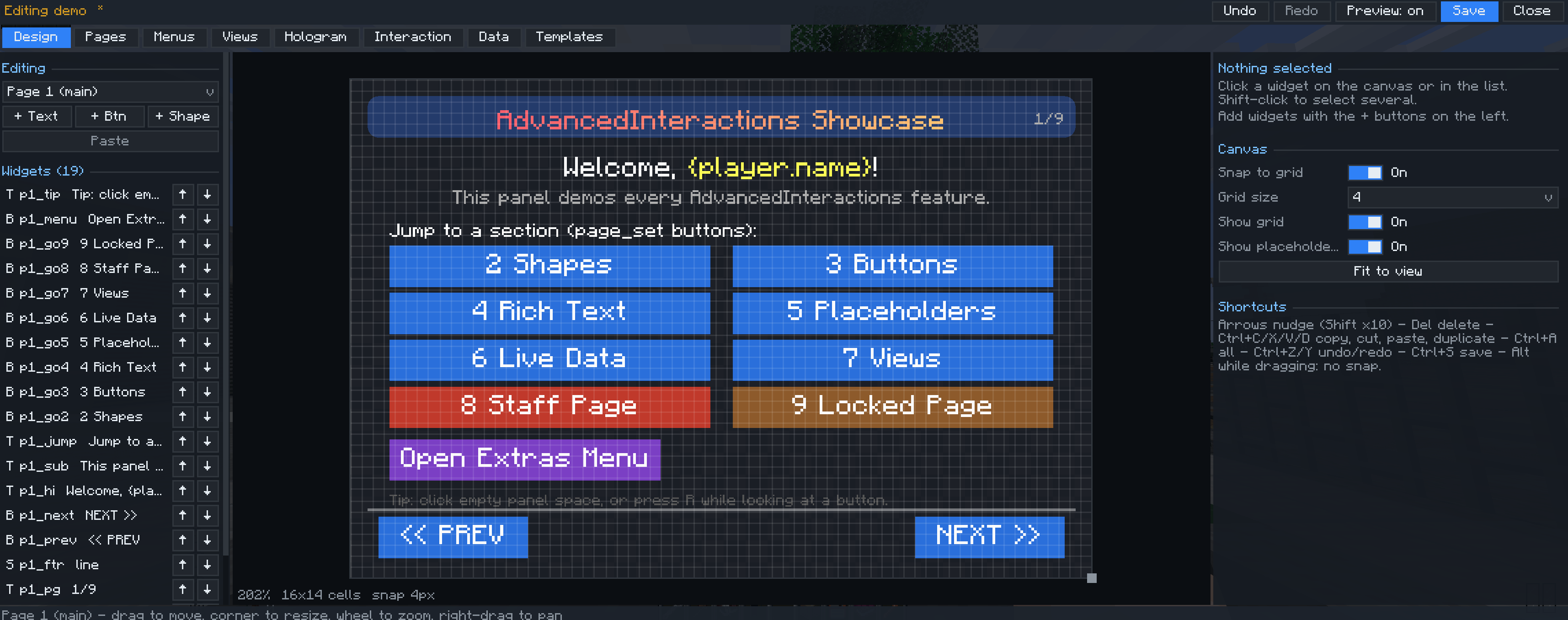
Create and edit holograms directly in-game using a visual canvas, element list, and property editor. Position, resize, rotate, and customize individual elements, preview changes, undo edits, and save your designs.
Available elements include:
-
Text: Titles, descriptions, formatted text, gradients, and custom colors.
-
Buttons: Clickable controls that execute actions and commands.
-
Shapes: Panels, borders, dividers, and decorative elements.
-
Images: Display PNG images and supported resource-pack textures.
-
Charts: Visualize numerical data over time.
-
Leaderboards: Display rankings using scoreboard objectives or stored player variables.
Customize backgrounds, transparency, scaling, spacing, brightness, and rendering distance. Add animations such as fading, sliding, bobbing, spinning, pulsing, scrolling text, and typewriter effects. Holograms can remain fixed in the world, face individual viewers, or follow players.
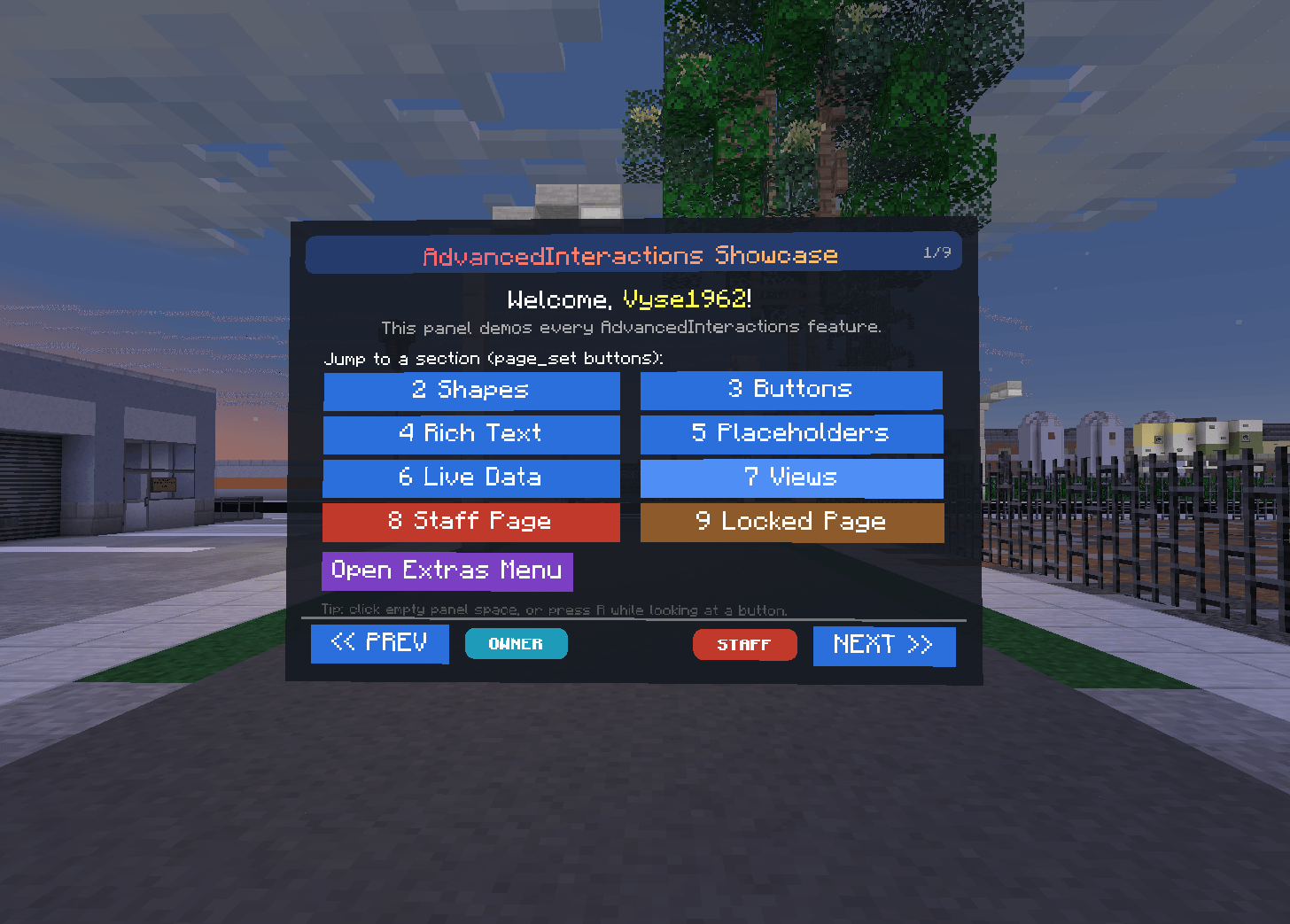
◆ Interactive Buttons & Actions
Buttons can do much more than change pages. Configure them to execute commands, trigger registered actions, send messages, play sounds, create visual effects, or change player-specific variables.
Customize normal, left-click, and shift-click behavior, along with cooldowns, item costs, optional economy-based costs, hover effects, and click feedback.
Holograms can also react to players entering or leaving a configurable proximity radius, allowing interactions to happen without clicking.
◆ Live Data & Placeholders
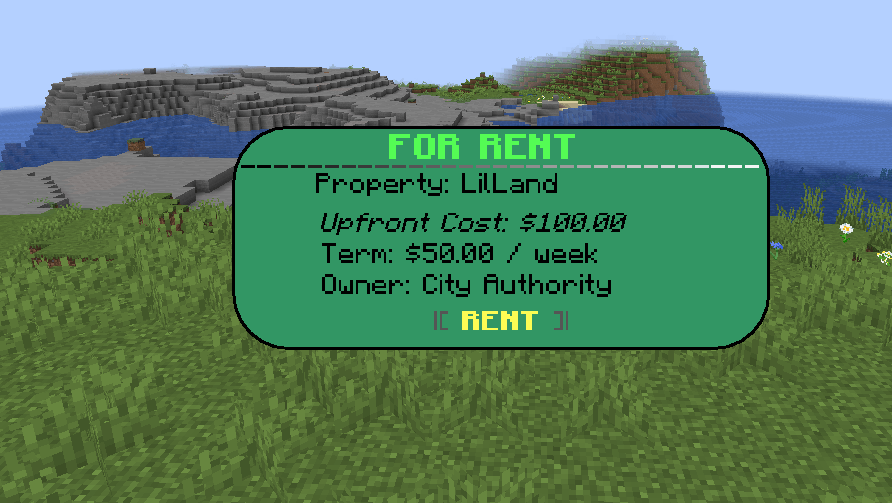
Placeholders automatically replace text with real values, so displays can update without being manually edited.
Built-in data sources cover player information, server status, world conditions, time and dates, scoreboards, statistics, and stored player variables. Formatting options can turn raw values into readable numbers, percentages, progress bars, and conditional text.
Conditions can control whether elements appear based on supported comparisons, permissions, values, and other requirements. This lets you display personalized information, show warnings when thresholds are reached, or reveal controls only to eligible players.
Charts can sample numerical values over time, while leaderboards automatically generate rankings from supported scoreboard objectives or player variables. Chart history is maintained while the server is running and resets after a restart.
◆ Pages, Menus & Access Control
Organize your interfaces without needing a separate hologram for every screen.
-
Pages divide a hologram into navigable sections, with support for restricting access to individual pages.
-
Menus let each player open, toggle, or close alternate interface screens.
-
Views provide additional or alternative content to players who meet specific access requirements.
-
Permissions and conditions control who can see individual elements or access protected content.
Combine these systems to build public information boards, player-specific displays, staff controls, owner panels, and multi-step menus within a single customizable system.
◆ Templates & Developer API
Save and reuse designs through templates, including reusable layouts and full-design snapshots. This makes it easier to maintain a consistent style or move designs between projects.
For developers, the API supports extensions such as custom actions, placeholders, data sources, and visibility conditions. Optional integrations provide additional functionality for supported mods, including FTB Quests, FTB Teams, and compatible economy systems.
◆ Originally Built for Lumina City
Advanced Interactions was originally developed for Lumina City, a custom Minecraft city and modding project. It was created to support the interactive displays, public services, management interfaces, and connected systems needed throughout that world.
Although it was designed with Lumina City in mind, Advanced Interactions is not limited to Lumina City. It is intended to give other creators the same flexibility to build their own interactive worlds.
Build the display. Connect the data. Define the interactions. Make your world more than just a world.
Advanced Interactions Team