


Elytra HUD
- By
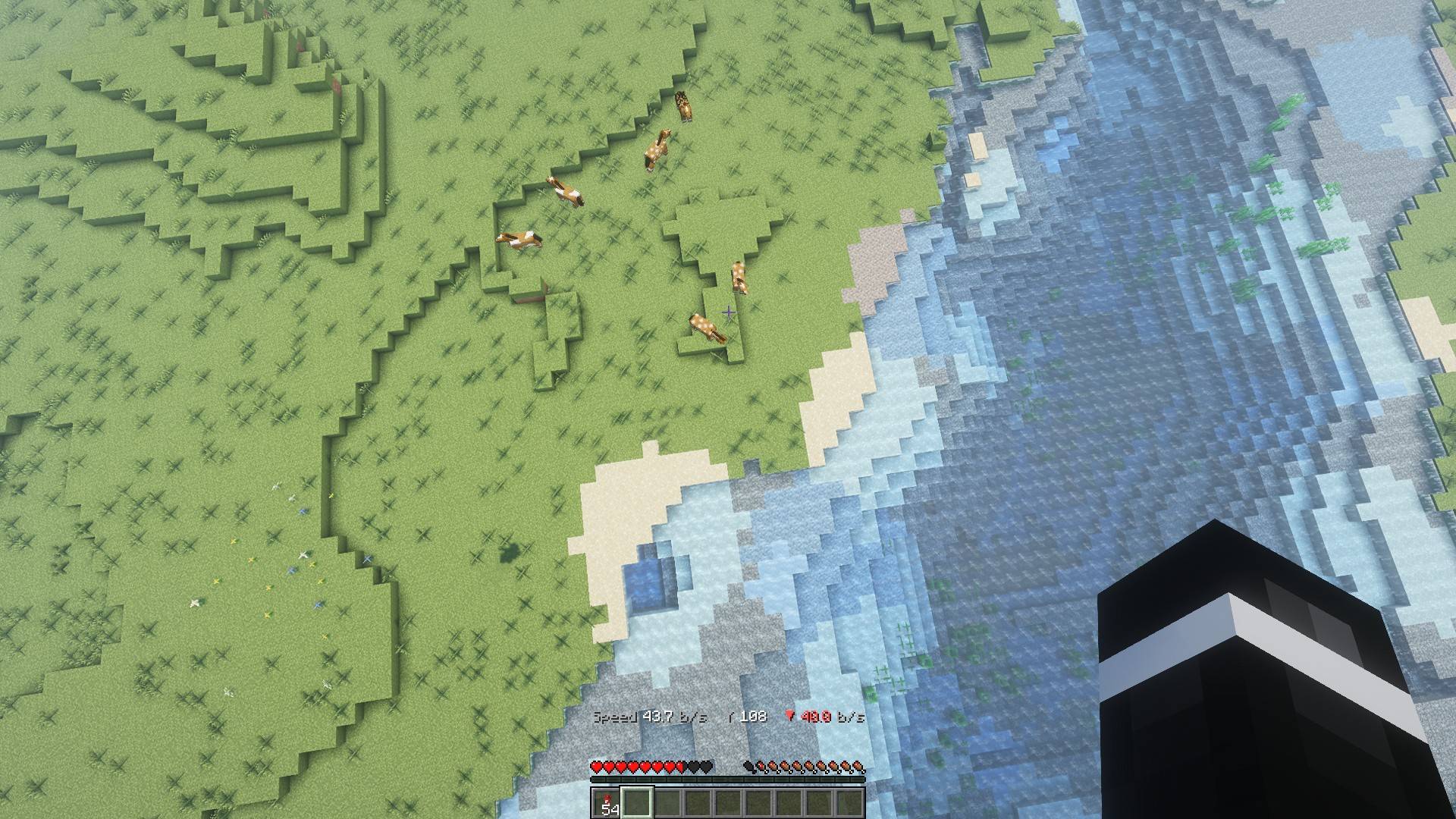
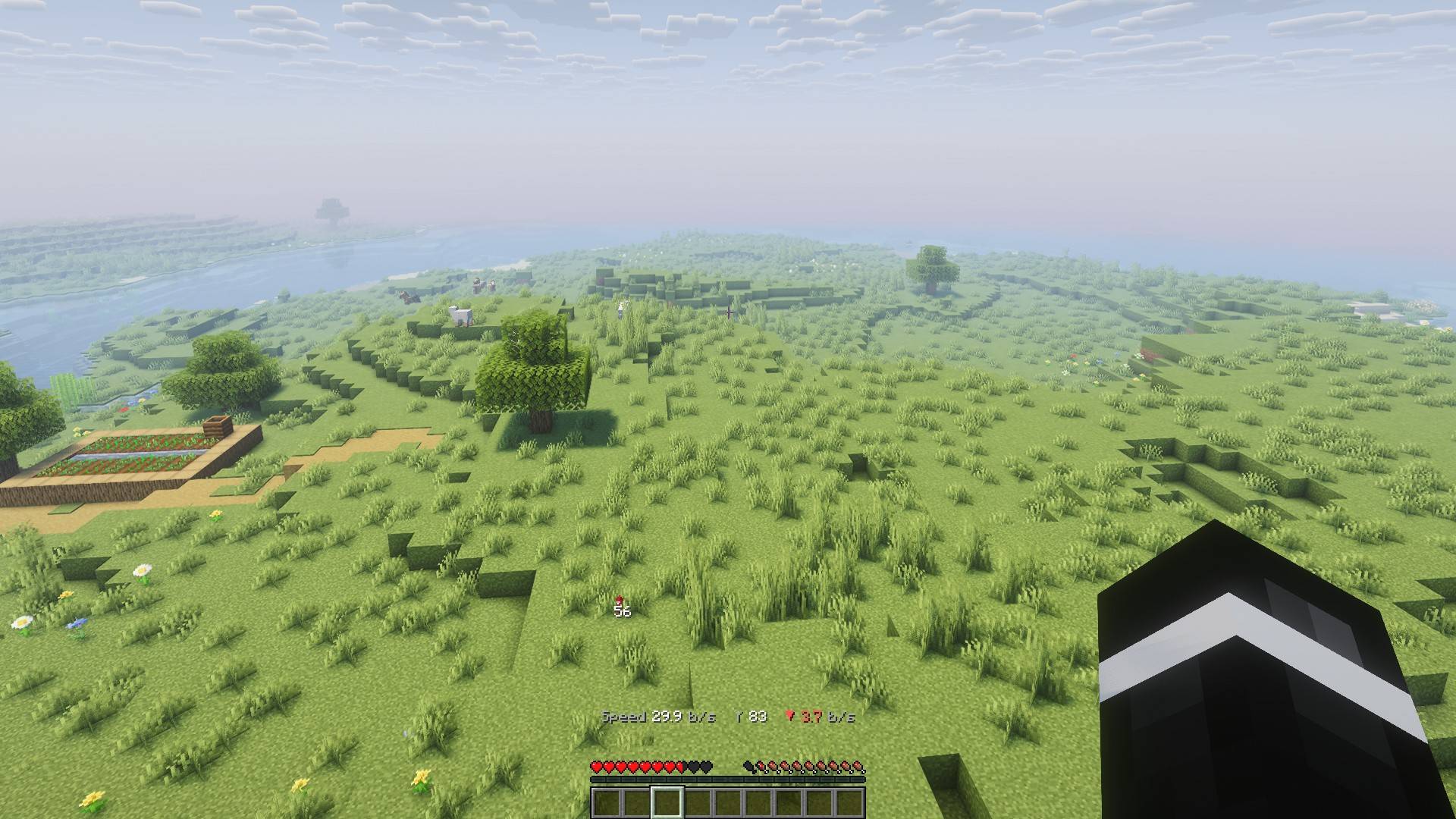
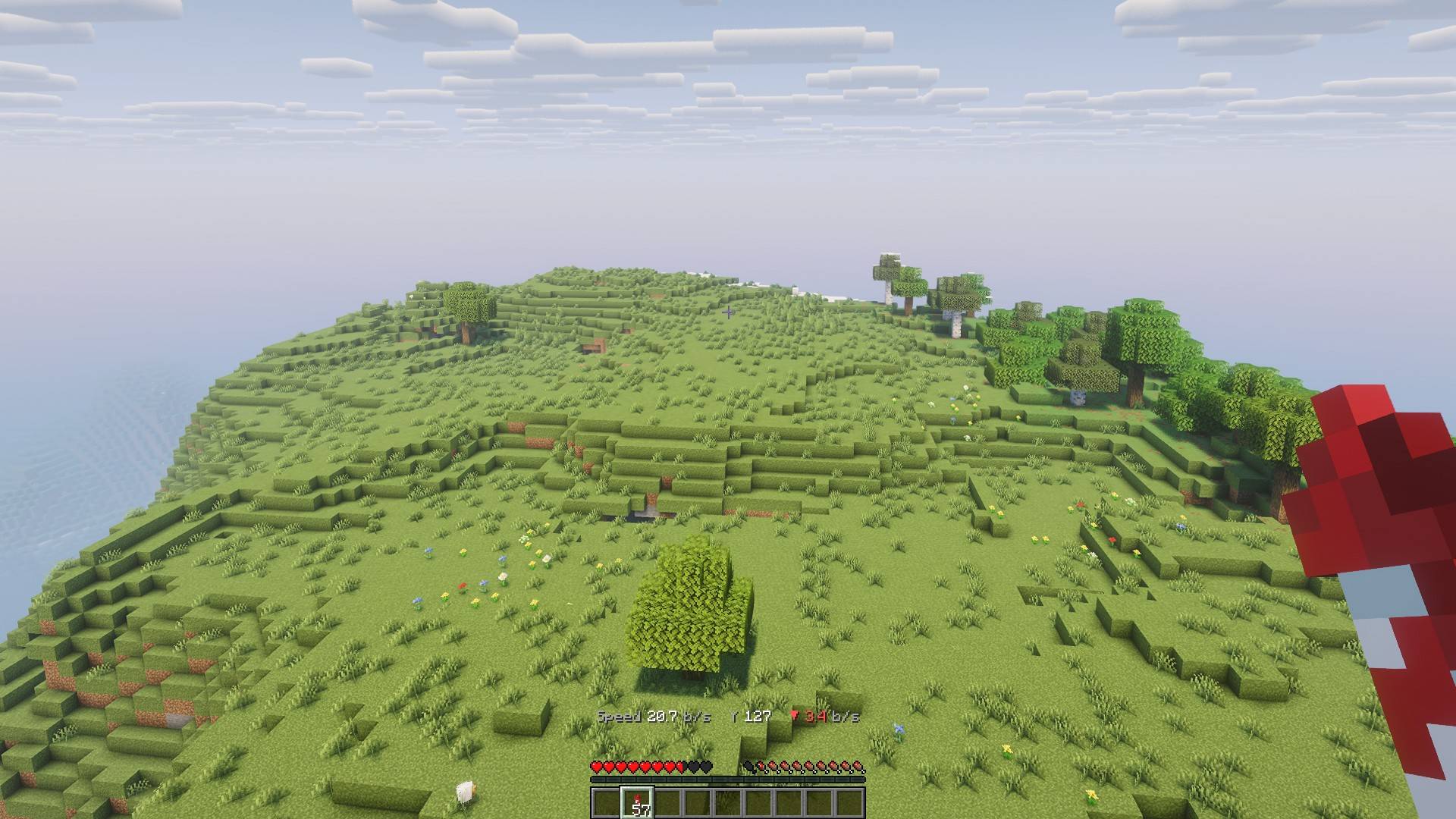
Speed, altitude and climb rate in the actionbar while you glide with an elytra. Vanilla, no mods.
1-dive.jpg

2-climb.jpg
3-glide-farm.jpg
4-glide-hill.jpg
Description
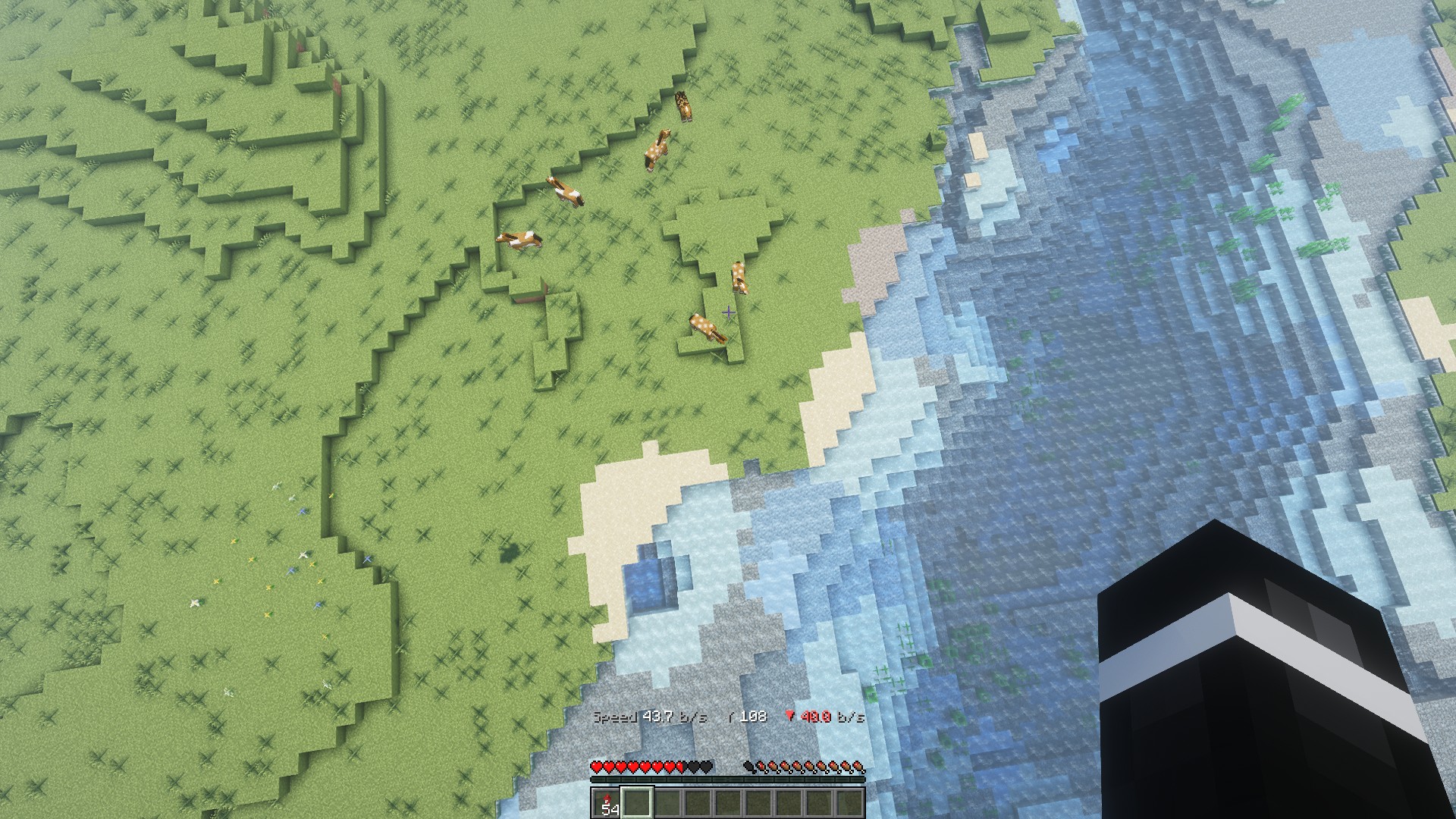
A vanilla data pack for Minecraft Java. While you glide with an elytra, the actionbar shows:
Speed 32.4 b/s Y 187 ▼ 3.2 b/s- Speed: total speed in blocks per second, one decimal
- Y: your altitude
- ▲ / ▼: climb (green) or sink (red) rate in blocks per second
No mods, no resource pack. Works in singleplayer and on servers, for every player separately.
Requirements
Minecraft Java Edition 26.1 to 26.3.
Install
- Download
elytra-hud.zip. - Put the zip (do not unpack it) into your world's
datapacksfolder:- Singleplayer: Edit world → Open world folder → datapacks, or pick it under Data Packs when creating a world.
- Server:
world/datapacks/. - CurseForge app: it shows "This profile's Data packs need to be loaded manually" because vanilla Minecraft only loads data packs per world. That is expected: download the zip and put it into the world's
datapacksfolder as above. To load it in every world automatically instead, use a Fabric or NeoForge profile with a data pack loader mod such as Global Packs (26.1 to 26.3) and follow its instructions.
- Run
/reload(or rejoin the world)./datapack listshould showfile/elytra-hud.zip.
Use
- Just glide. The HUD appears on its own and disappears when you land.
/trigger elytra_hudturns it off or on again for yourself (no operator rights needed).
Uninstall
Run /function elytra_hud:uninstall (removes its scoreboards), then /datapack disable "file/elytra-hud.zip" and delete the zip.
Source and bugs
Source code, issues and the changelog: github.com/christoph-teichmeister/elytra-hud. MIT licensed.
Elytra HUD Team
