


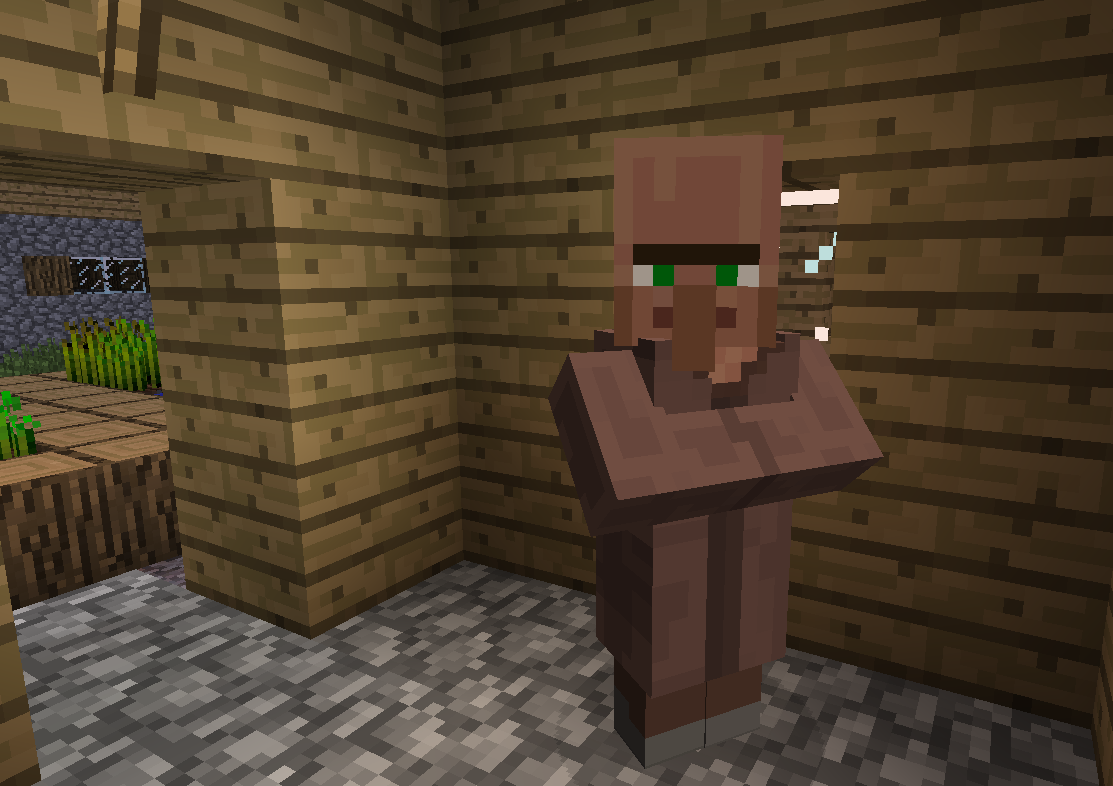
Don't you wish that Villagers could speak? Now with the TalkingVillagers you can make Villagers speak your own custom messages!
INSTALLATION
1.Download the plugin 2.Drag it to the Plugins folder of your server 3.Start the server.
EDITING MESSAGES
1.Open plugins folder 2.Open TalkingHeads folder 3.Open config.yml file 4.Edit messages and save config.yml 5.Reload,Restart or Start the server.
FEATURES
Sends custom messages to the player that right clicks them !
CONFIGURATION
- Open plugins folder on your server files
- Open TalkingVillagers folder
- Open in notepad the config.yml
- Edit Messages(Messages must not be more than 34 characters to prevent errors.) HeadName: true (Enables or disables for false the label up of Villager's head) PlayerMessage: true (Enables or disables for false, villagers speak with messages to players in the chat)
TO DO
-Add reload config command. -Add different Messages per villager type. Click for images
KNOW BUGS
Messages must not be more than 34 characters to prevent errors.
The TalkingVillagers Team
