RandomDrops
- By
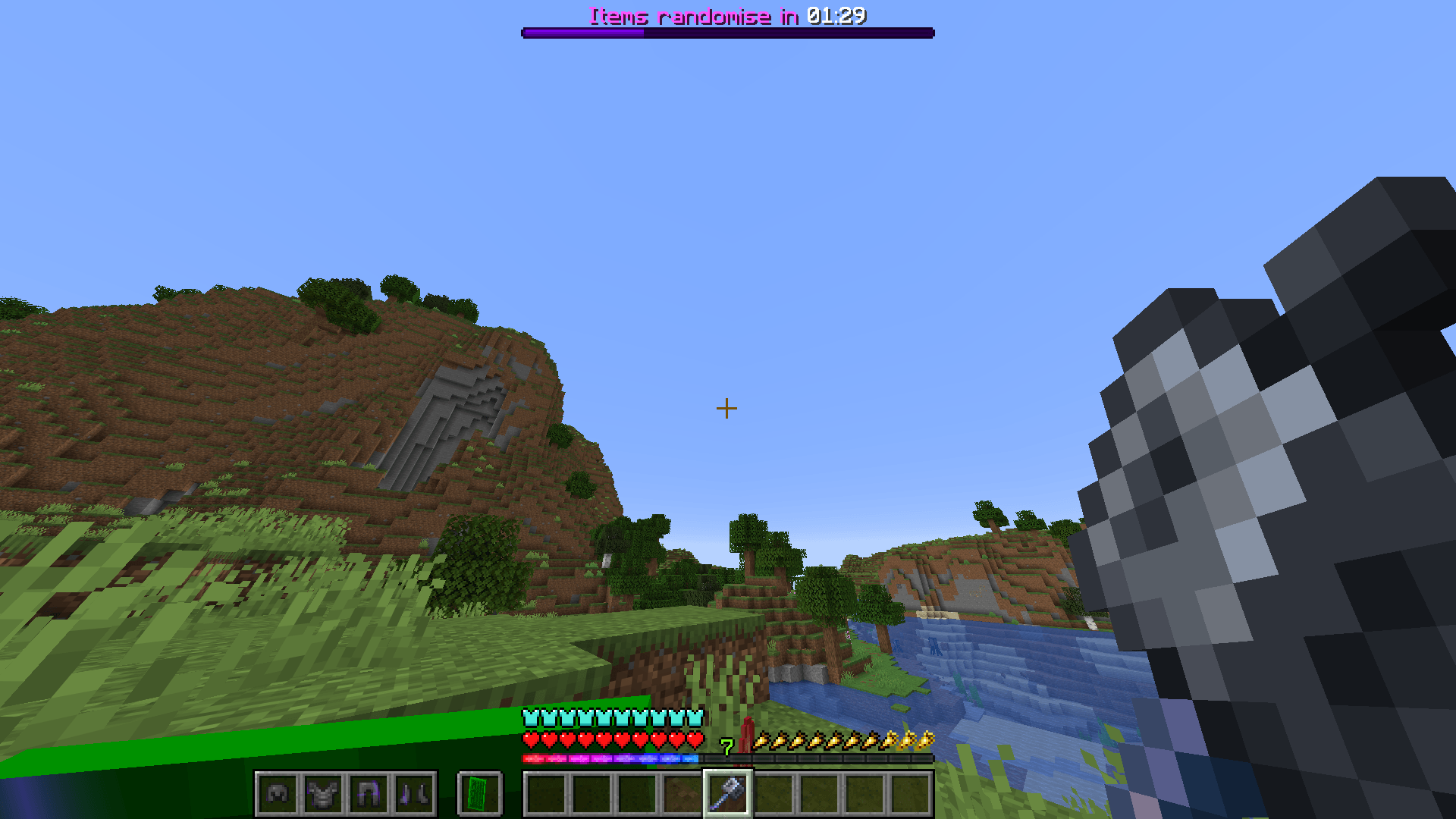
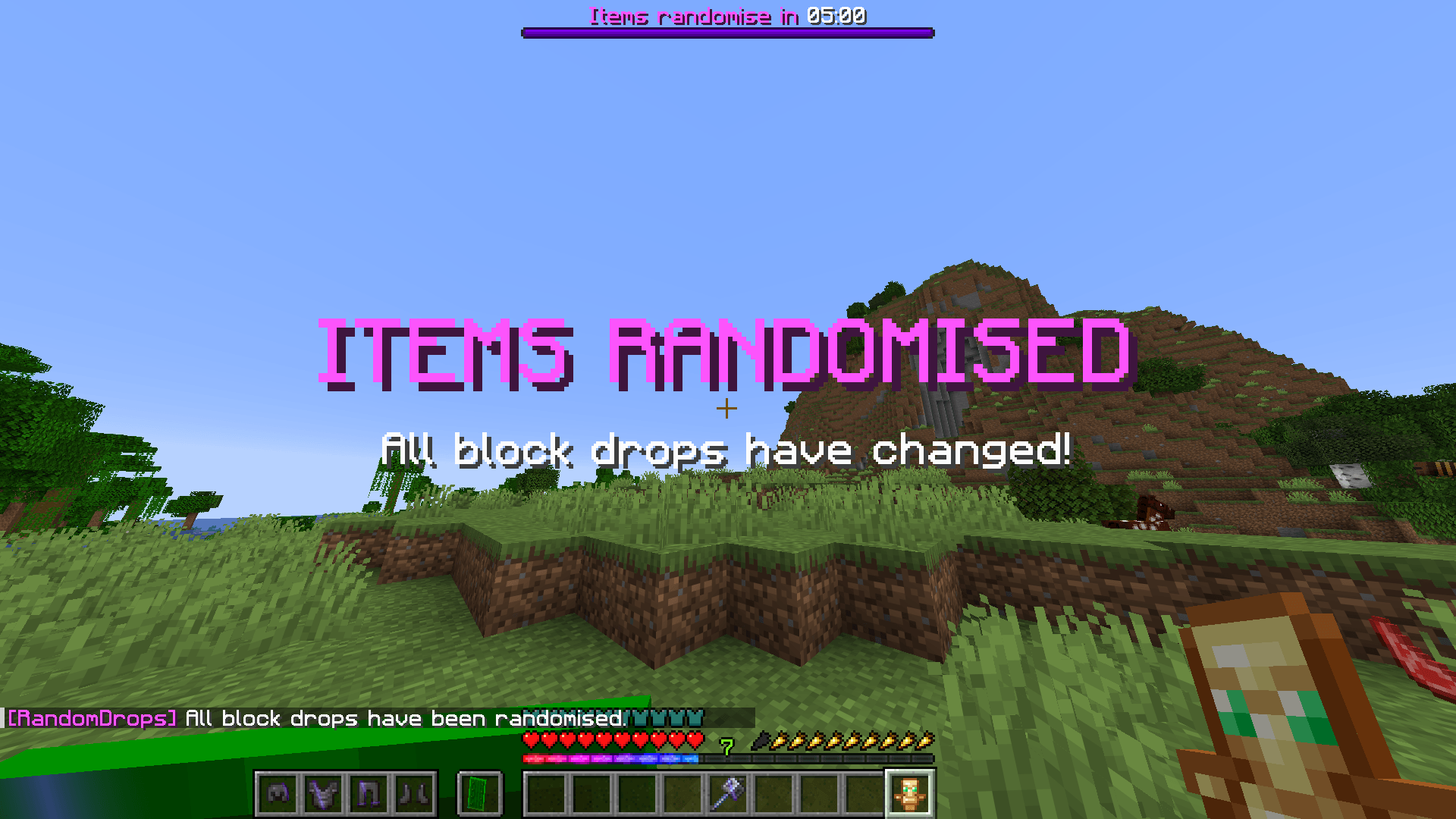
This project randomises block-break item drops every five minutes with a visible countdown at the top of the HUD.
2026-07-20_19.41.04.png
items_randomised.png
Description
RandomDrops
RandomDrops is a server-side Paper plugin that randomises items dropped from blocks every five minutes.
The plugin is designed for survival challenges, multiplayer servers, and custom game modes where players must discover which blocks provide the items they need.
Features
- Randomises items dropped when players break blocks
- Generates a completely new drop mapping every five minutes
- Displays the remaining time using a boss bar
- Shows an on-screen notification when drops are randomised
- Preserves the normal number of items produced by a block
- Uses Minecraft's normal Fortune and Silk Touch calculations before replacing the resulting item
- Does not affect mob drops
- Does not affect items manually dropped by players
- Requires no client-side installation
How it works
When a player breaks a block, Minecraft first calculates the item that would normally drop.
RandomDrops then replaces that item with another item from the current random mapping.
For example:
Cobblestone → Diamond
Oak Log → Bread
Dirt → Iron Ingot
If cobblestone is currently mapped to diamond, breaking stone without Silk Touch will produce diamonds instead of cobblestone.
The mapping remains consistent until the five-minute timer reaches zero. At that point, every mapping is randomised again.
Commands
| Command | Description |
|---|---|
/randomdrops list [page] |
Displays a page of the current drop mappings |
/randomdrops find <item> |
Shows which normal block drop is needed to obtain the requested item |
/rdrops |
Alias for /randomdrops |
Example
/rdrops find diamondThis command shows which normal block drop currently produces diamonds.
Permissions
| Permission | Description | Default |
|---|---|---|
randomdrops.developer |
Allows access to the mapping commands | Server operators |
Requirements
- Minecraft Java Edition 1.21.11
- Paper 1.21.11
- Java 21 or a compatible newer Java runtime
Installation
- Download the latest
RandomDropsJAR file. - Stop your Paper server.
- Open the server's main folder.
- Place the JAR file inside the
pluginsfolder. - Start the server.
- Check the server console to confirm that RandomDrops loaded successfully.
Note: There are no additional dependencies for the plugin at its current stage.
The file structure should look similar to:
server/
├── paper.jar
├── plugins/
│   └── RandomDrops-0.1.0.jar
├── server.properties
└── start.bat
Players joining the server do not need to install anything.
Building from source
Clone or download the repository from GitHub:
https://github.com/haittorrs/RandomDropsOpen a terminal within the directory in which the repository was downloaded.
On Windows, run:
.\gradlew clean buildThe compiled plugin JAR will be created inside:
build/libs/Important behaviour
RandomDrops only changes items created when players break blocks.
It does not modify:
- Mob drops
- Fishing rewards
- Chest loot
- Crafted items
- Items thrown from player inventories
- Blocks that would not normally drop an item
The current mappings and countdown reset whenever the server restarts.
Reporting issues
Bugs and unexpected behaviour can be reported through the GitHub Issues page linked to this project.
When reporting a problem, include:
- Your Paper version
- Your Java version
- The RandomDrops version
- Any relevant console errors
- Steps that reproduce the issue
The RandomDrops Team