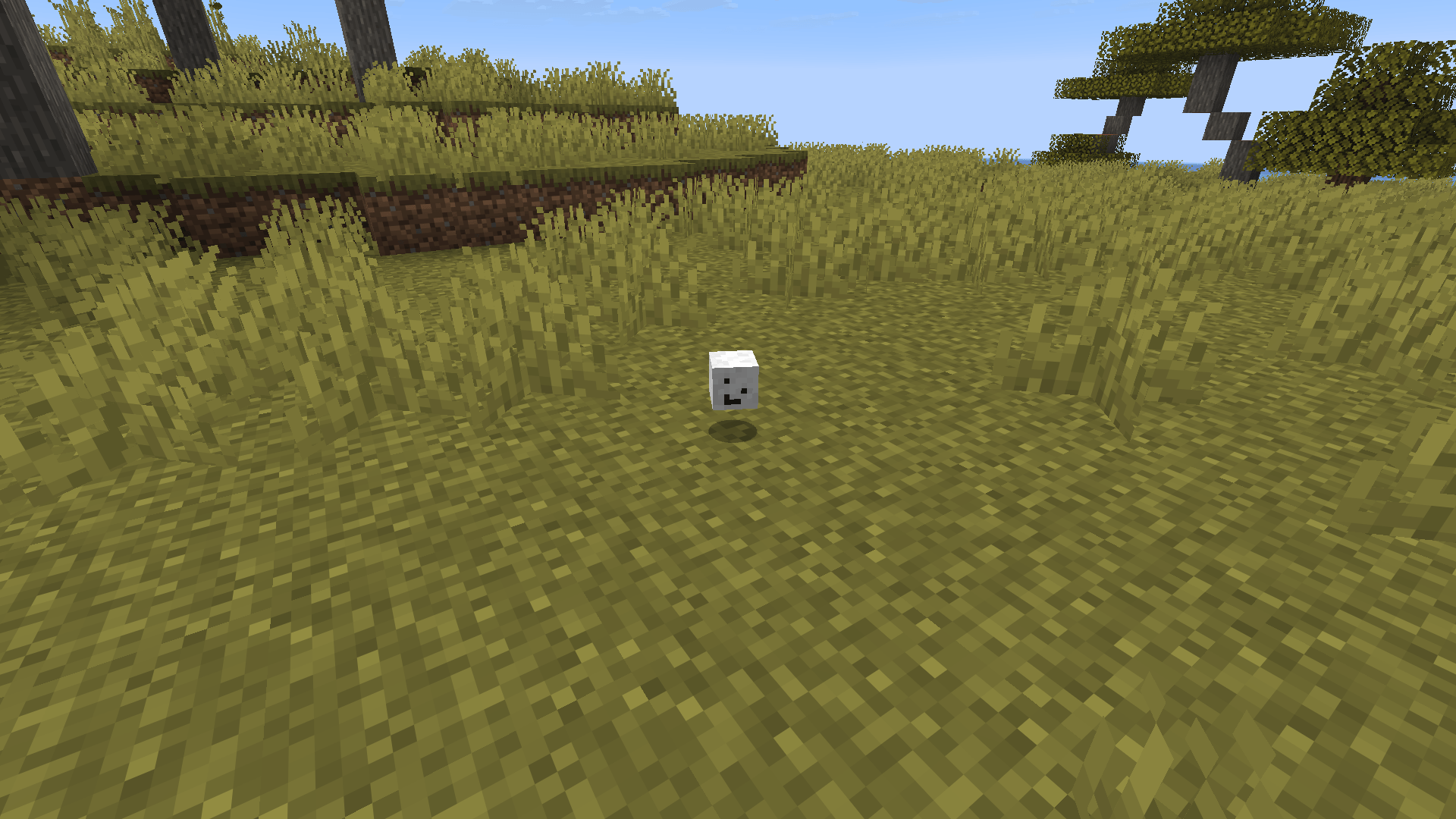
When a player dies, their head drops — complete with their skin. Everything else is configurable down to the smallest detail.
Features
- Skin preservation — textures are embedded into the item, so skins survive server restarts.
- Drop chance — from 0% to 100%, plus Looting and permission bonuses.
- One-time drop mode — each player's head can drop only once. Data persists across restarts.
- Cooldown — a specific player's head won't drop again until the configured time passes.
- PvP-only mode — heads drop only when killed by another player. Mobs, suicide, and /kill don't count.
- Drop to inventory — send the head directly to the killer's inventory instead of the ground.
- Anti-farm — ignore suicide, void deaths, and self-kills.
- World control — blacklist or whitelist worlds.
- Custom name and lore — format, color, italic, lore with MiniMessage and placeholders support (%player%, %killer%, %world%, %date%, %time%).
- Mob heads — vanilla mob heads (ZOMBIE, SKELETON, CREEPER, WITHER_SKELETON, PIGLIN, ENDER_DRAGON) with separate chances.
- Looting bonus — each level of Looting on the killer's weapon adds to the drop chance.
- Permission bonus — chance multiplier for players with playerheaddrops.boost permission.
- Announcements — customizable chat message when a head drops, global or radius-based.
- Economy (Vault) — reward the killer for each head drop.
- Sounds and particles — accompany head drops with sound effects and particles.
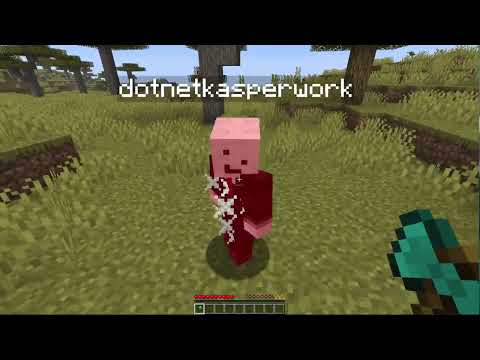
Demo
Compatibility
|
|
| Server |
Paper / Purpur |
| Minecraft |
1.21+ |
| Java |
21+ |
Installation
- Download the latest
.jar from the files tab.
- Place it in your server's
plugins/ folder.
- Restart the server.
- Edit
config.yml to your liking.
- Restart again to apply changes.
FAQ
Do heads survive server restarts?
Yes — the plugin uses embedded texture data, so skins are preserved forever.
Does it work with keepInventory?
Yes — the drop logic is independent of vanilla gamerules.
Can I change the head name and lore?
Yes — fully customizable in config.yml: format, color, italic, lore with MiniMessage support.
Does it support PlaceholderAPI?
Yes — in announcement messages and head lore.
How do I disable drops in certain worlds?
Use the blacklist mode in the worlds section and list the worlds.
Configuration
The full configuration file is available on the Modrinth page or in the plugin's JAR file.
Links
© 2026 kasperoid — All Rights Reserved