Summary
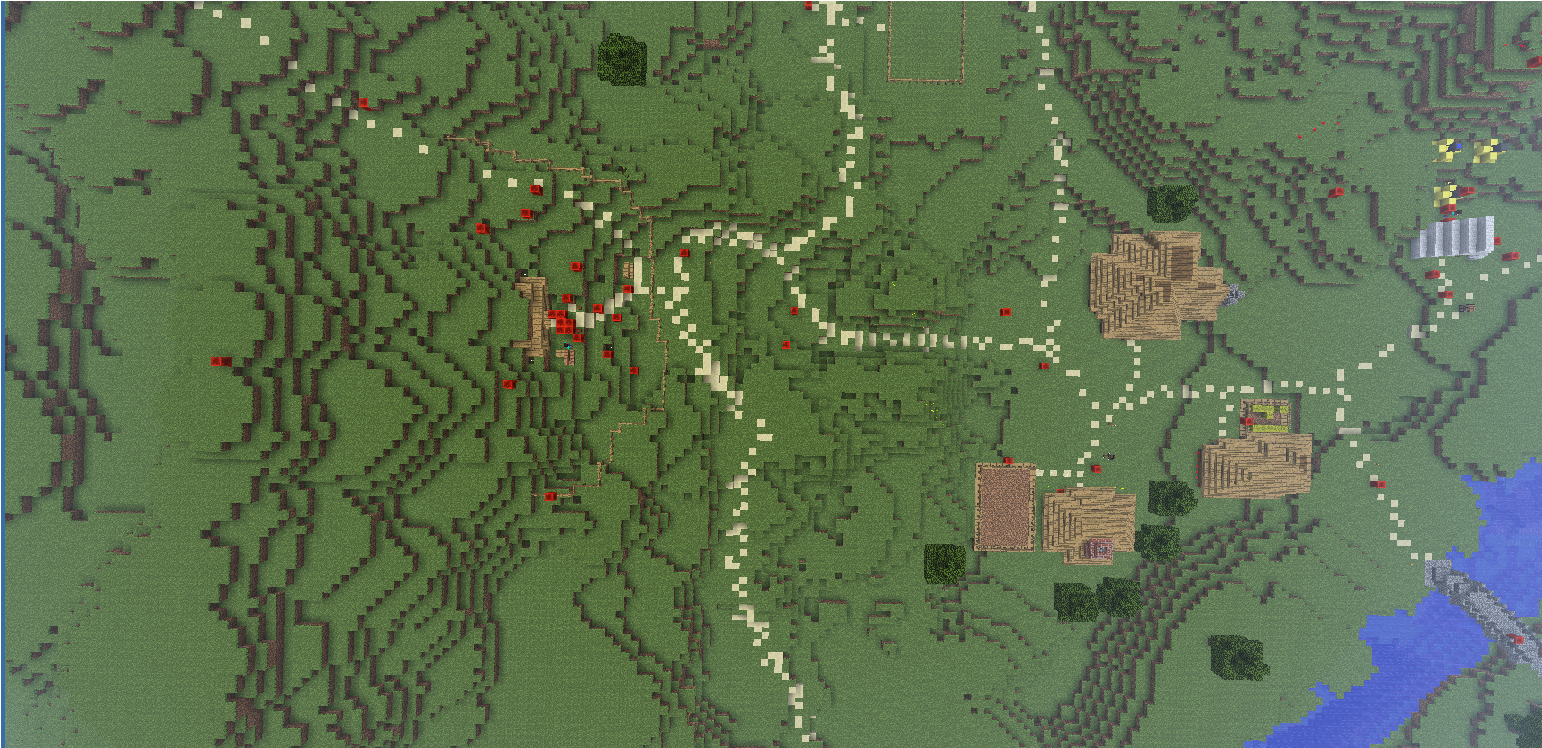
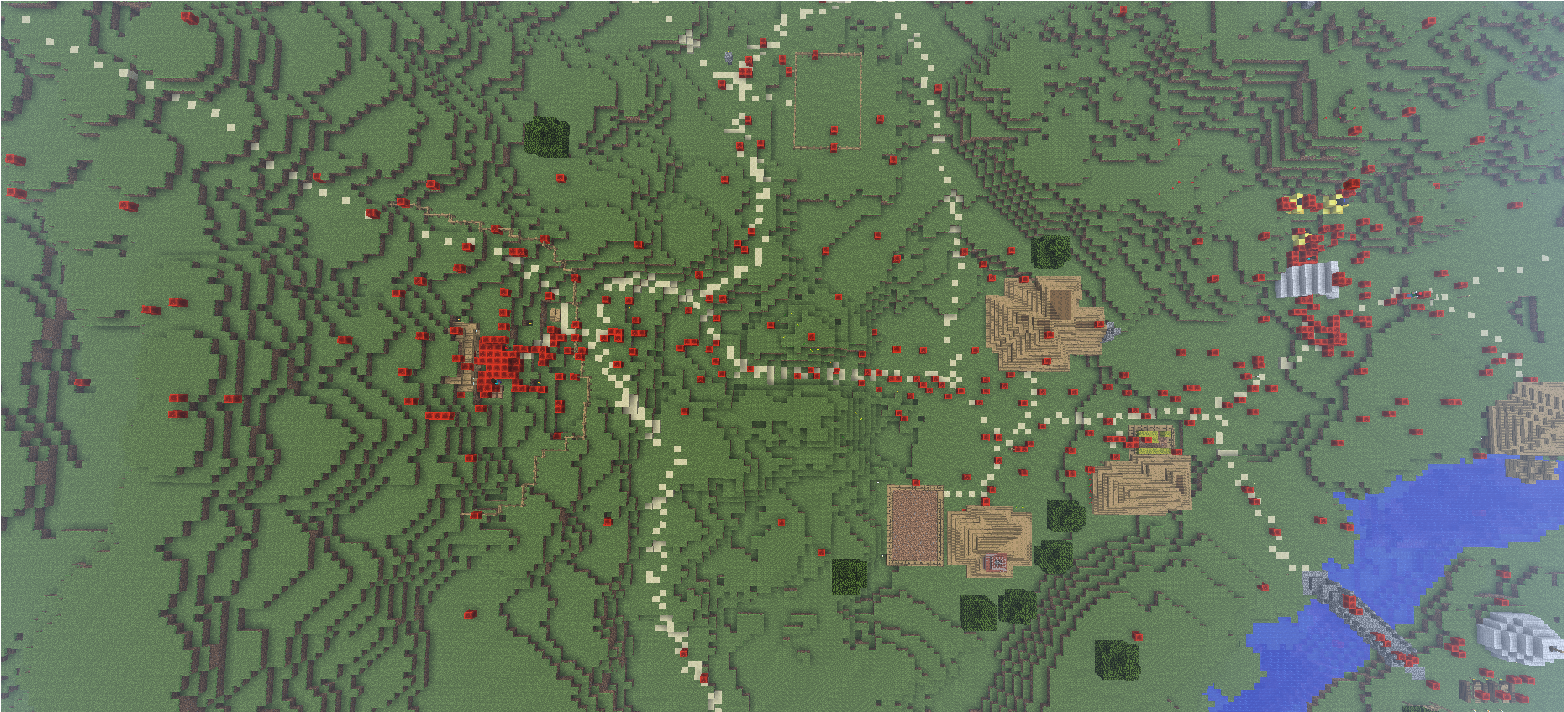
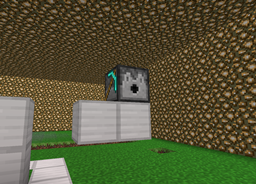
Player Give Ups shows you the location where players logged out. For example, if a server has a long/hard introduction (rules etc.) the admin is able to view the location where alot of player logged out -> He can make the introduction part shorter/easier -> more players will rest on the server.
Features
- Shows you all locations of offline players (default Redstone block)
- You can use a "played time" filter
- Find out where your players stopped playing because it was for example too hard
Commands
The main command is the command /pgu. You control everything with arguments:
- /pgu - Shows help
- /pgu show - Shows all the locations of offline players
- /pgu showfilter <time in minutes> - Shows all the locations of players that have less than <time in minutes> playtime.
- /pgu hide - resets all the blocks (it kicks you because the blocks are only client side)
- /pgu setblockid <id> - Change the default block id
Permission
The only permission is:
Upcomming features
- Creating a bird-view picture
- Please tell me your wishes