What does CustomGates
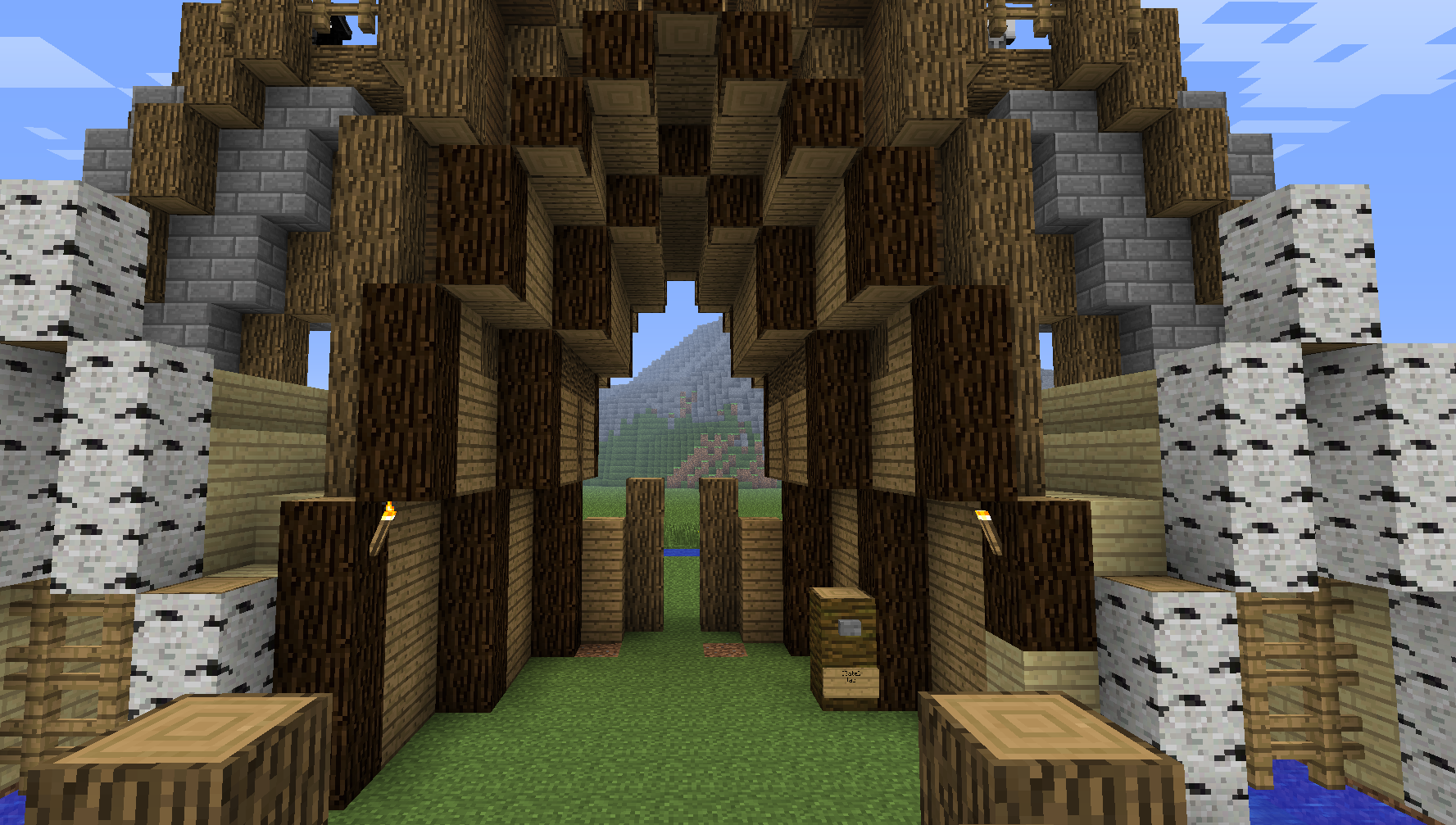
CustomGates let admins create their own gates, entrances and doors, out of blocks. They can for example make a castle door, 10 x 1 x 10, that opens in steps, so it looks like they would have a tall gate. Players only have to click on a button to open that gate step for step. This is the first version of the plugin, so there may be bugs. Please report them here.
Commands
There are four commands aviable:
- /gate help - Shows what to do
- /gate create <name> - Starts the editor mode
- /gate next - Goes to the next step in editor mode
- /gate stop - Ends the editor mode and finishes the gate
- /gate trigger <Gate> - Triggers a gate per command
- /gate delete <Gate> - Delete a gate
Permissions
There is only one permission for who ever should be able to create a gate.
- CGate.create
- CGate.trigger
- CGate.delete
If Line 3 of a sign isn't empty, a player needs that line as permission to trigger the gate.
Tutorial
- Build a gate as it should look when it's closed.
- Do /gate create <name>
- Rightclick every involved block with a gold hoe.
- Do /gate next. Now rebuild the gate, how it should look for the next step.
- Rightclick again every involved block with a gold hoe.
- Repeat that until the gate is open.
- Do /gate stop
- Place a button whereever you want.
- Add a sign under the button. Line 1 contains [Gate], Line 2 the name of the gate. (Optional Line 3 of the gate contains permission to open it)
Tutorial Video
Tutorial Video
ToDo
- Add support for diffrent block directions and datas
- Add on player move
Development build: Here