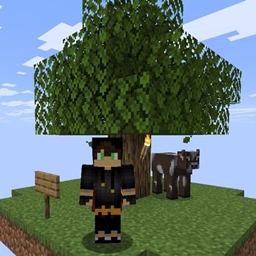
🌌 AOneBlock – One Block, Infinite Adventure
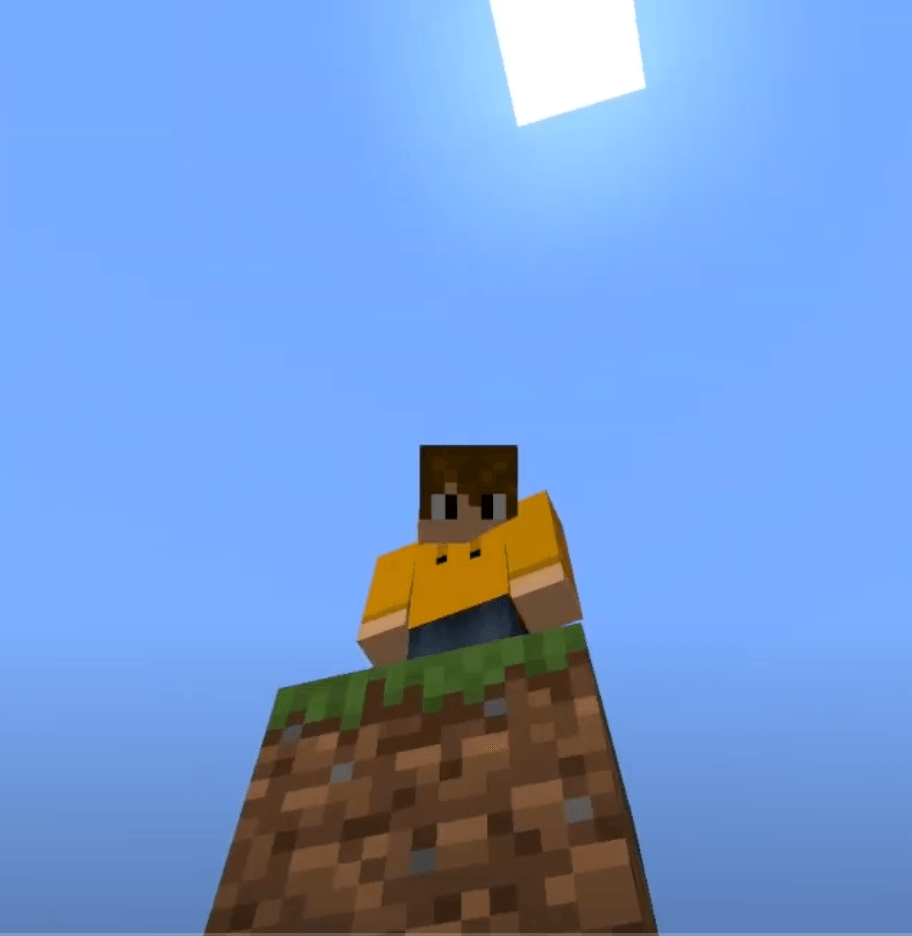
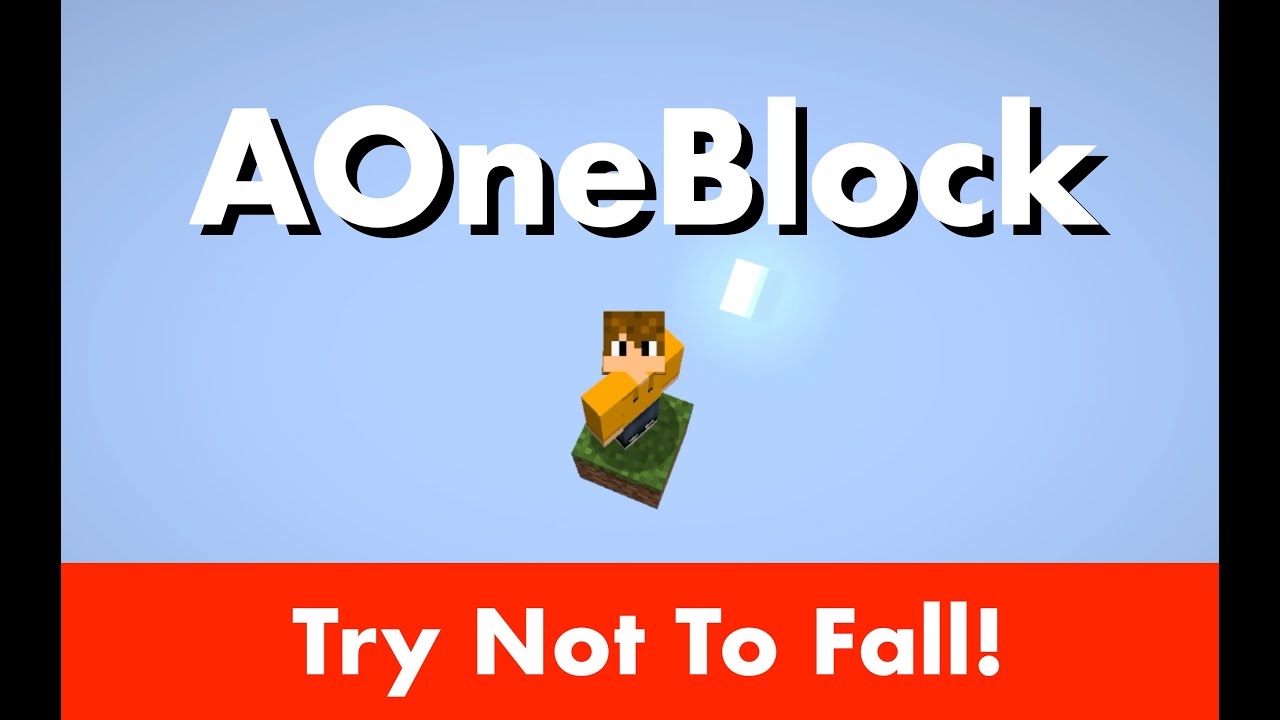
Welcome to the world of OneBlock — where your entire world begins with just one magical block in space.
AOneBlock is a multiplayer-ready twist on the popular OneBlock survival concept, originally created by IJAminecraft for single-player. Built from the ground up on the BentoBox platform, this plugin lets your players experience an epic journey — starting from nothing but a single block... and building a thriving world.
🎮 What Is AOneBlock?
- 🧱 Start with one block — floating in the void.
- 🪓 Break it, and another one appears.
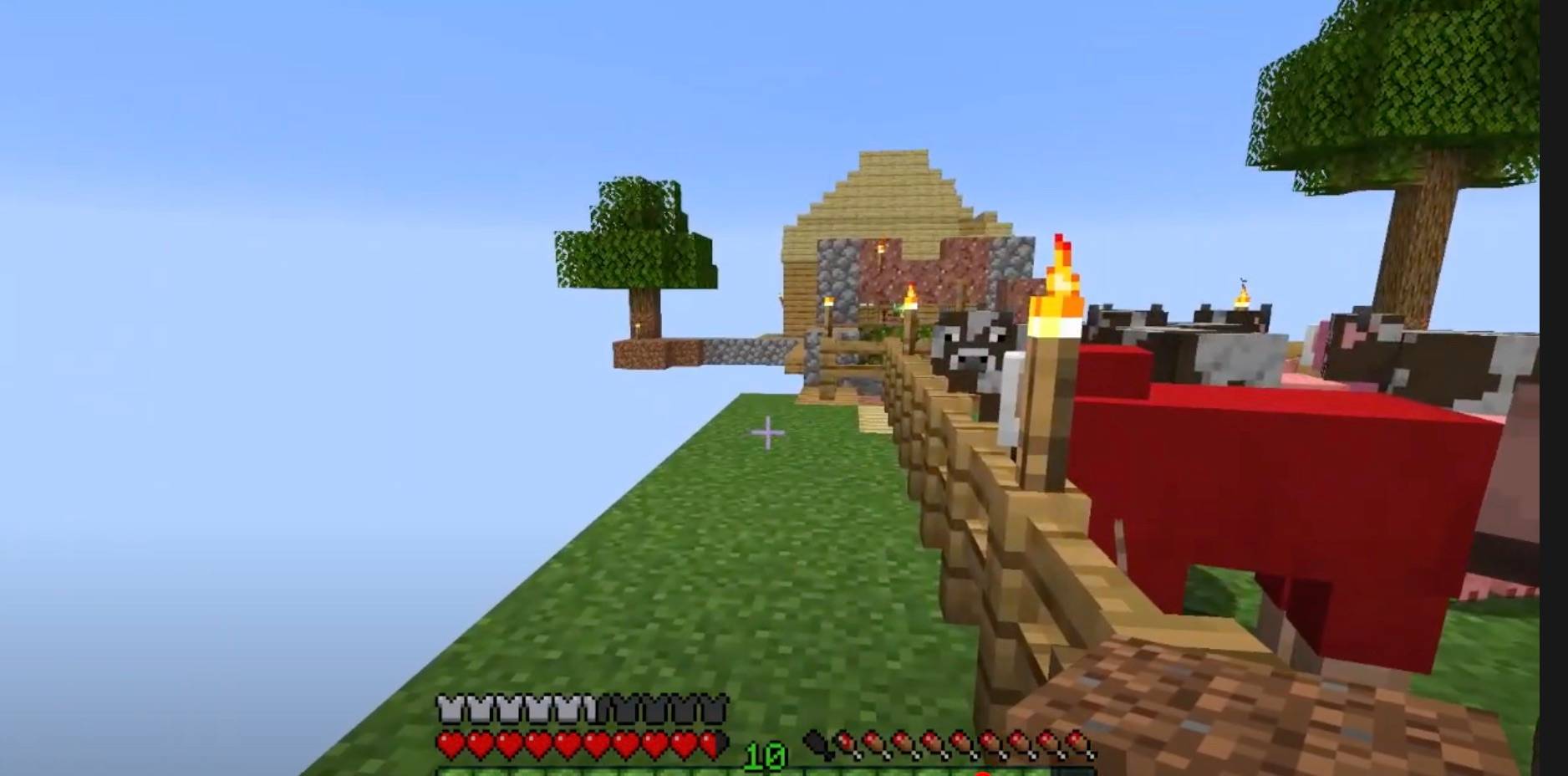
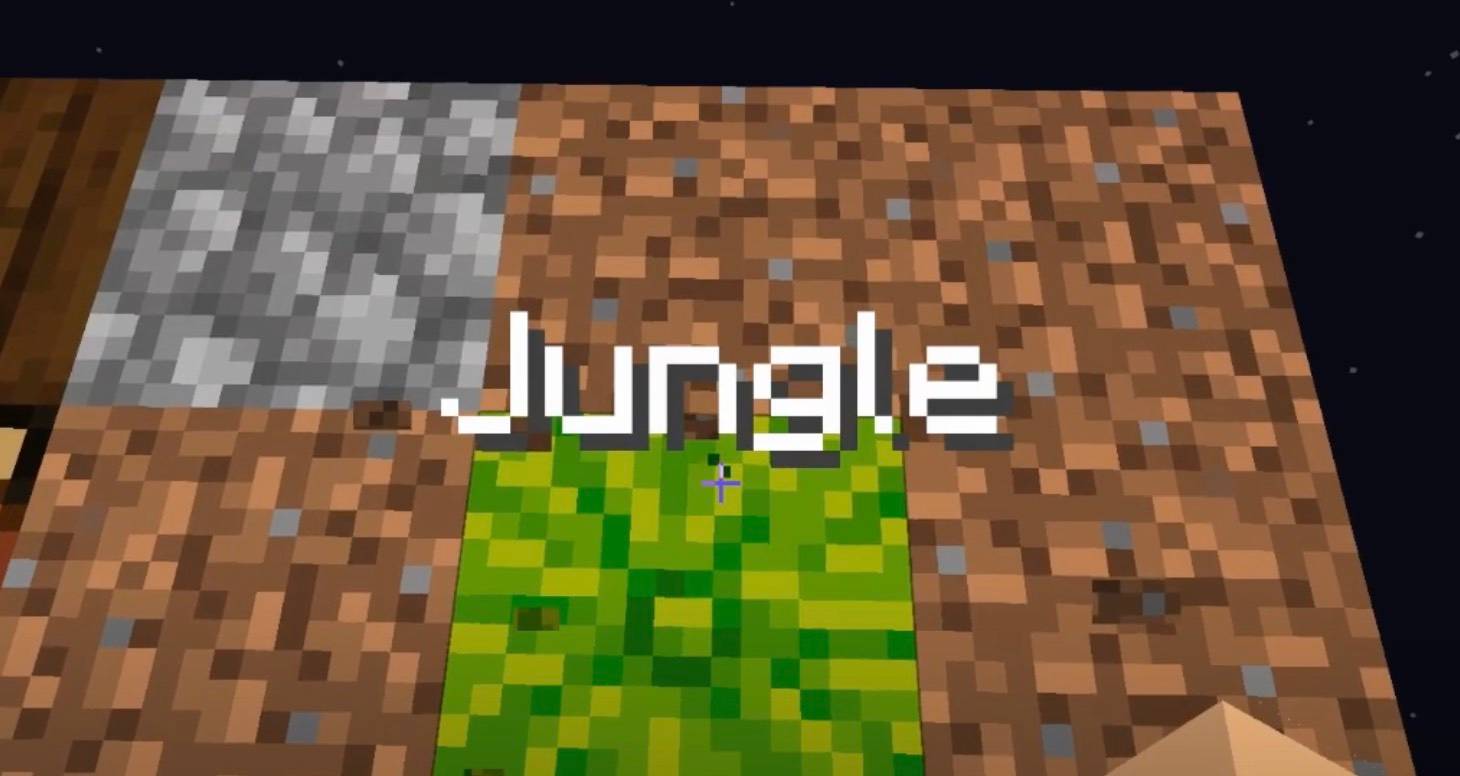
- 🌀 Progress through phases — like Plains, Underground, Nether, End, and more.
- ⛏️ Survive, gather, and expand — every block counts!
Each OneBlock world is filled with over 12,000 unique block placements, evolving through thematic phases that change the pace, resources, and challenges. Once players finish the final phase, the loop begins again — ensuring long-term replayability.
AOneBlock is inspired by SkyBlock but offers a distinct gameplay experience:
- Resource scarcity is different (e.g., water is harder to get early).
- No need for cobblestone generators — the block gives what you need.
- Players get a new kind of challenge that rewards strategy and persistence.
⚙️ Installation Guide
AOneBlock requires the BentoBox plugin to run.
Step-by-Step:
- ⬇️ Download and install BentoBox.
- 📂 Place the
AOneBlock.jar into:
plugins/BentoBox/addons
- ▶️ Start the server.
- 🗂 A data folder will be created, with
config.yml and phase configs.
- 🔑 Login and type
/ob to begin!
- (Optional):
7. ⛔ Stop the server.
8. 🛠️ Edit config.yml or any phase .yml files.
9. 🗑️ Delete the generated worlds if needed (based on changes).
10. 🔄 Restart the server.
🧰 Features & Customization
- 12 fully customizable gameplay phases
- Hundreds of block types, items, mobs, and loot
- Runs out of the box — or tailor it with:
- Phase configs
- BentoBox settings
- Addons to enhance gameplay
💬 Commands Overview
- Player command:
/ob
- Admin command:
/oba
- View help:
/ob help or /oba help
📖 See BentoBox Docs for advanced setup, placeholders, and permissions.
❓ FAQ
Q: What are the available phases?
A: There are 12 phases:
Plains, Underground, Winter, Ocean, Jungle, Swamp, Dungeon, Desert, The Nether, Plenty, Desolation, Deep Dark, and The End.
Q: How many blocks does a single run have?
A: About 12,000 blocks — enough to keep players busy for days or weeks!
Q: What happens after finishing all phases?
A: The cycle begins again — starting back at Plains.
Q: Why do I keep falling and dying!? A: There are tricks to surviving, but it might be difficult! You need to build space so you don’t fall.
Q: I can’t catch the blocks when I mine them! How do I do that? A: You can’t catch them all, but it is an infinite block!
Q: Why do certain blocks spawn more frequently than others? A: They just do! It’s random. You can set the relative probability in the config files in the phases folder. Admins can also force specific blocks at specific times. (Look out for the sponge!)
Q: How do I know which is the magic block? A: Hit it and it’ll give off green particles — and it’s located at the center of your island.
Q: My magic block is no longer there! How do I get another one? A: Place a block at the original location. If needed, die and respawn — a new one will generate.
**Q: My magic block is liquid! How can I mine it?v A: Use a bucket.
Q: Which mobs can spawn? A: Each phase includes different mobs. Be cautious — they might push you off! Listen carefully while mining.
Q: I have no chance to react to hostile mobs spawning! A: Be prepared! Hostile mobs make noise before spawning. Mine from a distance and build defenses.
Q: When mobs spawn, my defenses are destroyed! Why? A: Mobs clear space when they spawn. Blocks in their way will break and drop. Design your defenses accordingly.
Q: Do chests spawn? A: Yes! They appear randomly and match the current phase. There are common, uncommon, rare, and epic chests. Sparkly chests are valuable!
Q: Is it possible to reach the Nether or End in this map? A: You can access the vanilla Nether, but the End is a phase, not a dimension.
Q: What is the end goal? A: It’s whatever you want it to be.
⸻
🧾 Phase Configuration Files
Phases are located in the phases folder. Each phase has two files: • One for blocks and mobs. • One for chests.
The first number in the file = blocks needed to reach that phase.
Each phase contains: • name • icon • fixedBlocks • holograms • biome • start-commands, end-commands, end-commands-first-time • requirements • blocks • mobs
Chest files contain: • Phase number • A chests: section
🔖 name
The name of the phase.
🧱 icon
The block used as a visual icon.
📌 fixedBlocks
Blocks that will always appear at specific relative counts within the phase.
✨ holograms
Lines of floating text that appear at key block counts. No plugin required.
🌎 biome
Defines the biome for the phase.
🧩 Commands
Run console or player commands on phase start or completion. Use placeholders: • [island], [owner], [player], [phase], [blocks], [level], [bank-balance], [eco-balance]
Examples:
start-commands:
- 'give [player] WOODEN_AXE 1'
- 'broadcast [player] just started OneBlock!' end-commands:
- '[SUDO]summon minecraft:wither' end-commands-first-time:
- 'broadcast &c&l[!] &b[player] &fhas completed the &d&n[phase]&f phase for the first time.'
🧾 Requirements
Conditions to enter a phase: • economy-balance • bank-balance • level • permission
Example:
requirements: bank-balance: 10000 level: 10 permission: ready.for.battle
🧱 blocks
Define block types and their probabilities.
🐾 mobs
List mobs and their probabilities. Only alive/spawnable entities.
🎁 chests
Define loot tables. Set in-game with:
/oba setchest <phase> <rarity>
Chests are stored in oneblocks.yml. Manual edits are possible but must use valid Bukkit material names.
⸻
🔌 Addons & Extensions
You can add BentoBox addons like: • ✅ Challenges • ✅ Likes • ✅ Level • ✅ Warps
…but they’re optional.
⸻
🛠️ Bugs & Feature Requests
📬 Submit issues or suggestions: https://github.com/BentoBoxWorld/OneBlock/issues
🔧 Compatibility
We focus on the latest Minecraft version, but earlier versions are supported too!
Grab them from the Download Site’s Customize Tab or the GitHub Releases page.
💬 Support & Contributions
This is a community-driven project, created by volunteers. Thanks for being part of the journey!