

Full overview (English, German, Russian, and Ukrainian dubbing)
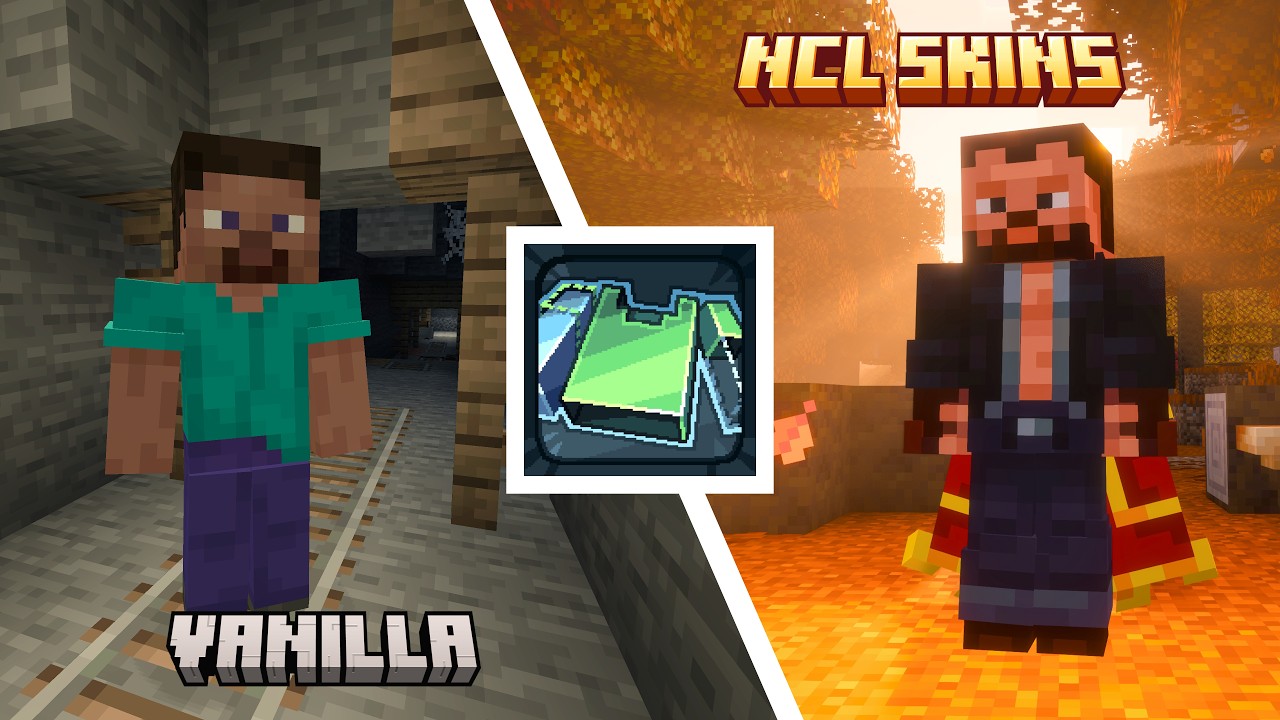
NCL Skins Plugin is the server companion for the NCL Skins client mod, letting other players see appearance changes without reconnecting. It supports official Minecraft skin and cape updates, as well as changes from other providers used by the player, including OptiFine and SkinMC, even when their Minecraft profile has not changed.
The player changing their appearance needs NCL Skins. Official skin and cape updates are visible to other players in the world and player list even without the mod. To receive updates from other providers, viewers also need NCL Skins: each player sees the result according to their own enabled providers and priorities.
After changing your cape on the provider’s website, click Refresh in the mod so other NCL Skins players can see the new cape without reconnecting. Local capes from files and resource packs remain visible only to their owner.
🛡️ Security and stability at high player counts
The plugin only accepts requests from a currently connected player with a verified identity. For official appearance updates, it rechecks the Minecraft profile and uses only the verified skin or cape from that profile. For updates from other providers, NCL Skins clients fetch fresh data from their own enabled sources. Concurrent requests, their average rate, and short bursts are limited. Repeated requests from one player are combined so that only the latest relevant change is applied.
When many players need to receive an appearance update, the work is spread across server ticks instead of running all at once. A failed refresh for one viewer does not block the others, while stale requests and requests from disconnected players are safely removed from the queue.
🧩 One plugin for servers and proxies
One universal JAR contains separate entrypoints for Bukkit-family servers, Velocity, and BungeeCord.
- On a standalone server, install the JAR in the
plugins folder
- On a proxy network, install the same JAR on the proxy and every backend server
- The plugin does not change skins by itself or poll profiles continuously. Updates are triggered by the NCL Skins client mod, including after refreshing provider data
- Without the plugin, the official appearance change will still succeed, but other players may need to reconnect, or the changed player may need to be reloaded by the server
🛠️ Compatibility
| Minecraft version |
Standalone server |
Velocity network |
BungeeCord network |
| 1.20.1 |
CraftBukkit, Spigot, Paper, Purpur, Folia |
Paper, Purpur, Folia |
Spigot, Paper, Purpur, Folia |
| 1.21.1 |
Paper, Purpur |
Paper, Purpur |
Paper, Purpur |
| 1.21.11 |
Paper, Purpur, Folia |
Paper, Purpur, Folia |
Paper, Purpur, Folia |
| 26.1.1 |
Paper |
Paper |
Paper |
| 26.1.2 |
Paper, Purpur, Folia |
Paper, Purpur, Folia |
Paper, Purpur, Folia |
| 26.2 |
Paper, Purpur, Folia |
Paper, Purpur, Folia |
Paper, Purpur, Folia |
| 26.3 |
Paper, Purpur |
Paper, Purpur |
Paper, Purpur |
The plugin version combines a base version and a build number. For example, in 1.0.0.2, 1.0.0 is the base version and 2 is the build number. The plugin's base version identifies the NCL Skins mod version that introduced its client-server protocol. Later mod versions remain compatible until that protocol changes. When that happens, the new plugin's base version will match the mod version that introduces the change. Compatibility with older mod versions is not guaranteed. Additional plugin builds that add support for newer Minecraft versions do not change which mod versions are compatible.
⚙️ Configuration
| Platform |
Location |
Available settings |
| CraftBukkit, Spigot, Paper, Purpur, Folia |
plugins/NCLSkinsPlugin/nclskins-server.json5 |
Appearance refresh without reconnecting, trust for verified proxy forwarding, concurrent profile lookups, average request rate, and maximum short-term burst |
| Velocity, BungeeCord |
NCL Skins Plugin has no separate configuration file on the proxy |
The plugin works without configuration. Configure the applicable verified forwarding mechanism described below on the proxy and backend servers |
The standalone or backend server configuration is created automatically after the first startup. For a proxy network, set realtimeRefresh.trustedProxyForwarding: true on every backend server. Changes take effect after a server restart.
🔐 Proxy network requirements
- Velocity requires
modern player information forwarding
- BungeeCord requires BungeeGuard 1.4.0 or newer on the proxy and every backend server
- BungeeCord with Spigot 1.20.1 also requires ProtocolLib 5.4.0 on the backend server
- Backend servers must not accept direct connections from the internet. In addition to verifying forwarded identities, restrict access with a firewall or private bind address
📋 Requirements
- NCL Skins on the clients of players who change their appearance
- Java 17 or newer for the plugin bytecode. The selected server or proxy may require a newer Java version
- Online mode for a standalone server, or correctly configured and verified identity forwarding through a supported proxy
⚖️ License
NCL Skins Plugin is distributed under the GPL-3.0-only license.







![Foggy Pale Garden (FPG) [Archived] project image](https://media.forgecdn.net/avatars/thumbnails/1092/168/256/256/638636448136223712.png)