Minecraft Version: 1.14.X, 1.15.X, 1.16.X, 1.17.X, 1.18.X, 1.19.X, 1.21
* It may be possible to use this Plugin in other versions, then those who are officially supported
New main Plugin-Page: Open Modrinth
Commands:
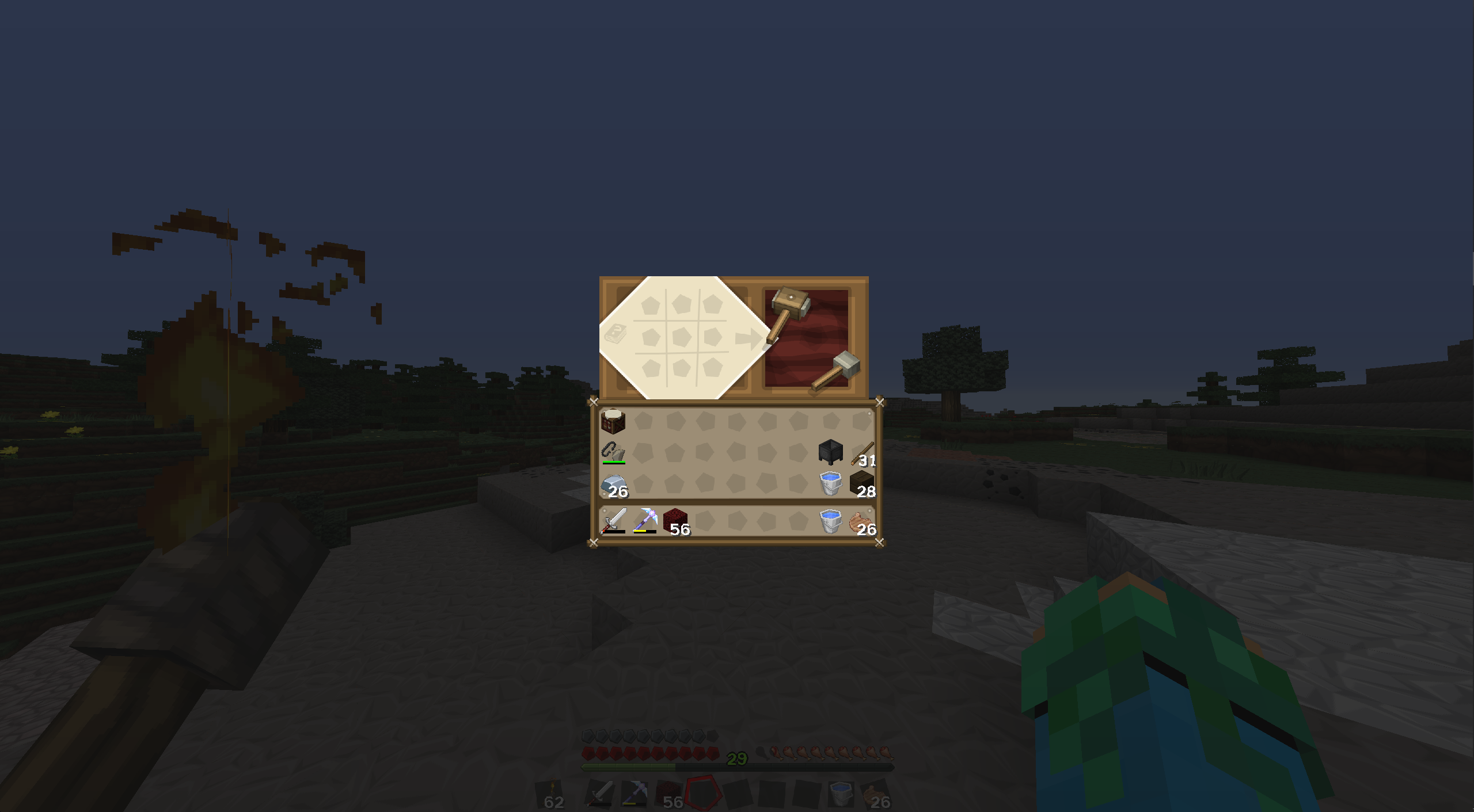
/craft
Usage: /craft
Description: Opens up a mobile full-size Crafting-Table. No need to always carry a Crafting-Table with you anymore!
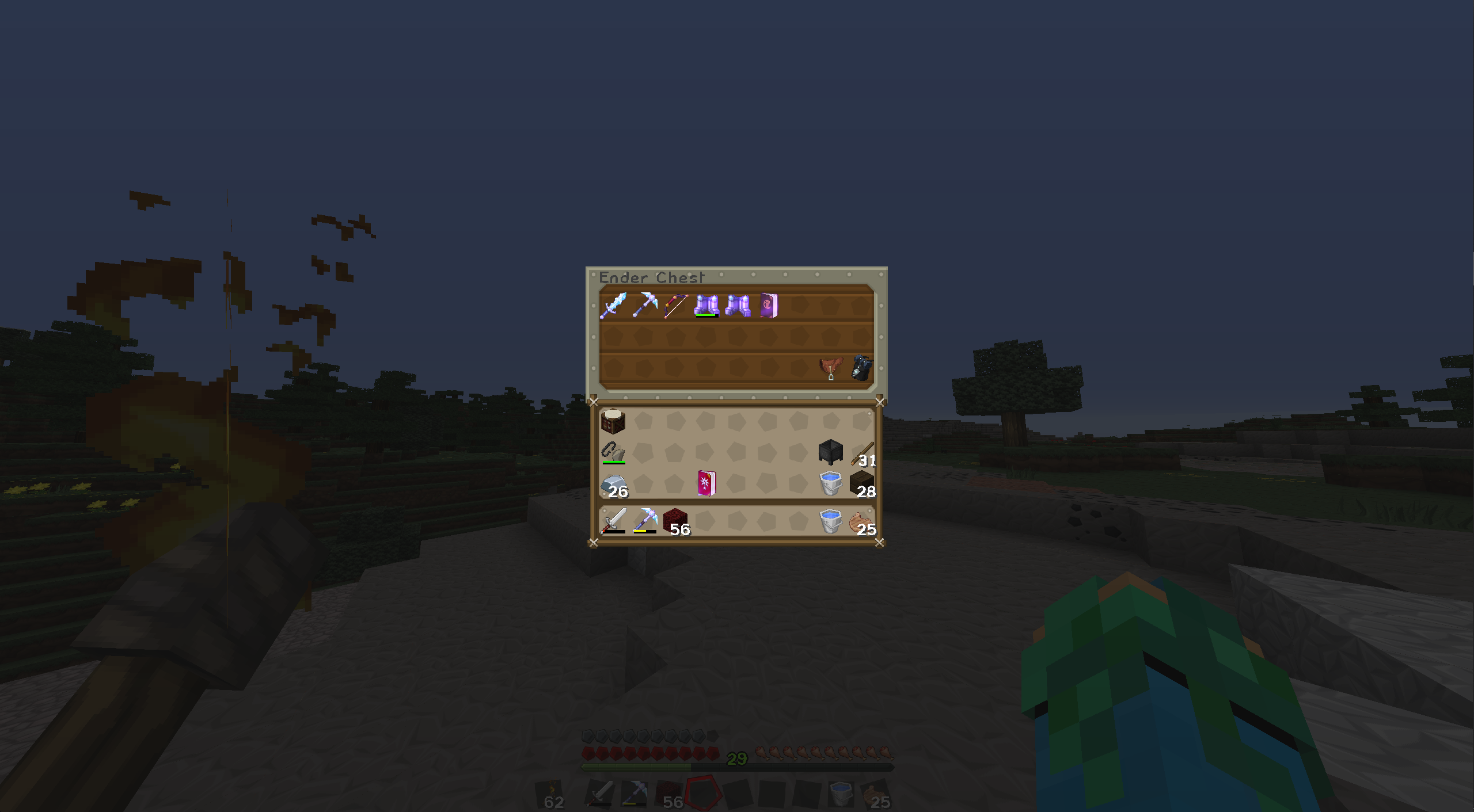
/echest
Usage: /echest
Description: Opens up a mobile Ender-Chest. Its basically like a Backpack!
/heal
Usage: /heal or /heal <name>
Description: Refills your or another players health and food-bar.
/vanish
Usage: /vanish on|off
Aliases: /invisible, /invis
Description: Makes you invisible and hides you in the Tab-menu.
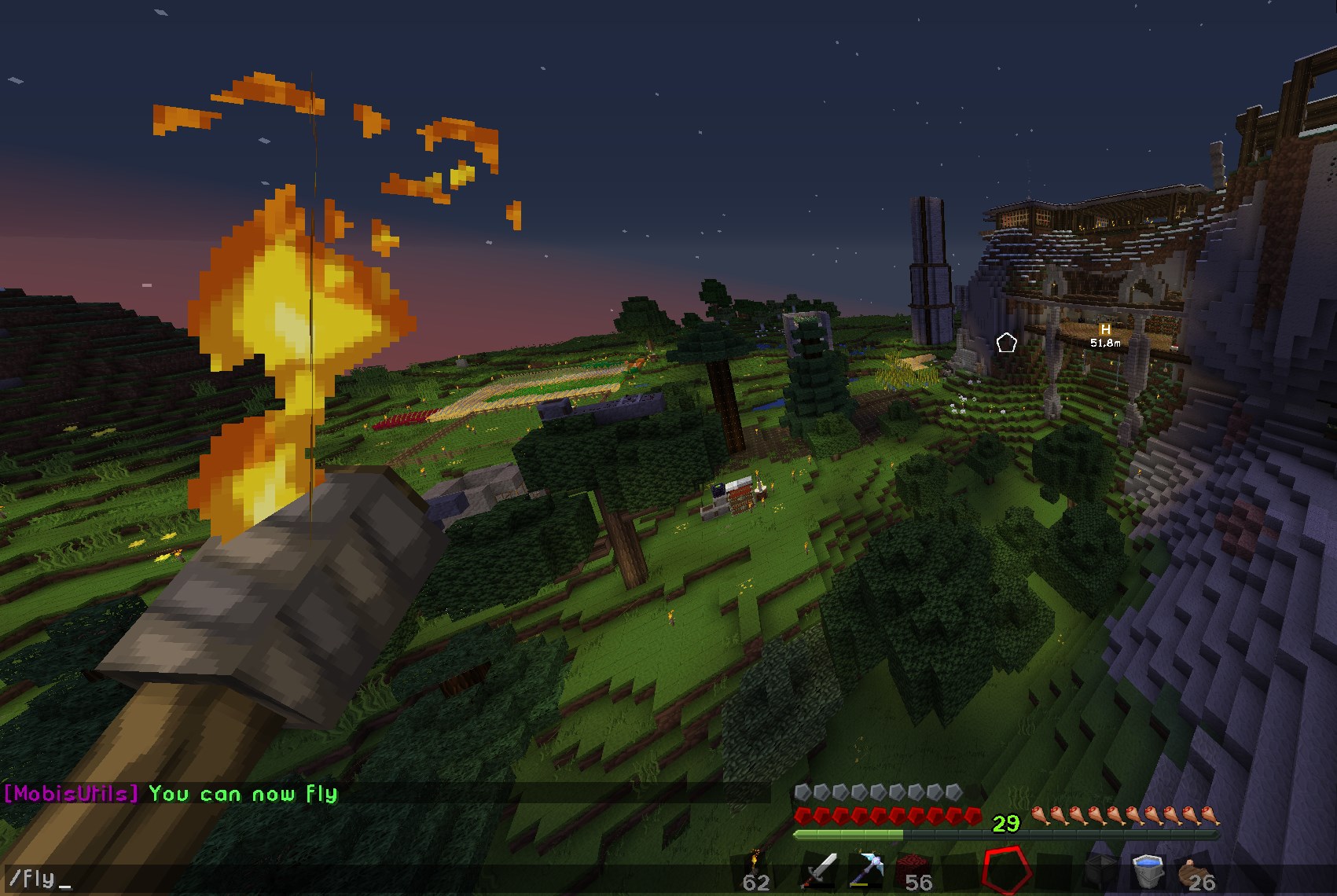
/fly
Usage: /fly or /fly on|off
Description: Allows you to fly, even if you are in Survival-mode!
/gm
Usage: /gm or /gm 0|1|2|3
Description: Changes your game mode. It's just a lot quicker to type! If no number is given it will toggle between Creative and Survival.
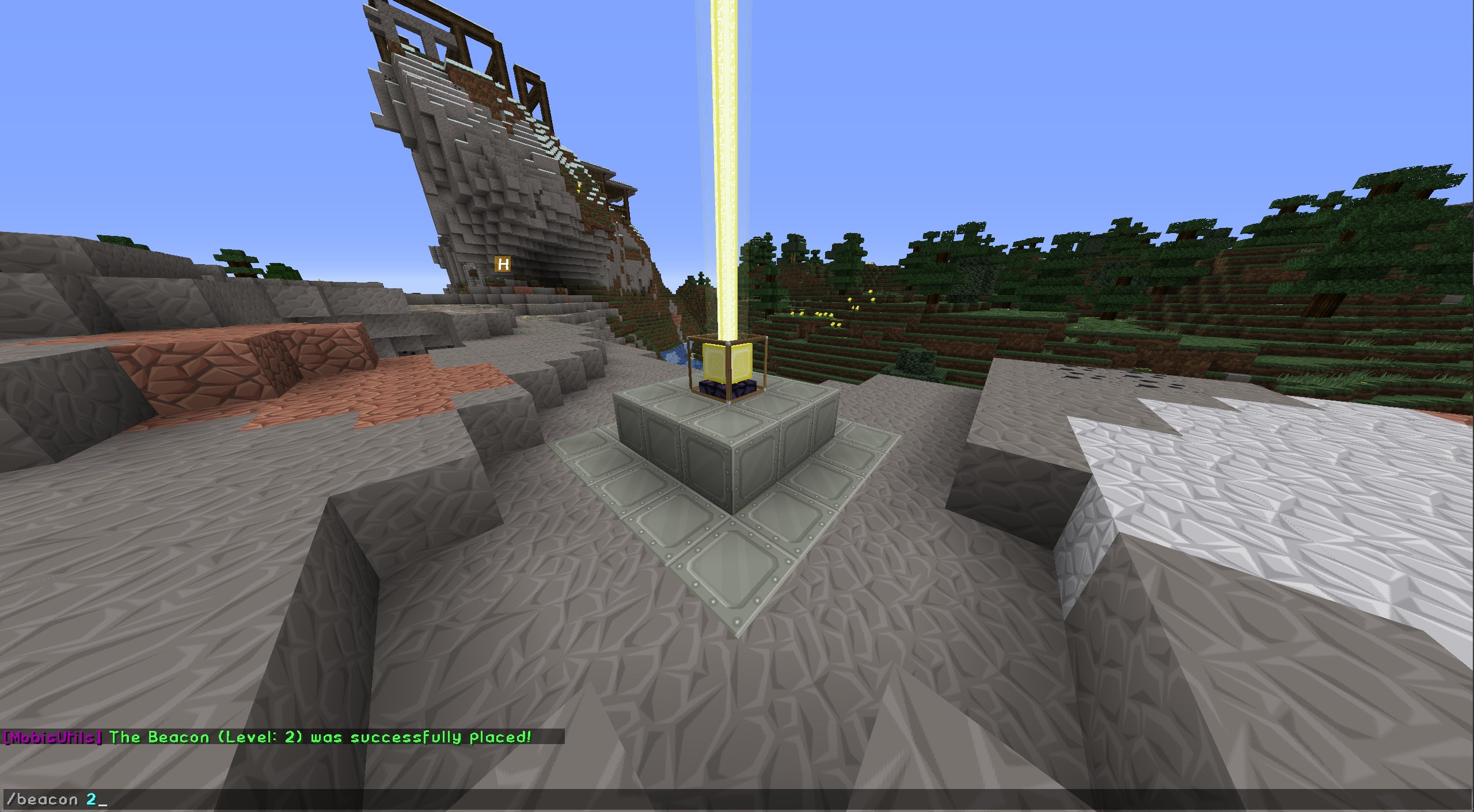
/beacon
Usage: /beacon or /beacon <level>
Description: Spawns a Beacon at your current position with a specific level. If no level is given it will spawn a Beacon level 1.
/rocket
Usage: /rocket
Aliases: /boost, /jump
Description: Launches you in the air! (R-clicking a Firework-rocket does the same)
/rocket
Usage: /lastdeath
Aliases: /ld
Description: Prints the Location, Cause & Level difference of the last saved Death
Every command listed needs Permissions to be used except: /craft, /echest and /rocket.
Other Features:
- Instead of using /rocket you can just craft a normal Firework and R-click it to launch yourself into the air! But be aware every Firework-rocket has a 25% chance of breaking.
(Sneak + R-click to place the Firework normally)
- When someone dies, a reworked Death-message will be sent, displaying the cause, location and the EX-Points they had and how many of them dropped. Then list it again later using /lastdeath
Note: I am developing this Plugin in my spare time, consistent updates and new features are not guaranteed. Features and Bug fixes are implemented mostly based on personal need and/or seventy of a Problem.