Minecraft Version: 1.13.X - 1.20.X
* It may be possible to use this Plugin in other versions, then those who are officially supported.
Set one or multiple personal Home-points and conveniently teleport to them!
New main Plugin-Page: Open Modrinth
Commands:
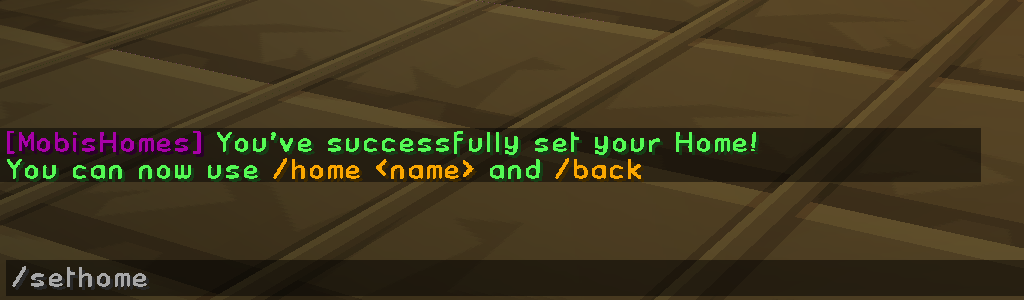
/sethome
Usage: /sethome or /sethome <name>
Description: Sets a Home-point to your current location. When only /sethome is used, a Home-point with the default name 'home' will be created. When a name is given, the Home-point will be named that way.
/home
Usage: /home or /home <name>
Description: Teleports you to your previously set Home-point. When only /home is used, you will be teleported either to the Home-point named 'home' if available or to the first Home-point in your list. When a name is given, you will be teleported to that Home-point.
/back
Usage: /back
Aliases: /return
Description: Teleports you to the place where you last used the /home command
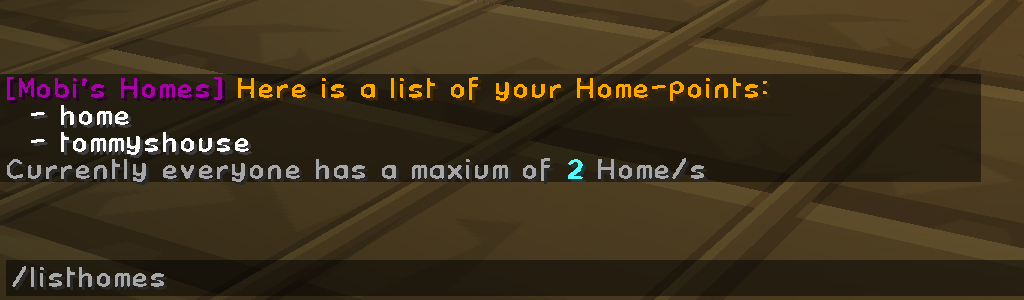
/listhomes
Usage: /listhomes
Aliases: /homes, /homeslist
Description: Gets you a list of all your Home-points and displays the maximum amount of Home-points a Player can have.
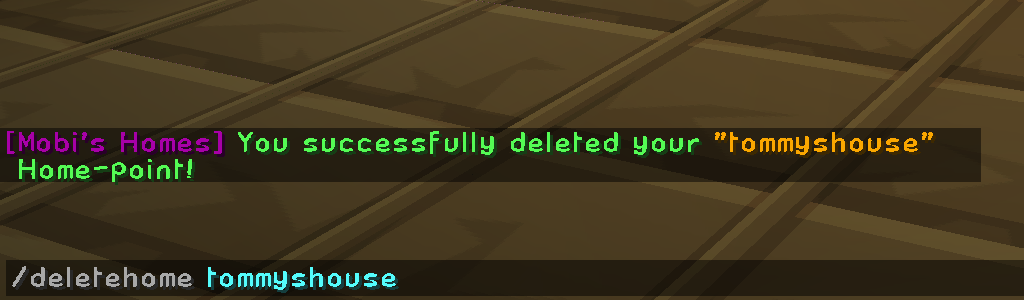
/deletehome
Usage: /deletehome or /deletehome [name]
Aliases: /homedelete
Description: Deletes a Home-point. When only /deletehome is used, the Home-point named 'home' will be deleted if available. When a name is given, that Home-point will be deleted.
/setmaxhomes
Usage: /setmaxhomes <number> [name]
Description: Sets the Maximum amount of Homes one has. When only /setmaxhomes <number> is used, the global default MaxHome-Count will be edited. When a name is given that a Player specific Home-limit is set (you will need permissions to do this).
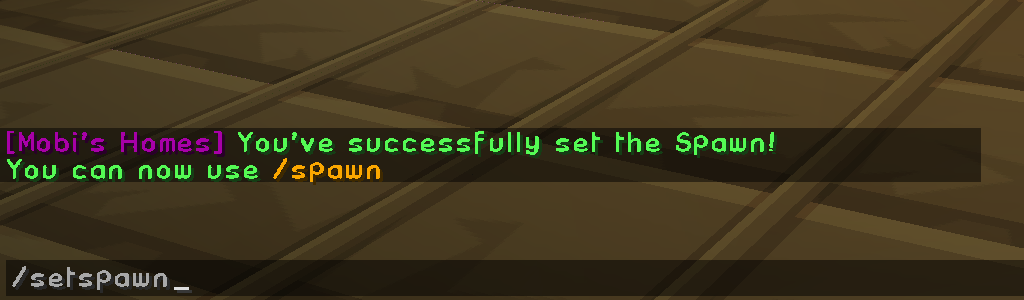
/setspawn
Usage: /setspawn or /setspawn <name>
Description: Sets a custom World-Spawn (you will need permissions to do this).
/spawn
Usage: /spawn
Description: Teleports you to the Spawn-point.
<arg> represent required arguments, [arg] represent optional arguments
Everything can be adjusted in the Plugin-Config, including the Home-limits, Home- and Spawn-Points.
(By default, the global Home-limit is 2)
Note: I am developing this Plugin in my spare time, consistent updates and new features are not guaranteed. Features and Bug fixes are implemented mostly based on personal need and/or seventy of a Problem.