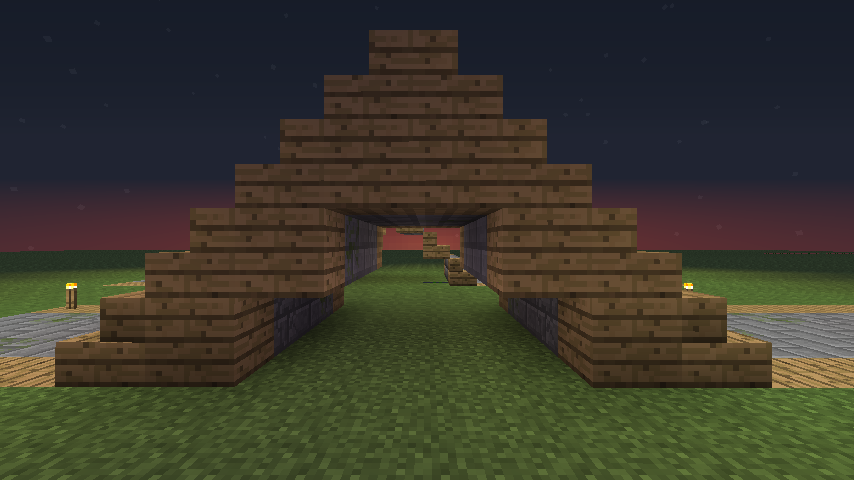
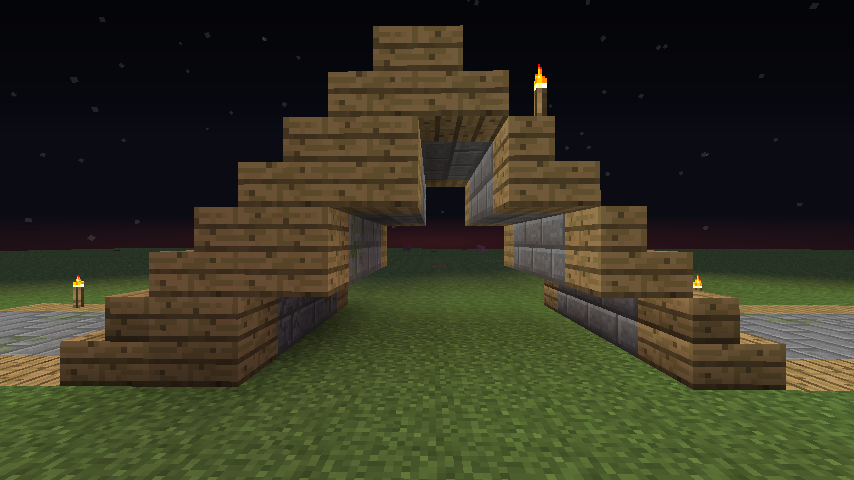
Very simple mod that allows you to quickly build roads, bridges, tunnels and more. Just type a command and then walk, the road will create itself as you walk. You want to make a custom one? No problem, there is an editor tool provided and you can make your own road templates ! This is a lot faster than any other plugin and this is atm the only one capable of such thing.
LazyRoad Designer is a GUI Tool made to create custom roads. It is a desktop application, don't try to put it in your Bukkit plugin folder as it won't do anything.
Put jar into plugins/update folder or what ever folder you've set for this in the bukkit.yml.
Run the /reload command or restart the server.
Adding New Roads/Pillars
Put the .ser file in the appropriate folder in the LazyRoad folder
Run the /road reload command
Permissions
This plugin supports only Bukkit built-in Permissions, so BukkitPermissions, bPermissions, PermissionsEx, ... No Permissions 2.x/3.x or GroupManager.
Permissions Nodes
lazyroad.build : Still gives full access to LR and as of v0.8.0 now gives permission for LazyMiner features too
As of v0.8.0
lazyroad.user : Gives access to all the commands but not the roads or pillars, which bring me to the next 2 permissions.
lazyroad.road.<RoadName> : Gives access to just the road named in RoadName so permission for the 'Basic' road it would be lazyroad.road.basic
lazyroad.pillar.<PillarName> : Same as the road permission except for pillars not roads
So now you can limit your users to specific road and pillar types without removing them from the folders.
lazyroad.lazyminer : Gives permission to use the LazyMiner features
Commands
command(alias) - the aliases is colored for easier distinction for below.
/road(/lr)
/tunnel(/lt)
/bridge(/lb)
/lazyminer(/lm)
Commands: Detailed Info
[fields] are optional, <fields> are required, and | means or
/< lr|lt| lb > [PageNumber] : Display the loaded roads.
/< lr|lt > <RoadName> [Starting Block] : Start building a road.
Roads are Case Senstive.
/< lb > <RoadName> <PillarName> [Starting Block] : Start building a bridge.
Roads & Pillars are Case Senstive.
/< lr|lt|lb > reload : Reload roads and pillars
/< lr|lt|lb > stop : Stop building a road
/< lr|lt|lb > undo : Undo roads
/< lr|lt|lb > straight: Enable or disable straight mode (enabled by default). Permits you to go in diagonal, etc.
/< lr|lt|lb > up : Forces the road to build stairs up
/< lr|lt|lb > down : Forces the road to build stairs up
/< lr|lt|lb > normal : Disables the up and down commands and returns building to normal
The /road command will make roads that are leveled according to the terrain.
The /tunnel command will make roads on the same level as the level you're on and one step ahead of you so you can dig though everything.
The /bridge command will make roads on the same level as the level you're on and one step ahead of you. It will also generate the pillars underneath the road.
Once you enable a /tunnel or a /bridge you can use /road to stop/up/down/normal the road it's not picky on the continued use of /tunnel or /bridge.
Using the Up and Down commands is not recommended when building using /road. You can become stuck and suffocate. Tunnels work best.
We may remove the ability to use with /road if it becomes a problem.
New Feature as of v0.8.0
/lazyminer : Enables or Disables LM.
/lazyminer ids : Displays the Ids that LM mines.
/lazyminer addid <BlockID> : Adds an id to that list.
/lazyminer removeid <BlockID> : Removes an id from that list.
/lazyminer store : Places your mined blocks in the chest you're looking at.
You can use the tunnel command for all the tasks that requires the same level of roads. (for example on planet maps, you want to make bridges without pillars, use the tunnel command).