



The like icon for the facebook page. https://www.facebook.com/MinecraftDominionMod
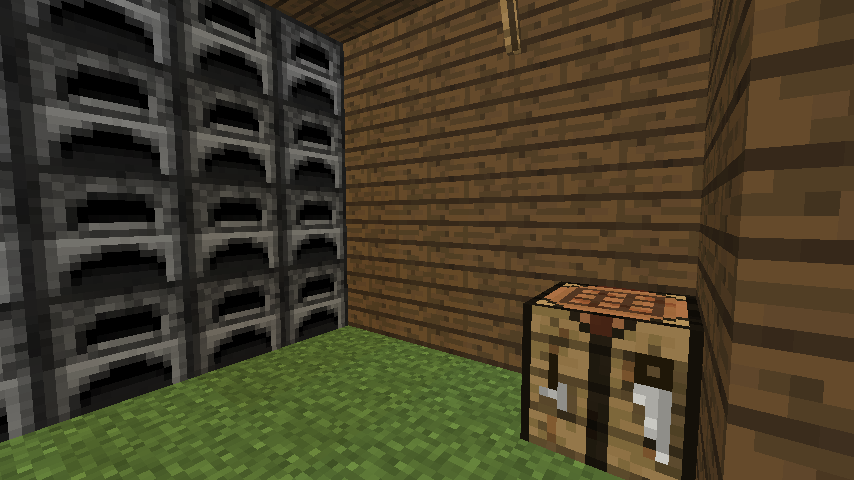
The slaughter house of the Pig Pen.
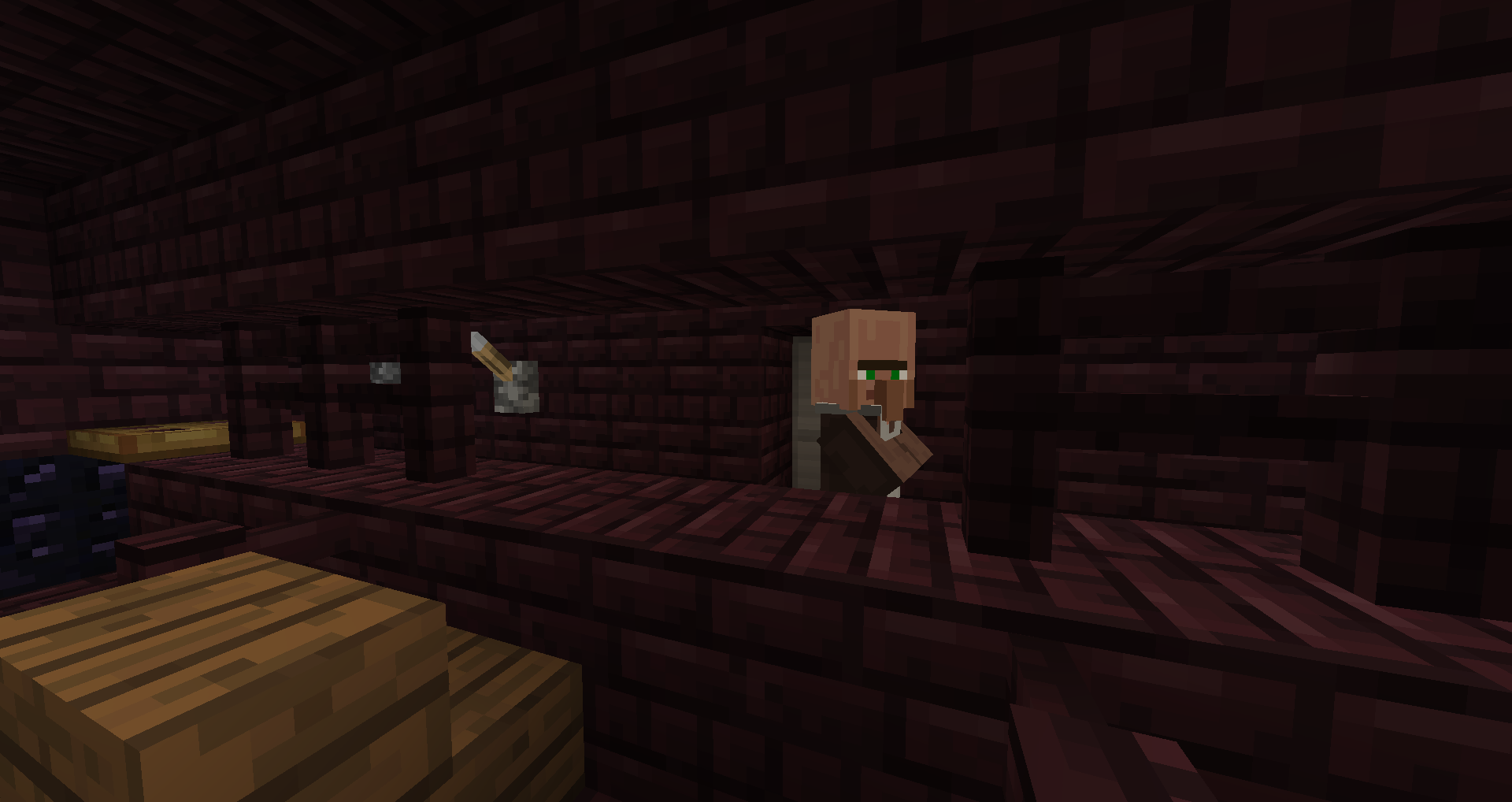
Level 5 Bank lobby. Notice the switches in the back left - both must be up to open the vault.
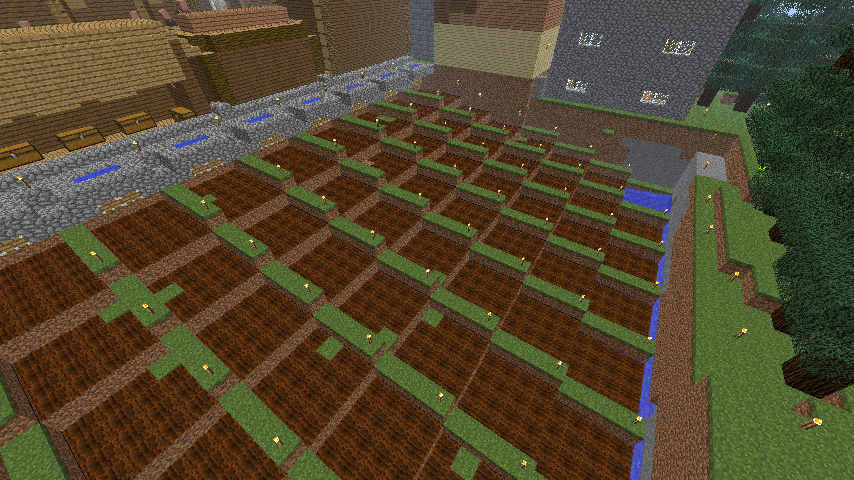
An unplanted, automated Wheat Farm.
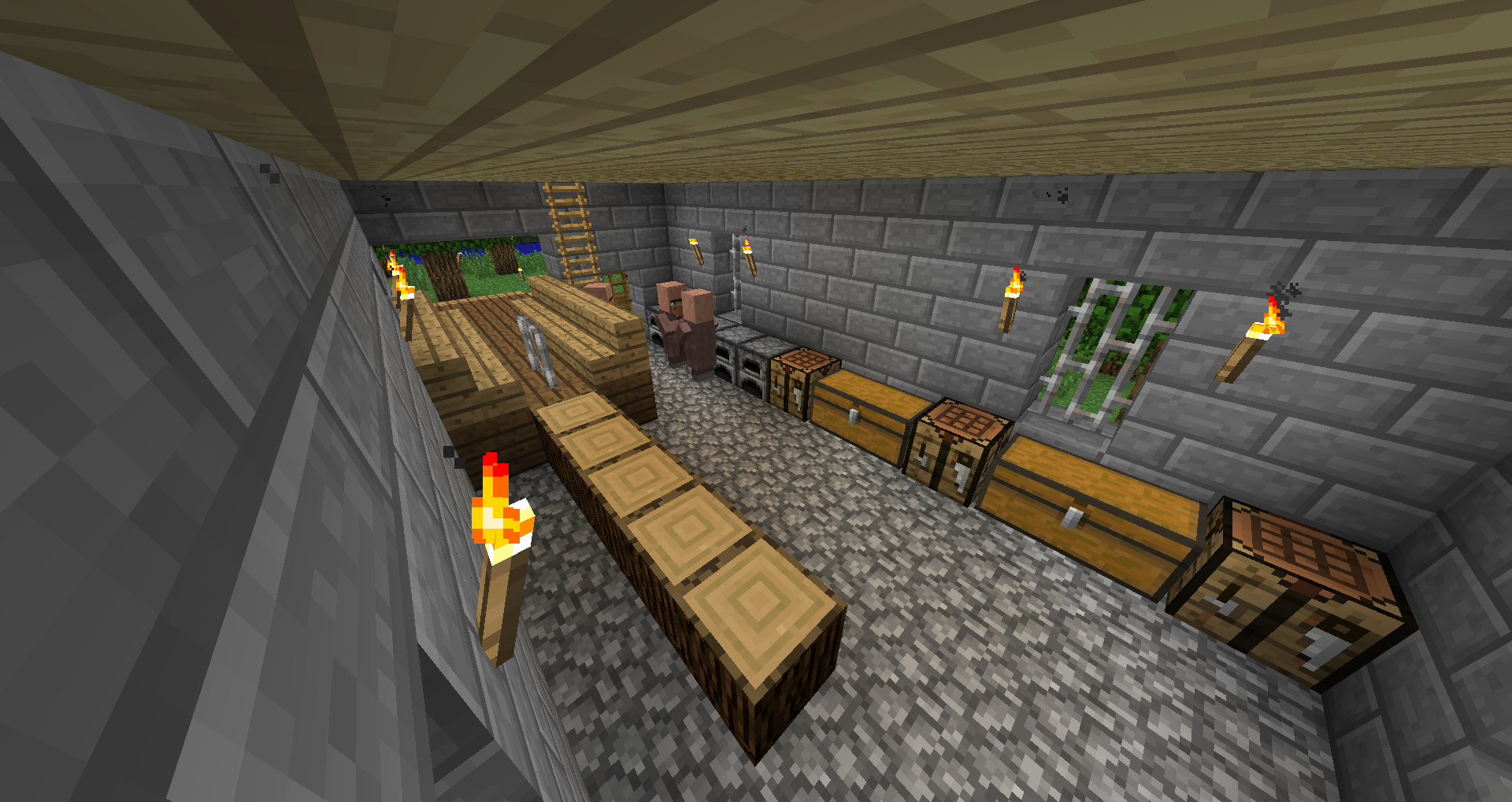
A Woodshop.
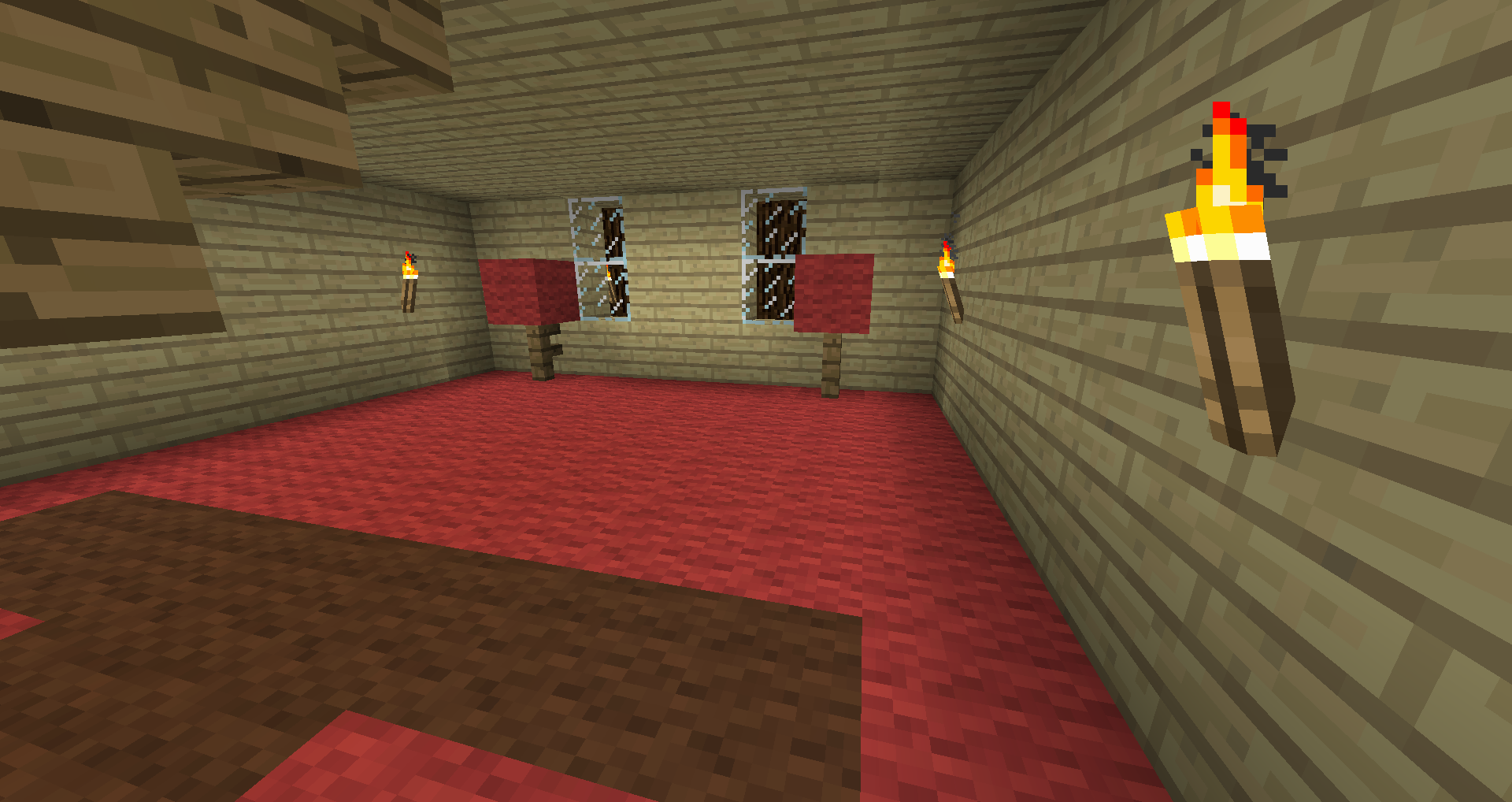
The testing area of a level 2 Fletcher.
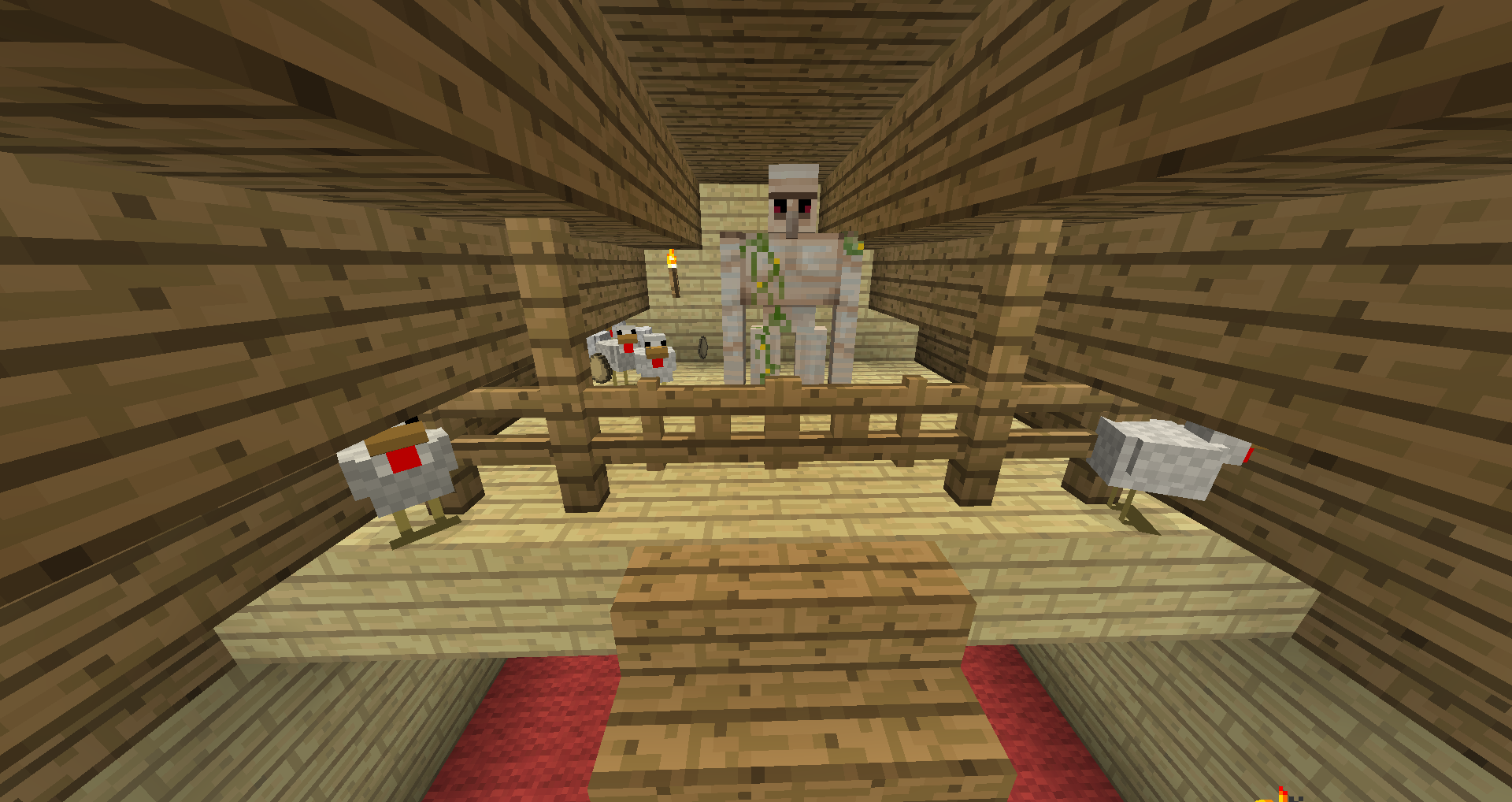
The chicken pen of a level 2 Fletcher.

Spell page icon
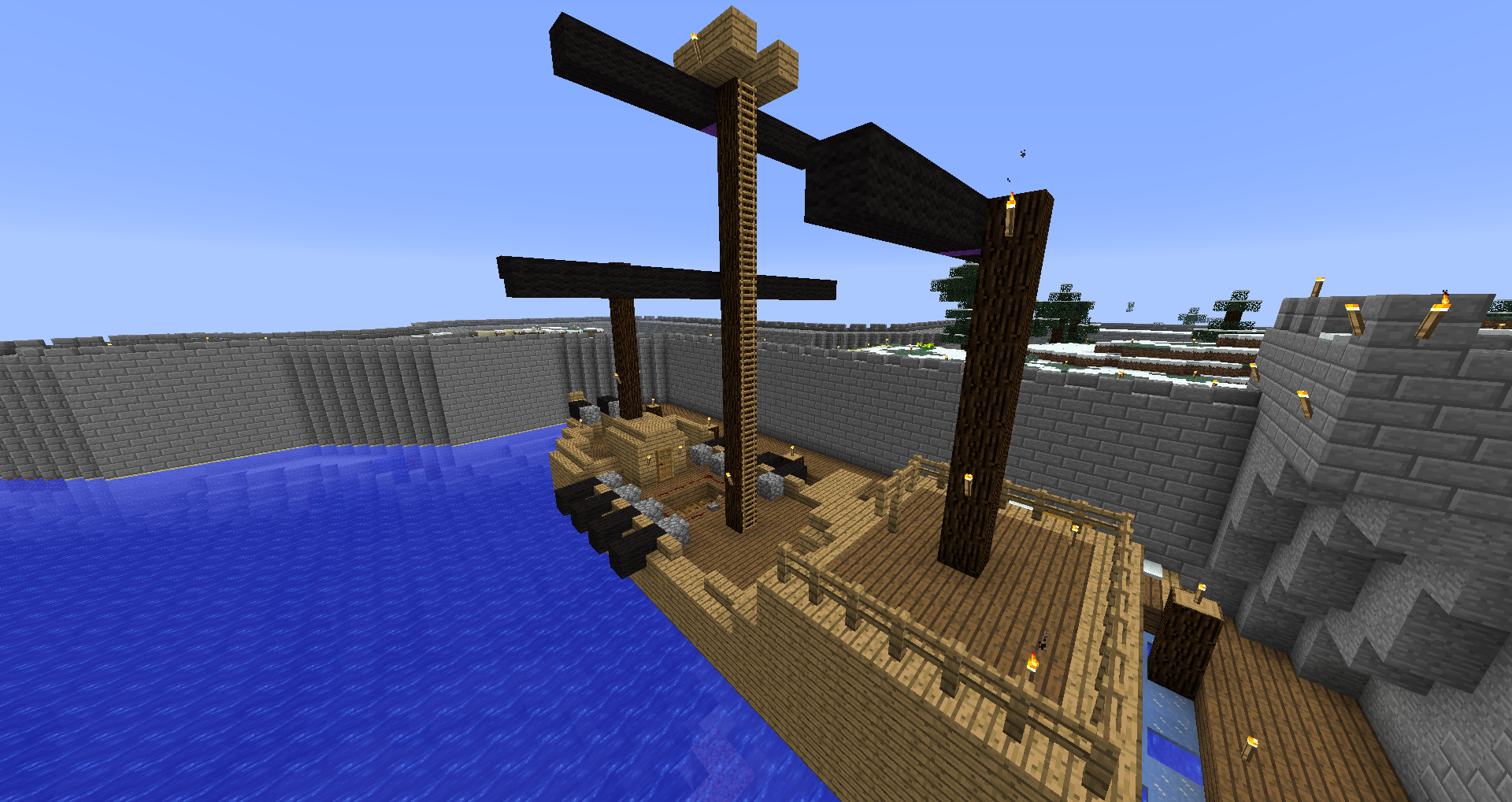
A Galleon.
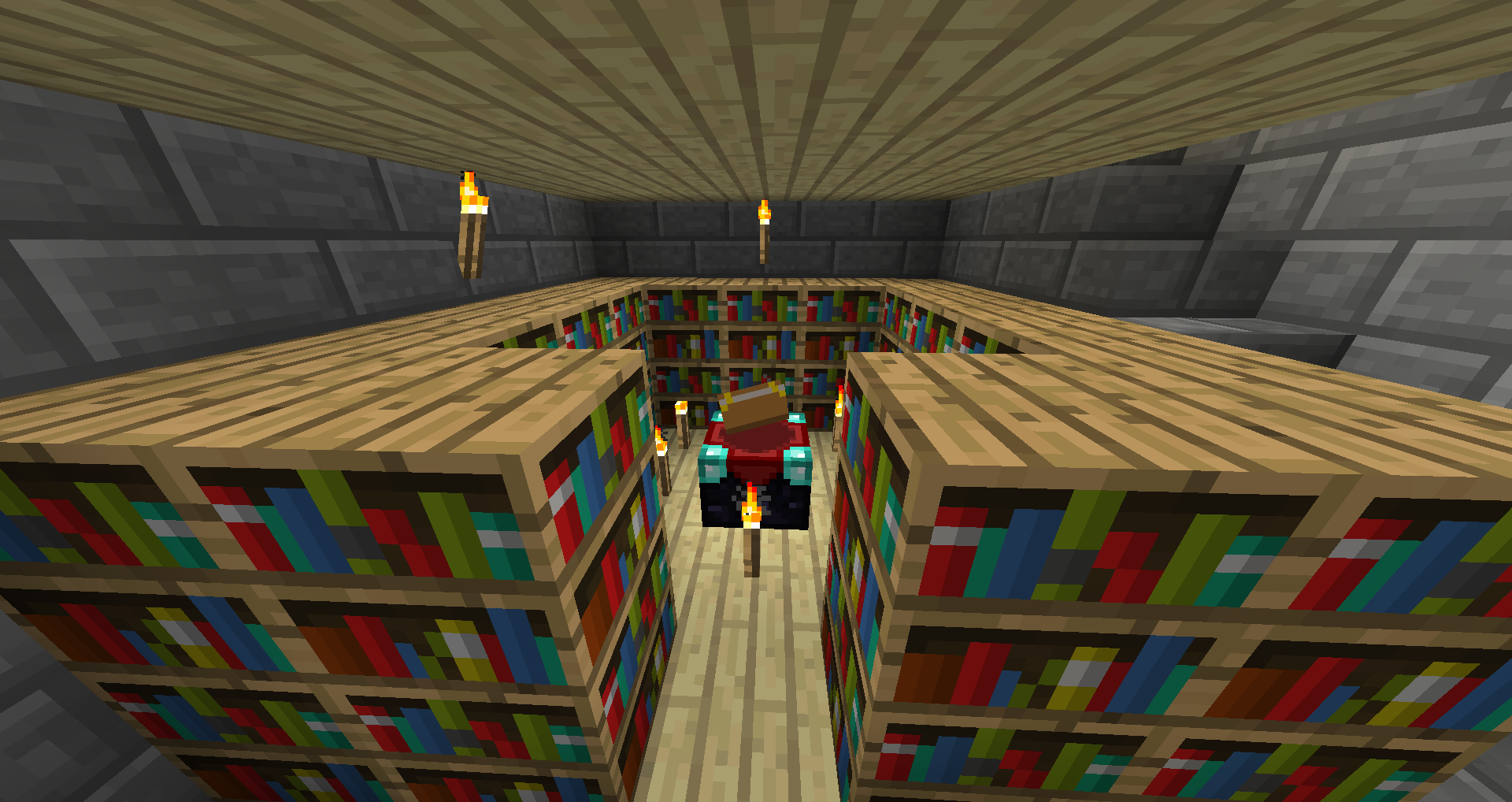
One level of the interior of a Spire.
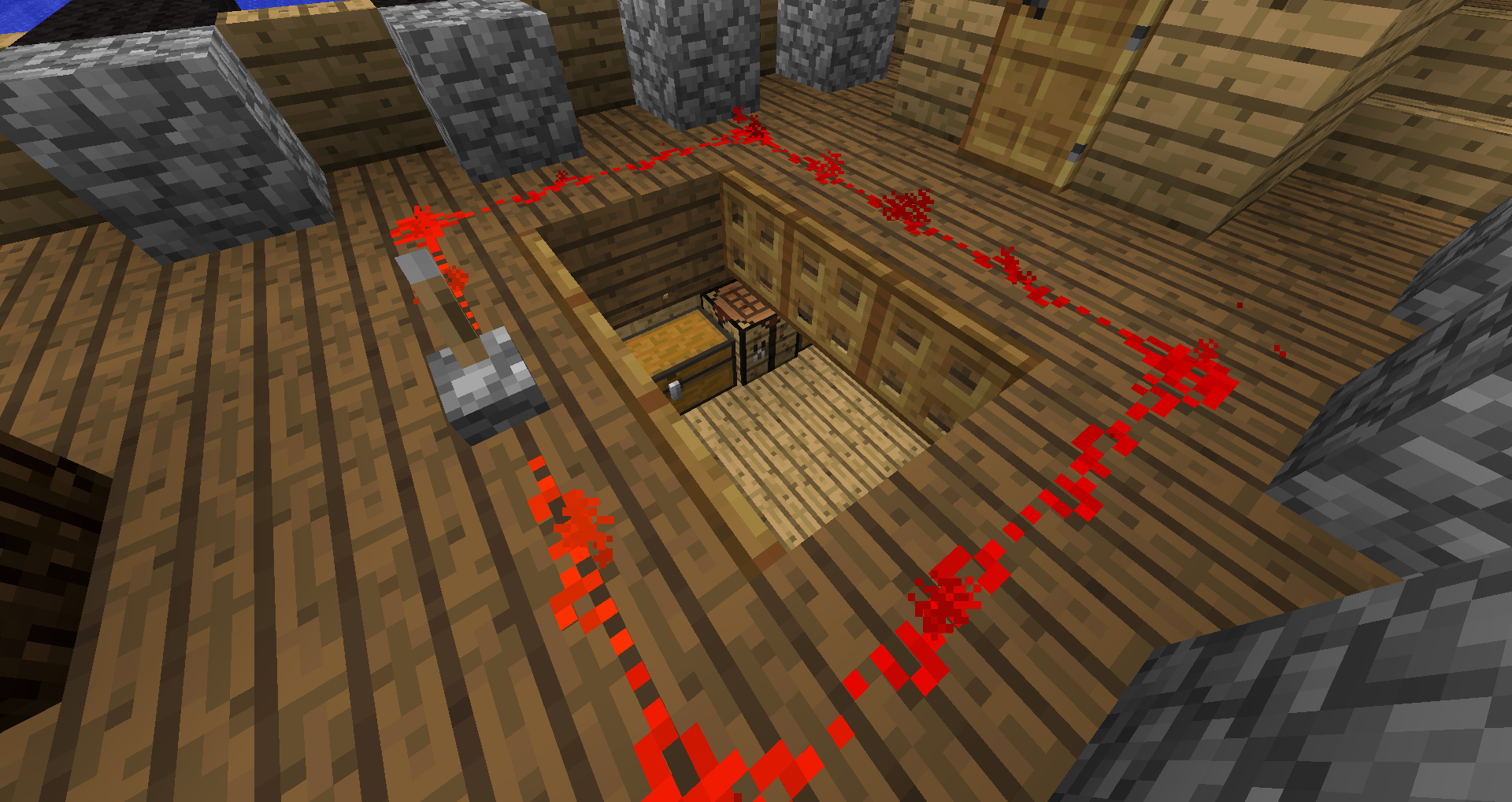
The cargo hold hatch to a Galleon.
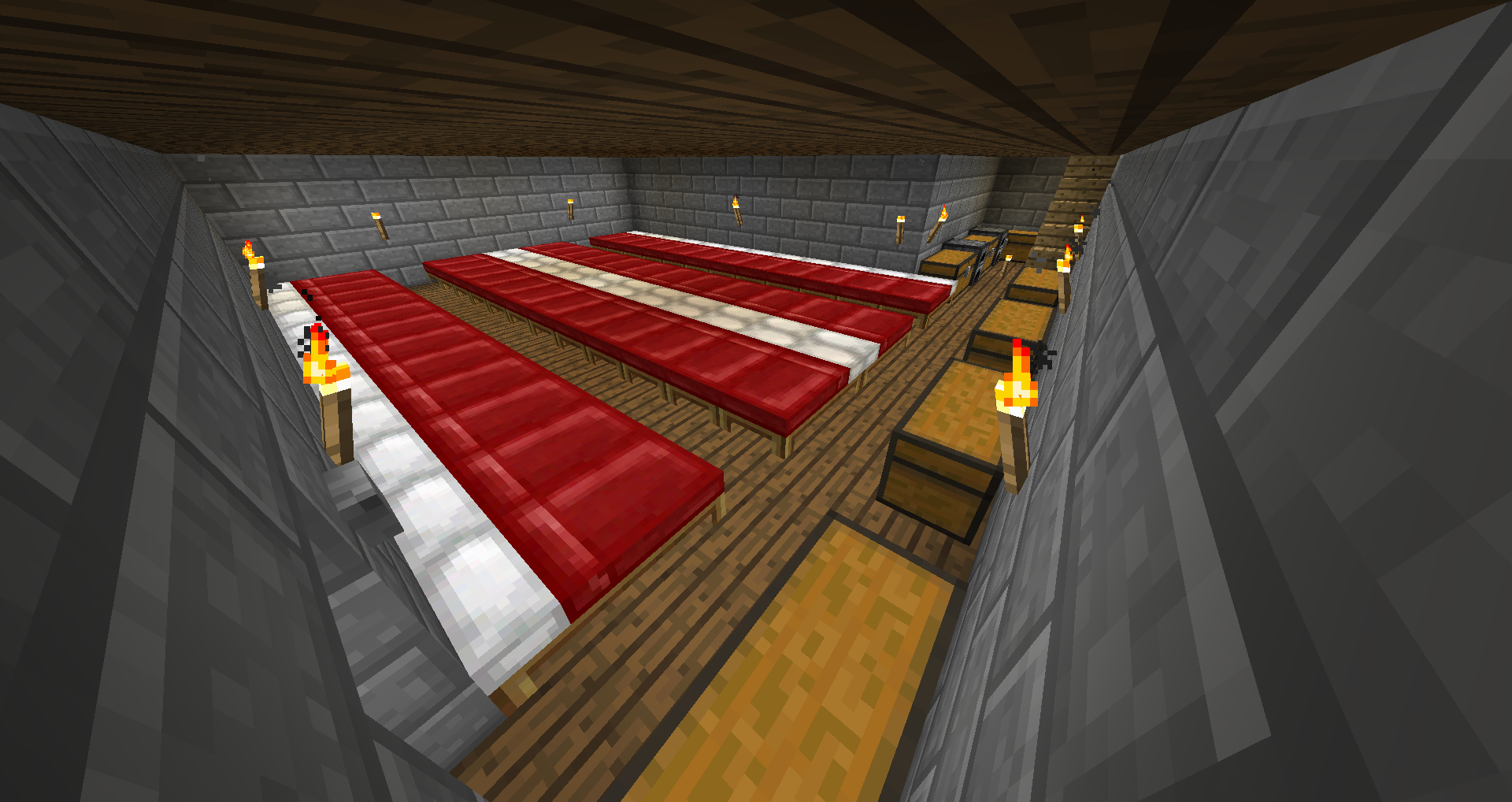
48 beds in a Barracks. More boxes are stored on a different floor.
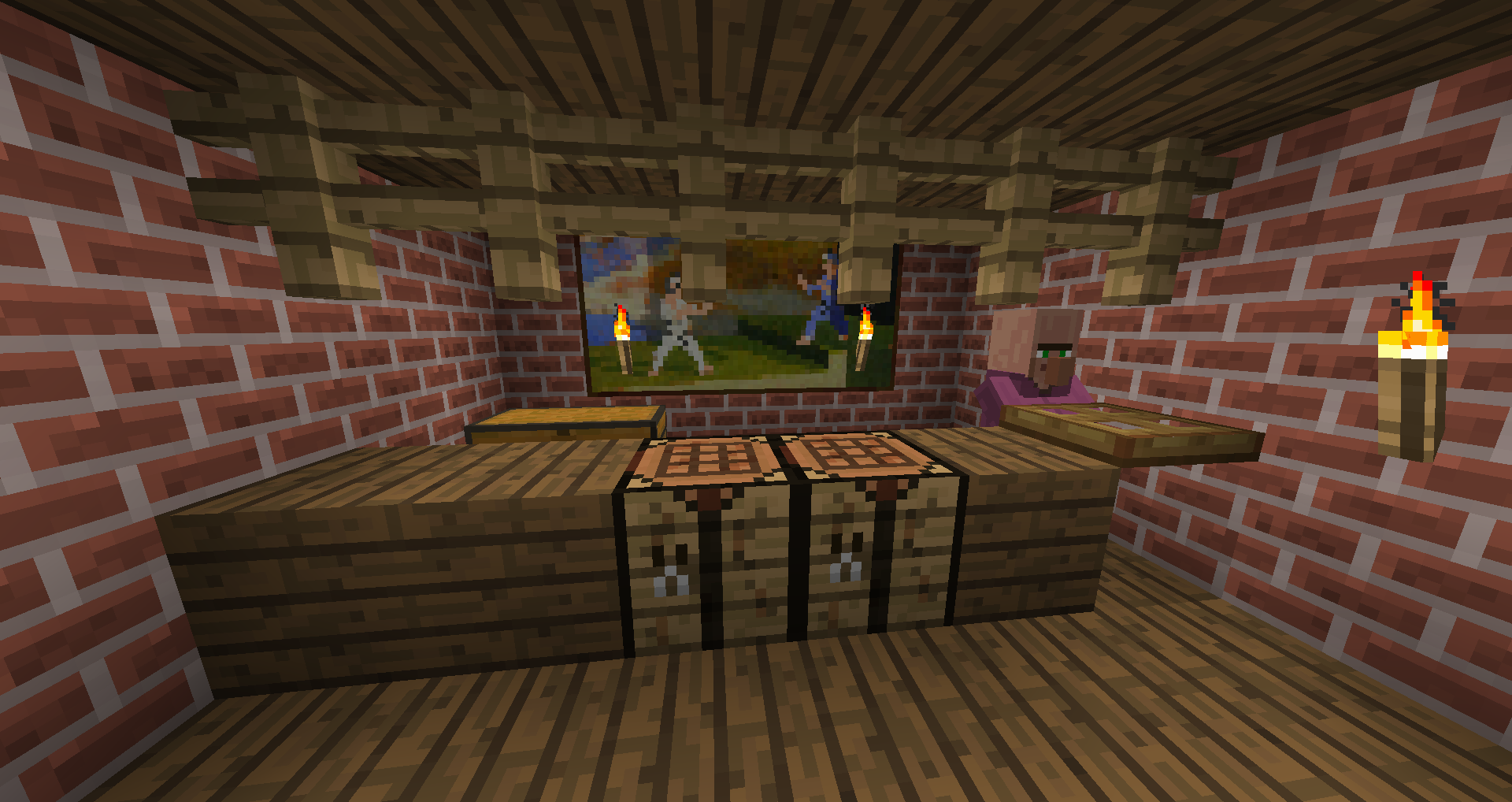
The interior of a Market.

Donation link icon (for the future)
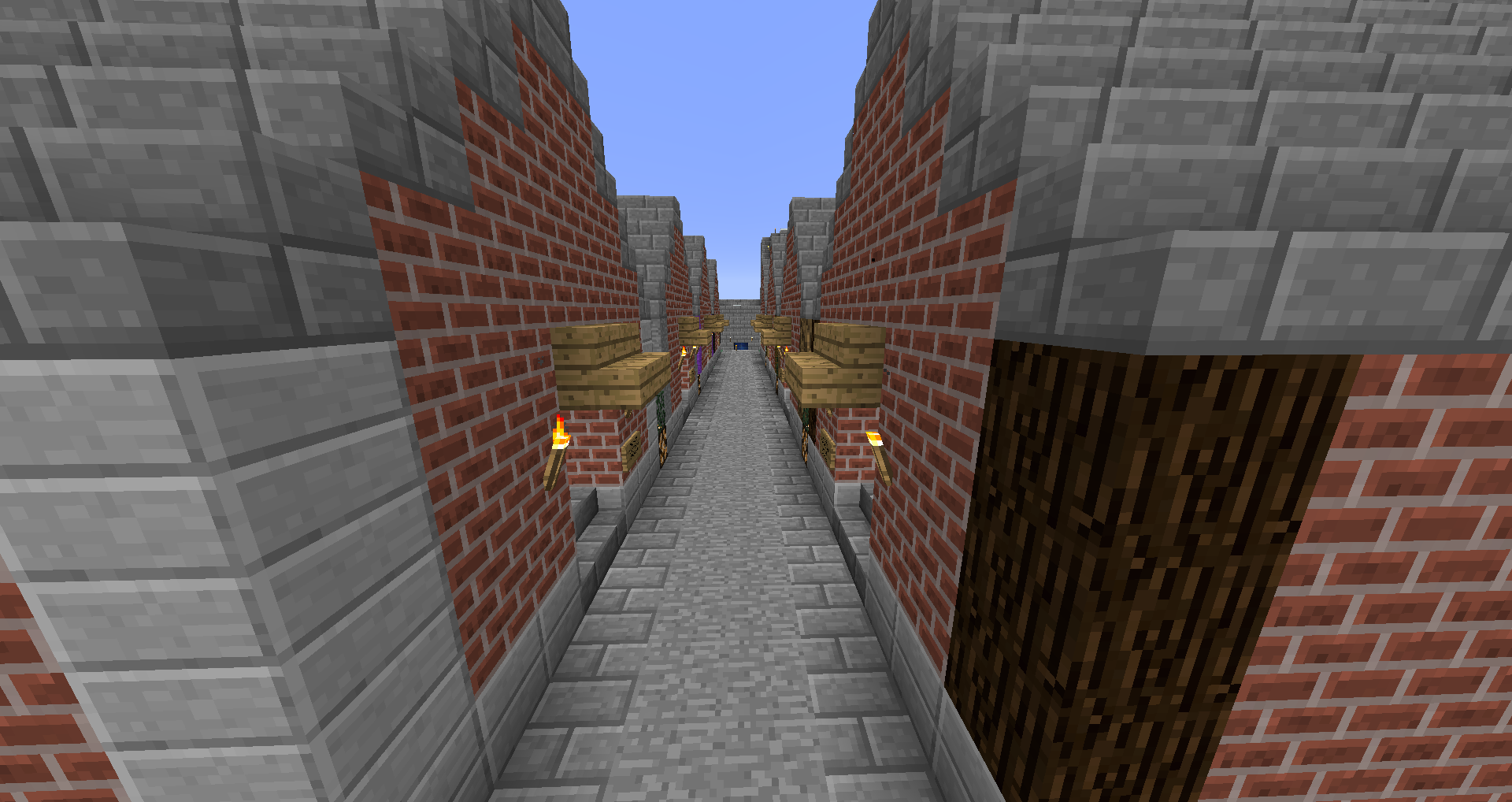
The exterior of a string of Markets.
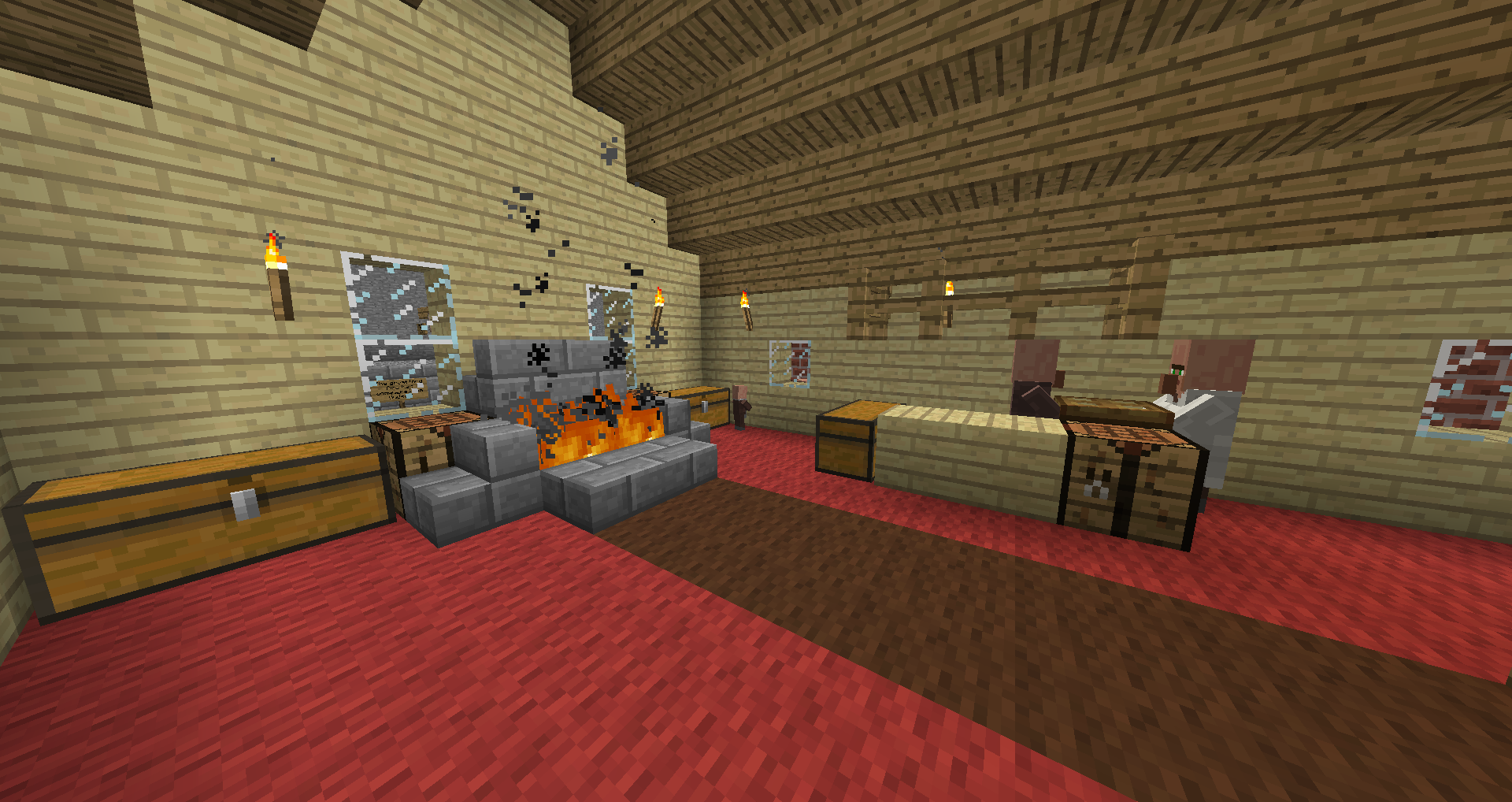
The lobby of a level 2 Fletcher.
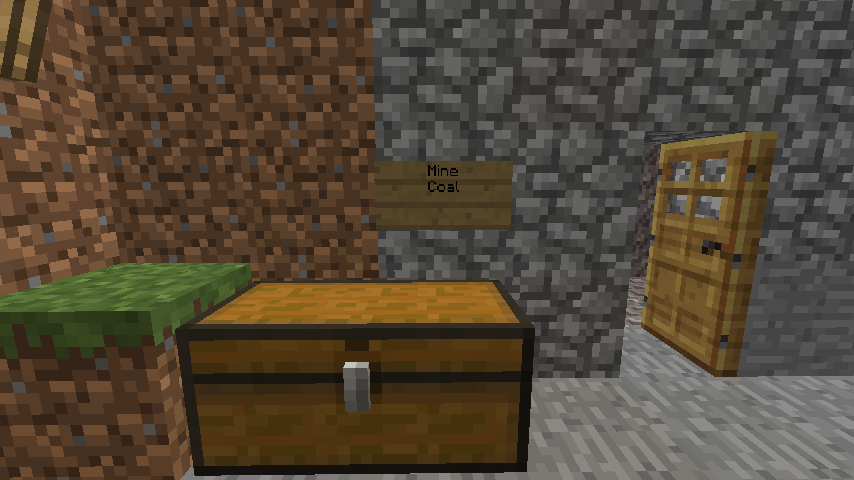
The top area of a Mine.

Kingdom page icon
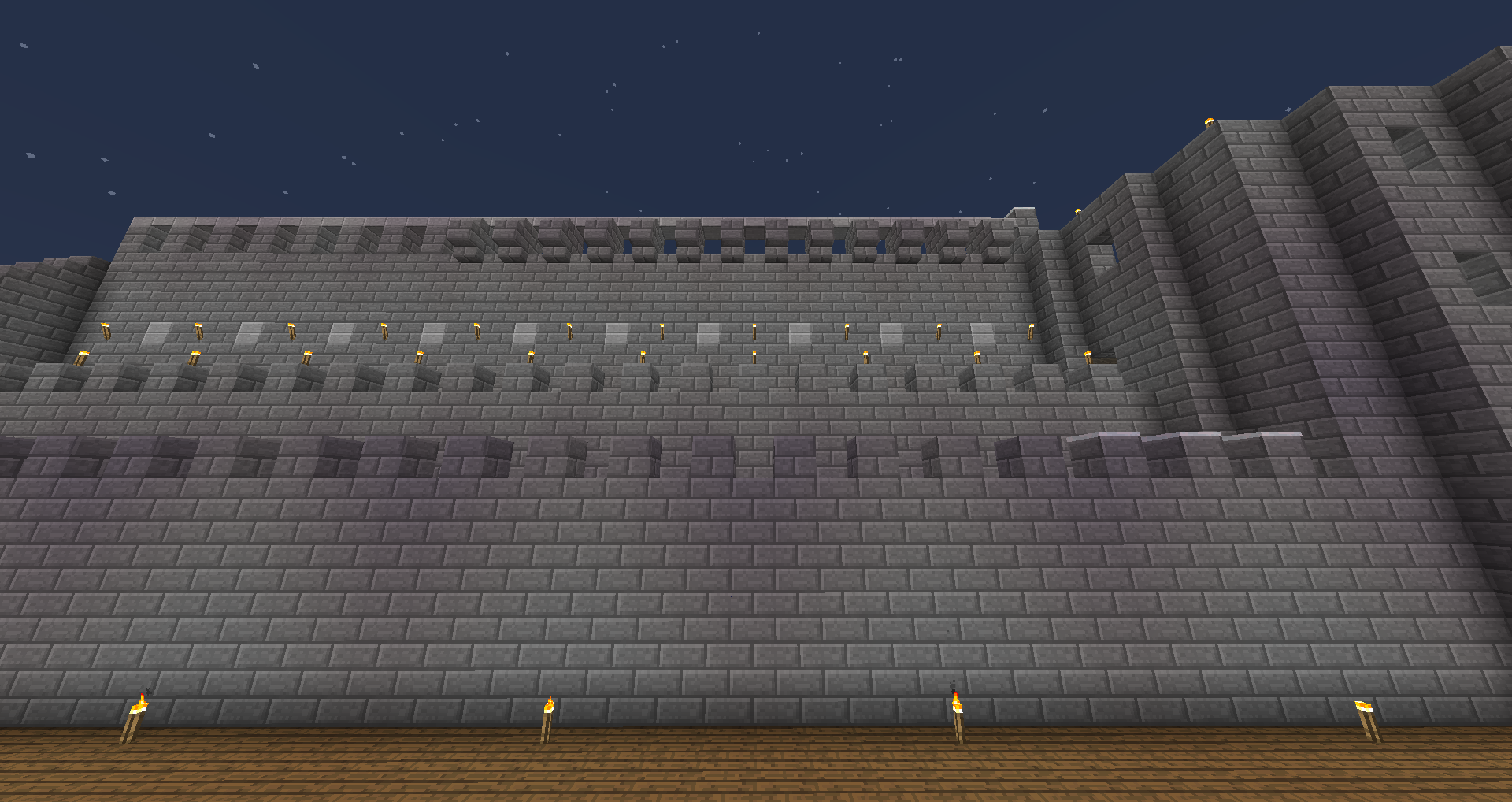
A Wall.

Command page icon
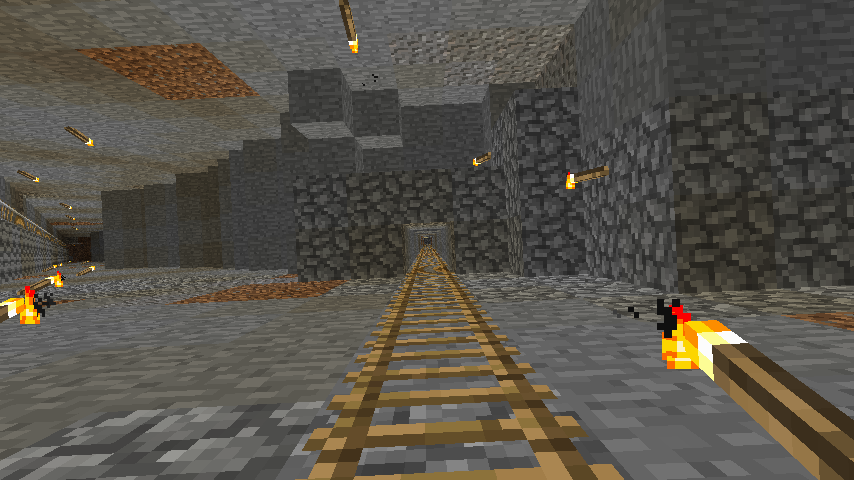
The ladder leading back up from the bottom in a Mine.
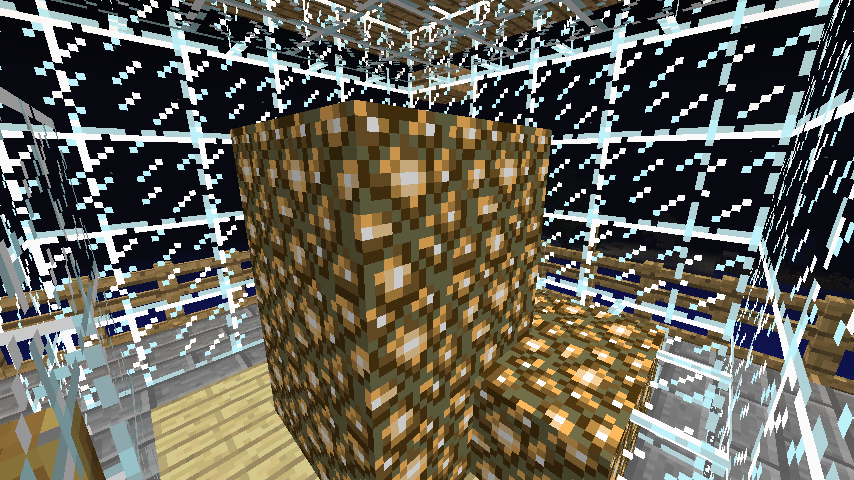
The beacon of a Lighthouse.
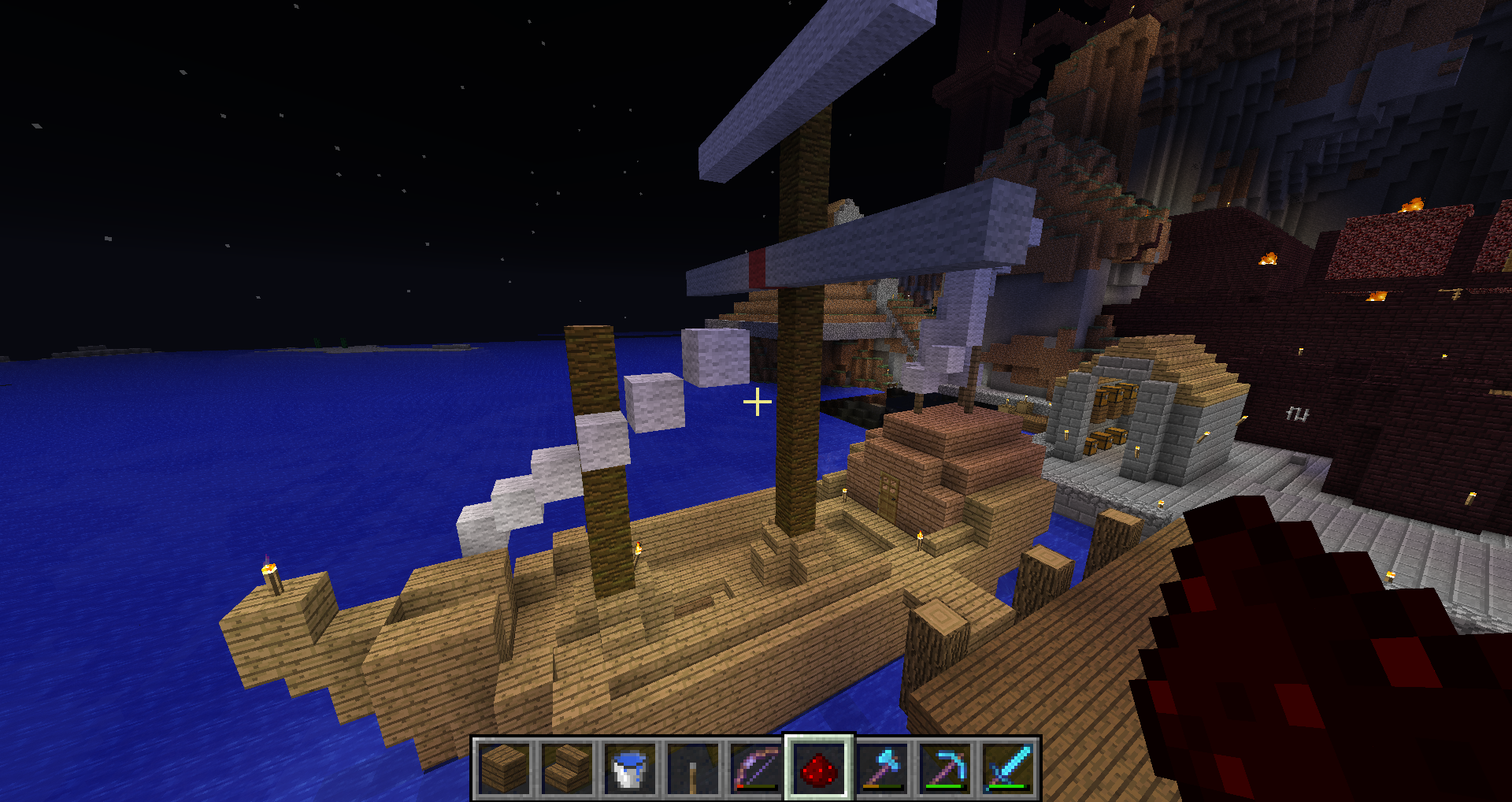
A Carrack.
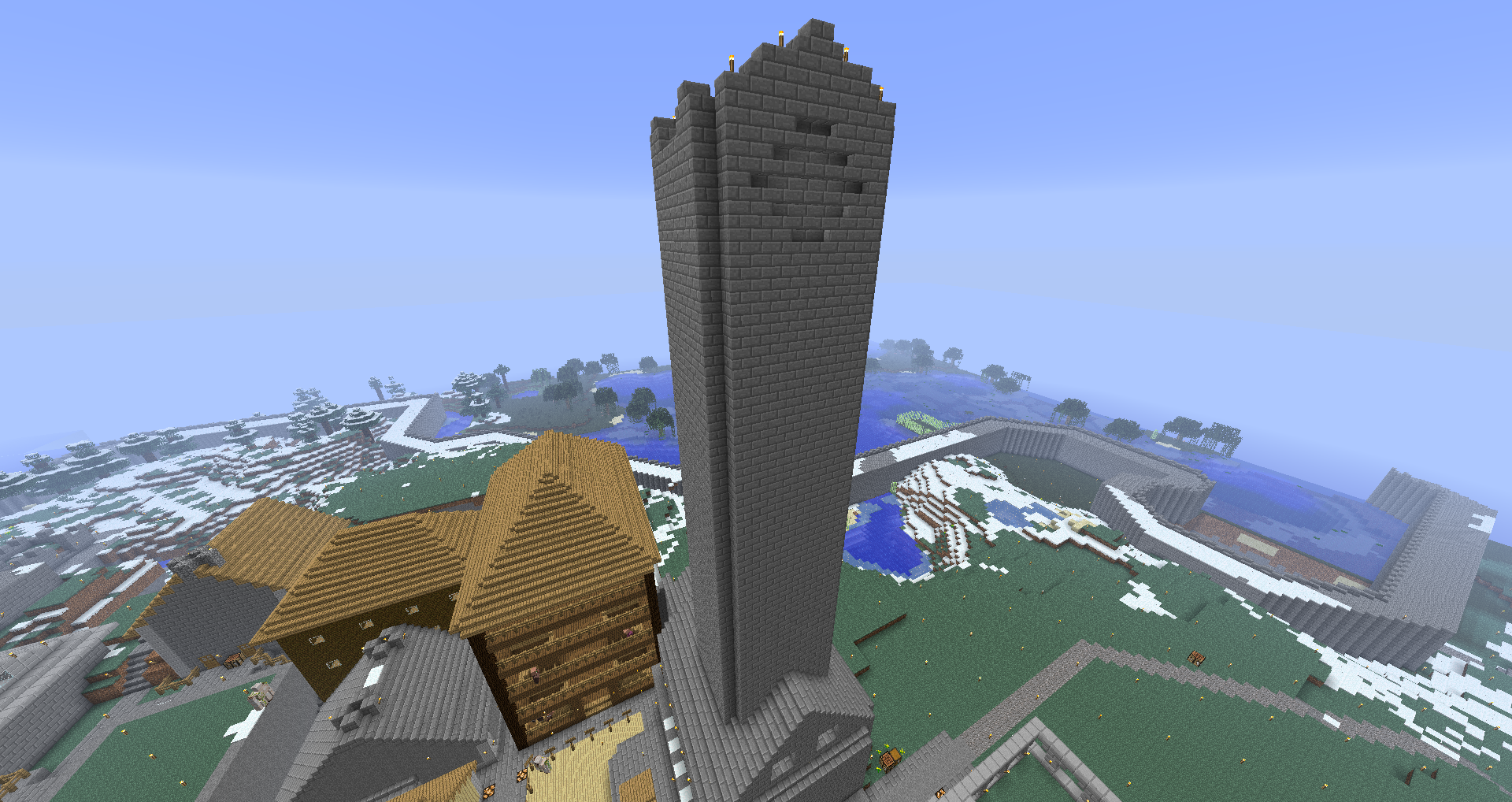
The exterior of a Spire.
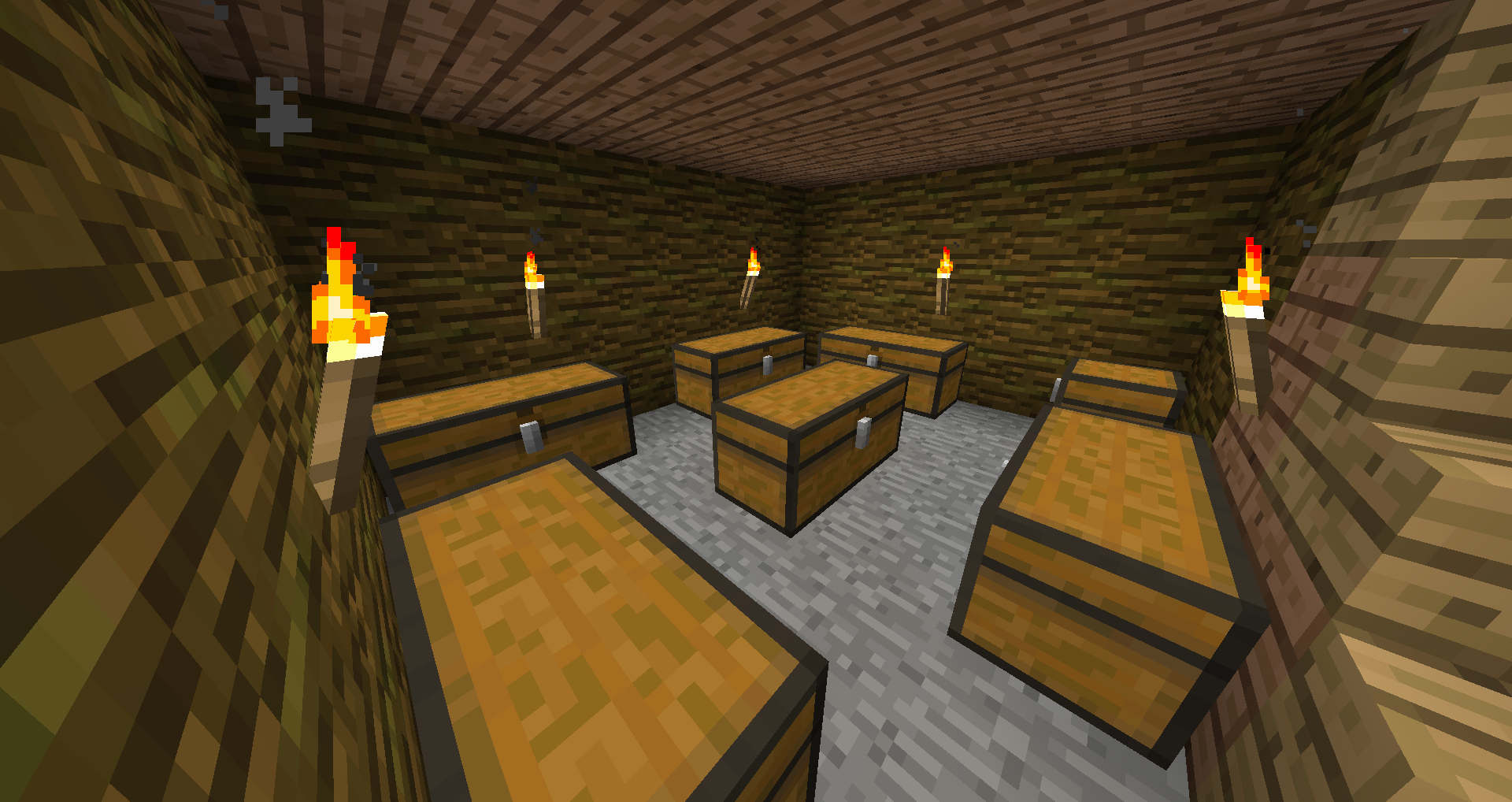
The cellar of an Inn.

Player's Hand Book
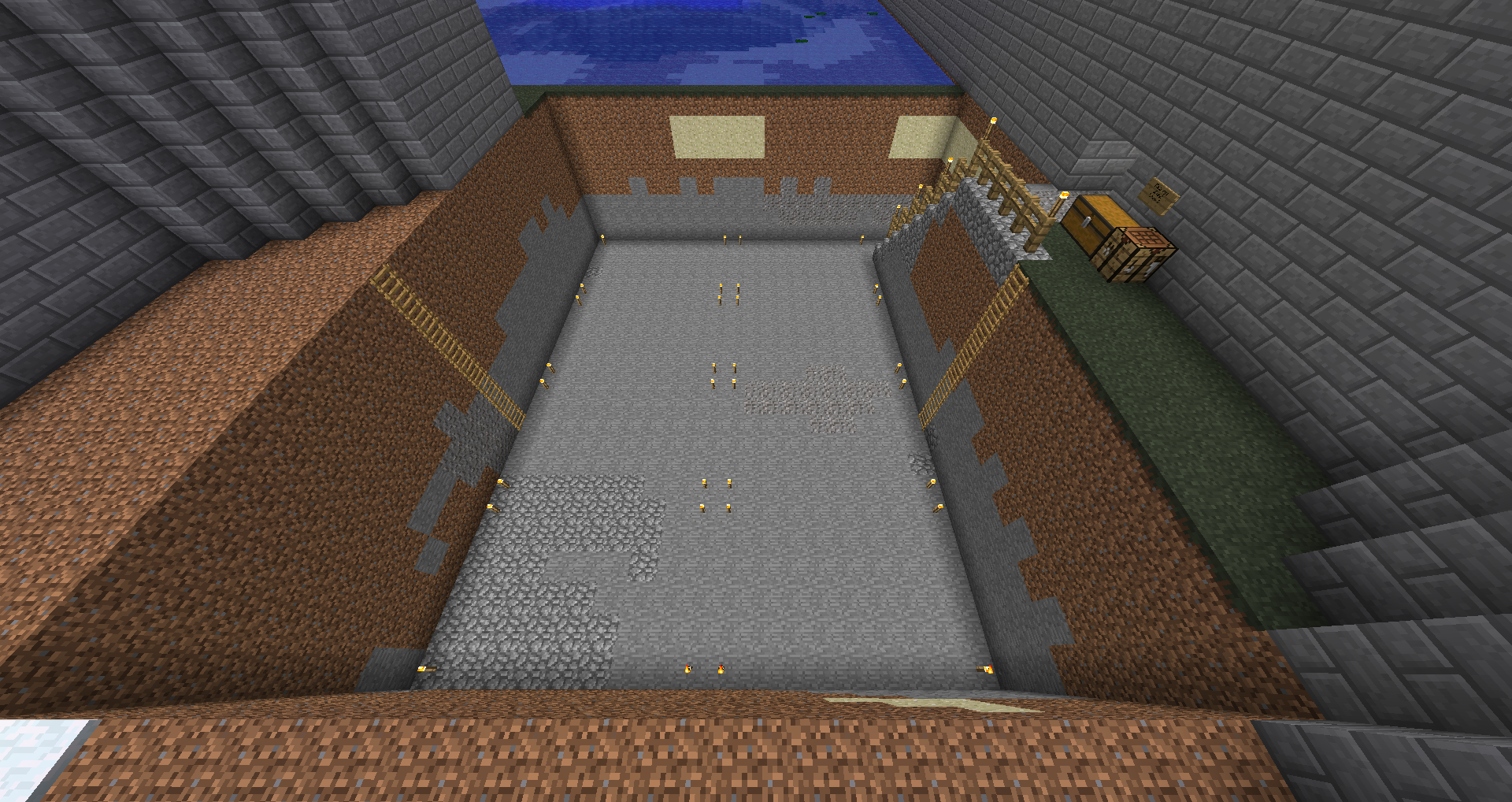
A Quarry. Torches help determine the area to figure out the level.
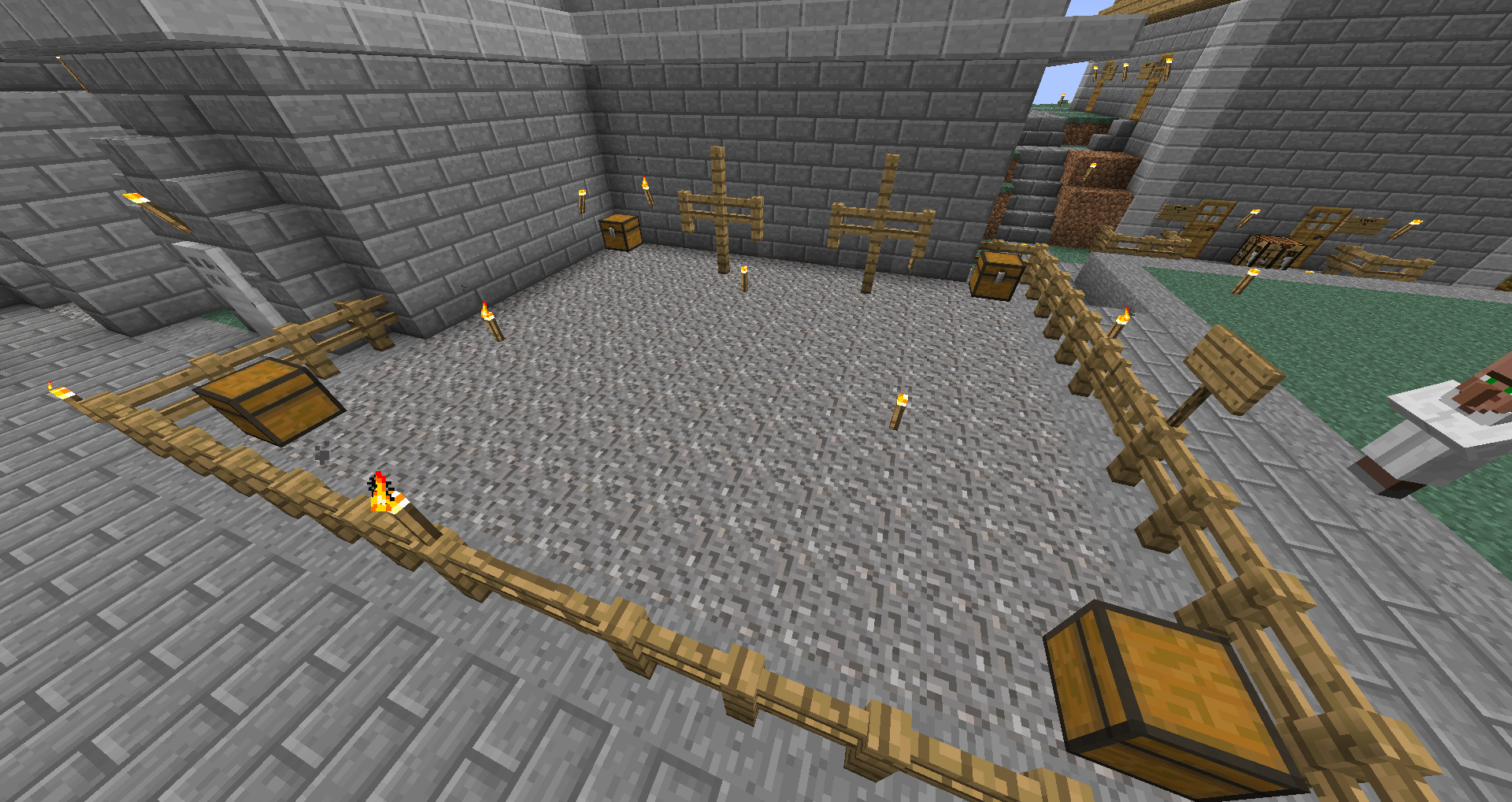
A level 2 Training Grounds.
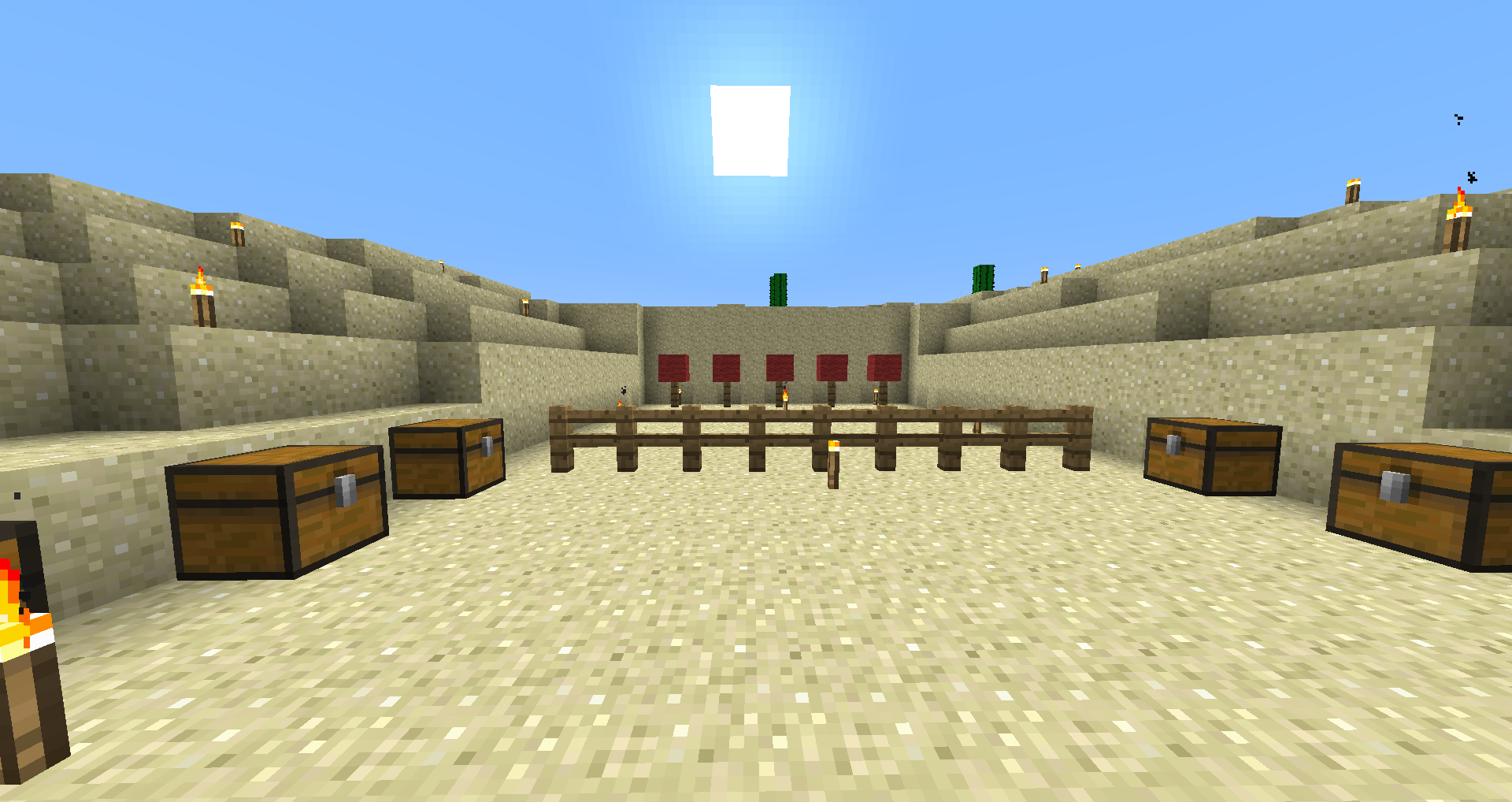
A level 5 Archery Range. Each box contains at least 1 bow and 32 arrows.
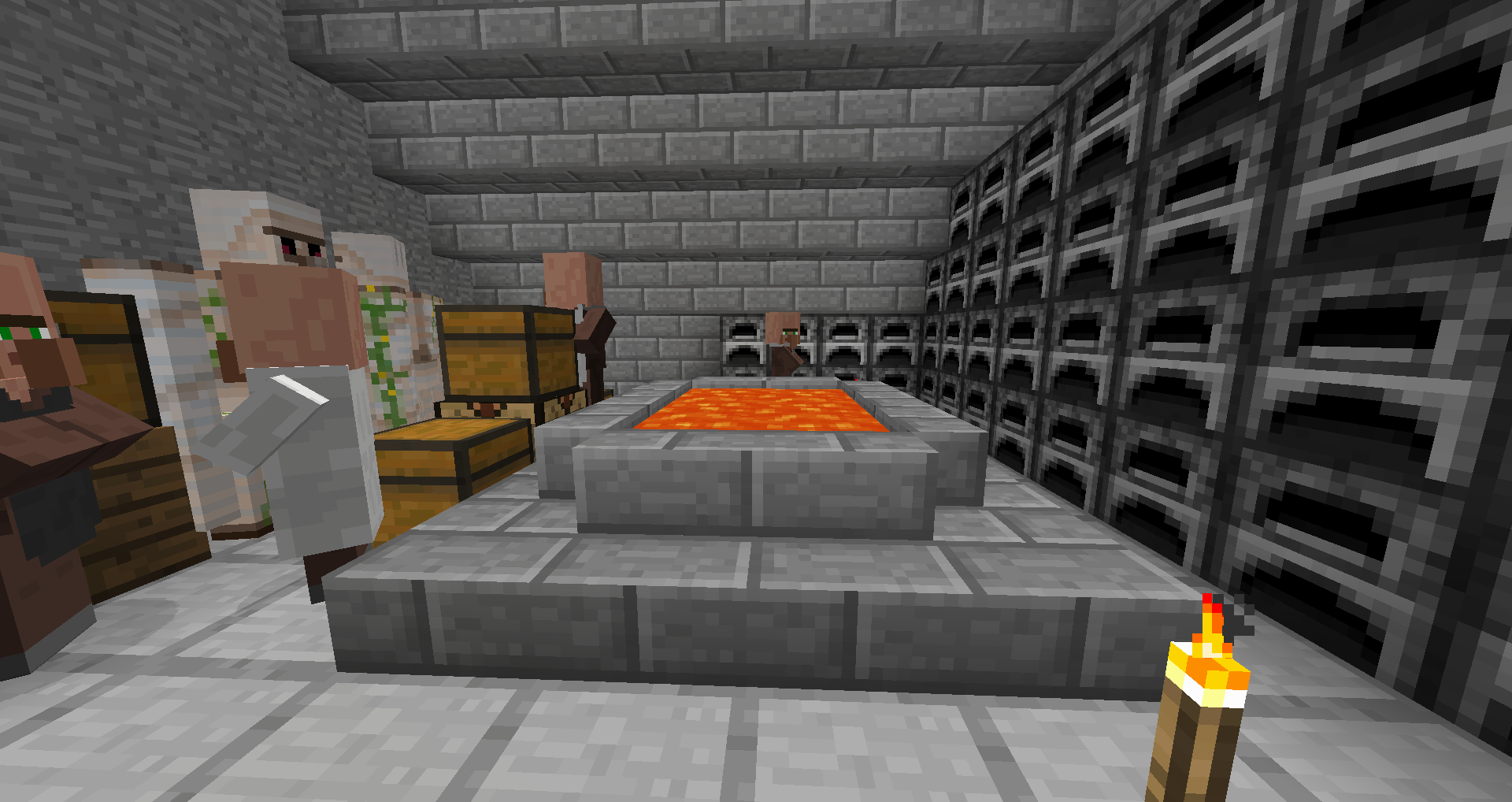
The interior of a Masonry.
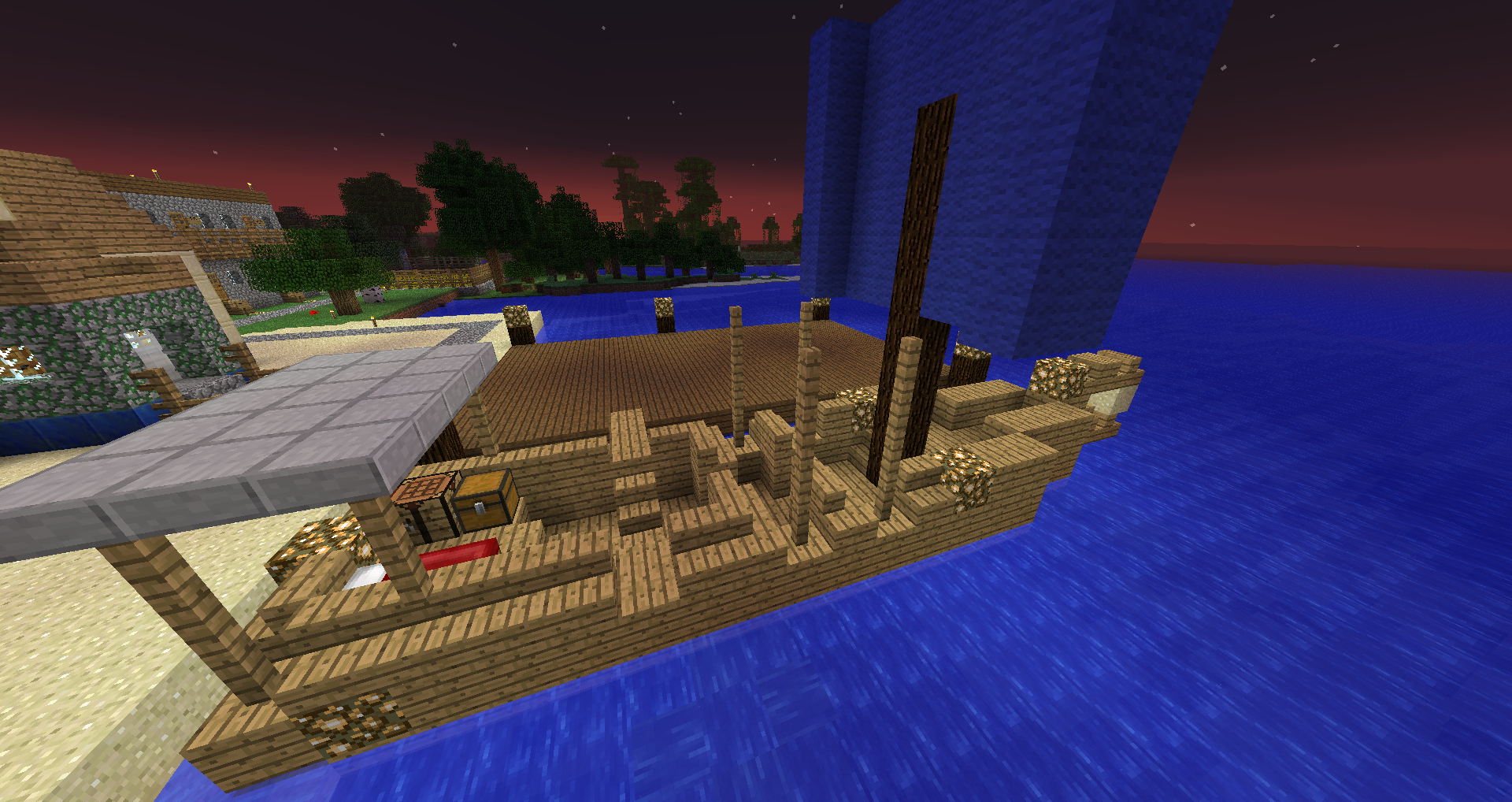
A Galley.
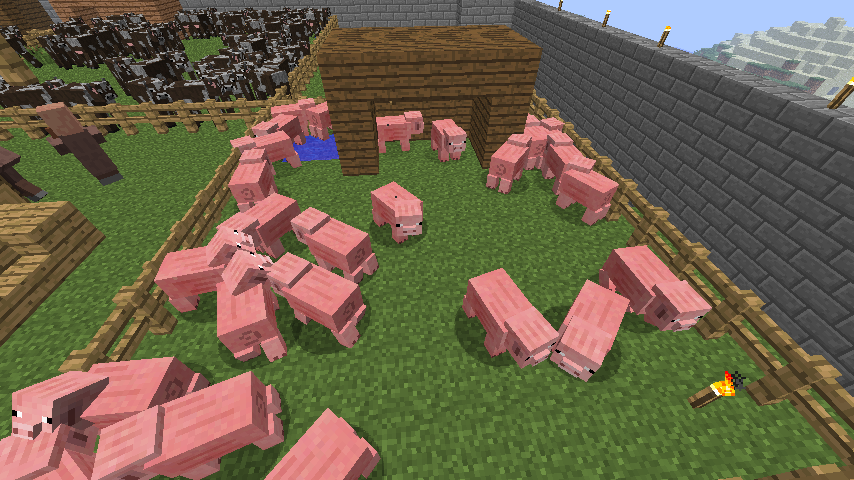
A typical Pig Pen.
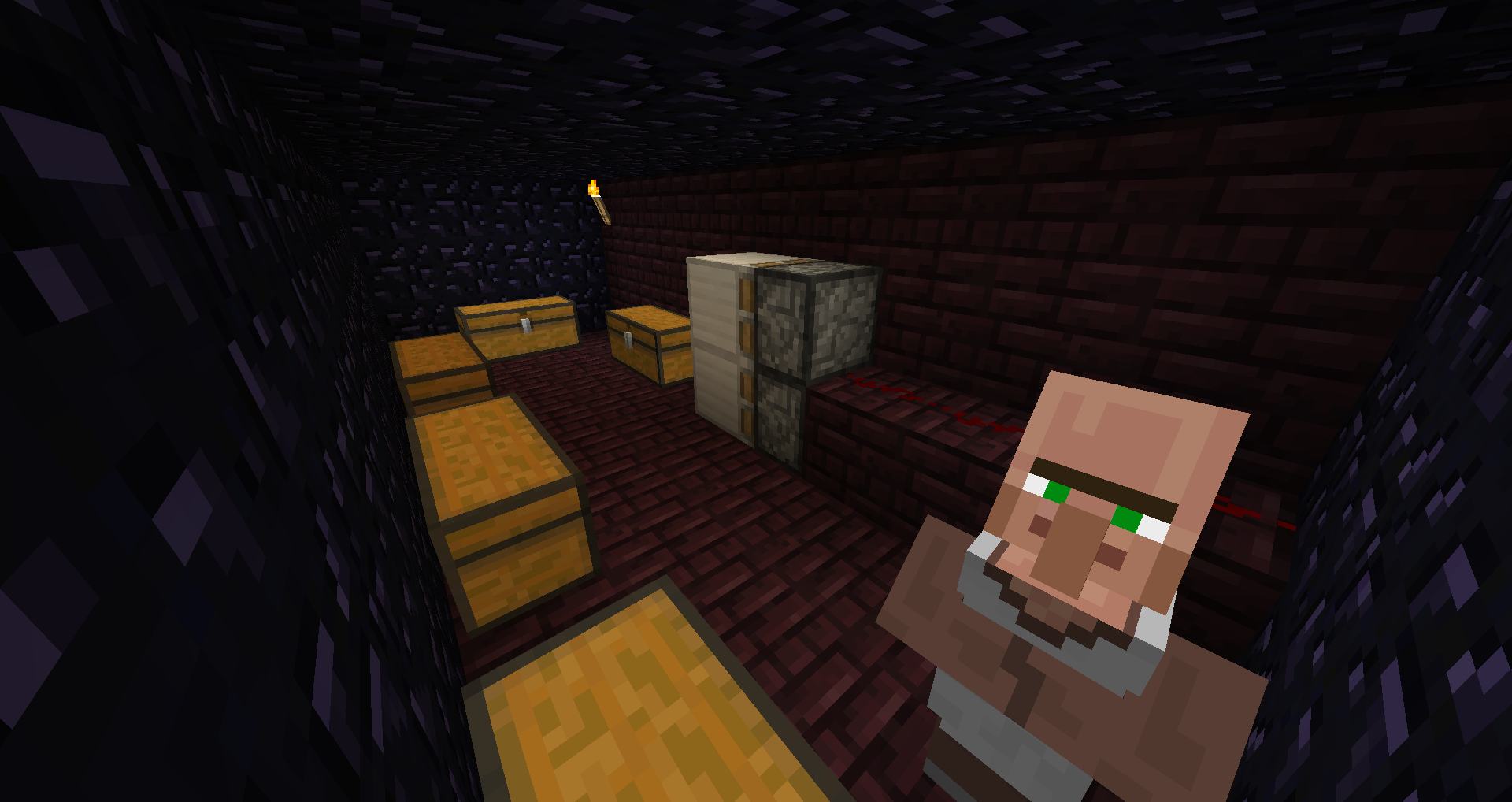
Level 5 Bank vault.

Building page icon

Frequently Asked Questions page icon
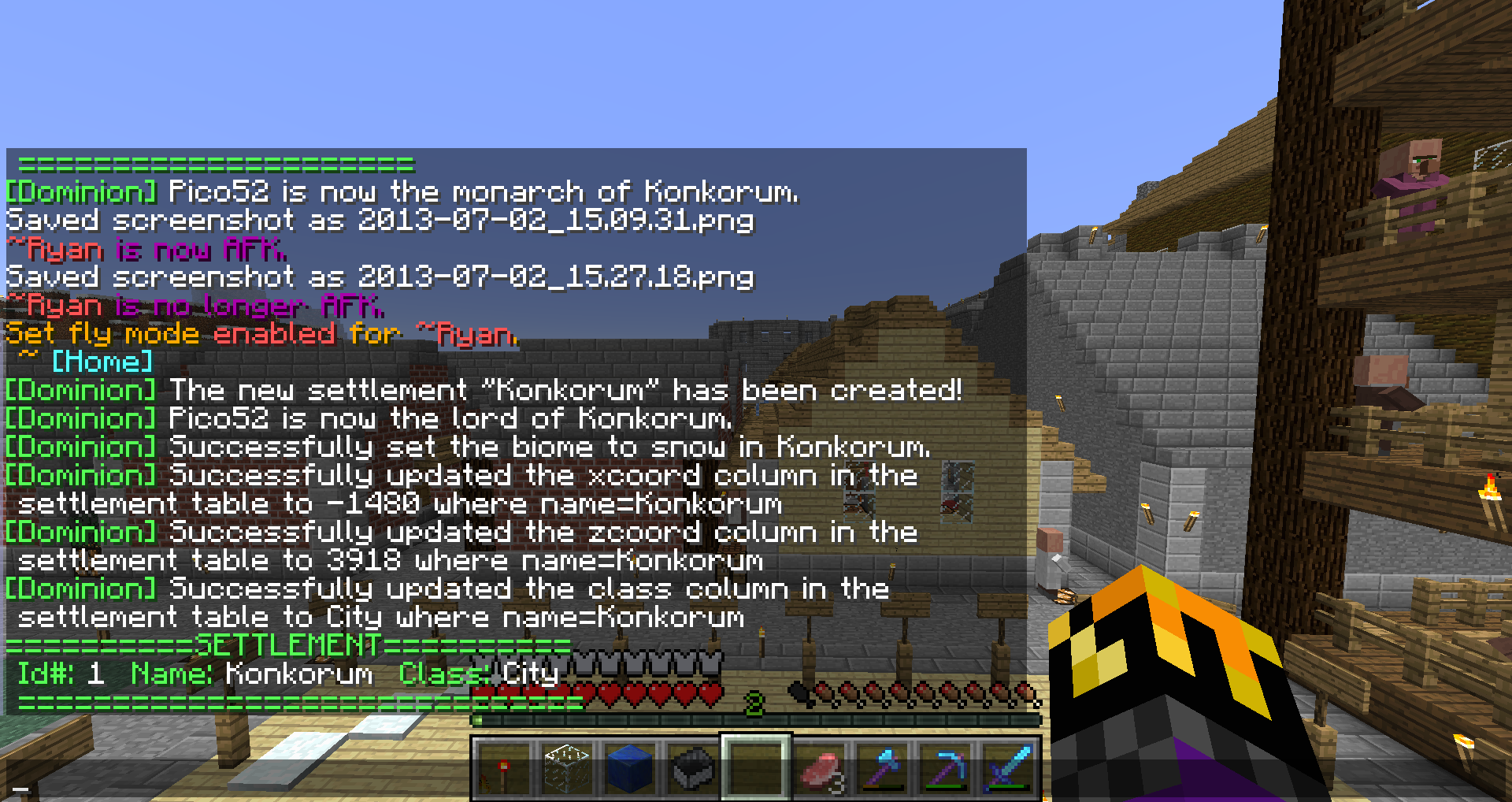
Commands issued in order:
- /ad create settlement Konkorum
- /ad setowner settlement Konkorum Pico52
- /ad setbiome Konkorum snow
- /ad update settlement xcoord -1480 name Konkorum
- /ad update settlement zco...
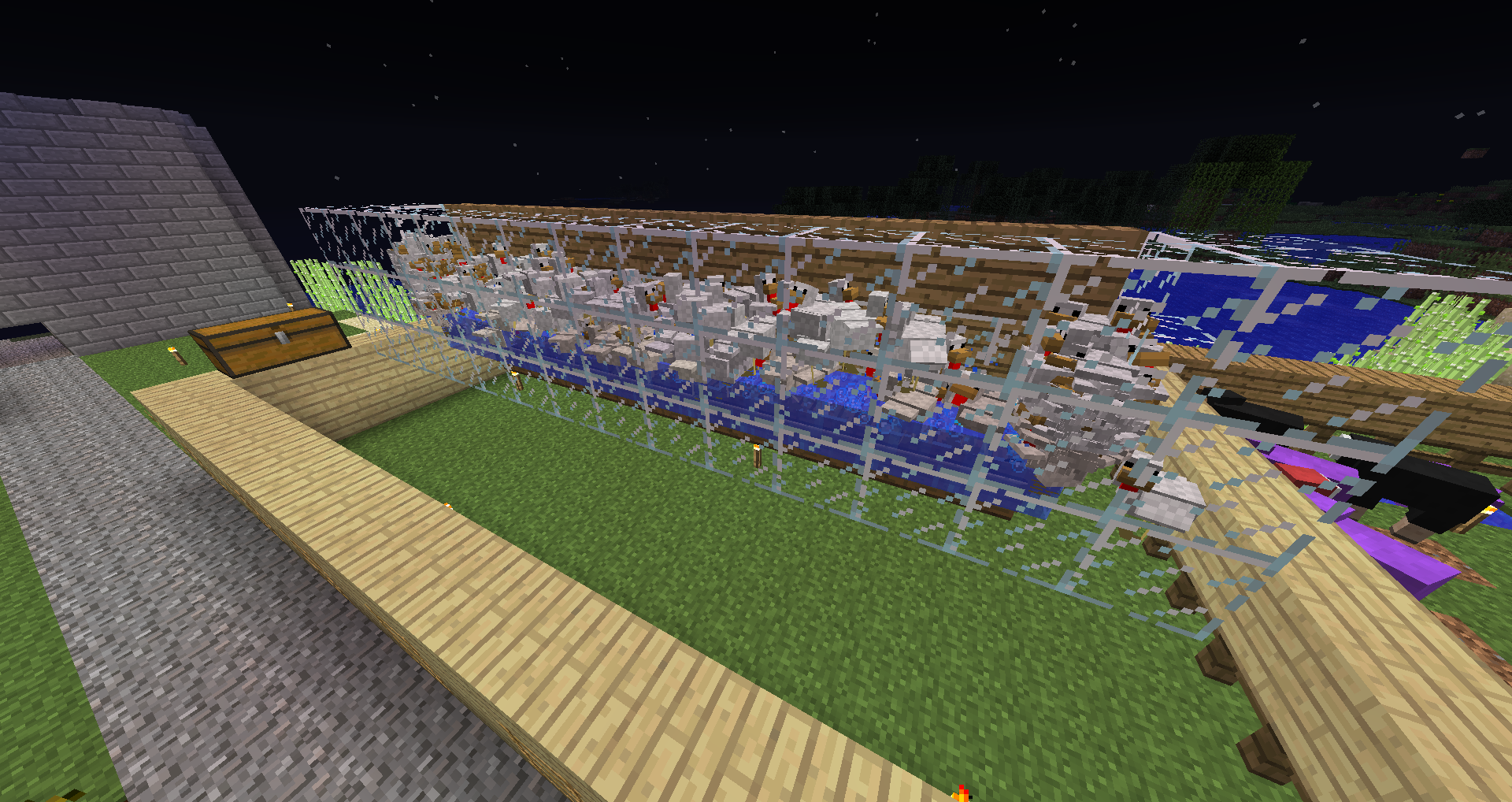
The hatchery area of a Chicken Pen.

Unit page icon
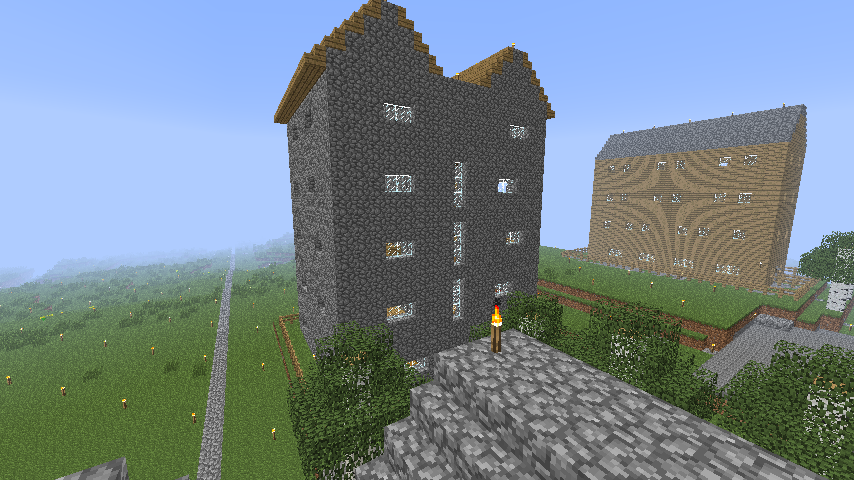
Homes can be built inside of a complex such as the one shown here.
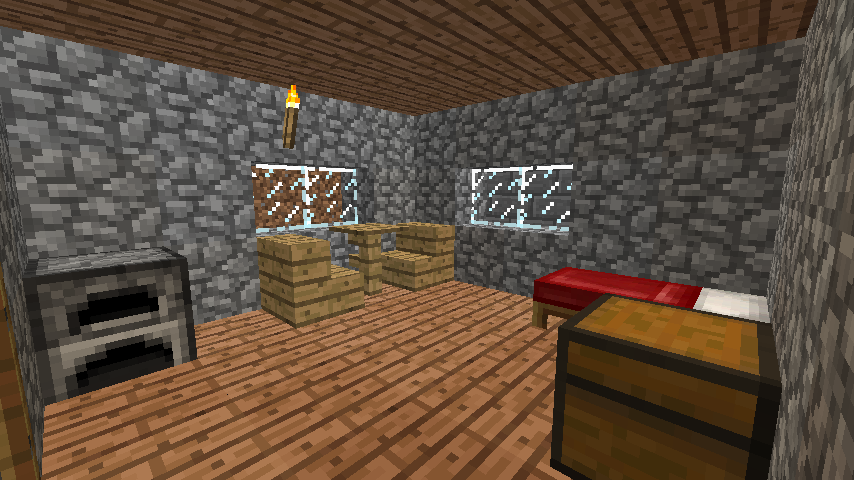
A standard room in an Inn.
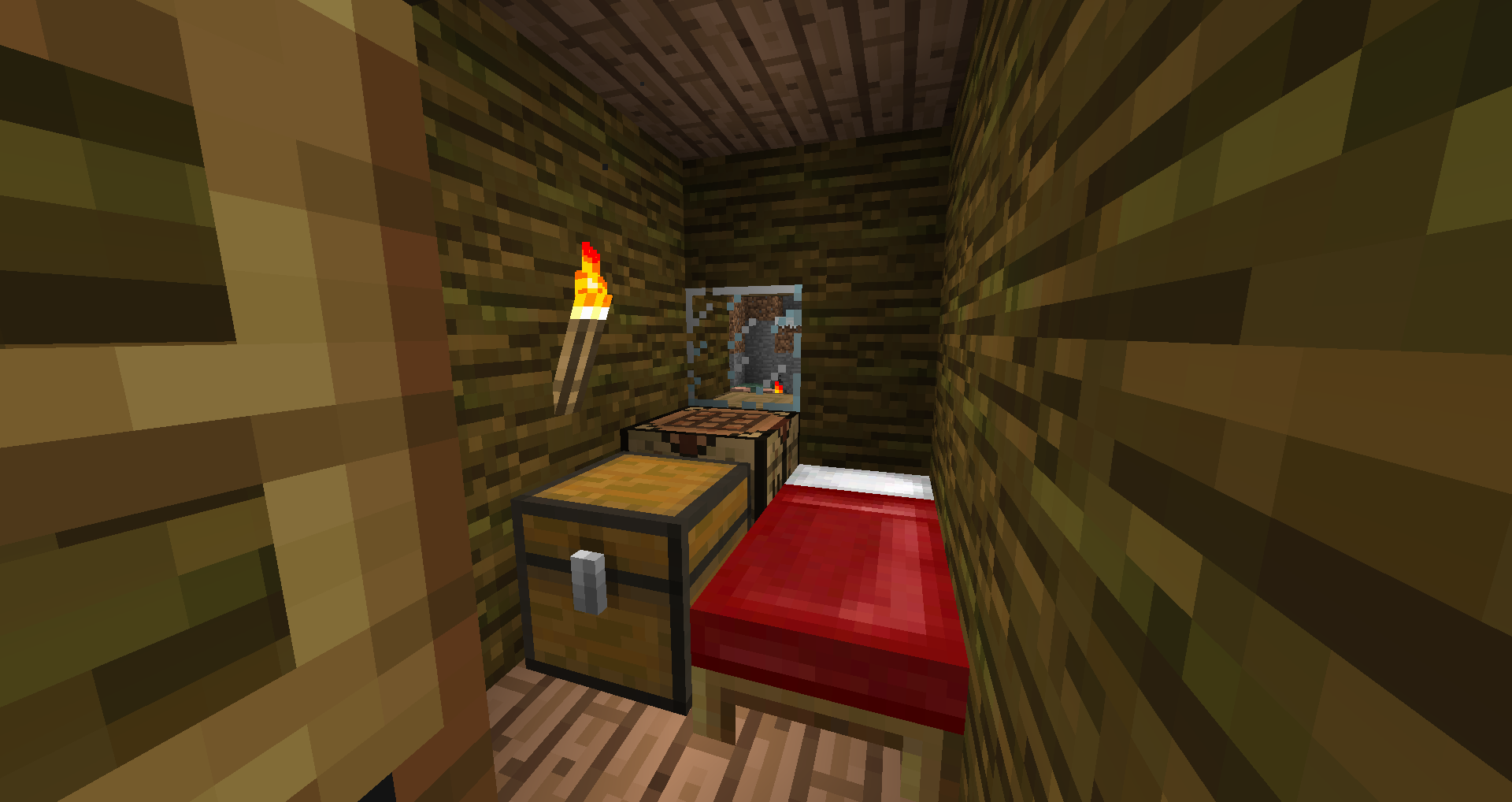
A Home.
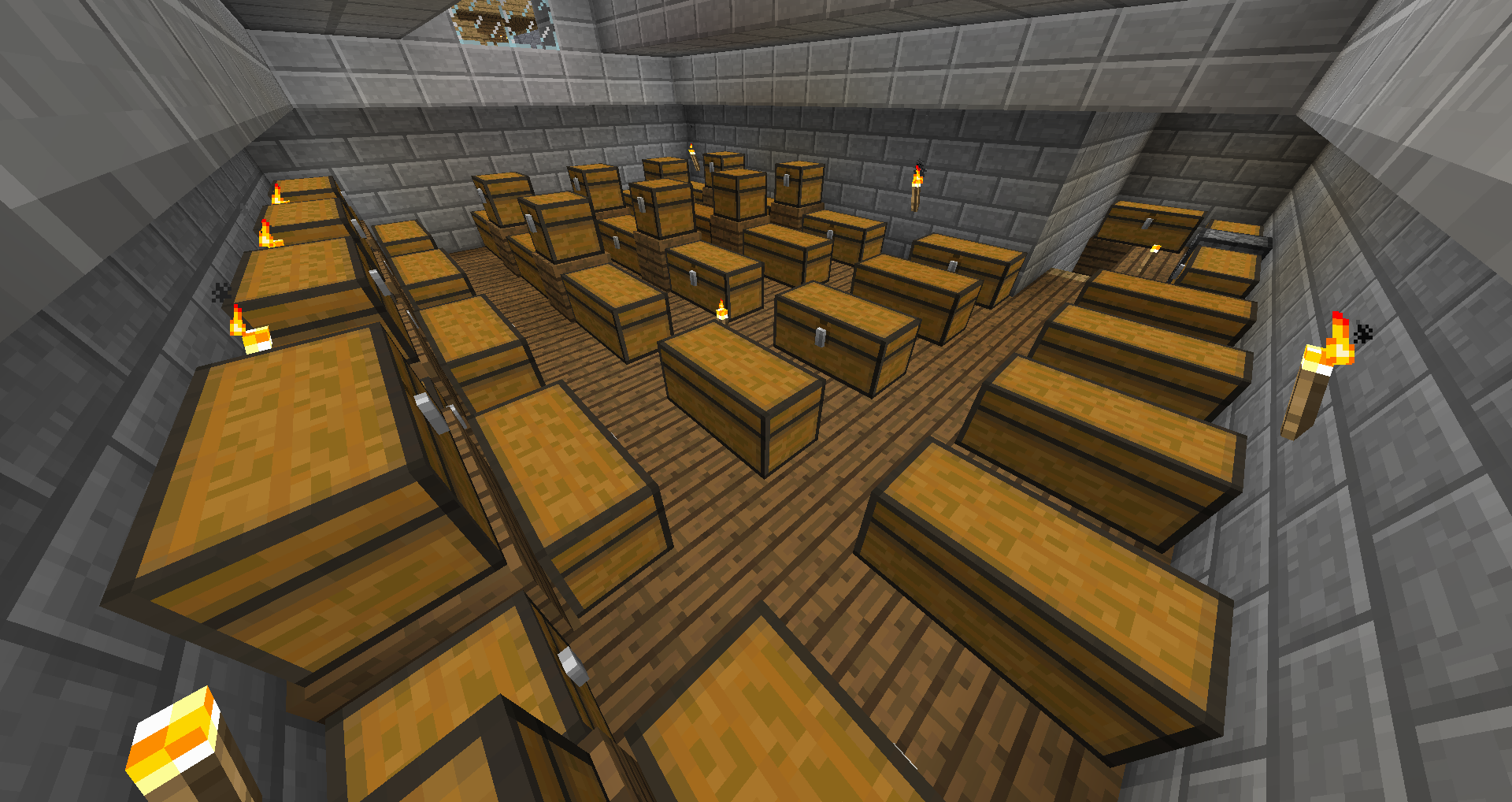
Boxes for a Barracks.
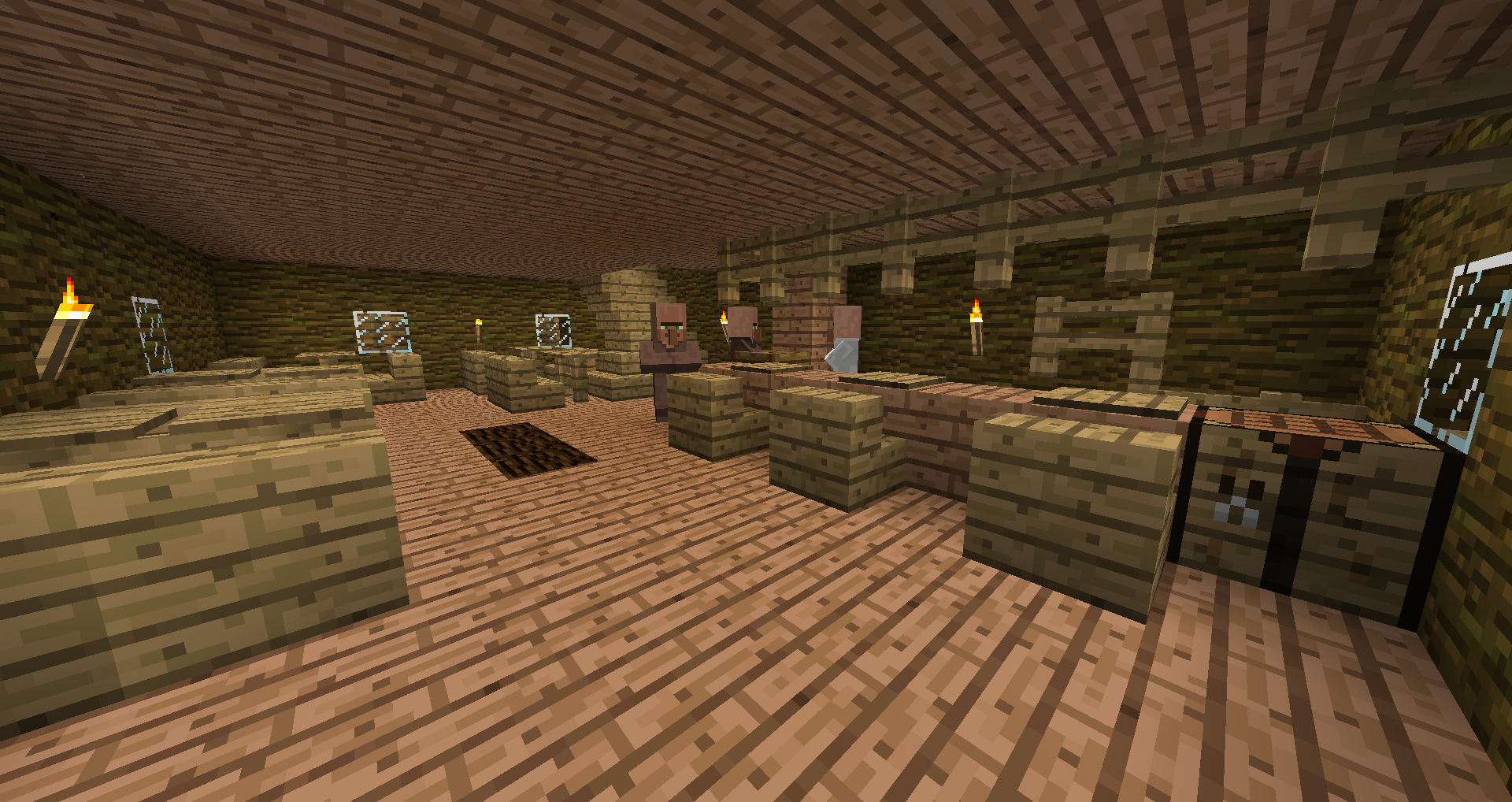
The tavern/lobby of an Inn.
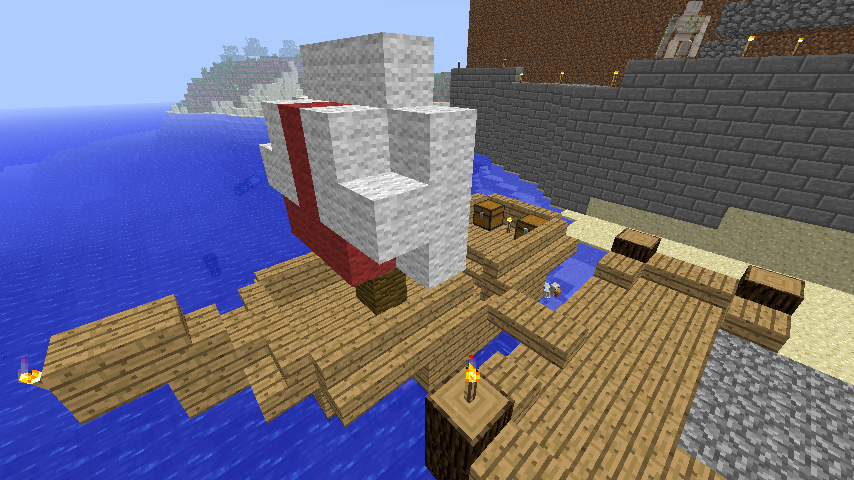
A Cog.
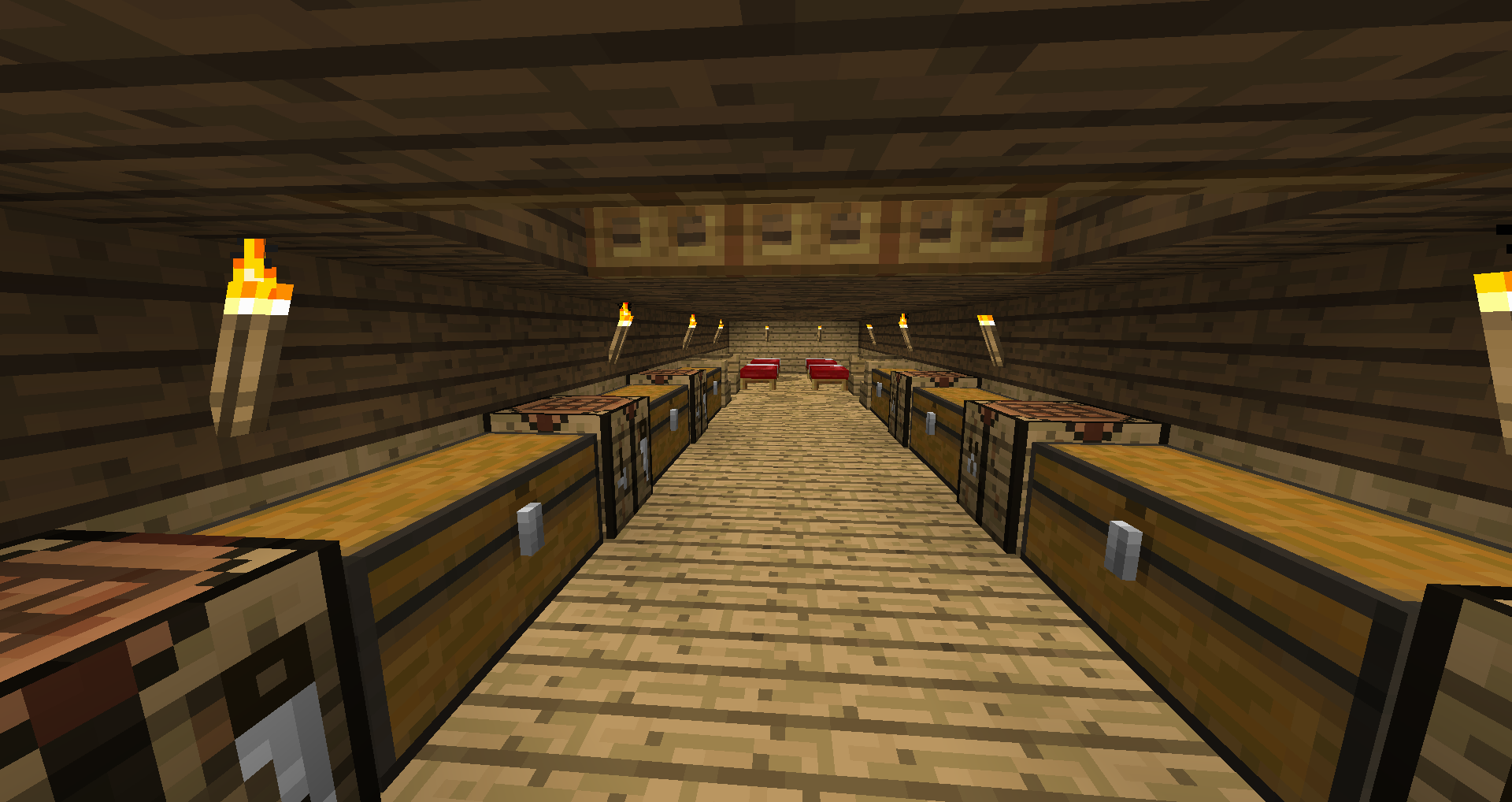
The interior of the hull of a Galleon.
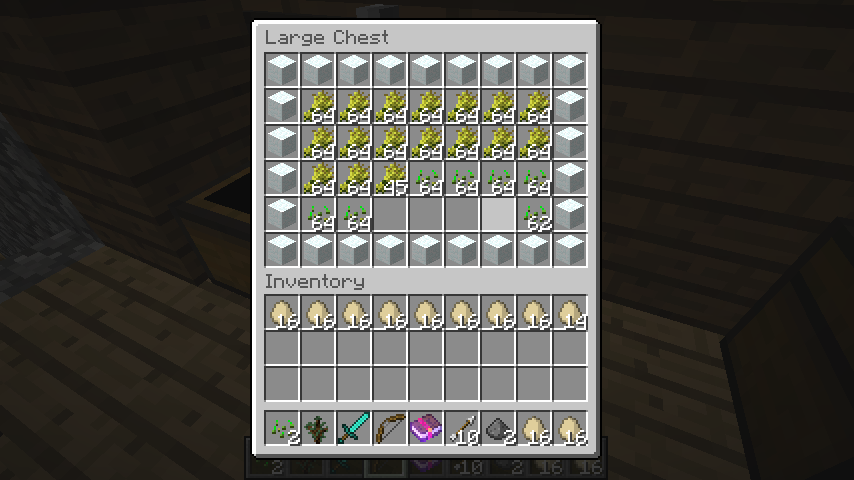
The contents of a box inside a Granary.
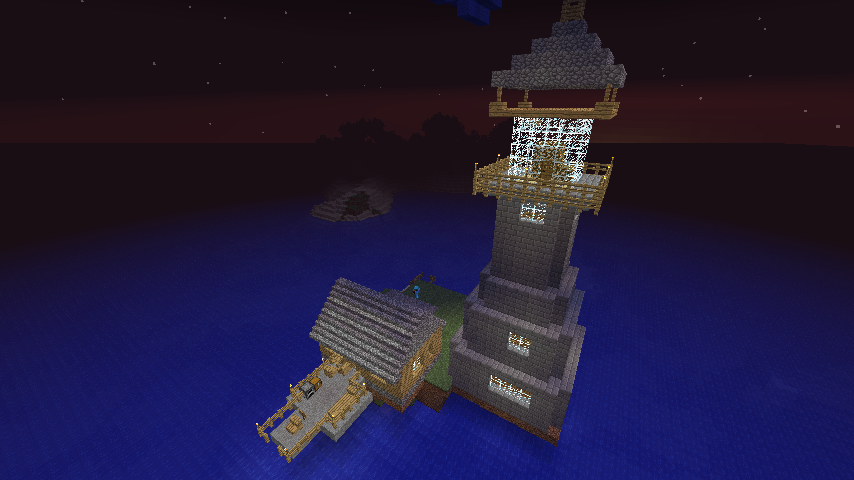
A Lighthouse. The little home at the bottom left is not necessary to the lighthouse itself, but it's a nice touch.

Biome page icon
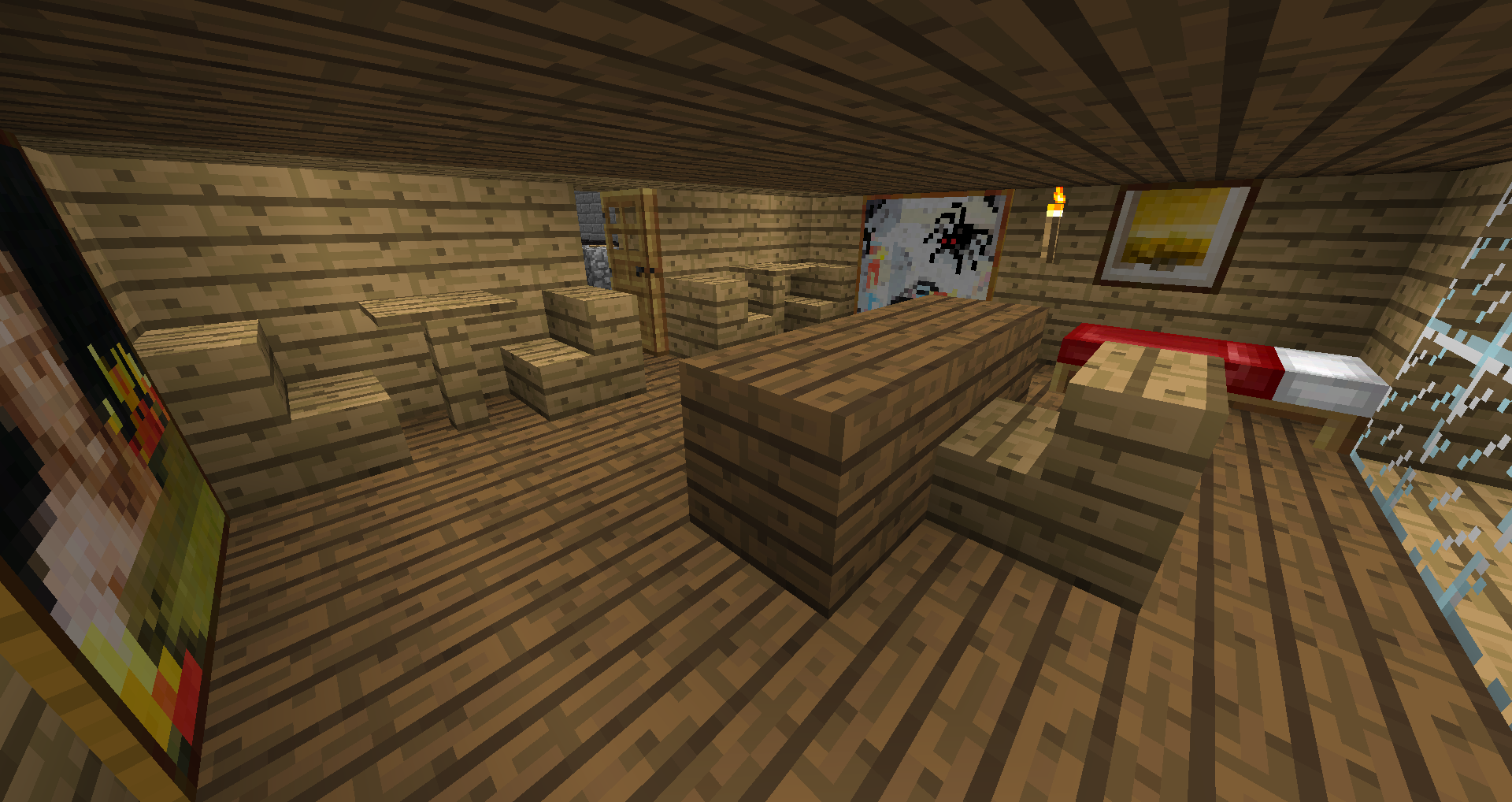
The captain's quarters of a Galleon.
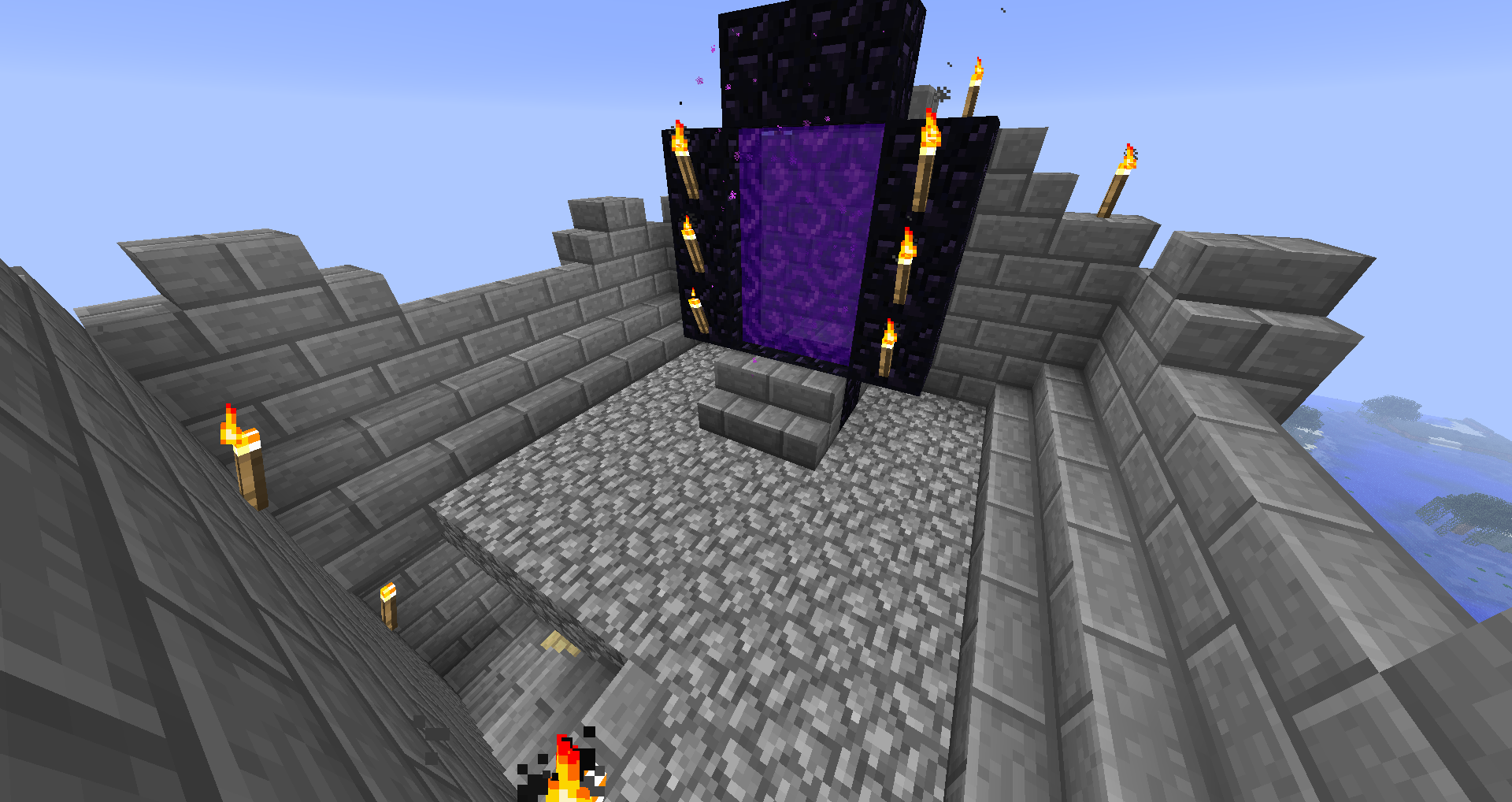
The portal on top of the Spire.
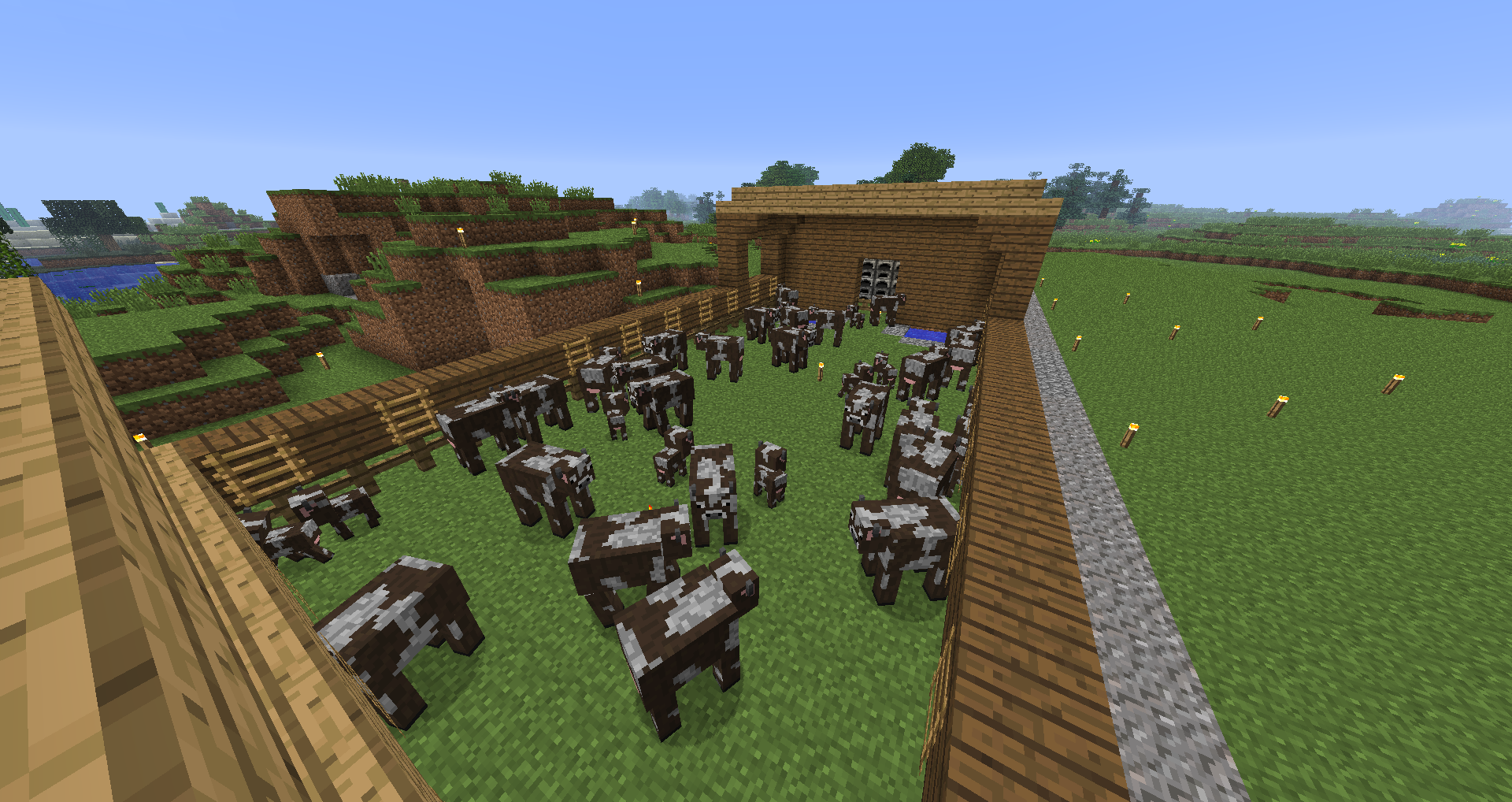
The outside of a max level Cattle Ranch.
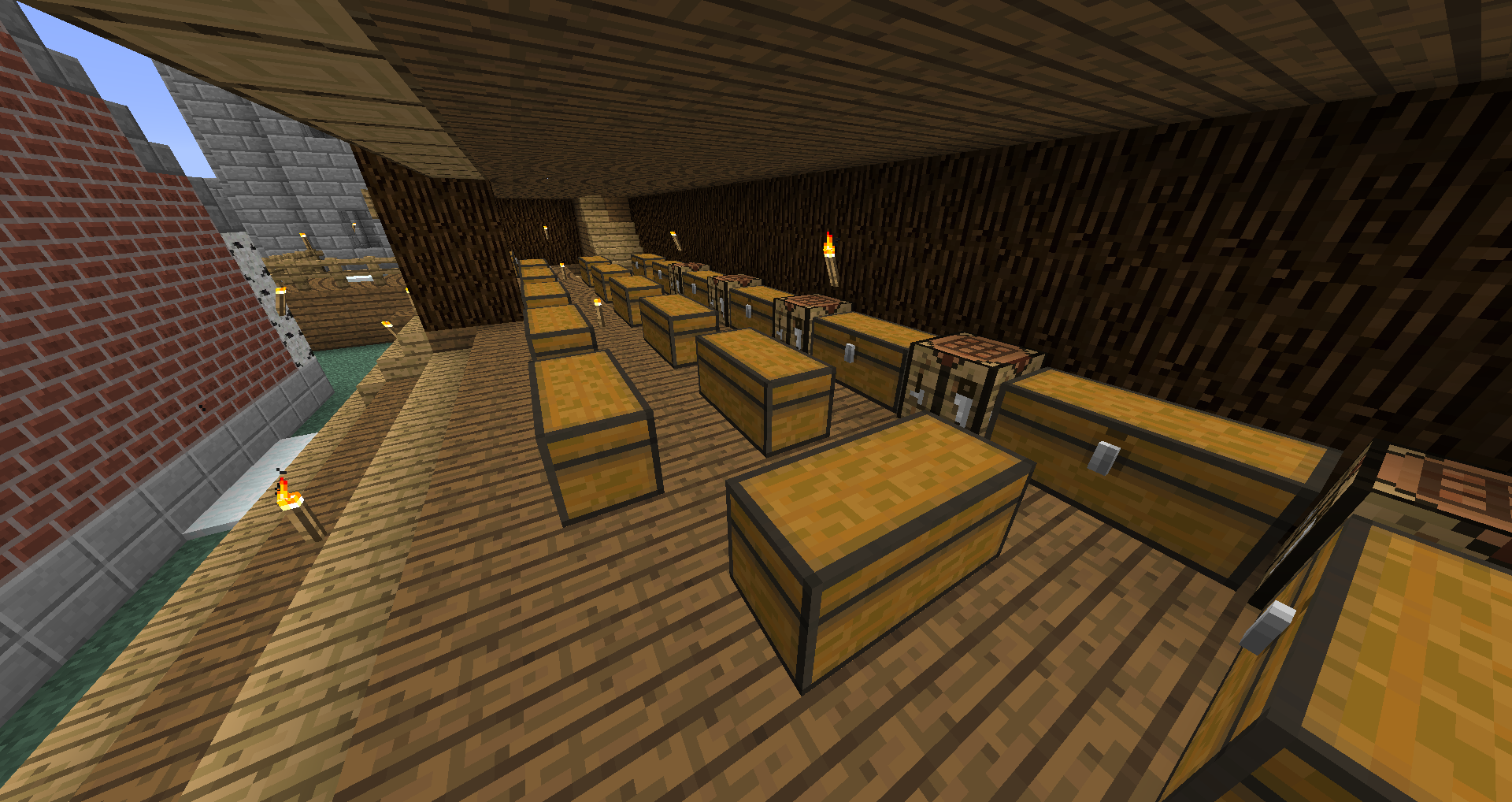
A Warehouse.
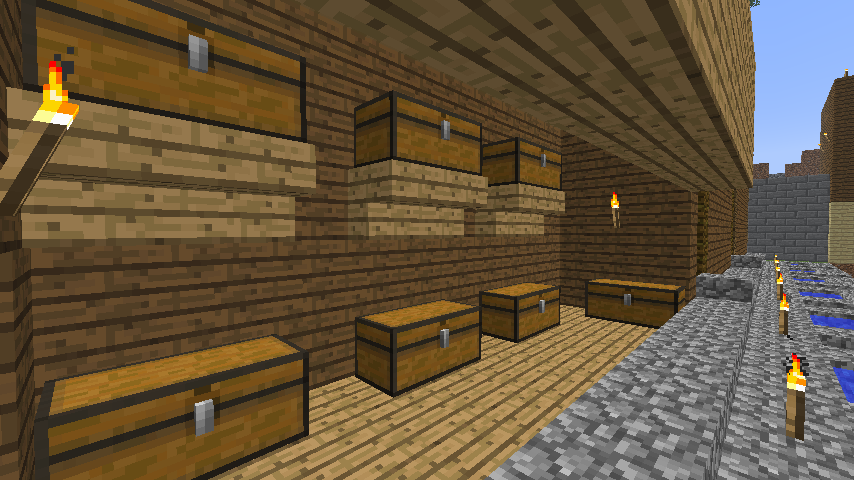
A Granary. It's similar to a warehouse.
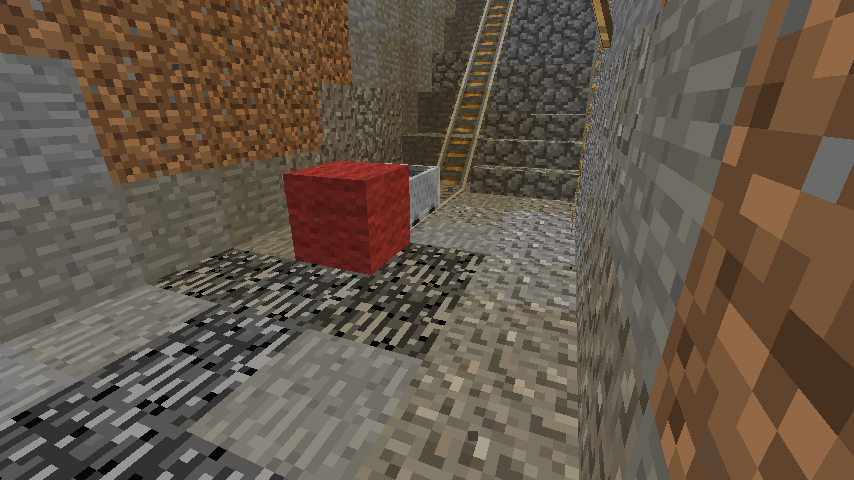
The bottom area of a Mine.
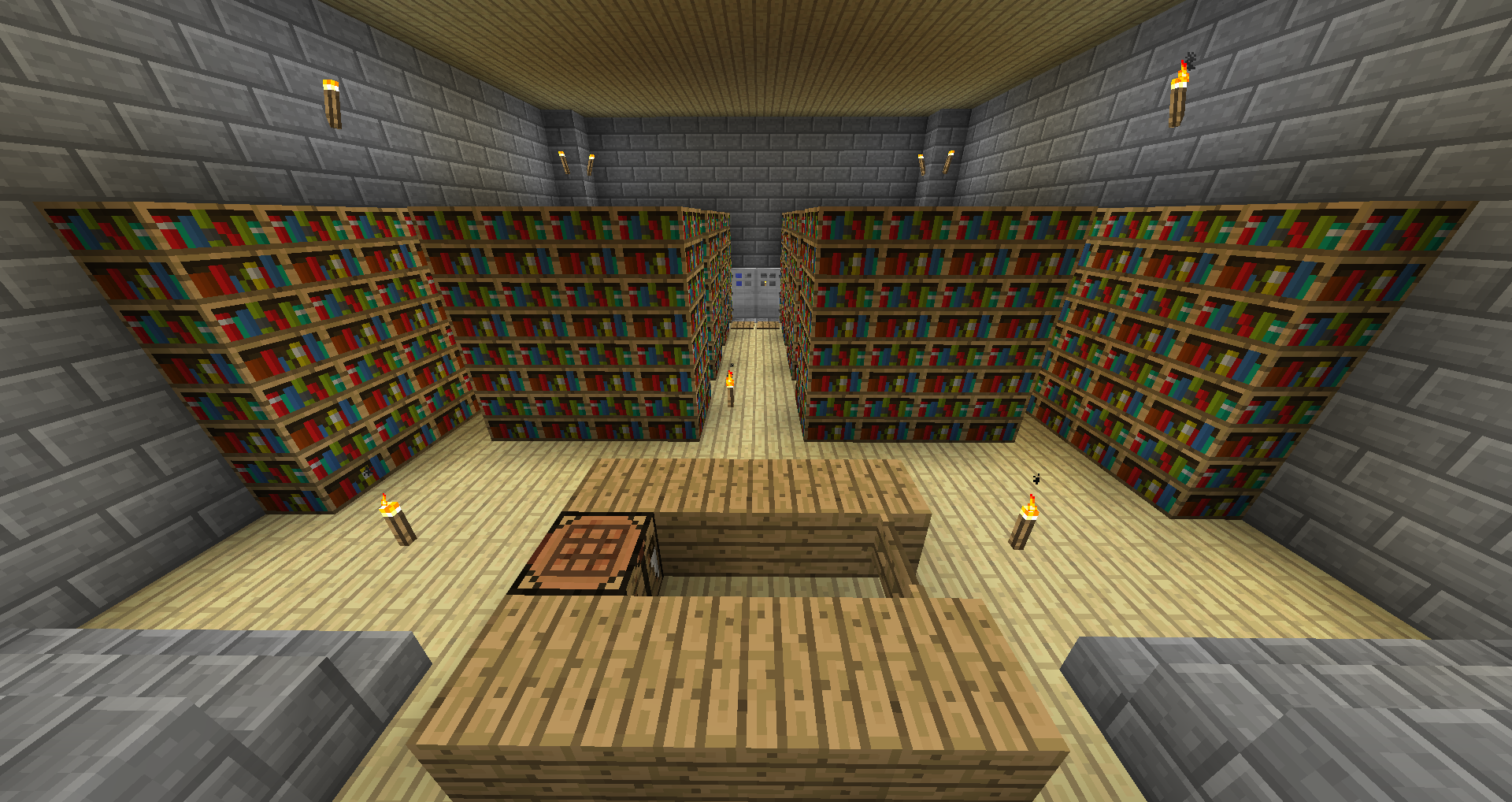
A standard Library.

Settlement page icon

Github source page icon

Dominion
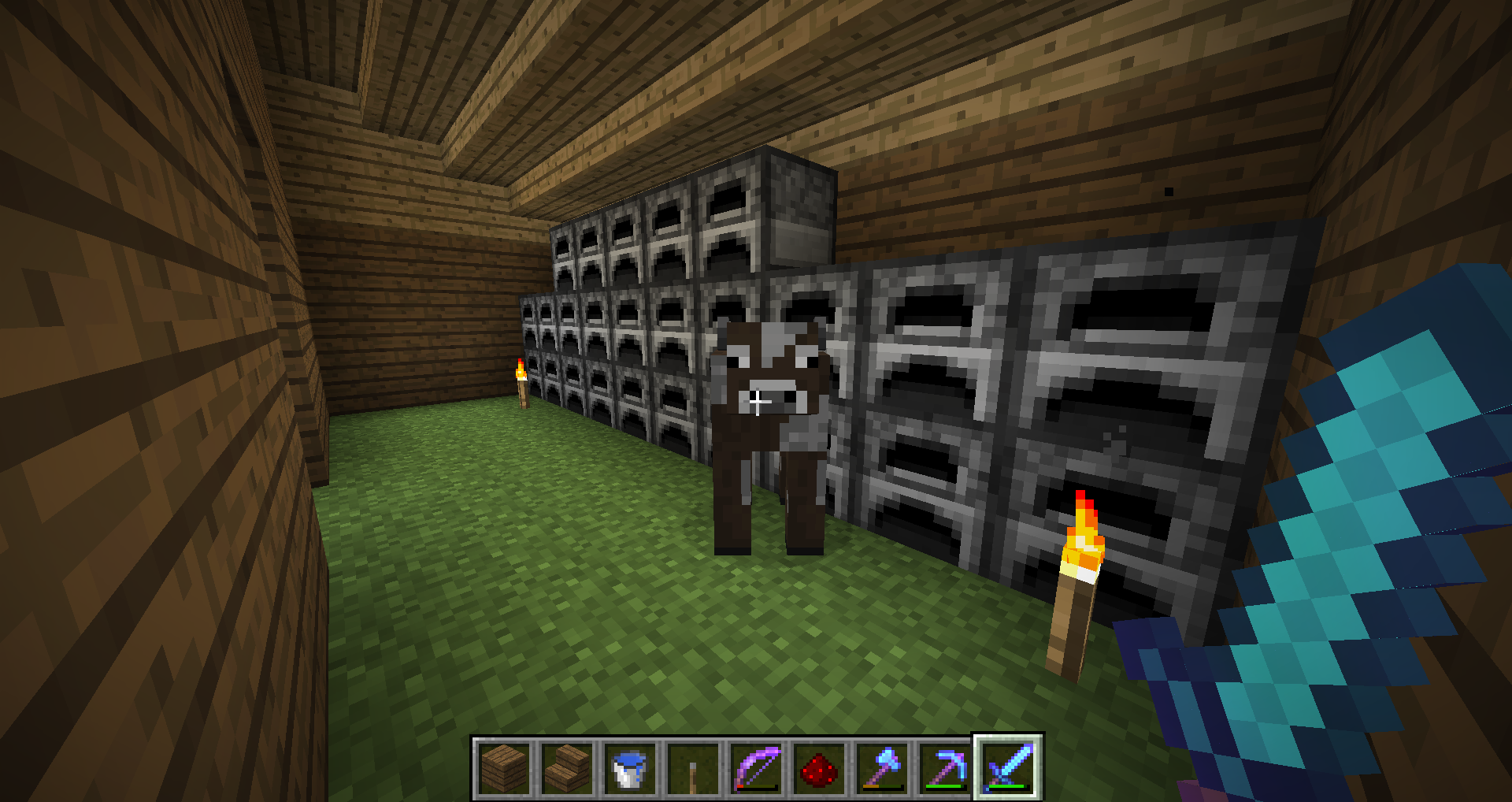
The inside of the slaughter house of a max level Cattle Ranch.
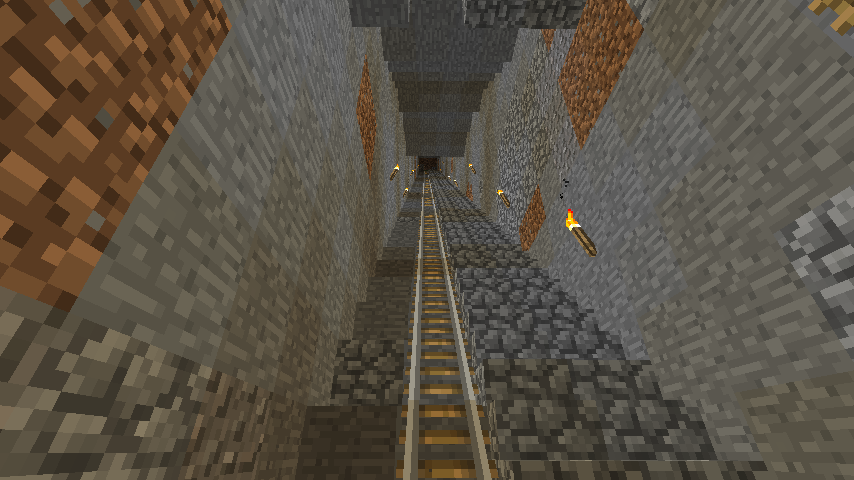
The track leading downwards with the stairs beside it in a Mine.
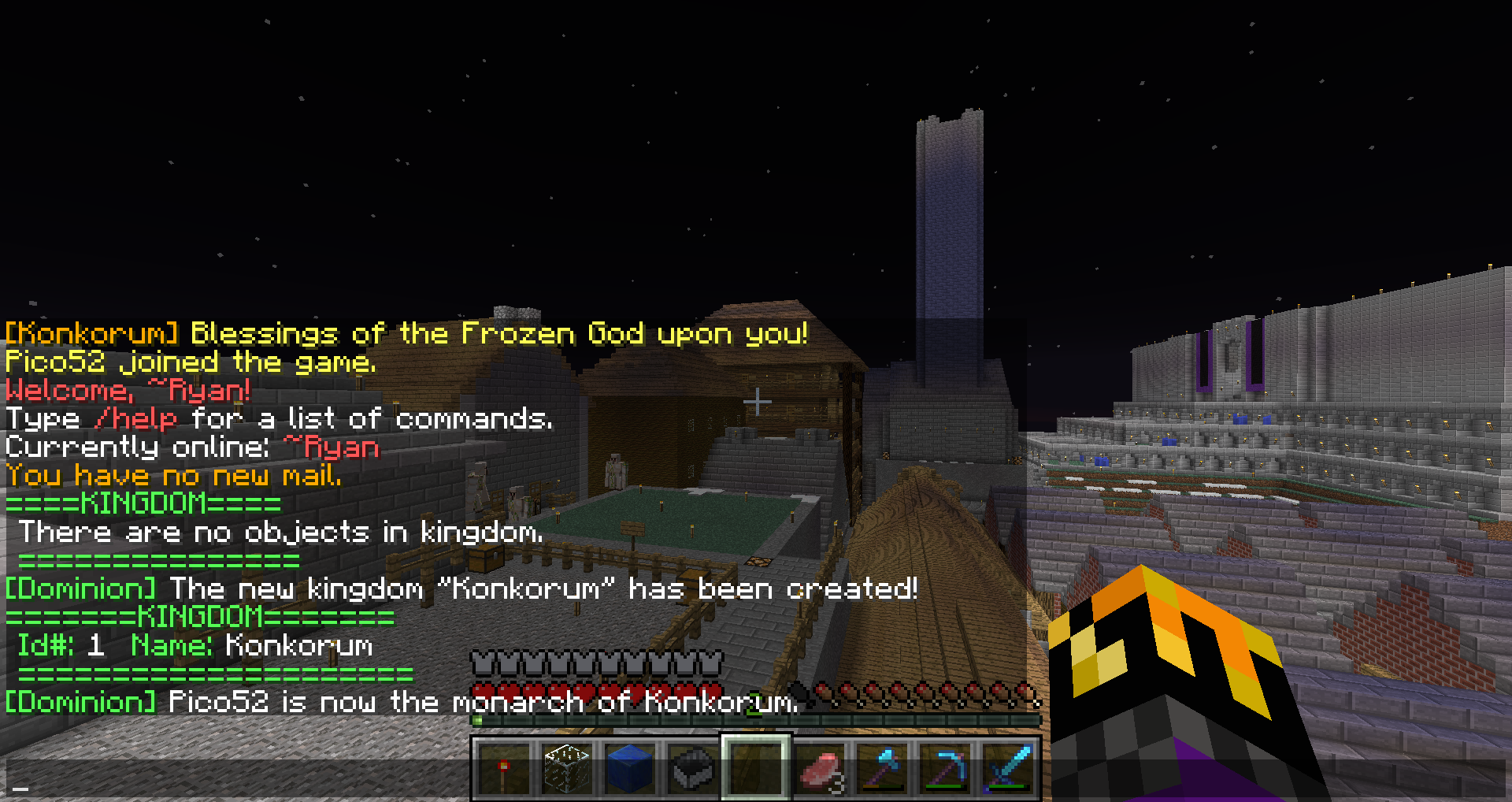
Commands issued in order:
- /d list kingdom
- /ad create kingdom Konkorum
- /d list kingdom
- /ad setowner kingdom Konkorum Pico52
Description

[Beta]
Overview
The overall concept of this mod is to allow players to build their own cities and to command armies so as to conquer other players. This leaves the player as more of a typical "hero" role as opposed to the foot soldier role commonly seen in other "kingdom" or "war" plugins.
This mod will introduce the following additions to the Minecraft experience:
1. Item-based economy Instead of the usual economy plugin buying, selling, and otherwise manipulating items to be sold and turned into coin, this plugin will have an internal database that will record each user's specific count of each material. These materials may be deposited, withdrawn, traded, subtracted, and added to via more than just the player. In-game objects will have the ability to add to this stockpile (see below).
2. Material-producing structures Player-made schematics/pre-constructed buildings and structures will be able to produce resources for that player and his/her faction.
3. Non-player entities conquer other realms Players will have control to construct, move, and otherwise order units much like in a real time strategy game. These units will be the basis of the gameplay of Dominion.
4. Magic Special effects such as spells may be cast upon players, army stacks, or entire dominions.
This mod when implemented to its full extent with/without other plugins will/may include pre-existing concepts:
- Land claiming.
- User map via browser/other interface.
- Typical economy
First Tutorial
For an idea of what already exists and what is being developed, please see below. To see what is planned for the future, please see the Future Plans page.
Player's Hand Book
For more information, try reading the  Dominion Player's Hand Book (PHB).
These rules are modifiable by server administrators.
Dominion Player's Hand Book (PHB).
These rules are modifiable by server administrators.
The PHB is NOT complete. Also, Google Chrome does not view the document properly.
Pages
 Biomes
 Buildings
 Commands
 F.A.Q.
 Kingdoms
 Settlements
 Spells
 Units
Units
Source
 Source
Pillars of Development
- Complete = Enough code to be fit for the initial release.
- Testing = The code is logically complete but requires testing.
- In Progress = There is code already implemented and being added to.
- Incomplete = The idea is planned out, but no code has been started.
- Planning = The idea of how it will be technically implemented is under development.
| Task | Status |
|---|---|
| Update to 1.8.9 | In Progress |
| YouTube Tutorials | Incomplete |
| Administrator Permissions | Incomplete |
| Armies & War | Incomplete |
| Supply & Demand | Incomplete |
| In-game NPCs | Planning |
| Terrain Detection | Planning |
Current Development Details
| Spells can be deactivated, and if they are then the help command will not list the cast command. Attempting to use the cast command will inform the user that spells are deactivated and will not cast anything. | 2/2/16 - 16:06 |
| If units are deactivated, the help command doesn't list any unit commands. Every object a player could have can now be stored into the settlement, but it won't display it. Wood and wool now have all of their sub types available. Glass, glass panes, and clay sub types will be added. | 2/2/16 - 00:14 |
| Got the help commands working and commands running dynamically (easier to put in new ones). Now I'm getting any inactive commands due to being deactivated in the config to not show up in the list. Also adding new blocks to storage. | 2/1/16 - 15:14 |
| 3 years later and I picked up the project again. Right now, I'm working on /ad help and /d help commands. | 1/28/16 - 15:28 |
| Documentation on the commands page has been updated to include all existing commands. | 12/6/13 - 17:39 |
For more information on what these development topics are, please visit the Development page.
The Dominion Team
