Blue Book - the Minecraft Pricing Guide
Version: v1.9

Video Review (In German)

This is the guide to all pricing in Minecraft!
This plugin will tell you the value of any object in the game! Setting up a shop? How much should you sell a Diamond Chestplate for? Is that set of bookshelves a good deal? Stop picking prices at random and use this plugin instead!
This plugin is perfect for admins who want to set up malls or stores quickly and not break the economy or to guide players. Prices are calculated from base prices that you can set in the config file. A profit can be added.
If you want to know how prices are determined, read this page on the pricing methodology.
How to Use
- Install (see below) and set permissions
If bluebook.signshow permission is enabled:
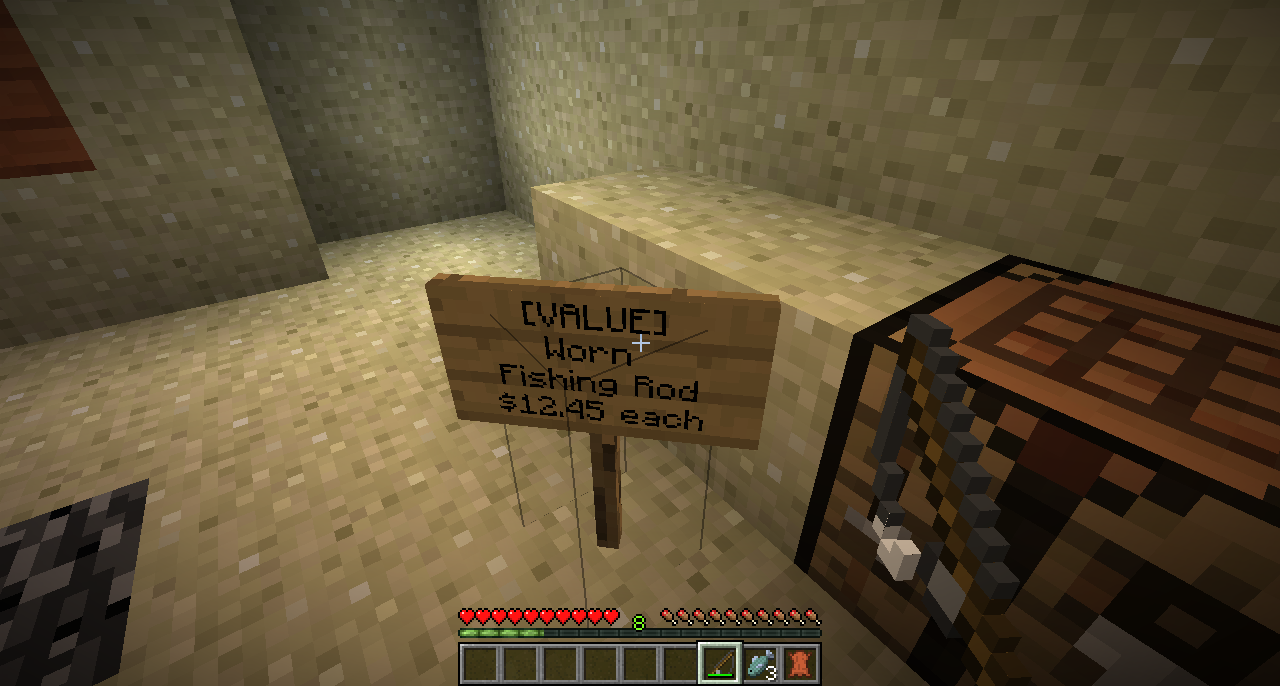
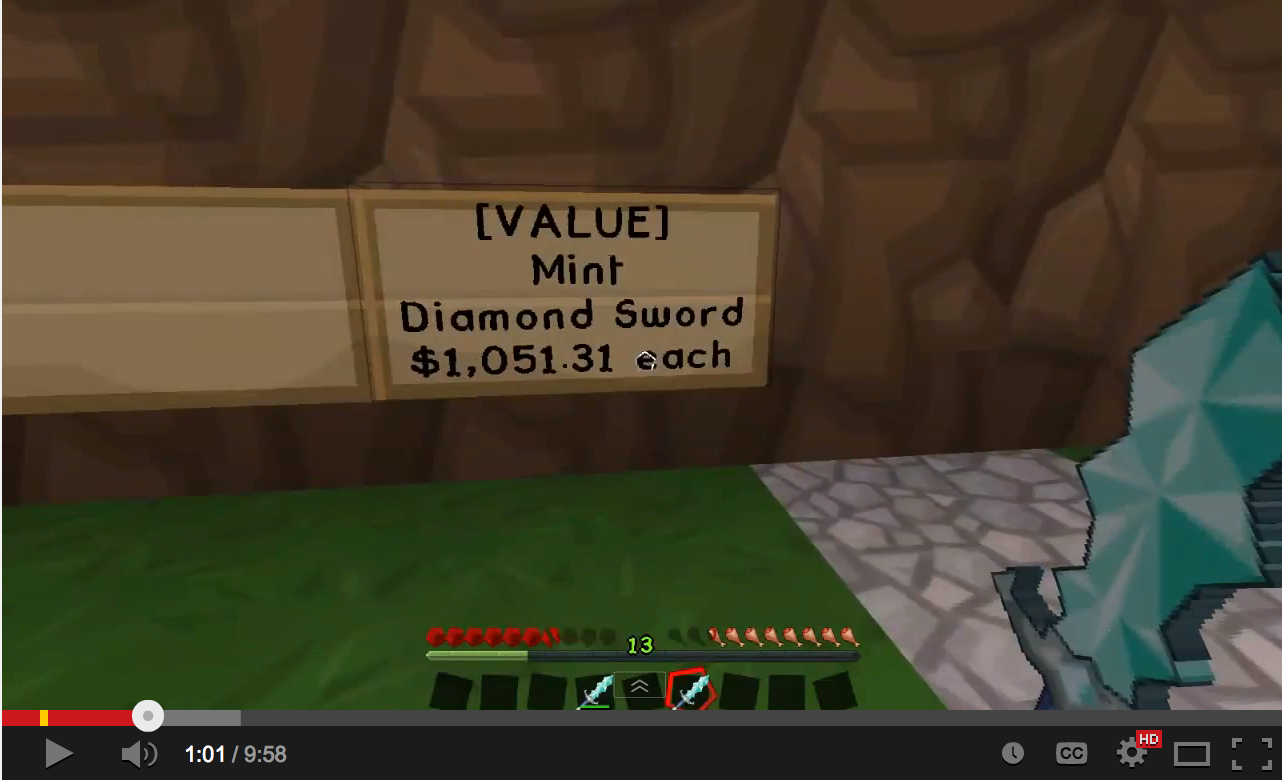
- Place a sign with [VALUE] as the first line
- Hold an object in your hand and hit the sign (or any nearby sign or chest)
- The value is shown on the sign
If bluebook.show permission is enabled:
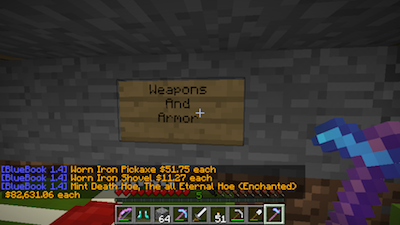
- Hold an object in your hand and hit any nearby sign or chest
- The value is shown in chat
New in 1.9
- Support for Server 1.8 blocks and items!
Required Plugins
- An economy of some kind, e.g. Essentials, Miconomy, etc.
Problems
Please file a ticket if you find a bug.
Commands
To find out the BlueBook price, hold an item in your hand and hit a chest or sign with it. See the screenshot for an example
- /bbreload - Admin command to reload config.yml settings
Permissions
Only Ops will have automatic access to the BlueBook. If you want to allow it for others, you will need to give them the following permission:
- bluebook.show - Permission to see the price guide
- bluebook.reload - Permission to reload the config.yml
- bluebook.signshow - Permission to have prices appear on signs with [VALUE] on them
Installation and Configuration
- (For upgrading - copy or delete your bluebook/config.yml file)
- Download the plugin (bluebook.jar)
- Place into your plugins folder
- Restart your server (or reload plugins)
- The plugin will make a folder called BlueBook. Open that folder.
- Check config.yml and set the prices how you like. Usually the ones in there will already make sense.
- Make sure you set the profit* to something you are happy with! (100 means the prices will be double).
- Restart the server if you changed the prices or type /bbreload
- Set up permissions, e.g., with Pex, if you want to give permission to everyone use: /pex groups default add bluebook.signshow
- Reload permissions, e.g., /pex reload
- Enjoy!
Upgrading
If you never customized the config.yml file, then delete it so that new items will be added to it.
If you did customize config.yml, then move it to a temporary file, reload or restart the server and compare the new config.yml with your old one. New items will be placed at the bottom of the list and marked with a comment.
To Do
- Any requests? Let me know!
Source
Source code is on github. See Repository page for link.
 http://dev.bukkit.org/media/images/72/825/2014-04-18_14.35.26.png?30%" alt="Screenshot showing [VALUE] sign">
Stats Disclosure
This plugin utilizes a plugin metrics system, which means that the following information is collected and sent to mcstats.org:
- A unique identifier
- The server's version of Java
- Whether the server is in offline or online mode
- The plugin's version
- The server's version
- The OS version/name and architecture
- The core count for the CPU
- The number of players online
- The Metrics version
Visit mcstats.org if you would like to learn more about the stats collected.
Go into /plugins/PluginMetrics/config.yml to disable stat collecting if you wish.

Stats by MCStats