YGP! Ultimate FPS Optimizer
- By
A lightweight Minecraft Bedrock resource pack that reduces selected visual effects to help improve performance while preserving the familiar vanilla look.
YGP! Ultimate FPS Optimizer
A lightweight performance resource pack for Minecraft Bedrock Edition by Yojitgamingpro and YGP Studio.
Want a smoother Minecraft experience? YGP! Ultimate FPS Optimizer is designed to reduce selected visual effects and simplify resource-pack visuals while preserving the familiar Minecraft look.
Built with performance-conscious design in mind, the pack aims to provide useful visual optimizations for mobile players and PC users without unnecessarily changing core gameplay.
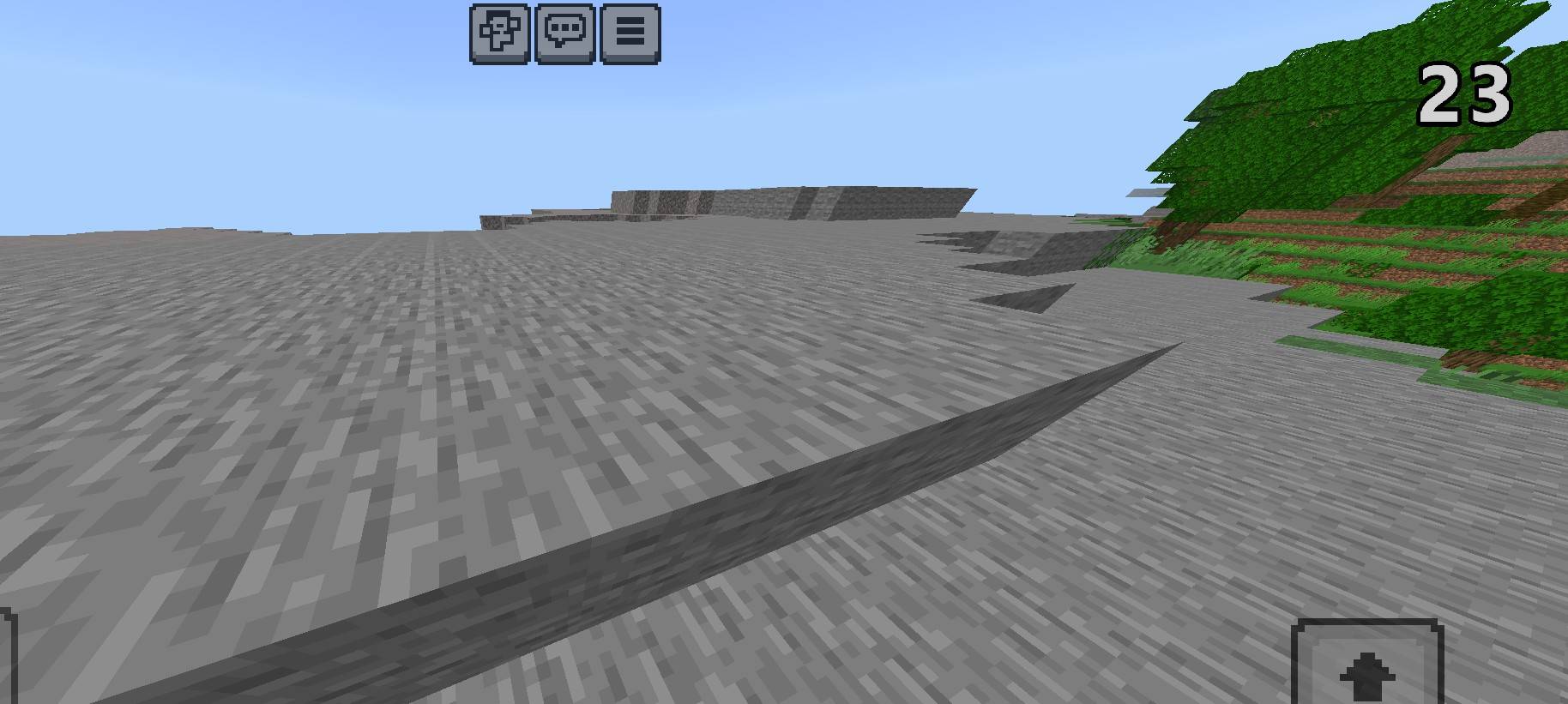
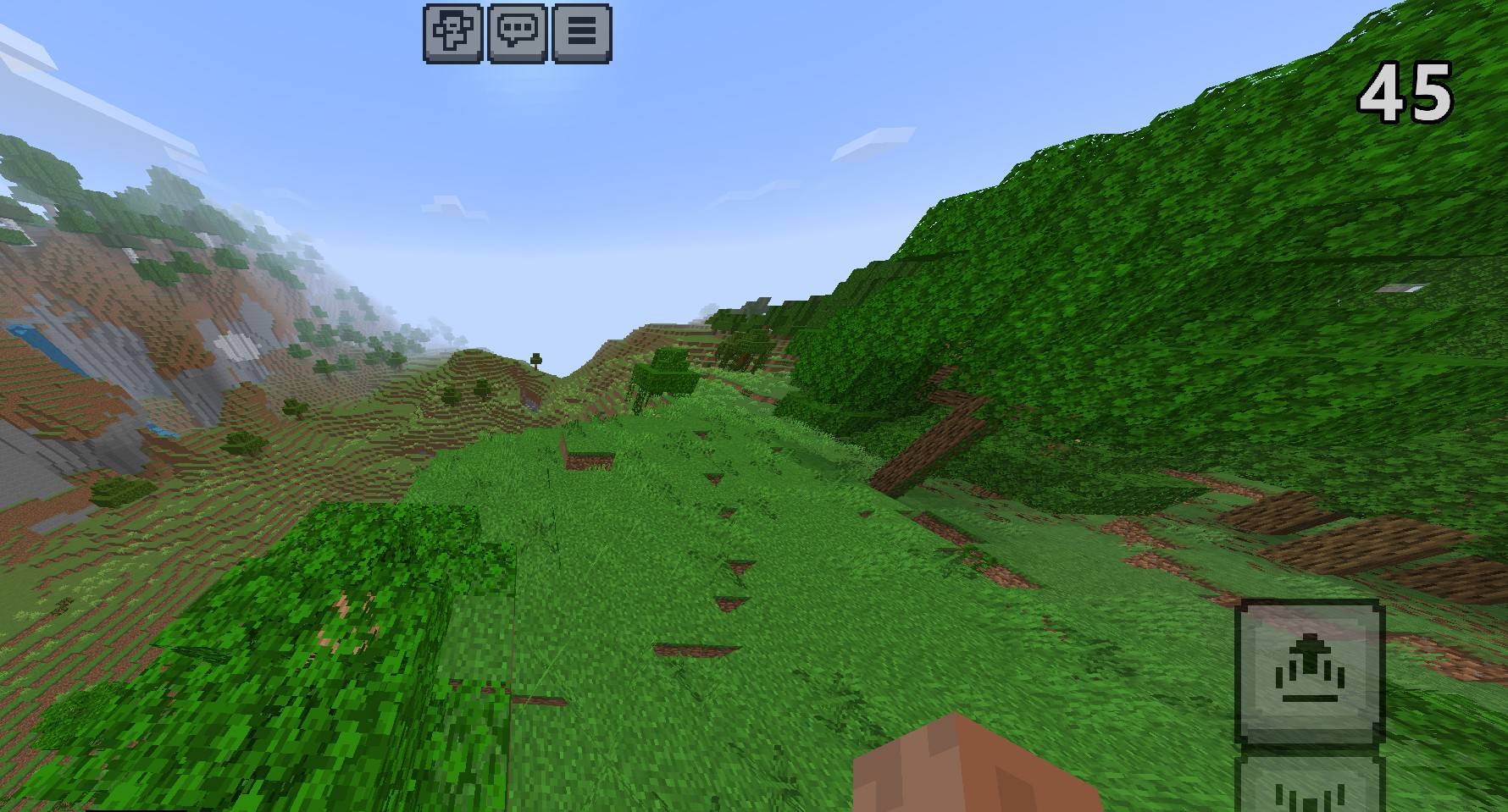
Proof
Without mod
With mod
Features
⚡ Performance Profiles
Planned profiles for different preferences:
- Balanced: Conservative visual changes while retaining more of the vanilla appearance.
- FPS Boost: Reduce selected visual effects and animations.
- Extreme FPS: Apply stronger visual reductions for players who prefer performance over visual detail.
The final profiles and their actual settings will be documented in the released pack.
✨ Visual Optimization
Potential optimizations include:
- Carefully selected particle-effect reductions.
- Simplified nonessential animated textures.
- Evaluated fog and biome visual settings.
- Reduced selected weather and overlay effects.
- Lightweight, vanilla-inspired visuals.
Only features supported by the final implementation will be included in the release description.
🎮 Vanilla-Inspired Experience
The goal is to preserve Minecraft's recognizable visual identity while making deliberate performance-oriented trade-offs.
The pack does not intentionally change gameplay mechanics, add X-ray functionality, or remove game content to claim a performance boost.
Who Is It For?
- Minecraft Bedrock players looking for visual optimizations.
- Players using lower-powered devices.
- Mobile and PC players who want to experiment with different visual settings.
- Survival and general gameplay.
- Players who prefer configurable trade-offs between visual detail and performance, where supported.
Installation
- Download the ".mcpack" file from the Files section.
- Open the file with Minecraft to import the pack.
- Open Minecraft Settings → Global Resources, or edit a world and open Resource Packs.
- Activate YGP! Ultimate FPS Optimizer.
- If the release contains subpacks, choose the desired profile.
- Test the pack in your own world and adjust your other graphics settings as needed.
Compatibility
- Edition: Minecraft Bedrock Edition.
- Initial target: Minecraft 26.50.
- Other 26.xx releases will be listed only after verification.
- No experimental features are intended unless the final implementation explicitly requires them.
- Compatibility with other resource packs may vary, particularly for packs that modify UI, fog, particles, or animated textures.
Platform support must be confirmed for the actual release. Console installation and resource-pack restrictions may differ from mobile and Windows.
Performance Disclaimer
Performance varies with device hardware, Minecraft settings, world complexity, render distance, and other active packs.
This pack does not guarantee a particular FPS increase and cannot guarantee a fix for server lag or every form of stuttering. Any measured performance results will be reported with the relevant test conditions.
About YGP
Created by Yojitgamingpro under YGP Studio, part of the YGP Minecraft project.
🌐 YGP Minecraft: https://ygpminecraft.pages.dev/
🏢 YGP Studio: https://ygp-studio.vercel.app/
▶️ Yojit Gaming Pro: https://youtube.com/@yojitgamingpro
⛏️ YGP Minecraft YouTube: https://youtube.com/@ygpminecraft
💻 YGP Tech: https://youtube.com/@ygptech_official
Thanks for supporting YGP Minecraft!
YGP! Ultimate FPS Optimizer Team

Owner