Visual Waxed Copper
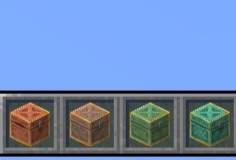
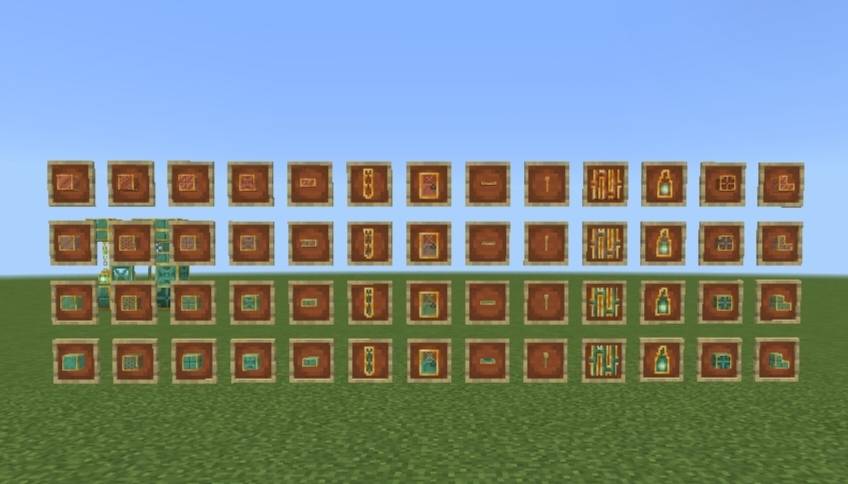
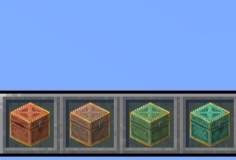
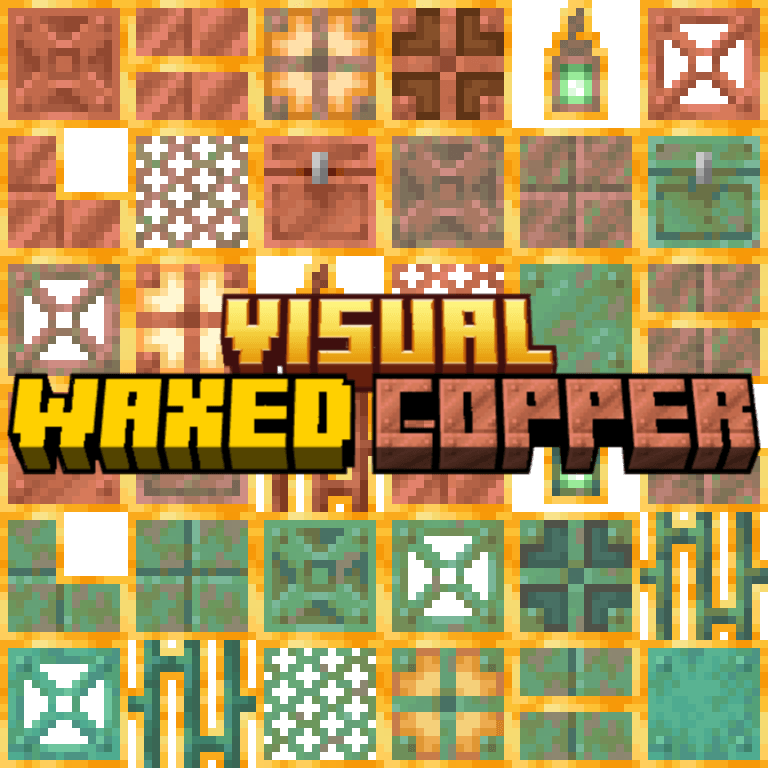
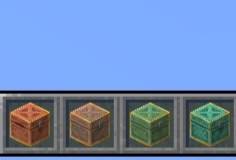
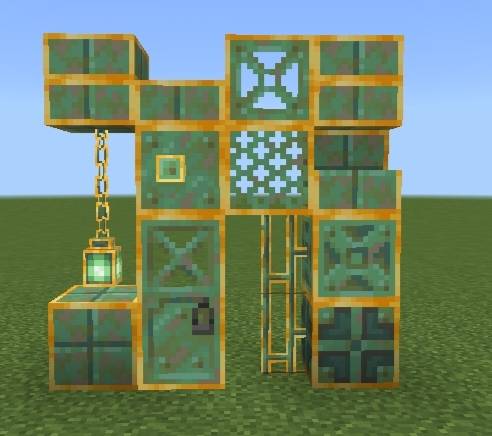
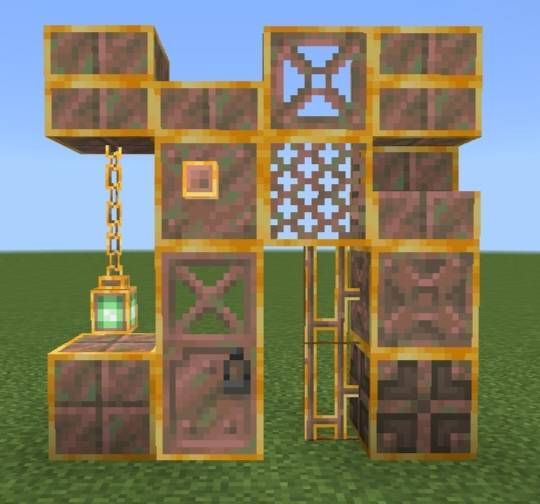
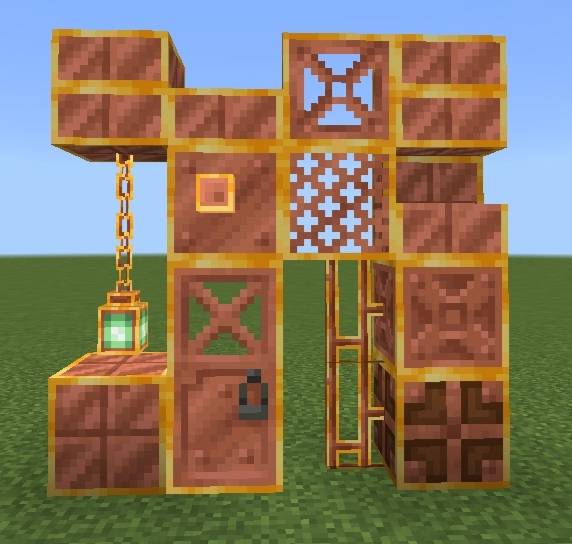
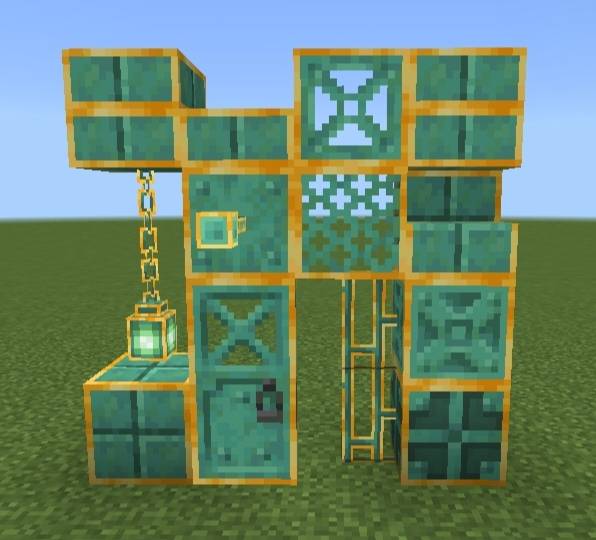
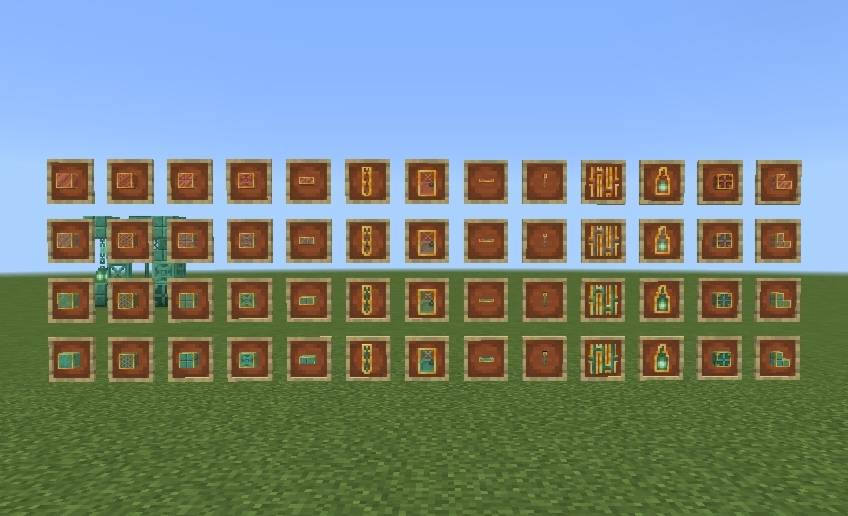
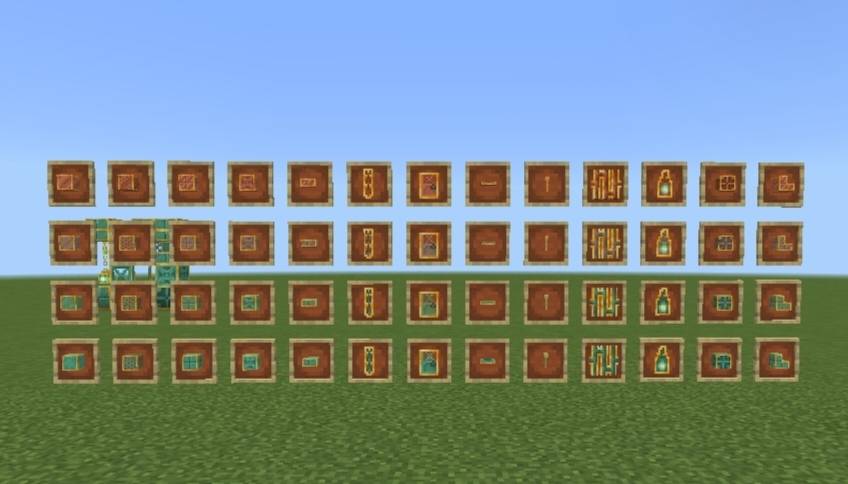
Now you can differentiate between waxed and unwaxed copper blocks! You can change which models get changed- items only or items + blocks using subpacks.
🖼️ Images-
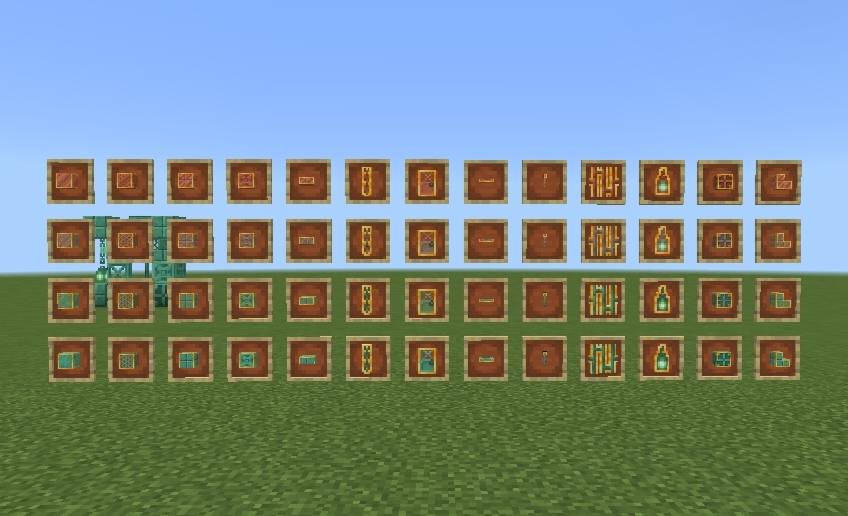
^ Items Only subpack
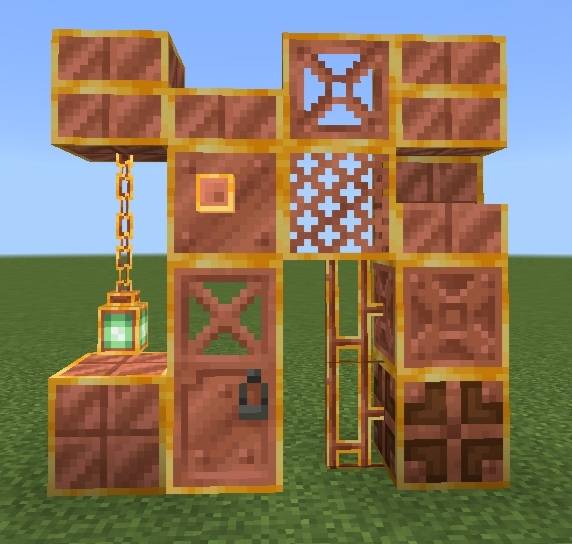
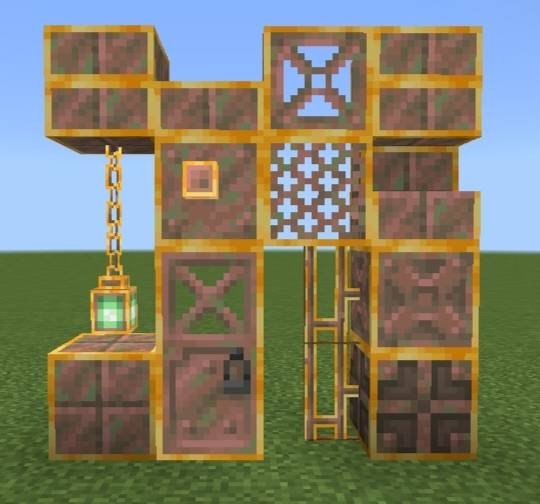
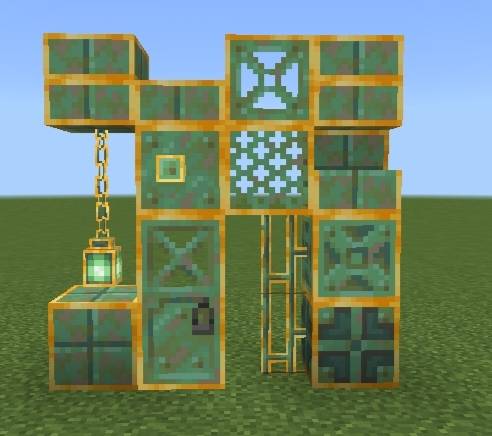
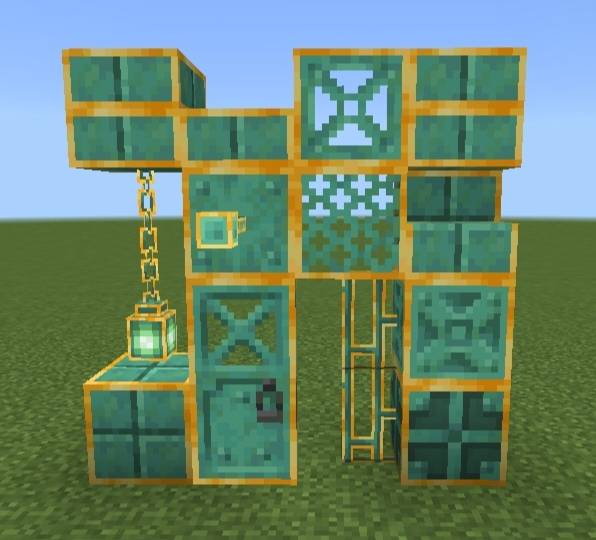
^ Items + Blocks subpack
📏 Known limitations-
Due to Minecraft Bedrock's hardcoded block models some blocks and entities like Copper Chests (block and held item model), Copper Golems and Copper Golem Statues could not be fully retextured in every view. This is a game limitation rather than a pack issue. A behaviour pack is needed in order to retexture them.
❓ How to use?
1. Import the .mcpack file in Minecraft.
2. Activate it in Global Resources, World Resources Packs, Realms or Servers.
3. Click on the pack after activating the pack.
4. Click the small "⚙️" button.
5. Select the mode you want - Items Only, Items + Blocks; using the slider.
6. Hop onto the world. The pack will be activated!
⚠️ If you don't see any change in the pack try doing these -
1. Restart Minecraft.
2. Try deactivating & activating the pack again.



![Bedrock Redstone+ [Vibrant Visuals Supported!] project image](https://media.forgecdn.net/avatars/thumbnails/1701/308/256/256/639080424110271457.png)