Infested Stone Indicator




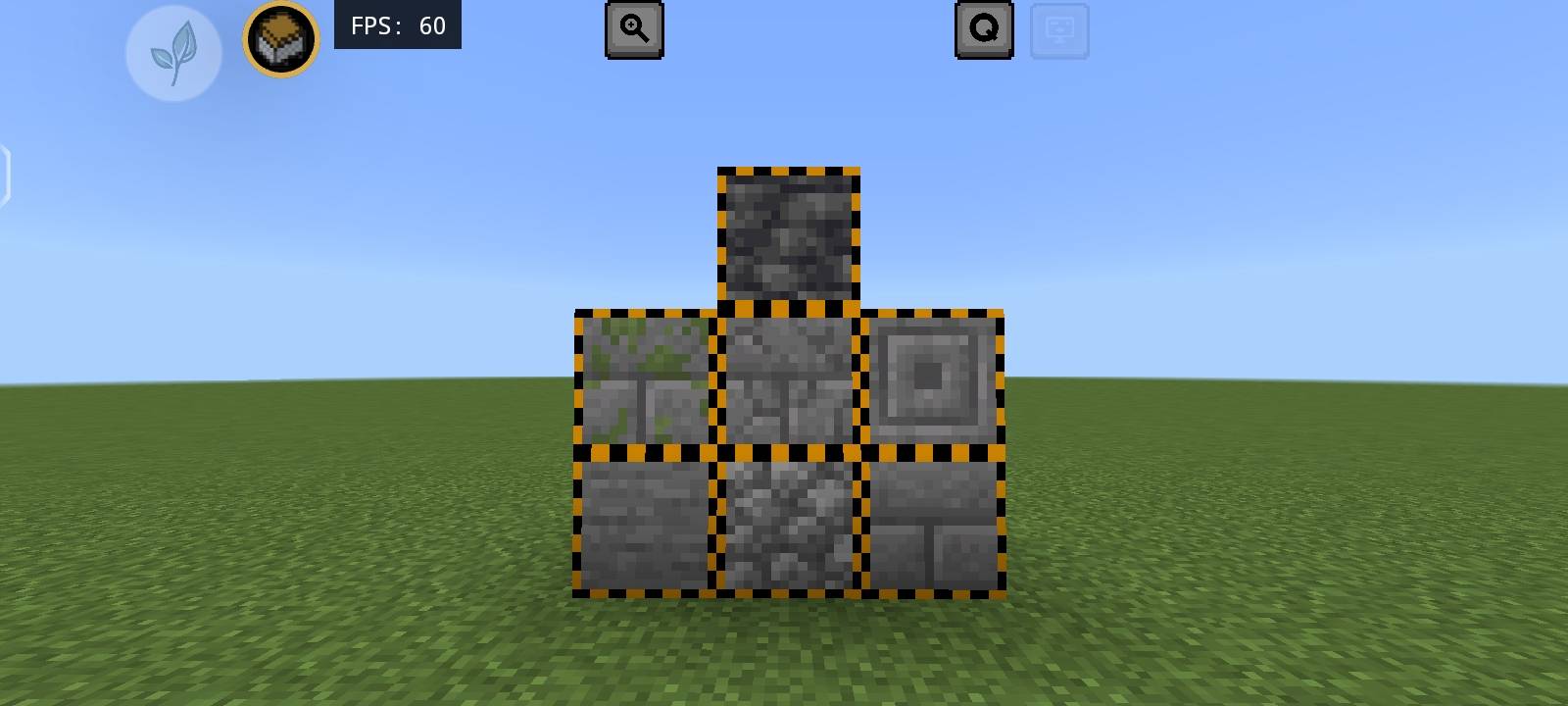
Indicate Infested Stone blocks with clearer, more detailed textures! Customize your experience by toggling the visualization of block and item models individually using the ResPackOpts mod. Choose what works best for your world.
🎨 Customization
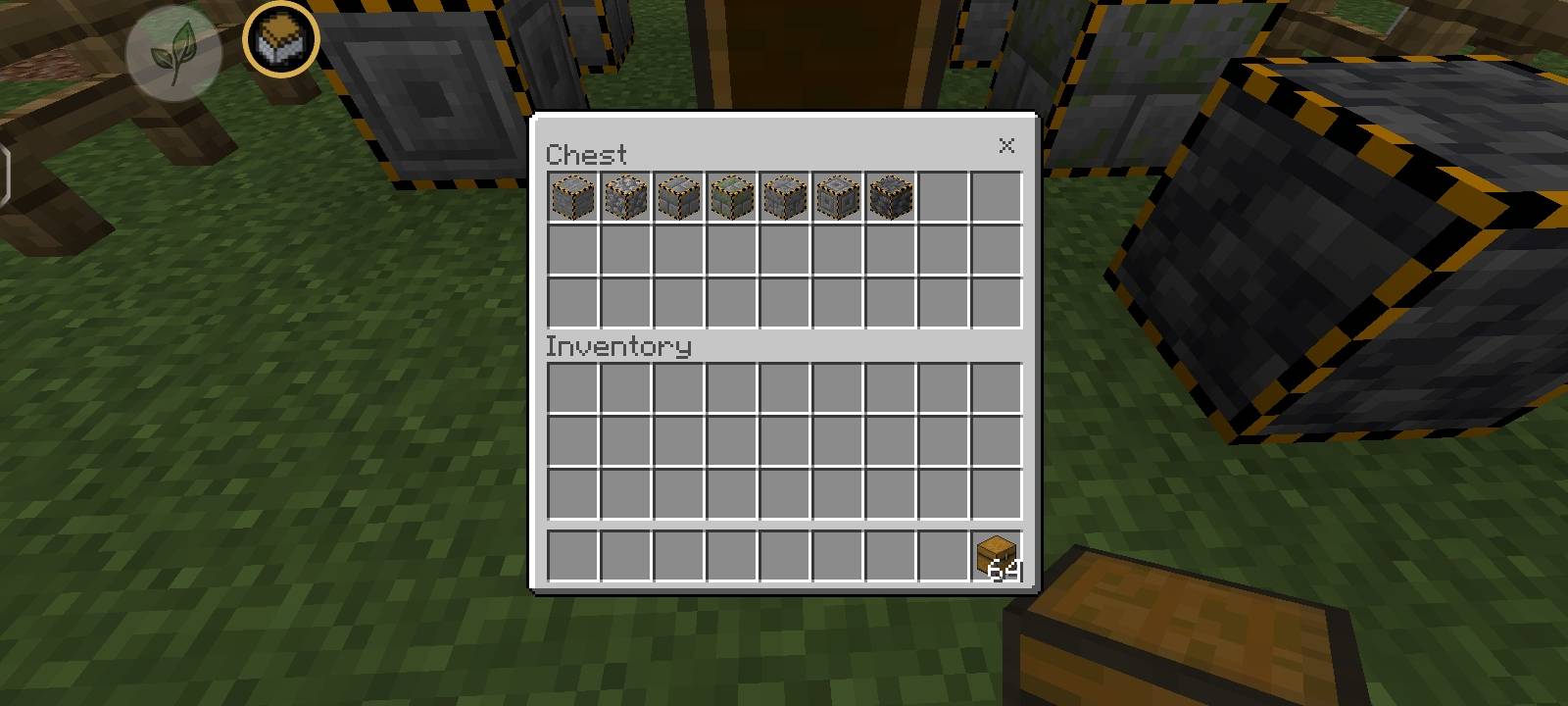
Infested Stone Indicator has subpacks support, so you can choose if only item or only block or both should be visible!
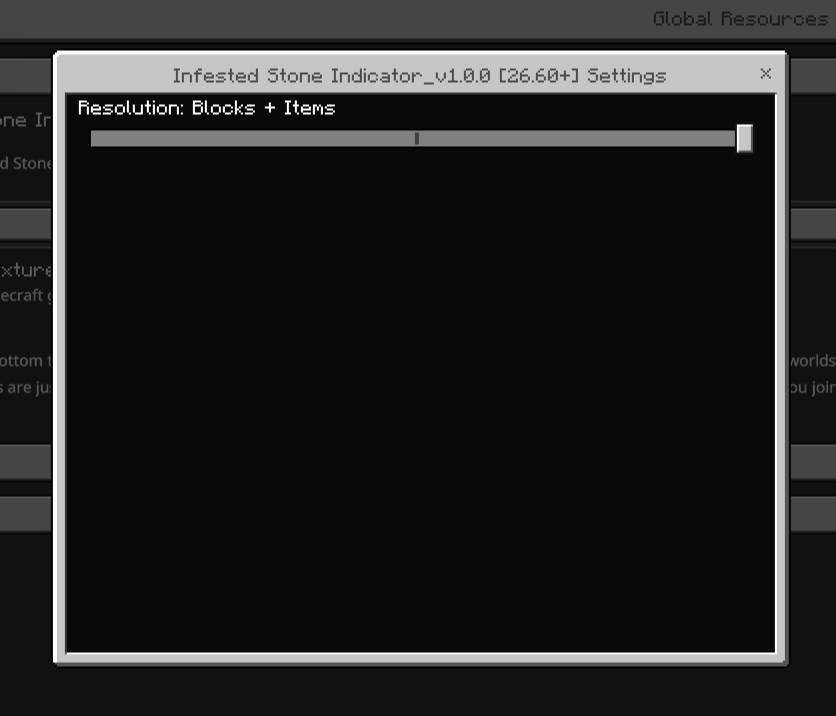
^ Default settings.
❓ How to use?
1. Import the .mcpack file in Minecraft.
2. Activate it in Global Resources, World Resources Packs, Realms or Servers.
3. Click on the pack after activating the pack.
4. Click the small "⚙️" button.
5. Select the mode you want - Blocks, Items or Blocks + Items; using the slider.
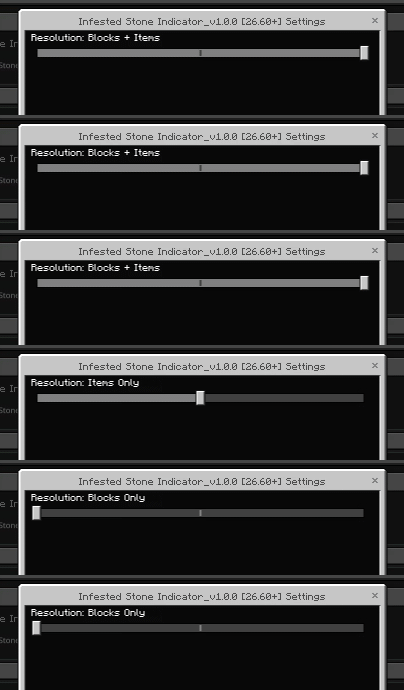
6. Hop onto the world. The pack will be activated!
⚠️ If you don't see any change in the pack try doing these -
1. Restart Minecraft.
2. Try deactivating & activating the pack again.