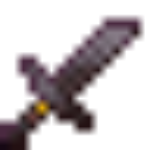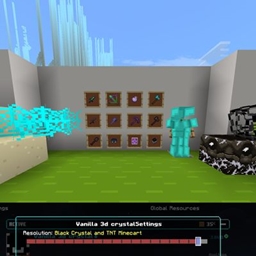
IMG_1186.png
Description
🔱 Spear Fix Animations & Textures (Bedrock Edition)
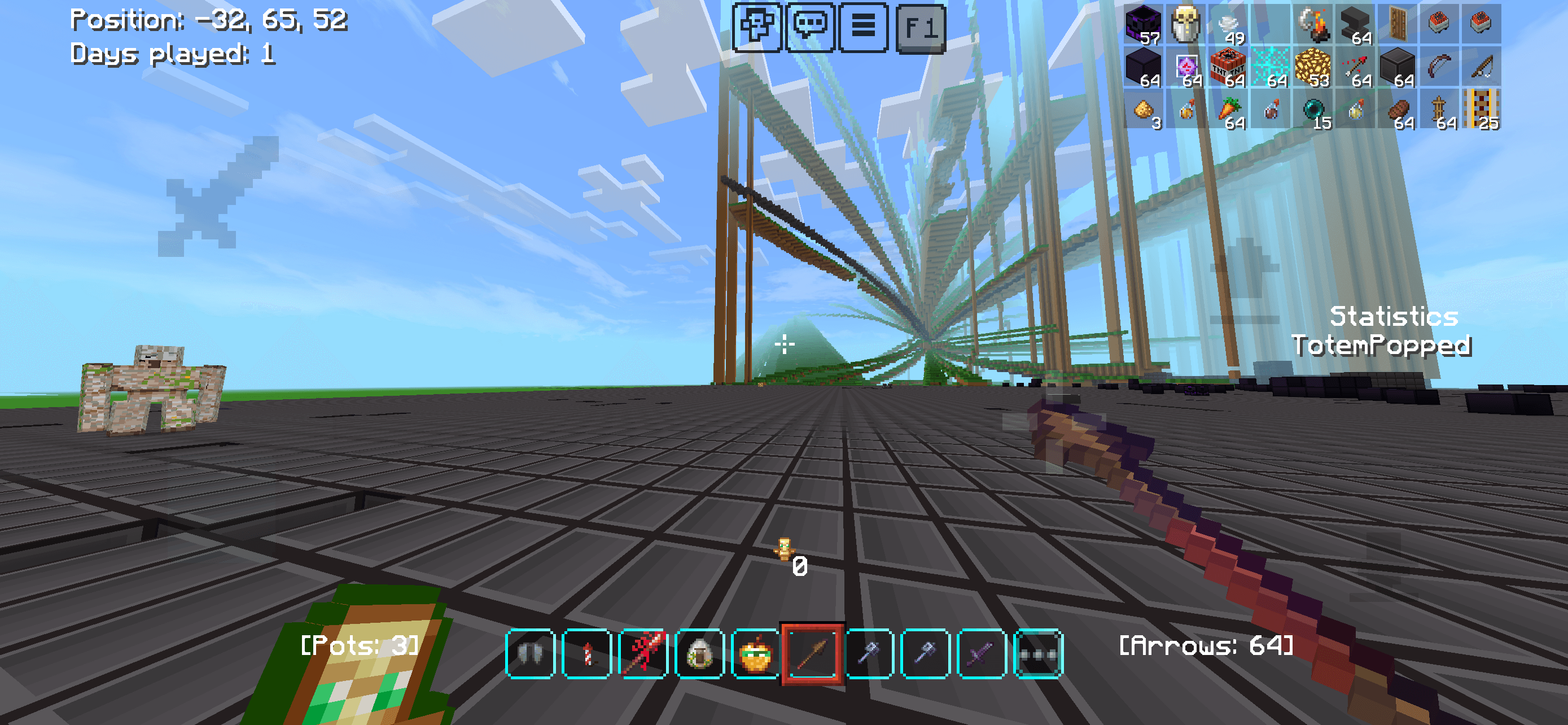
Tired of static, awkward, or broken spear visuals in Minecraft Bedrock? Spear Fix Animations & Texturescompletely overhauls how spears look, feel, and move in your hands.
In Bedrock Edition, custom weapons and long polearms often suffer from broken holding angles, floating models, or completely frozen animations. This lightweight, performance-friendly pack fixes those rendering bugs and introduces fluid, dynamic animations.
🚫 No Behavior Pack (BP) Required!
This is a 100% Resource Pack (RP) only modification. Because it contains absolutely no script or behavior files, it is completely safe for achievements, requires no experimental gameplay toggles, and can be easily applied globally or to any Realm.
✨ Key Features
- Fixed Hand Alignment: Eliminates floating weapons by perfectly seating the spear shaft into your character's grip.
- Dynamic Attack Animations: Replaces the stiff vanilla striking motion with a fluid, realistic thrusting animation.
- Correct Third-Person Rendering: Fixes the holding angle so other players see you gripping the weapon correctly.
- No UI Cutoffs: Re-centers and scales the inventory icons so spear tips never get clipped by GUI borders.
- 100% Vanilla Styled: Retains the classic pixel-art aesthetic to seamlessly blend with Bedrock's default look.
- Zero Performance Impact: Optimized
.mcpackformatting ensures smooth frame rates on mobile, console, and PC. - Multiplayer & Realm Ready: Works perfectly on servers and Realms without requiring experimental gameplay toggles.
⚠️ Known Compatibility Issues
Please read before installing to ensure the pack functions properly with your other content:
- Other Animation Packs: This pack edits player rendering and animation files (
player.jsonor animation controllers). If you use another resource pack that changes player animations (like custom sit, dance, or cape animations), put Spear Fix higher in your Active Packs list to ensure the spear movements take priority. - Custom Character/Custom Skins: Some 3D Marketplace skins or custom geometry "Persona" skins change the bone structure of the character model. This may cause the spear alignment to shift slightly out of the hand. Standard custom skins work perfectly.
- Complex Weapon Add-ons: If a behavior-based Add-on introduces weapons that use entirely custom code for holding items (rather than standard vanilla item tags), this resource pack may not automatically recognize them without a compatibility patch.
- This texture pack removes hitbox so if you put hitbox texture pack with this texture pack the hitbox will not working
🛠️ Installation Guide
Spear fix bug Team