copy_2287C64D-B0EE-4EC4-83F1-612839CB65D1.jpeg
copy_718391F4-6189-463E-AACF-A86DC53C39CC.jpeg
Description
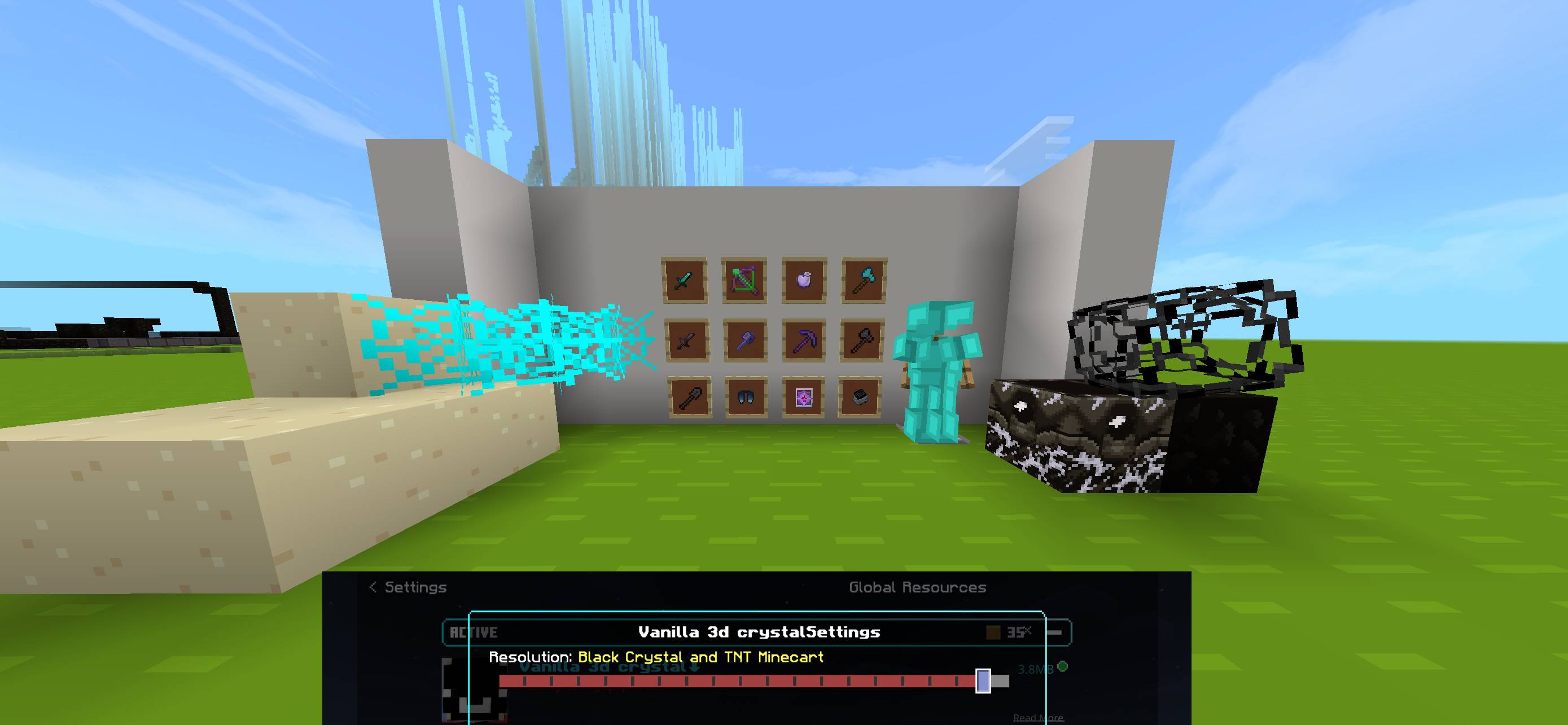
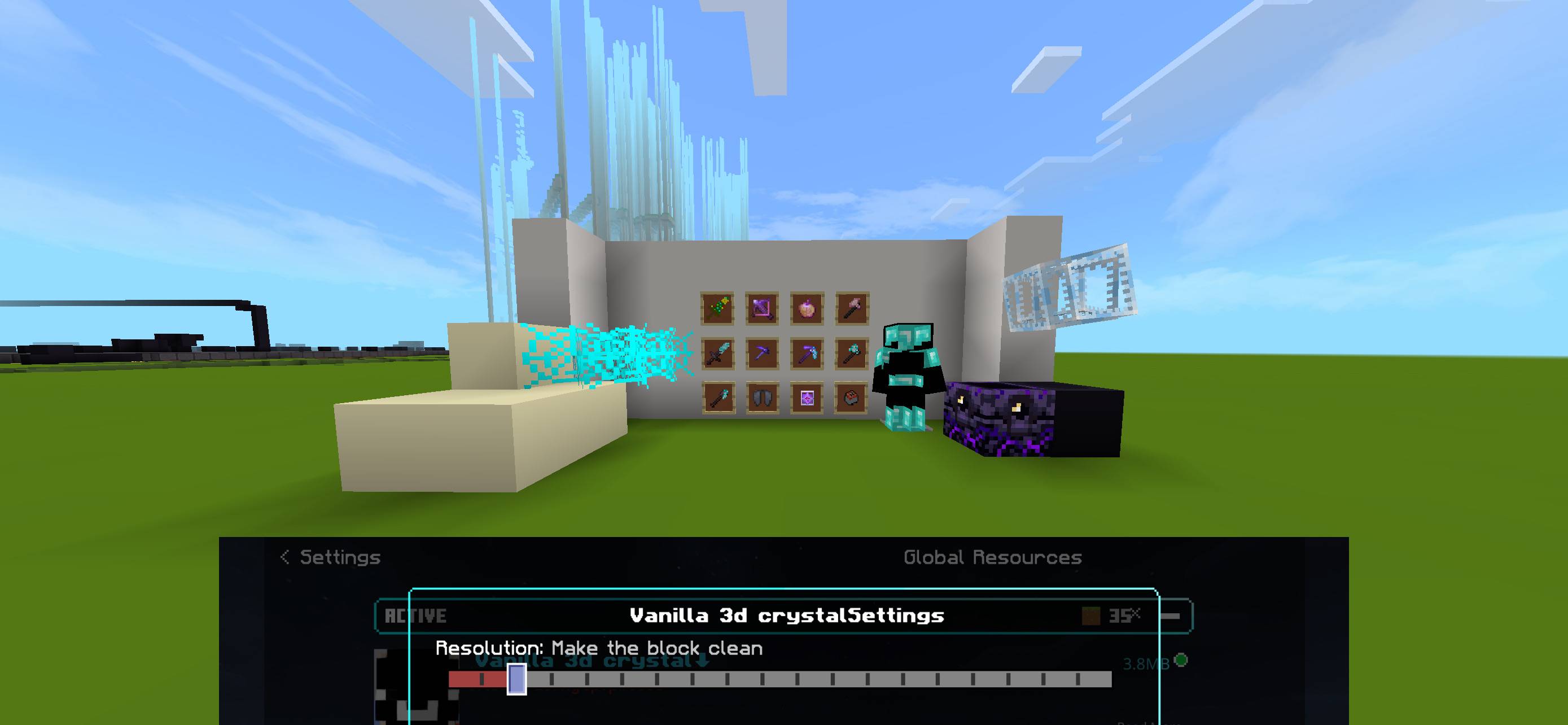
Upgrade your combat experience with the ultimate Crystal PvP Texture Pack Subpack, loaded with 20 distinct subpack variations in a single download! Designed specifically for competitive Minecraft players, this pack optimizes visuals for fast-paced end crystal and anchor battles while keeping your game running at maximum FPS.
Key Features
-
20 Subpacks in One: Easily switch between 20 unique styles using the in-game resolution slider—ranging from clean minimalist themes to bold pastel and dark neon palettes.
-
Low-Fire & Clean Shield: Lowered fire animations and compact shield models ensure your screen stays clear during intense fights.
-
Optimized Crystal & Obsidian Visuals: Clearer side-textures for obsidian and bright, highly visible end crystal models make instant placing and breaking effortless.
-
Short Swords & Clear Totems: Reduced weapon sizes prevent view obstruction, while custom Totem of Undying models feature sleek animations and high-visibility pop effects.
-
FPS Boosted: Custom low-resolution particle effects and streamlined block textures keep your frame rates smooth during heavy explosions.
Included Subpack Variants
-
Pure Utility (1x1 / 8x8): Ultra-lightweight for maximum performance on lower-end devices.
-
Clean 16x Classics: Standard Minecraft feel with competitive adjustments.
-
Smooth 32x & 64x PvP: HD textures with rounded edges and soft shading.
-
Dark Mode & Midnight: High-contrast dark UI and dark netherite textures to reduce eye strain.
-
Neon & Galaxy Themes: Vibrant glowing borders for armor, crystals, and respawn anchors.
-
Pastel & Soft Tones: Clean, aesthetic color palettes designed for low visual clutter.
1
Open Global Resources
Settings Menu
Launch Minecraft and navigate to Settings > Global Resources (or Resource Packs in your active world settings).
2
Activate the Pack
My Packs
Select the Crystal PvP Subpack from your downloaded list and click Activate.
3
Configure Your Variant
Subpack Slider
Click the Gear icon on the active pack to open the subpack slider, choose your preferred variation out of the 20 options, and return to the main menu to apply changes.
Verification: Enter a single-player world or training server and check your inventory or screen overlay—if the textures reflect your chosen style (such as low fire or short swords), the subpack loaded correctly.
The Crystal PvP /20 packs in one Team