Sky Cube by Mister Bread
- By
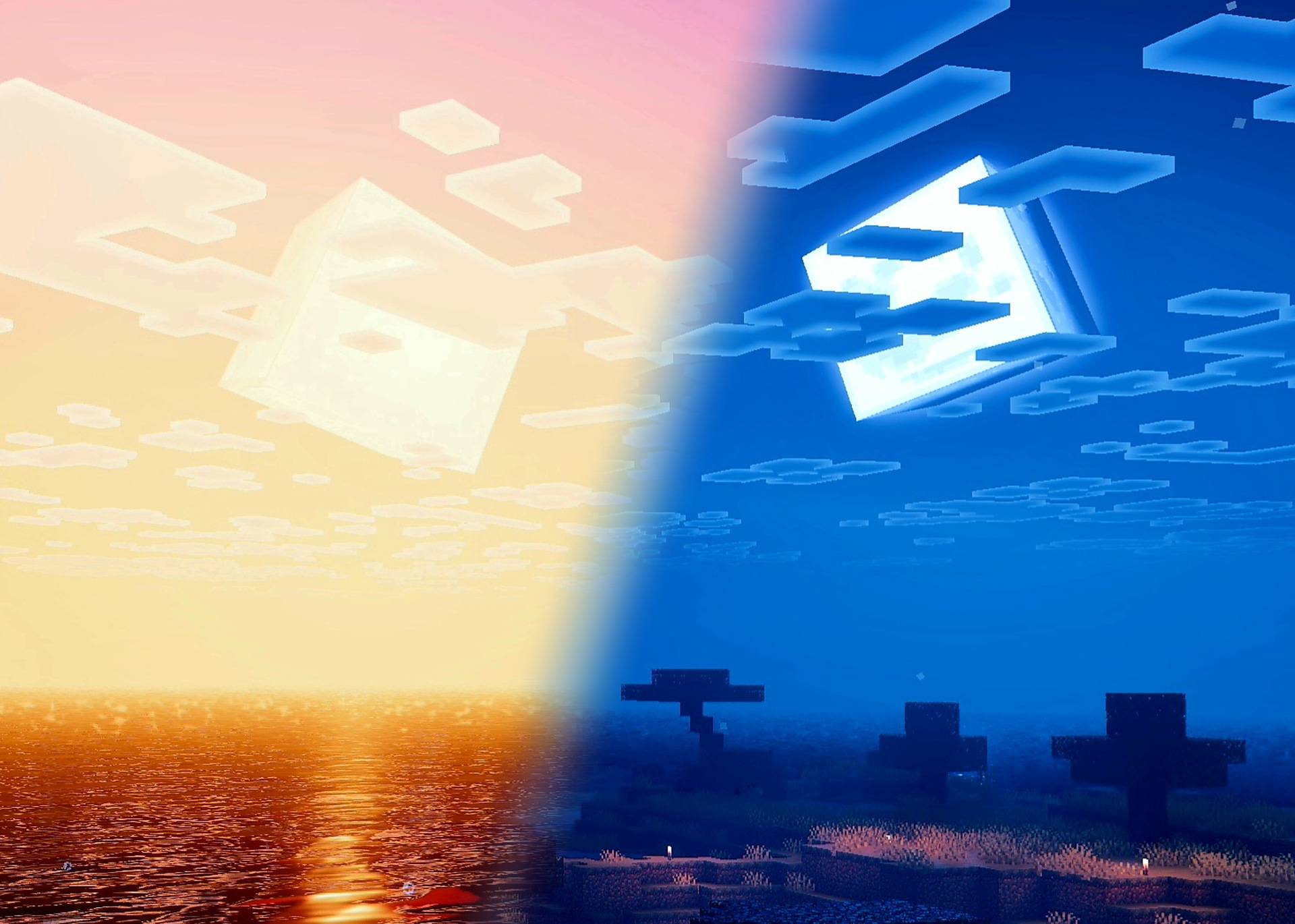
Customizes the sun and moon into 3D glowing blocks, with soft moon phases and 12 presets for size, glow and angle.
Dichrome.jpg
Description
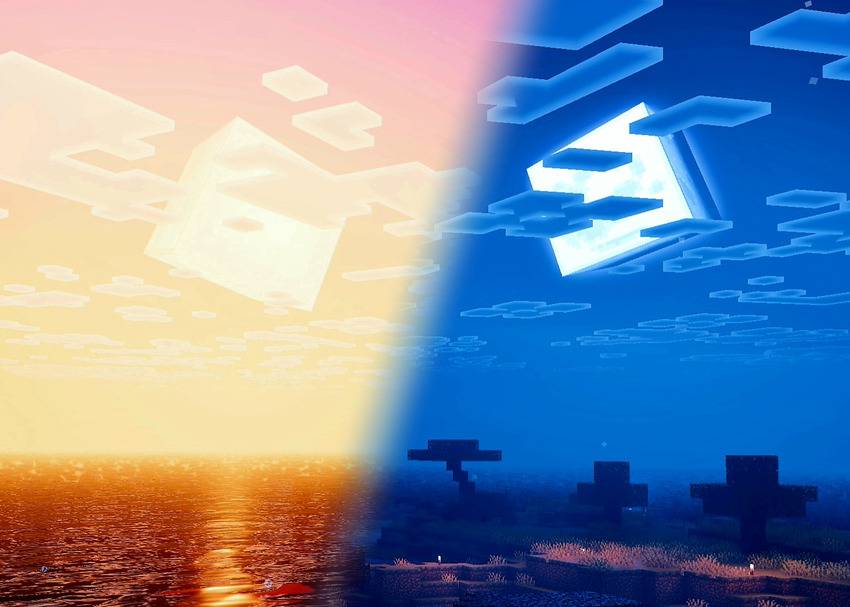
Customizes the sun and moon into 3D glowing blocks, with soft moon phases and 12 presets for size, glow and angle.
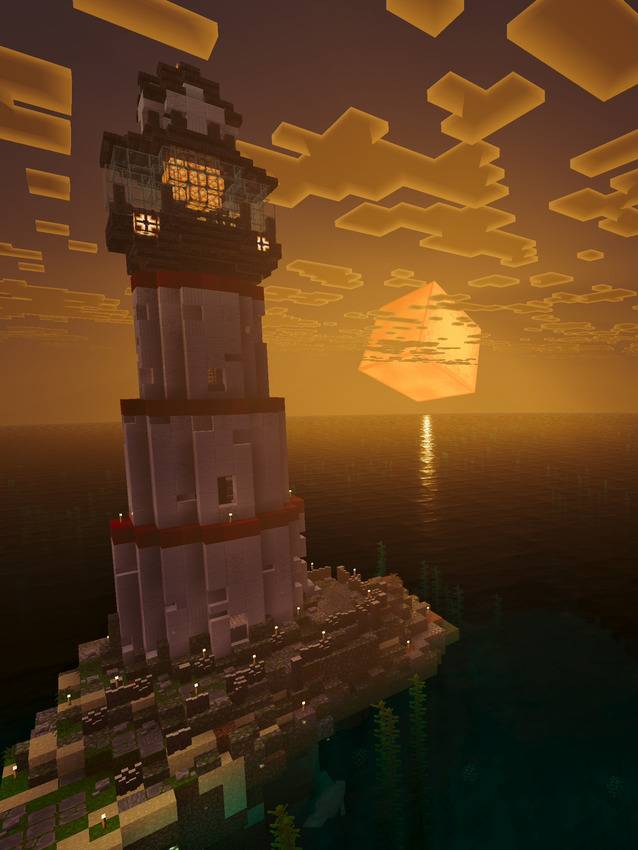
Minecraft's whole world is made of blocks, so why not the sun and moon too? Sky Cube turns them into 3D glowing cubes with soft shading, and the moon shows every phase with its bright side facing the sun. It only swaps the sun and moon pictures, so it's incredibly light, costs nothing in frame rate, and works with pretty much any shader or texture pack! It simply redraws the sun and moon as they should be in all their blocky goodness.
What it does
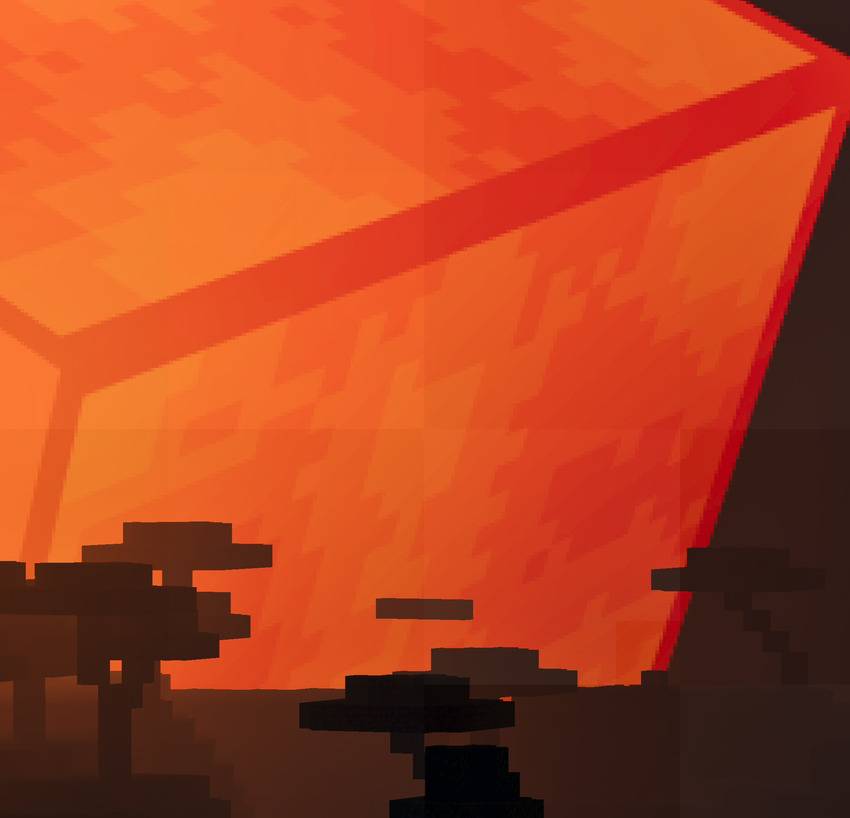
- 3D Block sun and moon — The flat sprites become real cubes turned in perspective, with soft round shading and light glowing off them.
- Pick your look — 12 presets on one slider: small, medium or large; soft or strong glow; subtle or dramatic rotation.
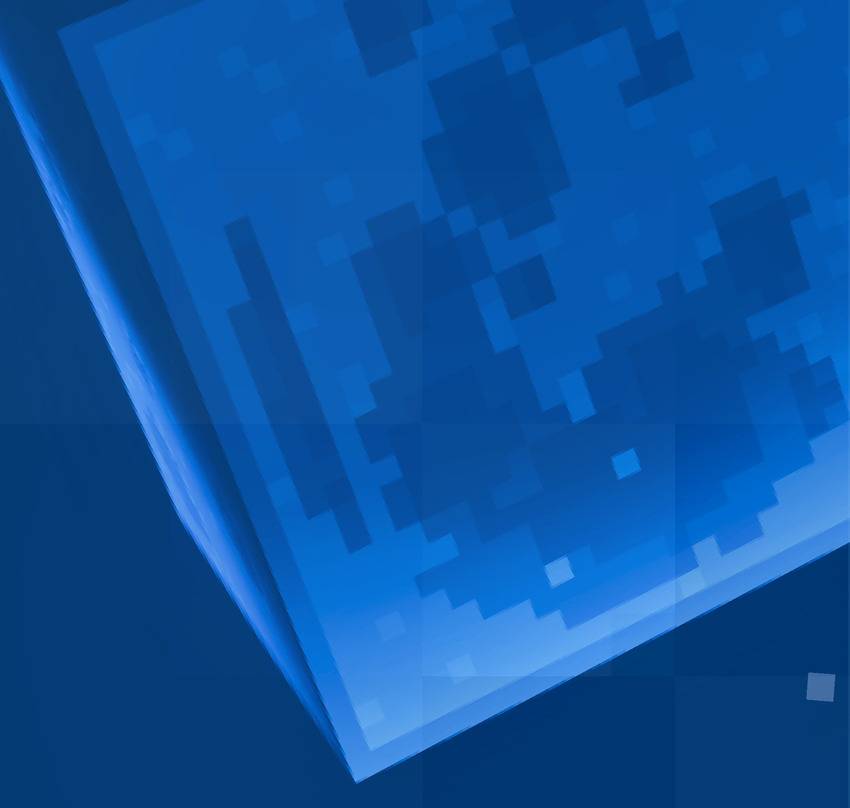
- Every moon phase — All 8 phases, fading softly from light to dark.
- Vanilla at heart — Made to look like it always belonged in Minecraft. Nothing else in your world changes.
- Featherweight — No scripts, no mobs, no experiments. Just pictures, so it costs nothing in frame rate.
- The moon faces the sun — Its bright side points toward the sun, so sunrise and sunset look right when both are in the sky.
- A real moon face — The front shows the near side of the real Moon, in pixel art drawn from scratch.
- Built for Vibrant Visuals — Comes with its own Vibrant Visuals sun that stays a warm orange instead of washing out white.
- Three sizes — 1024x stays smooth even through a spyglass, 256x is a lighter download, and 64x is crisp pixel art for low-end devices.
- Works with almost anything — Tested with Prizma, several custom shaders and Actions & Stuff. Just keep Sky Cube above anything else that changes the sun or moon.
- Better with Sky Dial — Pairs beautifully with Mister Bread's other mods, particularly Sky Dial. Watch the sky come alive with your new 3D block sun and moon!
How to use it
- Download the size you want: 1024x, 256x or 64x.
- Open the file. Minecraft imports it.
- In your world's settings, turn it on under Resource Packs, placed above any shader or other pack that changes the sun or moon.
- Press the gear button on Sky Cube and pick a preset.
- Load in and look up.
Settings
- Size: Small, Medium or Large
- Glow: Soft or Strong
- Rotation: Subtle shows the front with the top and side peeking out; Dramatic turns the cube further
All three are on one slider under the gear button. The game labels it "Resolution". The default is Medium, Strong glow, Dramatic rotation.
Plays nice
- ✔ Achievements stay on
- ✔ Works with Vibrant Visuals
- ✔ No experimental toggles or Beta APIs needed
- ✔ Works on Realms
- ✔ Works with almost any shader or texture pack (tested with Prizma and several custom shaders), with Actions & Stuff, fully on its own, and also with other Mister Bread mods!
- ✔ 19 languages
Resource pack for Minecraft Bedrock 1.26.40 and up.
Install
- Download the file and open it. Minecraft imports the pack.
- In your world's settings, turn it on under Resource Packs, place it above any shader or sky pack (as long as they don't adjust the skybox too!).
- On a Realm, add it in the Realm's settings.
Known issues
- On Realms the preset slider may be ignored (a game bug), so everyone sees the default look.
- A pack placed above Sky Cube that also changes the sun or moon will show instead. Keep Sky Cube on top.
What's new in 1.4.1
- First public release.
FAQ
Why pictures and not real 3D models?
Real models sit in the world, so they show in front of clouds, cast shadows and get lit by the sun. Pictures stay in the sky where the sun and moon belong.
Which size should I pick?
1024x for the sharpest look, 256x for a smaller download, 64x if you like crisp pixel art.
Does it change my shader's lighting?
No. It only swaps the sun and moon pictures.
More from Mister Bread, COMING SOON!
- Sky Dial by Mister Bread
- FPS Optimizer by Mister Bread
Bugs or ideas: misterbread316@gmail.com
Please don't reupload this pack. Link here instead. © 2026 Mister Bread. All rights reserved.
Baked from scratch by Mister Bread.
Sky Cube by Mister Bread Team