
promotional bannermobile promotional banner

Pocket GUI+ Dark Mode

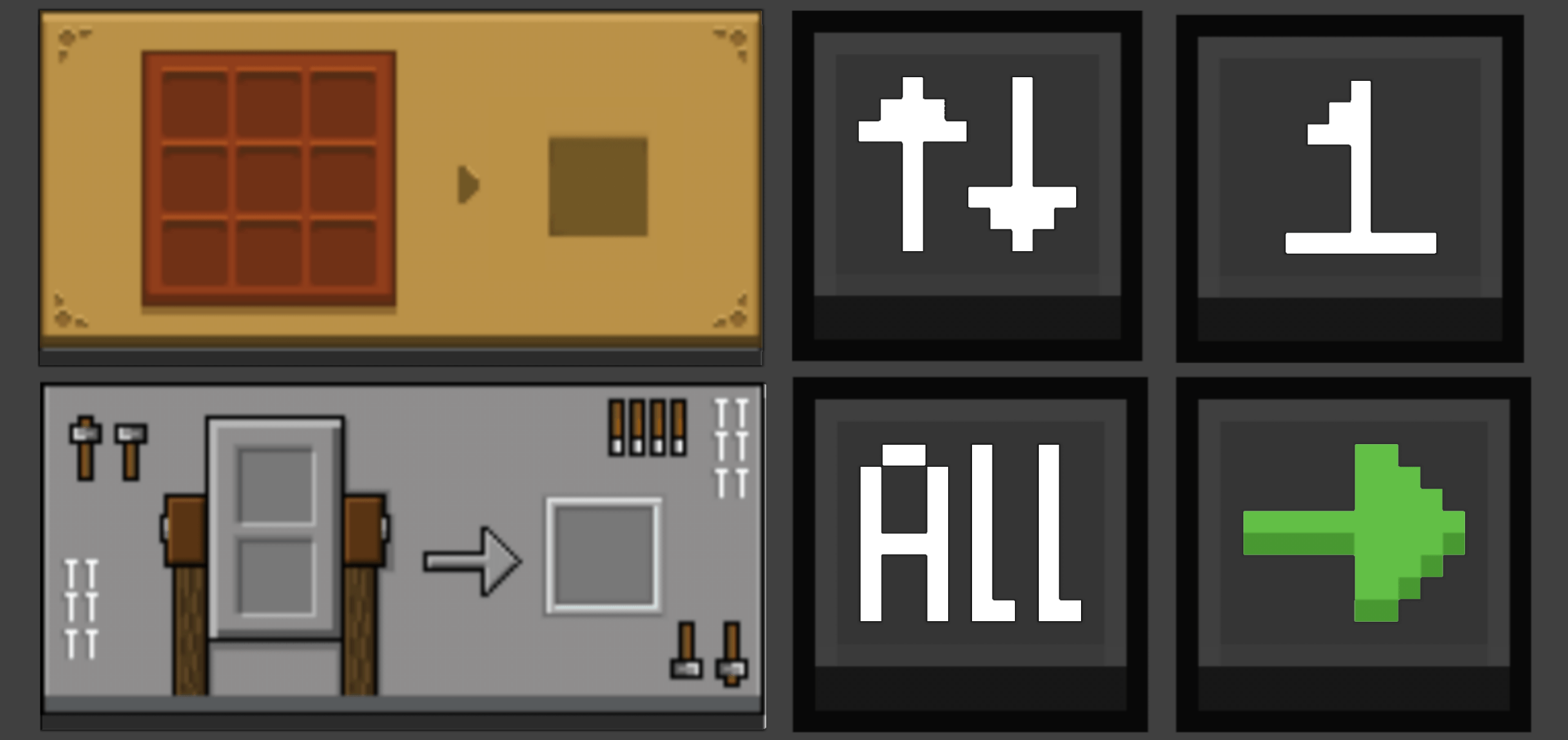
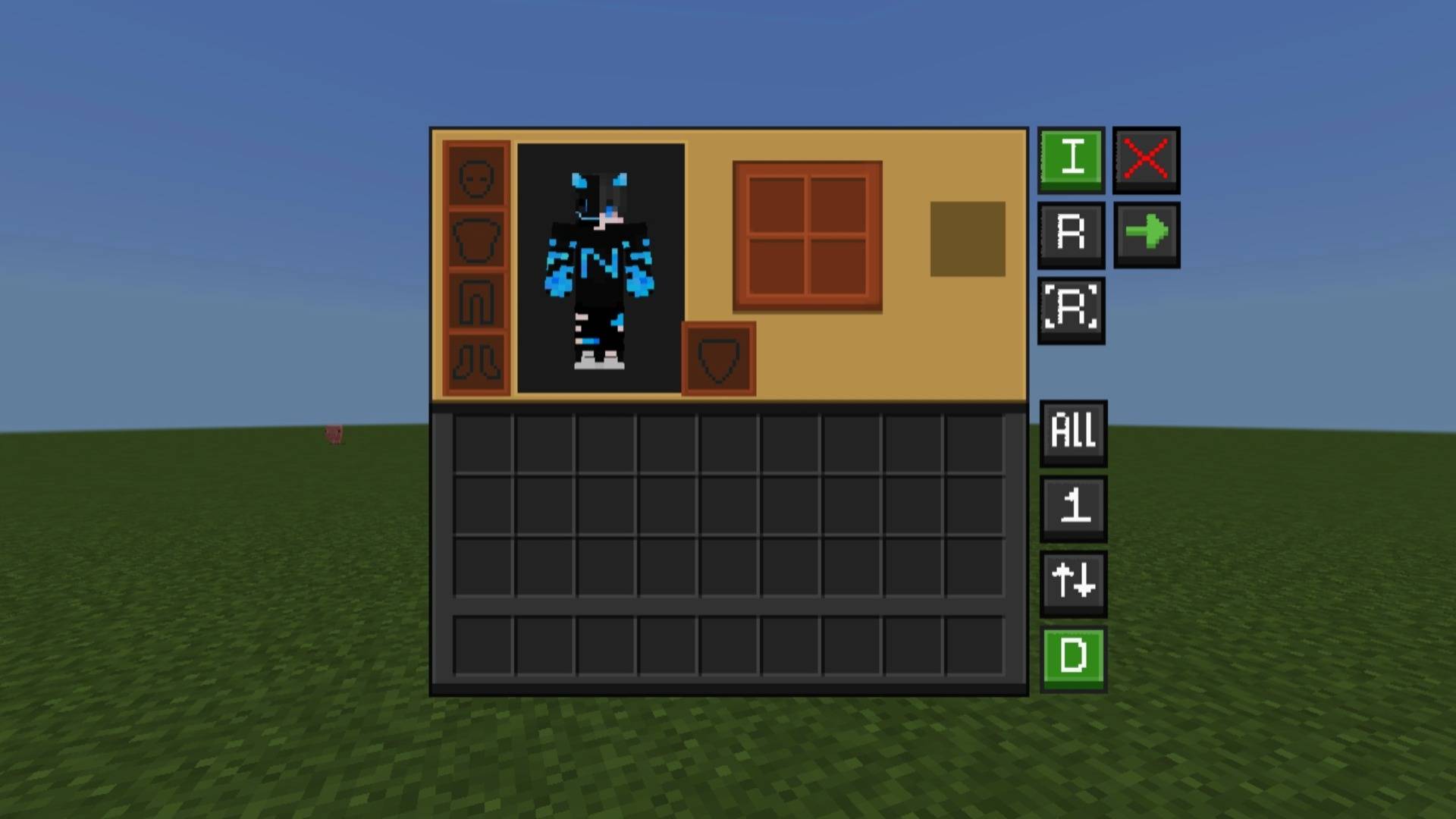
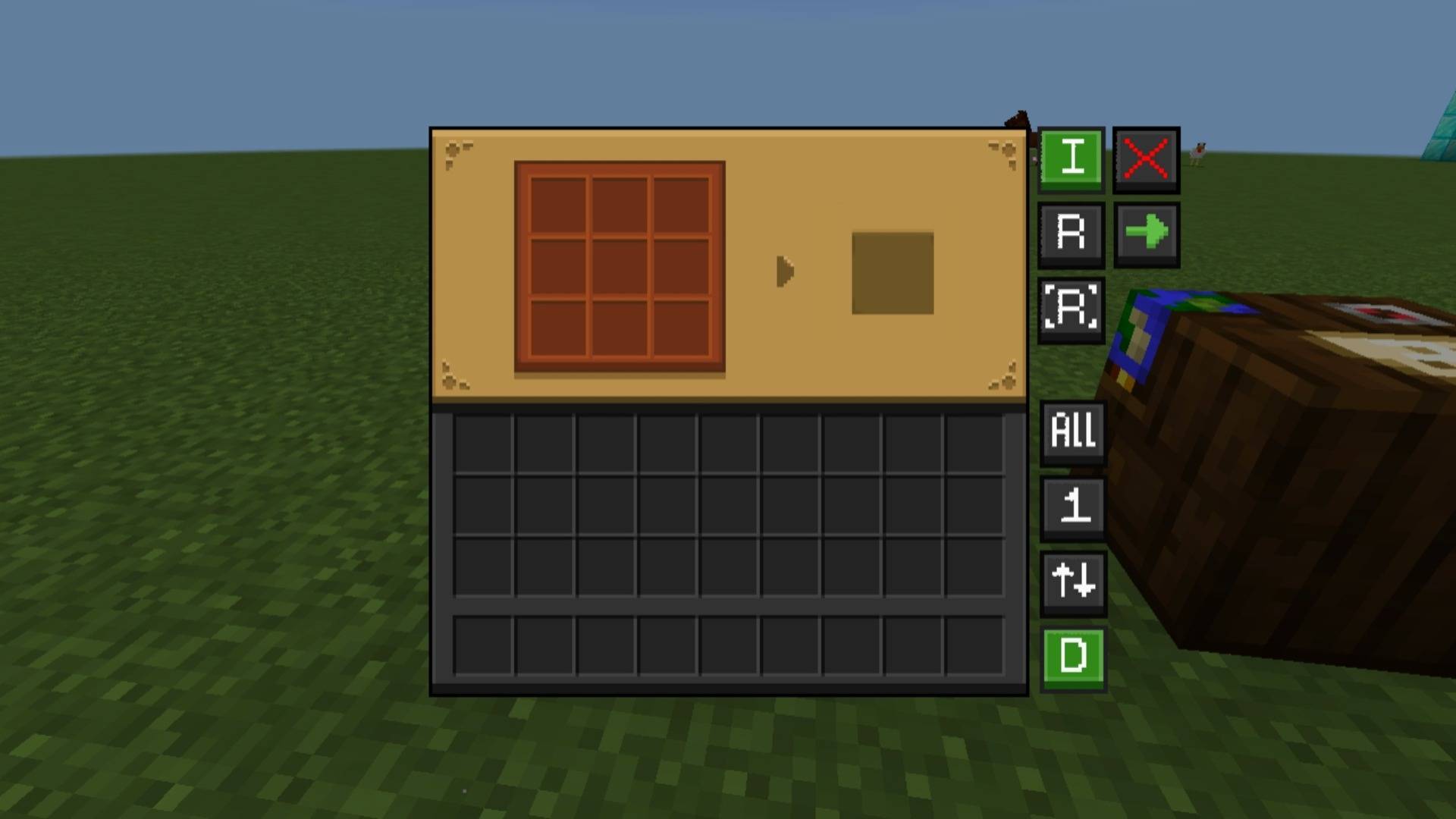
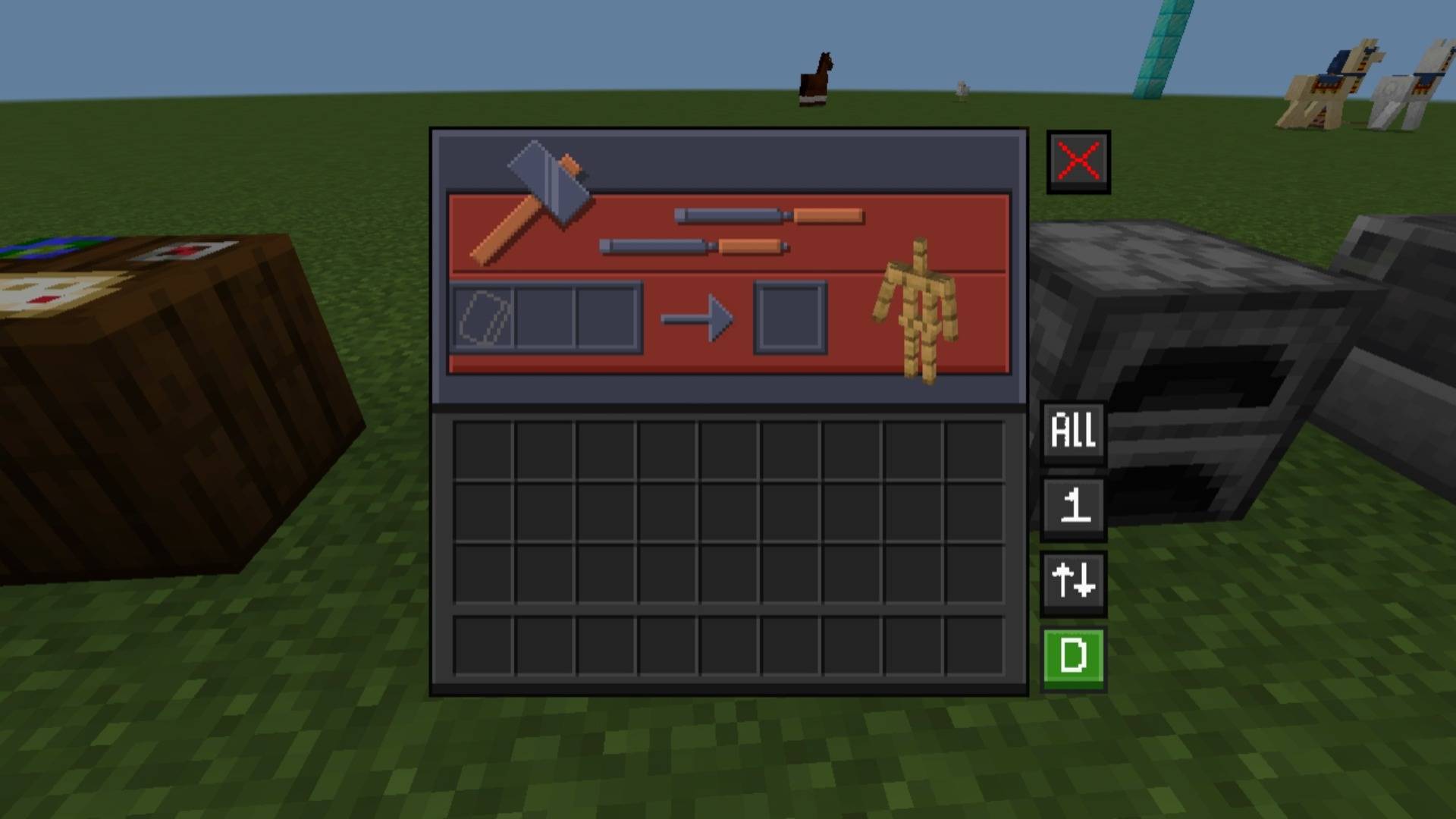
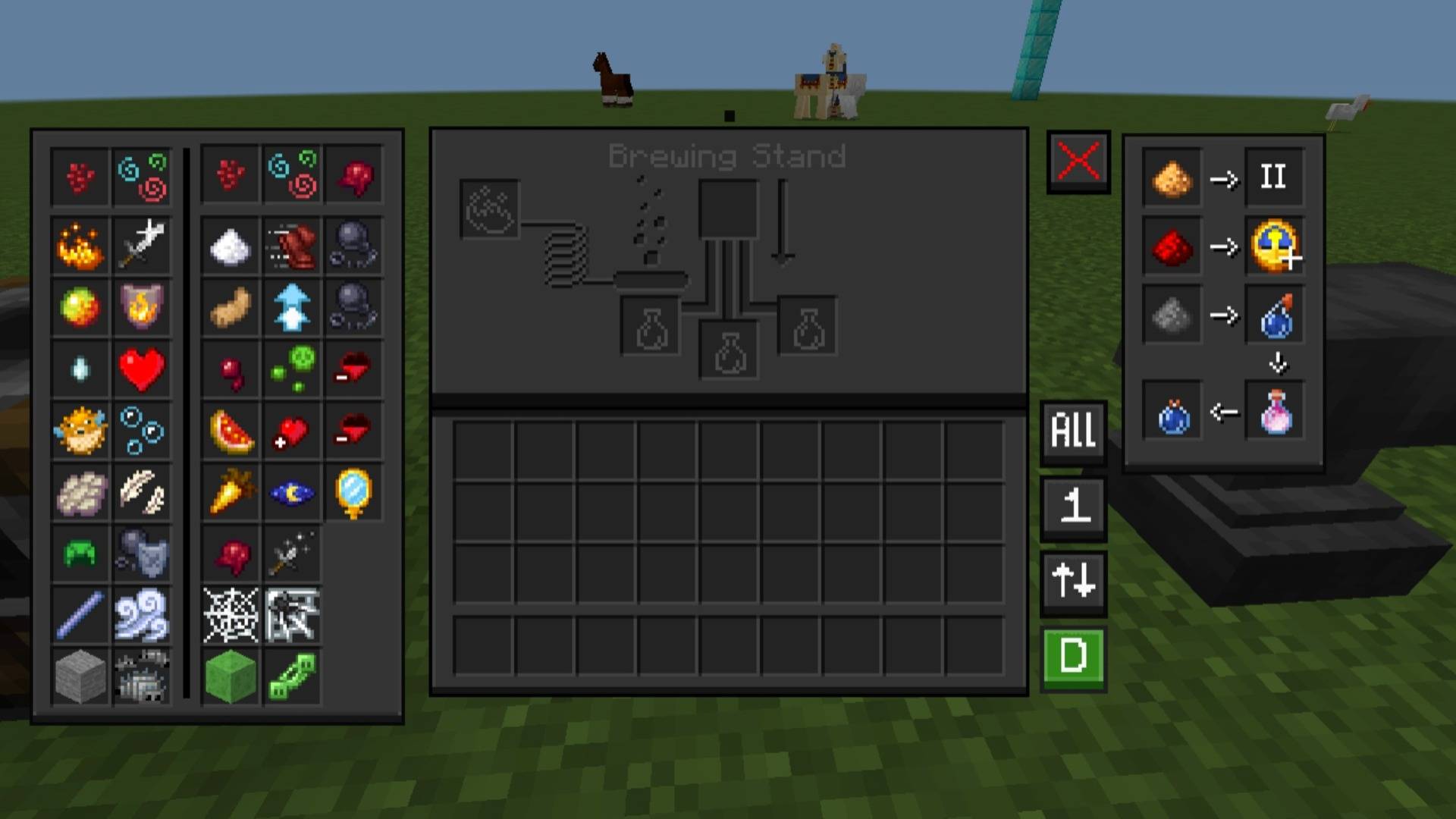
Pocket GUI+ upgrades Minecraft’s block GUIs, giving each block its themed interface (like crafting table GUI) and adds useful features such as Guides, Quick Loot, Drop One Item, and Drop All Items for a smoother, enhanced Bedrock/MCPE experience.
1759029129590.png

1759029129590.png

Screenshot_2025-09-28-08-20-56-38_5c8300b655012b1930f2e0a7b81bf6a9.jpg

Screenshot_2025-09-28-08-20-56-38_5c8300b655012b1930f2e0a7b81bf6a9.jpg

Screenshot_2025-09-28-08-21-01-32_5c8300b655012b1930f2e0a7b81bf6a9.jpg

Screenshot_2025-09-28-08-21-01-32_5c8300b655012b1930f2e0a7b81bf6a9.jpg

Screenshot_2025-09-28-08-21-08-93_5c8300b655012b1930f2e0a7b81bf6a9.jpg

Screenshot_2025-09-28-08-21-08-93_5c8300b655012b1930f2e0a7b81bf6a9.jpg

Screenshot_2025-09-28-08-21-36-76_5c8300b655012b1930f2e0a7b81bf6a9.jpg

Screenshot_2025-09-28-08-21-36-76_5c8300b655012b1930f2e0a7b81bf6a9.jpg

Description

Pocket GUI+ Dark Mode

Pocket GUI+ is a Minecraft resource pack that changes the GUI for various blocks. For example, the crafting table GUI matches the crafting table theme, and other blocks receive their respective themed GUIs.

This pack is a standalone version of my NeBux UI.

If you want only the themed GUI without any additional features, check out the NeBux GUI pack on CurseForge or NeBux GUI on MCPEDL.

Pocket GUI+ Light Mode

Features

  • Themed GUIs for all usable blocks (crafting table, furnace, anvil, etc.).
  • Additional features like Guides, Quick Loot, Drop One Item, Drop All Items, and more.
  • Enhances gameplay while maintaining the classic Minecraft aesthetic.
  • Compatible with Bedrock/MCPE editions.

The Pocket GUI+ Dark Mode Team

profile avatar
Owner
  • 179
    Followers
  • 30
    Projects
  • 1.6M
    Downloads

More from NeBuxView all

  • Player Health Indicator project image

    Player Health Indicator

    • 211.1K
    • Texture Packs

    This resource pack display's player health above their head makes easy to see their hearts in real-time.

    • 211.1K
    • March 2, 2026
    • Texture Packs
    • +4
  • F1 & F3 BUTTON - Windows Update project image

    F1 & F3 BUTTON - Windows Update

    • 250.9K
    • Texture Packs

    This pack adds F1 & F3 Button to Minecraft Bedrock / Pocket Edition. F3 shows a Java-like debug screen with coords, FPS, chunks, and more, while F1 hides the HUD for clean screenshots or cinematic play.

    • 250.9K
    • February 27, 2026
    • Texture Packs
    • +4
  • NeBux UI+ project image

    NeBux UI+

    • 357.2K
    • Texture Packs

    A simple ui pack which makes your regular gameplay more easier by adding multiple features

    • 357.2K
    • February 27, 2026
    • Texture Packs
    • +4
  • HUD-X project image

    HUD-X

    • 84.0K
    • Texture Packs

    HUD-X enhances your Minecraft HUD by adding F1 (hide HUD), F3 (debug), F8 (paper doll), and M (mod menu) buttons. It also includes a clock, compass, inventory counter, XP counter, and an advanced debug screen with coords and inventory status.

    • 84.0K
    • December 30, 2025
    • Texture Packs
    • +4
  • Player Health Indicator project image

    Player Health Indicator

    • 211.1K
    • Texture Packs

    This resource pack display's player health above their head makes easy to see their hearts in real-time.

    • 211.1K
    • March 2, 2026
    • Texture Packs
    • +4
  • F1 & F3 BUTTON - Windows Update project image

    F1 & F3 BUTTON - Windows Update

    • 250.9K
    • Texture Packs

    This pack adds F1 & F3 Button to Minecraft Bedrock / Pocket Edition. F3 shows a Java-like debug screen with coords, FPS, chunks, and more, while F1 hides the HUD for clean screenshots or cinematic play.

    • 250.9K
    • February 27, 2026
    • Texture Packs
    • +4
  • NeBux UI+ project image

    NeBux UI+

    • 357.2K
    • Texture Packs

    A simple ui pack which makes your regular gameplay more easier by adding multiple features

    • 357.2K
    • February 27, 2026
    • Texture Packs
    • +4
  • HUD-X project image

    HUD-X

    • 84.0K
    • Texture Packs

    HUD-X enhances your Minecraft HUD by adding F1 (hide HUD), F3 (debug), F8 (paper doll), and M (mod menu) buttons. It also includes a clock, compass, inventory counter, XP counter, and an advanced debug screen with coords and inventory status.

    • 84.0K
    • December 30, 2025
    • Texture Packs
    • +4