file_00000000884c71f49a585499dda7fab0.png
pack_icon.png
file_00000000a2cc7246be6ae89555220b17.png
AJdxe9C.png
Description
Optidium
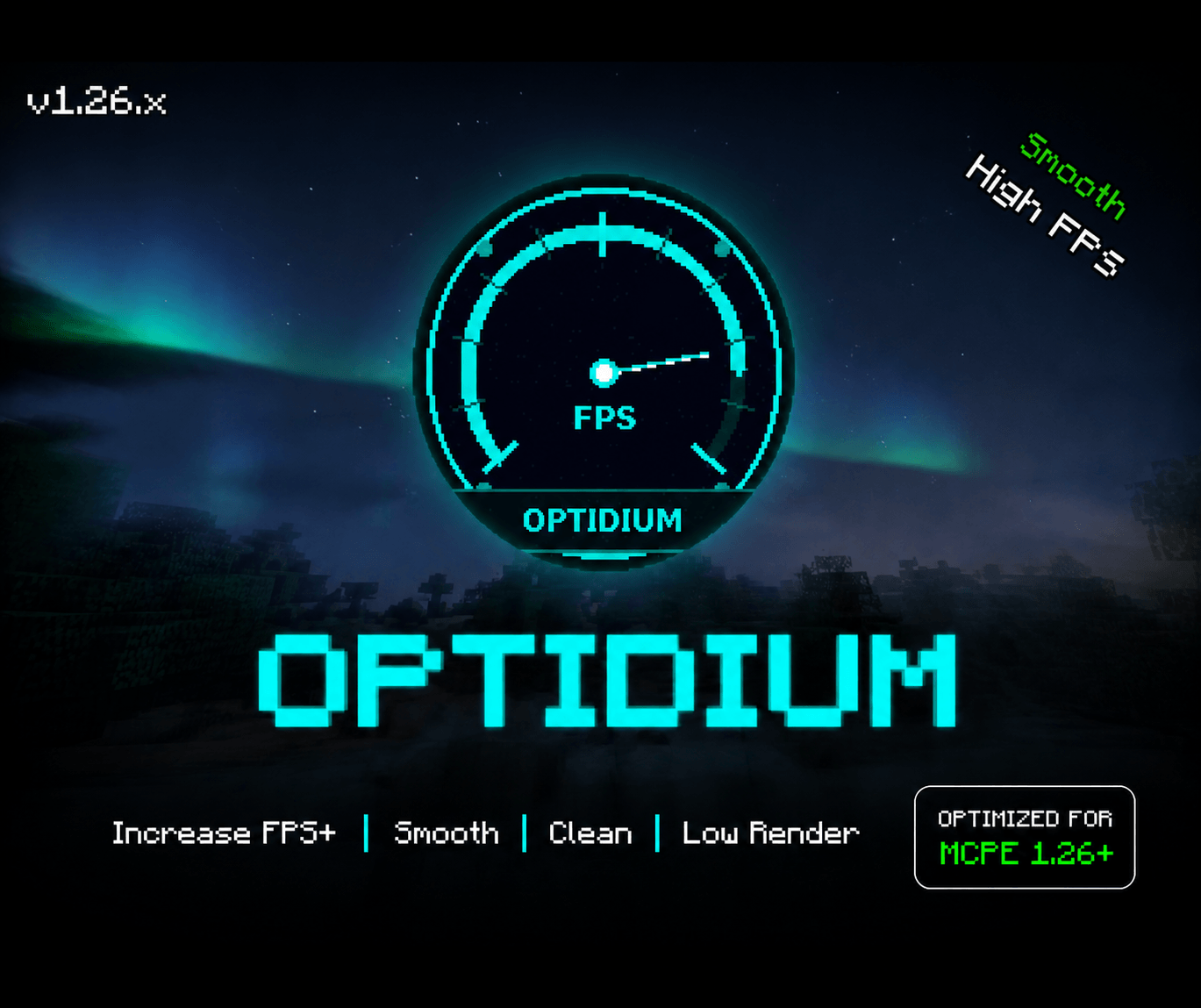
Optidium is a performance pack for Minecraft Bedrock, built around low-end Android phones and PvP. It removes visual work the game repeats every frame (particles, animations, fog, overlays) and leaves mobs, items and armor as vanilla. It is a resource pack only: no scripts, no behavior pack.
I built it to play on a phone with 3 GB of RAM. Below is exactly what it changes, including what you give up.
What it changes
Particles
- 200 particle effects are set to emit nothing, covering every particle in vanilla 1.26.50.4. This includes hit and critical-hit particles.
Animation
- 82 animated textures (water, lava, fire, portals, sculk, kelp, campfires, command blocks and more) are frozen on their first frame.
- 150 of 185 mob animation entries are stripped of motion data, so mobs move flatter than vanilla.
- First-person walk bob and breathing sway are removed. The attack swing is kept.
- XP orbs no longer cycle frames or pulse color, and the wither shield scroll effect is removed. This drops the per-frame sine/cosine math those effects ran.
- Beacon beams and the enchanting table book are hidden.
Blocks
- Ambient occlusion and face dimming are off for every block.
- Culling rules for leaves, glass, full cubes and complex blocks.
- 97 block textures are replaced. Leaves are mostly see-through and glass is nearly clear, which makes players easier to spot in cover. Dirt, logs, cobblestone and a few others are plain 16x16.
- Grass and foliage use one flat color in every biome.
Sky, overlays and fog
- Moon, sun and cloud textures are shrunk (the cloud texture goes to 64x64).
- Entity shadows, vignette, pumpkin blur and enchantment glint are fully transparent.
- Fog is pushed beyond visible range in every vanilla biome, Nether and End included.
- Numbered hotbar on the in-game HUD.
Fog cutoff options
Tap the gear icon on the pack to choose 2, 4, 6, 8, 10, 12 or 14 chunks (32 to 224 blocks). Anything past that distance fades into fog. This does not change your render distance: the slider in Settings still controls how many chunks load. Leave the option unselected for no cutoff.
What to expect
- No particles at all, including hit feedback.
- Flat grass and foliage color, static XP orbs, flatter mob movement.
- It cannot fix short freezes caused by low memory. That happens inside the game engine, and a resource pack cannot reach it.
- I don't list FPS percentages. Gains depend on the device and the server.
Install
Requires Minecraft Bedrock 1.21.80 or newer. Built for 1.26.51.
- Download the .mcpack and tap it to import.
- Settings > Global Resources > activate Optidium.
- Optional: tap the gear icon on the pack to pick a fog cutoff.
Pack order: when two packs define the same file, the one higher in the list wins. To run Optidium with a texture pack, put the texture pack above it so its blocks and particles show and Optidium fills in the rest. Put Optidium on top if you want its see-through leaves and clear glass.
Credits
Assembled by Mr Ninja from the work of these creators:
- Boosted FPS, FPS Booster Pack, Vanilla x Optimizer, Sodium Extra: XiaoCraft
- Vanilla Optimizations v1.7.7: block culling rules
- Bedrock Tweaks: numbered hotbar
- Better FPS: CraftStudio
- Sulfur FPS Booster: NetherFun
- No Particles FPS: HoneyStudios
- No Animations: Enkera
- FPS UP V2: Galaxybrine
- Beryllium Engine: BobikRTX
- Sodium Mod V5/V6: author unknown
- Reduced Visuals by Pixelited: inspiration for the fog cutoff options (no files used)
Their original licenses still apply to their assets. If you are one of these authors and have a concern, message me.
Terms
Free to use on any device and server. Share it by linking to this page, and credit "Optidium by Mr Ninja" if you use it in videos. Please don't re-upload it, put it behind monetized links, sell it, or release modified versions without permission.
© 2026 Mr Ninja
The Optidium Team