No Spyglass Overlay by Legend

No Spyglass Overlay makes Spyglass Overlay and glass Look clear and minimal
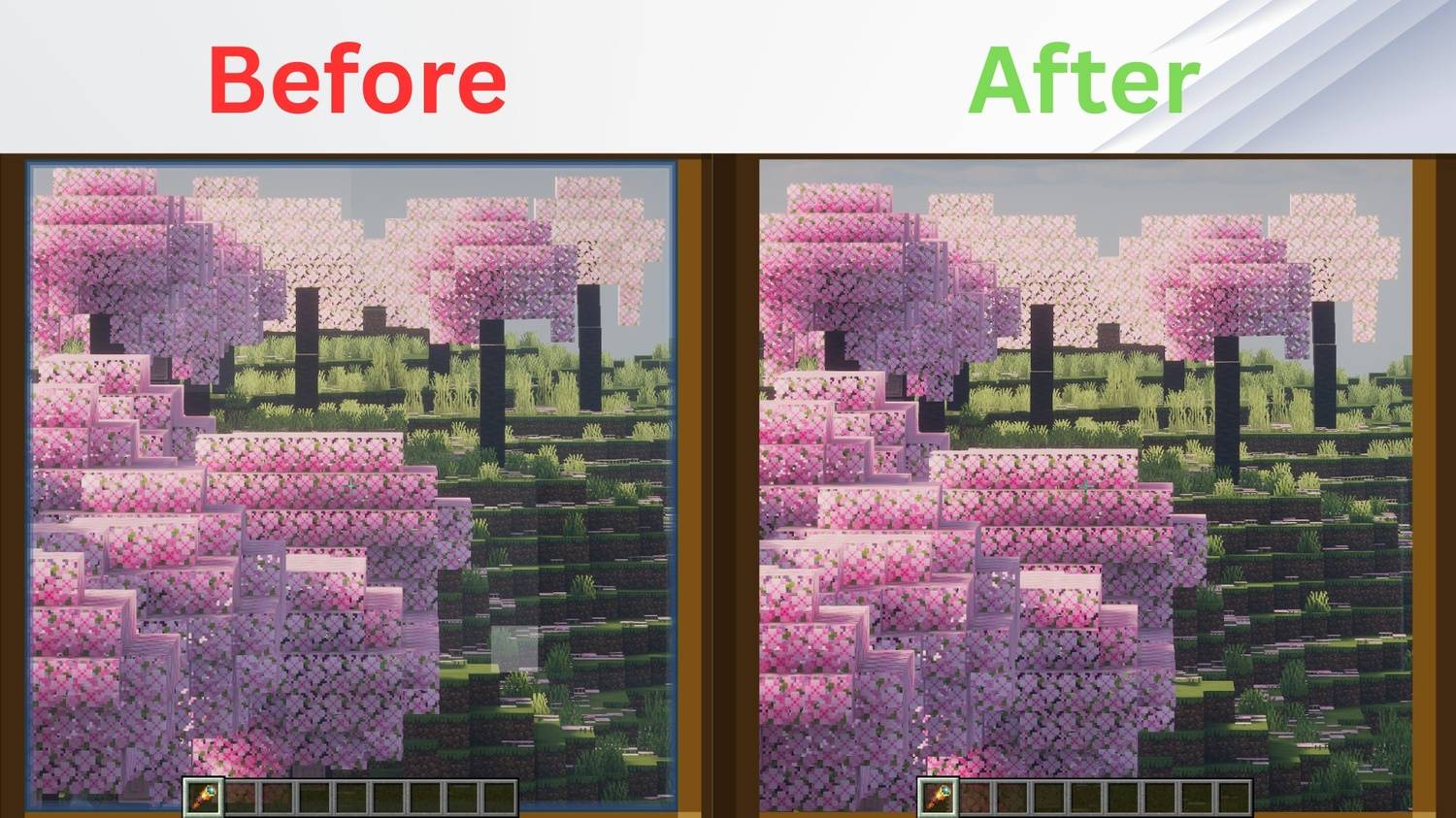
Before.jpeg

Before.jpeg

Description

No Spyglass Overlay

Tired of the restrictive, circular vignette when zooming in? No Spyglass Overlay removes the dark border completely, giving you a full, unobstructed view of your world while using the Spyglass in Minecraft!

This pack is lightweight, clean, and perfectly suited for both casual play and competitive survival.


🌟 Features

  • Full Screen Zoom: Completely eliminates the square/circular dark overlay texture.
  • Universal Compatibility: Works seamlessly alongside other resource packs and shader mods.
  • Multi-Platform Support: Fully compatible with both Java Edition and Bedrock Edition.
  • Performance Friendly: Zero impact on your game's frame rate (FPS).

🛠️ Installation

For Java Edition:

  1. Download the .zip file for your Minecraft version.
  2. Open Minecraft and navigate to Options > Resource Packs > Open Pack Folder.
  3. Drop the downloaded .zip file into the folder.
  4. Activate the pack in-game and move it to the top of your active pack list.

For Bedrock Edition:

  1. Download the .mcpack file.
  2. Double-click the file to automatically launch Minecraft and import the pack.
  3. Go to Settings > Global Resources > My Packs and click Activate.

The No Spyglass Overlay by Legend Team

profile avatar
  • 3
    Projects
  • 41
    Downloads

More from legend242900