No Fog | FPS Booster
- By
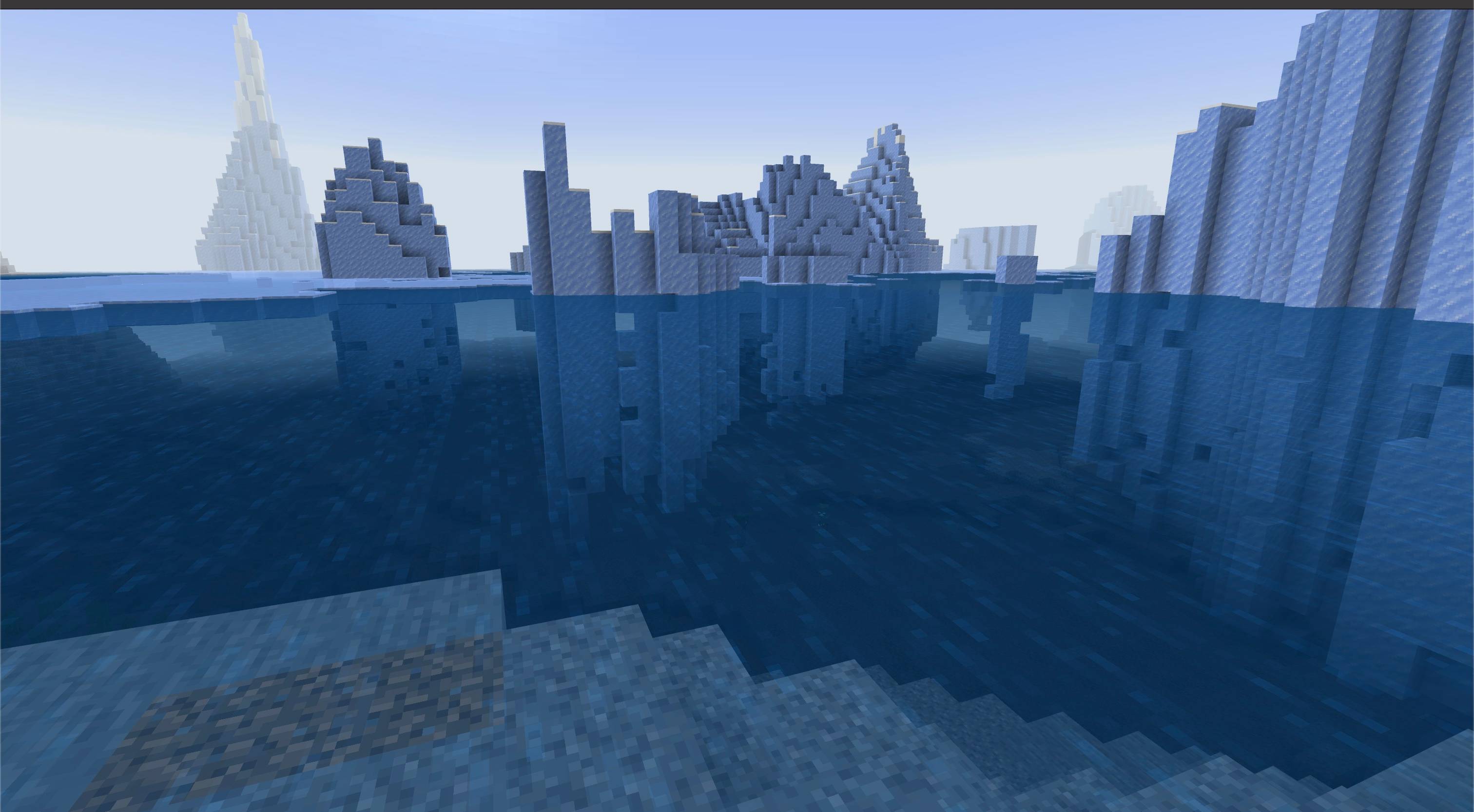
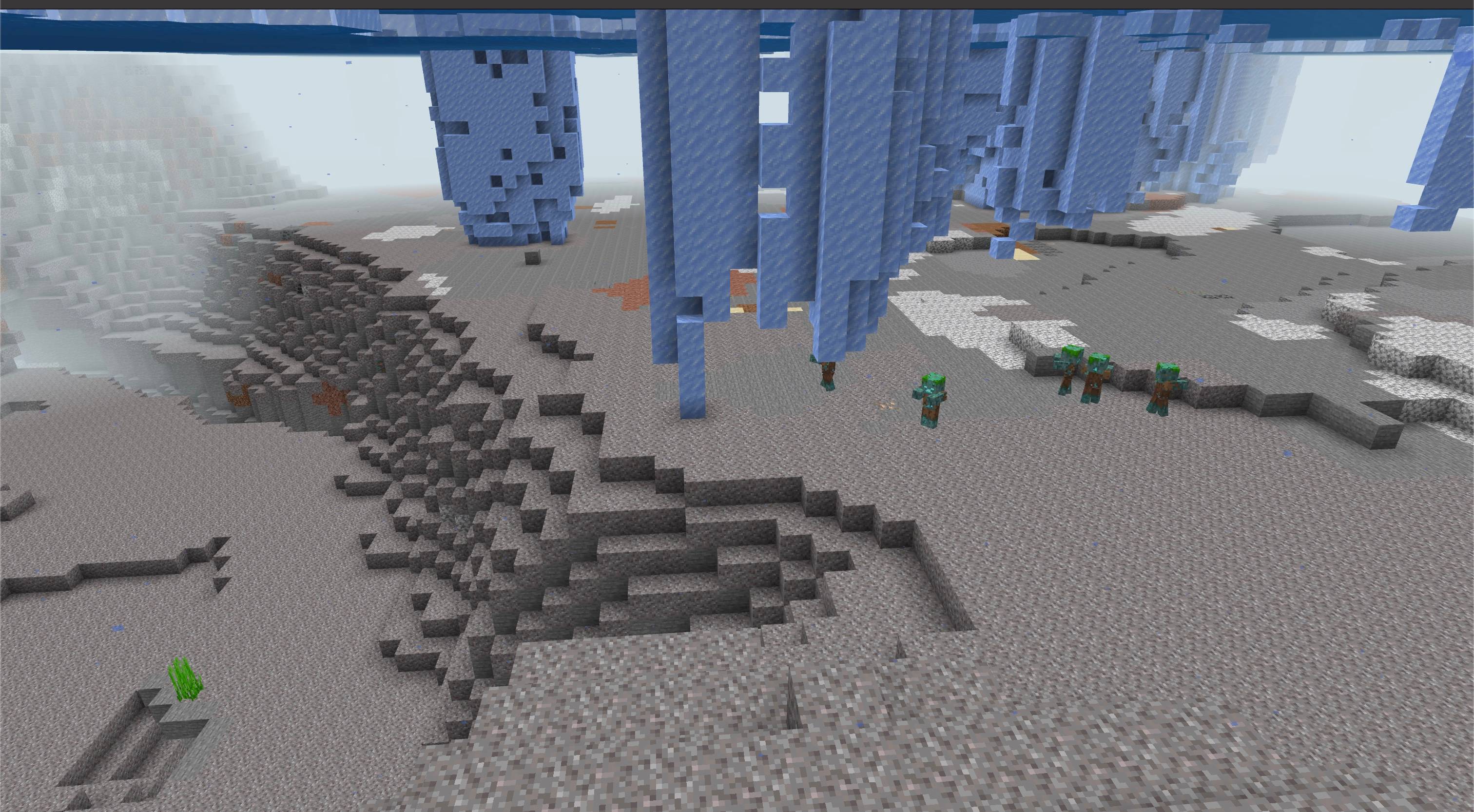
Clear distance, weather, and underwater fog with lighter particles and calmer animated textures.
MCPEDL.png

Screen-1.jpeg
Description
About
No Fog FPS Booster clears distance, weather, and underwater fog, with lighter particles and calmer animated textures for low-end devices.
It uses vanilla textures while reducing particle density, motion, and visual noise.
Features
- Fog Removal: Distance, weather, and water fog are pushed to the edge of the render distance across Overworld, Nether, and End dimensions.
- Particle Optimization: Reduced visual noise and lighter overrides for performance-heavy particles (rain splash, water splash/wake, smoke, flame, portal, explosion, and bubble column particles).
- Calmer Fluid Animations: Slower texture animations for water, lava, fire, portals, sea lanterns, and kelp, reducing animation activity.
- Performance Focus: Lighter particle effects and slower animations may help on low-end devices; FPS gains vary by device and scene.
How to use
- Import the
.mcaddonfile into Minecraft Bedrock. - Activate the No Fog FPS Booster resource pack for your world. No behavior pack or experiments are required.
- Put the No Fog resource pack above other visual packs to ensure custom fog settings and particles load correctly.
Notes
- This is not an RTX shader.
- Performance gains depend on your device, world complexity, active entities, and render distance.
- Air, weather, and underwater fog remain only at the render-distance boundary. Lava fog is retained.
Requirements
- Minecraft Bedrock Edition 1.26.50 or newer
- No external dependency required

No Fog | FPS Booster Team

Owner