My Music Player
- By
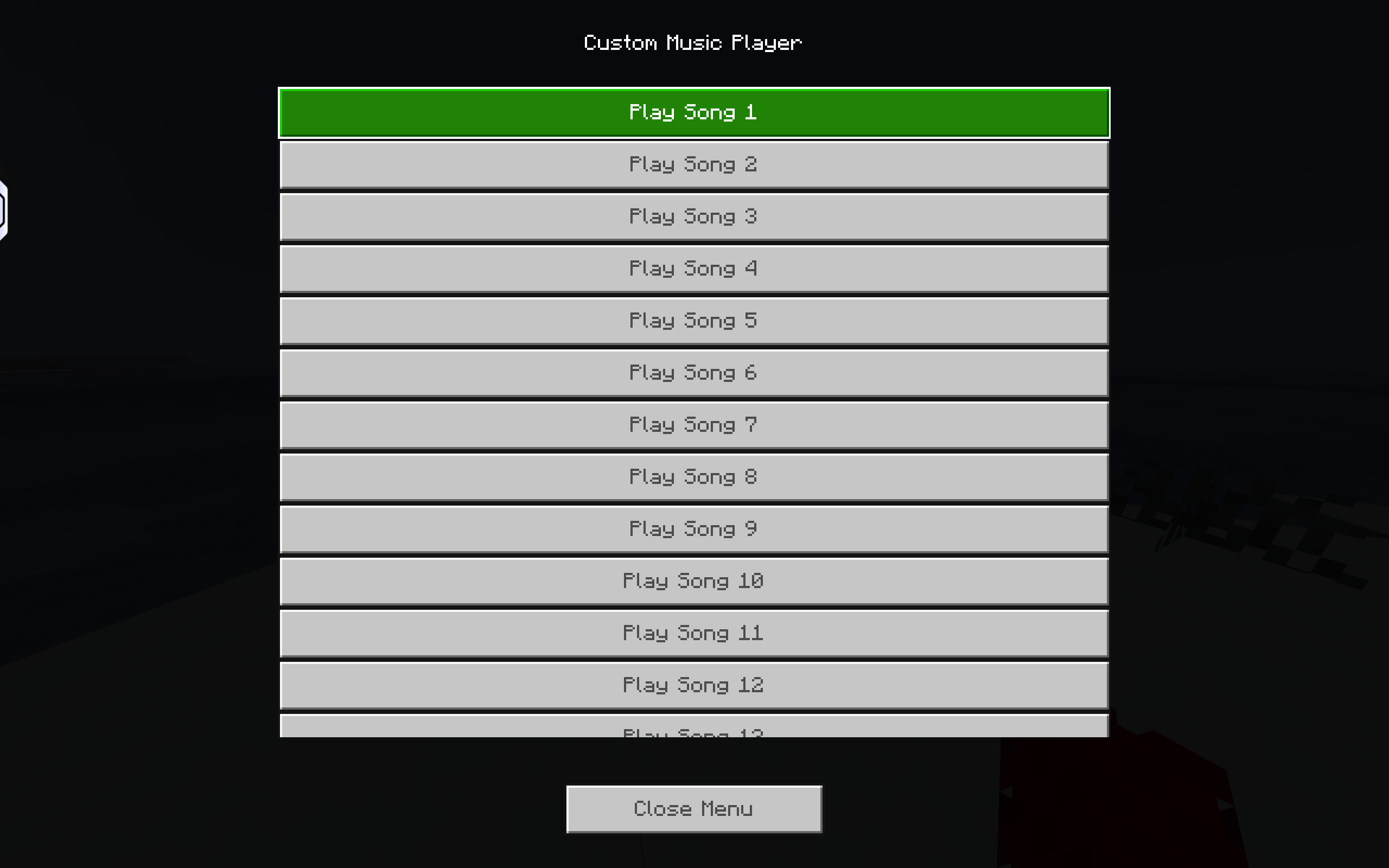
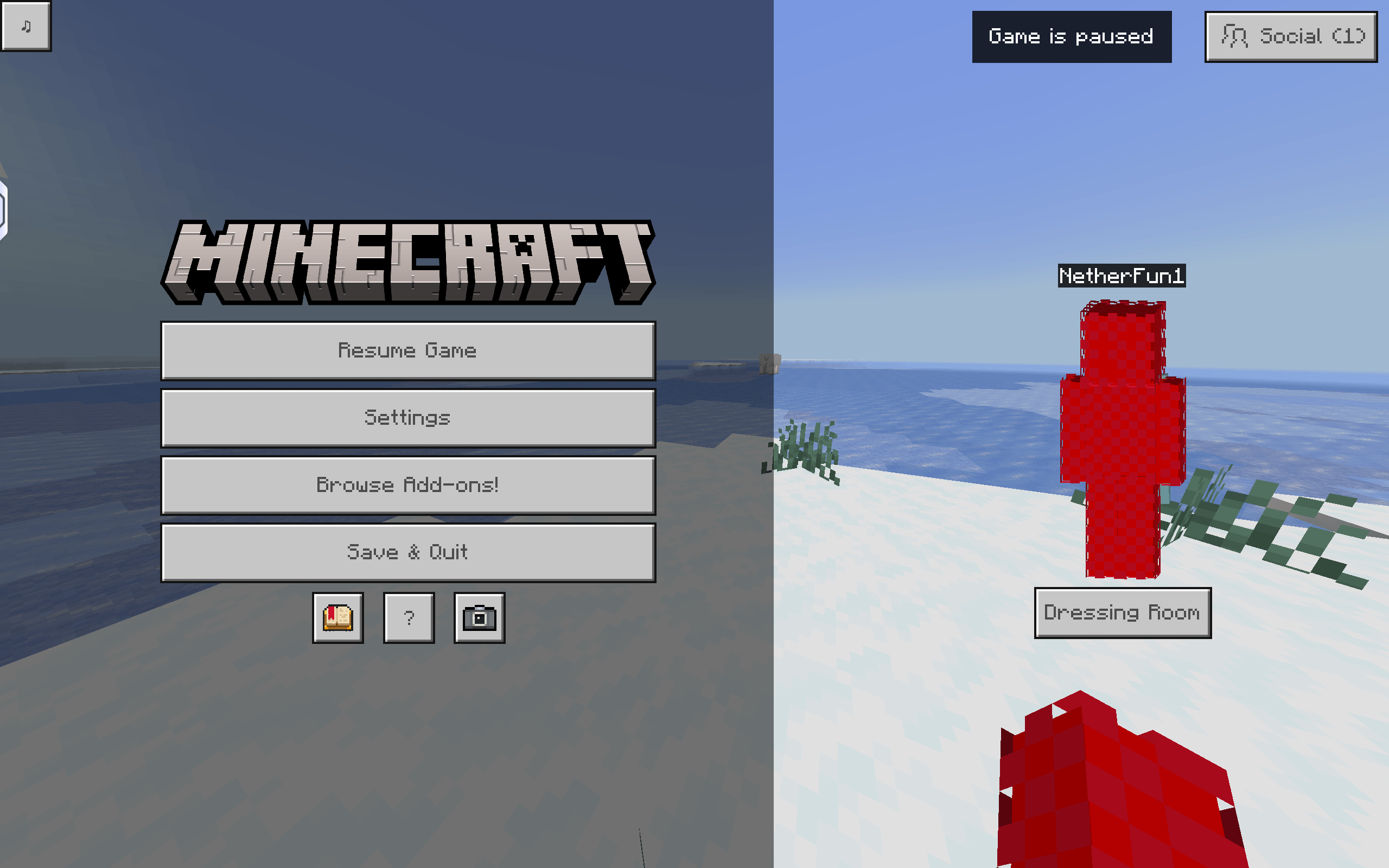
My Music Player is a resource pack that lets you play your own custom songs from an in-game music menu. No songs are included—just add your own .OGG files, rename them, and enjoy listening while you play.
Screenshot_20260718-165152.png
Screenshot_20260718-165148.png
20260727_121632.jpg
Description
My Music Player 1.4 — Update Notes
Important: Song Naming System Changed
If you downloaded an older version of My Music Player, your existing song filenames may not work with this version.
The current version uses numbered song names. Rename your music files to 1, 2, 3, 4....
Song Naming Format
Each song must use its corresponding number:
Song 1 → 1.ogg
Song 2 → 2.ogg
Song 3 → 3.ogg
Song 4 → 4.ogg
Song 5 → 5.ogg
Continue the same numbering system for the rest of your songs, up to Song 100.
My Music Player is a resource pack for Minecraft Bedrock Edition that adds a simple in-game music player.
Unlike normal music packs, this pack does not include any songs. This keeps the download small and avoids copyright issues. Instead, you can add your own music to the pack.
Features:
- In-game music player menu
- Supports multiple custom songs
- Works in Minecraft Bedrock Edition
- Lightweight resource pack
*No Copyrighed Music Included
How to add your own music:
- Download and install the resource pack.
- Open the pack's music folder (MyMusicPlayer/sounds/music/).
- Convert your music to .OGG format.
- Copy the files into the music folder.
Rename them like this:
song_1.ogg
song_2.ogg
song_3.ogg
song_4.ogg
...
Enable the resource pack and open the in-game Music Player menu.
Press the button for the song you want to play.
*Important
- No music is included with this pack.
- You must provide your own audio files.
- Only use music that you own or have permission to use.
- Songs must be in .OGG format and follow the correct file names (song_1, song_2, song_3, etc.), otherwise they won't play.
- Enjoy your favorite music while exploring your Minecraft worlds! 🎶
FAQs
Q: Why isn't there a Stop Music button?
A: A true Stop Music button isn't currently possible using only a Minecraft Bedrock resource pack. While an addon could provide more control, it would reduce compatibility with servers and Realms, make installation more complex, and may cause issues if removed from a world. My Music Player is designed to work as a standalone resource pack with maximum compatibility.
Q: Can other players hear the music I play?
A: No. My Music Player is a client-side resource pack, so the music only plays for you. Other players in your world or server cannot hear it.
My Music Player Team
Owner