



Instant Loot (quick loot)
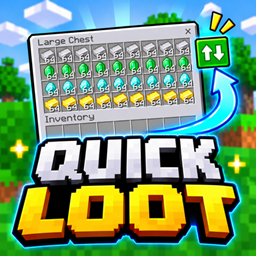
Transfer entire item stacks between containers and your inventory with a single tap using the Quick Loot toggle.
- 253
- November 4, 2026
Instant Craft (quick craft)
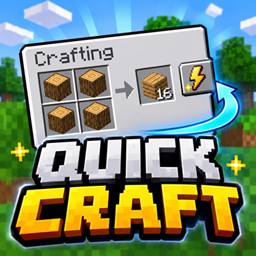
Craft items and complete trades faster with convenient one-tap buttons. Supports inventory crafting, crafting tables, stonecutters, and villager trading.
- 427
- November 4, 2026
Custom Color Hearts
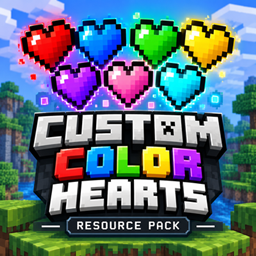
Change your Minecraft health bar to Red, Blue, Green, Yellow, Purple, Pink, or Cyan with 7 easy-to-select color subpacks.
- 519
- October 24, 2026
Instant Loot (quick loot)
Transfer entire item stacks between containers and your inventory with a single tap using the Quick Loot toggle.
- 253
- November 4, 2026
Instant Craft (quick craft)
Craft items and complete trades faster with convenient one-tap buttons. Supports inventory crafting, crafting tables, stonecutters, and villager trading.
- 427
- November 4, 2026
Custom Color Hearts
Change your Minecraft health bar to Red, Blue, Green, Yellow, Purple, Pink, or Cyan with 7 easy-to-select color subpacks.
- 519
- October 24, 2026