



Instant Loot (quick loot)
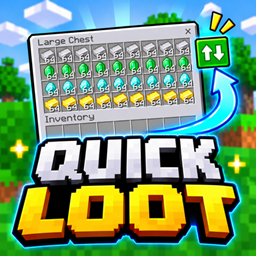
Transfer entire item stacks between containers and your inventory with a single tap using the Quick Loot toggle.
- 354
- November 4, 2026
Instant Craft (quick craft)
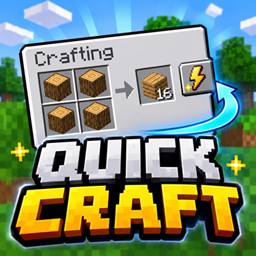
Craft items and complete trades faster with convenient one-tap buttons. Supports inventory crafting, crafting tables, stonecutters, and villager trading.
- 794
- November 4, 2026
Low Fire Clear
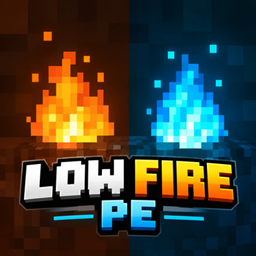
A lightweight Low Fire resource pack for Minecraft Bedrock/PE that reduces normal and soul fire height for clearer visibility during combat, exploration, and PvP. Keeps animated flames while helping reduce visual obstruction.
- 787
- October 24, 2026
Instant Loot (quick loot)
Transfer entire item stacks between containers and your inventory with a single tap using the Quick Loot toggle.
- 354
- November 4, 2026
Instant Craft (quick craft)
Craft items and complete trades faster with convenient one-tap buttons. Supports inventory crafting, crafting tables, stonecutters, and villager trading.
- 794
- November 4, 2026
Low Fire Clear
A lightweight Low Fire resource pack for Minecraft Bedrock/PE that reduces normal and soul fire height for clearer visibility during combat, exploration, and PvP. Keeps animated flames while helping reduce visual obstruction.
- 787
- October 24, 2026