🌧️❄️ Immersive Rain + Snow
Immersive Rain + Snow enhances Minecraft Bedrock's weather with more realistic rain and snow effects while keeping a clean, vanilla-friendly look.
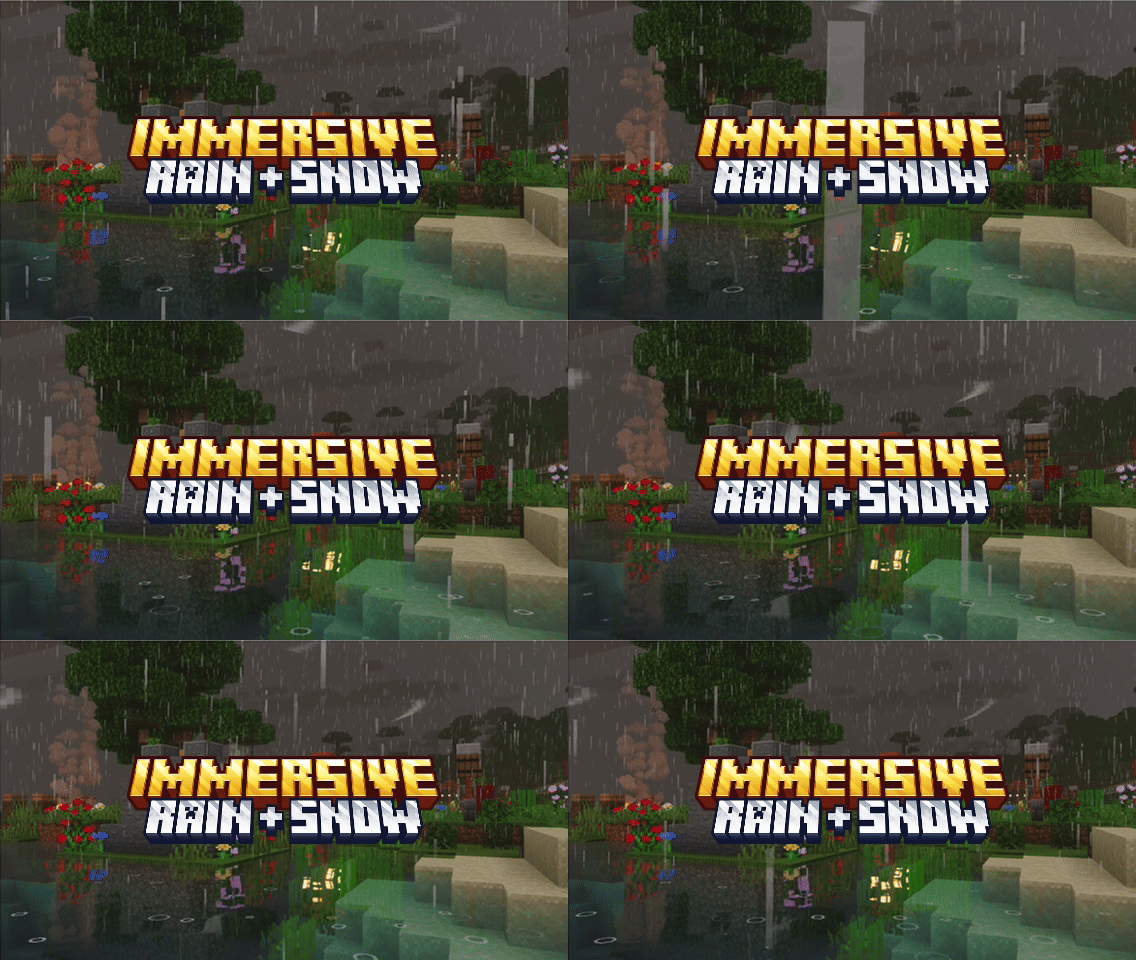
Designed to feel natural, subtle, and consistent with Minecraft's art style.
Features
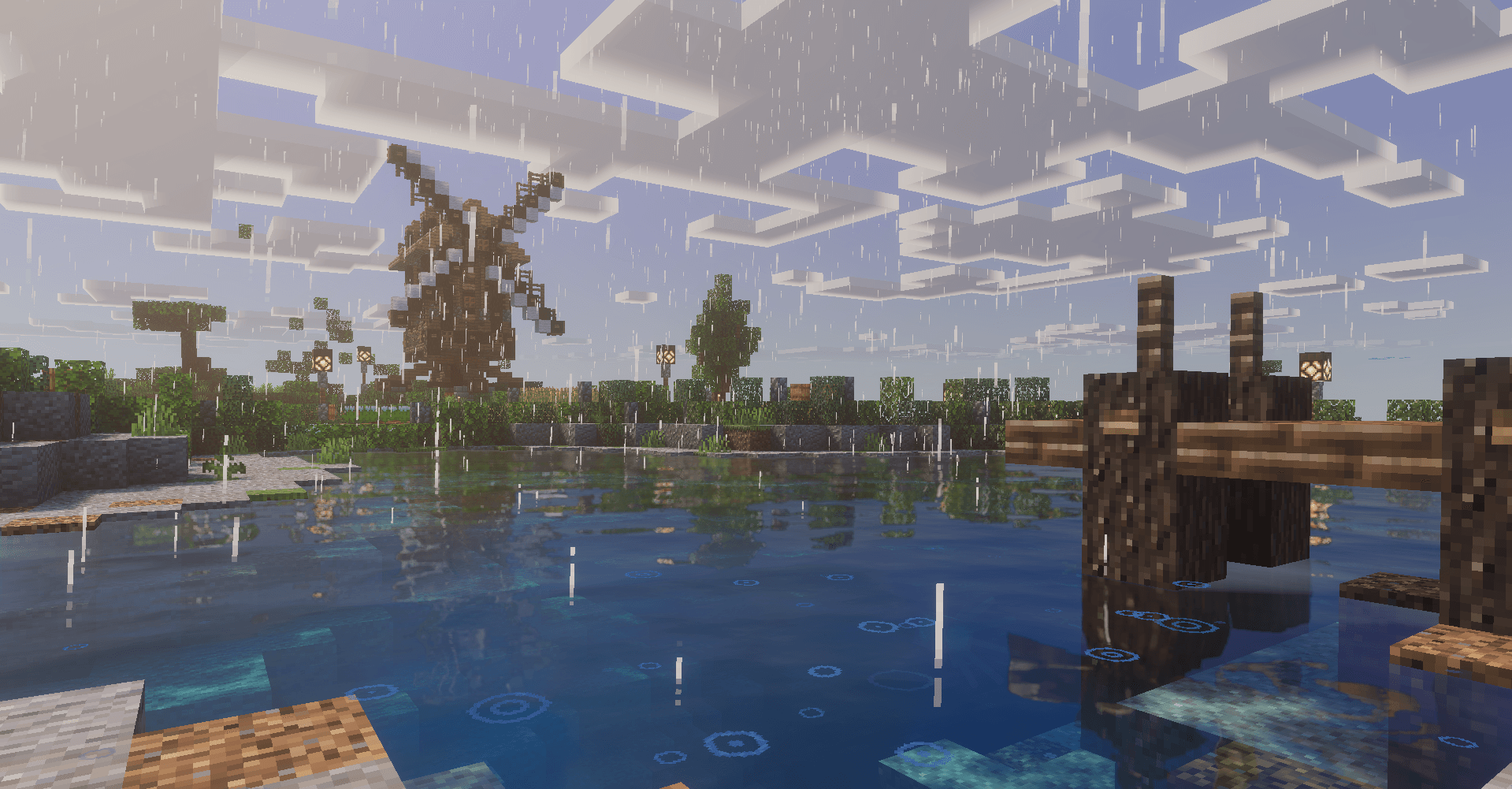
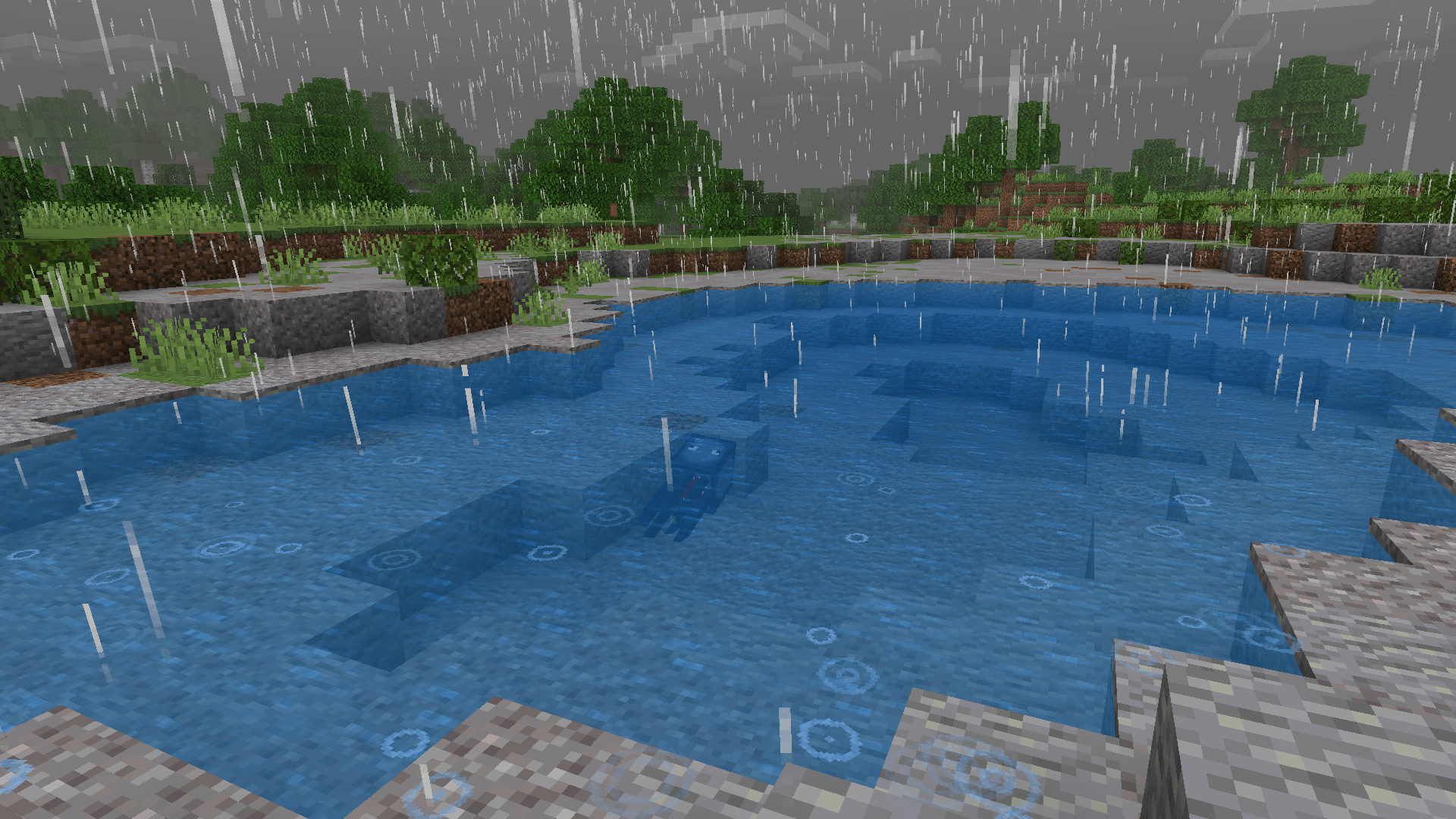
Realistic Rain Effects
- Enhanced rain splash particles with animated ripple rings on impact
- Wet rain puddles that darken the ground — realistic water pooling effect
- Wind-driven rain drops that fall at natural angles, not straight down
- Layered splash system — every raindrop spawns both a splash burst and a spreading ripple
💨 Immersive Wind
- Thin wind streaks that drift through the air during storms
- Bidirectional wind movement with natural drag and deceleration
- Wisps spawn randomly around the player, so gusts feel unpredictable instead of looping
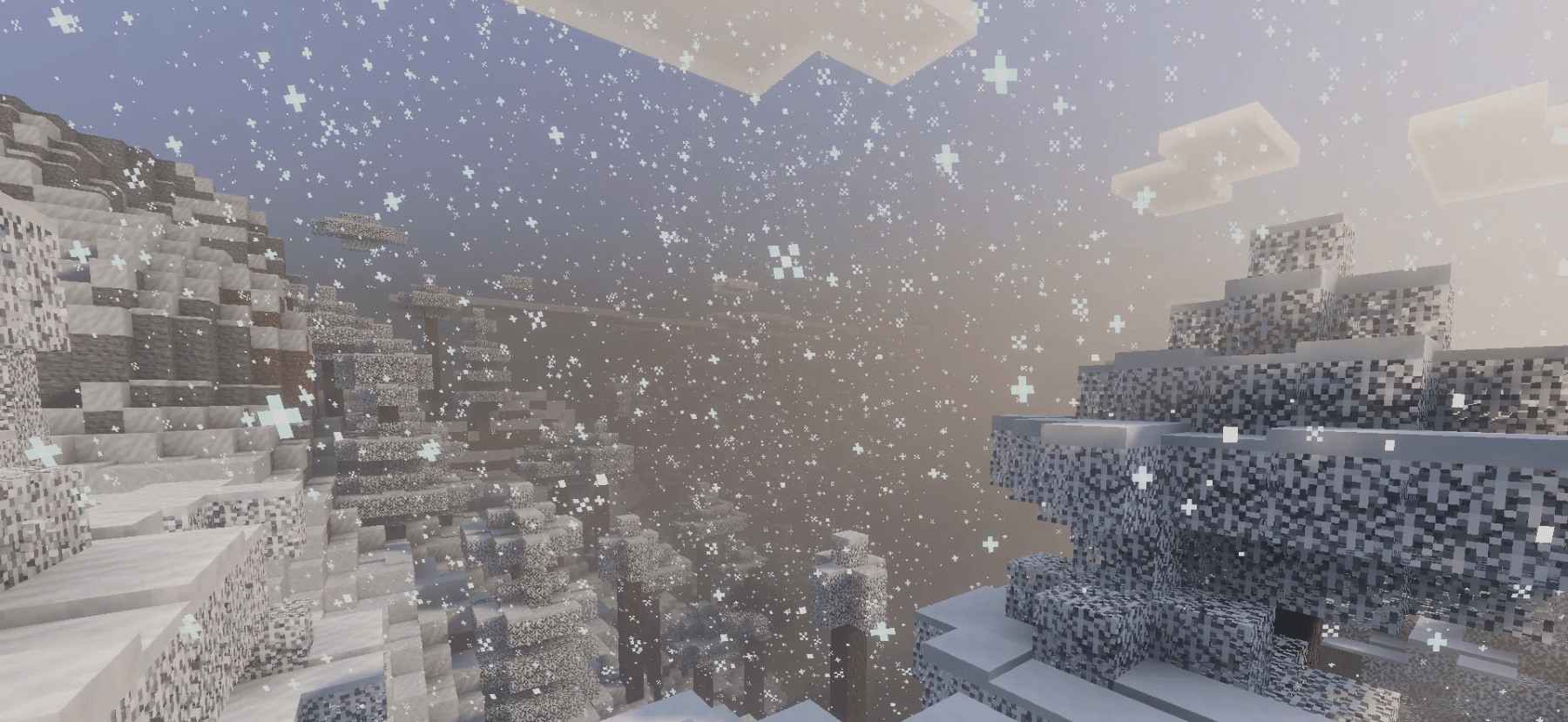
Improved Snow Atmosphere
- Detailed snowflake textures with 4 unique crystal variants
- Gentle floating motion with realistic wind drift and flutter
- Soft gravity and gust physics — snowflakes tumble, not just fall
- Smaller, natural-scale flakes that blend with the environment
Balanced Weather Sounds
- Improved rain ambience that feels immersive without being overpowering
- Optional sound subpack — choose between custom or vanilla rain audio
Carefully Tuned Particles
- Every particle is fine-tuned for size, lifetime, speed, and transparency
- Puddles use ground-darkening blend (not white overlays) for a true wet look
- Flipbook sprite animations for smooth, natural particle transitions
- Vibrant Visuals compatible with full texture set + MERS support
✅ Compatibility
- ✅ Resource Pack Only — no Behavior Pack, no commands needed
- ✅ Works in Singleplayer, Multiplayer & Realms
- ✅ Compatible with Vibrant Visuals
- ✅ Safe to use with shaders and other visual packs
- ✅ Performance friendly — optimized particle counts and lifetime
📥 Installation
- Download the
.mcpack file
- Open it — Minecraft will import the pack automatically
- In your world settings, go to Resource Packs → My Packs and activate Immersive Rain + Snow
- Pick your rain audio in the subpack slider: Vanilla Rain Sound or Custom Rain Sound
Made by HoneyStudios 🍯 — feedback and bug reports are welcome in the comments.