Heraclaus Chat Emoji
- By
Add 80 cute emojis to Minecraft Bedrock chat. Choose Auto Open or Manual mode on BDS, Realms, and single-player worlds.
Minecraft for Windows 15_11_2026 17_10_17.png
Minecraft for Windows 15_11_2026 16_59_16.png
Minecraft for Windows 15_11_2026 16_59_08.png
Description
BB-UUYCE7
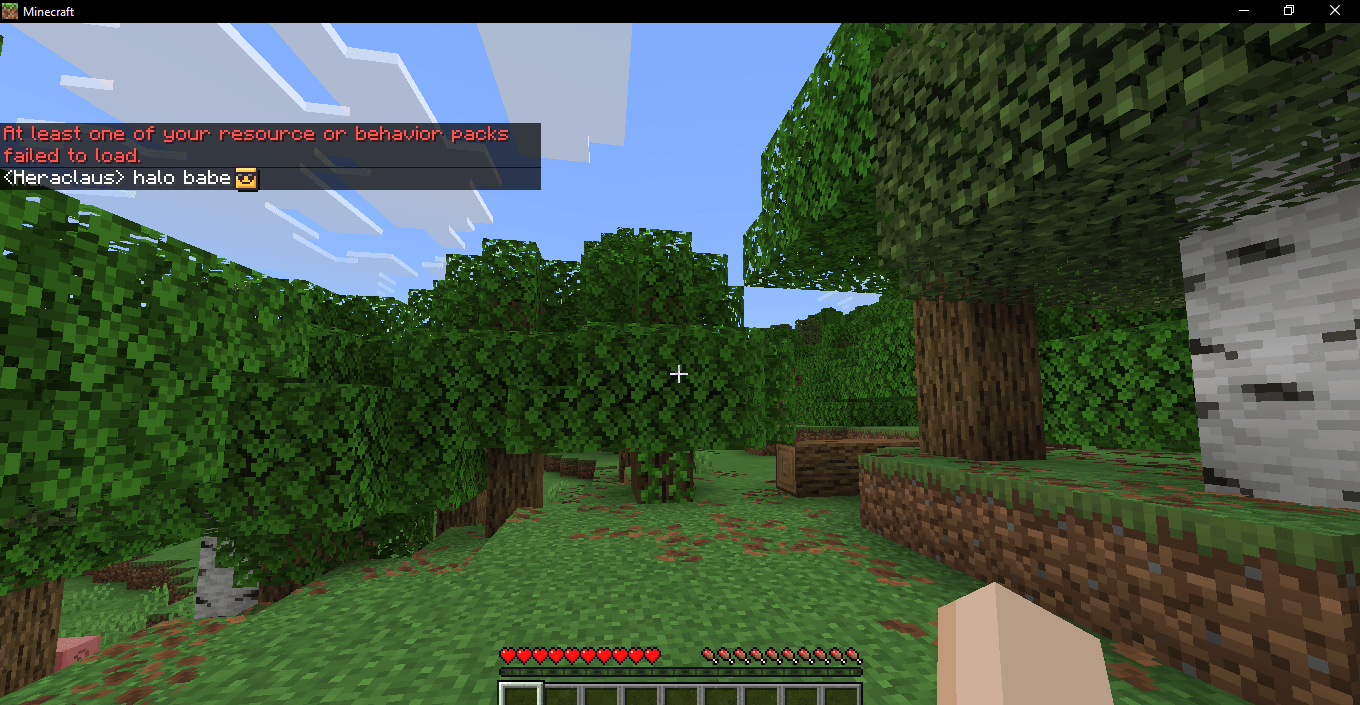
Heraclaus Chat Emoji adds 80 cute emojis to Minecraft Bedrock chat. Whether you’re celebrating a win or sending a goofy reaction, just pick an emoji from the panel to add it to your message.
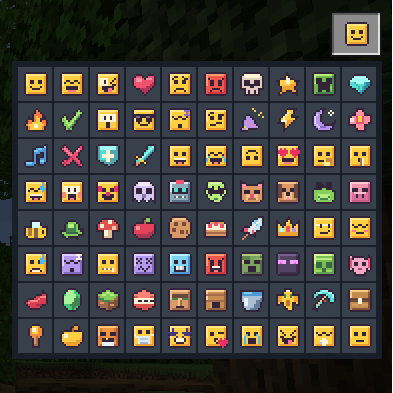
Two emoji picker modes
-
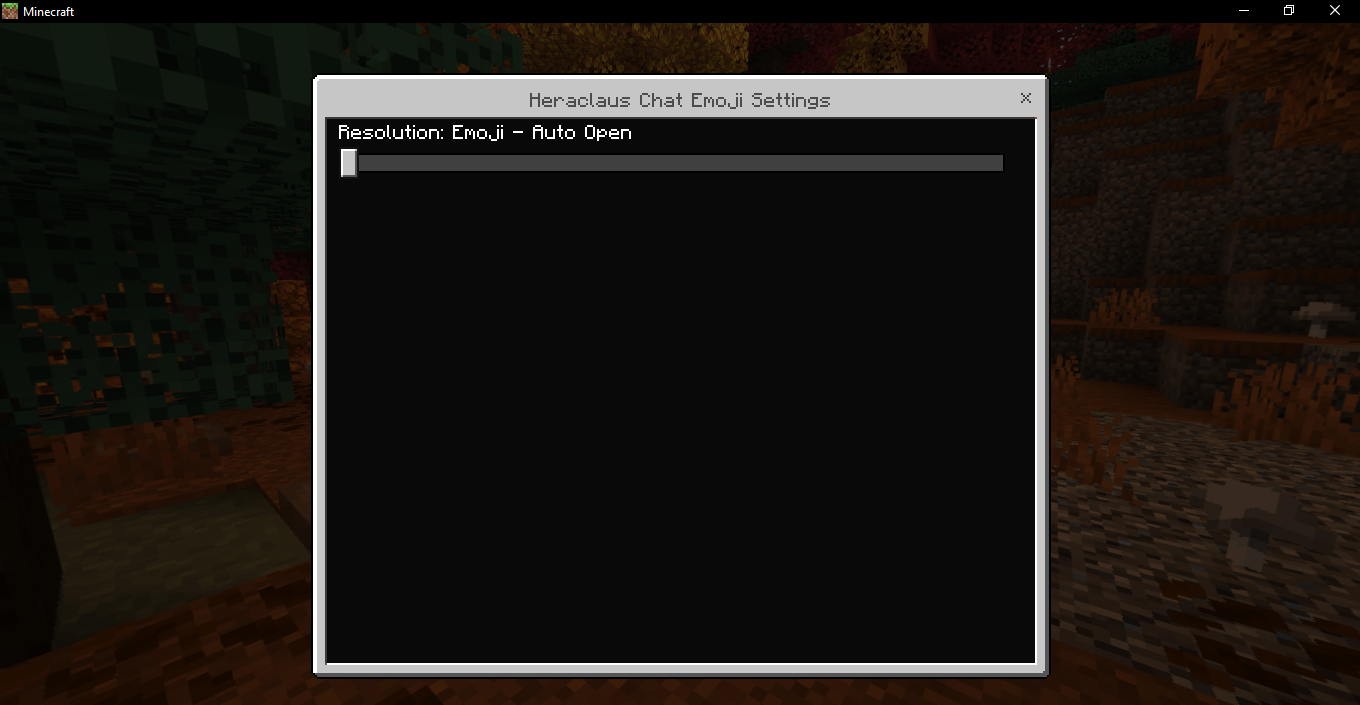
Emoji - Auto Open opens the emoji panel by default whenever you open chat.
-
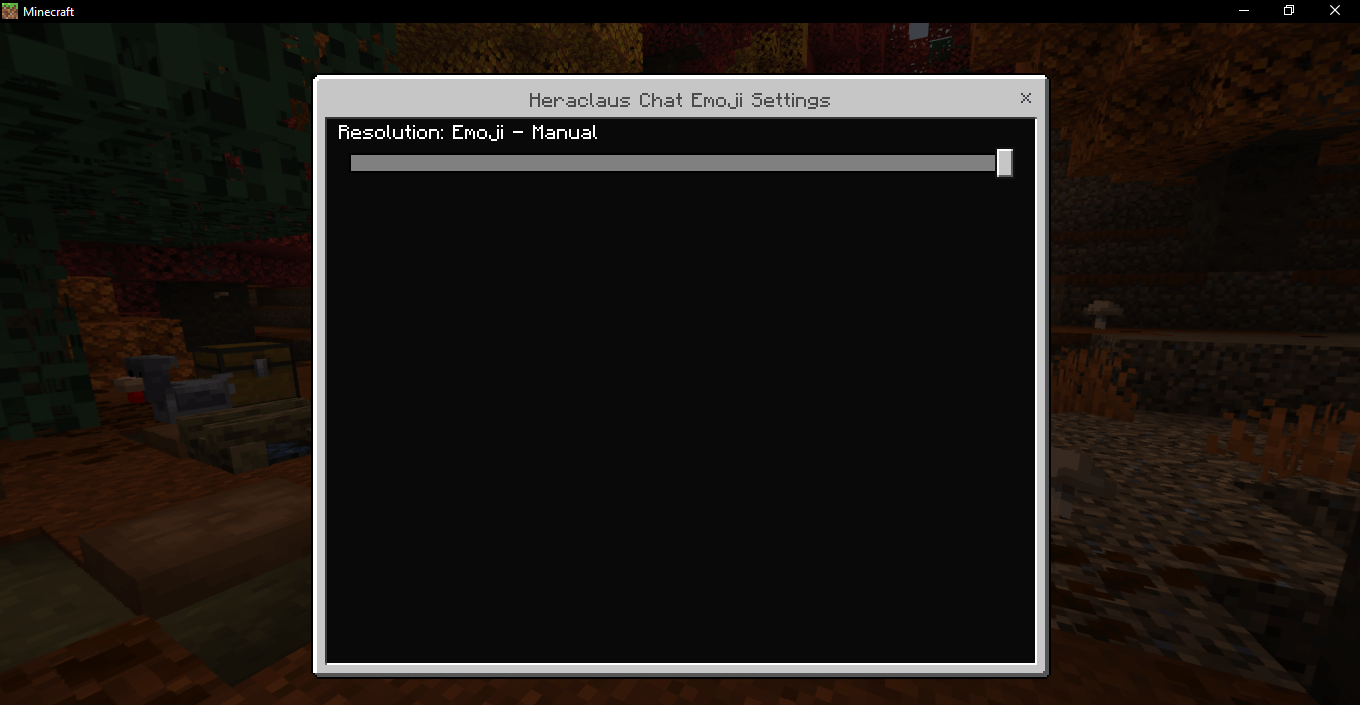
Emoji - Manual keeps the panel closed until you press the emoji button.
Compatibility
Works on Bedrock Dedicated Servers (BDS), Minecraft Realms, and local single-player worlds. Achievements can stay enabled, and experimental features can stay off.
Installation
Import the .mcpack, activate Heraclaus Chat Emoji under Resource Packs, and choose your preferred subpack in the pack settings. In multiplayer, players need the resource pack active to see the custom emojis.
Found a bug?
Report it in the CurseForge comments. Include your Minecraft version, where you were playing, and what you did before the issue appeared.
Heraclaus Chat Emoji Team

Owner