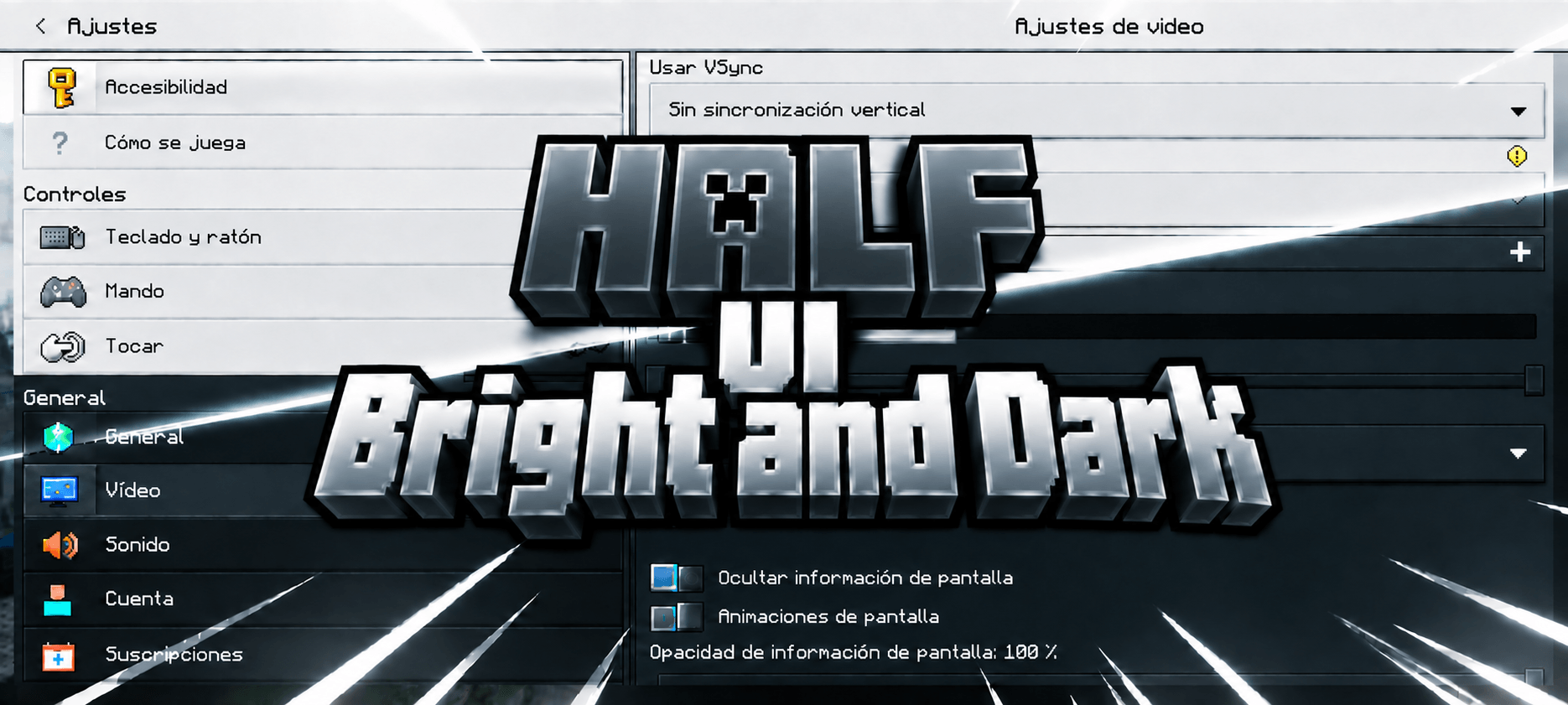
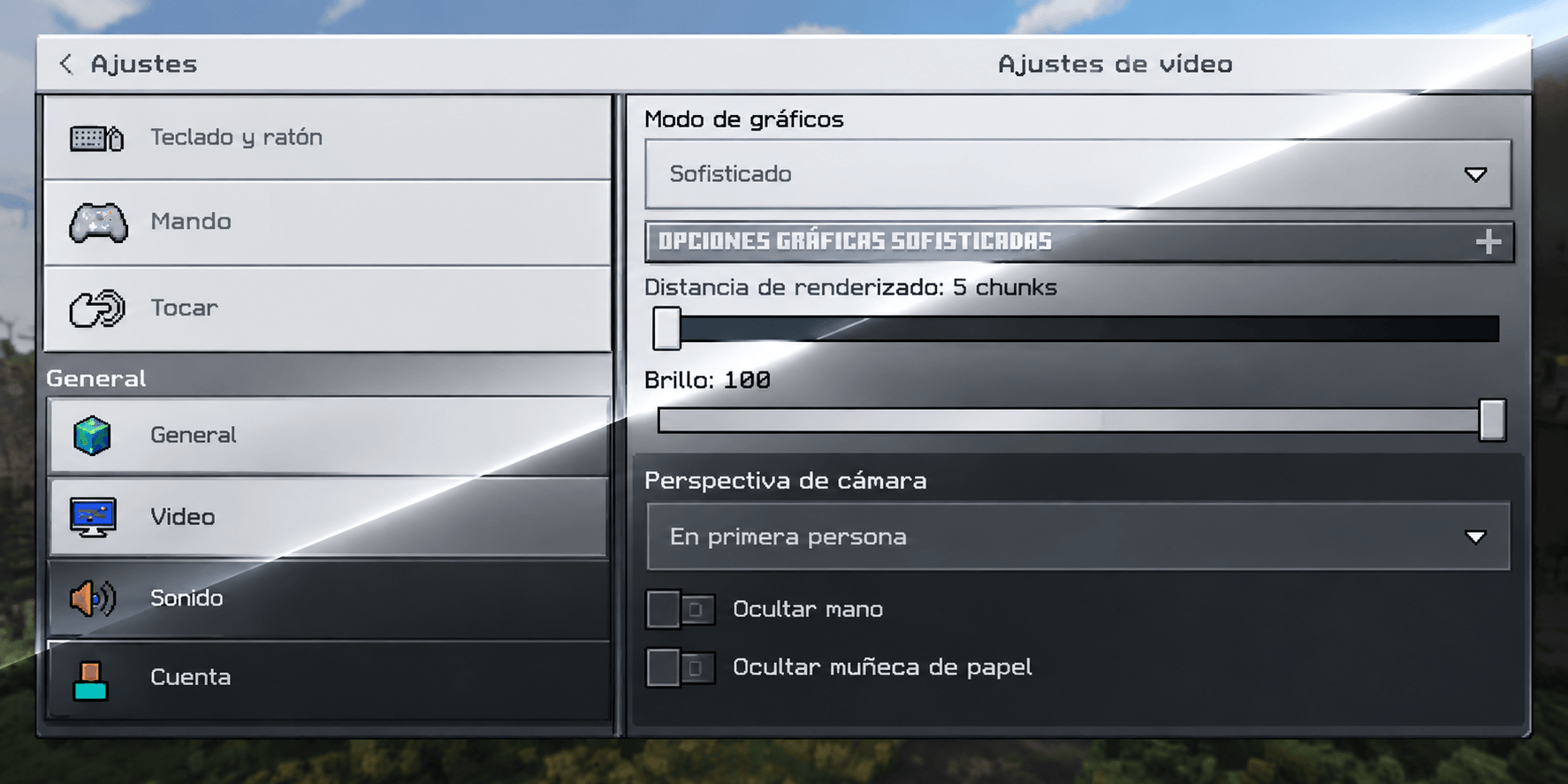
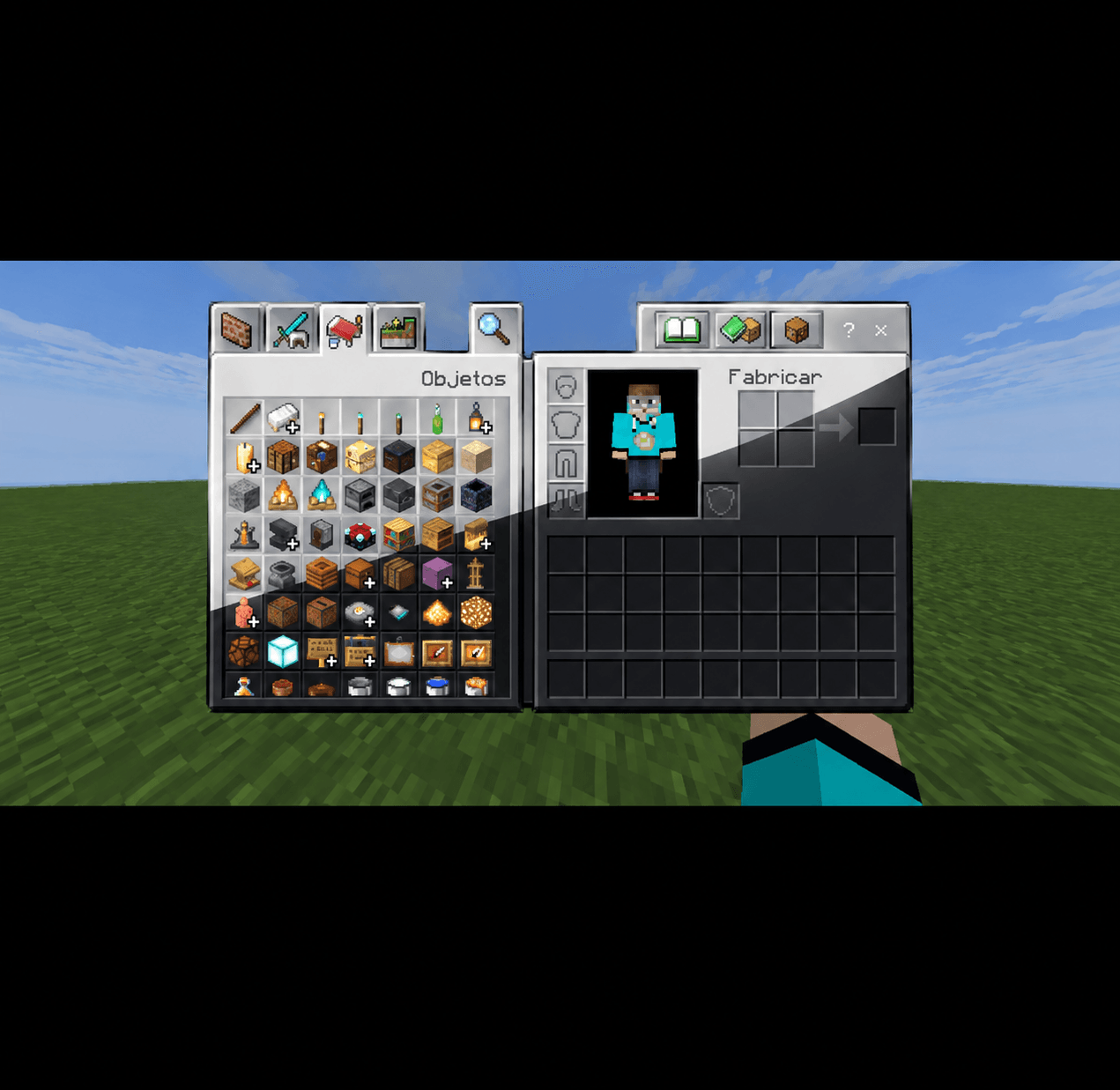
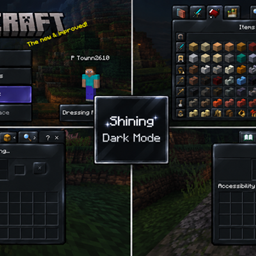
Ever felt like Minecraft's default interface is either too flat-bright or too plain-dark, with nothing elegant in between? Half Bright-Dark UI fixes that by giving every screen in the game a smooth, cinematic gradient — a soft, bright silver-blue tone at the top that gradually deepens into an almost-black shade toward the bottom. The result is an interface that feels layered, modern, and genuinely easier on the eyes, whether you're crafting at 2 AM or building in broad daylight.
This isn't just a "make everything dark" recolor. Every single panel — from your inventory grid and crafting table to dialog boxes, tooltips, tabs, scrollbars, and buttons — has been individually redesigned so the gradient reads correctly no matter how big or small the element is. Small pieces like tooltips and edit boxes get a compact version of the fade, while large backgrounds like your profile screen and pause menu show the full dramatic sweep from bright to dark.
What's changed:
🎒 Inventory & Crafting — grid slots, category tabs, and the crafting/recipe panel
💬 Dialogs & Pop-ups — trading screens, confirmation dialogs, hollow-frame windows
🏷️ Tooltips & Notifications — item tooltips and hover bubbles
🔘 Buttons — generic, borderless, classic, back, close, and "how to play" buttons
📜 Scrollbars & Sliders — scroll tracks, handles, and slider frames
⌨️ Text Fields & Dropdowns — edit boxes and dropdown backgrounds
❤️ HUD Elements — hotbar edges, status-effect backgrounds, toolbar strip
What we deliberately left alone: anything that uses color to tell you something important. Toggle switches, checkboxes, radio buttons, trade-confirmation buttons, and recipe-book unlock indicators keep their original colors — flattening those into the same gradient would make it harder to tell what's active, locked, or selected. The goal here is style without sacrificing usability: a dark-mode-style UI that still works exactly the way you expect.
Compatibility: Half Bright-Dark UI is a pure resource pack — no behavior packs, no scripts, nothing that touches gameplay. It works on Minecraft Bedrock 1.16 and above, covering virtually every modern build on mobile, console, and Windows. Since it only replaces textures, it's safe to run alongside most other resource packs (just place it above any pack you don't want it to override).
Installation:
Download the .mcpack file.
Tap/open it — Minecraft will import it automatically. If that doesn't trigger, go to Settings > Storage > Resource Packs and import it manually.
Open a world's settings (or Global Resources), find Half Bright-Dark UI under My Packs, and activate it.
Restart the world/menu if any element doesn't refresh right away.
Half Bright-Dark UI was built completely from scratch with 100% original textures and colors — nothing copied from any other pack. Feel free to feature it in showcase or review videos — just credit Baku_Studio and link back to the original download page. Enjoy the new look! 🌙
👤 Creator / Credits
Design & Development: Baku_Studio
Pack Type: Resource Pack (textures only — no behavior pack needed)
Original Assets: 100% original, built from scratch
Version: 1.0.0
Minimum Game Version: 1.16.0+
📜 Terms of Use
✅ Use in videos, screenshots, and reviews (credit + link appreciated)
✅ Modify for personal use
❌ Do not re-upload or repackage this as your own project
❌ Do not put a link-shortener on the original download link