





GURJAR X Standard Shader
- 1.3K
- Texture Packs
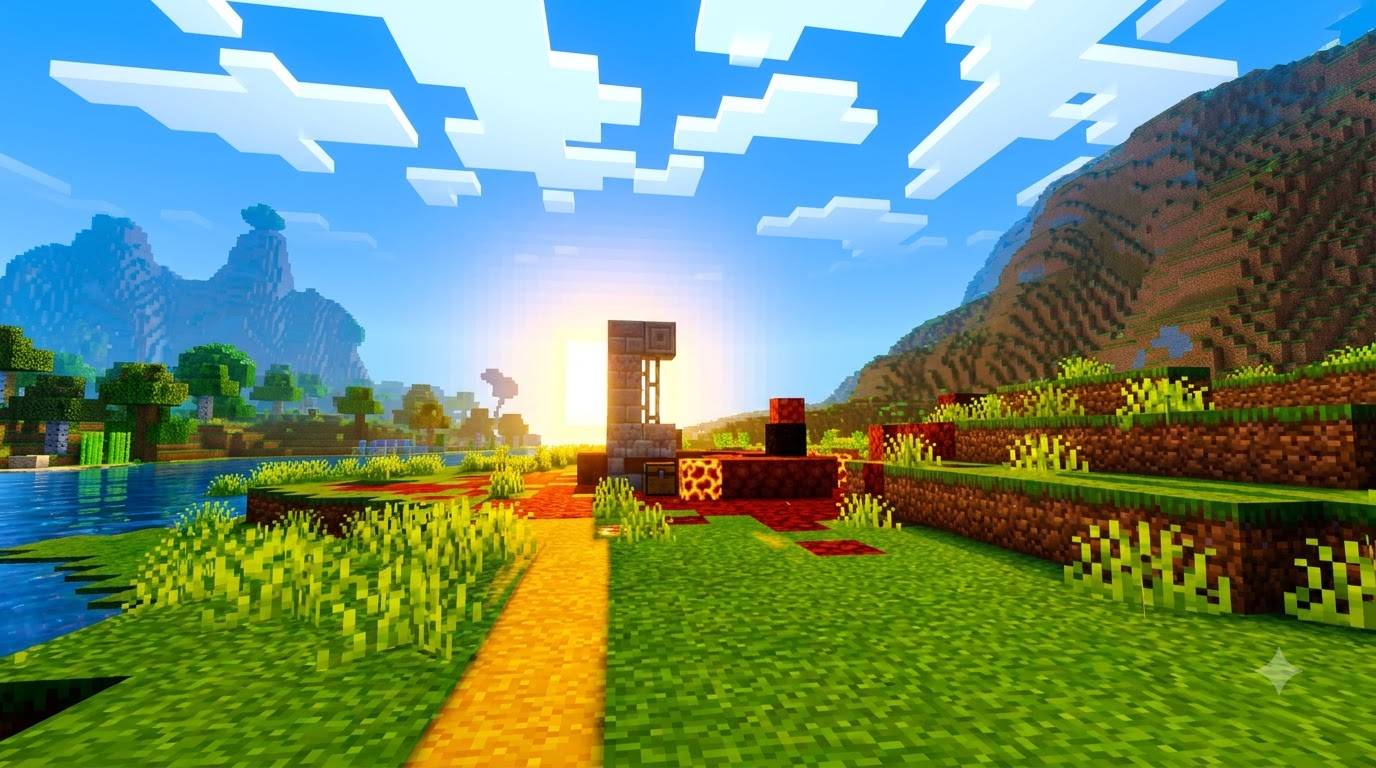
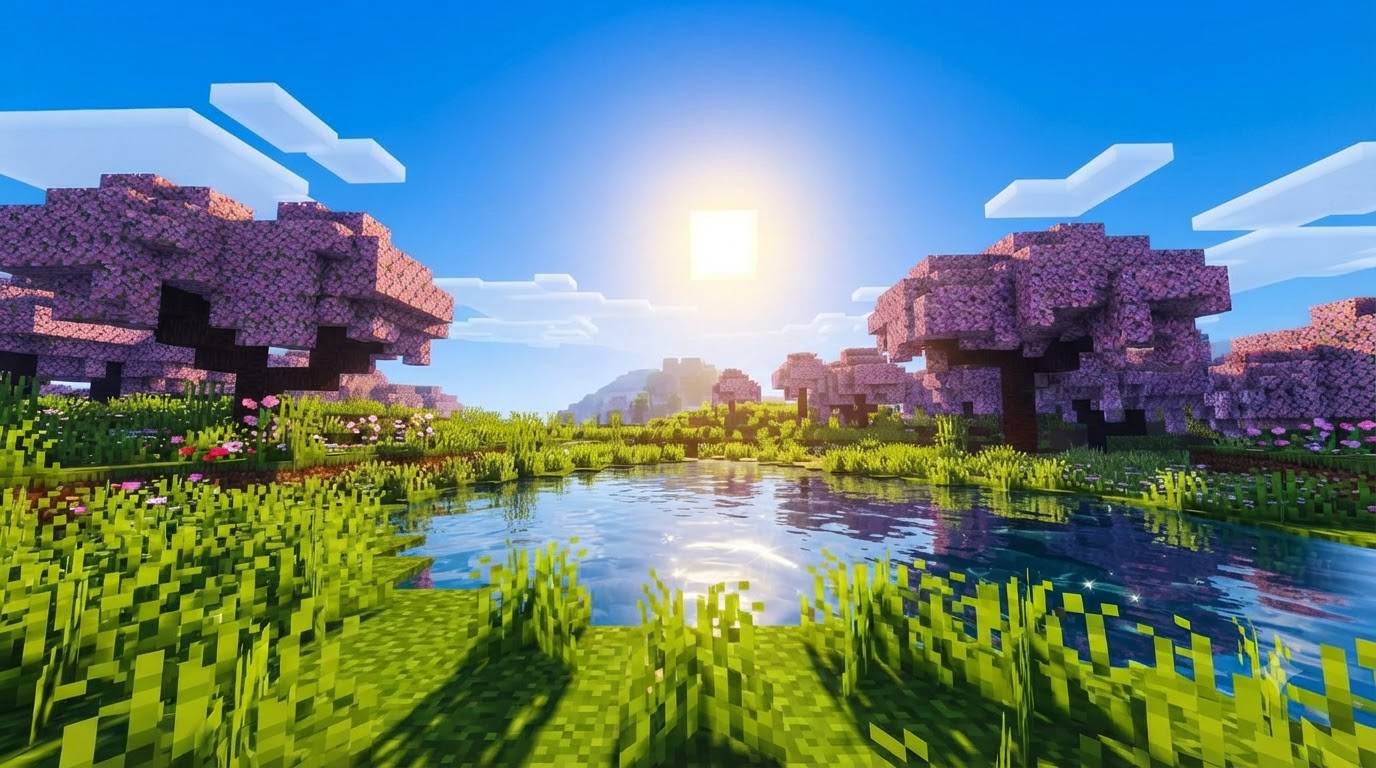
GURJAR X Standard Shader delivers clean, neutral, and naturally balanced visuals for Minecraft Bedrock — realistic lighting, true-to-life colors and smooth water, perfect as an everyday base look for any type of gameplay.
- 1.3K
- September 20, 2026

GURJAR X Cartoon Shader
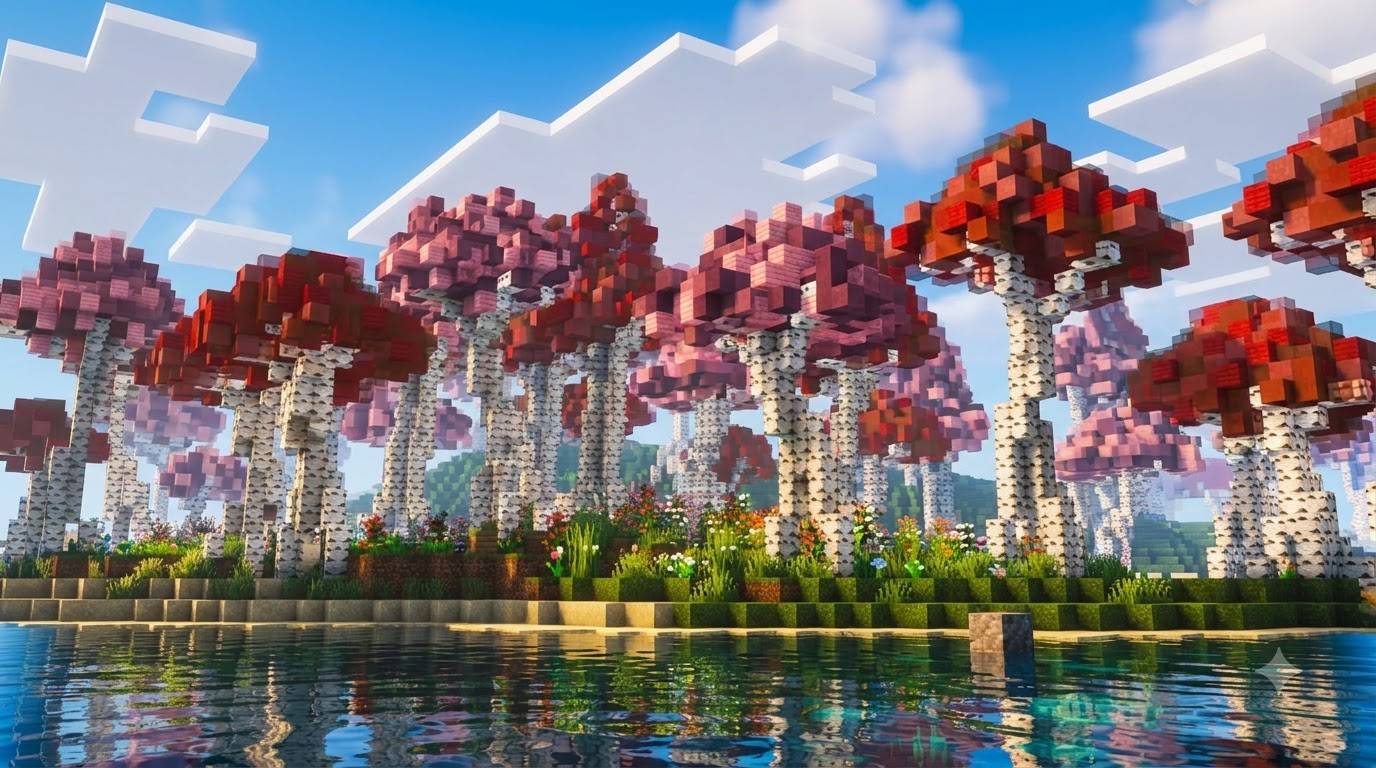
GURJAR X Cartoon Shader gives Minecraft Bedrock a bold, punchy, comic-book-style look — vivid blue skies, saturated colors, dramatic sun bloom and stylized lighting, all in one always-on preset.
- 143
- September 19, 2026
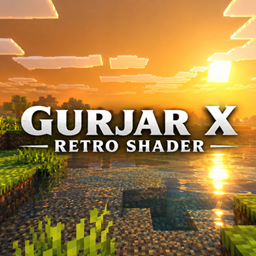
GURJAR X Retro Shader
- 1.4K
- Texture Packs
GURJAR X Retro Shader brings a warm, nostalgic golden-orange atmosphere to Minecraft Bedrock — hazy amber skies, soft muted lighting and old-school warm color grading, all in one always-on style.
- 1.4K
- September 19, 2026
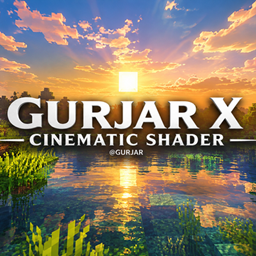
GURJAR X Cinematic Shader
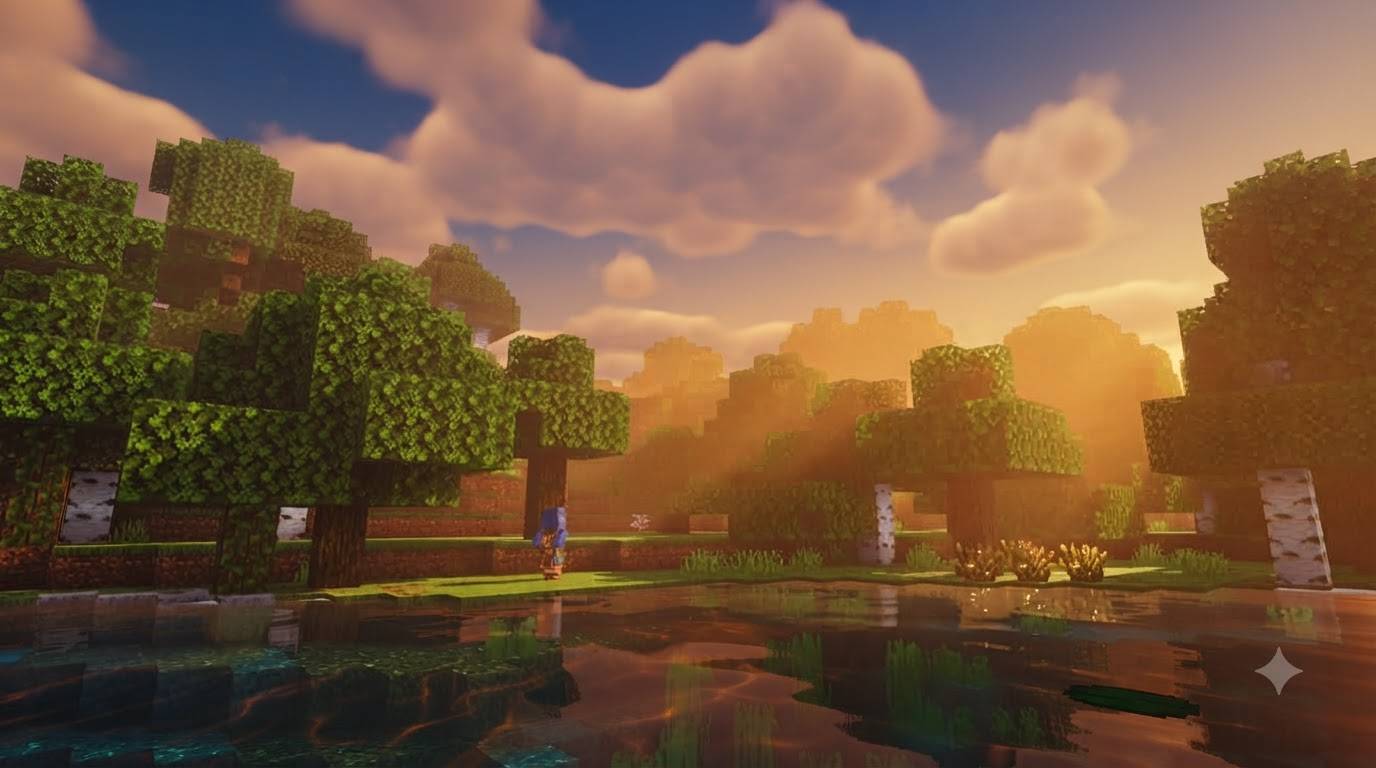
GURJAR X Cinematic Shader brings a single, always-on cinematic visual style to Minecraft Bedrock — dramatic golden-hour lighting, rich warm color grading, soft shadows, and stylized water caustics, no filter menu needed.
- 928
- September 18, 2026
GURJAR X Standard Shader
- 1.3K
- Texture Packs
GURJAR X Standard Shader delivers clean, neutral, and naturally balanced visuals for Minecraft Bedrock — realistic lighting, true-to-life colors and smooth water, perfect as an everyday base look for any type of gameplay.
- 1.3K
- September 20, 2026
GURJAR X Cartoon Shader
GURJAR X Cartoon Shader gives Minecraft Bedrock a bold, punchy, comic-book-style look — vivid blue skies, saturated colors, dramatic sun bloom and stylized lighting, all in one always-on preset.
- 143
- September 19, 2026
GURJAR X Retro Shader
- 1.4K
- Texture Packs
GURJAR X Retro Shader brings a warm, nostalgic golden-orange atmosphere to Minecraft Bedrock — hazy amber skies, soft muted lighting and old-school warm color grading, all in one always-on style.
- 1.4K
- September 19, 2026
GURJAR X Cinematic Shader
GURJAR X Cinematic Shader brings a single, always-on cinematic visual style to Minecraft Bedrock — dramatic golden-hour lighting, rich warm color grading, soft shadows, and stylized water caustics, no filter menu needed.
- 928
- September 18, 2026