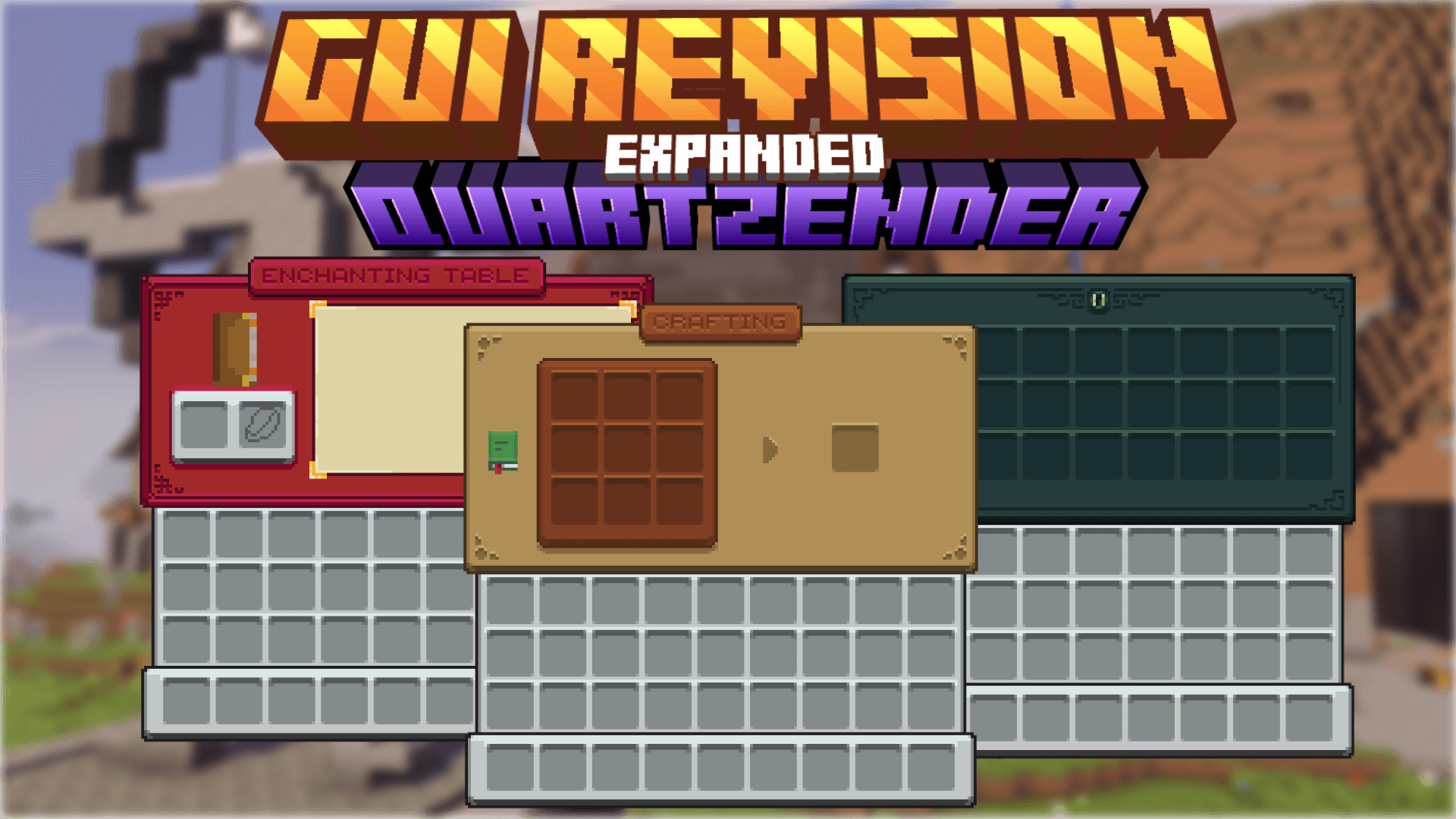
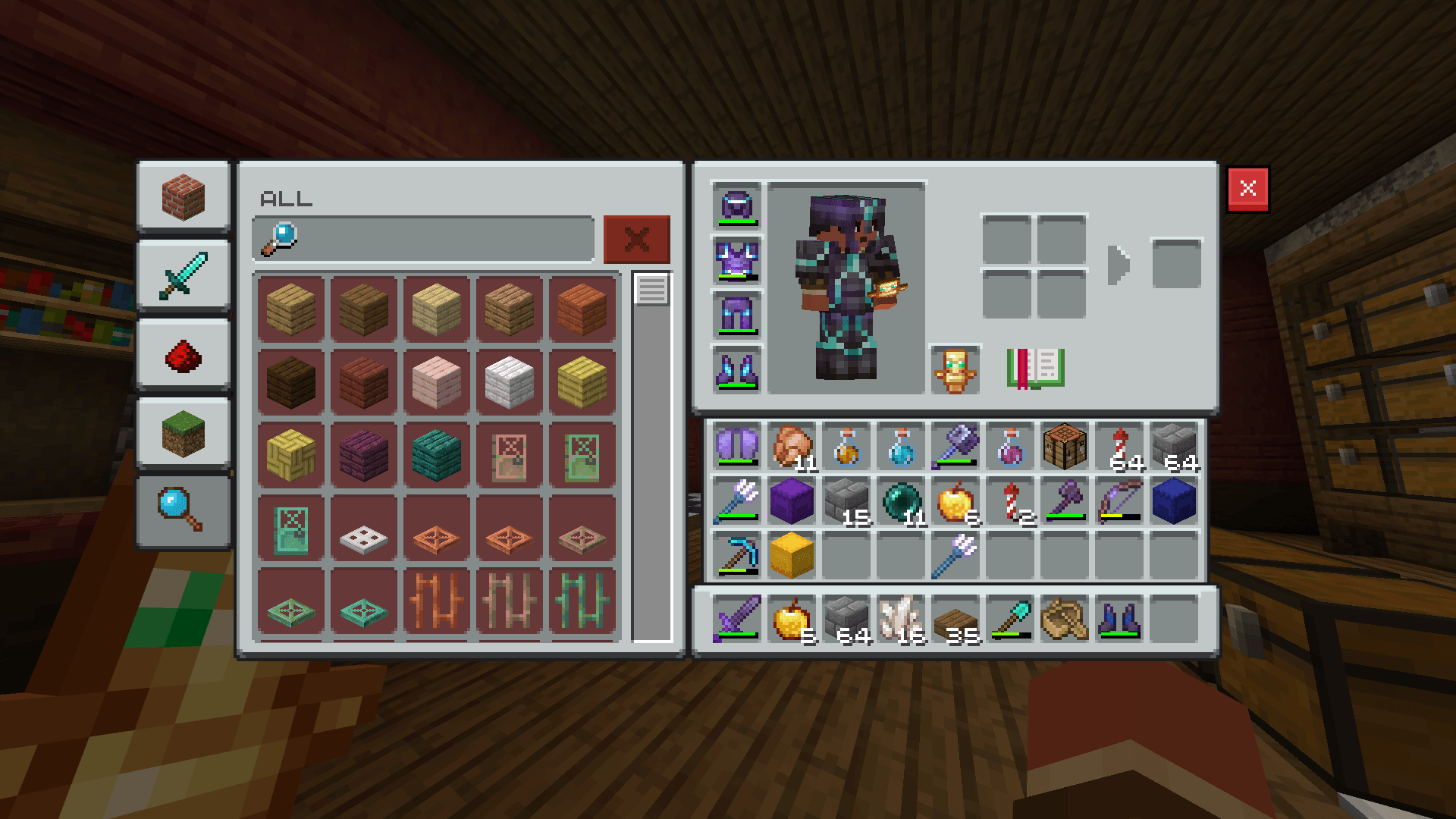
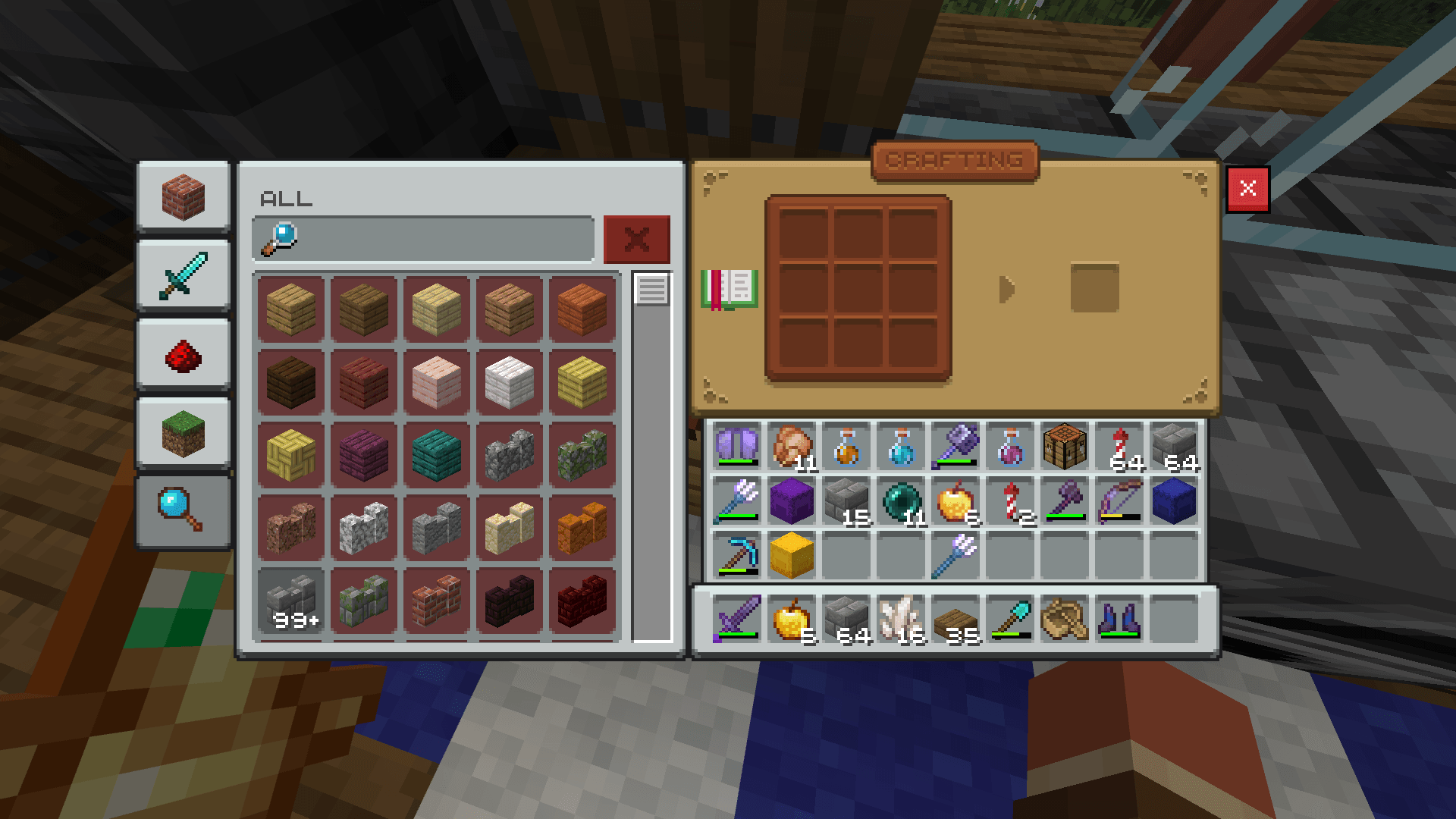
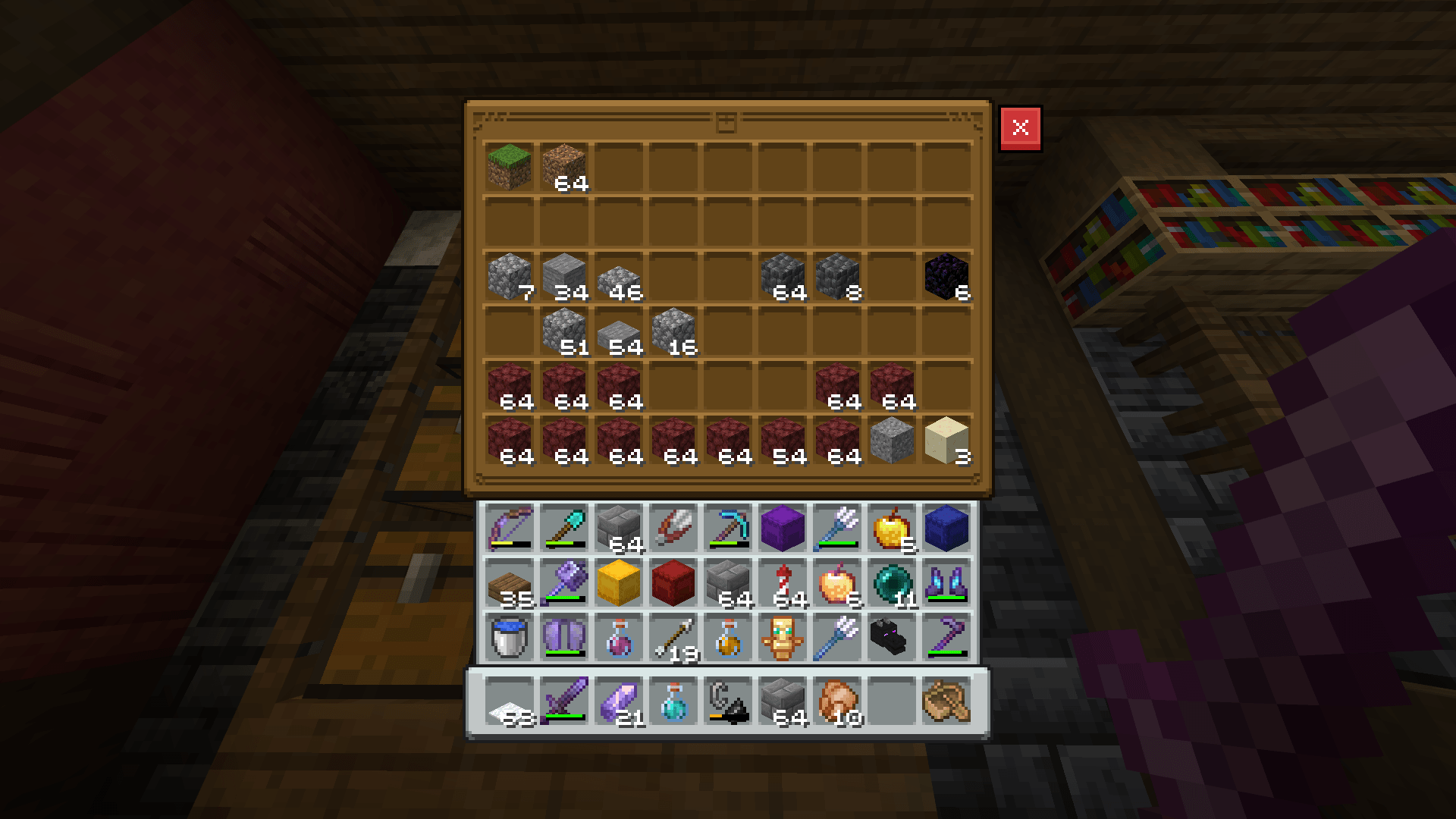
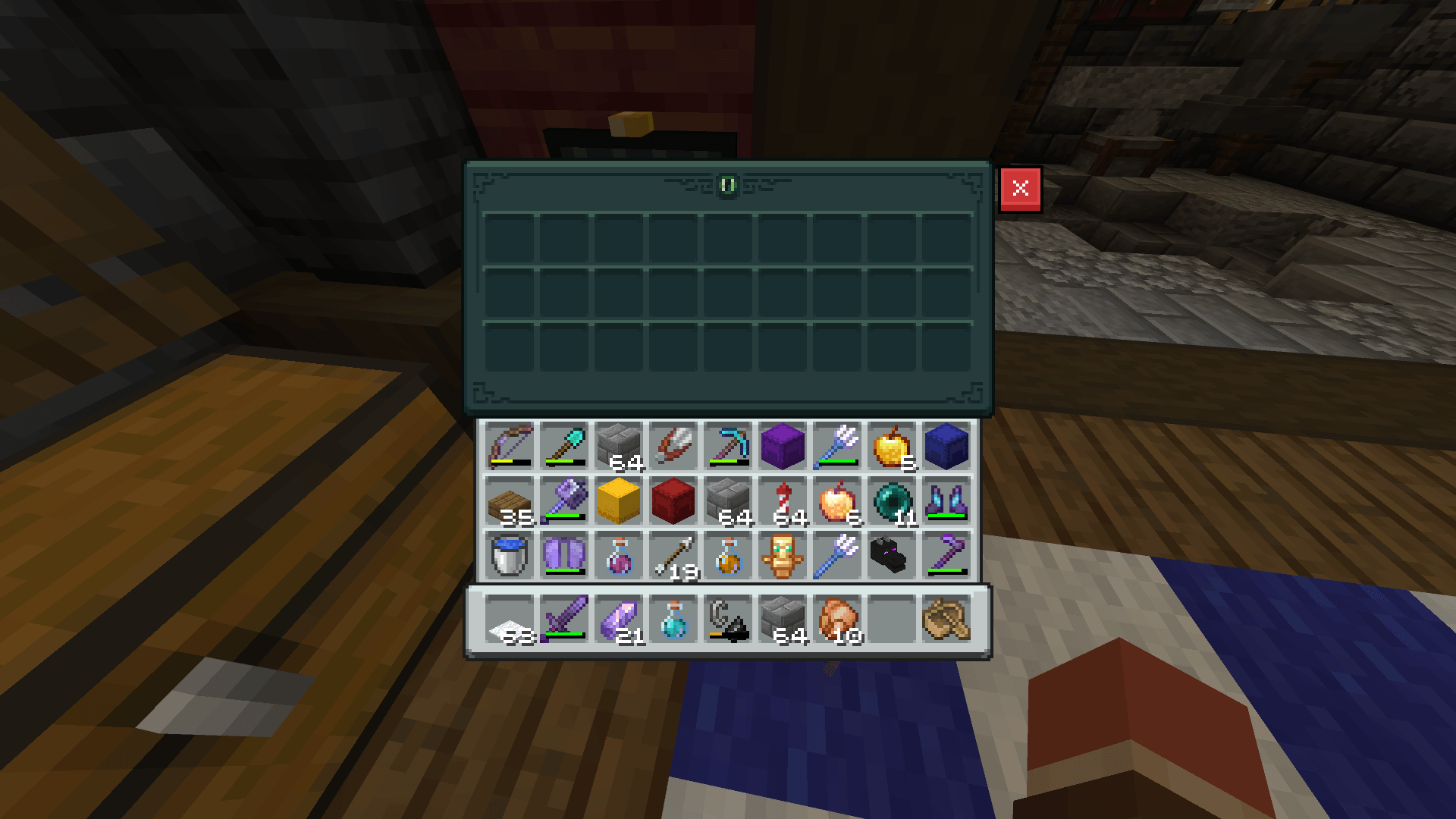
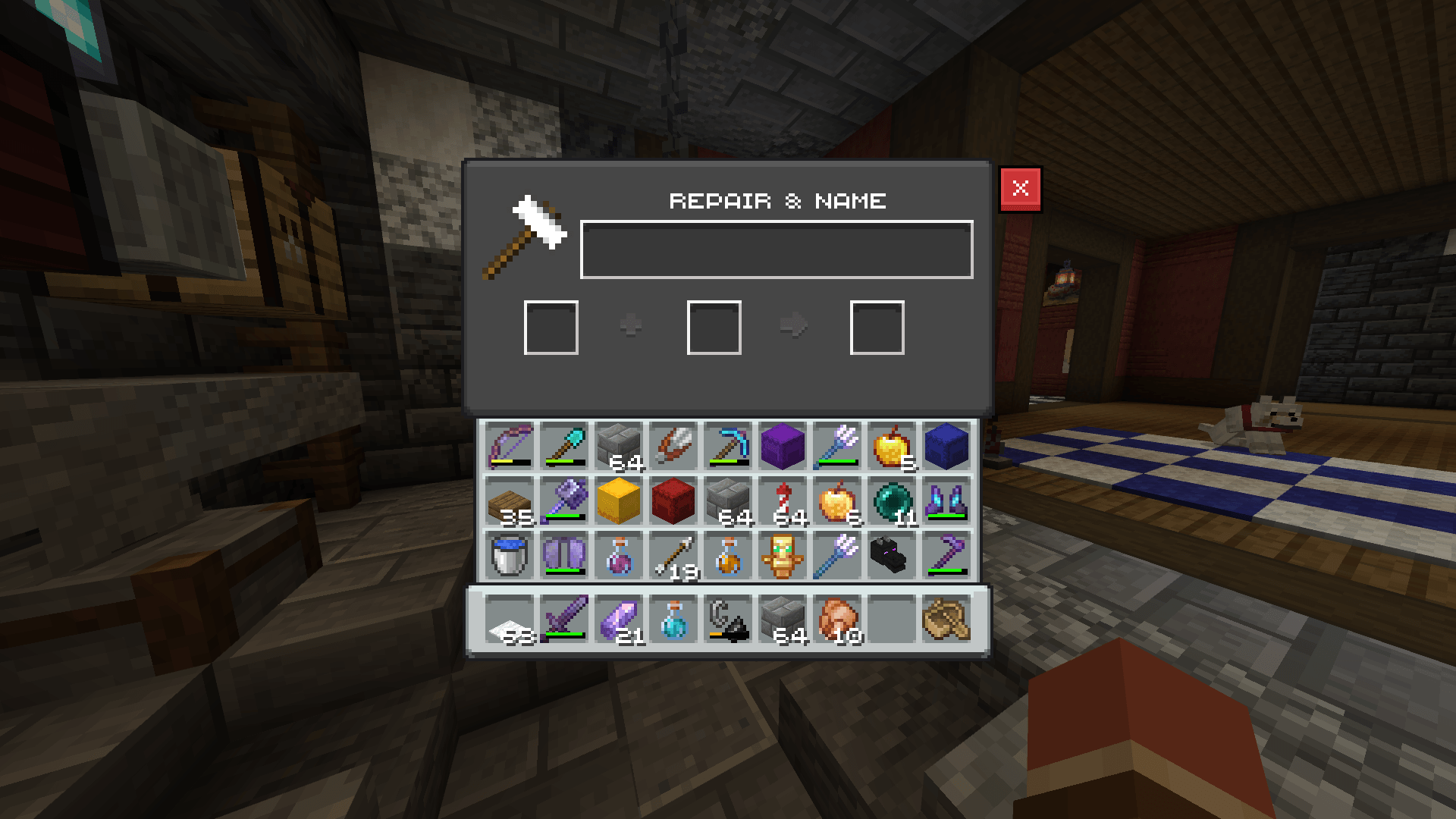
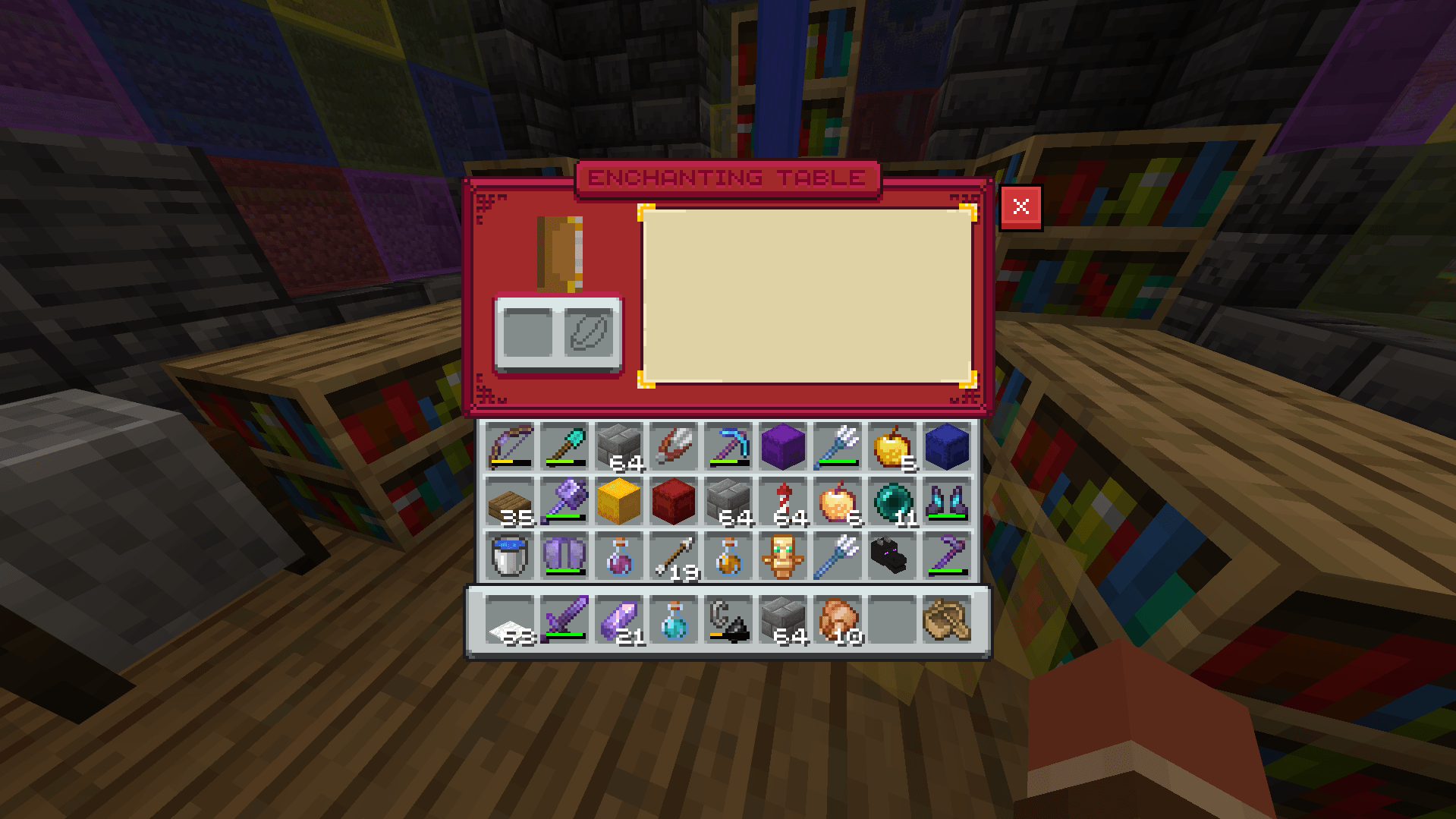
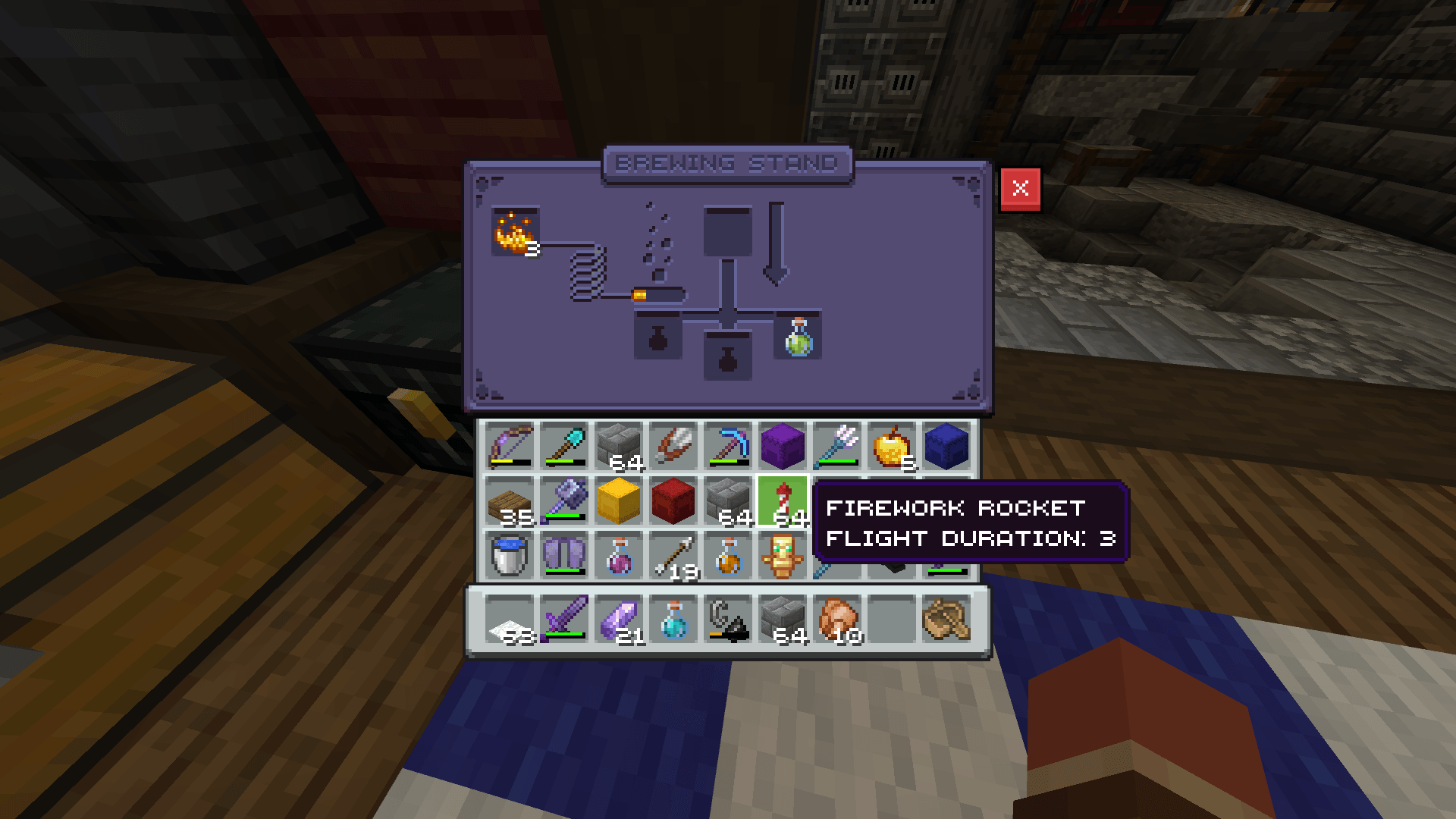
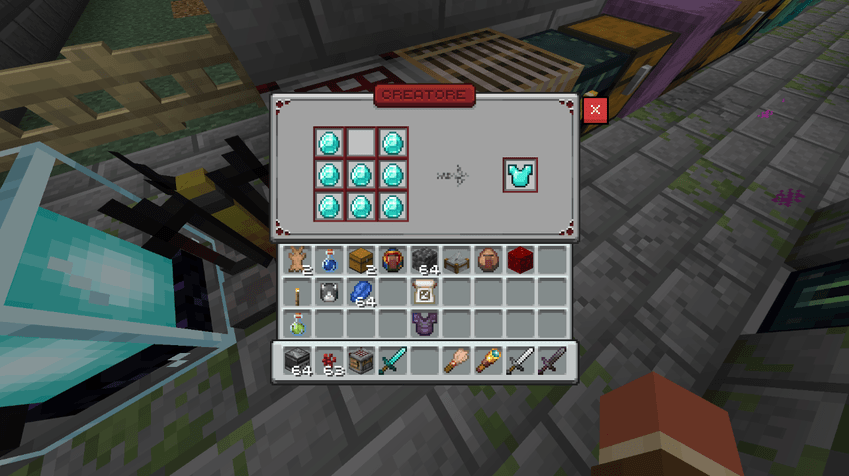
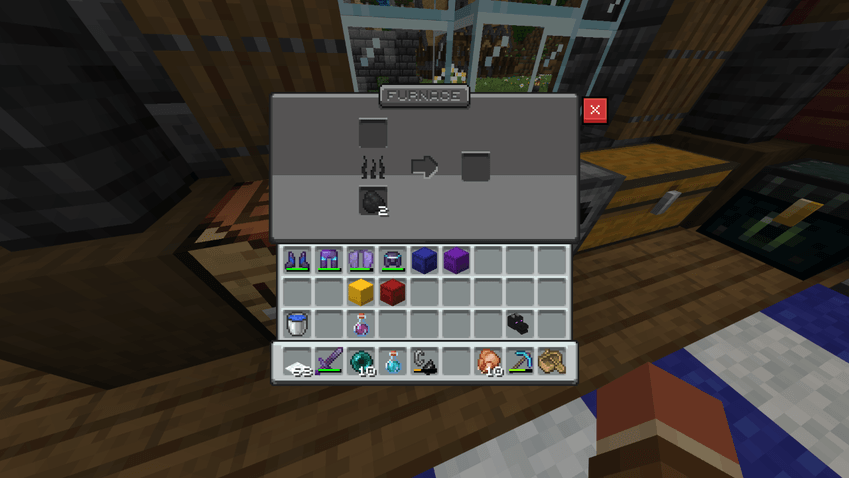
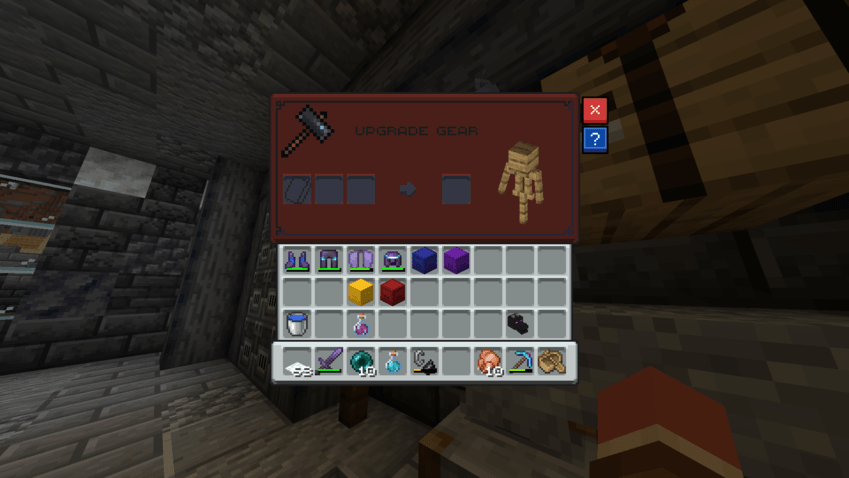
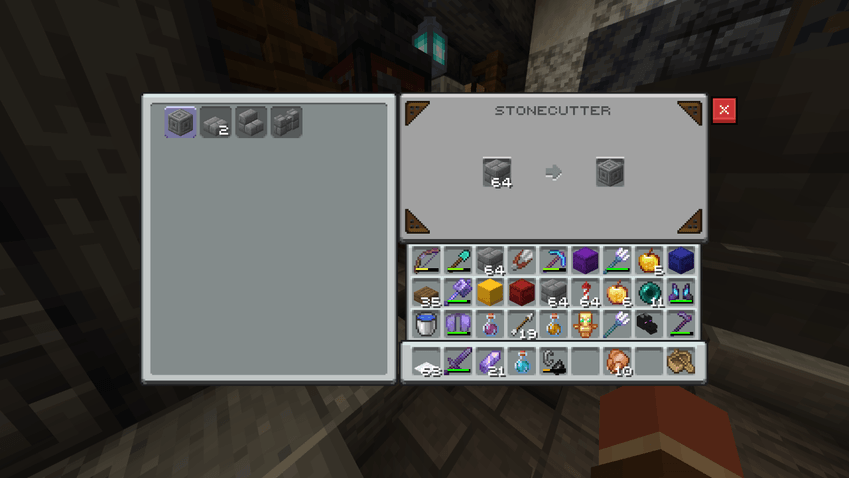
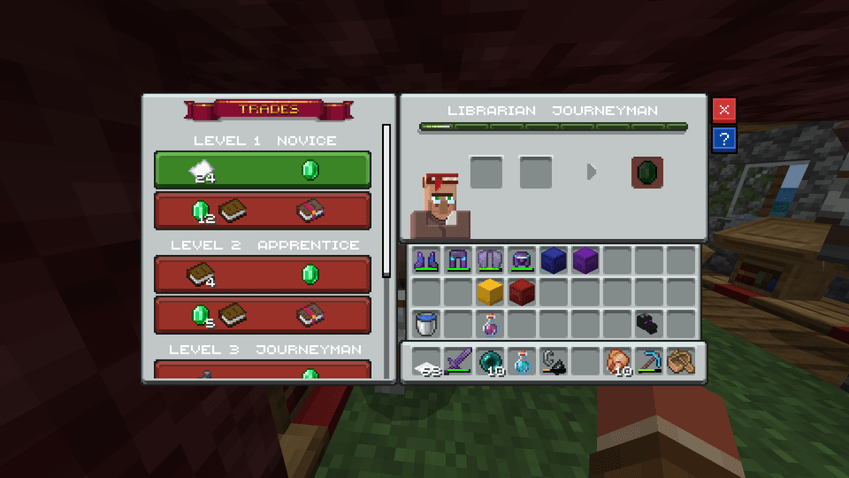
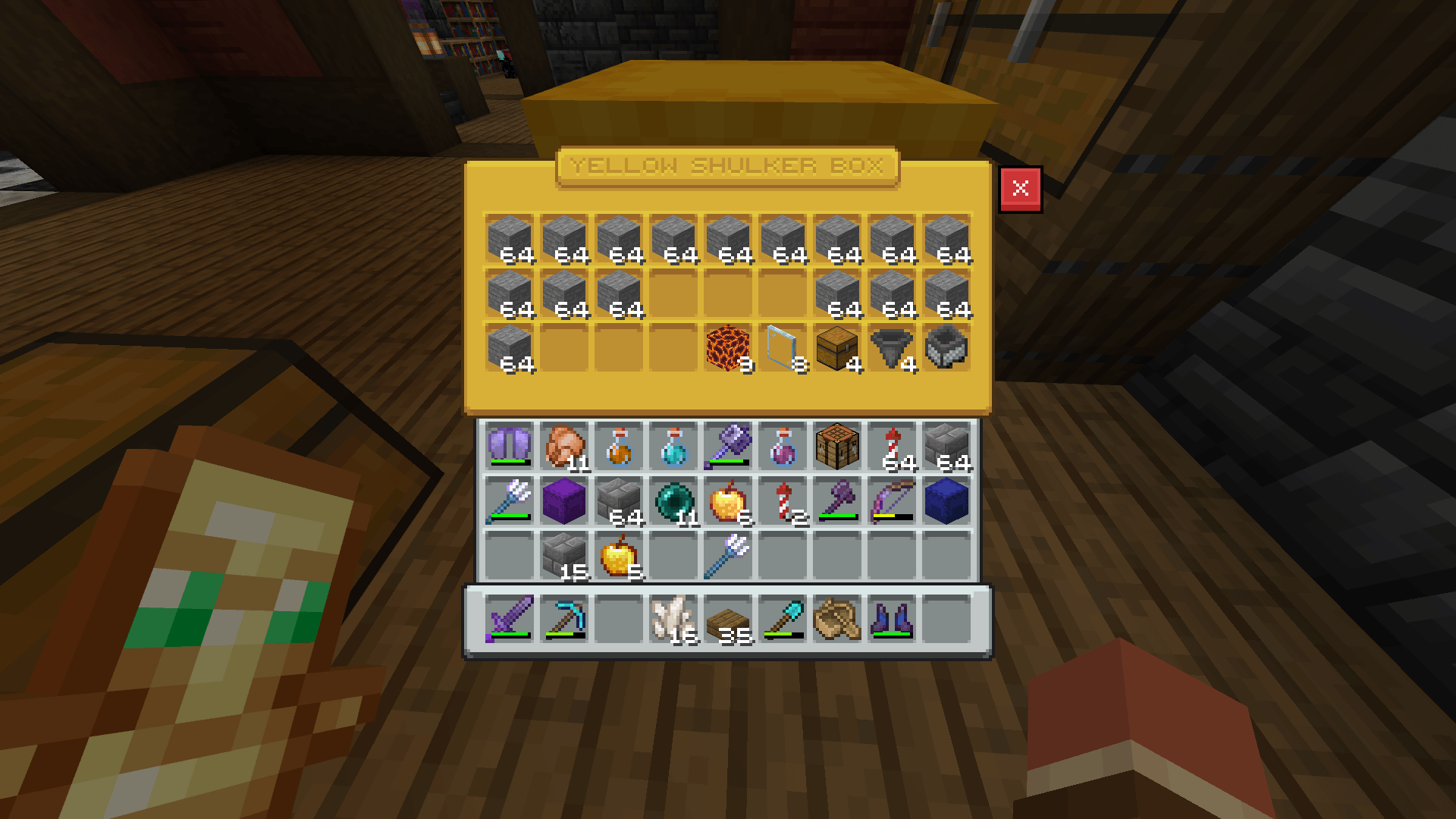
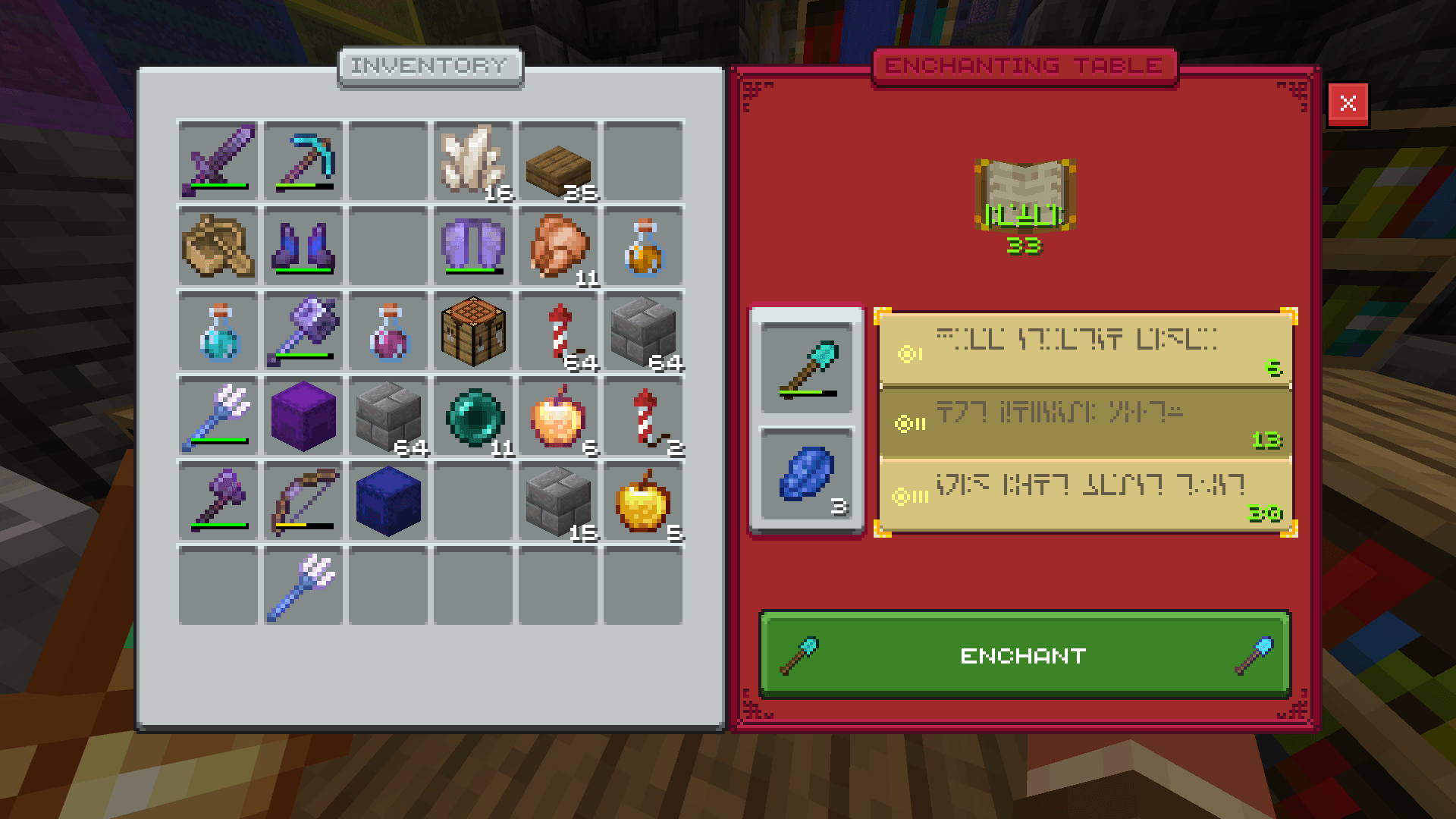
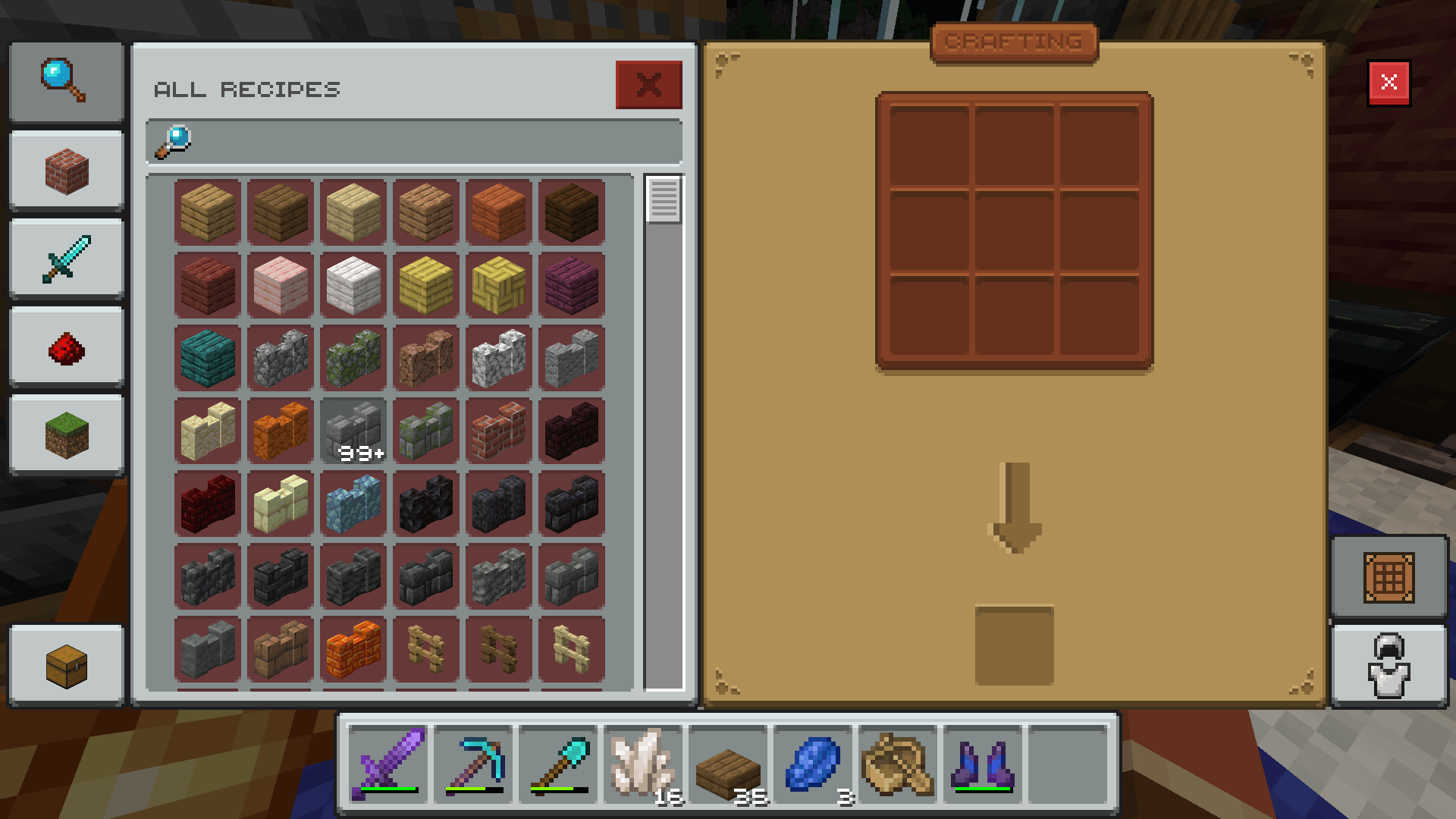
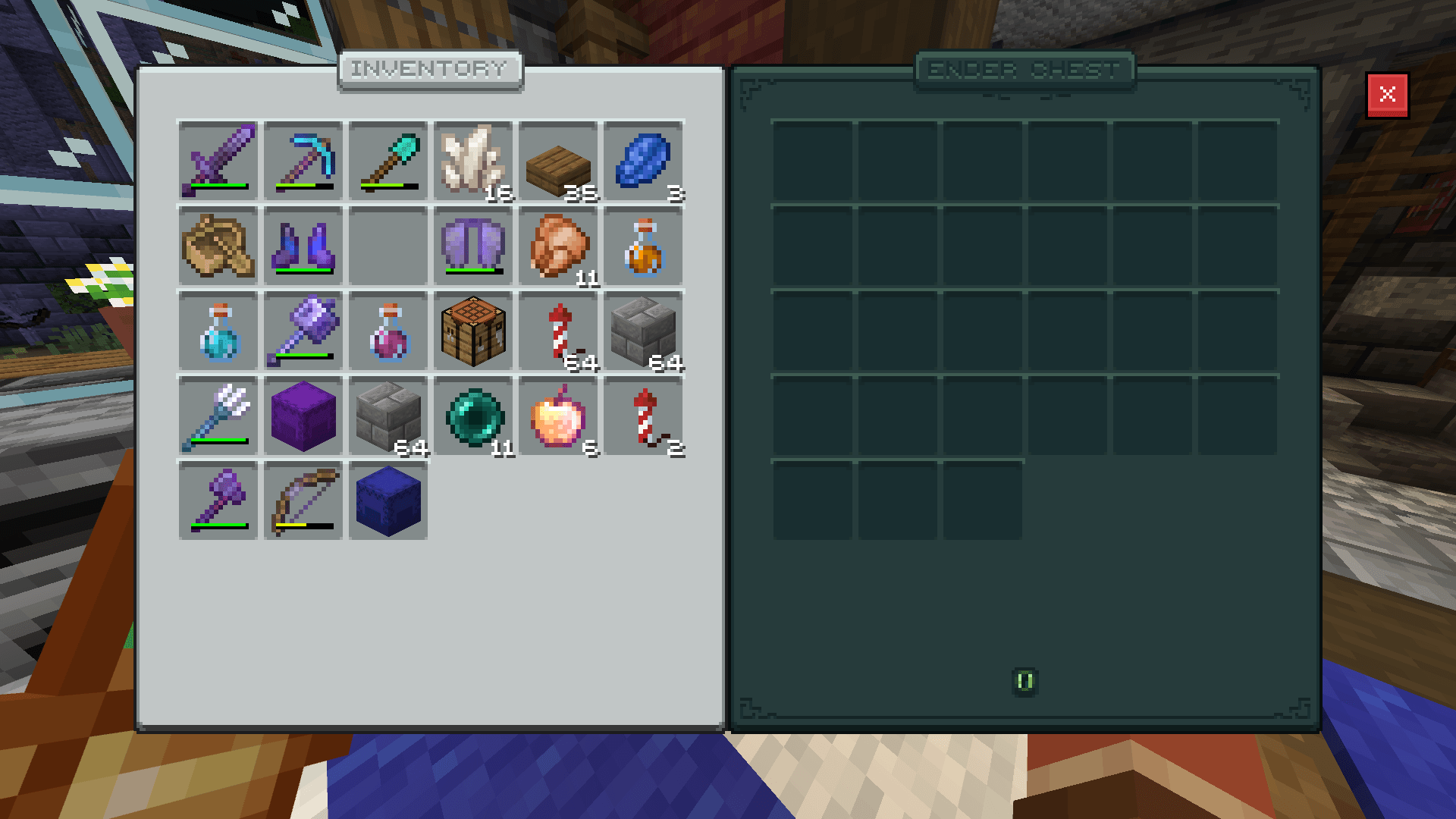
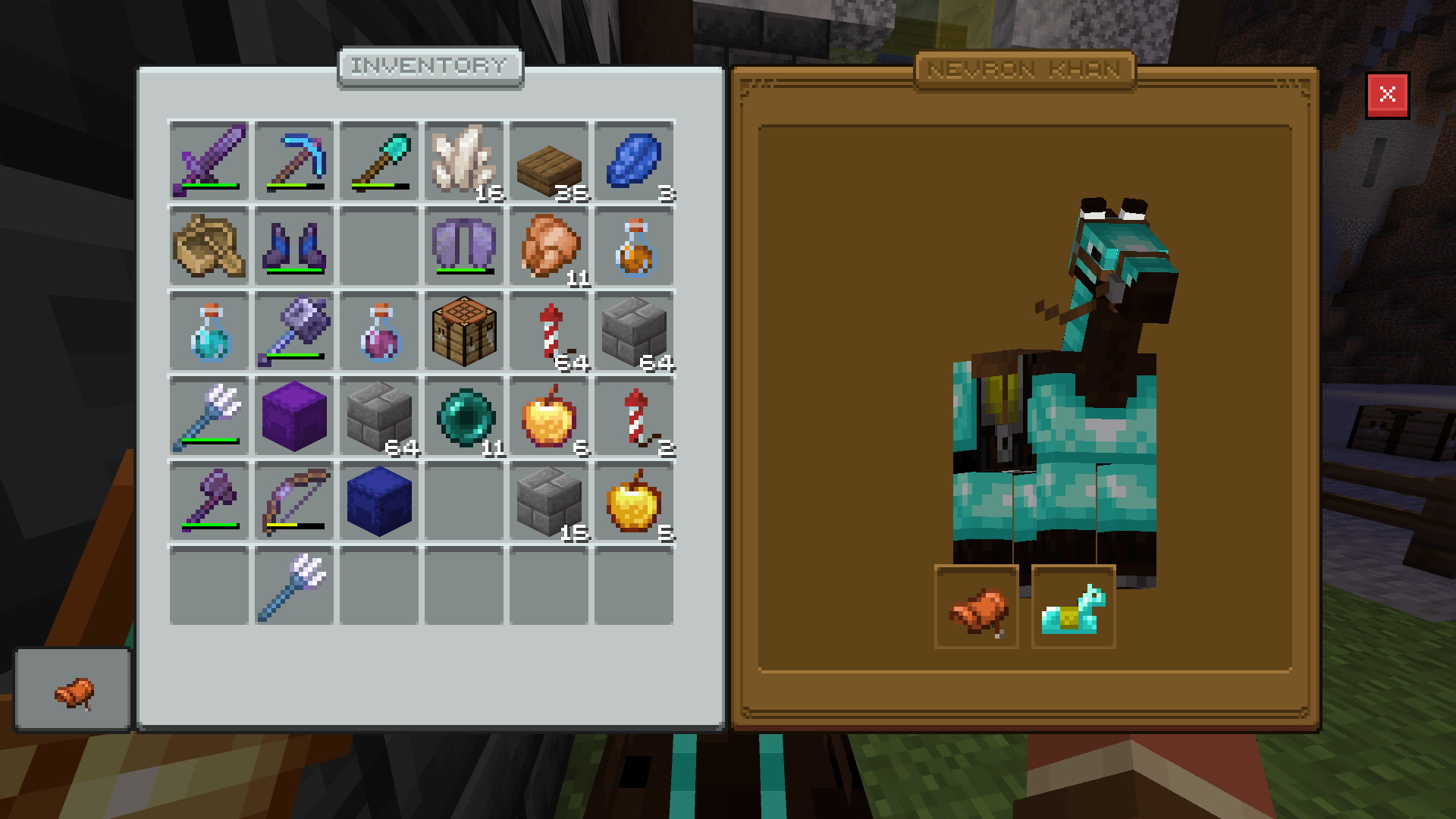
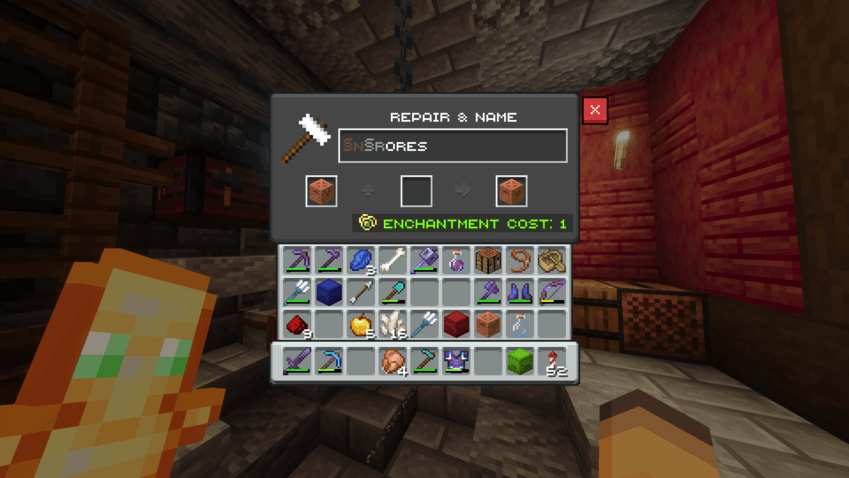
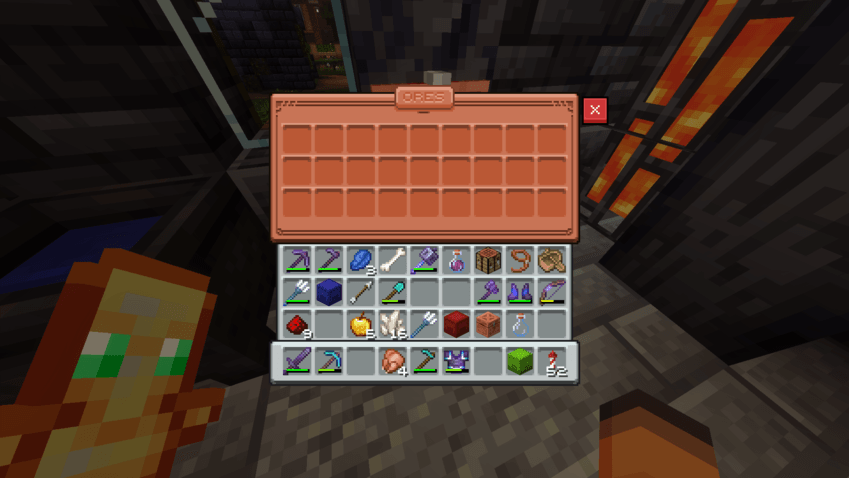
An unofficial Bedrock port of Vixel's GUI Revision with added features such as new unique screens, Pocket UI support, dynamic title backgrounds, and more…
Inspired by the leaked Bedrock Ore UI screens, this pack revamps all GUI screens to give them a new look.
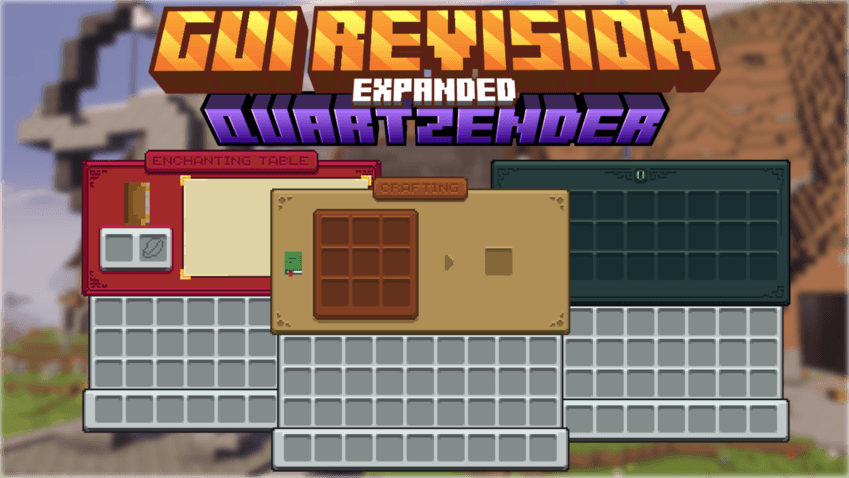
Already existing revamped screens:
- crafting table
- chest
- ender chest
- shulker box
Brand new revamped screens:
- enchanting table
- grindstone
- stonecutter
- dropper
- dispenser
- hopper
- crafter
- smithing table
- furnace
- blast furnace
- smoker
- brewing stand
- copper chest
- barrel
Extra features
- dark mode
- pocket UI support
- animated ender eye in the ender chest screen
- animated compass in the cartography table screen
- dynamic text backgrounds' sizes
- coloured shulker boxes based on their § prefix (see guide below)
Colouring shulker boxes
In order to colour shulker boxes, you can either rename them manually with the anvil or download a script to do that automatically. We'll first go the renaming method first. Add one of these prefixes to your shulker box's name. If you want to keep the default formatting, add §r after the prefix. For example, if you want to have a red shulker box display red, you'd have to rename it '§c§rShulker Box'. The text doesn't necessarily need to be 'Shulker Box', it just needs to start with one of the prefixes, otherwise it will display the default colour. Here is the full table. Some colours have multiple colour codes:
Black: §0 or §j
Blue: §9 or §1
Brown: §n
Cyan: §3 or §s
Grey: §8
Green: §2 or §q
Light Blue: §b
Light Grey: §7, §h or §i
Lime: §a
Magenta: §5
Orange: §p, §6 or §v
Pink: §d
Purple: §u
Red: §c, §4 or §m
White: §f
Yellow: §e or §g
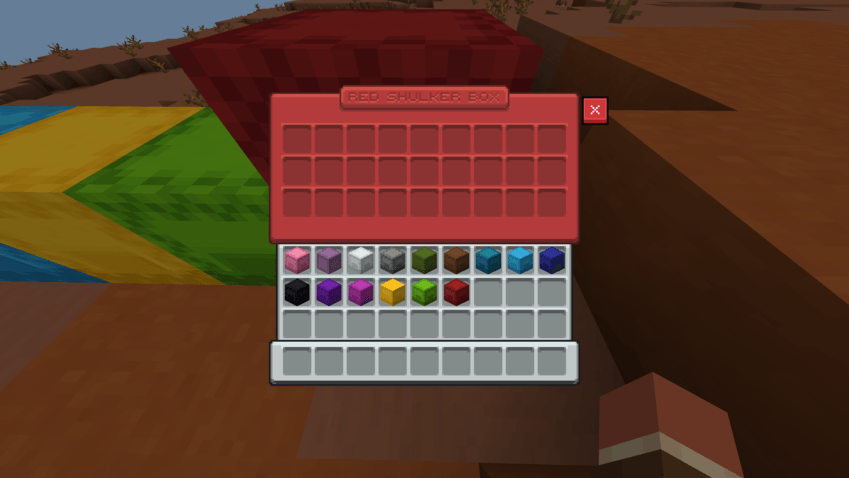
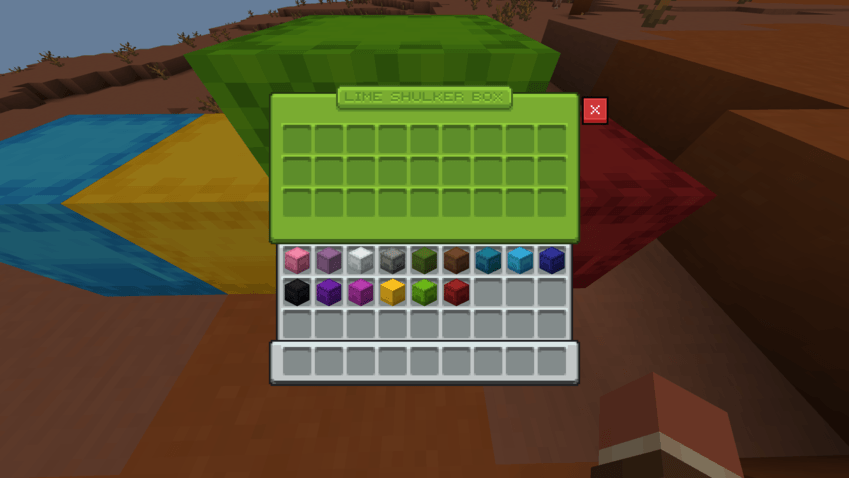
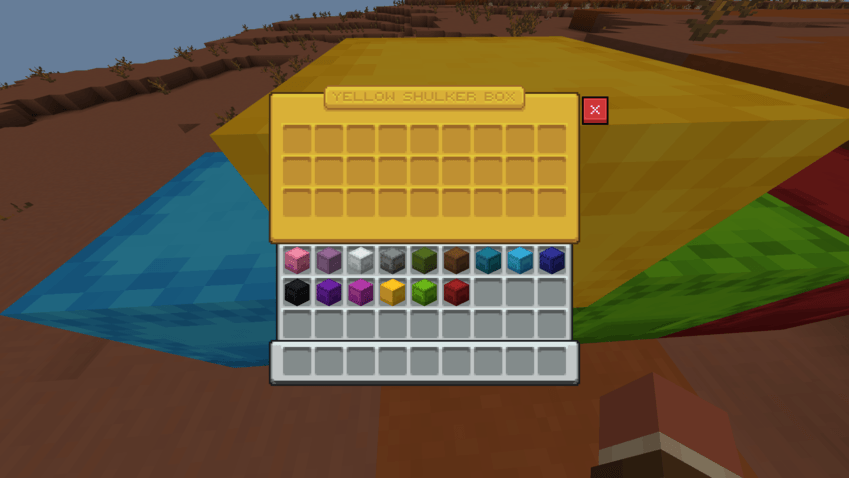
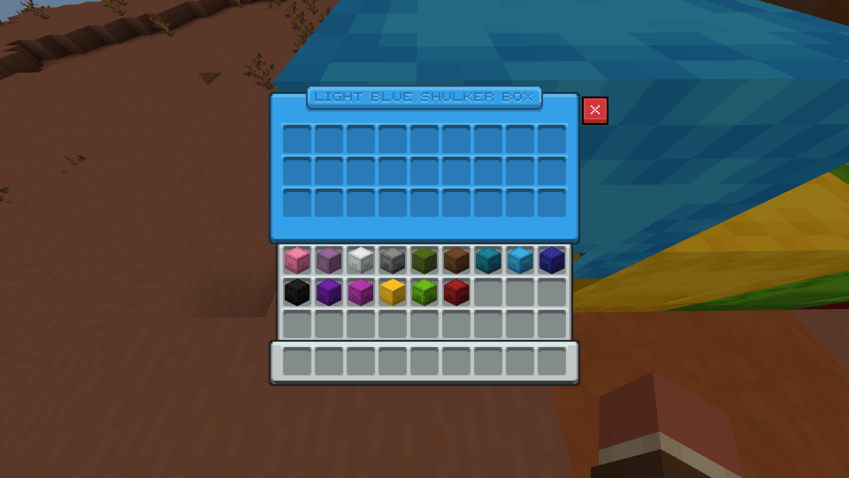
Alternatively, in order to automate this process you can use a script. One that I tested and therefore recommend is Redstone Chicken's Colourful Containers BE: Script
Preserving copper chests' theme in renamed containers
Again, due to our beloved Bedrock limitations, copper chests will lose their theme when renamed, becoming normal chests instead in the GUI. To prevent this, you can insert '§n§r' (although '§n' will work too, but the shadow will have some issues) as a prefix of the item name when you rename it in an anvil.
FAQ
Q) What versions does this resource pack support?
A) The latest version of GUI Revision Expanded, which as of now is 1.4.1, supports every Bedrock Edition version after 26.40, but support for older versions will be abandoned as the pack gets updated. You should always stay in the latest versions of Minecraft to ensure that it works. Older versions of the pack support older versions of Minecraft, with 1.21.130 being the oldest supported version by version 1.0 of the pack.
Q) Is it compatible with other resource packs/addons?
A) The pack is 100% compatible with other resource packs, however you might encounter minor issues by trying to combine it with another resource pack that alters the GUI. Update 1.2 and 1.2.1 improved compatibility with ItzRiyo157's Déesse UI specifically. Just make sure Déesse UI is BELOW GUI Revision Expanded.
Q) Does it support Pocket UI?
A) Yes. Every version equivalent or newer to 1.1 fully supports Pocket UI.
Q) I found a bug or I want a suggestion implemented. What should I do?
A) Report it here. If you don't have Github comments on the Curseforge page are valid too.
Q) I'm a resource pack creator (related to JSON UI) and I want to apply changes to my pack based on whether or not GUI Revision Expanded is active or not. How can I do it?
A) You can take advantage of the global variable '$is_gui_revision_expanded_pack', which is set to true, by linking the variable to properties of your controls, or apply changes with the 'requires' field for 'variables'.
Long term roadmap (no ETA and with no particular order):
- dedicated support for dimzcraft's Advanced Containers
Credits
The pack features elements from: