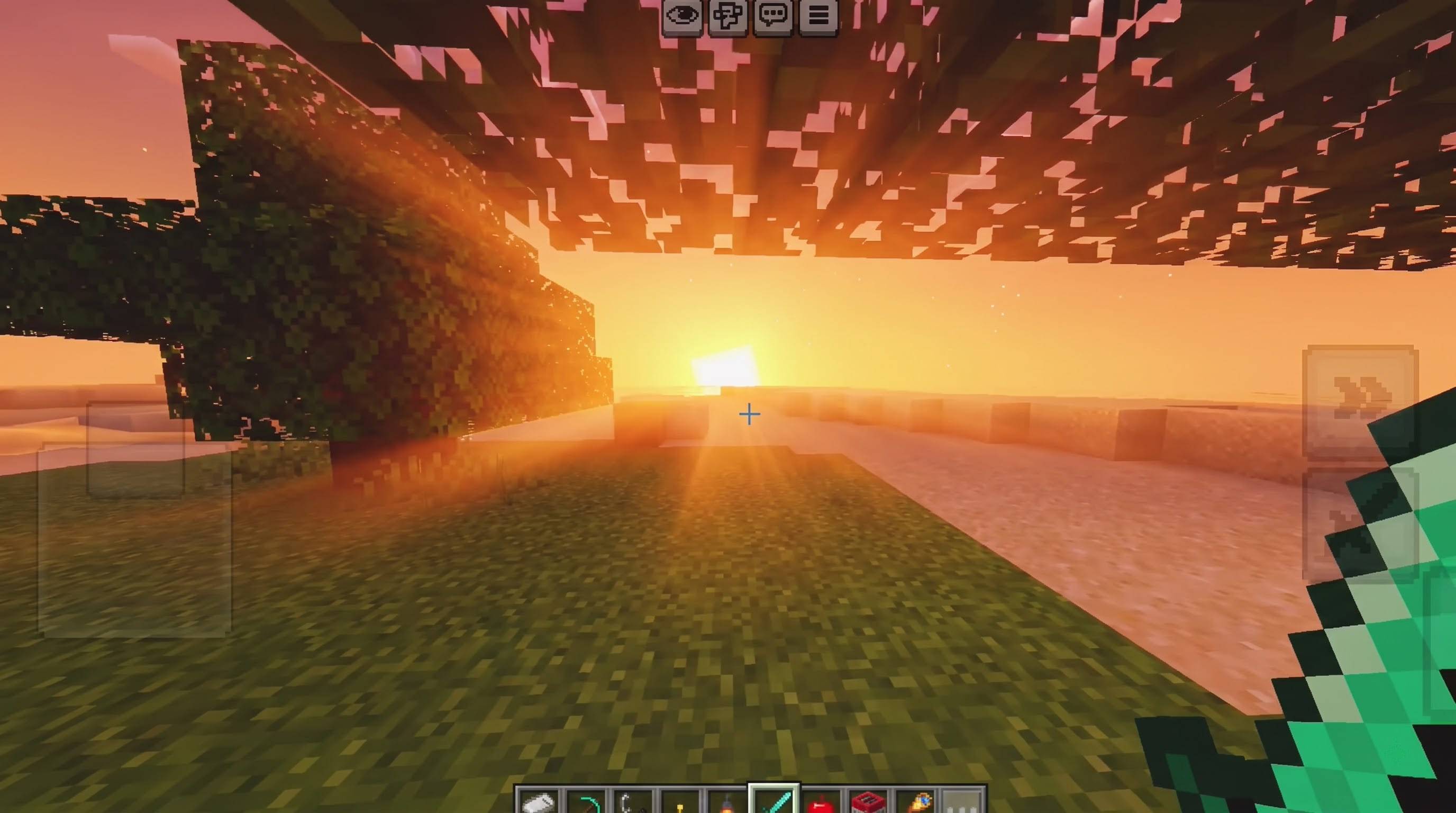
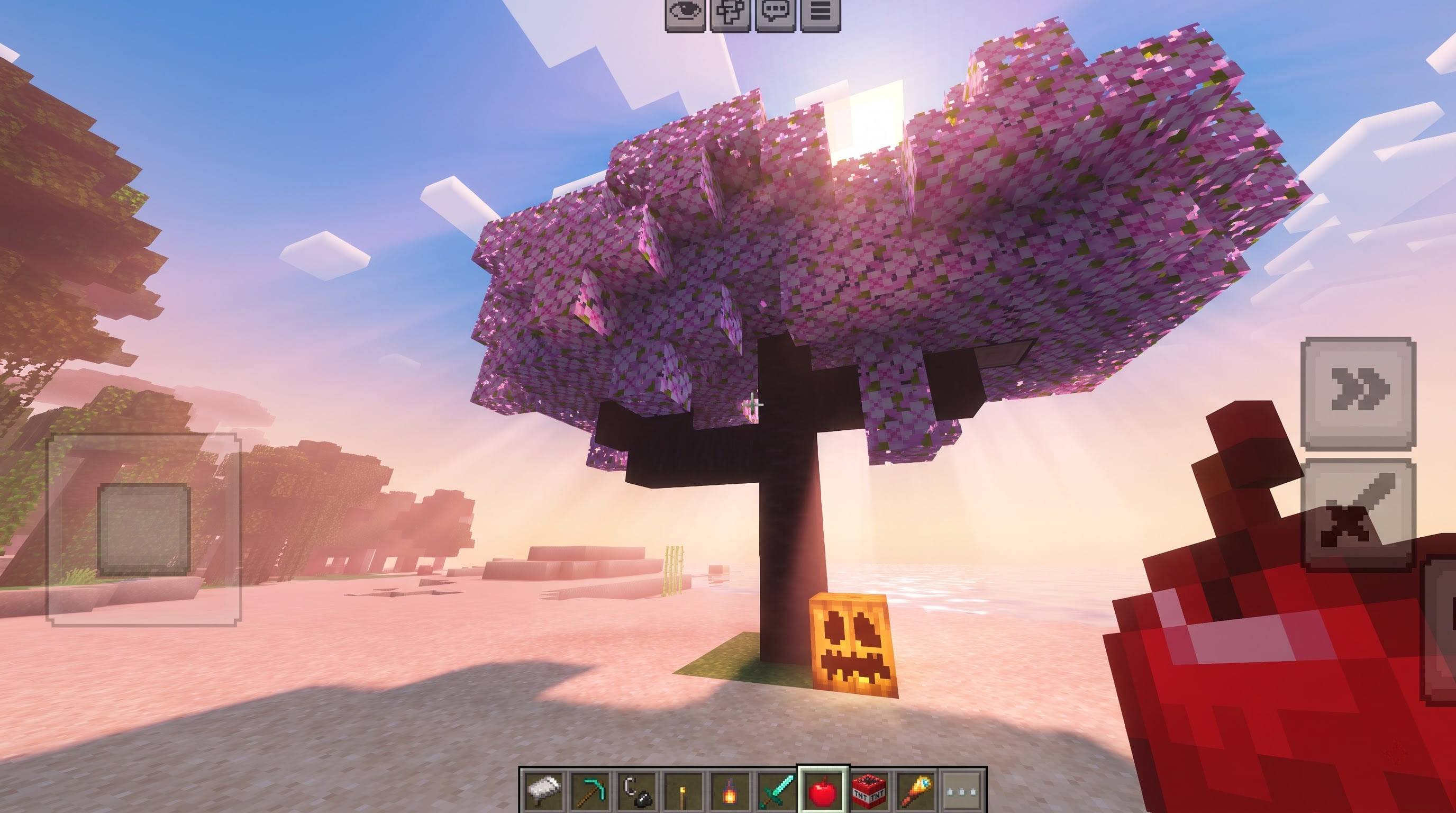
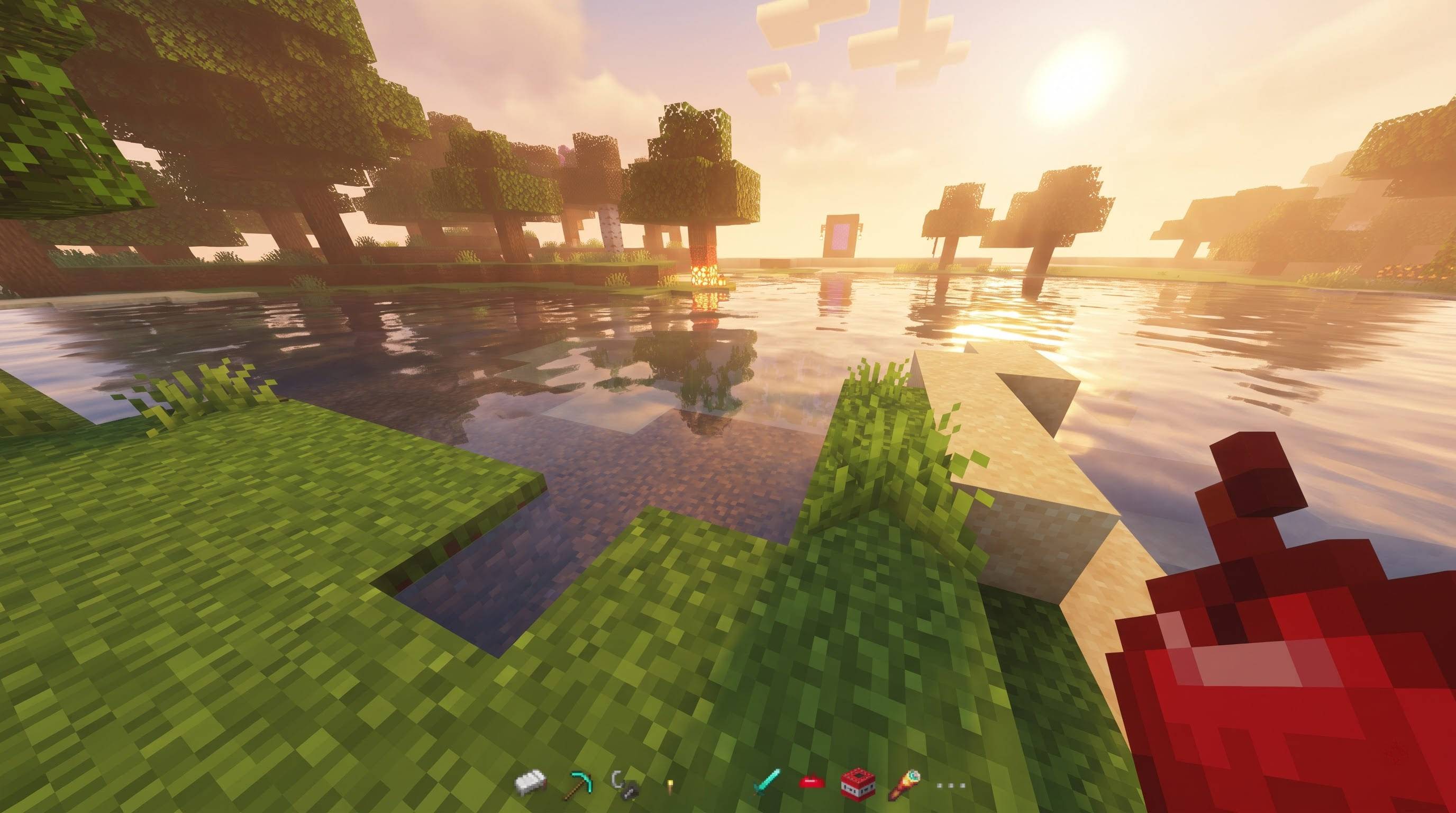
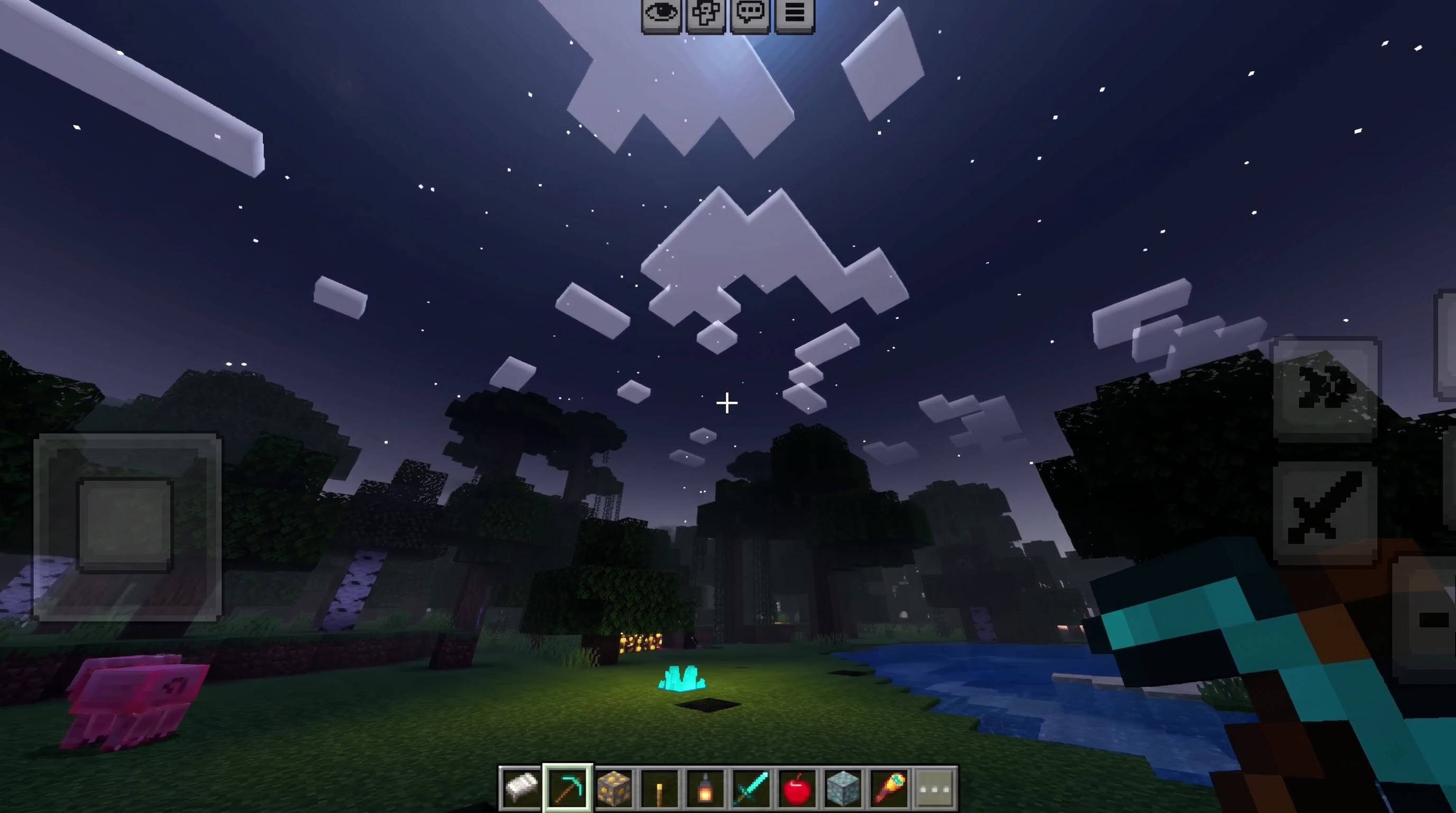
FIRST SHADER is a Vibrant Visuals pack for Minecraft Bedrock Edition that gives every biome its own colour of light. Instead of one uniform sky and one pale beam for the whole Overworld, you get sunlight that changes personality as you travel. Walk under a cherry grove and the sun rays glow soft rose pink. Step into a jungle and the shafts of light turn emerald green. Cross a desert and the air fills with burning amber. Every transition is smooth, because the game blends the settings as you move from one biome to the next.
The pack is built entirely from official data-driven files. It does not modify the game engine, it adds no behaviour pack, and it does not change gameplay. That makes it safe for survival worlds, realms and servers that allow resource packs, as long as the device supports Vibrant Visuals.
WHAT IT DOES Each of the eighteen biome groups receives three custom settings. First, a coloured volumetric fog definition, which is what paints the visible sun rays and light shafts in the biome's signature colour. Second, a tinted directional light, so the sun itself drifts towards that colour at sunrise and sunset while staying natural and nearly white at midday. Third, a colour grading profile, which adjusts temperature and saturation so that warm biomes feel warm, cold biomes feel crisp, and lush biomes feel vivid.
Covered biome groups include cherry grove, jungle, dark forest, forest and flower forest, birch forest, plains, meadow, desert, badlands, savanna, beach, all ocean variants, swamp and mangrove swamp, taiga, snowy plains, mountains, mushroom island and pale garden. In total about forty biome identifiers are handled. Any biome not listed keeps the vanilla look, and a neutral global default is included for everything else.
THREE STRENGTHS Because every device and every taste is different, the pack is released in three versions. Soft keeps the rays gentle and subtle. Standard is the recommended balance. Strong makes the shafts bold and dramatic, which is great for screenshots and videos. You can install more than one, but only activate one at a time.
HOW TO INSTALL Open the downloaded mcpack file and Minecraft imports it automatically. Go to Settings, then Global Resources, and activate FIRST SHADER. Then open Settings, Video, Graphics and switch on Vibrant Visuals. Without Vibrant Visuals the pack has nothing to change, so this step is essential. Rays are most visible at sunrise and sunset, near shorelines, under tree canopies and when the sun is low in the sky.
REQUIREMENTS Minecraft Bedrock Edition 1.21.90 or newer, and a device that supports Vibrant Visuals. Weaker devices may not offer the option at all, and the pack cannot add it.
PERFORMANCE The pack contains only small configuration files, so it adds no texture memory. Any performance cost comes from Vibrant Visuals itself. If your frame rate drops, lower your render distance first.
IMPORTANT NOTES This pack changes colour, light and atmosphere using the settings Mojang exposes to creators. It does not replace the rendering engine, so it cannot add features Vibrant Visuals does not have. Other packs that also customise Vibrant Visuals lighting or fog may conflict, so keep this pack above them in the list or disable them.
All names, colours and files are original work. No assets were copied from any other pack.
CREDITS Creator and author: UDGAMER. Rendering framework: Mojang's official Vibrant Visuals system. Minecraft is a trademark of Mojang AB and Microsoft. This is an unofficial community pack and is not affiliated with or endorsed by Mojang or Microsoft.
4. Tags
shader, vibrant visuals, sun rays, god rays, volumetric, biome, lighting, colour grading, atmosphere, bedrock, UDGAMER
5. Version / Compatibility
Version 1.0.1 | Minecraft Bedrock 1.21.90+ | Needs Vibrant Visuals ON
6.Credits
- Creator / Author: UDGAMER
- Rendering framework: Mojang's Vibrant Visuals (official data-driven system)
- Minecraft is a trademark of Mojang AB / Microsoft. Unofficial community pack, not affiliated with Mojang or Microsoft.
- All names, colours and configuration files are original.
7. Install and troubleshooting
- Do NOT unzip the file. Just open the
.mcpack file and Minecraft imports it.
- Settings > Global Resources > Activate FIRST SHADER (only one version at a time).
- Settings > Video > Graphics > turn ON Vibrant Visuals.
- If it still looks wrong: turn off every other resource pack, switch to Soft, restart the game, and test at sunset near a beach or under trees.
- If you extracted the files manually, the folder that contains
manifest.json directly must sit inside resource_packs. A folder inside another folder will not load.