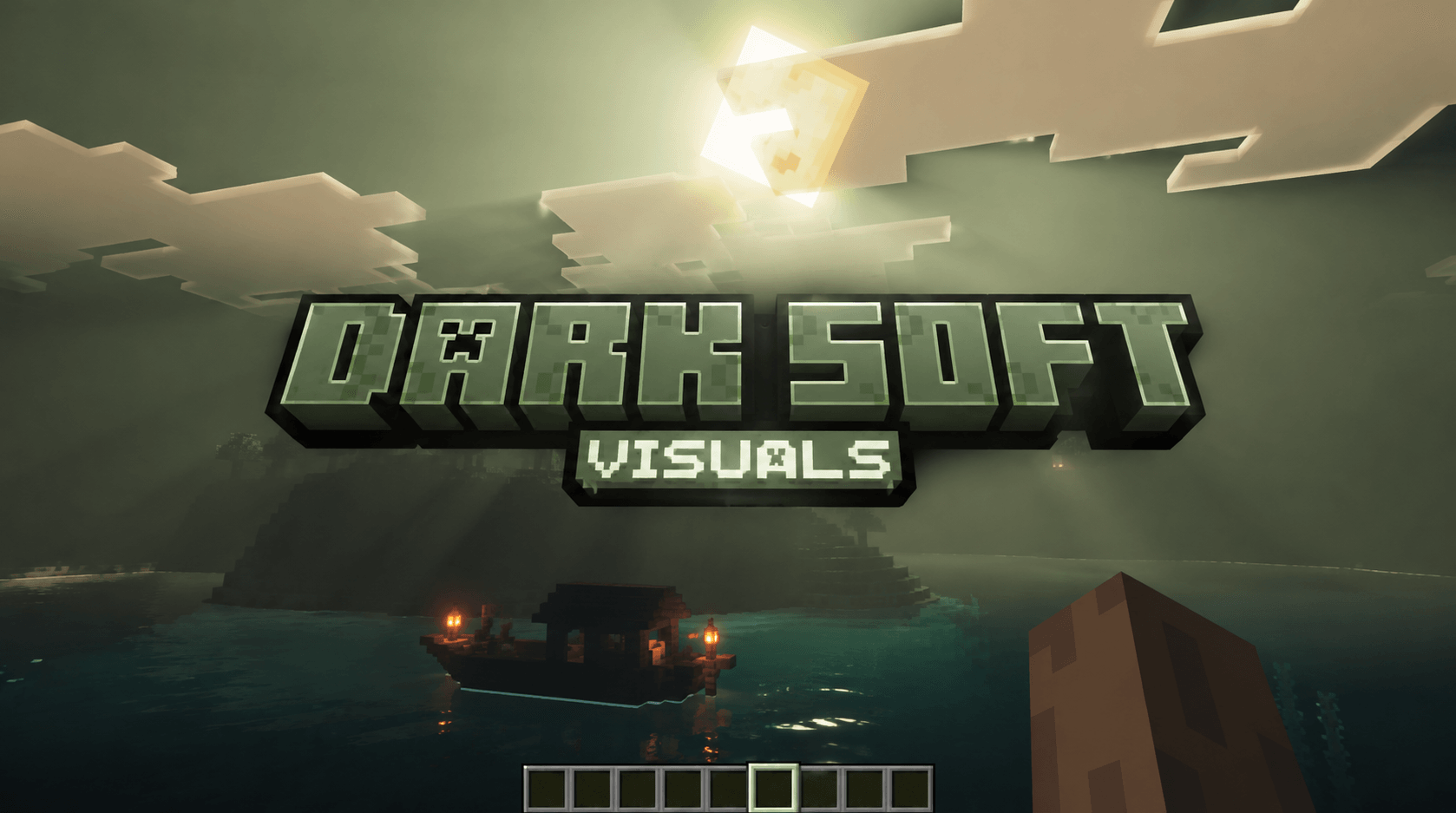
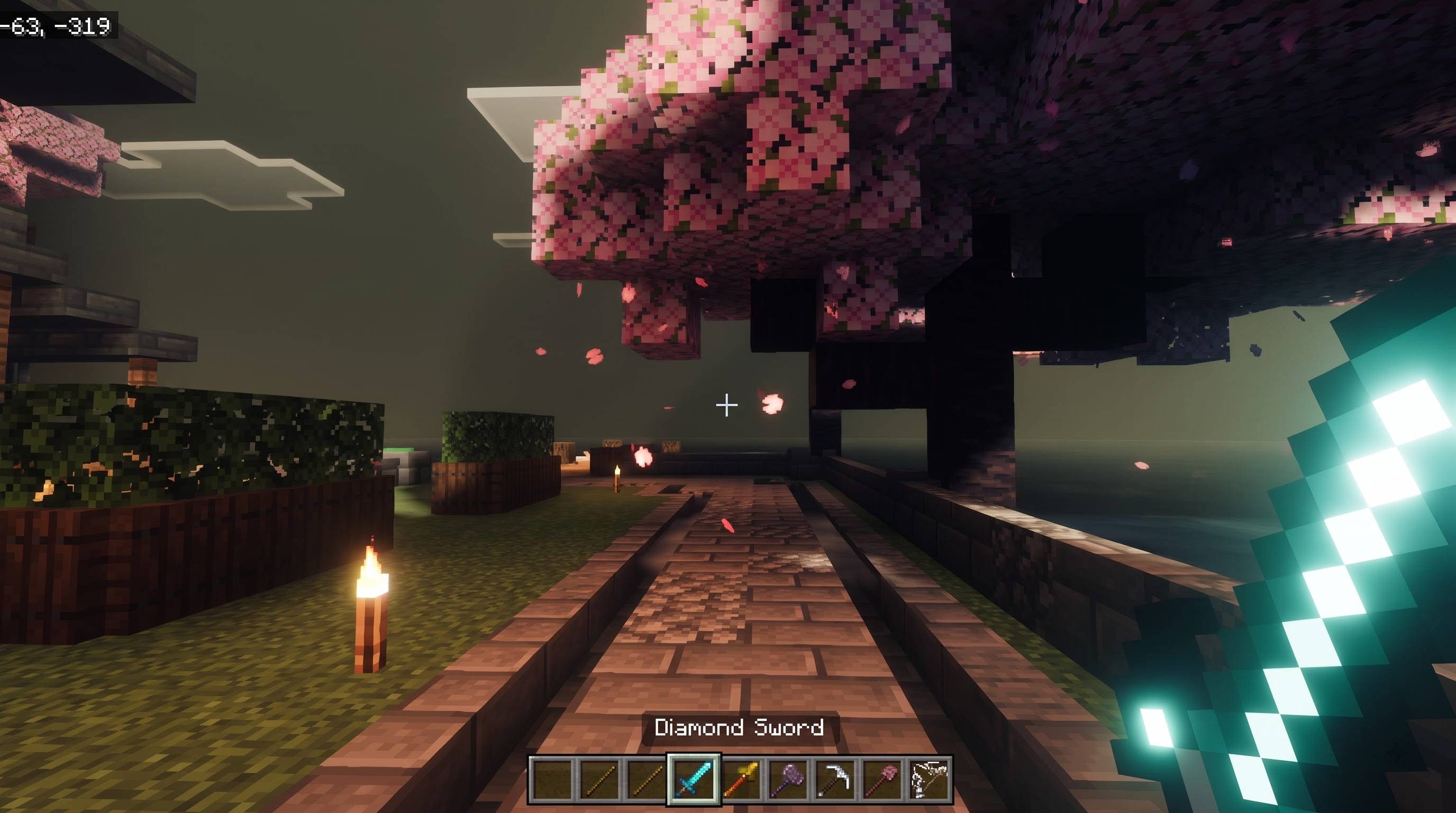
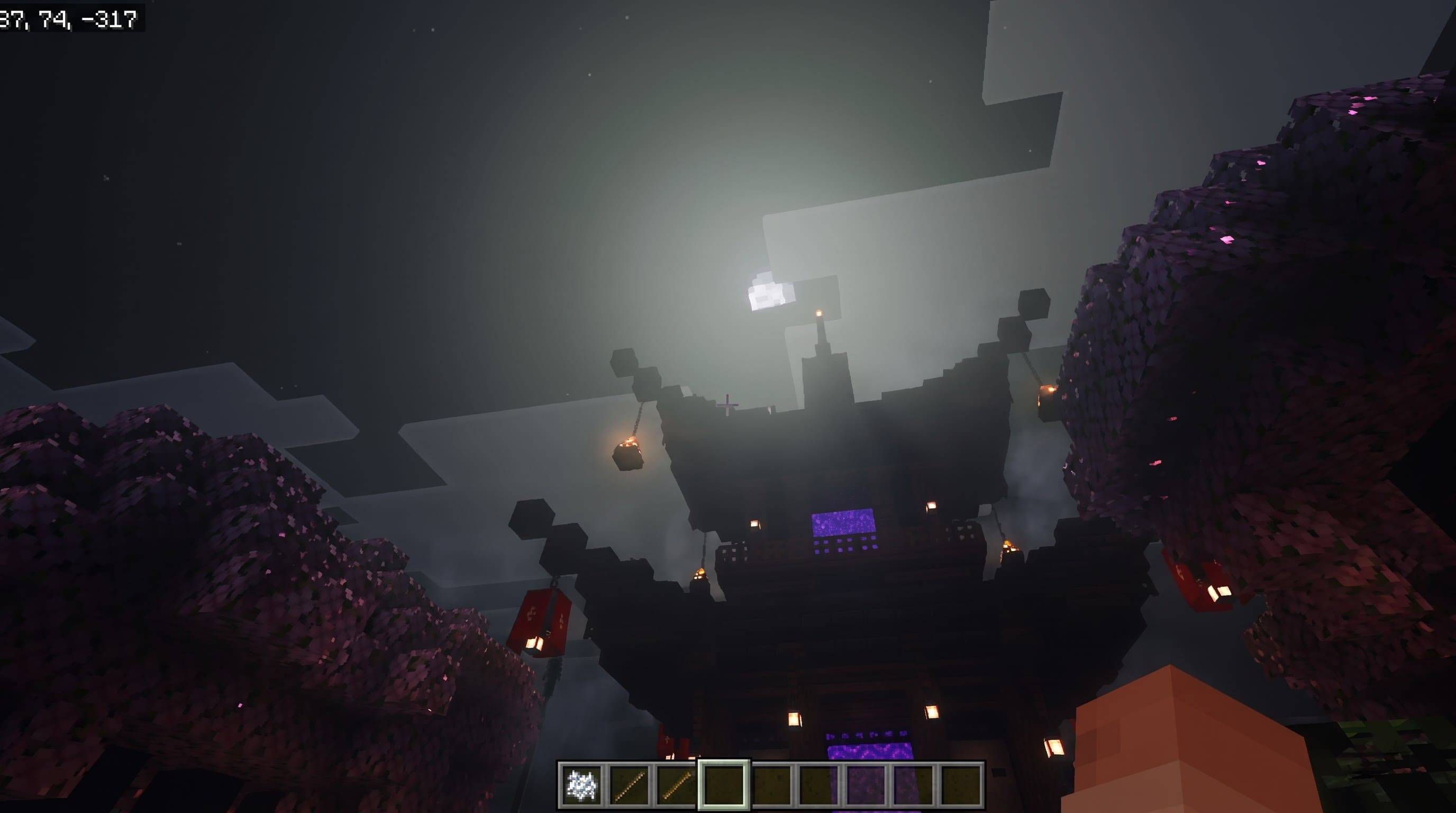
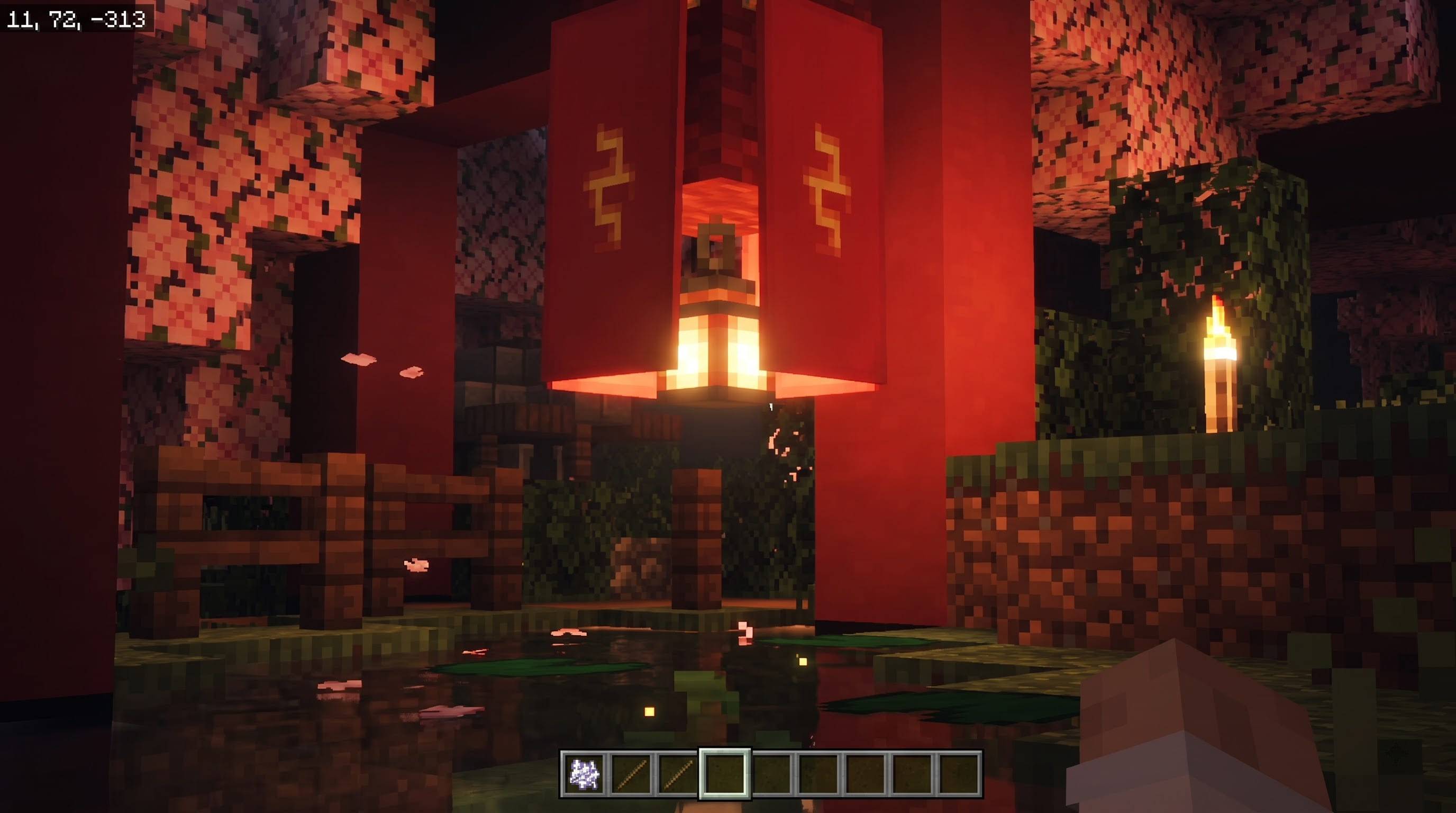
DARK SOFT VISUALS is a moody, cinematic Vibrant Visuals pack for Minecraft Bedrock Edition. It turns the bright, flat default look into a darker, hazier world where light has weight. Shadows sink deeper, the air carries a soft volumetric haze, and every torch, lantern and glowing block feels like a real light source in the dark. Walk through a cherry grove at dusk and the sun rays glow rose pink. Enter a jungle and the shafts turn emerald. Cross a desert and the haze burns amber. The colour changes smoothly as you move from biome to biome.
The pack is made entirely from official data-driven files. It adds no behaviour pack, changes no gameplay and does not modify the game engine, so it is suitable for survival worlds and servers that allow resource packs, provided the device supports Vibrant Visuals.
THE LOOK Darkness comes first. Ambient light and sky contribution are lowered, shadow tones are deepened and contrast is raised, so caves, forests at night and rainy jungles feel genuinely dark instead of washed out. On top of that sits a soft haze. Sun and moon light scatter through thick, coloured volumetric fog, producing wide, gentle god rays and a glowing halo around the sun.
COLOURED LIGHT AND GLOW Torches glow warm gold, lanterns glow amber, soul torches and soul lanterns glow cyan, redstone torches glow red, and end rods glow pale violet. Glowstone, shroomlight, lava, magma, campfires, jack o'lanterns, froglights, crying obsidian and sea lanterns also receive their own coloured light. Torches, lanterns, candles and end rods use dynamic point lights, which cast soft highlights and shadows.
Held items and tools receive a gentle self-lit glow through fallback material values, so a diamond sword or a pickaxe stays readable and bright in a dark cave. Particles such as cherry petals, sparks and magic effects are set to glow as well. This glow is a uniform effect, not hand-painted per item, and any item or block that already has its own material data from another pack keeps that data.
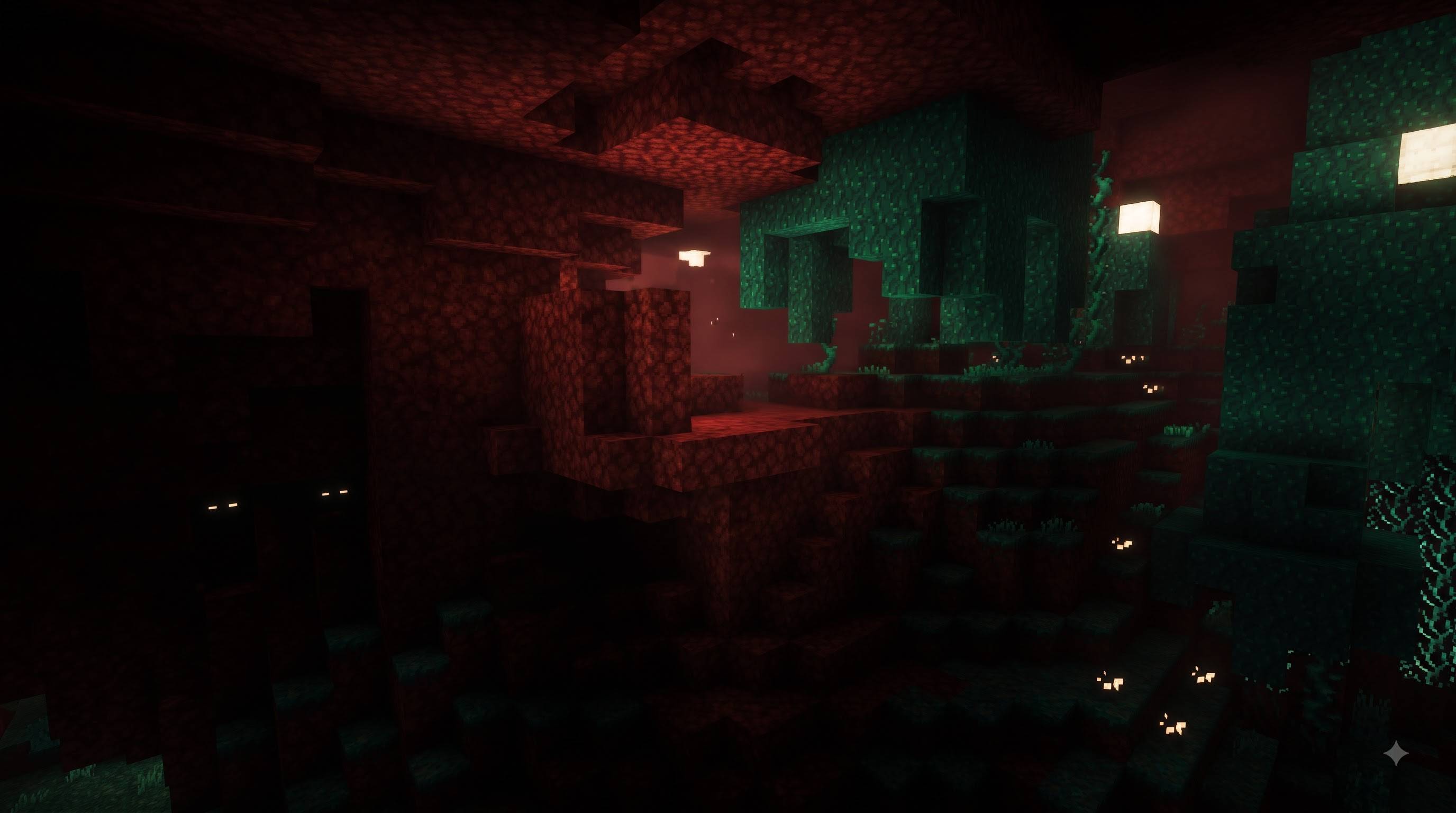
EVERY DIMENSION Eighteen Overworld biome groups, covering about forty biomes, have their own sun colour, fog colour and colour grading. The Nether has separate moods for nether wastes in ember red, crimson forests in blood red, warped forests in teal, soul sand valleys in cold blue and basalt deltas in ash violet. The End receives a deep violet haze and brighter violet lightning flashes. Biomes that are not listed keep the vanilla look with a neutral dark default applied.
THREE STRENGTHS Soft keeps the haze light. Standard is the recommended balance. Strong gives dense, dramatic fog and bold rays, ideal for screenshots. Install any of them, but activate only one at a time.
HOW TO INSTALL Open the mcpack file and Minecraft imports it. Go to Settings, Global Resources and activate DARK SOFT VISUALS. Then open Settings, Video, Graphics and turn on Vibrant Visuals. Without Vibrant Visuals nothing changes. Rays are clearest at sunrise, sunset, under tree canopies and near water.
REQUIREMENTS Minecraft Bedrock Edition 1.21.120 or newer and a device that supports Vibrant Visuals. Point lights are demanding, so lower your render distance if your frame rate drops.
NOTES The pack works within the settings Mojang exposes to creators. It cannot add effects Vibrant Visuals does not have, and other packs that edit Vibrant Visuals lighting or fog may conflict. Keep this pack at the top of the list.
All names, colours and files are original work.
CREDITS Creator and author: UDGAMER. Rendering framework: Mojang's official Vibrant Visuals system. Minecraft is a trademark of Mojang AB and Microsoft. This is an unofficial community pack and is not affiliated with or endorsed by either company.
Version 1.2.0 | Minecraft Bedrock 1.21.120 or newer | Vibrant Visuals must be ON
Credits
- Creator / Author: UDGAMER
- Rendering framework: Mojang's Vibrant Visuals (official data-driven system)
- Minecraft is a trademark of Mojang AB and Microsoft. Unofficial community pack, not affiliated with or endorsed by either company.
- All names, colours and configuration files are original work.
Install and troubleshooting
- Do not unzip. Open the
.mcpack file and Minecraft imports it.
- Settings > Global Resources > activate DARK SOFT VISUALS (only one version at a time, at the top of the list).
- Settings > Video > Graphics > turn ON Vibrant Visuals.
- Needs Bedrock 1.21.120 or newer. Older versions cannot load the pack's lighting files.
- Too foggy? Use Soft. Too clear? Use Strong. Too dark? Raise the brightness slider in Settings.