Close Button UI
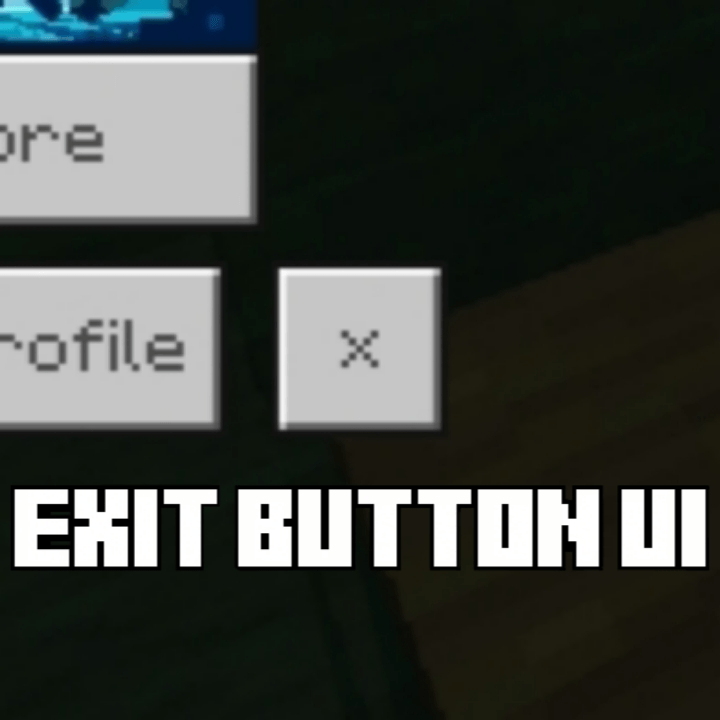
Gives you an × button on the homescreen right to the profile button to close the game! Now you can finally go outside and touch some grass irl!
NOTE: Please read the How to use down below. The pack may not work properly if the settings are not done correctly.
🖼️ Images-
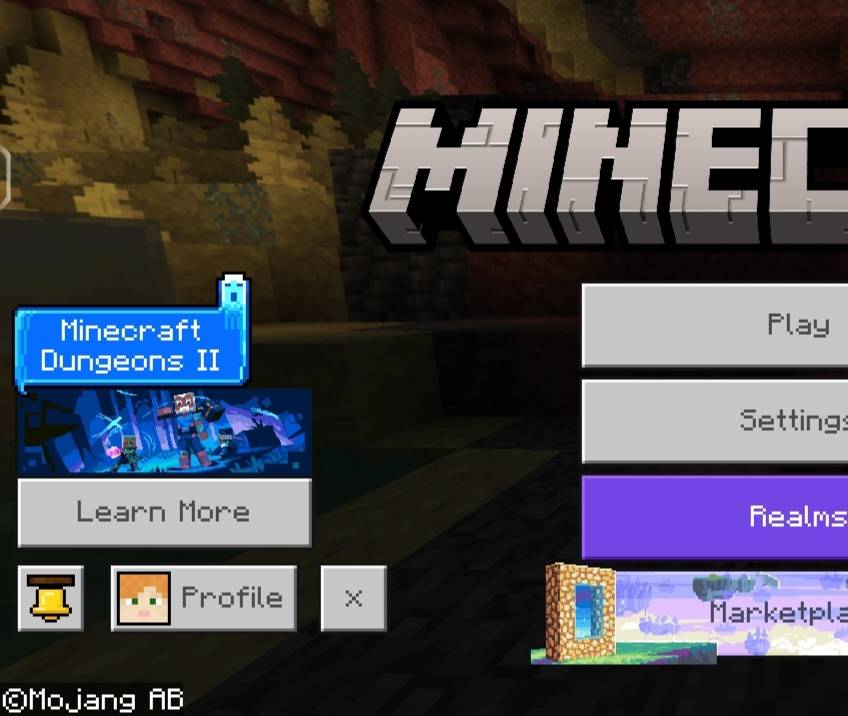
^ 100% subpack
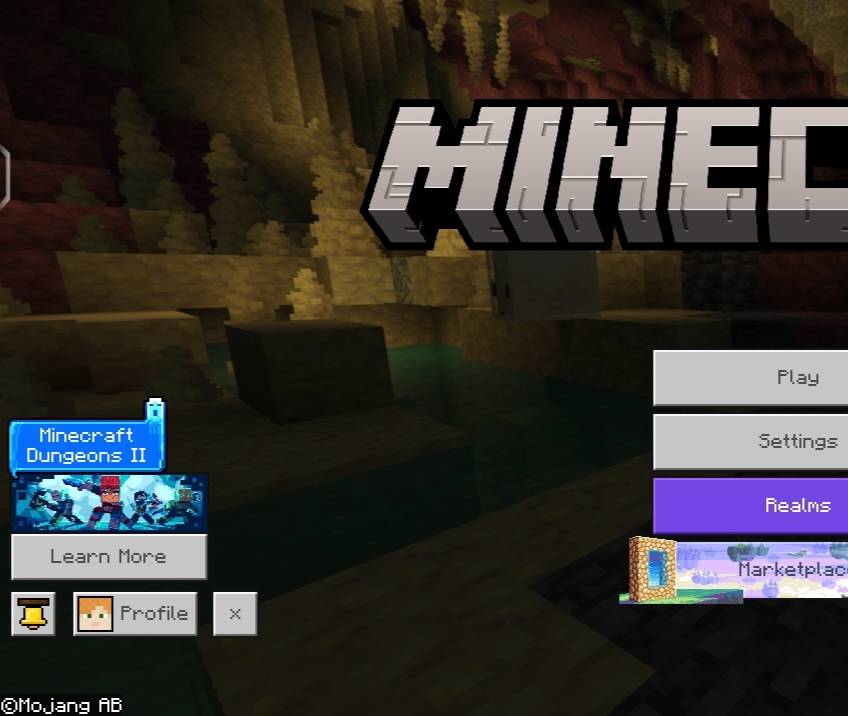
^ 67% subpack
❓ How to use?
1. Import the .mcpack file in Minecraft.
2. Activate it in Global Resources, World Resources Packs, Realms or Servers.
3. Click on the pack after activating the pack.
4. Click the small "⚙️" button.
5. Select the mode according to your GUI Scale Modifer - 100%, 67%; using the slider (If the GUI Scale Modifer set to 100% keep the subpack to 100%, if it's set to 67% change the subpack to 67%).
6. Done! Just close out of Settings. The pack will be activated!
⚠️ If you don't see any change in the pack try doing these -
1. Restart Minecraft.
2. Try deactivating & activating the pack again.
No I'm not joking. The GUI Scale Modifer has 2 options - 67% & 100%.



![Bedrock Redstone+ [Vibrant Visuals Supported!] project image](https://media.forgecdn.net/avatars/thumbnails/1701/308/256/256/639080424110271457.png)