Dungeoned Shader
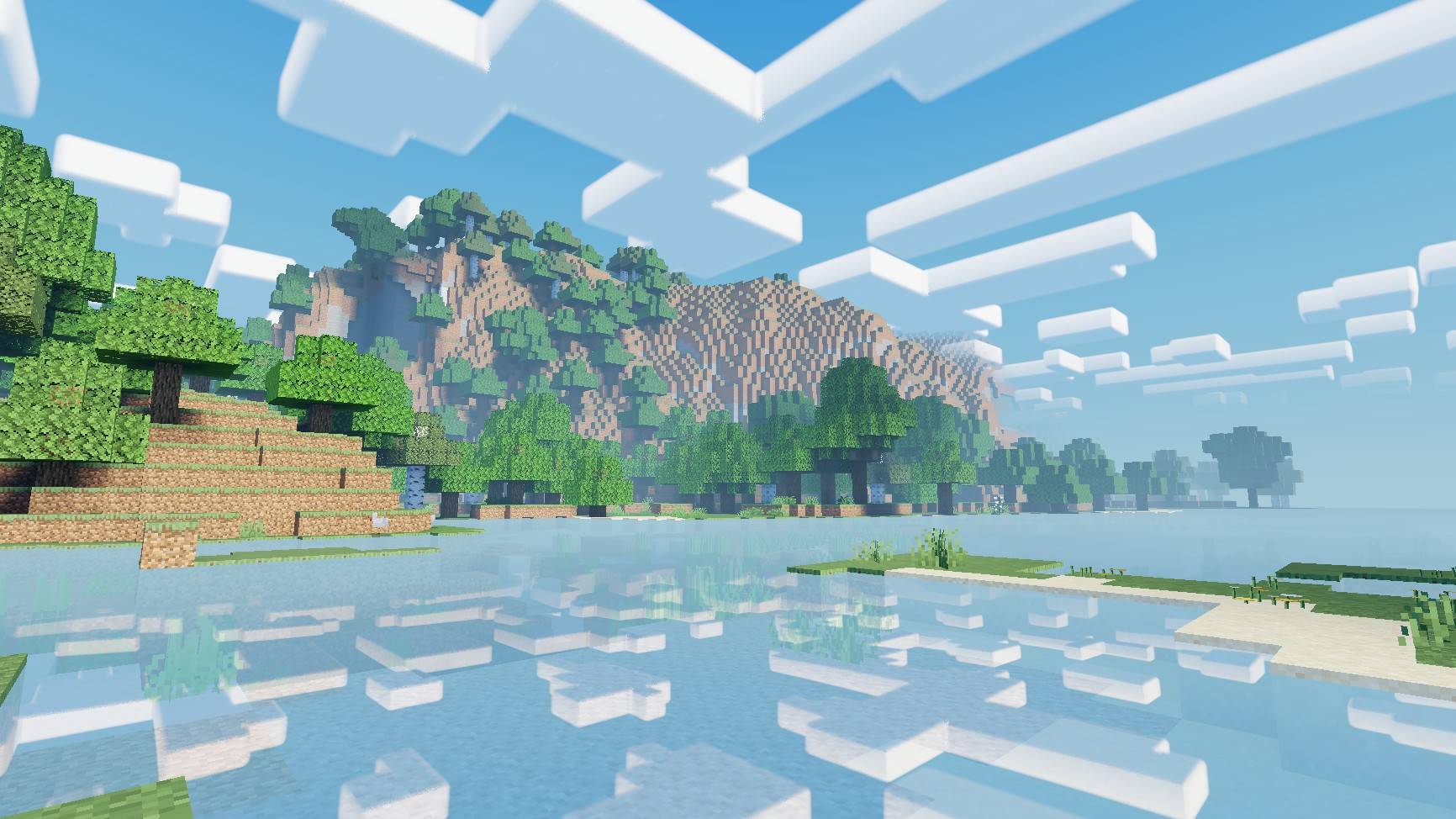
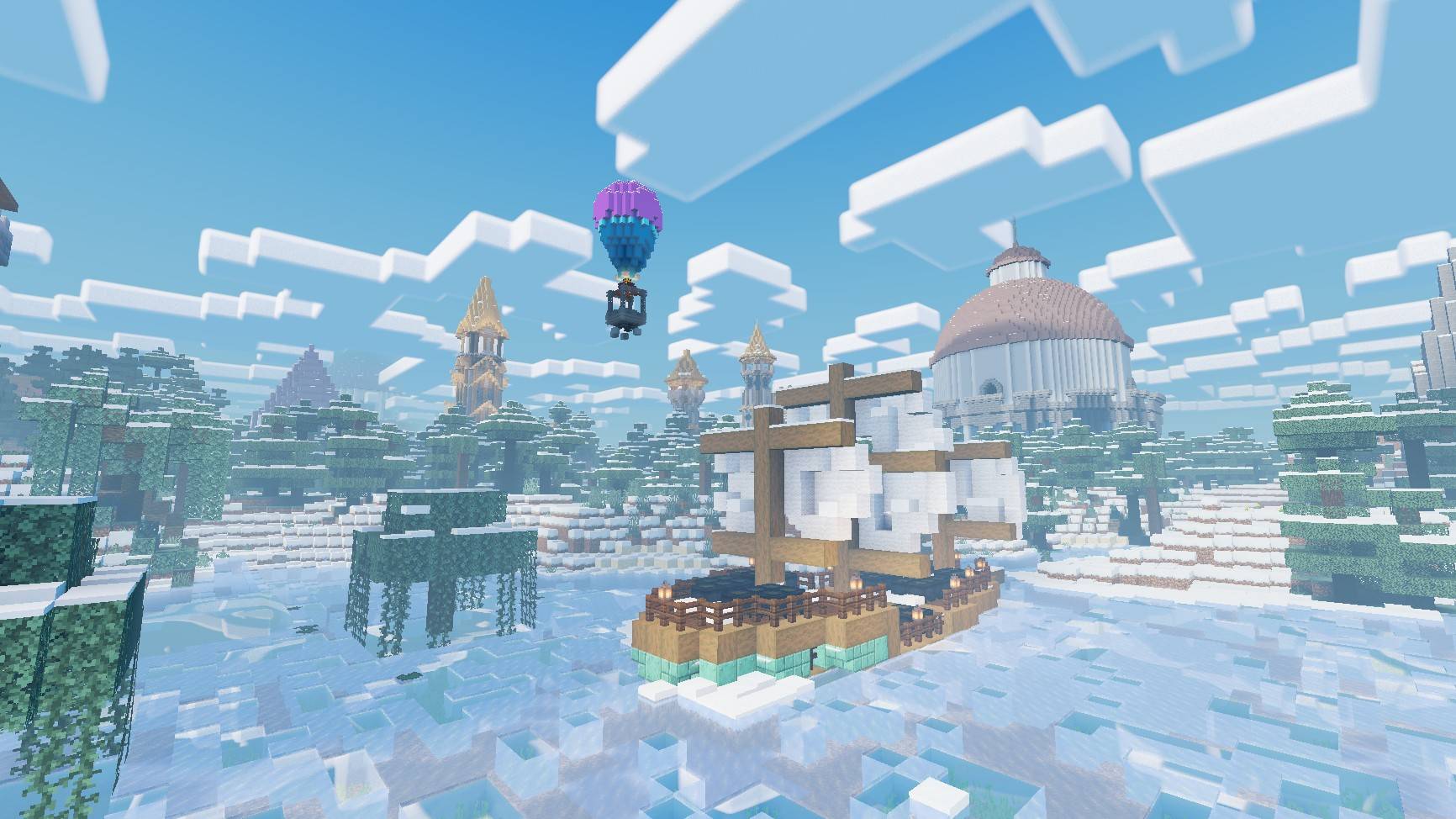
A Render Dragon shader pack for Minecraft Bedrock that brings atmospheric sky lighting, physically based water reflections, wetness, and soft foliage lighting into the game. Following how Minecraft Dungeon artstyle to Bedrock.
Any complains? Join our discord server!: https://discord.gg/TAkKjekVnE
I also will upload devlogs and even faster updates in Discord on there, so please join our server!
Screenshots


Features
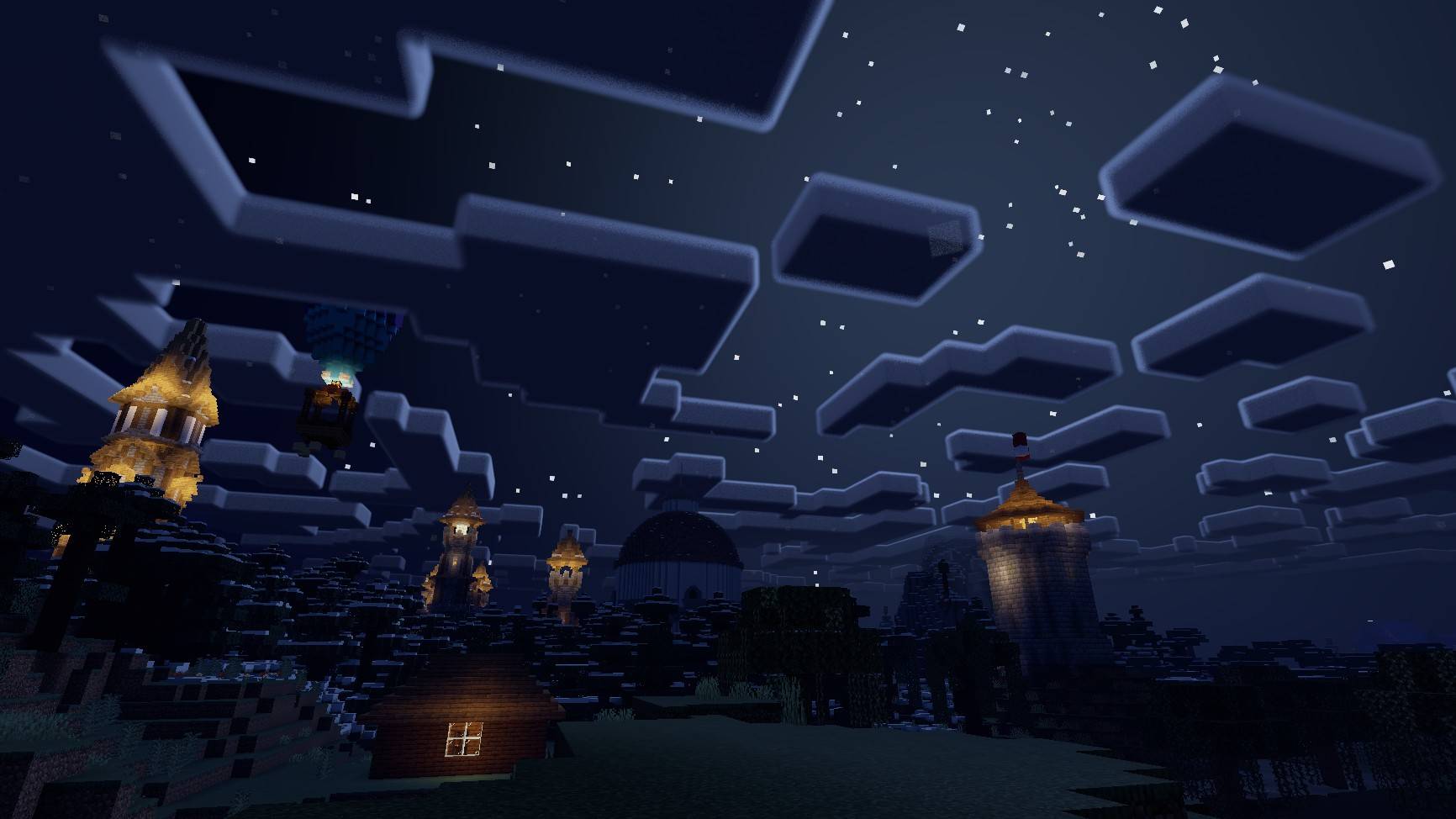
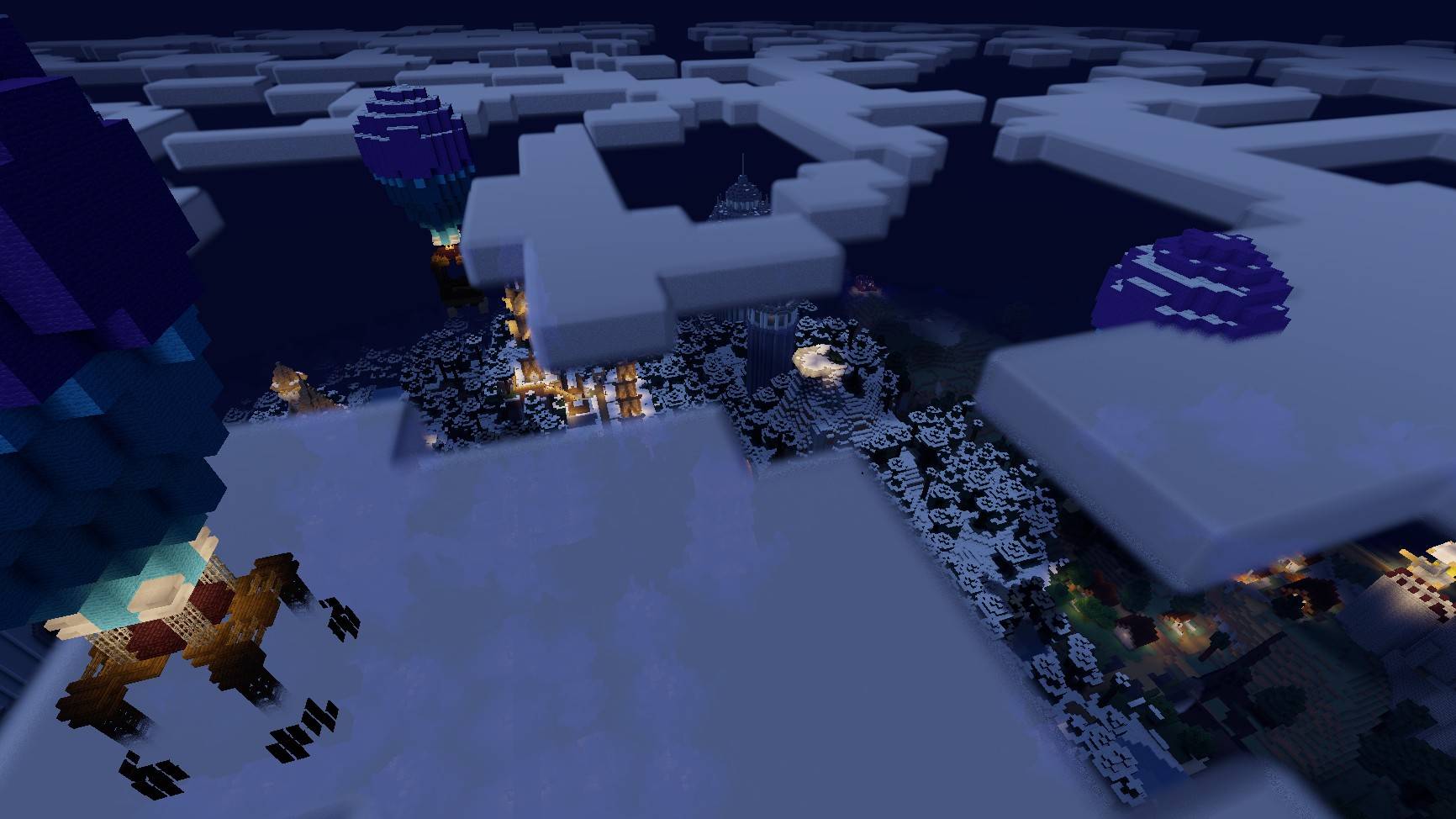
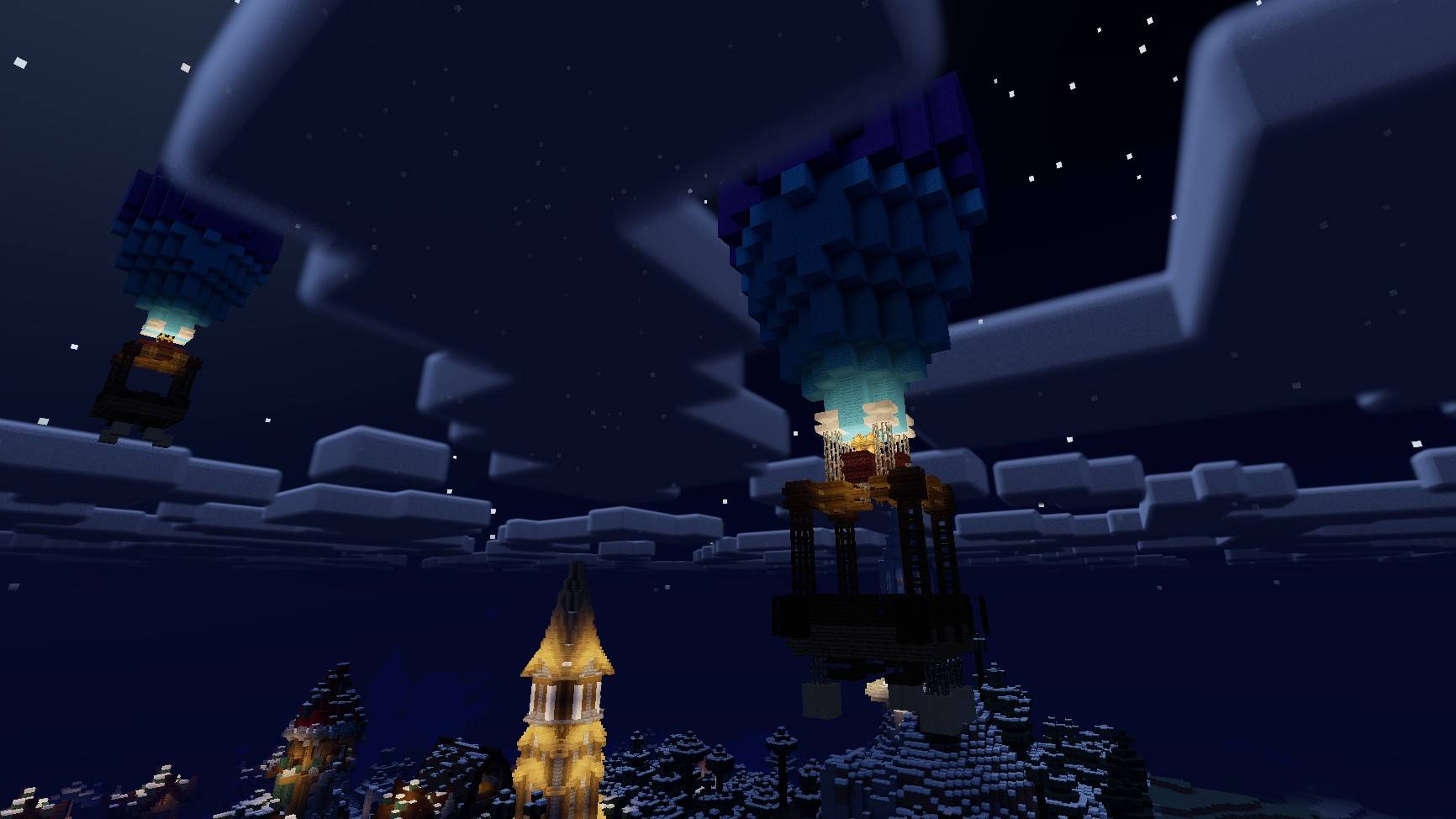
- Volumetric 3D clouds: Soft raymarched clouds with rim lighting, sun scattering during sunset, and shadows cast across the terrain.
- Atmospheric lighting: Dynamic sky color gradients with golden hour warmth, twilight horizon glow, and sun/moon scattering.
- Realistic water: Calm surface wave, fresnel sky reflections, sun glint, and Snell's window when viewing from underwater.
- Rain and wetness: Puddles form on top surfaces during rain with animated ripple distortions.
- Subsurface foliage: Sunlight filters through leaves and tall grass with soft backlight transmission.
- Warm torchlight and tonemapping: Custom attenuation curves and filmic tone mapping that keep dark caves readable without washing out colors.
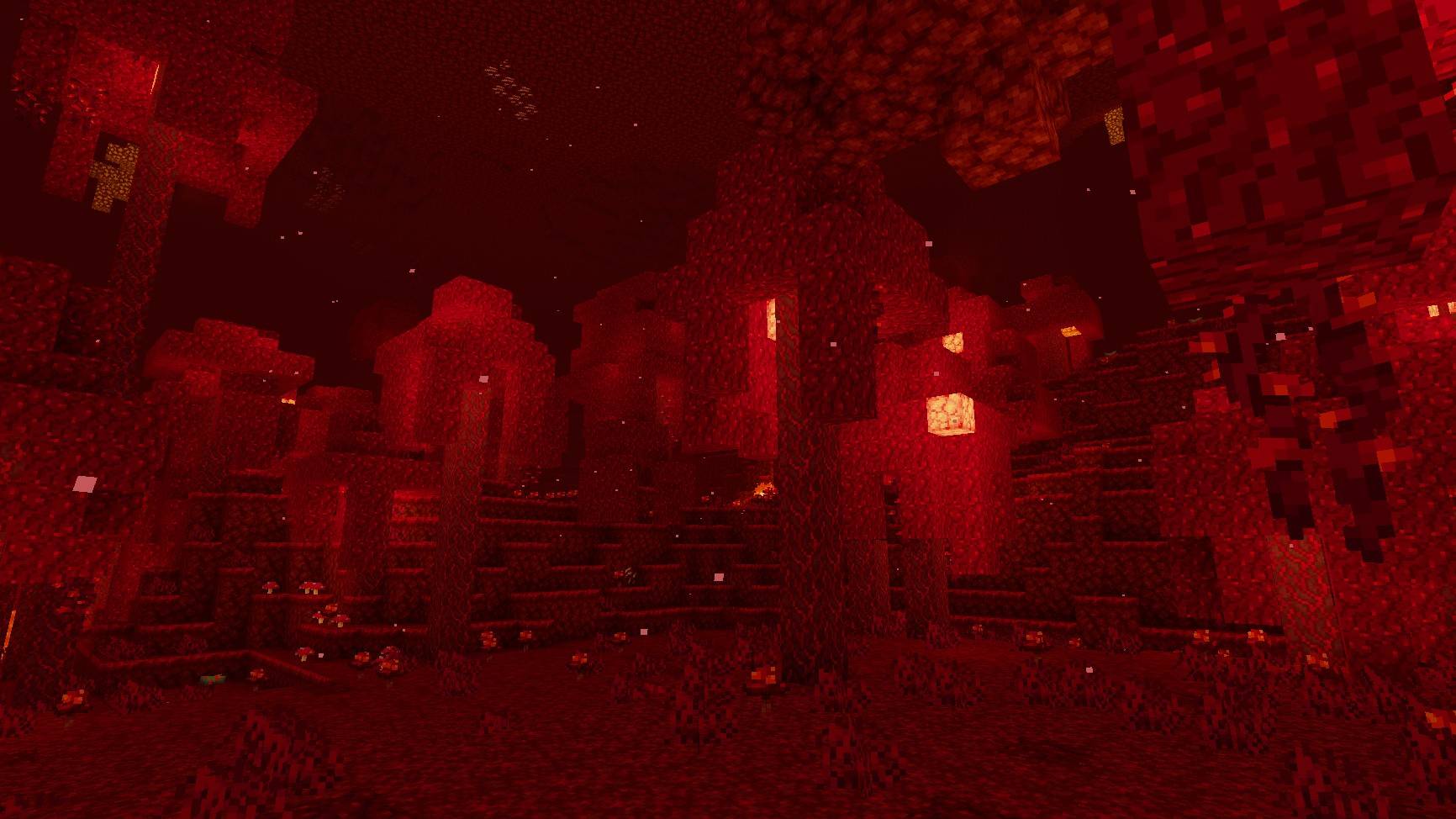
- Dimension styling: Custom ambient fog in the Nether and a foggy void atmosphere in the End.
- Performance: This shader uses LUT lookups and branchless shader math to run smoothly on mobile devices and PC.
Installation
Render Dragon requires a material loader to inject custom .material.bin files:
Android
- Download
pack-android-v1.0.mcpack.
- Open it with MB Loader (MaterialBinLoader) or a compatible patched client.
- Activate the pack under Settings > Global Resources.
Windows
- Download
pack-windows-v1.0.mcpack.
- Launch Minecraft through a Render Dragon injector (BetterRenderDragon, Wyvern, Matject, etc.).
- Import the
.mcpack and enable it in Settings > Global Resources.
iOS
- Download
pack-ios-v1.0.mcpack.
- Use a sideloaded Minecraft client that supports custom materials.
- Activate the pack under Settings > Global Resources.
Credits
- Main Shader Developer: Ken Radithya