VHS BE Shader
- By
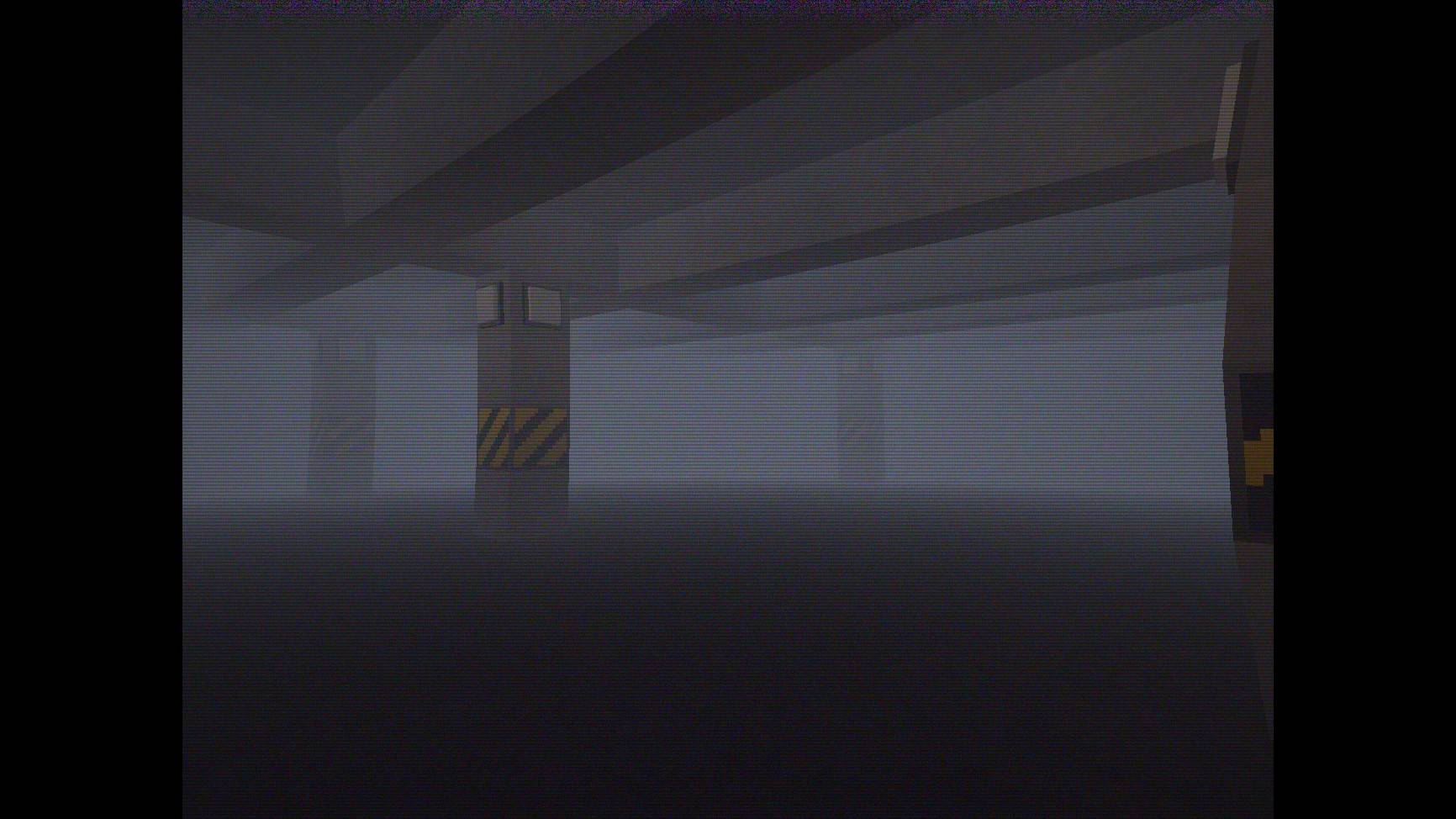
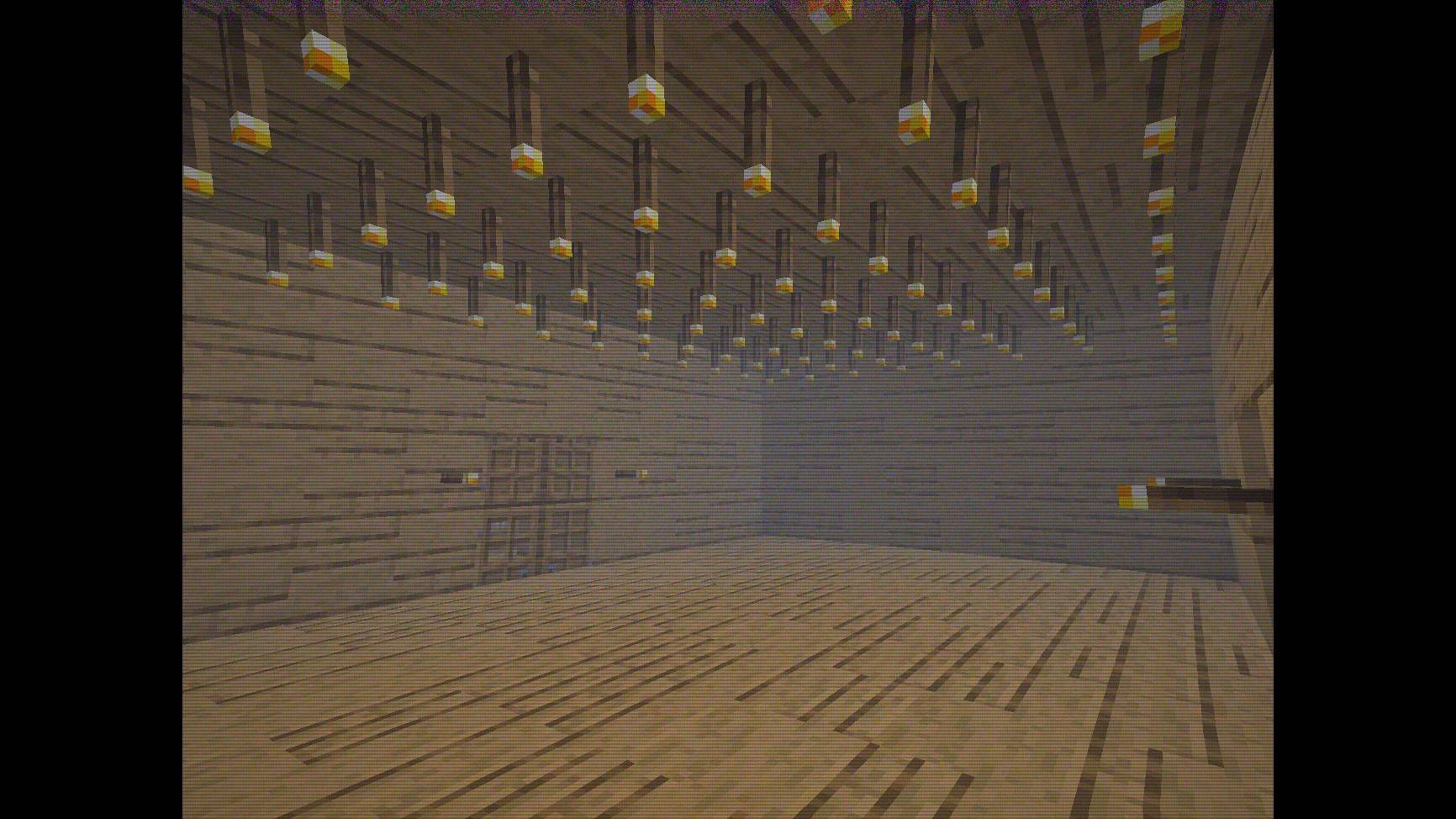
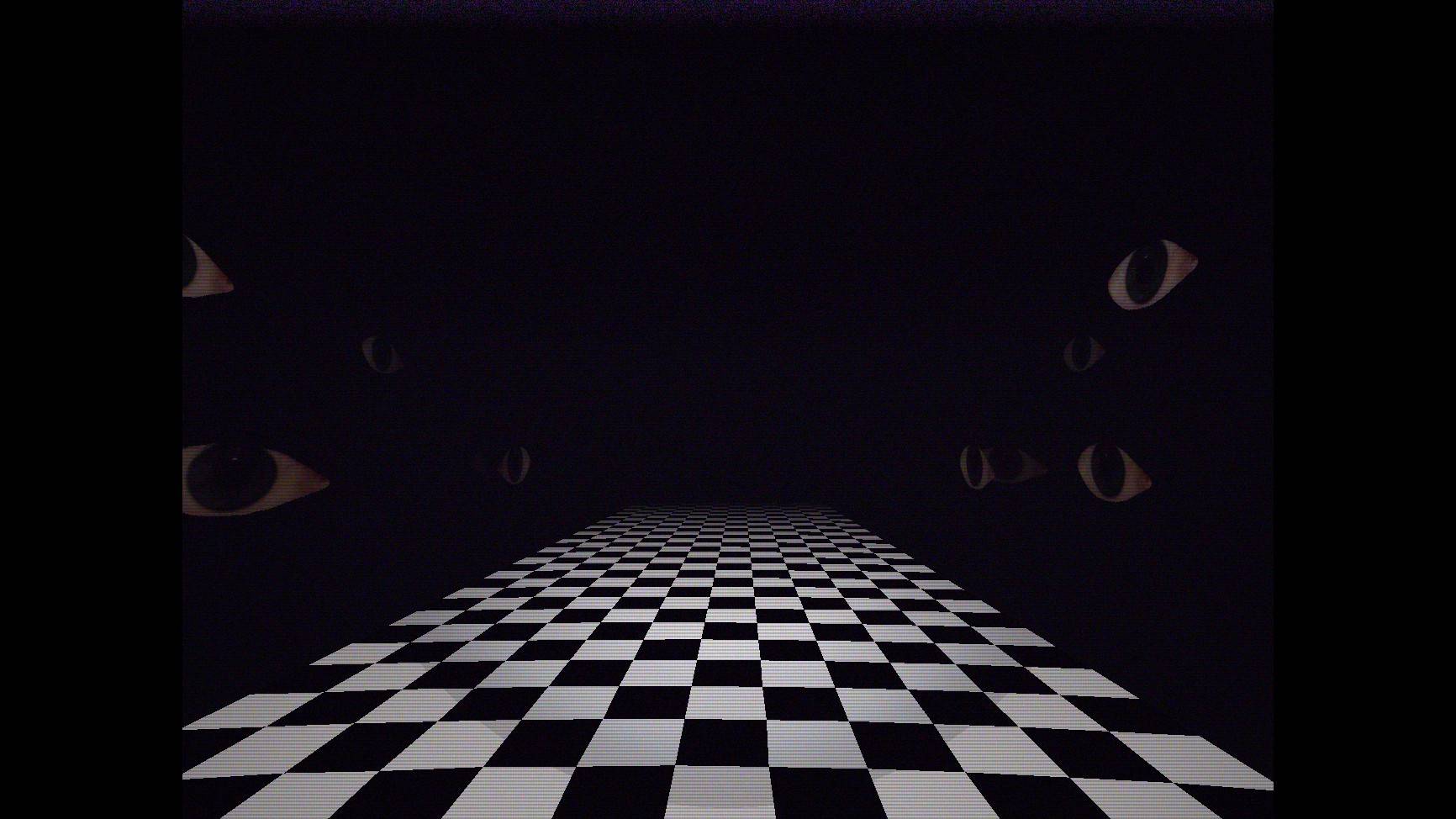
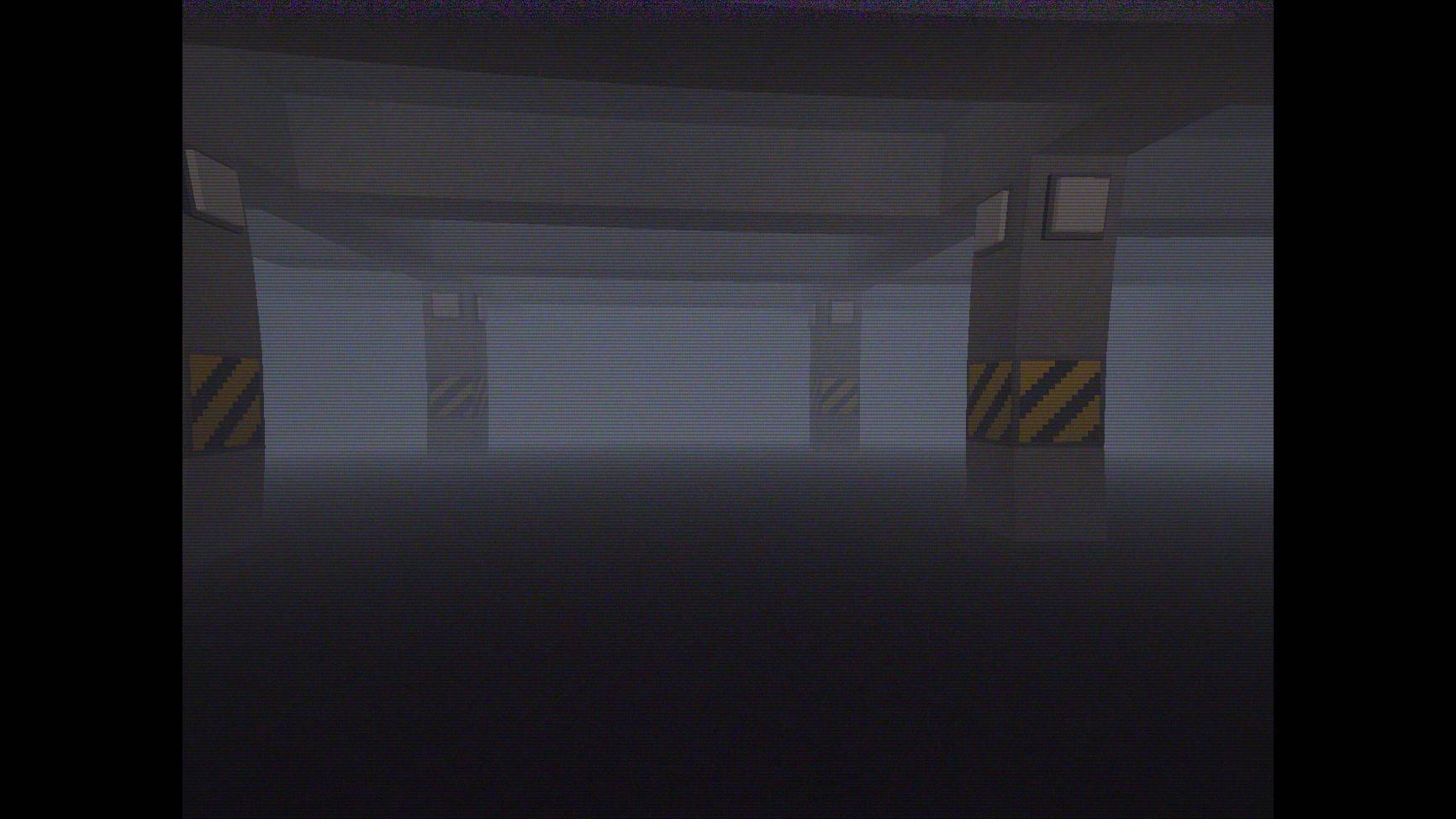
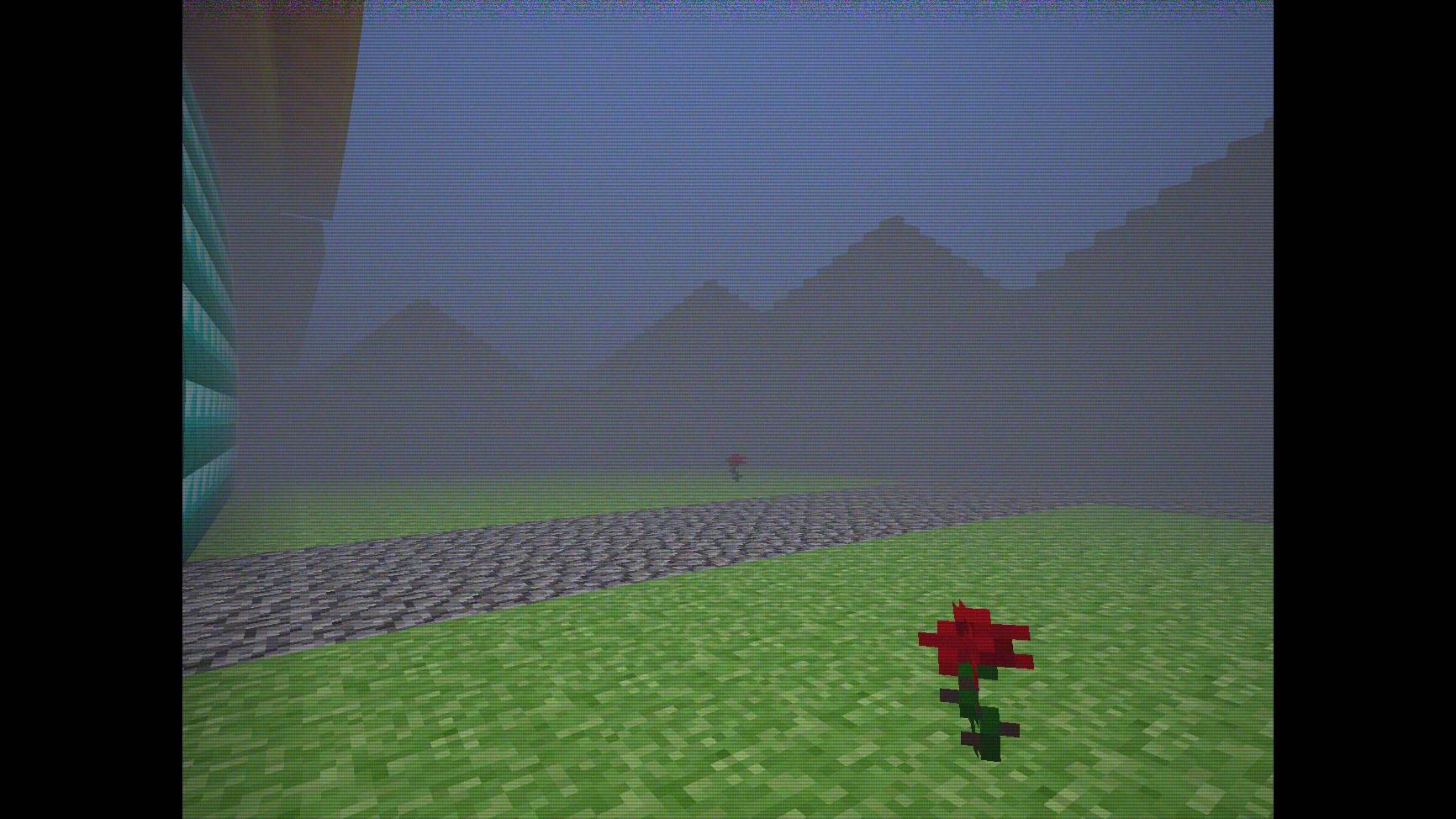
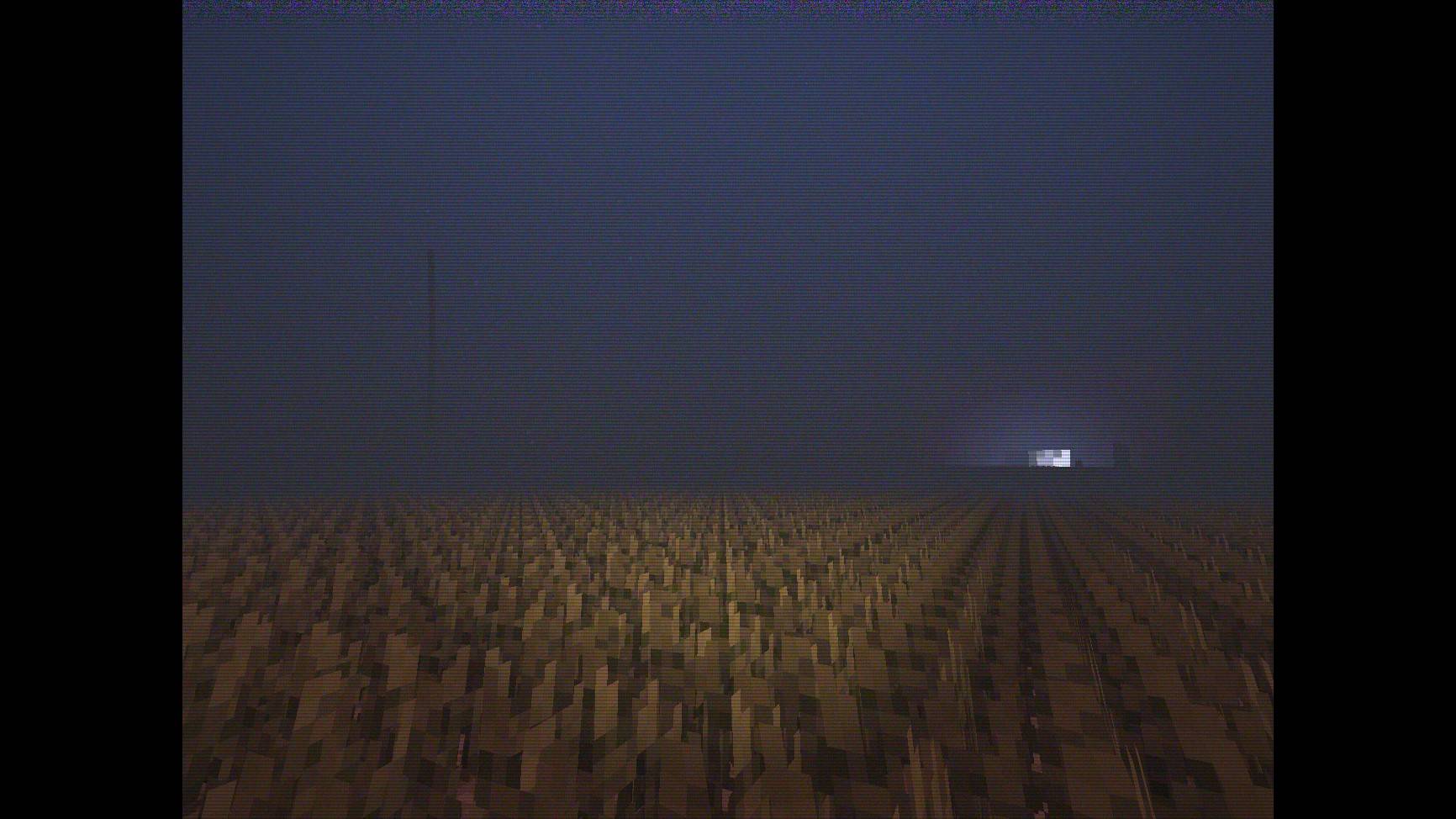
Transform your world into a retro analog tape recording. Authentic 90s VHS camcorder visuals, CRT scanlines, tape grain, and a bright flashlight for the night.
1d9007a3-d820-41bc-81ad-bf045dba03bc.jpeg
6ed4d171-60d4-4af1-9165-9cb641973abf.jpeg
865b0bca-945b-4400-87ad-bc9a486c20f9.jpeg
9776d4dc-9497-4757-8fe7-479930cff877.jpeg
ba9c8666-7aa0-449e-95bb-fcc69659cb9f.jpeg
f41cdad7-df8f-4e0d-a991-bc830510f78b.jpeg
Description
VHS BE Shader (ONLY SUPPORTS 26.60+, 26.50 ISNT SUPPORTED!)
A Render Dragon shader that applies a 90s analog camcorder filter to Minecraft Bedrock. It adds curved CRT lens distortion, tape grain, scanlines, and a night flashlight.
Any complains? Join our discord server!: https://discord.gg/TAkKjekVnE
I also will upload devlogs and even faster updates in Discord on there, so please join our server!
Screenshots


Features
- CRT lens distortion: Bends edges and straight lines near screen corners to mimic convex camcorder lenses.
- Camcorder spotlight: Lights up automatically at night and in dark caves with distance falloff and chromatic aberration.
- 4:3 aspect ratio: Crops the 3D world, clouds, and particles into a 4:3 frame.
- Tape noise: Adds subtle VHS luma/chroma grain and bottom-edge tracking glitch lines.
- Untouched HUD: The hotbar, health, inventory, chat, and menus remain unedited.
- Performance: Uses branchless shader math to run smoothly on mobile devices and PC.
Installation
Render Dragon requires a material loader to inject custom .material.bin files:
Android
- Download
VHS_BE_Shader_Android.mcpack. - Open it with MB Loader (MaterialBinLoader) or a compatible patched client.
- Activate the pack under Settings > Global Resources.
Windows
- Download
VHS_BE_Shader_Windows.mcpack. - Launch Minecraft through a Render Dragon injector (BetterRenderDragon, Wyvern, Matject, etc.).
- Import the
.mcpackand enable it in Settings > Global Resources.
iOS
- Download
VHS_BE_Shader_iOS.mcpack. - Use a sideloaded Minecraft client that supports custom materials.
- Activate the pack under Settings > Global Resources.
Credits
- Main Shader Developer: Ken Radithya
- Screenshot map: LIMINAL Horror Map by flappyguy
VHS BE Shader Team