DPG Night Vision (Global UI)
Created by DPGCore
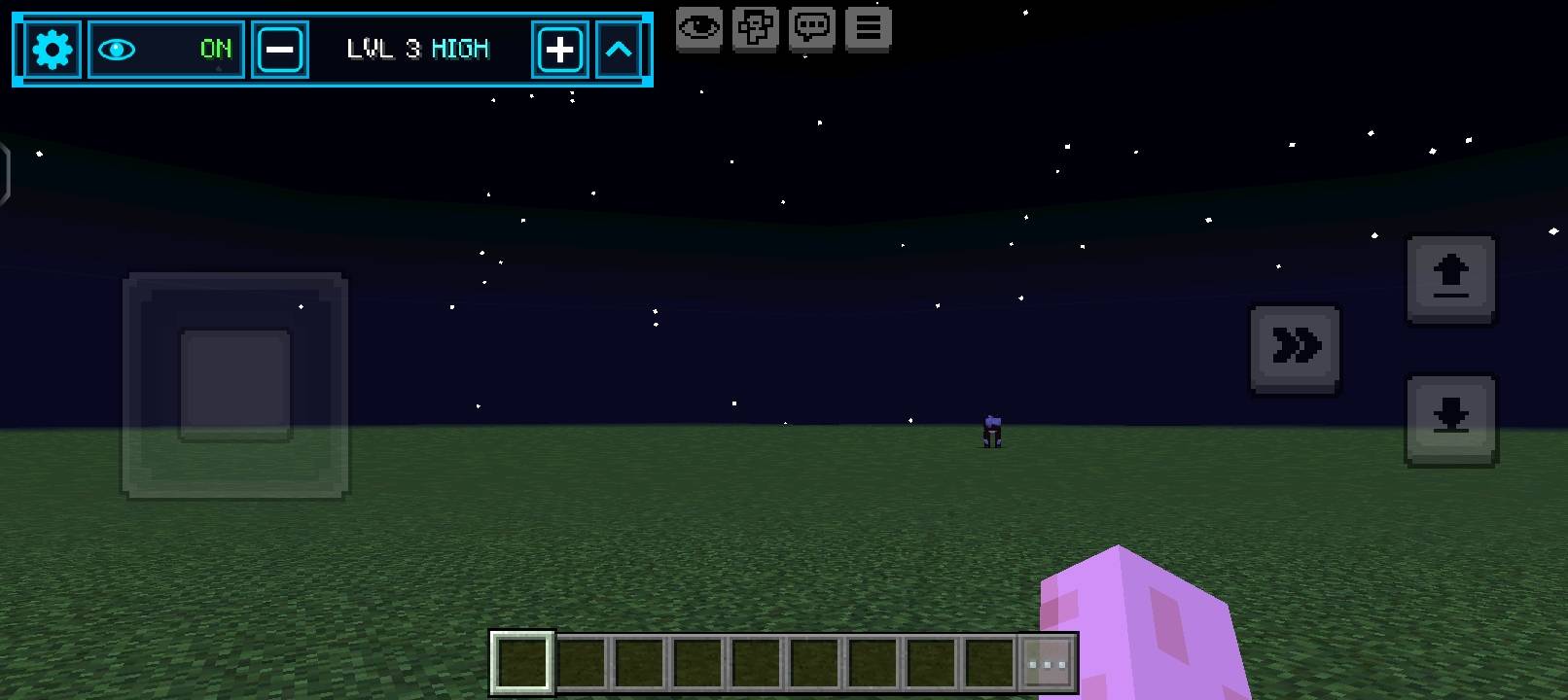
See clearly in the dark with DPG Night Vision (Global UI), a lightweight Minecraft Bedrock global resource pack that adds a futuristic Night Vision control panel directly to your screen.
Control screen brightness, switch Night Vision ON or OFF, and customize the panel without using commands, cheats, or a Behavior Pack. It works client-side, so other players and servers do not need to install anything.
✨ Features
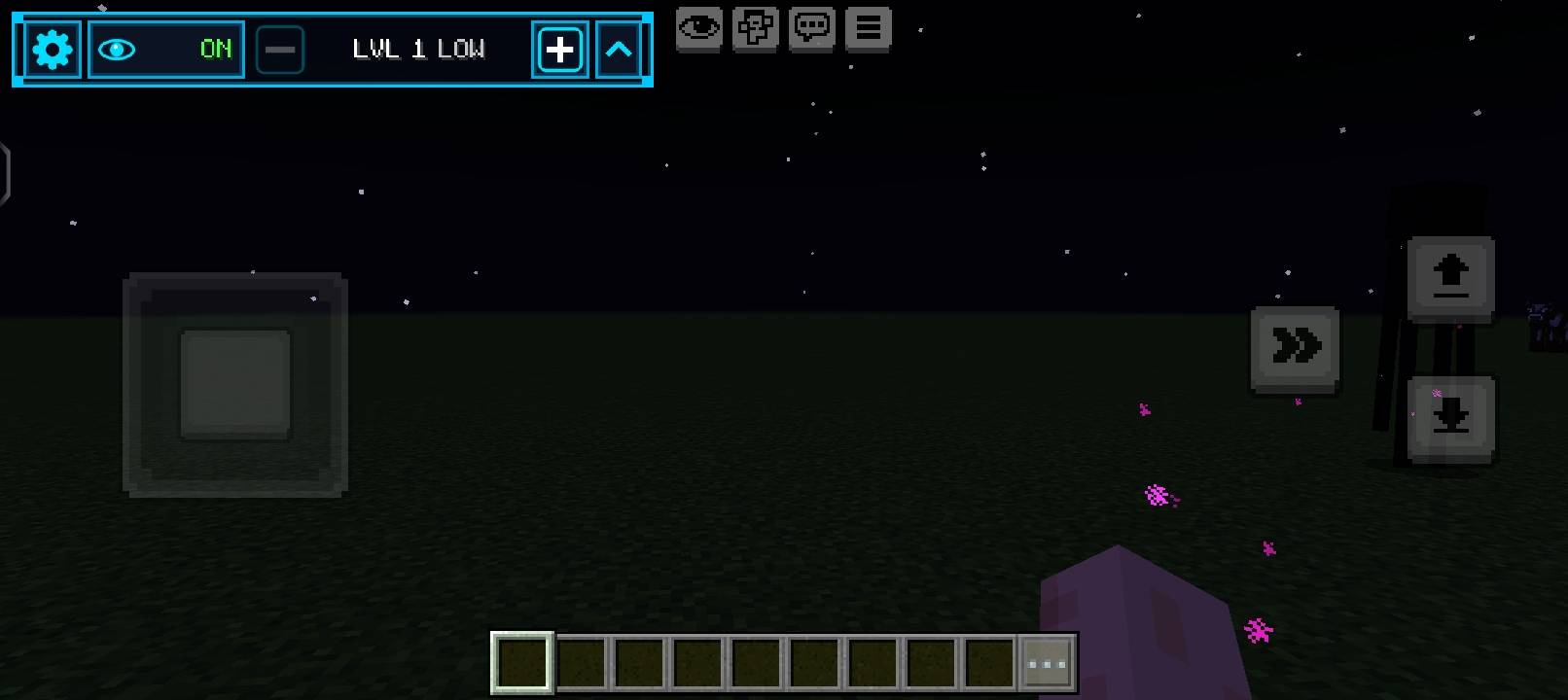
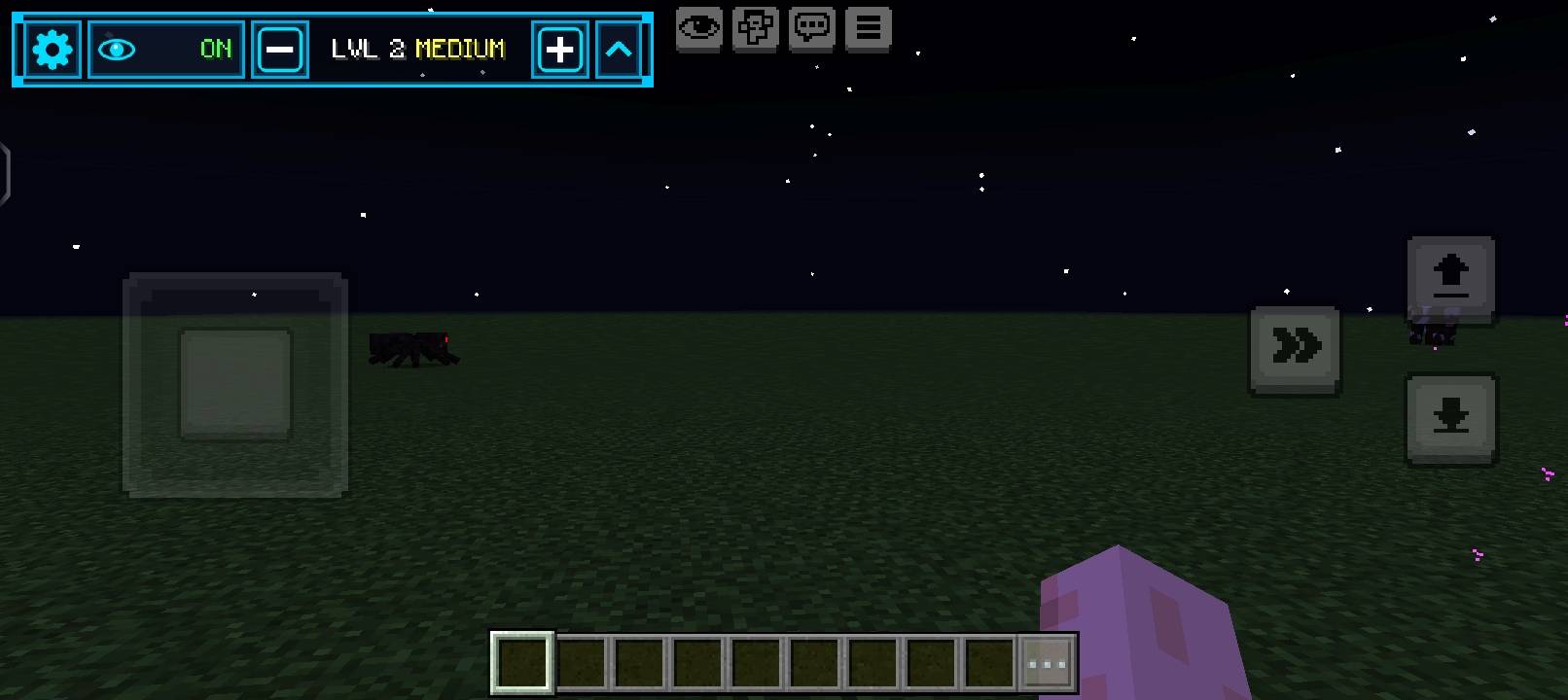
- One-Tap Night Vision: Easily turn the screen-brightening effect ON or OFF using the HUD panel.
- 4 Brightness Levels: Choose between LOW, MEDIUM, HIGH, and MAX using the + and − buttons.
- Global Compatibility: Use it in single-player worlds, Realms, and multiplayer servers.
- Client-Side Operation: Only your screen is affected. No server installation is required.
- No Cheats or Commands: Does not use the Minecraft Night Vision potion effect, helping keep achievements enabled.
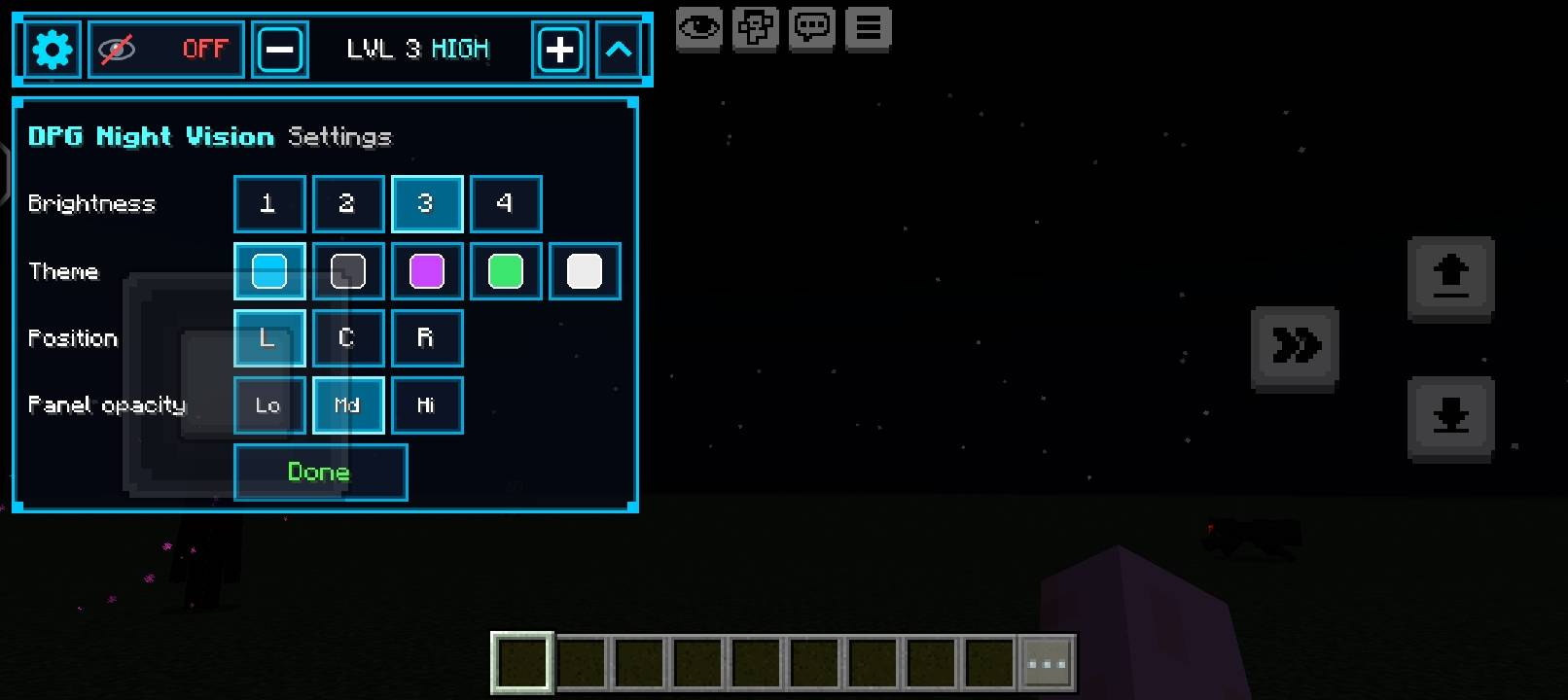
- Custom Settings Panel: Personalize your experience with:
- Brightness levels (1–4)
- 5 themes: DPG Blue, Dark Black, Purple Neon, Green, and Minimal
- Panel positions: Top Left, Top Center, and Top Right
- 3 opacity options: Low, Medium, and High
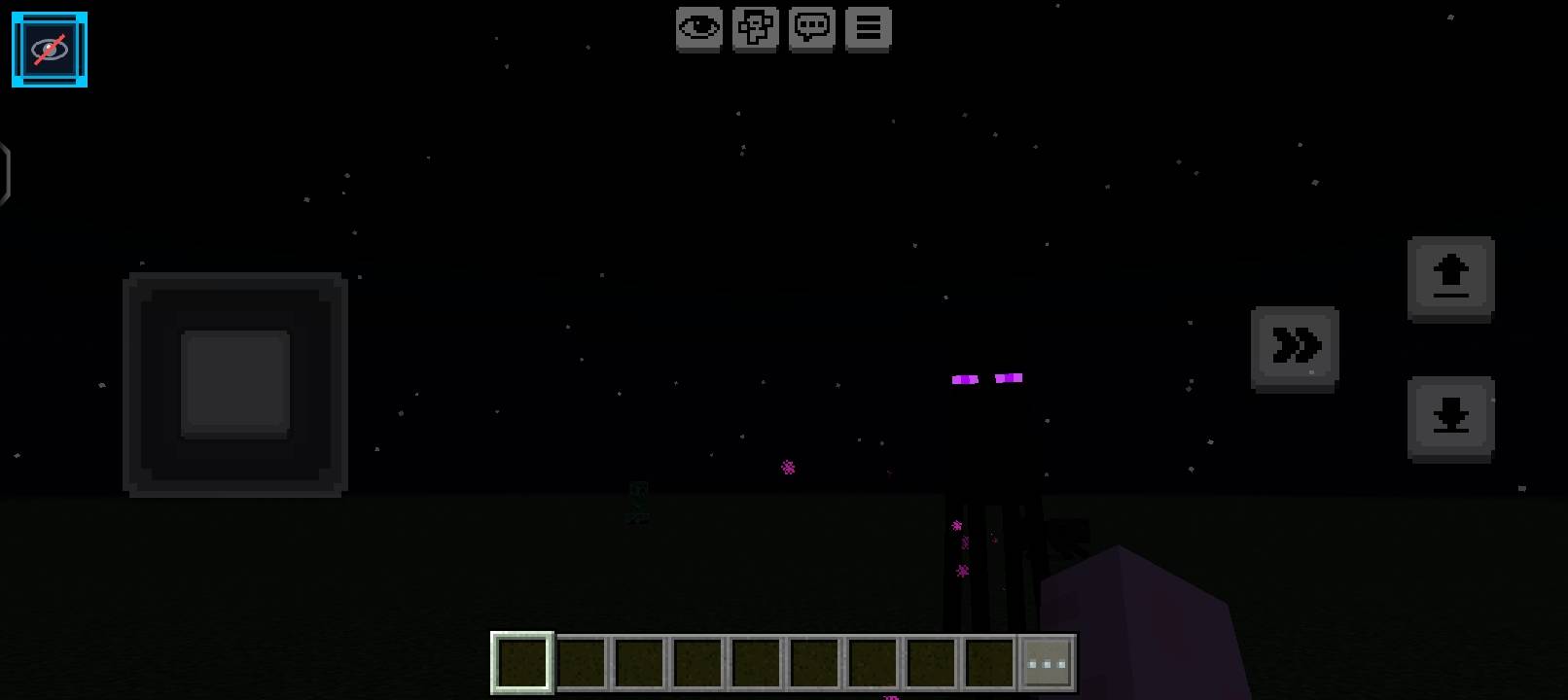
- Collapsible HUD: Minimize the control panel into a small eye icon.
- Mobile-Friendly Controls: Large touch buttons designed to avoid accidental camera movement or block interactions.
- Windows Keyboard Shortcuts:
- Left Arrow (←): Toggle Night Vision
- Up Arrow (↑): Increase brightness
- Down Arrow (↓): Decrease brightness
- Custom DPG Design: Dark translucent interface, glowing borders, and custom icons.
📥 Installation
- Download "DPG_Night_Vision_Global.mcpack".
- Open the downloaded file with Minecraft.
- Navigate to Settings → Global Resources → My Packs.
- Activate DPG Night Vision (Global UI).
- Join any world, Realm, or multiplayer server.
- The control panel should appear at the top of your screen.
⚙️ Custom Default Settings
Your selected settings reset whenever you join a world because the resource pack does not save player preferences.
You can customize the starting values by editing:
"ui/_global_variables.json"
Available defaults include:
- Night Vision ON/OFF
- Brightness level
- Theme
- Panel position
- Panel opacity
- Panel size
- Initial collapsed or expanded state
📌 Important Notes
- This pack provides screen-brightness enhancement, not the Minecraft Night Vision potion effect.
- Dark areas become brighter and clearer, but completely black areas remain black.
- Only your screen is affected; other players will not see the changes.
- Controller button support is not available.
- Other resource packs that modify the HUD may cause UI conflicts.
- Requires Minecraft Bedrock Edition 1.21.100 or newer.
👑 Credits & Ownership
Created by DPGCore
Please do not re-upload, redistribute, or claim this resource pack as your own without permission.
Enjoy a clearer Minecraft experience with DPG Night Vision (Global UI)!