DPG UI
- By
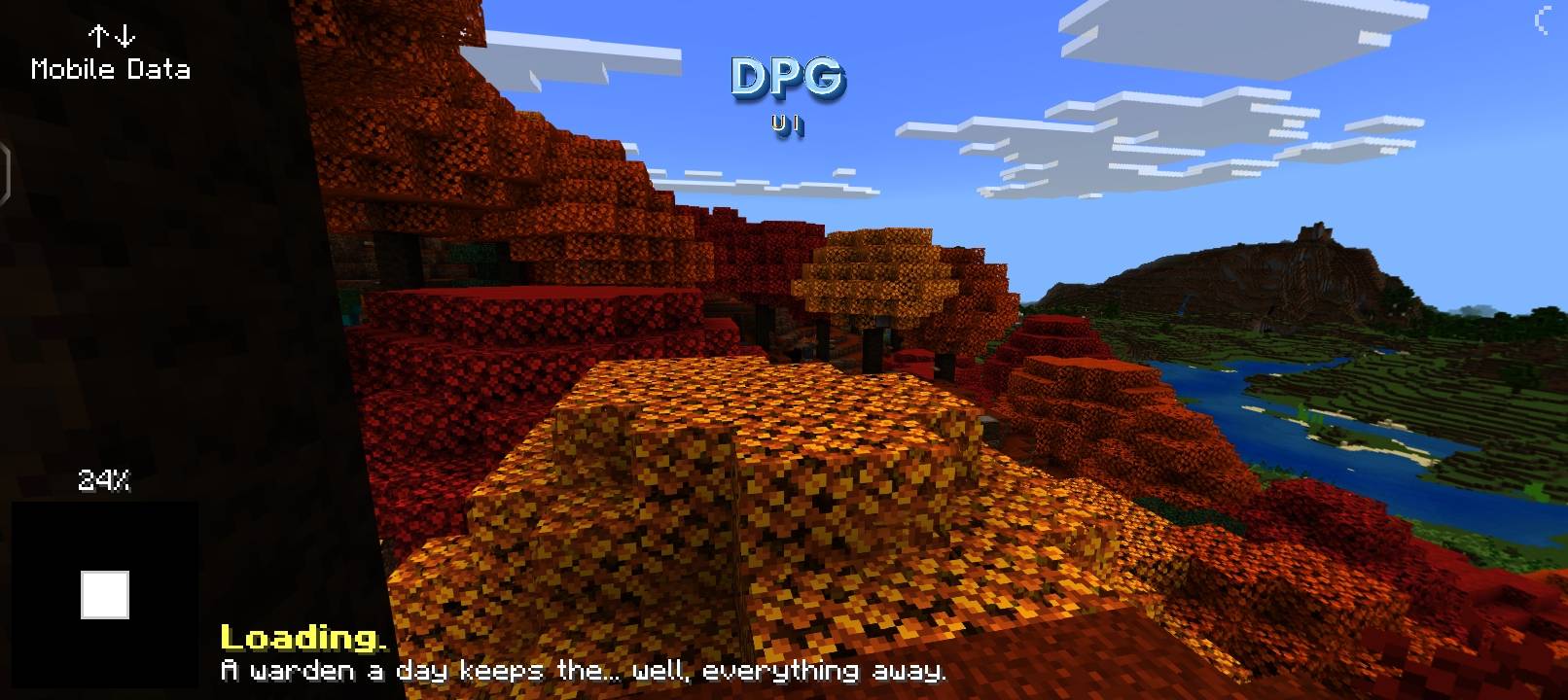
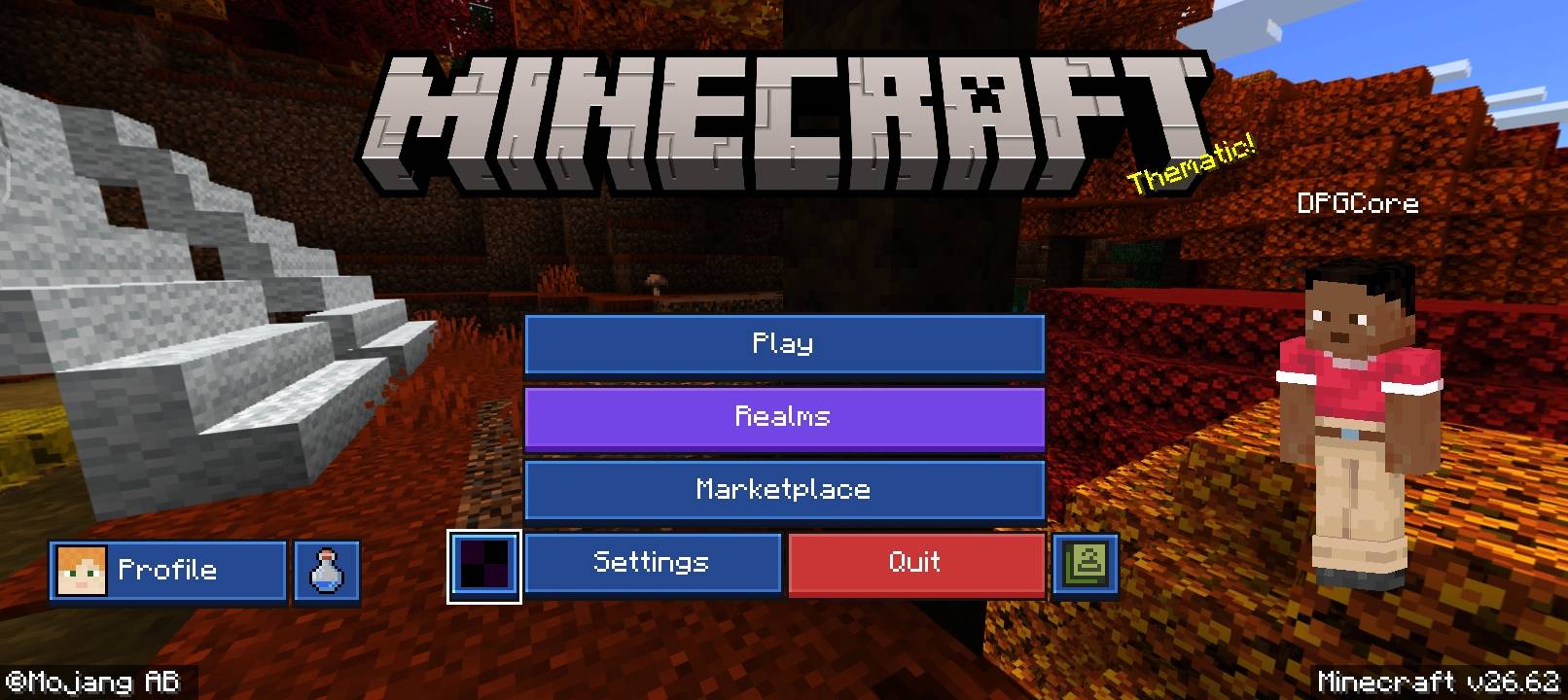
DPG UI Add-on by DPGCore is a lightweight Minecraft Bedrock UI resource pack that redesigns menus, loading screens, buttons, icons, and world selection screens with a clean, modern look. No gameplay changes, extra tools, or sounds.
5572.jpg
5630.jpg
Description
DPG UI Add-on
Modern Minecraft Bedrock Interface | Created by DPGCore
Give your Minecraft Bedrock Edition a fresh, modern look with DPG UI Add-on!
This lightweight UI resource pack redesigns the menus and interface screens you use before and while playing Minecraft. Enjoy a cleaner layout, stylish buttons, redesigned loading screens, and consistent visual elements.
✨ Features
🏠 Modern Main Menu
- Redesigned Play button.
- Modern Realms and Servers buttons.
- Styled Marketplace and Settings.
- Redesigned Dressing Room.
- Inbox, Friends, Achievements, and Profile interface.
🎮 Redesigned Play Screen
- Improved Worlds screen.
- Redesigned Friends screen.
- Modern Servers screen.
- Styled Add Server interface.
- Redesigned World Templates screen.
⏳ Custom Loading Screens
- Redesigned world loading screen.
- Dimension loading screens.
- Saving and Realms loading screens.
- Progress bar and loading percentage.
- DPG 3D logo branding.
🎨 UI Texture Improvements
- Modern buttons.
- Redesigned dialogs.
- Custom interface icons.
- Improved toggles and sliders.
- Consistent visual theme throughout the interface.
⚡ Lightweight Performance
- No gameplay changes.
- No additional tools or items.
- No extra sounds.
- Focused on visual interface improvements.
📱 Compatibility
- Minecraft Bedrock Edition 1.21.100+
- Mobile
- Windows
- Compatible consoles that support global resource packs
Compatibility may vary depending on the platform and Minecraft version.
📥 Installation
- Download the ".mcpack" file.
- Open it with Minecraft Bedrock Edition.
- Go to Settings → Global Resources.
- Activate DPG UI Add-on.
- Restart Minecraft if necessary.
👑 Credits
Pack Name: DPG UI Add-on Creator: DPGCore Pack Type: UI Resource Pack Platform: Minecraft Bedrock Edition
Give your Minecraft interface a modern upgrade with DPG UI Add-on by DPGCore!
DPG UI Team