Colorful Item Tooltips - Transparent
Get rid of that annoying tooltip with transparent (& colorful too :)) tooltips!
🖼️ Images -
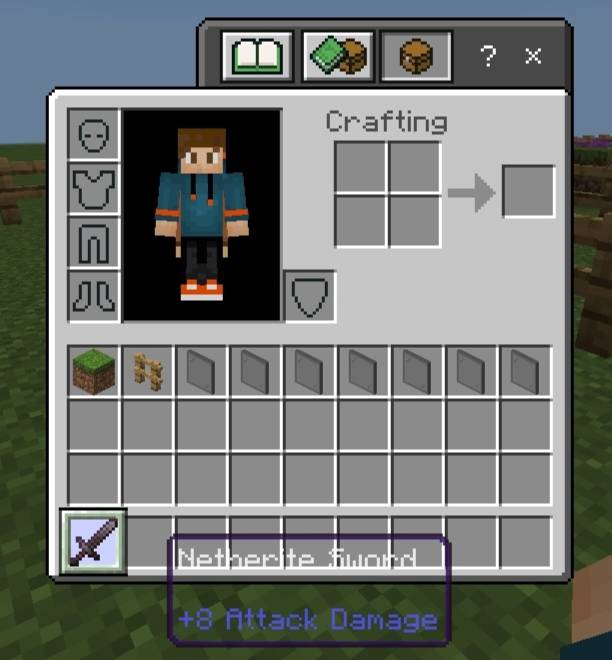
^ Example image. All the other subpacks work the same way.


❓ How to use?
1. Import the .mcpack file in Minecraft.
2. Activate it in Global Resources, World Resources Packs, Realms or Servers.
3. Click on the pack after activating the pack.
4. Click the small "⚙️" button.
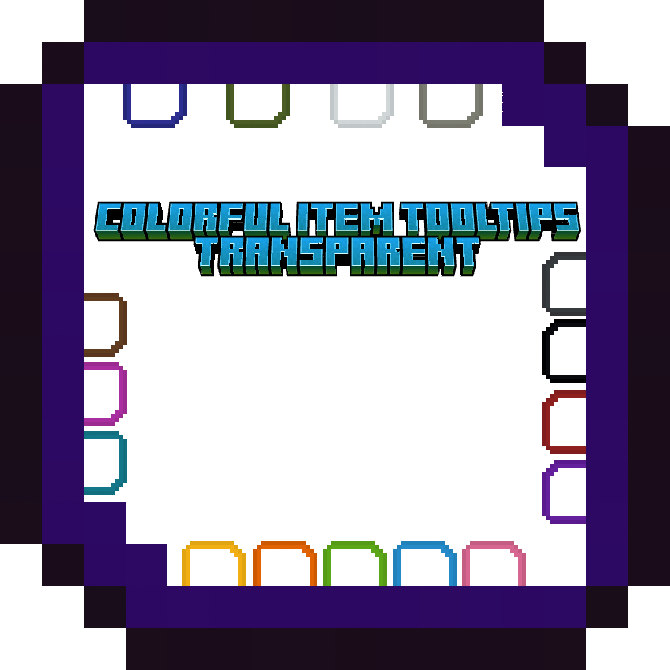
5. Select the color you want - Default (the default color just with transparent background), White, Light Grey, Grey, Black, Brown, Red, Orange, Yellow, Lime, Green, Cyan, Light Blue, Blue, Purple, Magenta, Pink.
6. Done! Just close out of Settings. The pack will be activated!
⚠️ If you don't see any change in the pack try doing these -
1. Restart Minecraft.
2. Try deactivating & activating the pack again.



![Bedrock Redstone+ [Vibrant Visuals Supported!] project image](https://media.forgecdn.net/avatars/thumbnails/1701/308/256/256/639080424110271457.png)