Better Buttons & Pressure Plates
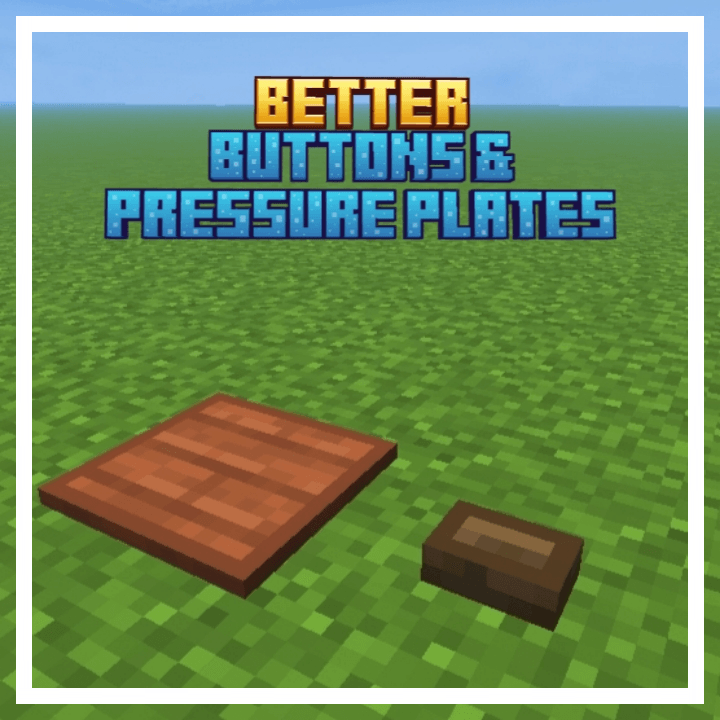
Adds a border on Buttons & Pressure Plates to differentiate from planks and for better visibility!
Want only Pressure Plates or Buttons? There are 3 subpacks available! Buttons + Pressure Plates, Only Buttons, Only Pressure Plates.
🖼️ Images -
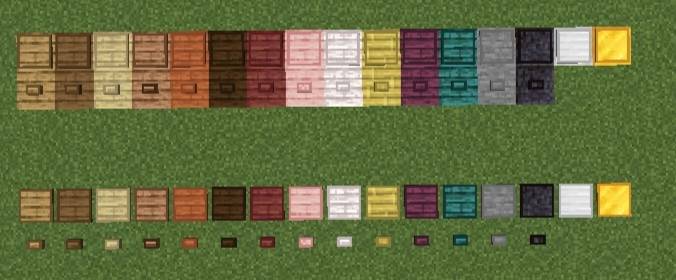
^ Buttons + Pressure Plates subpack
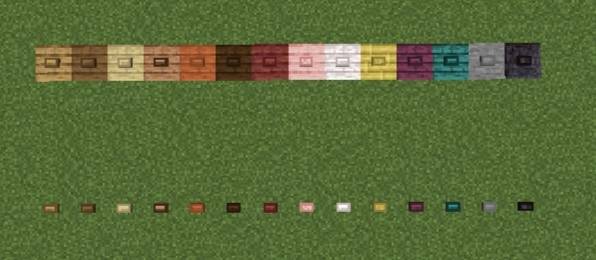
^ Buttons Only subpack
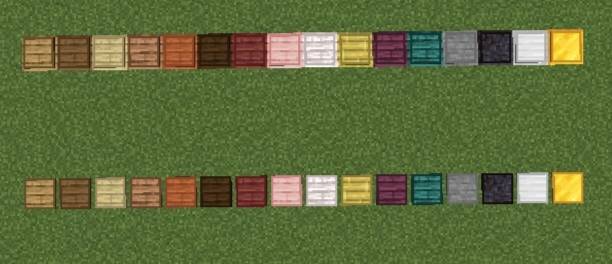
^ Pressure Plates Only subpack
❓ How to use?
1. Import the .mcpack file in Minecraft.
2. Activate it in Global Resources, World Resources Packs, Realms or Servers.
3. Click on the pack after activating the pack.
4. Click the small "⚙️" button.
5. Select the mode you want - Buttons+ Pressure Plates, Buttons Only, Pressure Plates Only; using the slider.
6. Hop onto the world. The pack will be activated!
⚠️ If you don't see any change in the pack try doing these -
1. Restart Minecraft.
2. Try deactivating & activating the pack again.



![Bedrock Redstone+ [Vibrant Visuals Supported!] project image](https://media.forgecdn.net/avatars/thumbnails/1701/308/256/256/639080424110271457.png)