
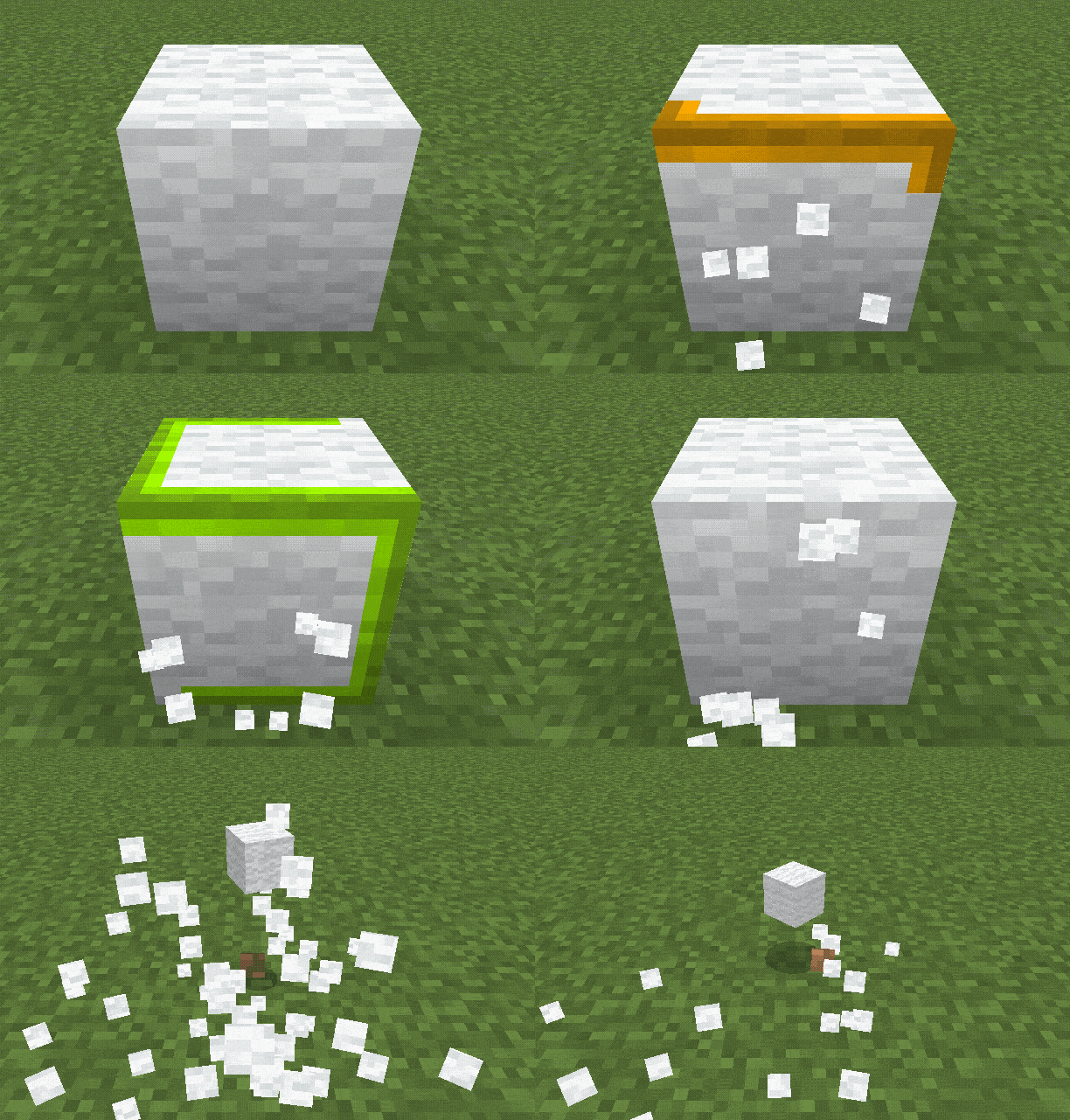
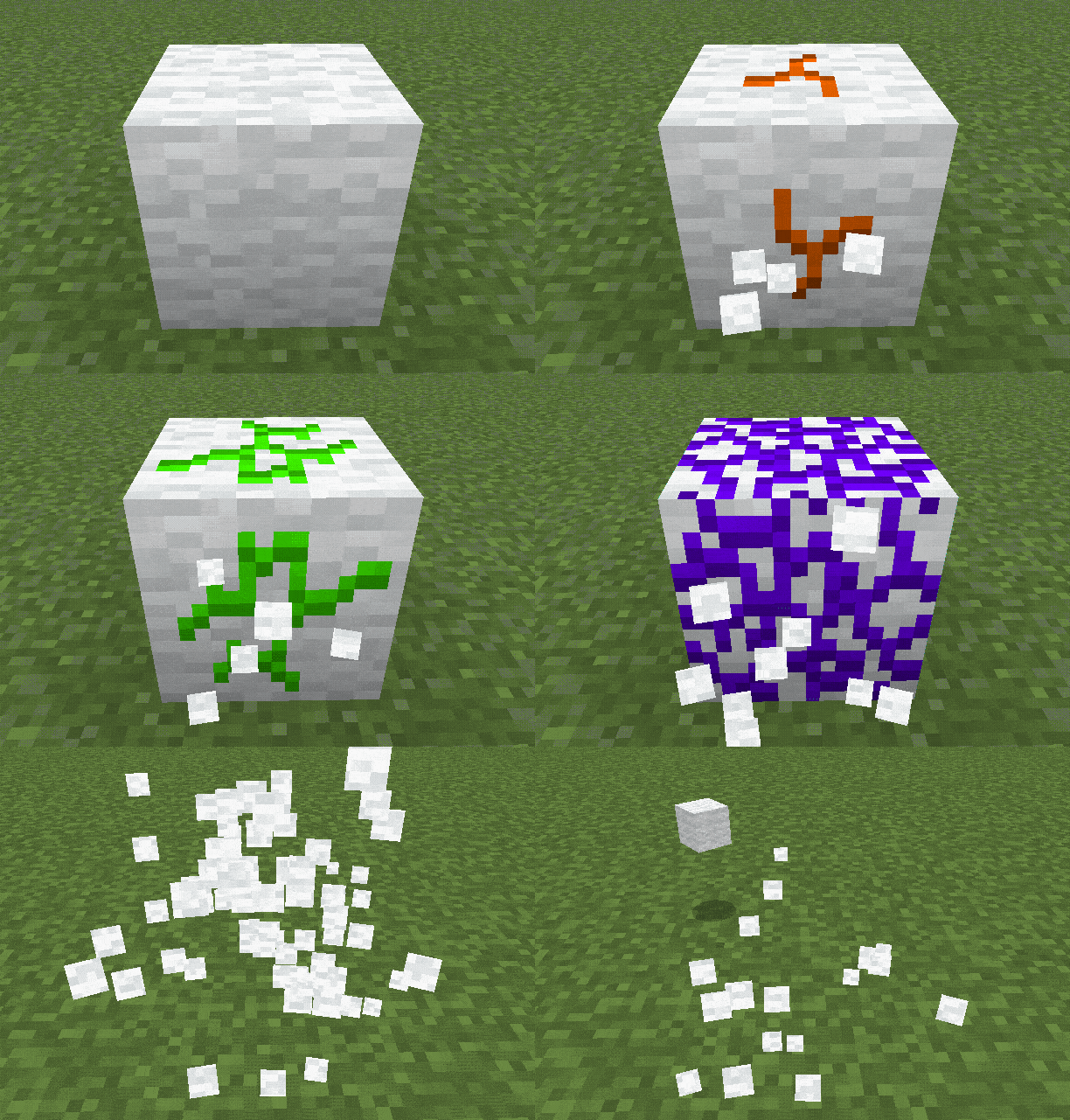


Infested Stone Indicator [BE]
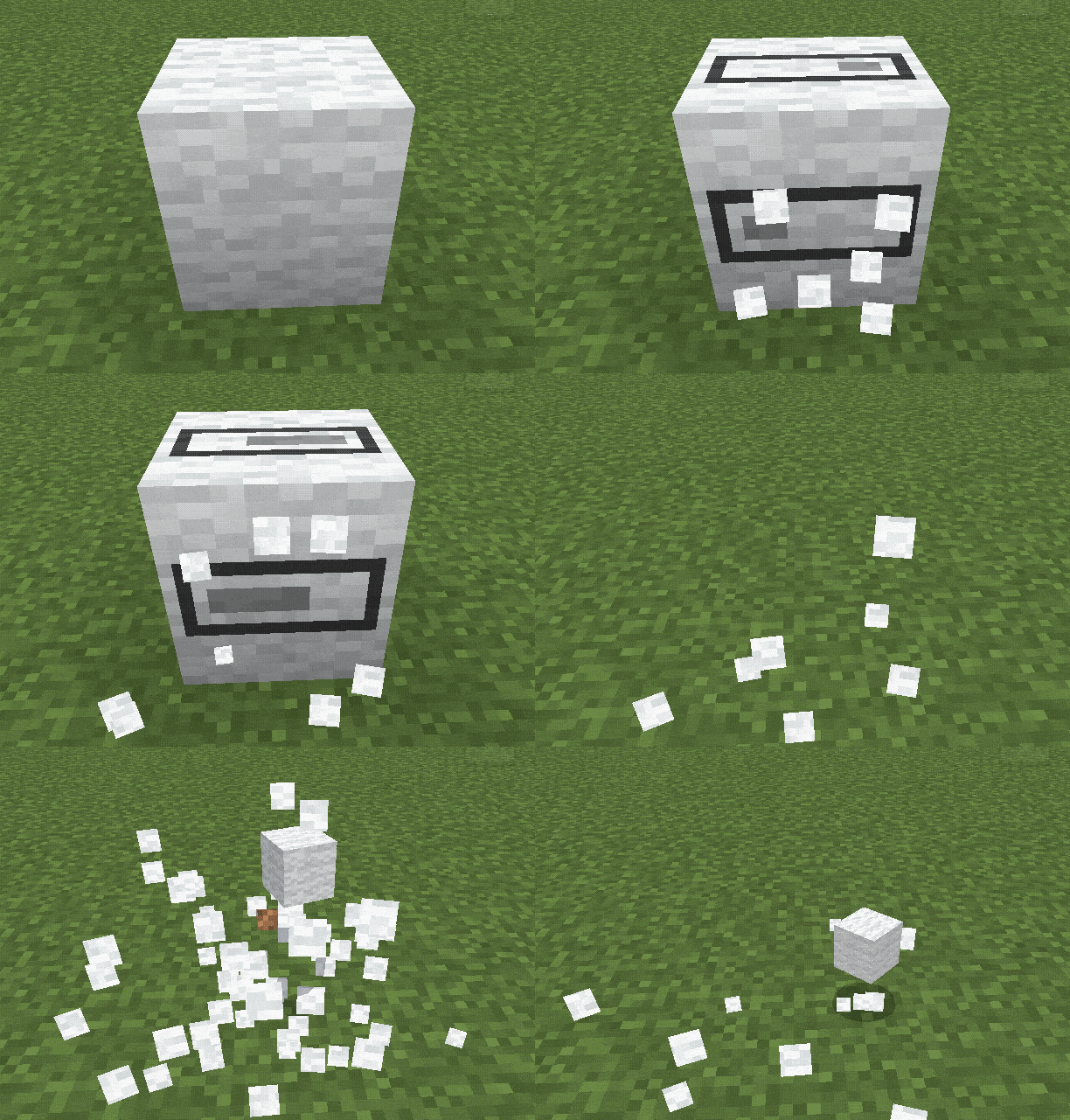
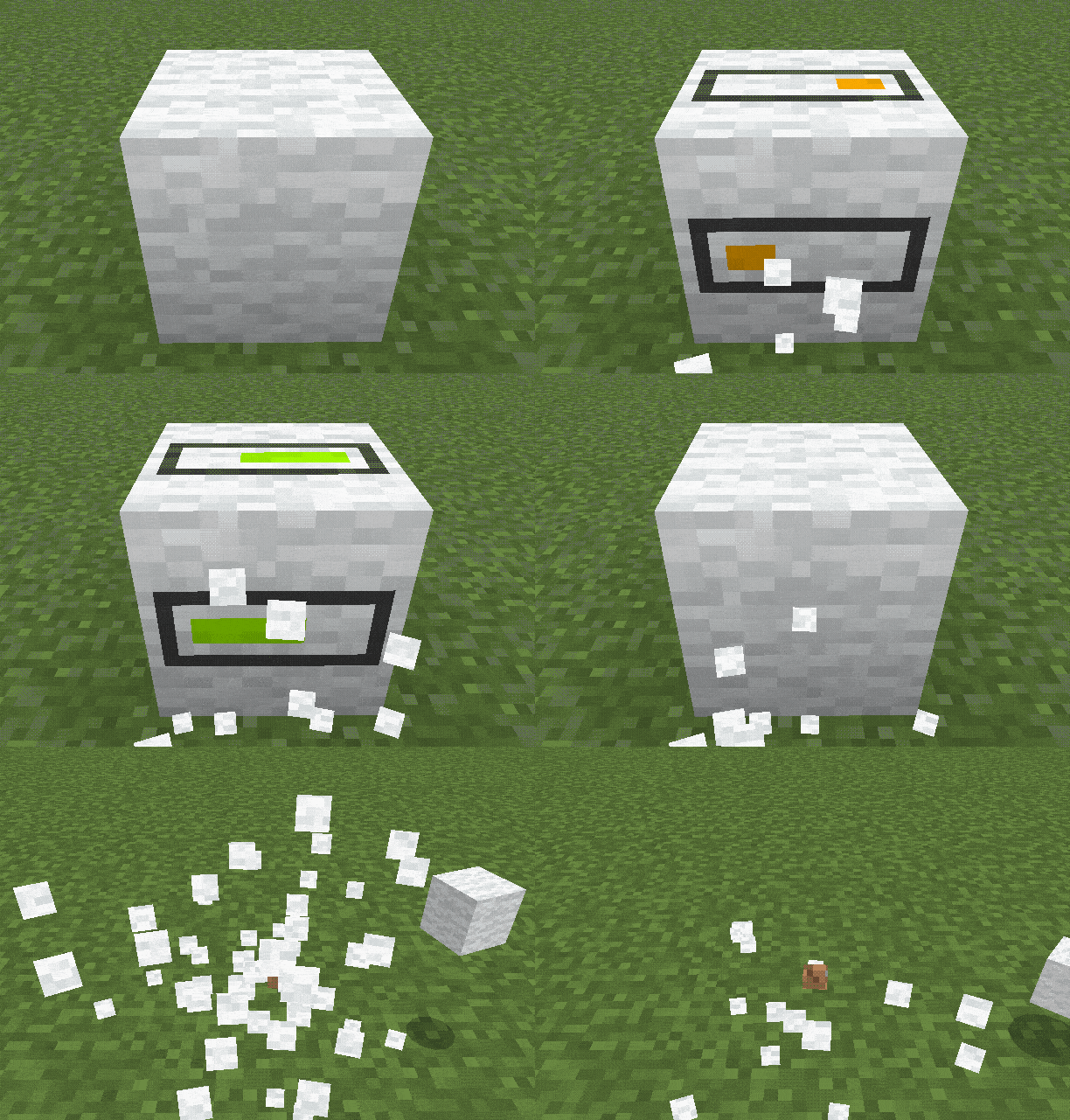
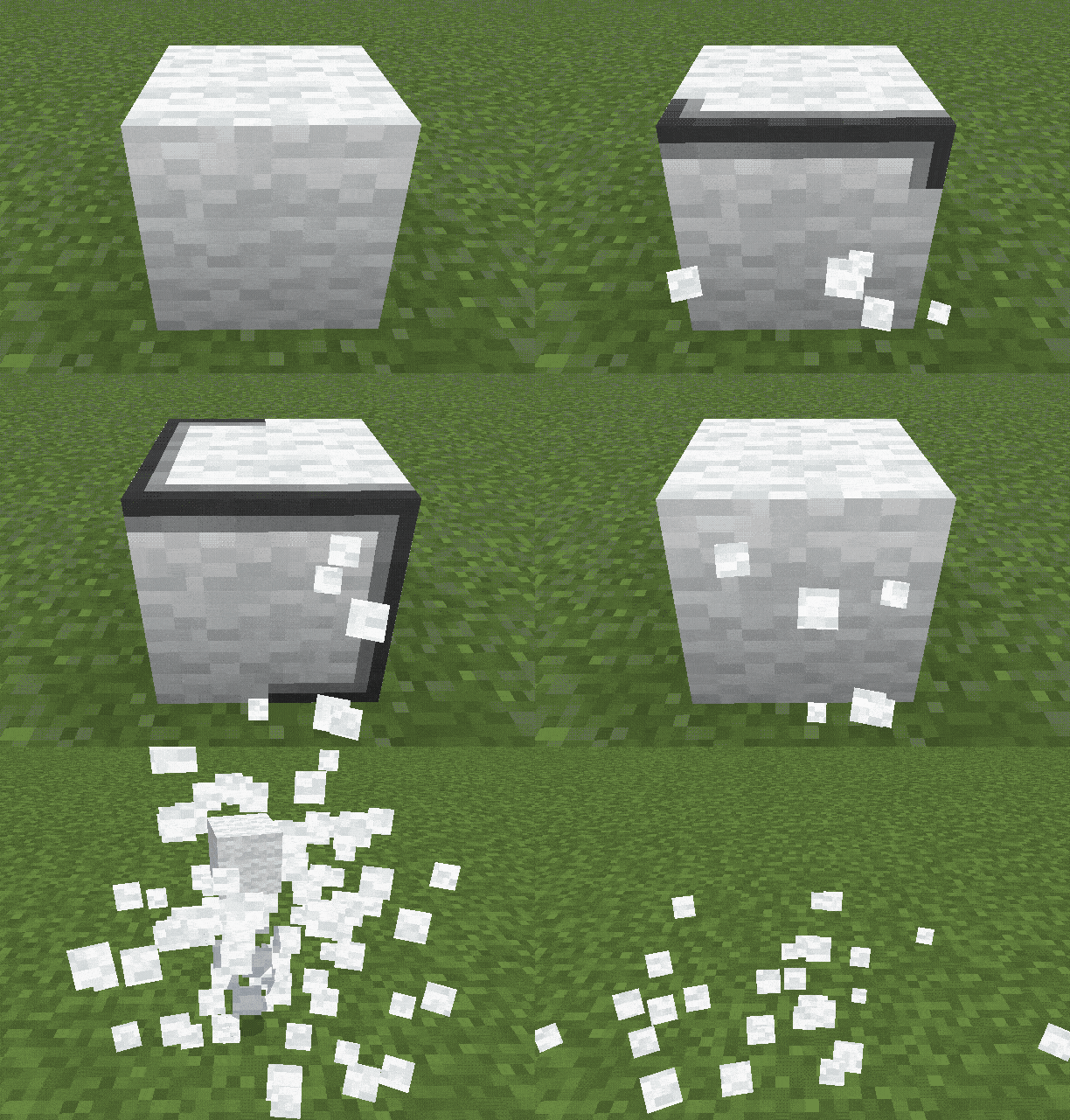
Indicates Infested Stone blocks! Toggle Item & Block model using the subpacks.
- 66
- October 30, 2026

Bedrock Redstone+ [Vibrant Visuals!]
- 14.6K
- Texture Packs
Just like Java's Redstone Tweaks but for Bedrock! Works for latest version!
- 14.6K
- September 19, 2026

Infested Stone Indicator [BE]
Indicates Infested Stone blocks! Toggle Item & Block model using the subpacks.
- 66
- October 30, 2026
Bedrock Redstone+ [Vibrant Visuals!]
- 14.6K
- Texture Packs
Just like Java's Redstone Tweaks but for Bedrock! Works for latest version!
- 14.6K
- September 19, 2026