Modern Font Pack
- 1.8K
- Texture Packs
Modernize the font of Minecraft and make it smooth and beautiful.
- 1.8K
- December 2, 2025
Modern Font Pack
- 1.8K
- Texture Packs
Modernize the font of Minecraft and make it smooth and beautiful.
- 1.8K
- December 2, 2025


![[BE] Better Chinese Localization Pack logo](https://media.forgecdn.net/avatars/thumbnails/1563/280/64/64/639014167694435717.png)
This resource pack aims to provide a better experience for Chinese players. Not only does it change all the wording from the vanilla version to be the same as the Java Edition and Minecraft Wiki, but it also corrects a lot of incorrect or even ridiculous translations. In addition, translations for some mods, add-ons, maps, and UI packs are also provided, and two languages have been added—Traditional Chinese (Hong Kong SAR) and experimental Classical Chinese (Hua Xia).

Hereby declare: The language proofreading and correction of the vanilla are performed by me personally, and there is no act of plagiarizing other people's works.
Translations for Mods, Add-ons and Maps
This resource pack provides Chinese translations for some mods, add-ons and maps.
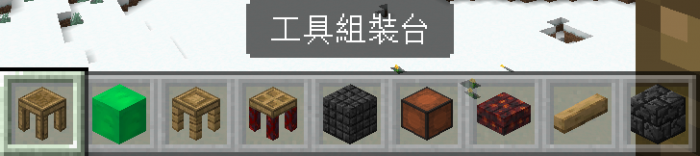


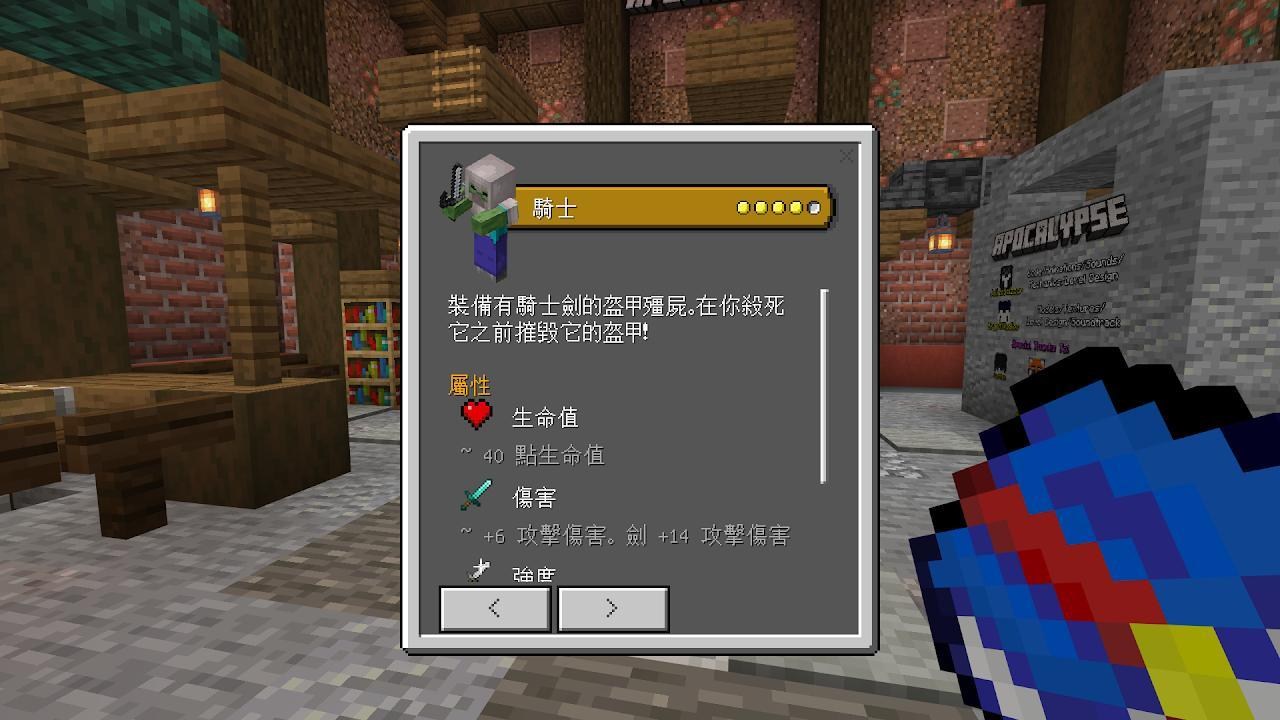
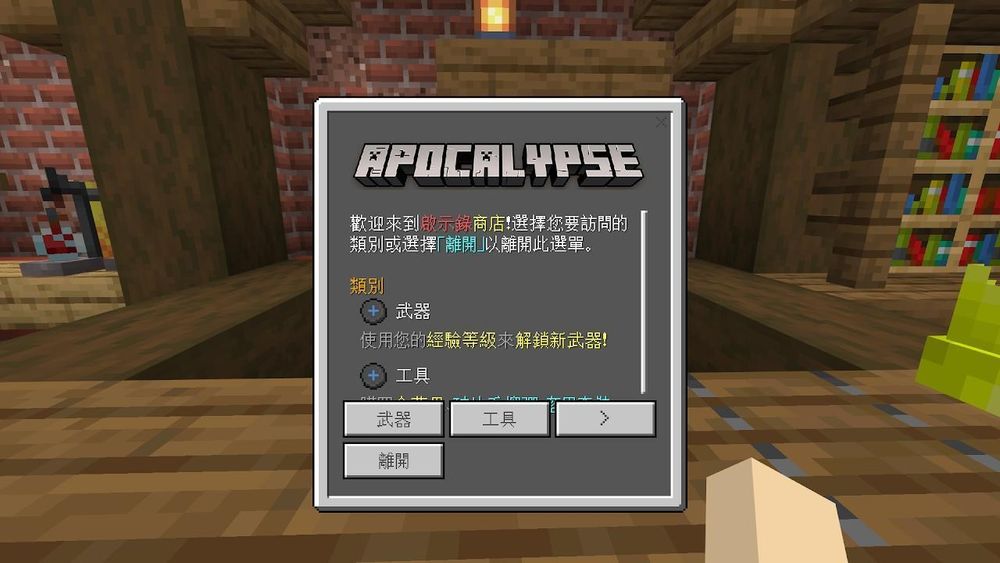

Welcome to Crowdin to participate in the translation!

Correction of the Vanilla Translation
Some translations can feel ridiculous. For example (Traditional Chinese):
This resource pack fixes a lot of translation problems and changes many wordings to be the same as Java Edition.
Although other people have made resource packs to correct translations, in order to support the translation of mods, add-ons, and maps, I proofread and correct the vanilla translations from scratch.

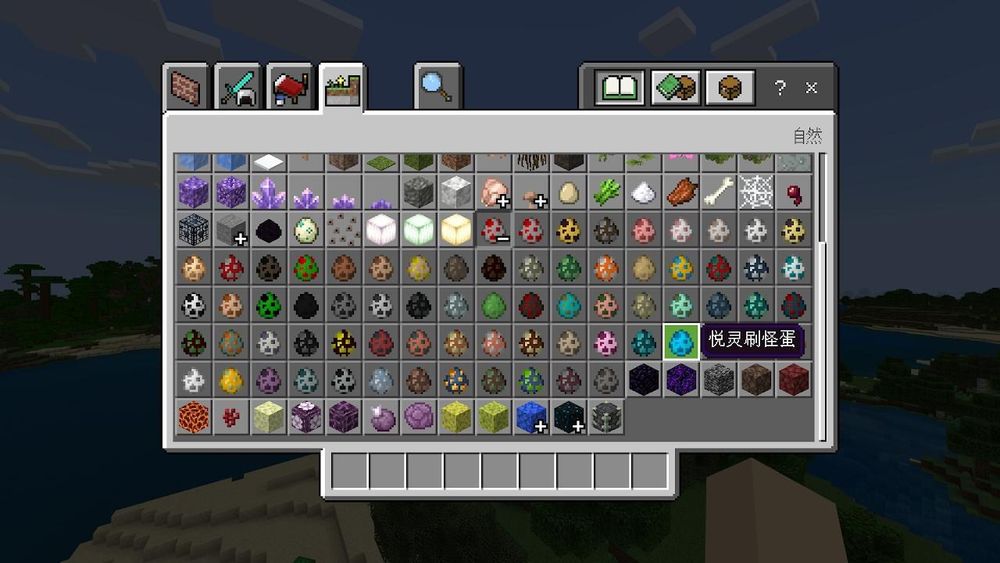


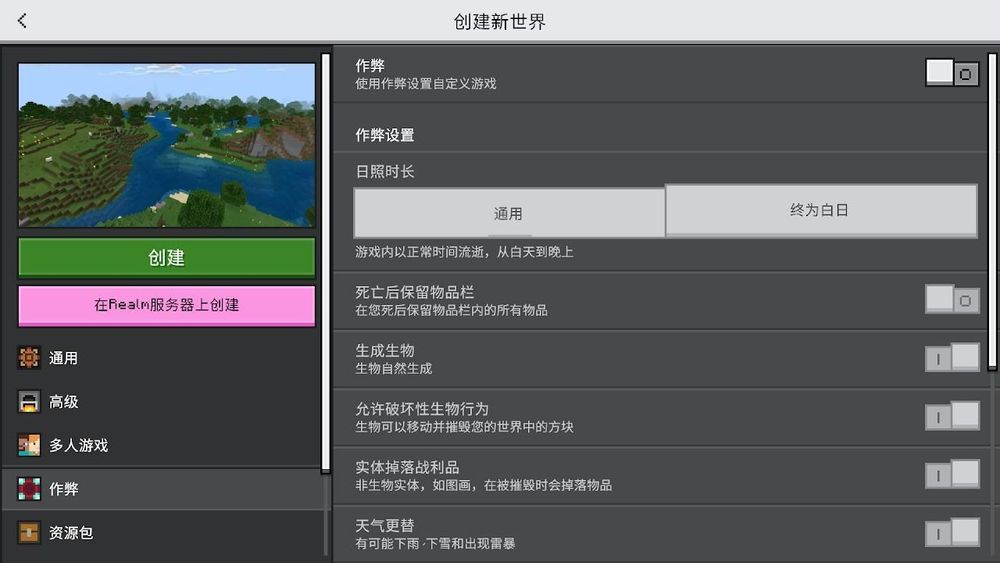
Traditional Chinese (Hong Kong SAR) Translations

Classical Chinese (Hua Xia) Translations (Experimental)
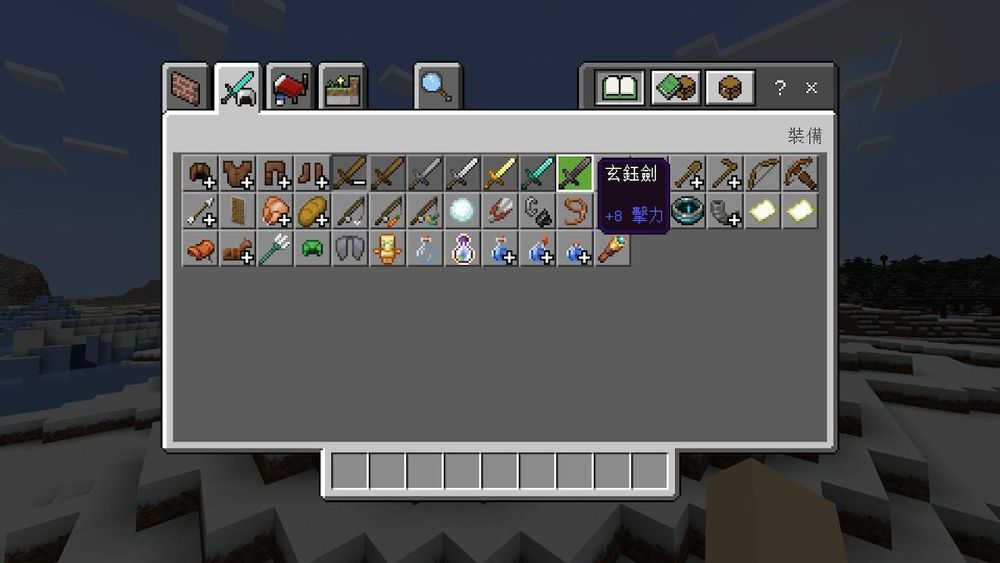
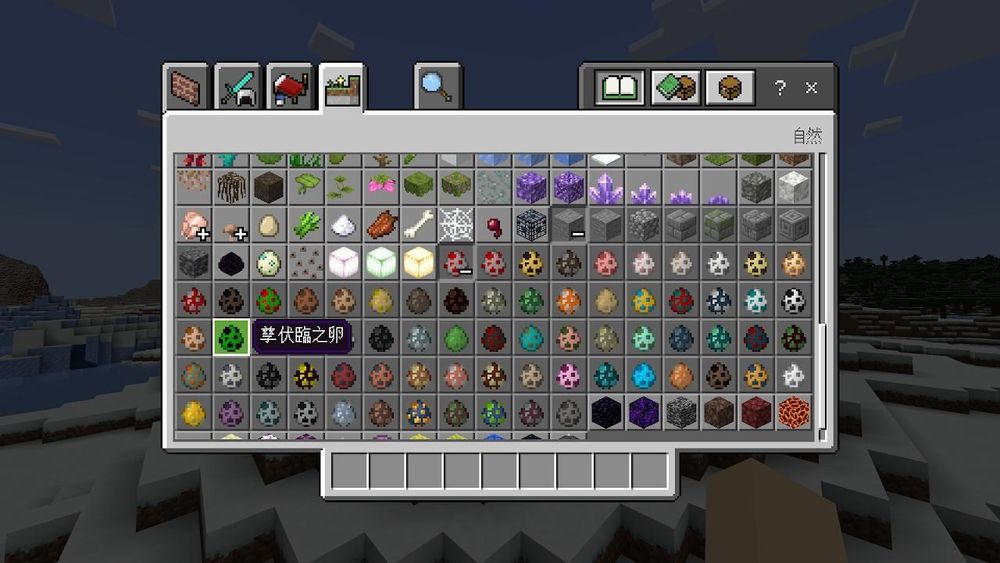
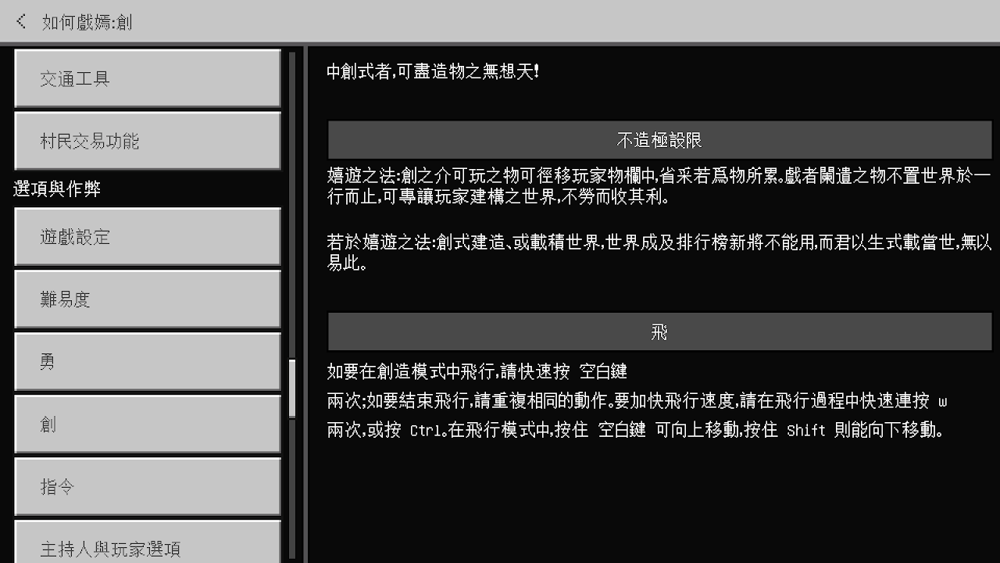
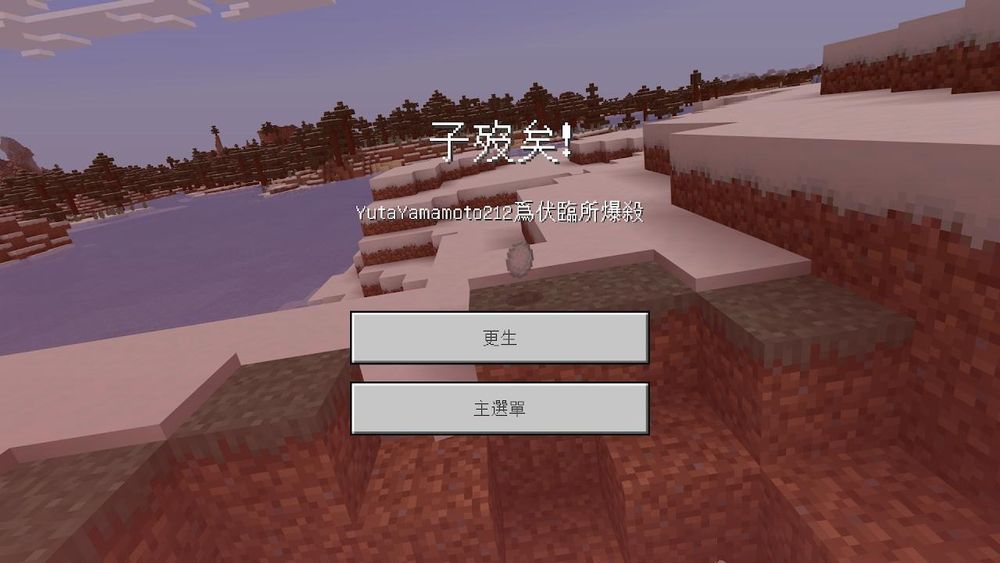
Splash Texts Translations
Since splash texts cannot be changed with language switching, four separate resource packs have been specially created for Simplified Chinese (Mainland China), Traditional Chinese (Hong Kong SAR), Traditional Chinese (Taiwan), and experimental Classical Chinese (Hua Xia).


Things to Know
Future Development
If other types of Chinese are introduced in the future Java Edition, they may be supported.
Feedback
Installation
Before downloading, please note:


How to install:
1. Download this resource pack in the Files tab and select the resourcepack_addon_zh_v201.mcpack file to download. In order for the splash texts to be translated, you also need to download the splashes_zh-TW_v148.mcpack file.
2. Load it into your Minecraft: Bedrock Edition. Since the MCPACK installation method only uses the first 10 characters of the "name" field in the manifest.json file as the folder name in the resource_packs folder, it may cause confusion for some players. If you are used to managing resource packs in the resource_packs folder instead of in-game Storage feature, it is recommended to rename the file extension to .zip and unzip into that folder.
3. Go to Settings (設定) -> Global Resource Pack (全球資源套件), and click the Activate (啟用) button.
 4. Simply click the back button to finish applying the resource pack.
1. Download this resource pack in the Files tab and select the resourcepack_addon_zh_v201.mcpack file to download. In order for the splash texts to be translated, you also need to download the splashes_zh-HK_v148.mcpack file.
2. Load it into your Minecraft: Bedrock Edition. Since the MCPACK installation method only uses the first 10 characters of the "name" field in the manifest.json file as the folder name in the resource_packs folder, it may cause confusion for some players. If you are used to managing resource packs in the resource_packs folder instead of in-game Storage feature, it is recommended to rename the file extension to .zip and unzip into that folder.
3. Go to Settings (設定) -> Global Resource Pack (全球資源套件), and click the Activate (啟用) button.

4. Please click on this resource pack in the Active (啟動) tab.
5. Click the gear icon next to the Deactivate (停用) button to open the Resolution (解析度) settings window.

6. Slide the bar to "Traditional Chinese for Hong Kong SAR" (繁體中文供 香港特別行政區 使用) and close the window.

7. Click the back button to finish applying the resource pack.
1. Download this resource pack in the Files tab and select the resourcepack_addon_zh_v201.mcpack file to download. In order for the splash texts to be translated, you also need to download the splashes_zh-CN_v148.mcpack file.
2. Load it into your Minecraft: Bedrock Edition. Since the MCPACK installation method only uses the first 10 characters of the "name" field in the manifest.json file as the folder name in the resource_packs folder, it may cause confusion for some players. If you are used to managing resource packs in the resource_packs folder instead of in-game Storage feature, it is recommended to rename the file extension to .zip and unzip into that folder.
3. Go to Settings (设置) -> Global Resource Pack (全局资源), and click the Activate (激活) button.

4. Simply click the back button to finish applying the resource pack.
1. Download this resource pack in the Files tab and select the resourcepack_addon_zh_v201.mcpack file to download. In order for the splash texts to be translated, you also need to download the splashes_lzh_v148.mcpack file.
2. Load it into your Minecraft: Bedrock Edition. Since the MCPACK installation method only uses the first 10 characters of the "name" field in the manifest.json file as the folder name in the resource_packs folder, it may cause confusion for some players. If you are used to managing resource packs in the resource_packs folder instead of in-game Storage feature, it is recommended to rename the file extension to .zip and unzip into that folder.
3. Go to Settings (設定) -> Global Resource Pack (全球資源套件), and click the Activate (啟用) button.

4. Please click on this resource pack in the Active (啟動) tab.

5. Click the gear icon next to the Deactivate (停用) button to open the Resolution (解析度) settings window.
6. Slide the bar to "Classical Chinese (Hua Xia) (Experimental)" (文言(華夏)(實驗性)) and close the window.

7. Click the back button to finish applying the resource pack.


Modernize the font of Minecraft and make it smooth and beautiful.
Modernize the font of Minecraft and make it smooth and beautiful.