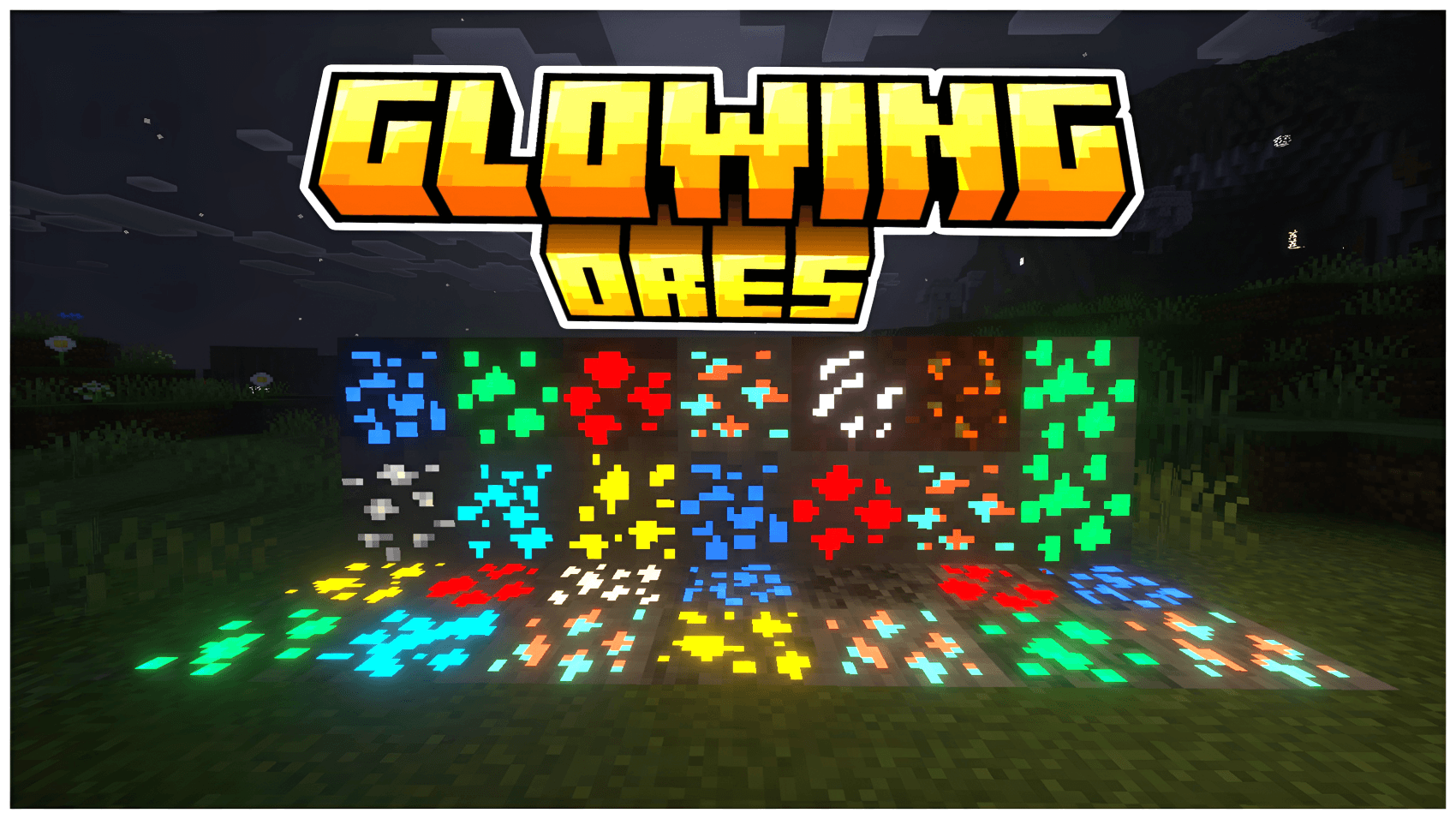
Tired of squinting through dark caves looking for ore? Glowing Ores makes every ore shine with a glow that matches its own color, so veins stand out the moment they come into view.

What's included
- Glowing versions of all the overworld ores: Coal, Copper, Iron, Gold, Redstone, Lapis Lazuli, Diamond and Emerald
- Matching glowing Deepslate variants of each one
- Glowing Nether Gold and Nether Quartz ores
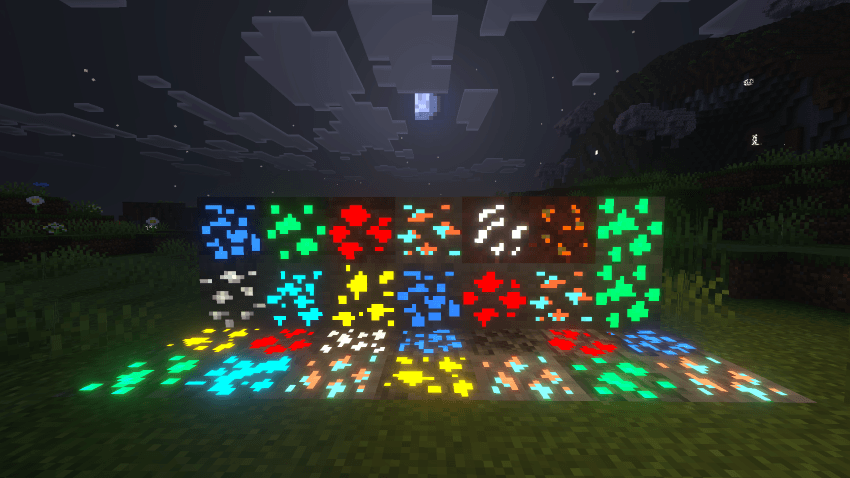
Features
- Each ore glows in its own color: red for redstone, cyan for diamond, blue for lapis, yellow for gold, and so on
- A soft, subtle glow that doesn't overpower the look of the game
- Clean, thin ore textures that keep the vanilla style
- Easy to install, with no add-ons or extra setup
Compatibility
- Minecraft Bedrock Edition (1.20+)
- The glow effect uses emissive (MER) texture data, so it looks best with a renderer that supports it, such as Vibrant Visuals or ray tracing
How to install
- Download the
.mcpack file and open it to import it into Minecraft.
- Go to Settings → Global Resources and activate Glowing Ores.
- Go mining and enjoy the glow!
Made by Vanillas Glowing Ores Team. Version 1.2.0.