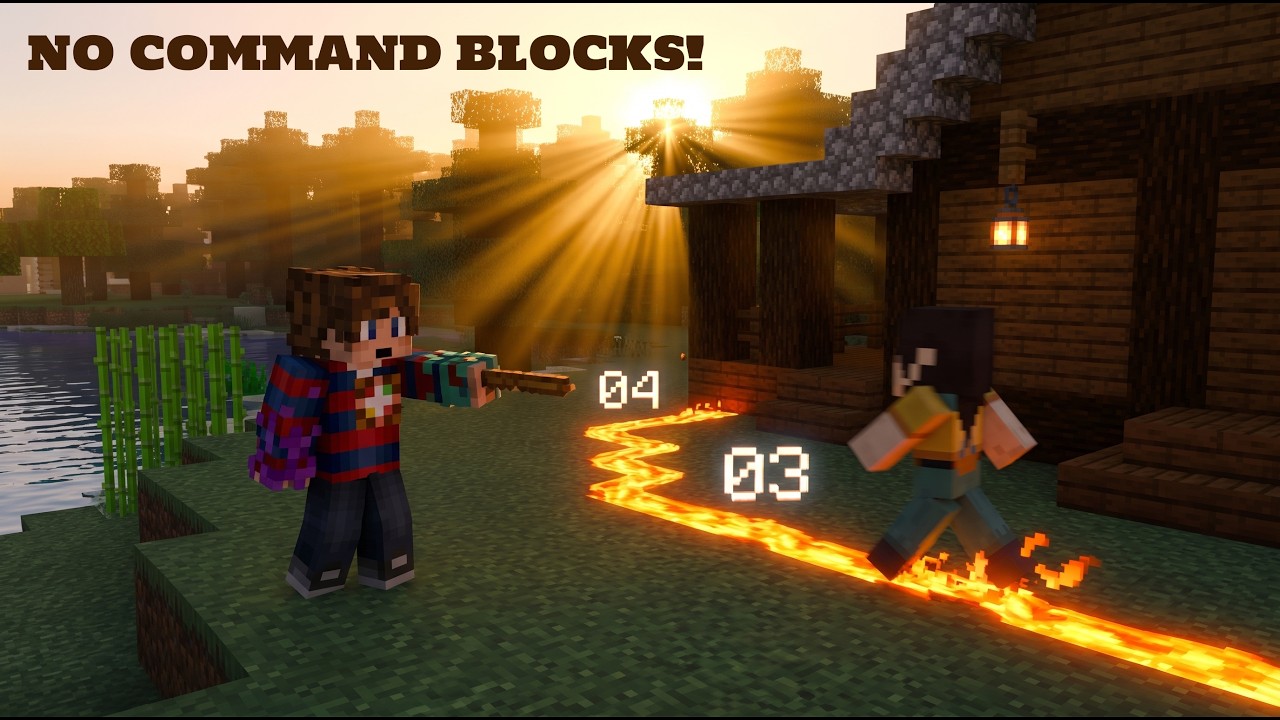
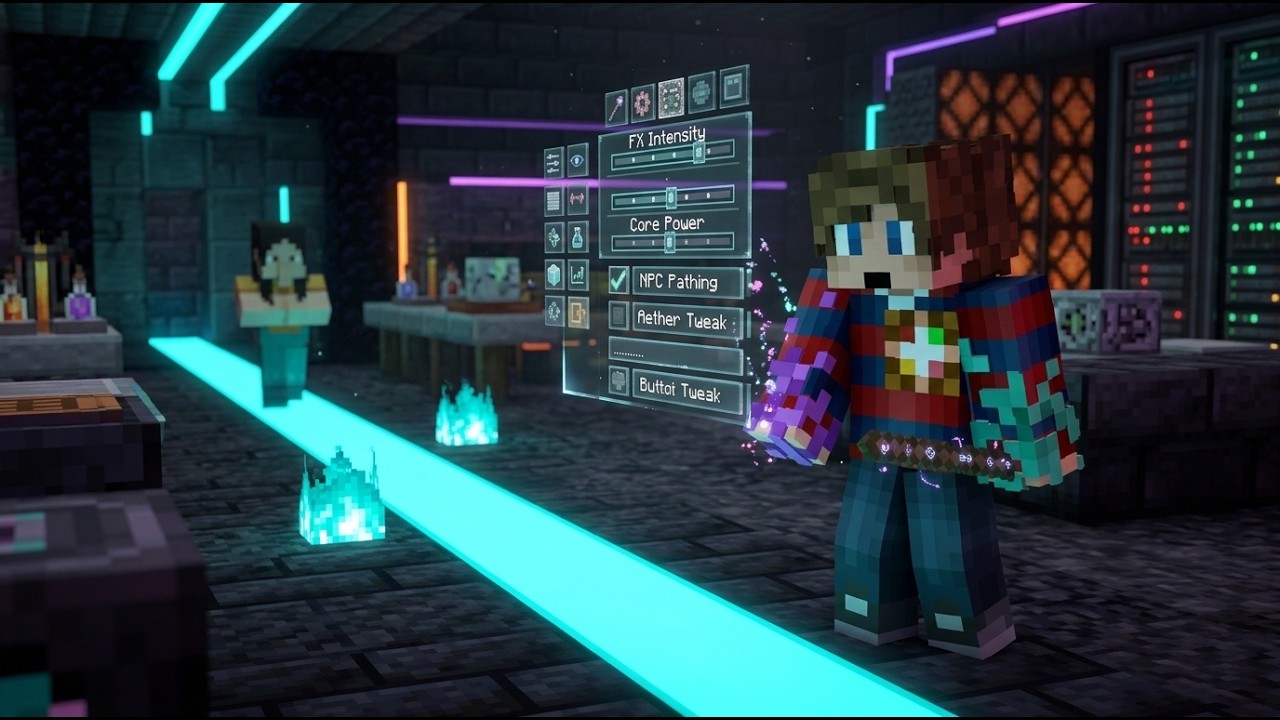
Один скрипт против 100 командных блоков! | Демонстрация умного ИИ для NPC ... NPC Pathmaker
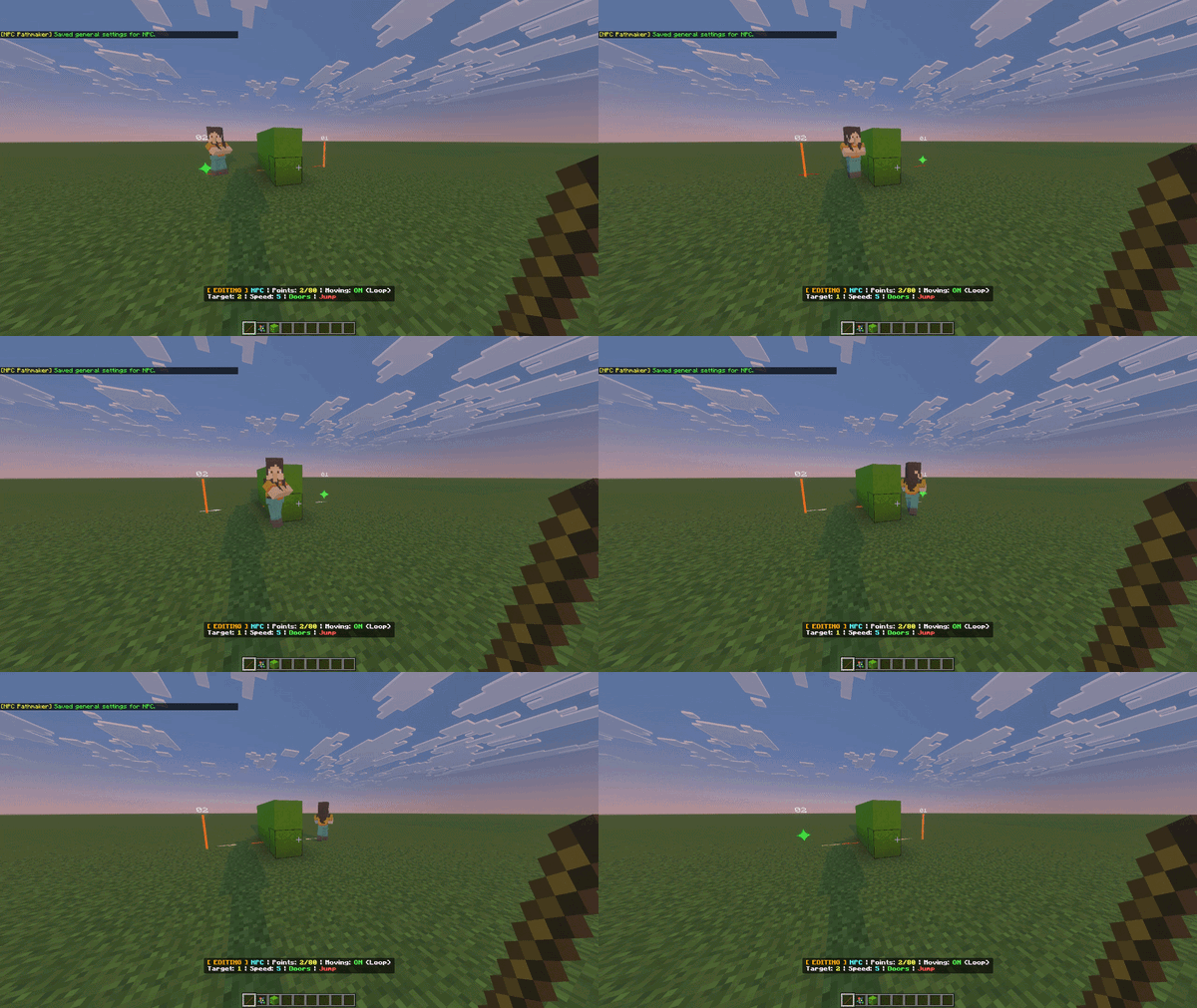
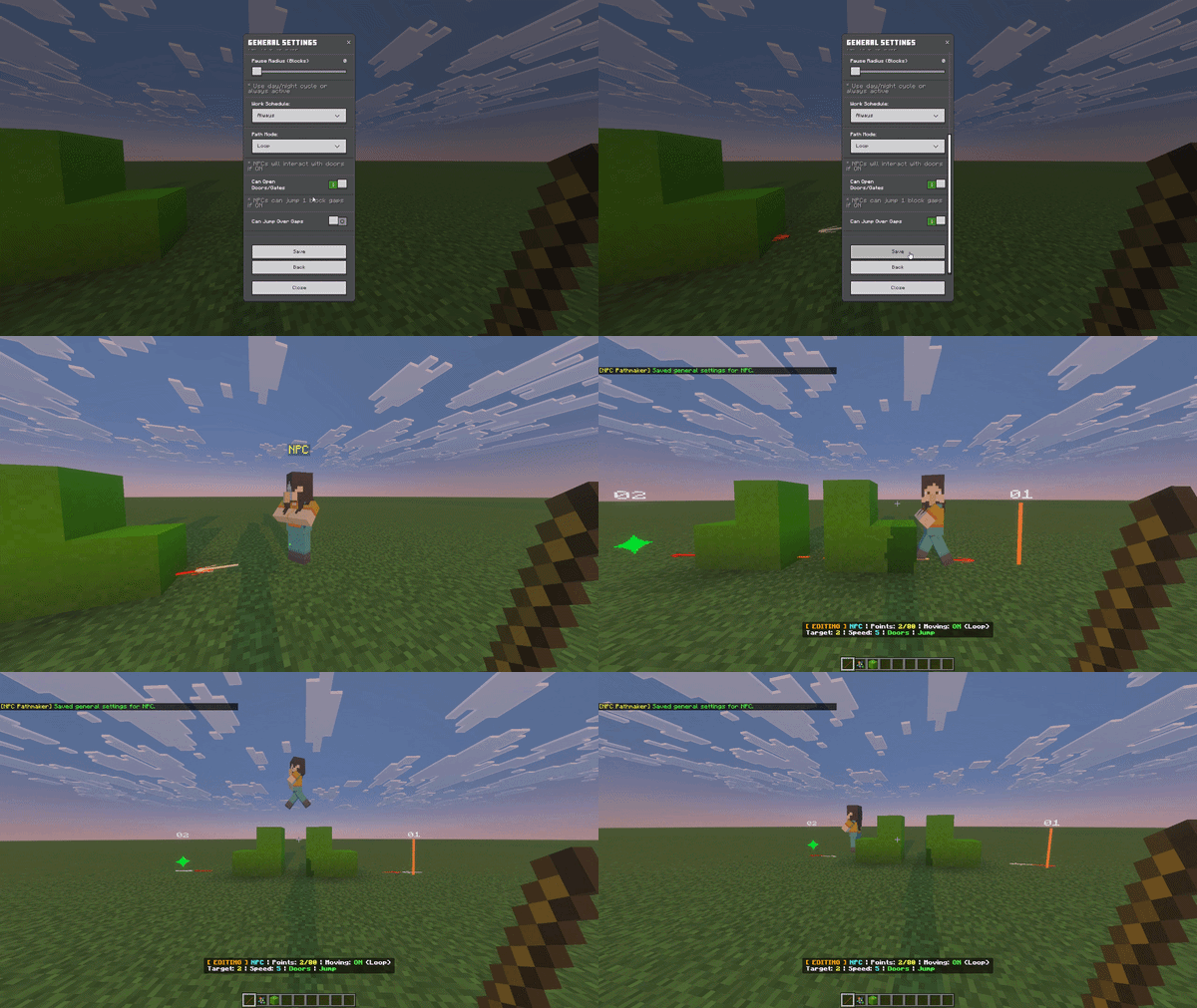
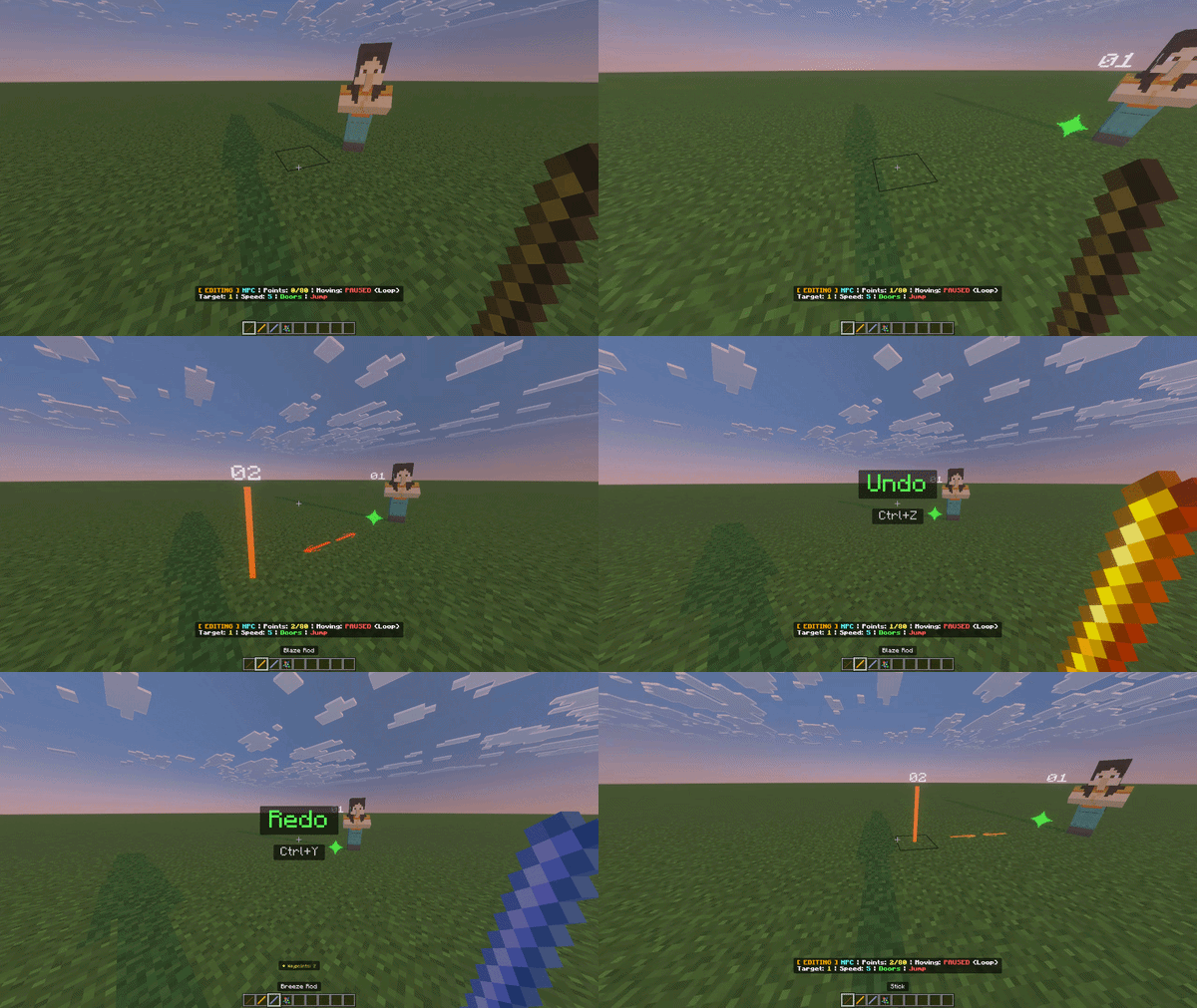
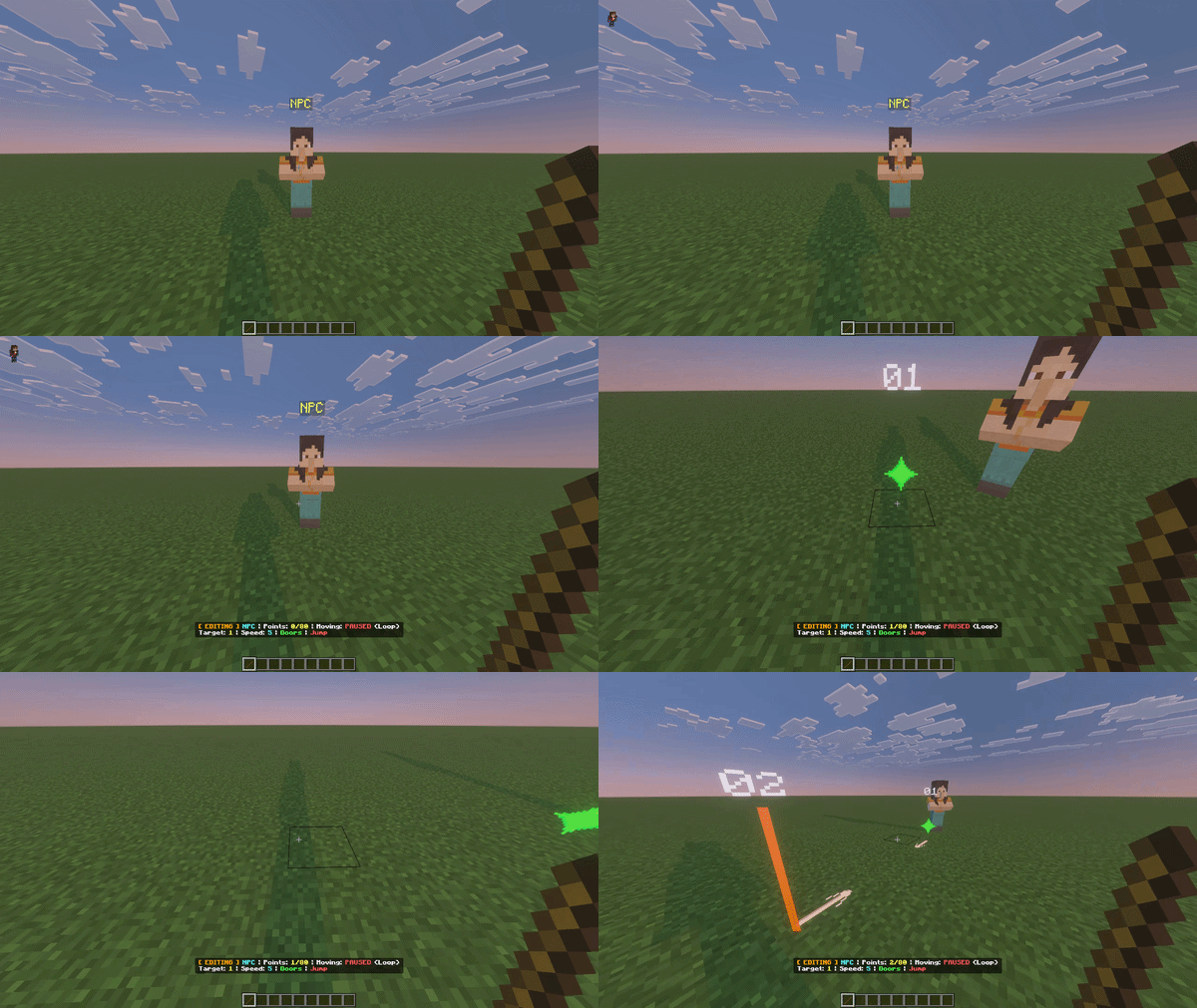
4_add_waypoint.gifCrouch + Tap the NPC with the stick to enter Edit Mode. Tap the floor to place waypoints and build the route. Look at the Action Bar HUD to see your progress (X/80). To exit Edit Mode, simply tap anywhere with the stick to stop editing.

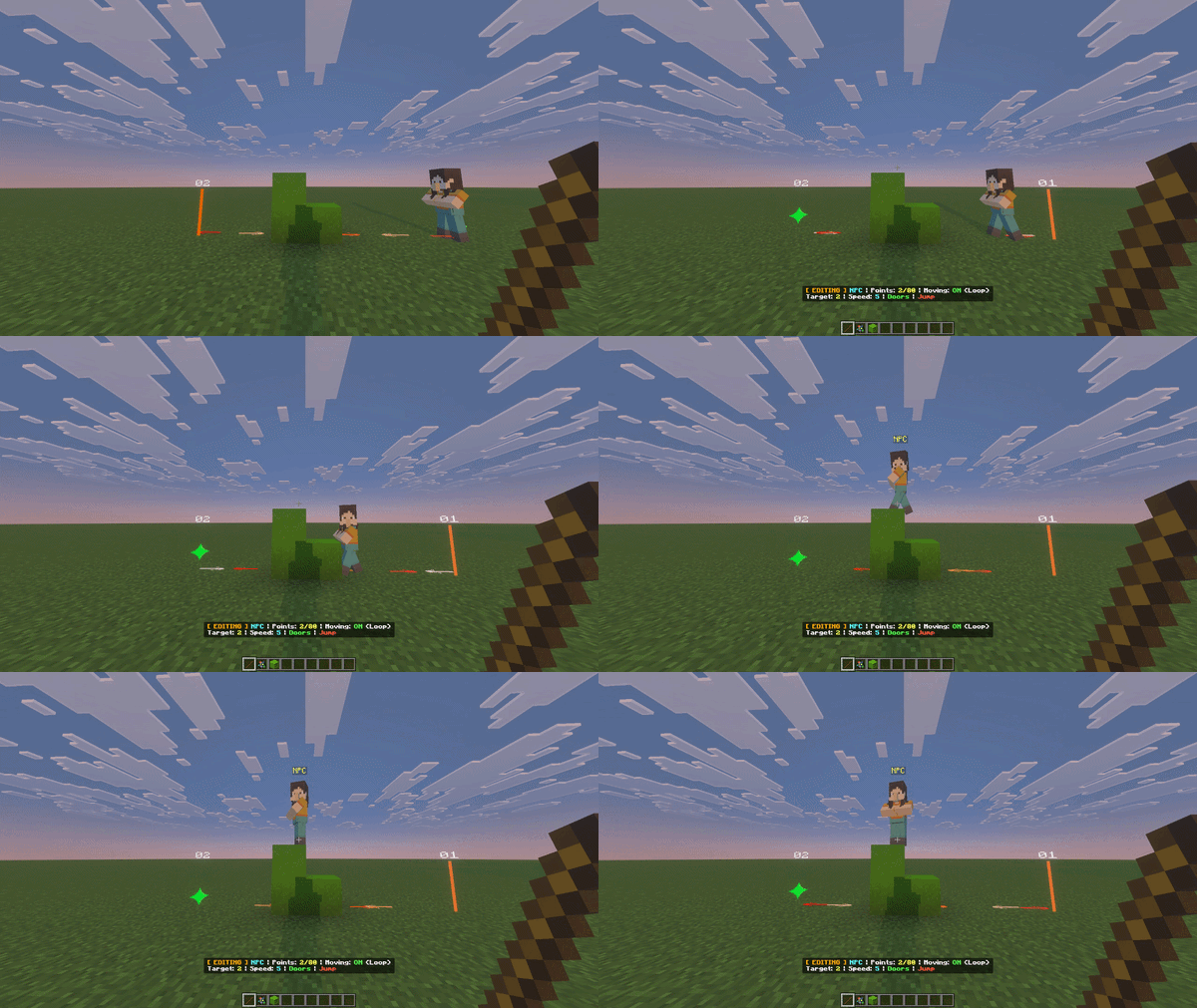
NPCs can calculate jumps to navigate over small gaps and simple step obstacles.

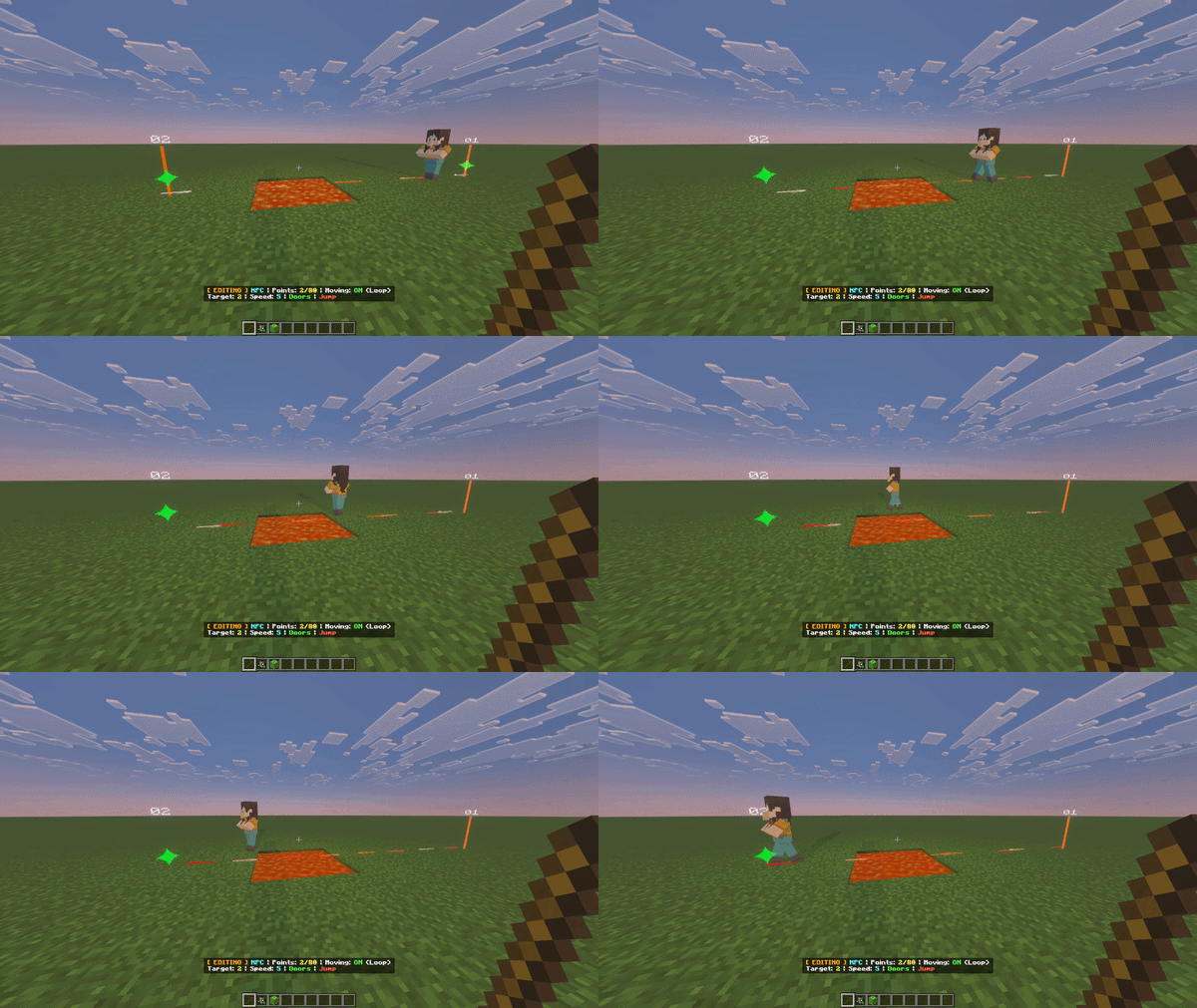
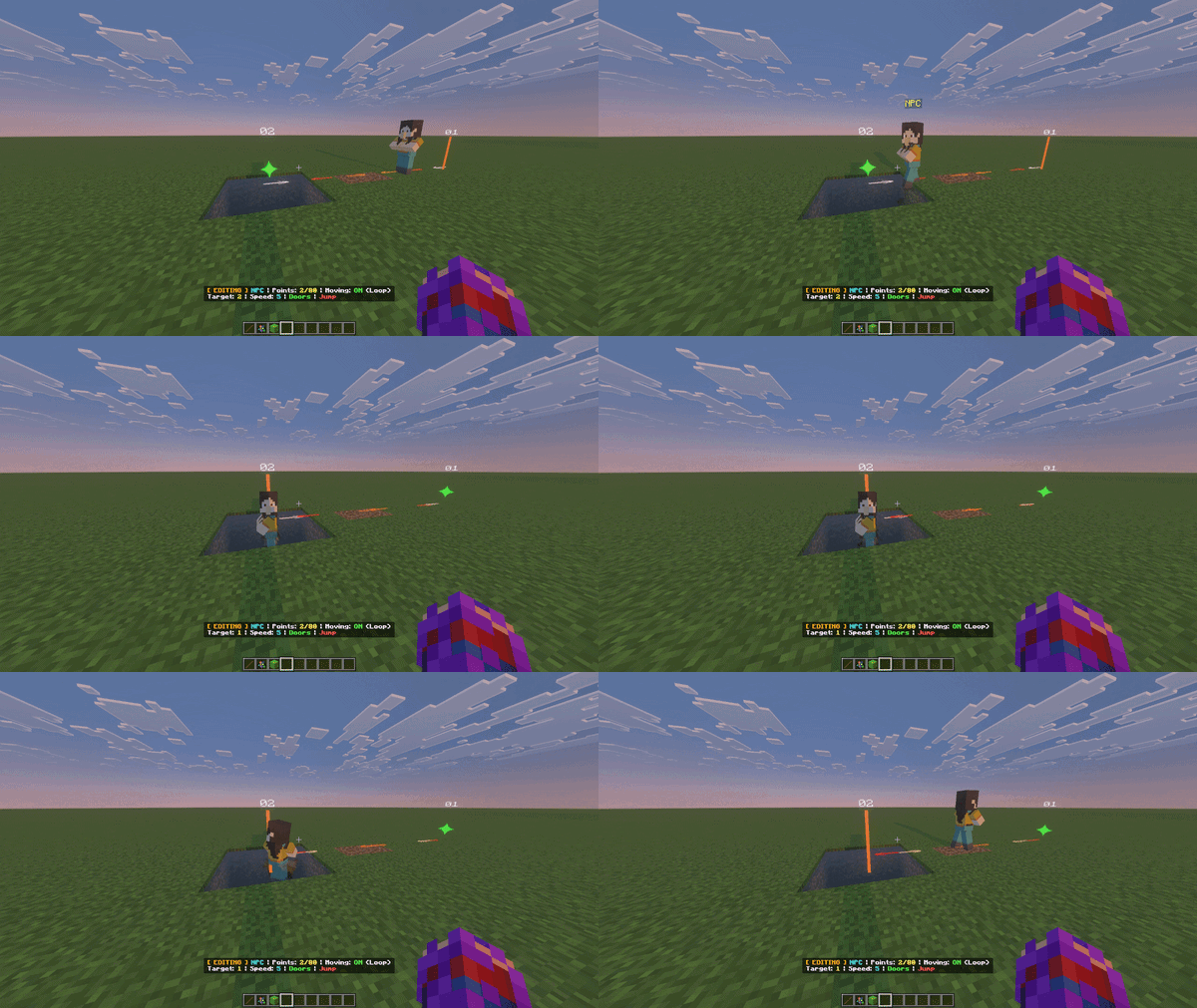
Lava acts as an absolute physical barrier. NPCs plot detours and will not jump into lava.

When hitting a corner, NPCs use advanced sliding physics to nudge themselves off the structure and prevent getting stuck.

Realistic aquatic bobbing: NPCs treat water blocks properly, swimming on the surface using sine-wave mechanics.

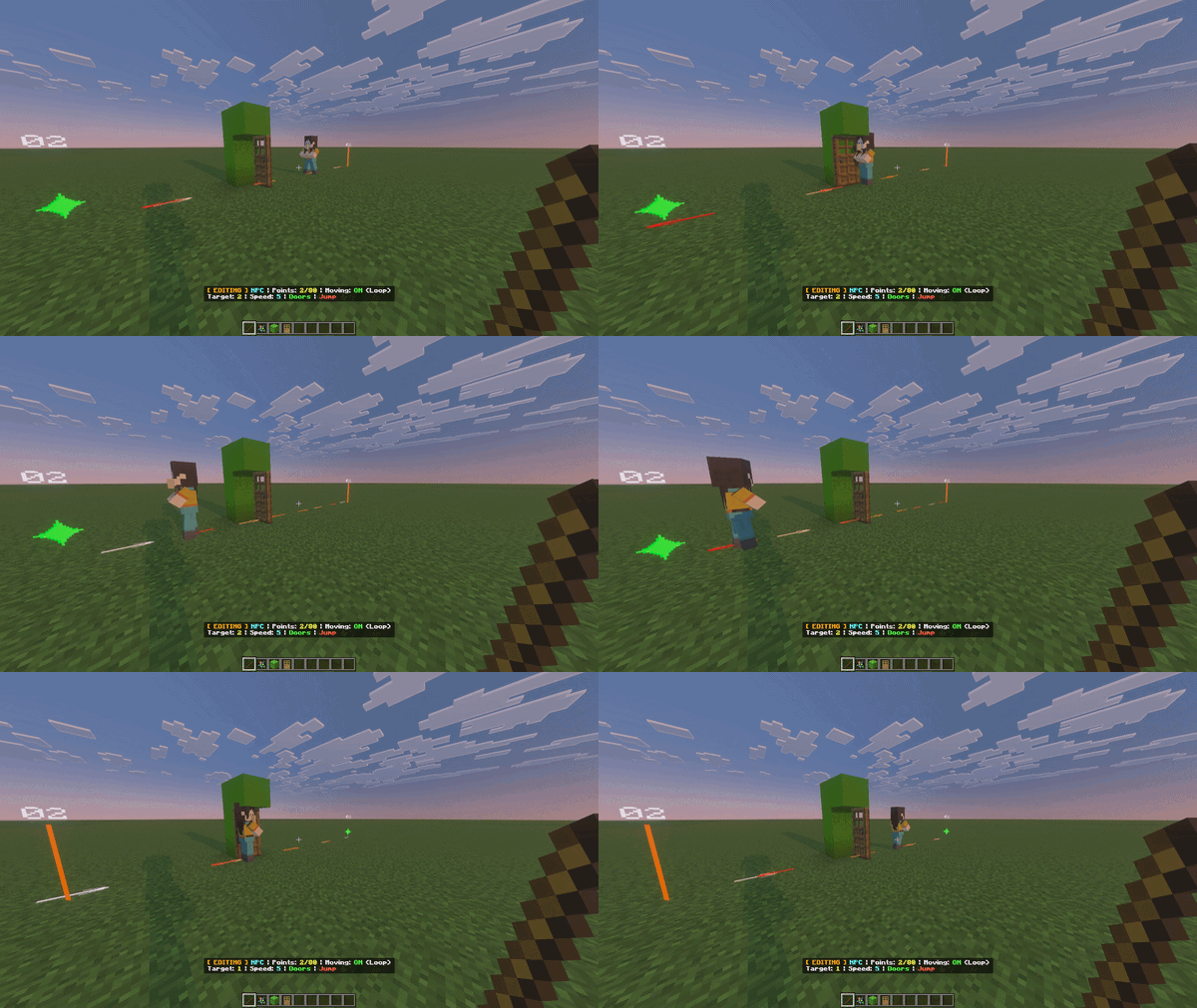
NPCs have the logic to open and optionally close wooden doors behind them dynamically.

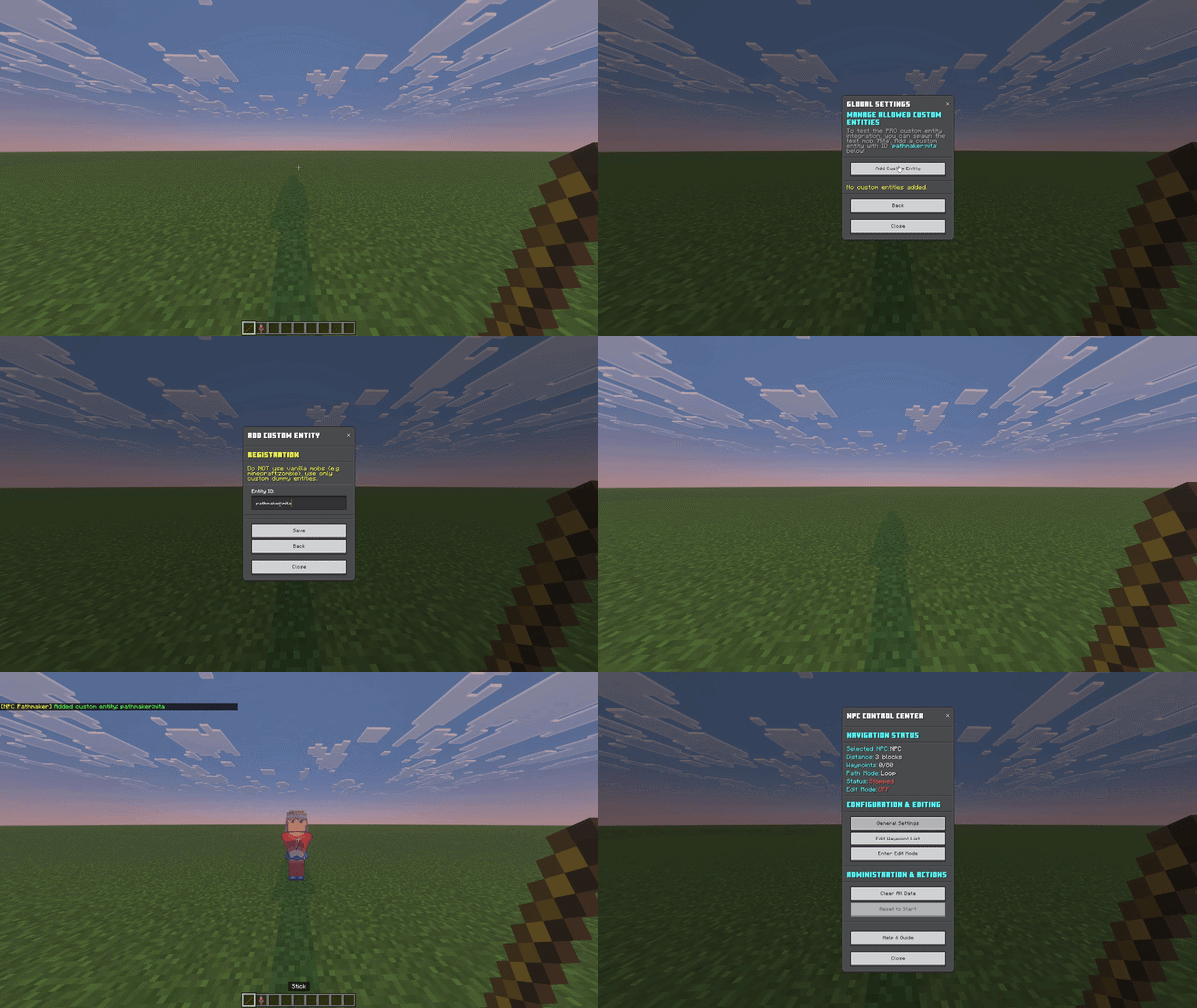
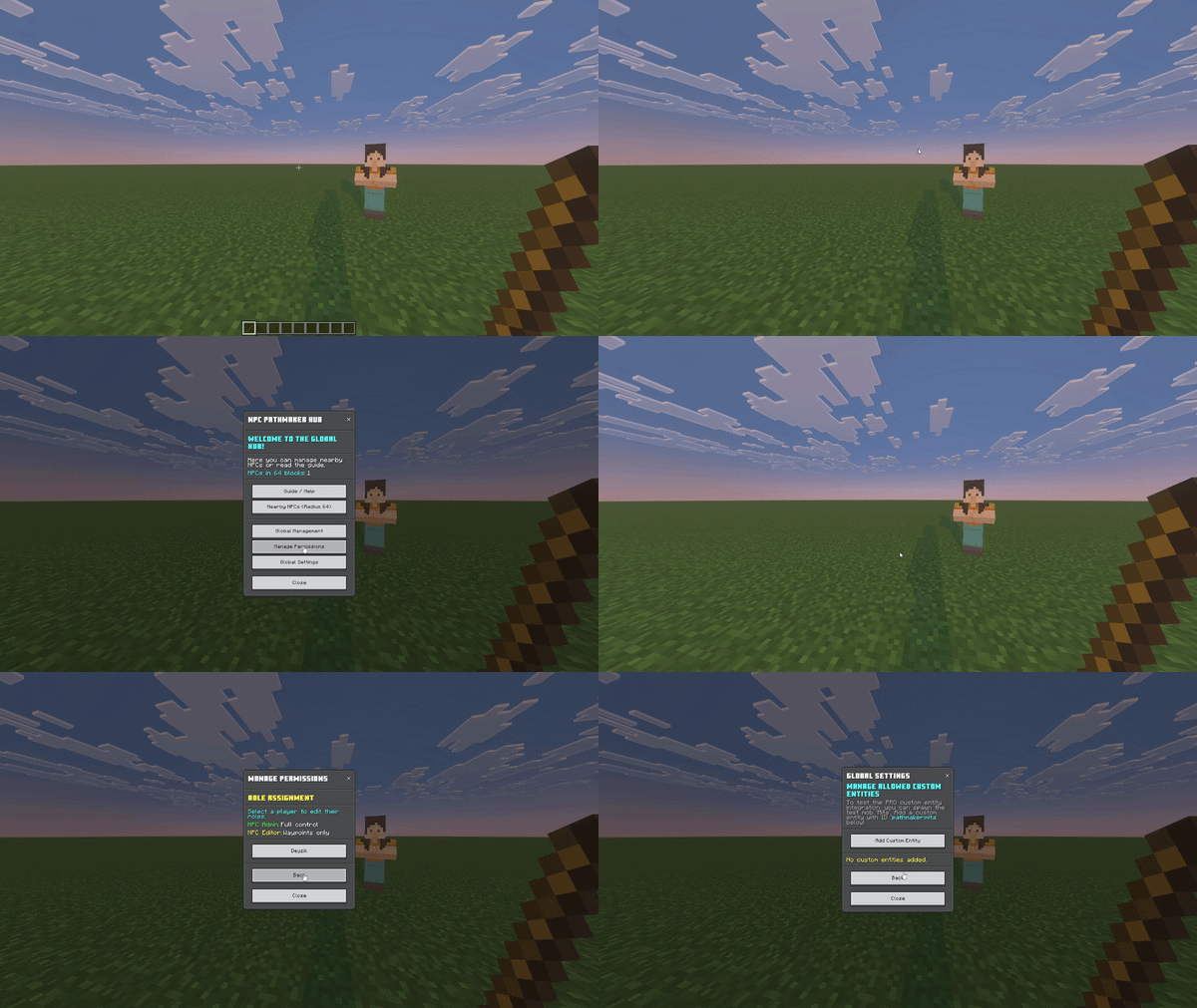
The Hub menu allows you to manage nearby NPCs and access global tools. Tap anywhere except on an NPC with the stick to open it.

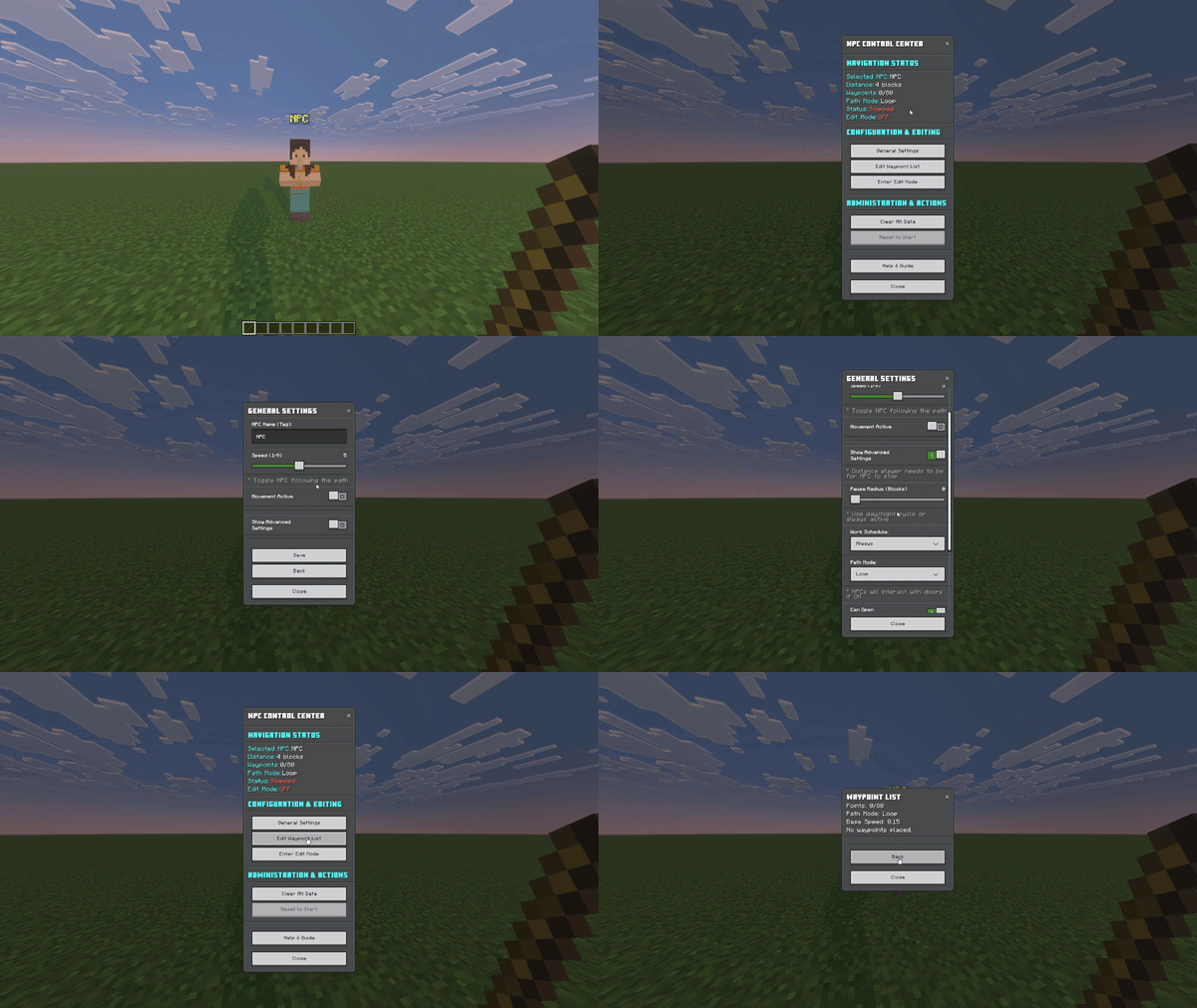
Tap any NPC with a Stick (Magic Tool) to open the Control Center and configure its paths and actions.

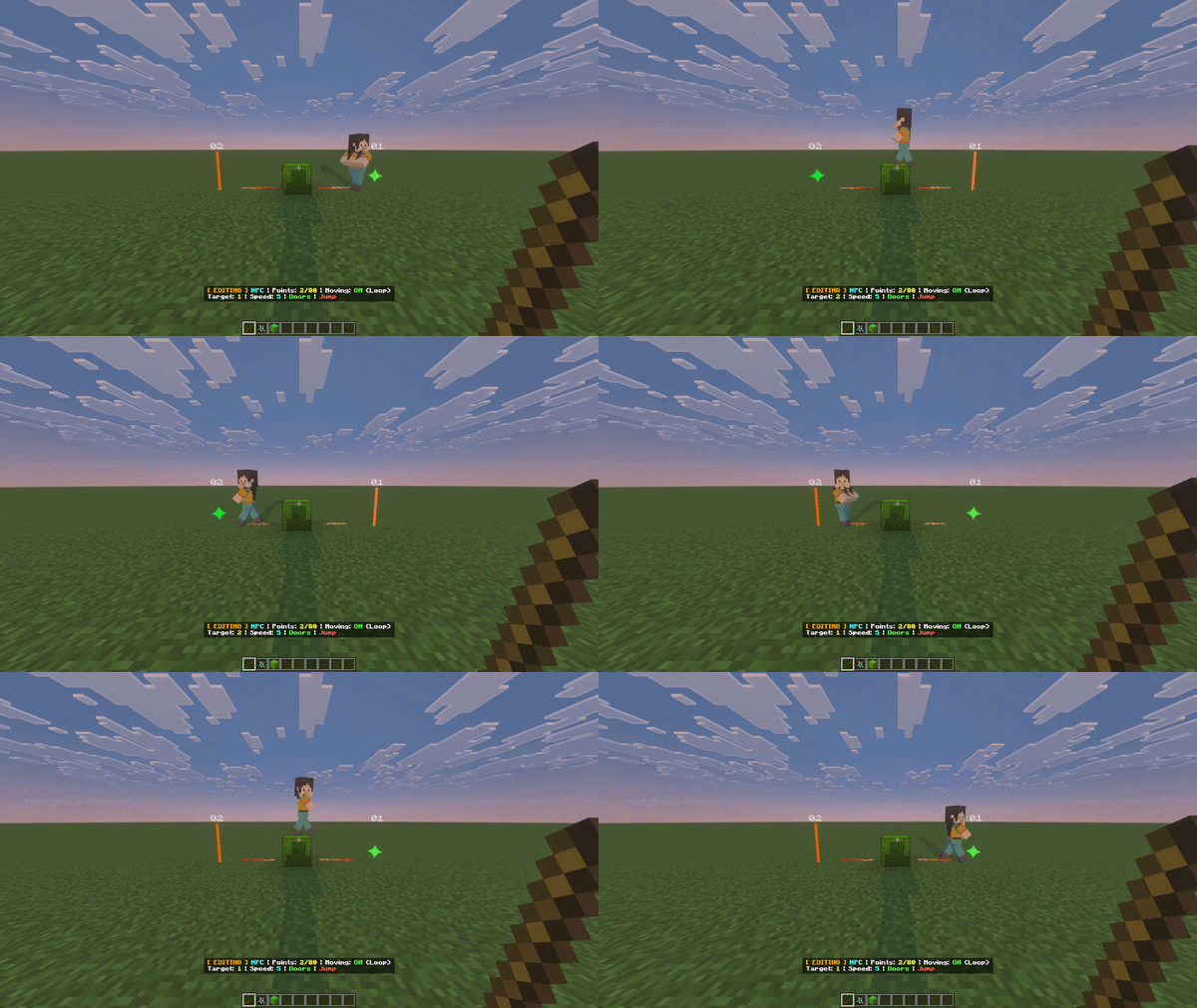
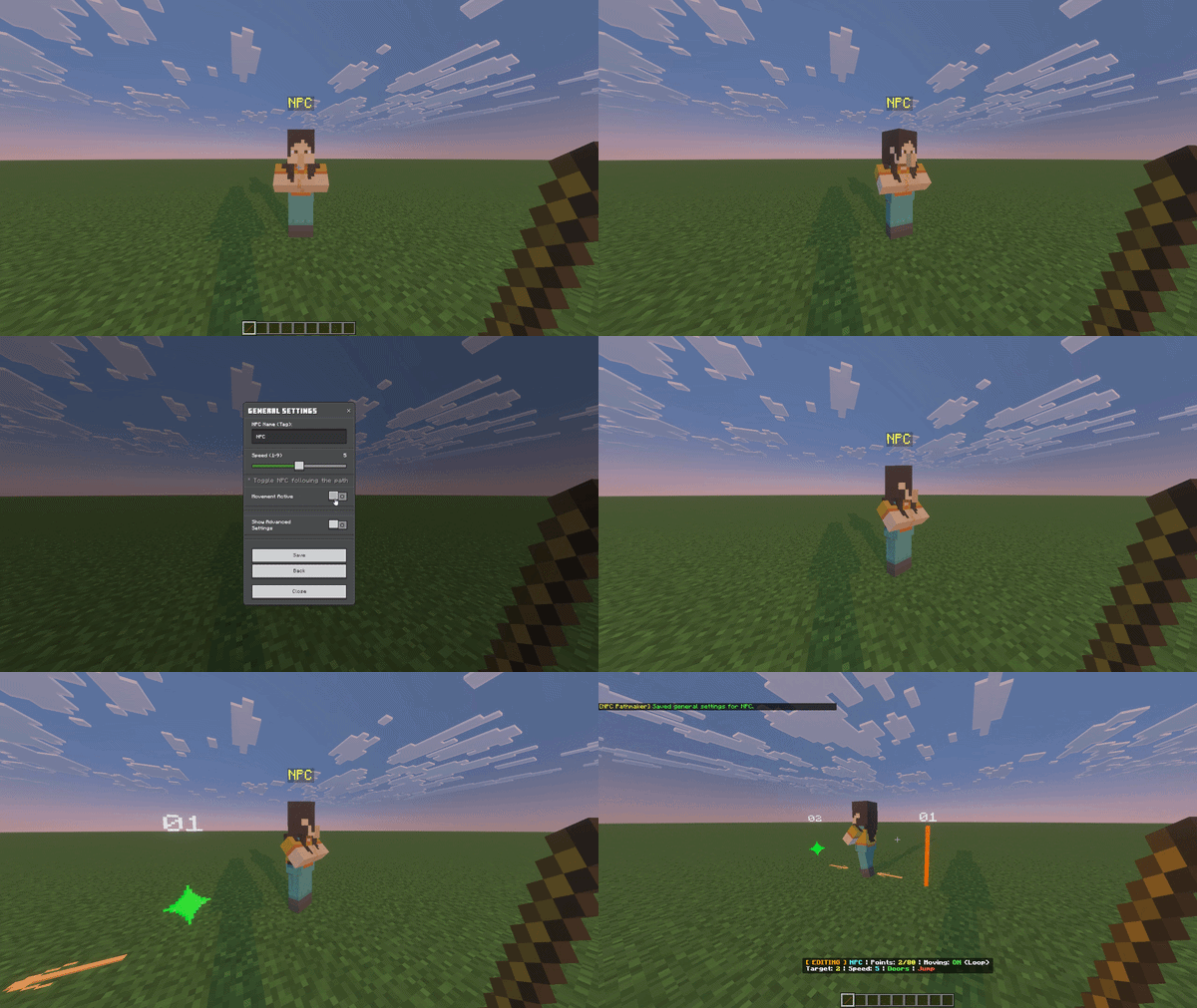
Open the Control Center, navigate to General Settings, and toggle the movement to start the NPC along its path.

Full calculation for half-blocks. NPCs scan block heights to walk over slabs and stairs properly without glitching.

NPCs are smart enough to avoid dangerous falls. If they detect a drop of 3 blocks or more, they will stop at the ledge to prevent taking fall damage.

To get an NPC, use any of these methods: • Secret Spawn Egg: `/give @s spawn_egg 1 51` • Command: `/summon npc` • Creative Mode: Use 'Pick Block' on an existing NPC.

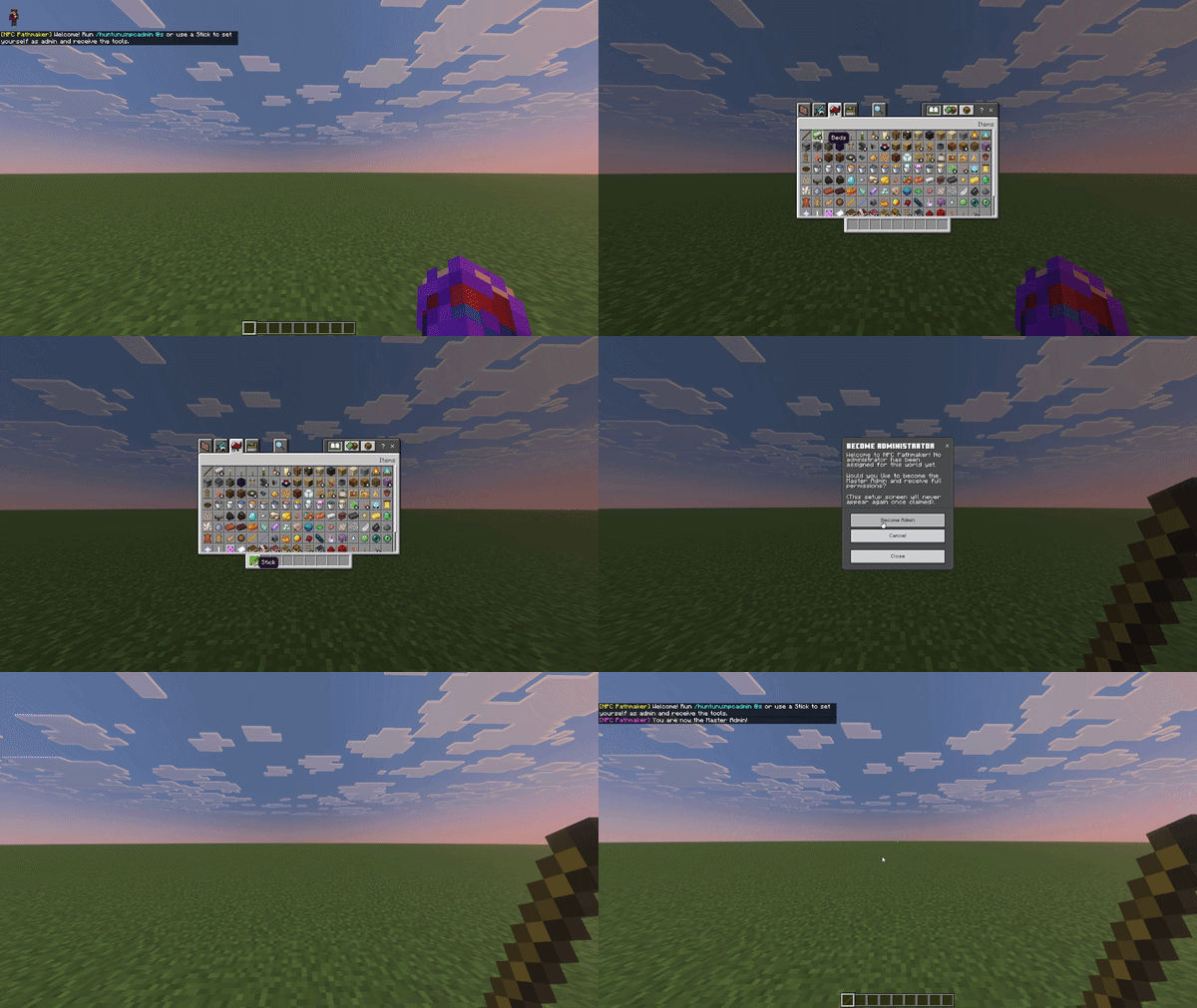
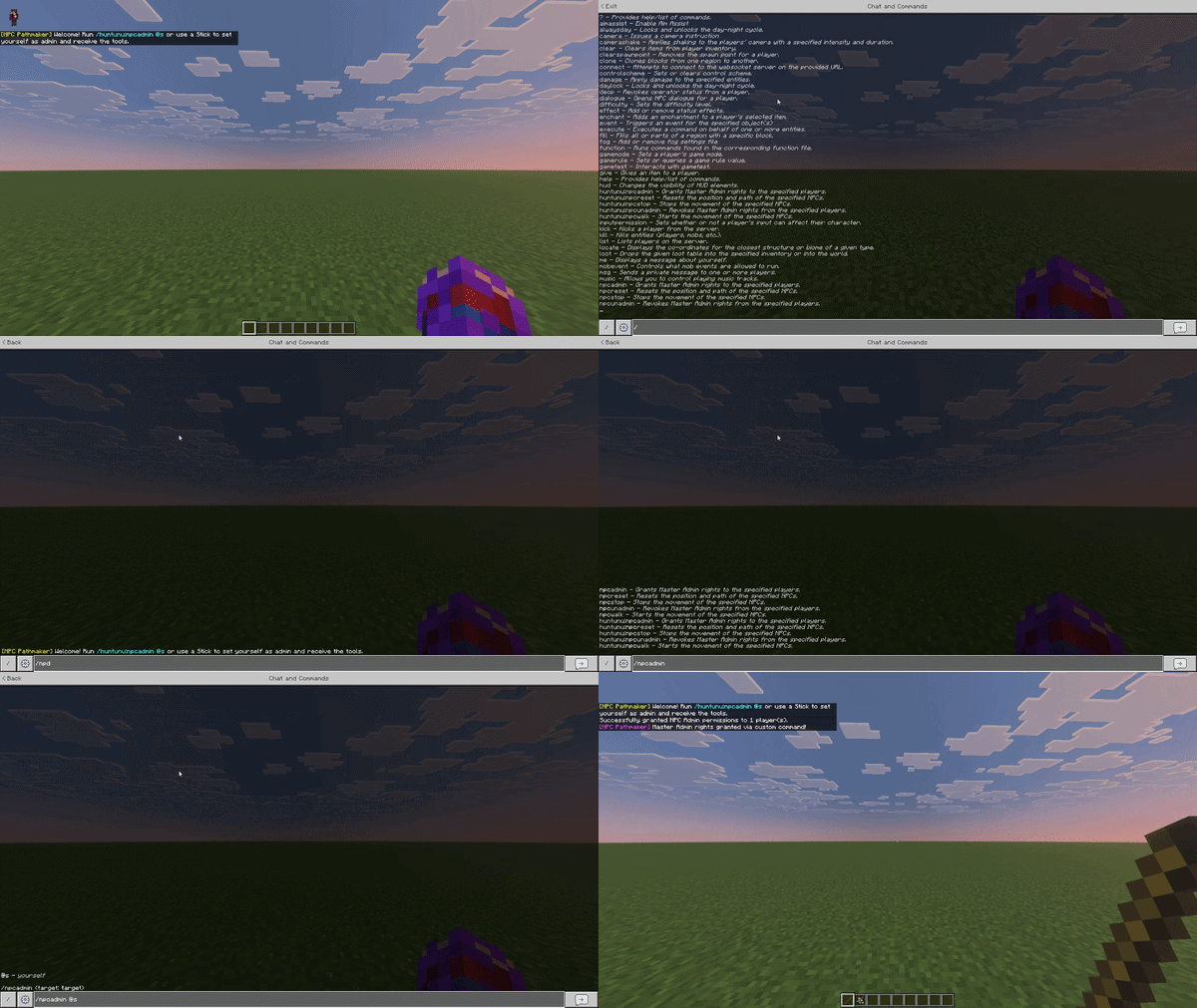
Run `/scriptevent huntunu:setup_admin` in chat to grant yourself the master admin role. You need this to access global settings and edit permissions.