Pick NBT block on mobile
- By
A Script-based Pick Block alternative that lets players retrieve otherwise unpickable blocks, including containers and block entities with their stored NBT data, using shears in Creative Mode. ✂️
Description
🛠️ Pick NBT Block
Can't pick a block using the normal Pick Block button? Now you have another way!
This addon allows you to collect blocks that normally cannot be obtained through Pick Block. Simply hold Shears, sneak, and use them on a block to receive its corresponding item.
For example:
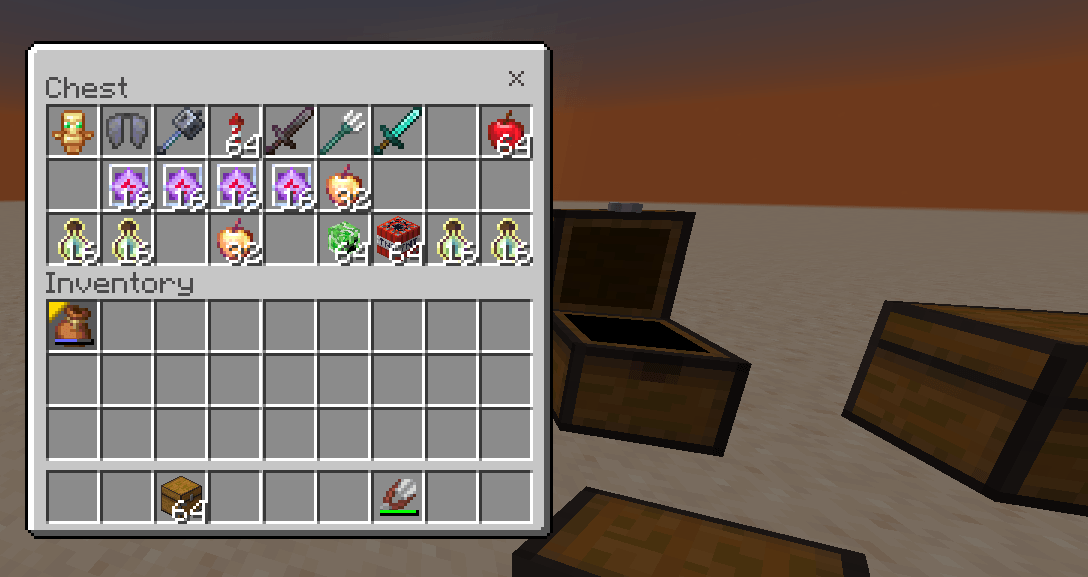
- 📱 [Normal Pick Block] on Chest (with loot) ➪ Normal Chest
- ✂️ [NBT Pick Block] on Chest (with loot) ➪ NBT Chest (with loot inside)
No more struggling to obtain NBT block on mobile📱!
✨ Features
- Collect blocks that normal Pick Block cannot obtain. (NBT)
- Alternative block picking.
- Works with containers and various utility blocks.
- Includes customisable block-to-item mappings.
- Uses scripts to handle the picking process.
- Works only in Creative mode.
🎮 How to Use
- Hold Shears in your main hand.
- Sneak (crouch).
- Right-click / use the Shears on the block.
- Receive the corresponding item!
✅ Supported Blocks
Some examples include:
- Command Blocks & Structure Blocks
- Lecterns – including books stored in them.
- Suspicious Gravel – obtains its loot item.
- Containers – Chests, Hoppers, Shulker Boxes, Shelves, Bookshelves, etc.
- Water & Lava – source/floating blocks give their respective buckets.
- Fire & Soul Fire – give Flint and Steel.
📦 NBT & Block Data Preservation
Unlike simply giving you a block item, this addon also preserves NBT data when picking supported blocks.
This means you can retrieve blocks with their stored information, such as:
- Chests & Containers: Preserve stored contents.
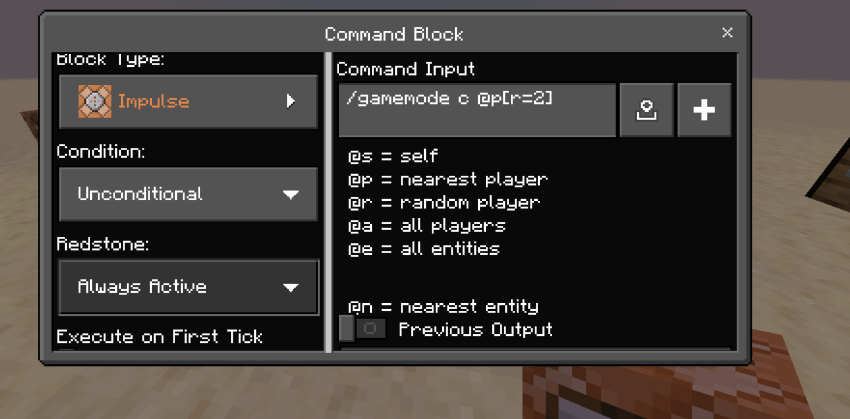
- Command Blocks: Preserve their stored command data.
- Structure Blocks: Preserve their stored settings.
- Lecterns & Books: Preserve supported book data.
- Other supported blocks: Retain their available block data.
Build, copy, and reuse your configured blocks without losing their stored information!
❌ Not supported
The following are currently unsupported:
- Entities – mobs and other entities. (e.g Minecart with Command block, zombie, armor stand)
- Cauldrons – water, potions and dyed water.
- Double blocks – for example, a Cake with Candle.
- Composters -
- Redstone-related blocks – for example, lit Redstone Ore and Redstone Dust.
- Item Frame book data – use the game's normal Pick Block instead.
⚙️ Custom Pick Block Items
Want to add your own block mappings?
You can edit them directly in: scripts/main.js
Find:
const FALLBACK_ITEMS = {Inside this section, add your block and the item you want to receive.
Example:
"minecraft:powder_snow": "minecraft:powder_snow_bucket",Format: <block you see> <block you want>
This lets you customise what item you receive when using NBT Pick Block on a particular block.
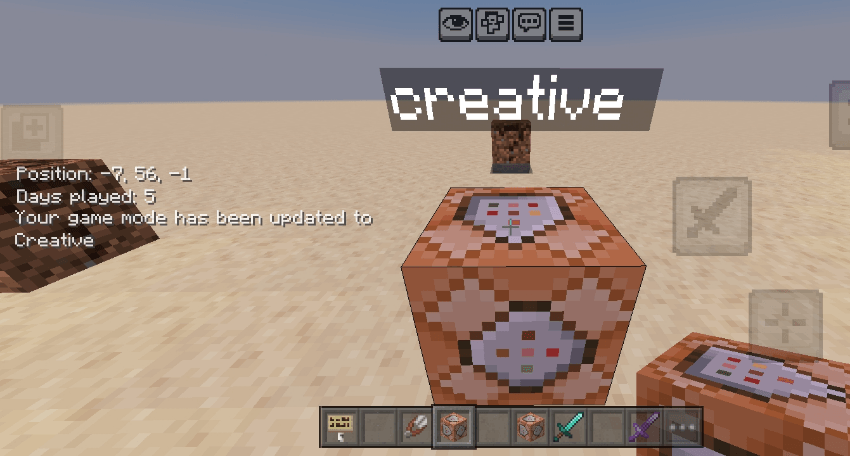
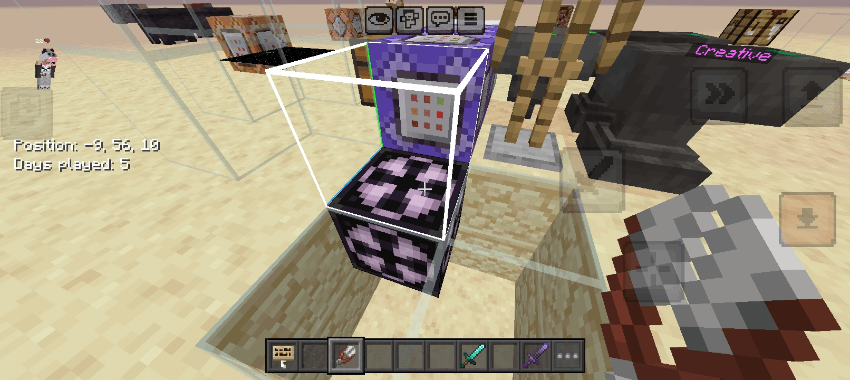
🌟Tip: Use an Impulse + Always Active Command Block with any command. Placing the NBT will execute it once.

video will be here --
❤️ Support the Creator
I made this addon to solve a small but frustrating problem, especially for mobile players who don't have the same convenient tools as PC players.
If you find it useful, please consider leaving a rating or comment! Your feedback and support motivate me to improve the addon and create more useful features.
Thank you for trying it! ❤️
Pick NBT block on mobile Team